17

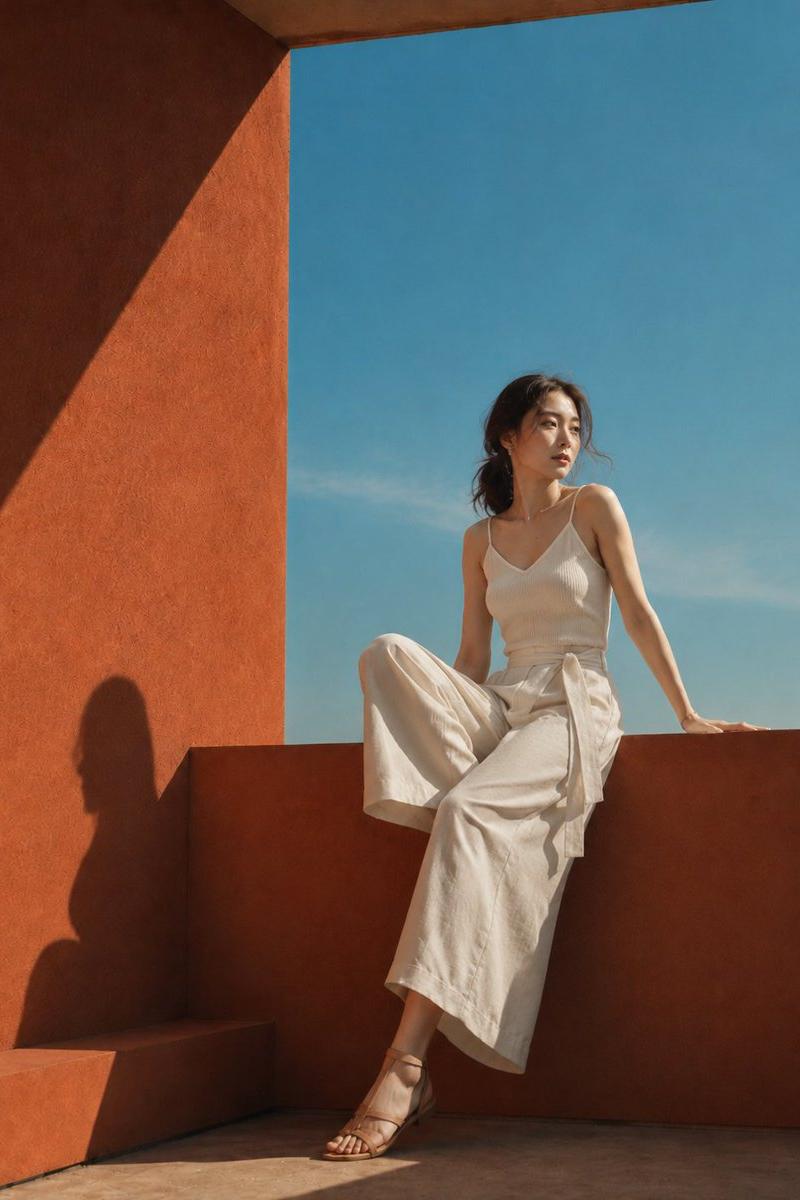
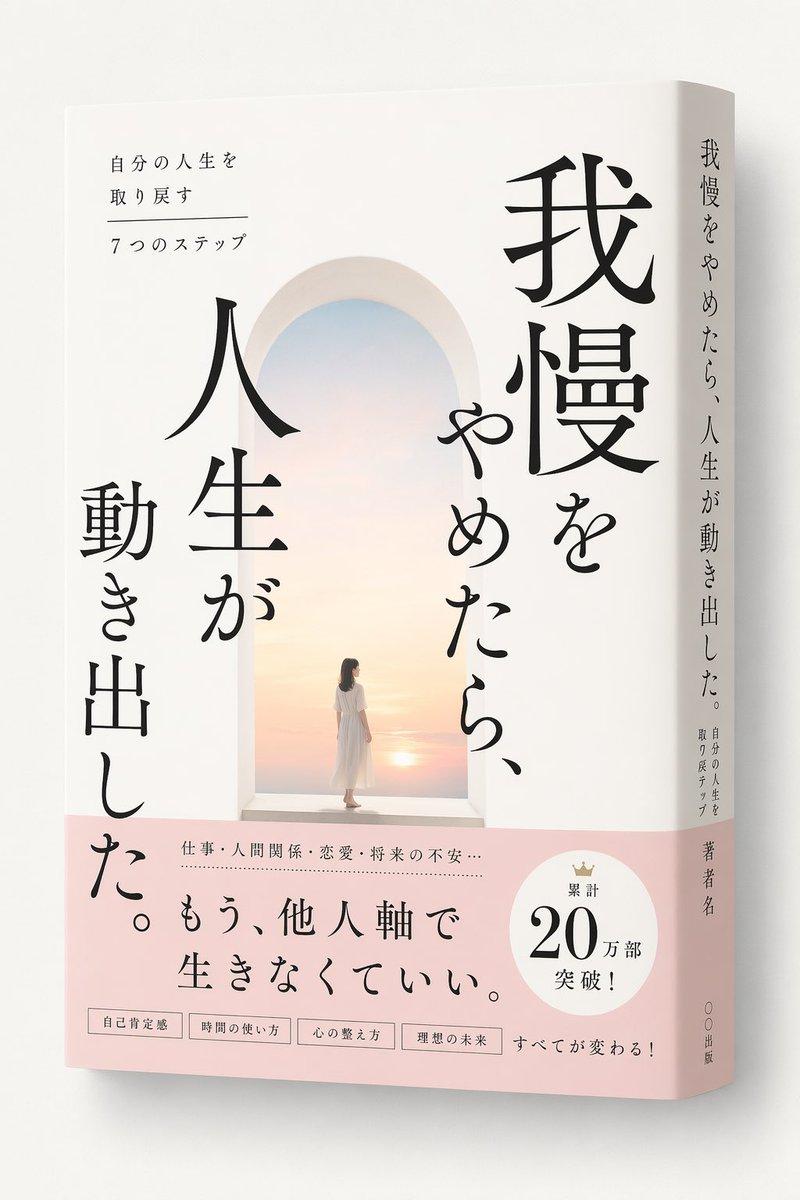
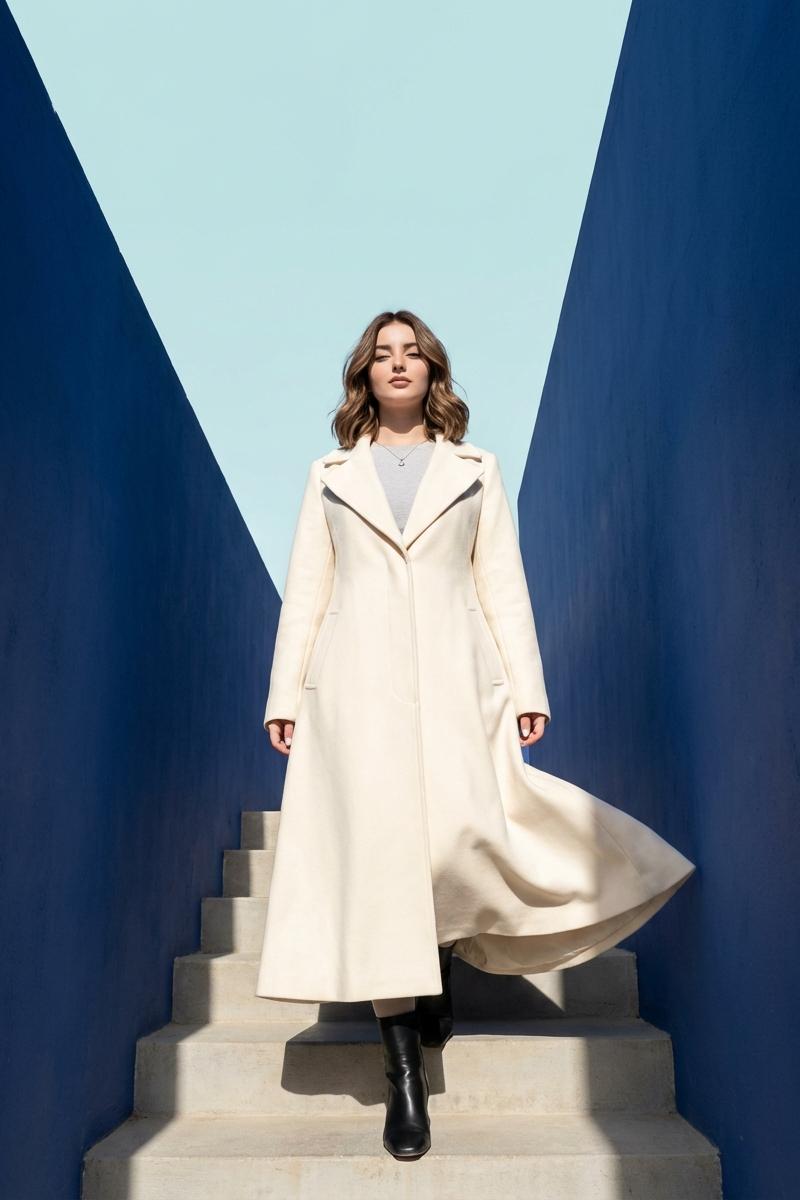
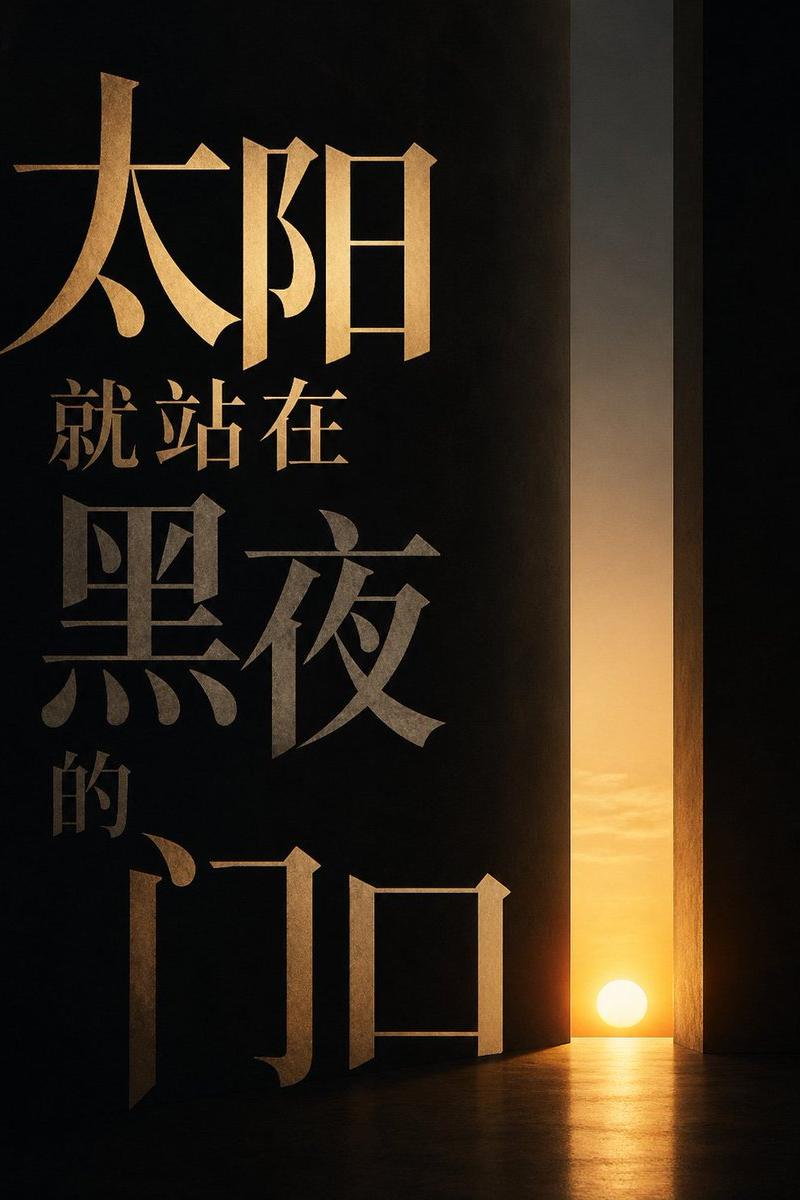
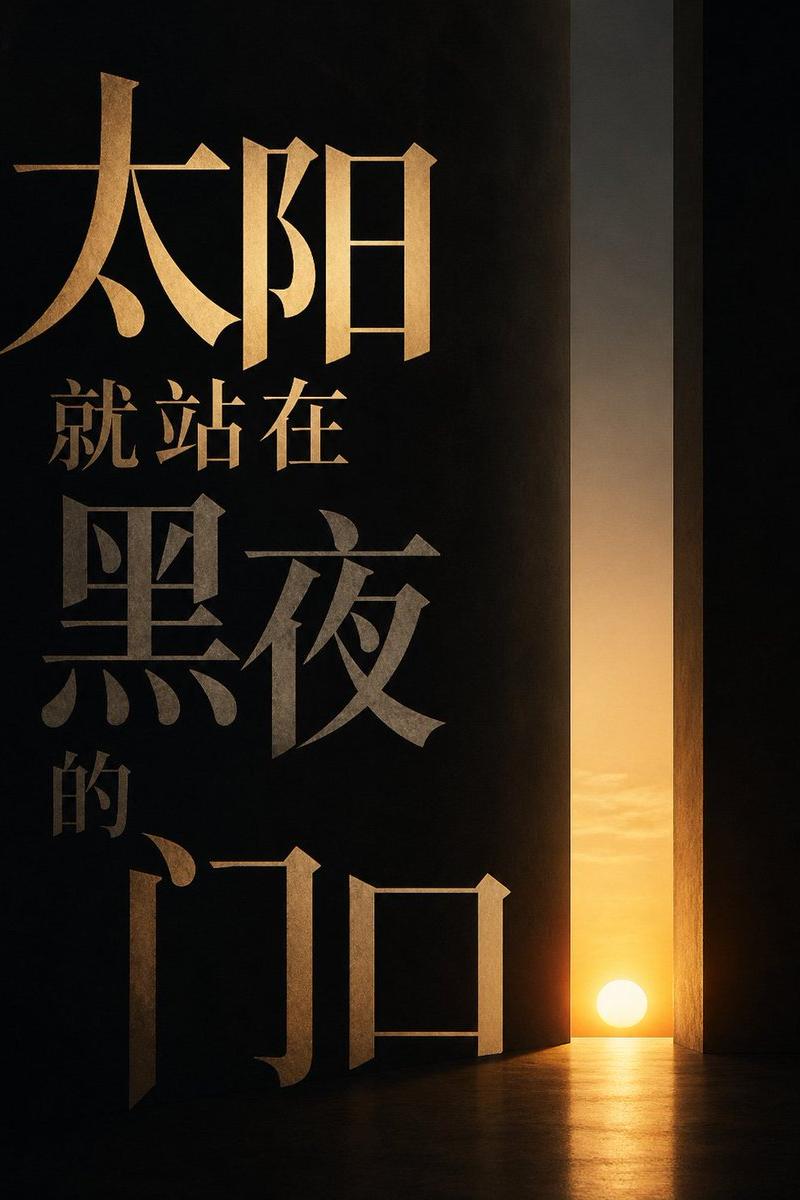
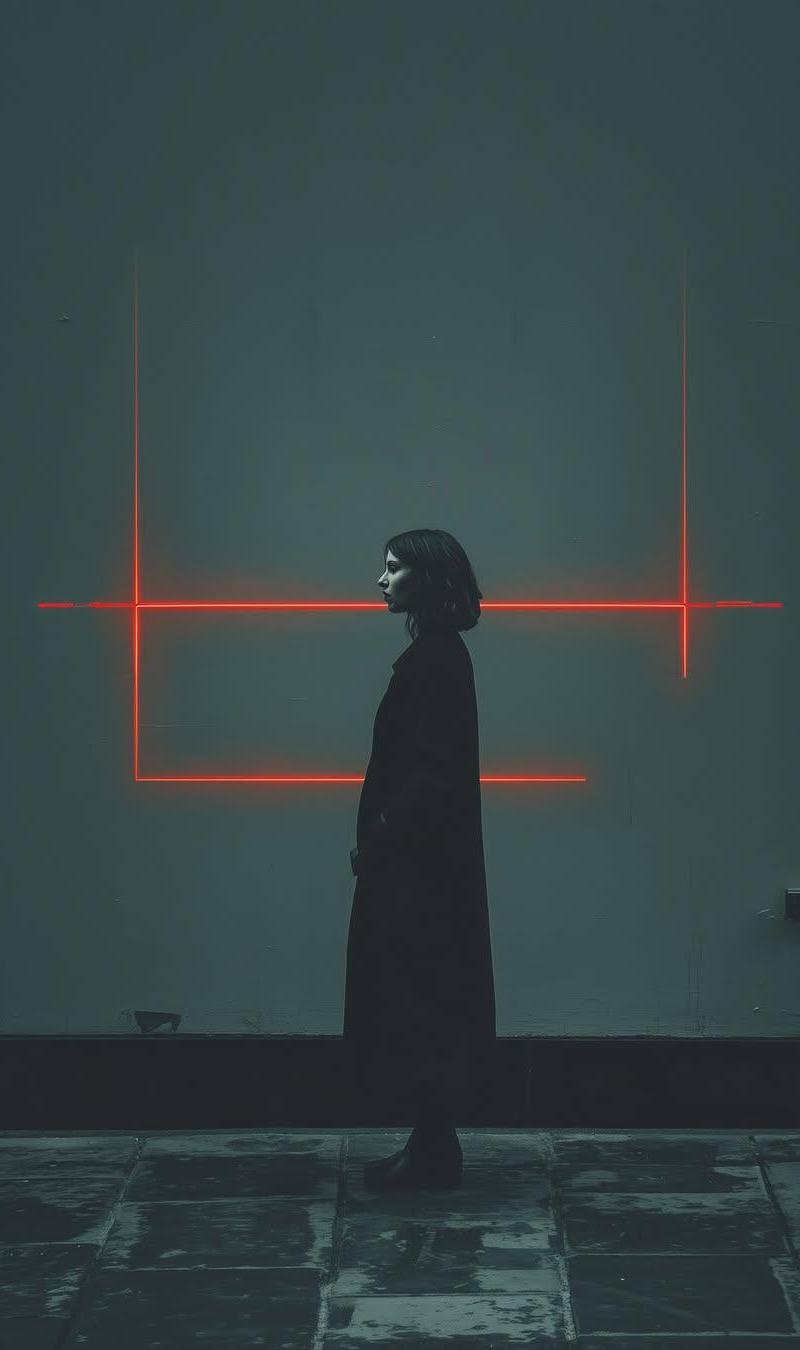
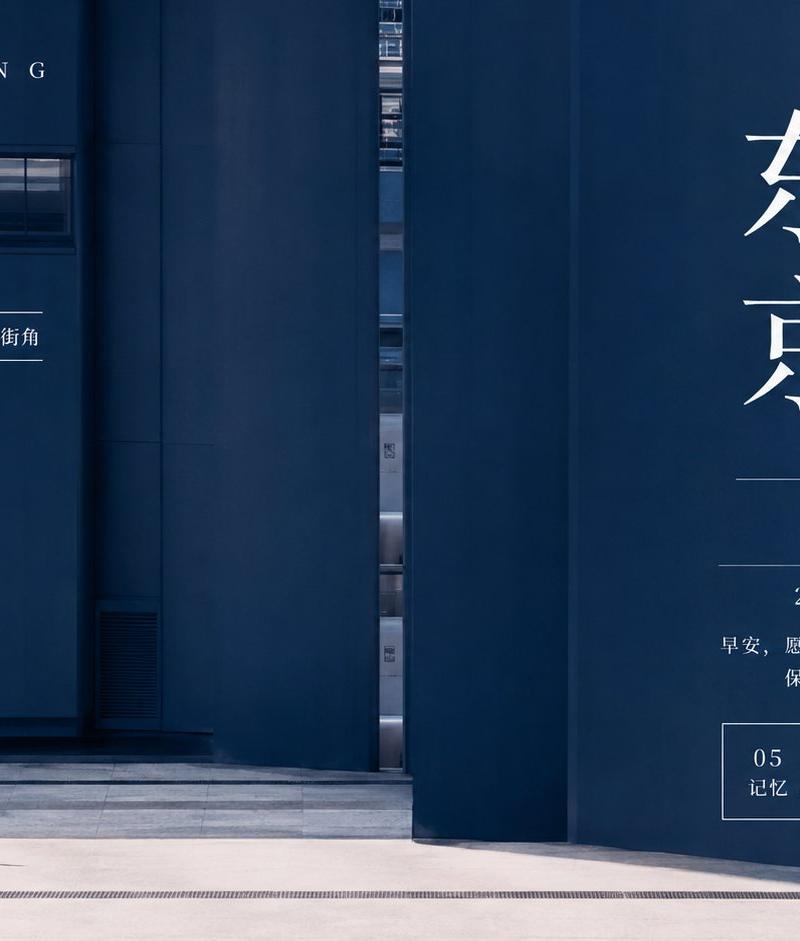
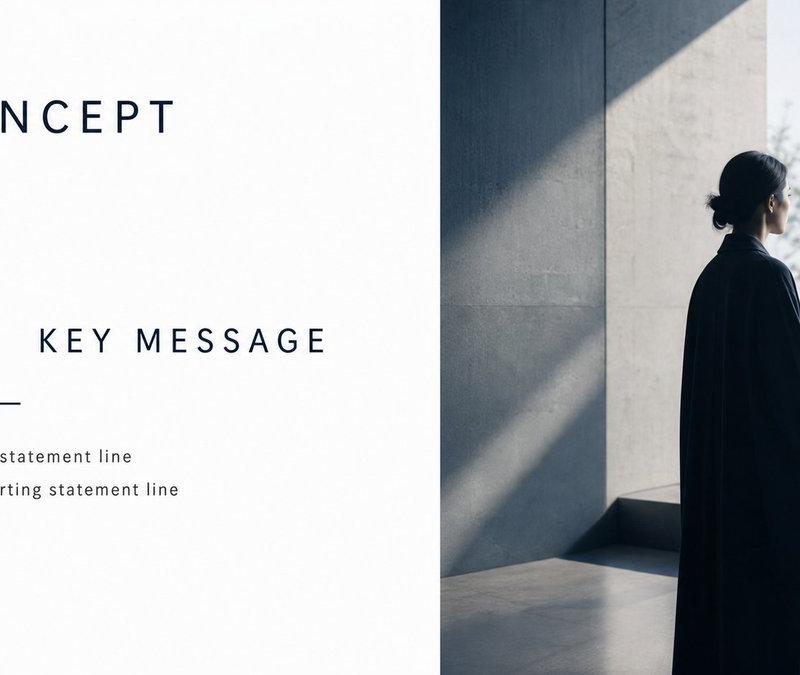
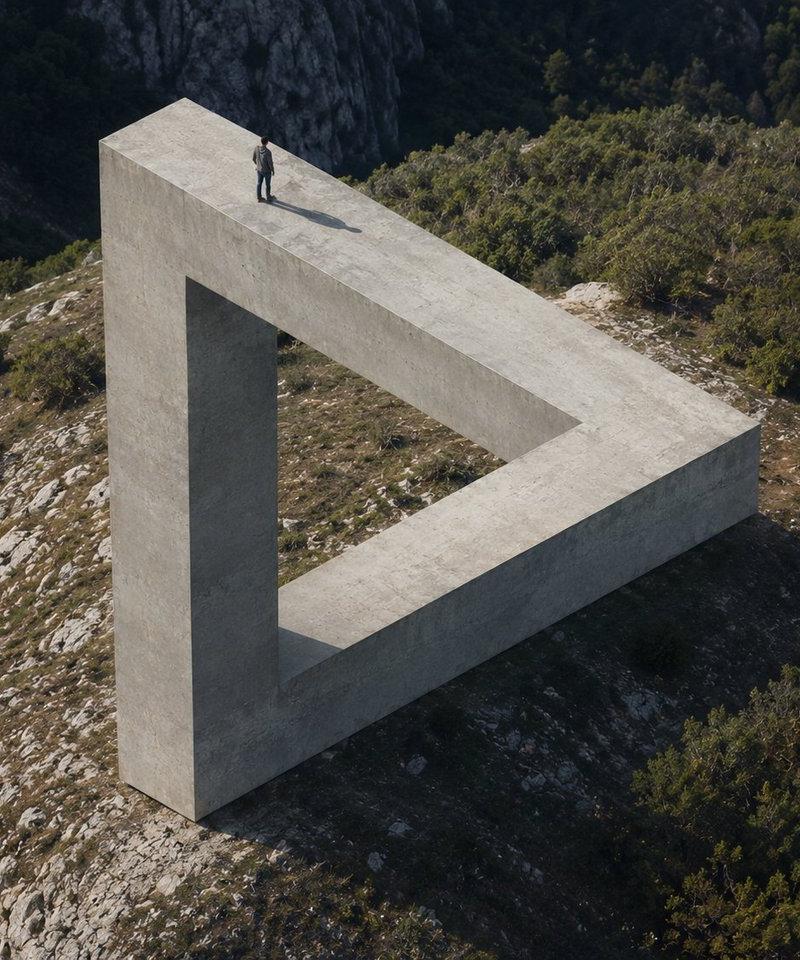
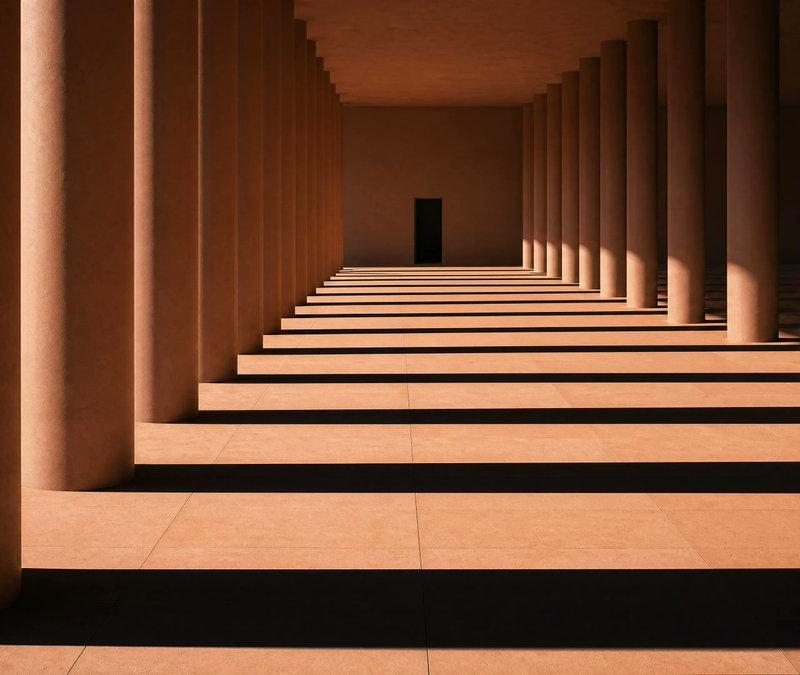
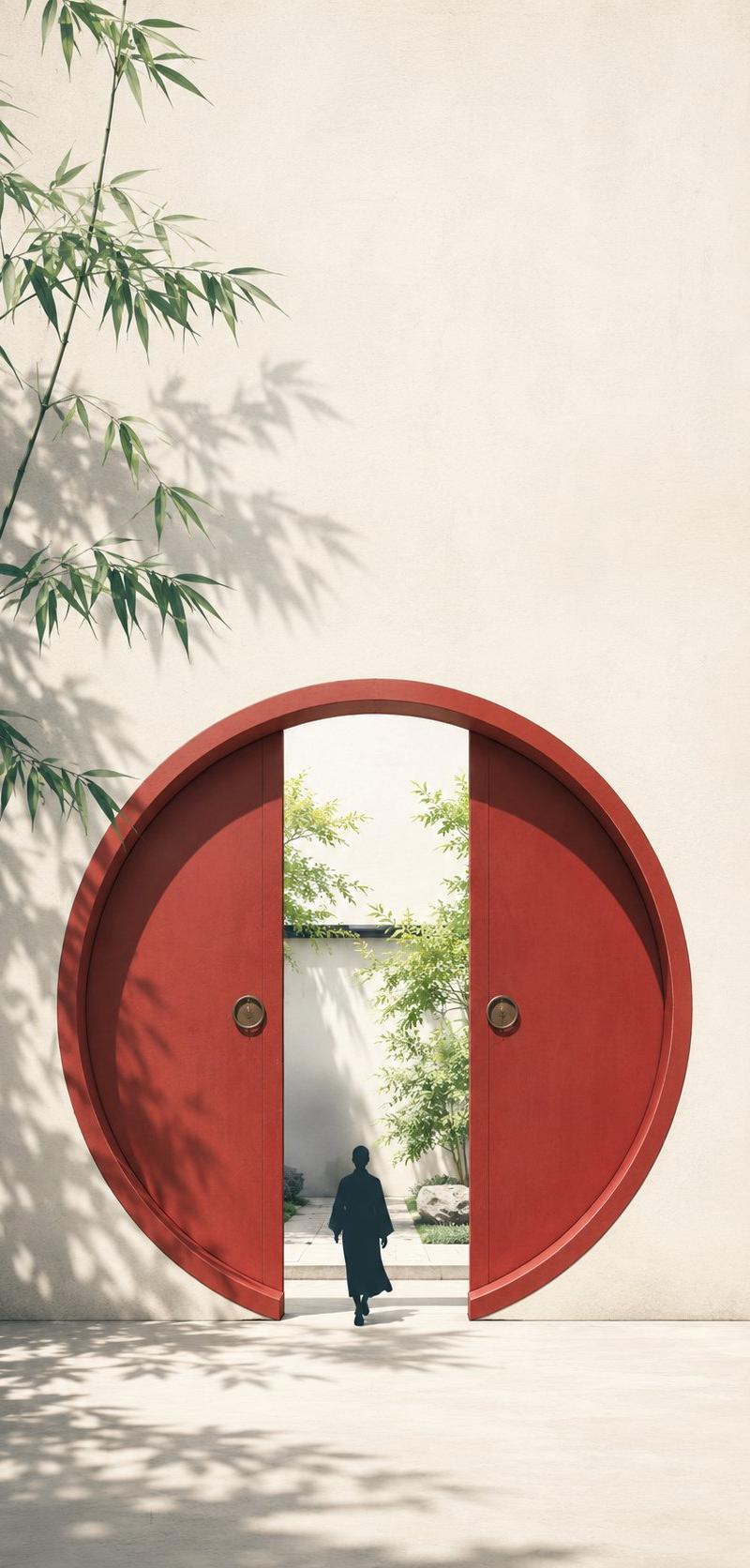
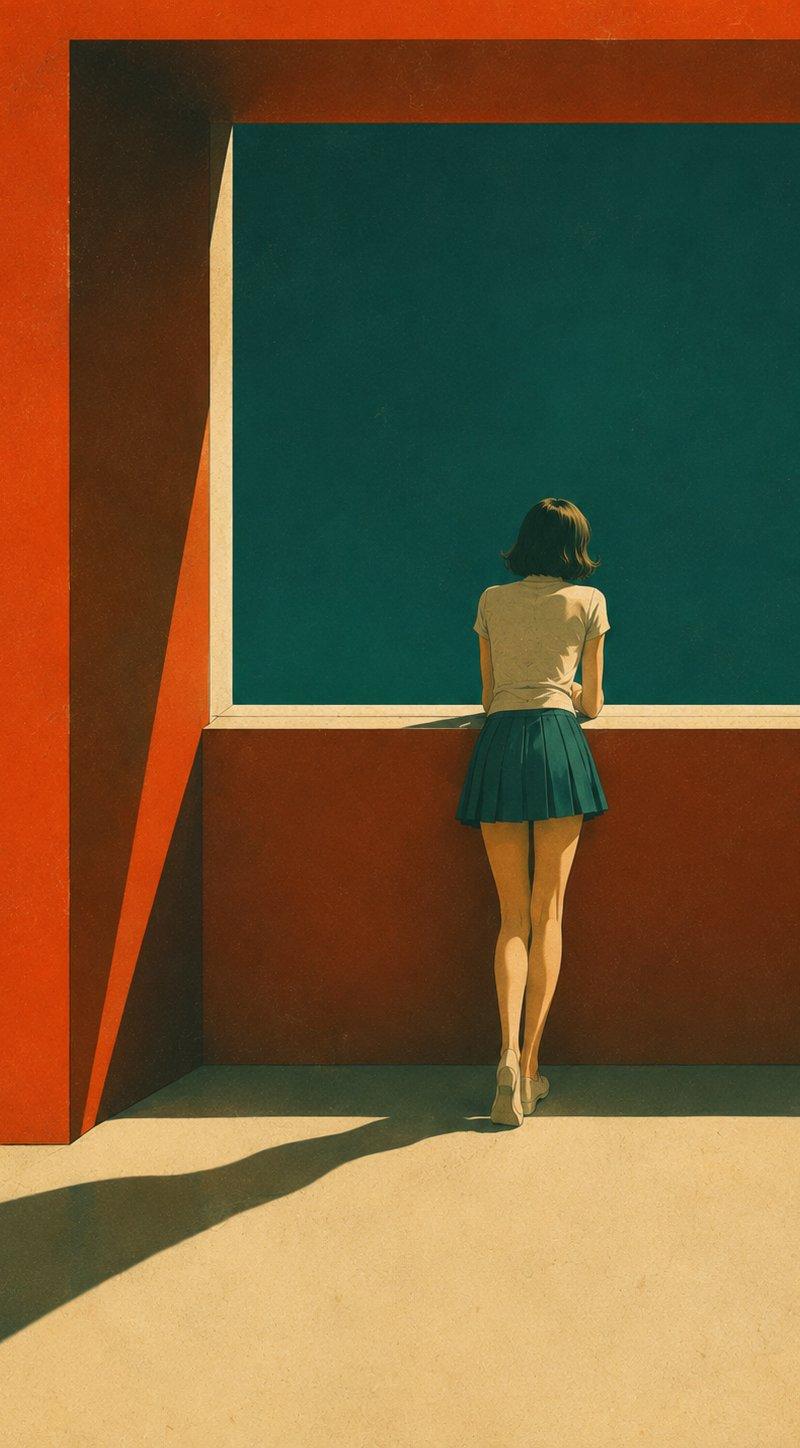
复古现代主义电影感插画
Enlarge

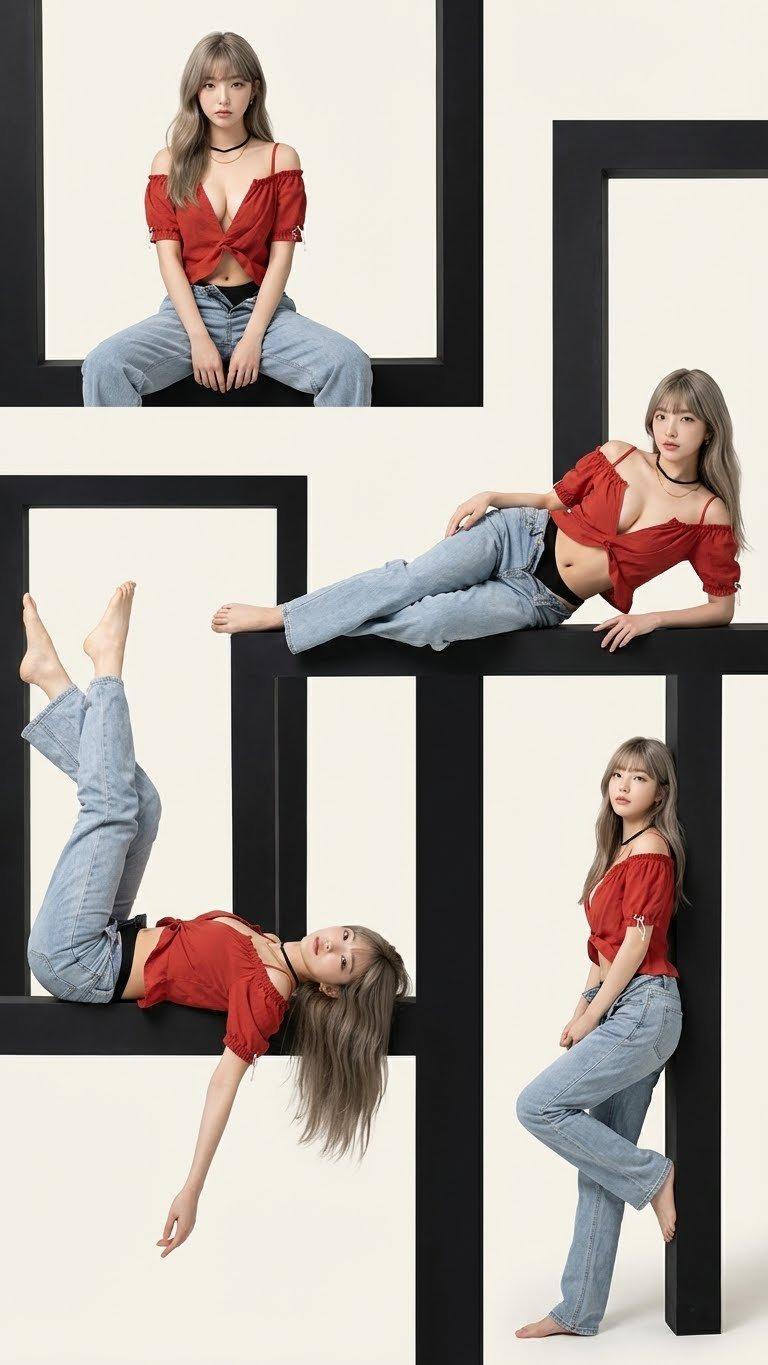
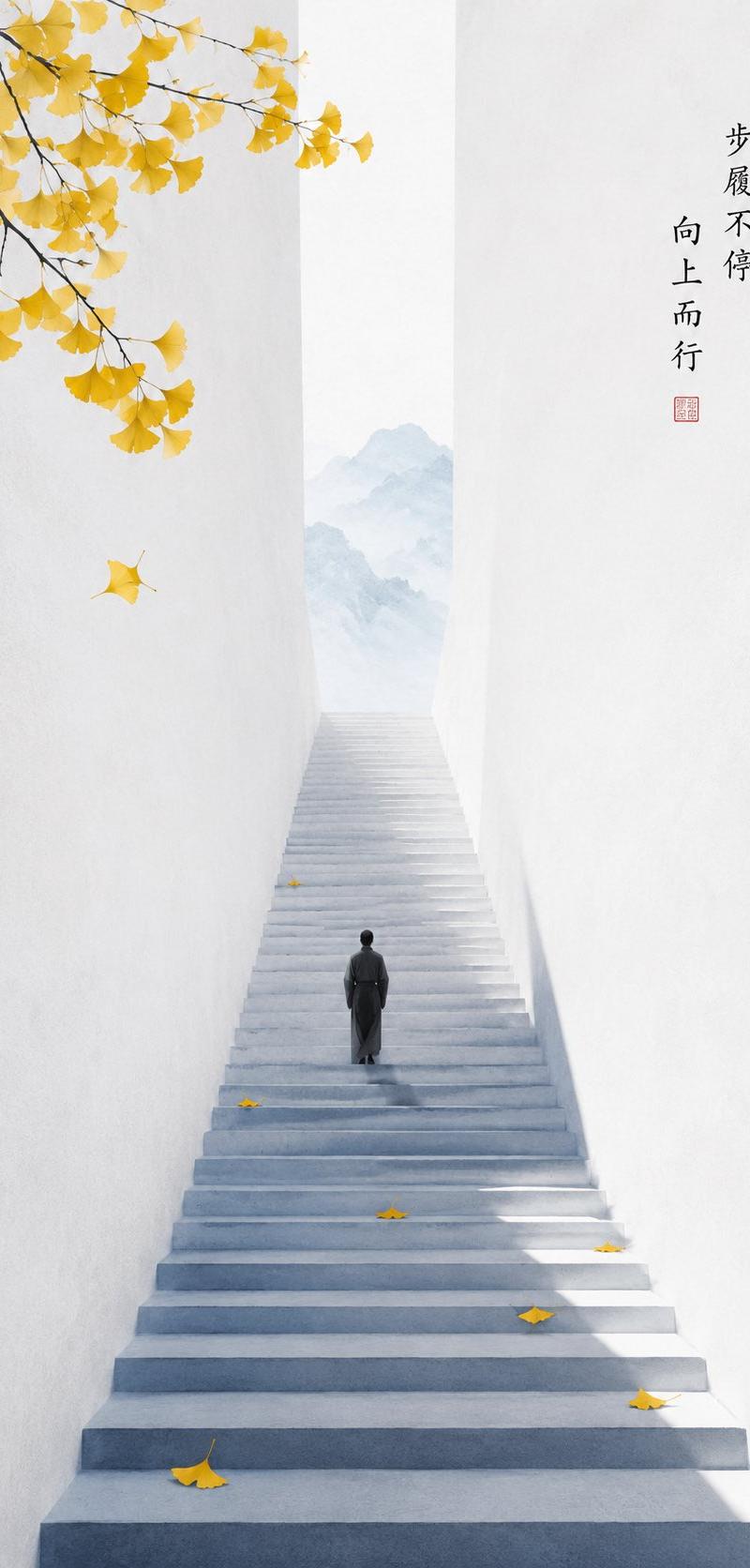
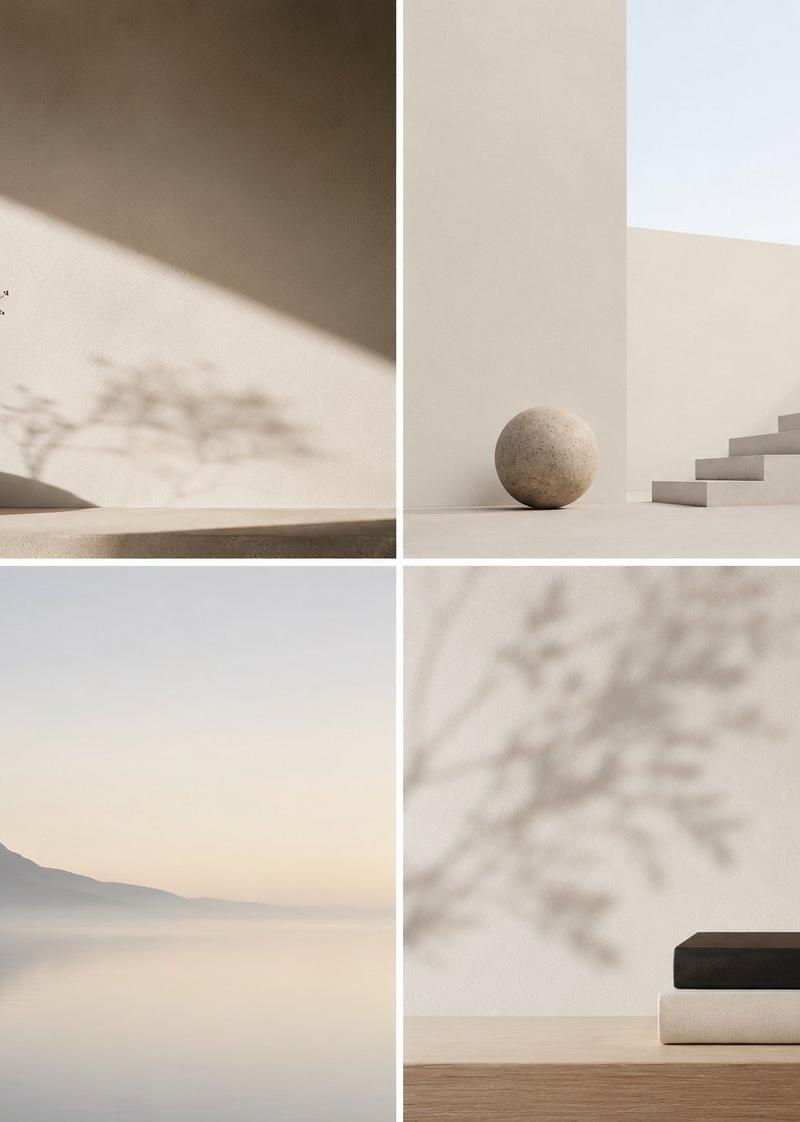
Example images

复古现代主义电影感插画

Prompt
Retro-modernist cinematic illustration, subject is [xxx]. Large areas of high-purity color blocks compose the picture, deep cyan-green background, red-orange architectural planes, cream-white ground, strong warm and cold complementary colors. Minimalist geometric composition, architectural section feel, hard side lighting, long and clear dark shadows. The subject is quiet, lonely, meditative, with ample white space, the atmosphere is silent, mysterious, poetic, like an afternoon frozen by sunlight. Flat color blocks combined with fine lines, exquisite local details, slight grain, matte printing, vintage paper texture. No text, no watermark, no logo, no 3D, no photographic feel.
Category
Charts & Infographics
Model
ChatGPT
Creator
@yyyole
Source language
zh-CN
Views27
Source ID
16890
Published
Jun 28, 2026
Studio

Guide

About "复古现代主义电影感插画"

What is this prompt for?

"复古现代主义电影感插画" AI image prompt for ChatGPT (Charts & Infographics). 复古现代主义电影感插画,主体为【xxx】。大面积高纯度色块构成画面,深青绿色背景、红橙色建筑平面、奶油白地面,强烈冷暖互补色。极简几何构图,建筑切面感,硬光侧照,长而清晰的深色投影。主…

The full copyable prompt and example visuals above are ready for AI image generation or one-click recreate in Picva.

How to use this prompt

  1. Step 1

    Open the prompt detail

    Review the example visuals, category, and full prompt text for "复古现代主义电影感插画".

  2. Step 2

    Copy the prompt

    Copy the prompt body from this page, or load it directly in Studio.

  3. Step 3

    Pick a model (ChatGPT)

    Prefer ChatGPT. If you switch models, keep subject and composition and tweak style terms.

  4. Step 4

    Generate and export

    Recreate the look in Picva, or export into your workflow for editing and publishing.

FAQ

What is the "复古现代主义电影感插画" prompt?
It is an AI image-generation prompt for ChatGPT in the Charts & Infographics category. This page includes the full prompt text, example visuals, and a one-click recreate path in Picva.
How do I use this prompt to generate an image?
Copy the prompt from this page, or use Generate / Studio. Paste it into a compatible image model, or recreate the look in Picva with optional reference images.
Which model is this prompt for?
This page lists ChatGPT. Most descriptive prompts also transfer to nearby image models such as GPT Image, Flux, or Midjourney with light style tweaks.
Can I use the result commercially?
You can usually copy the prompt for creation, but commercial use of the final image depends on the model terms, reference-image rights, and the generated content. Follow the source author and platform rules.