16

复古画图工具换装界面美学
Enlarge

复古画图工具换装界面美学

Prompt
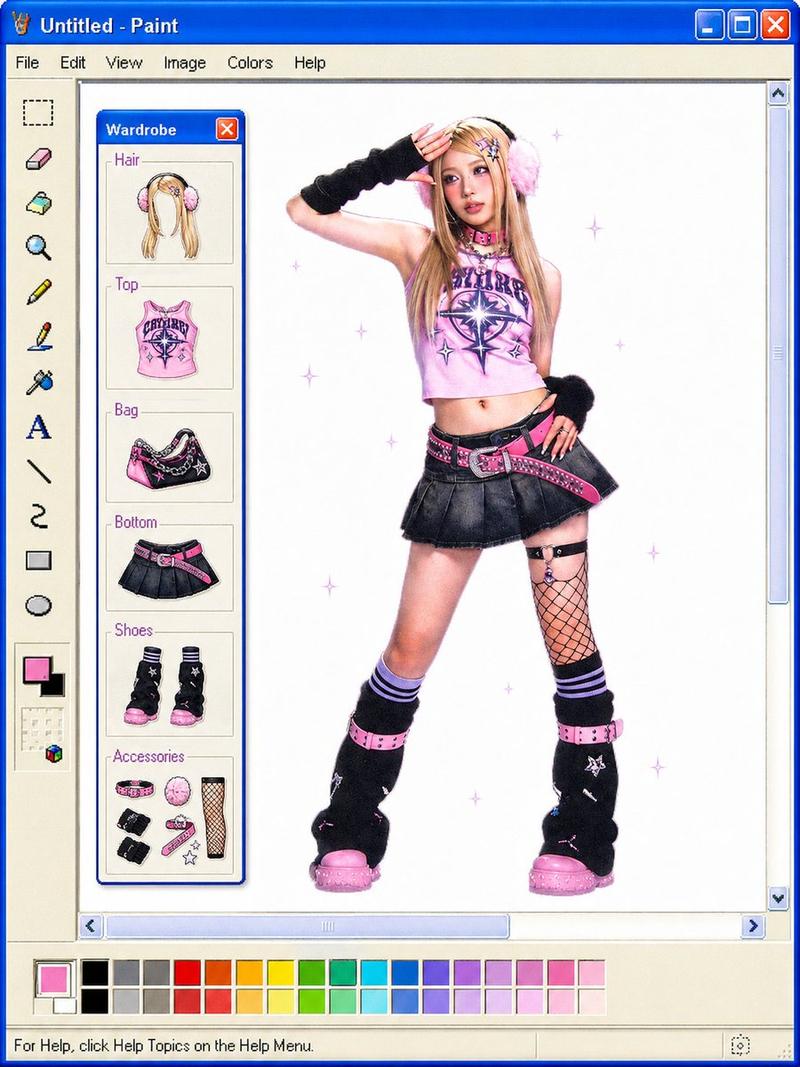
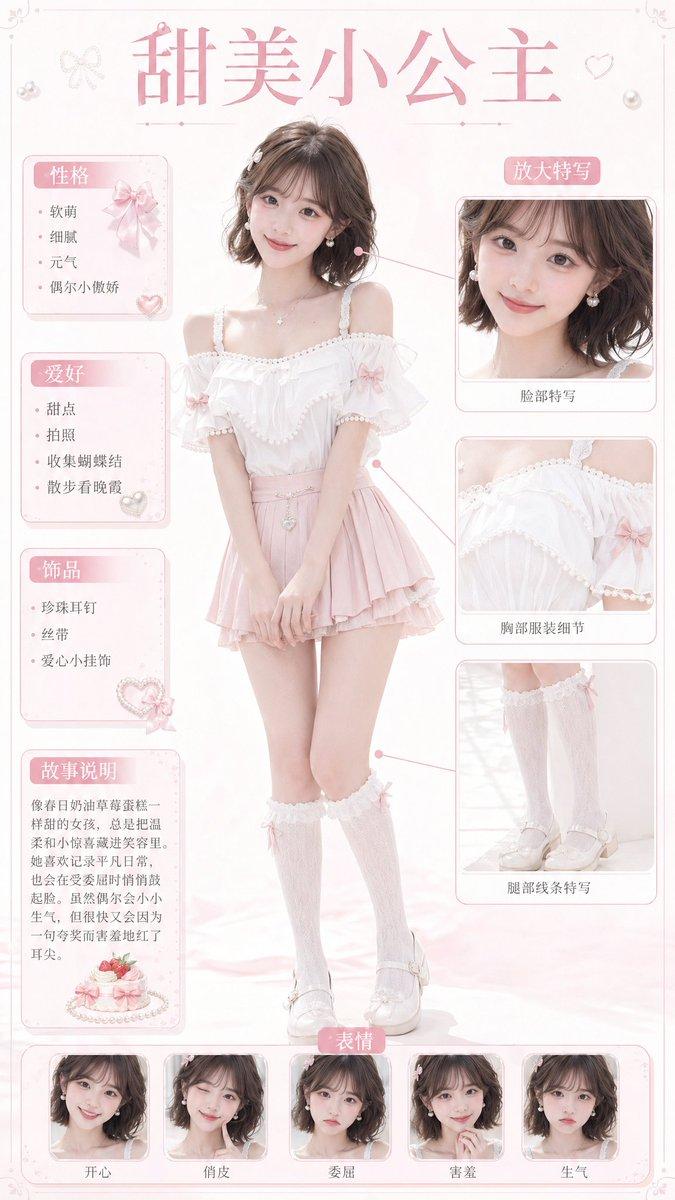
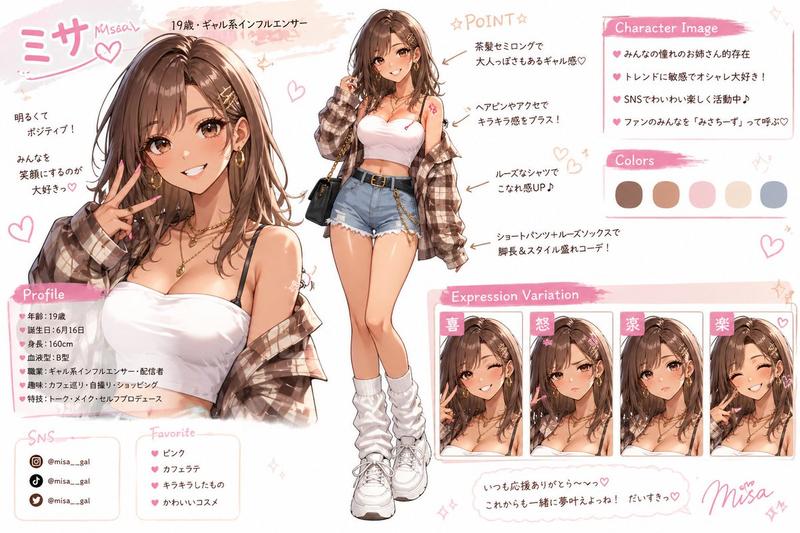
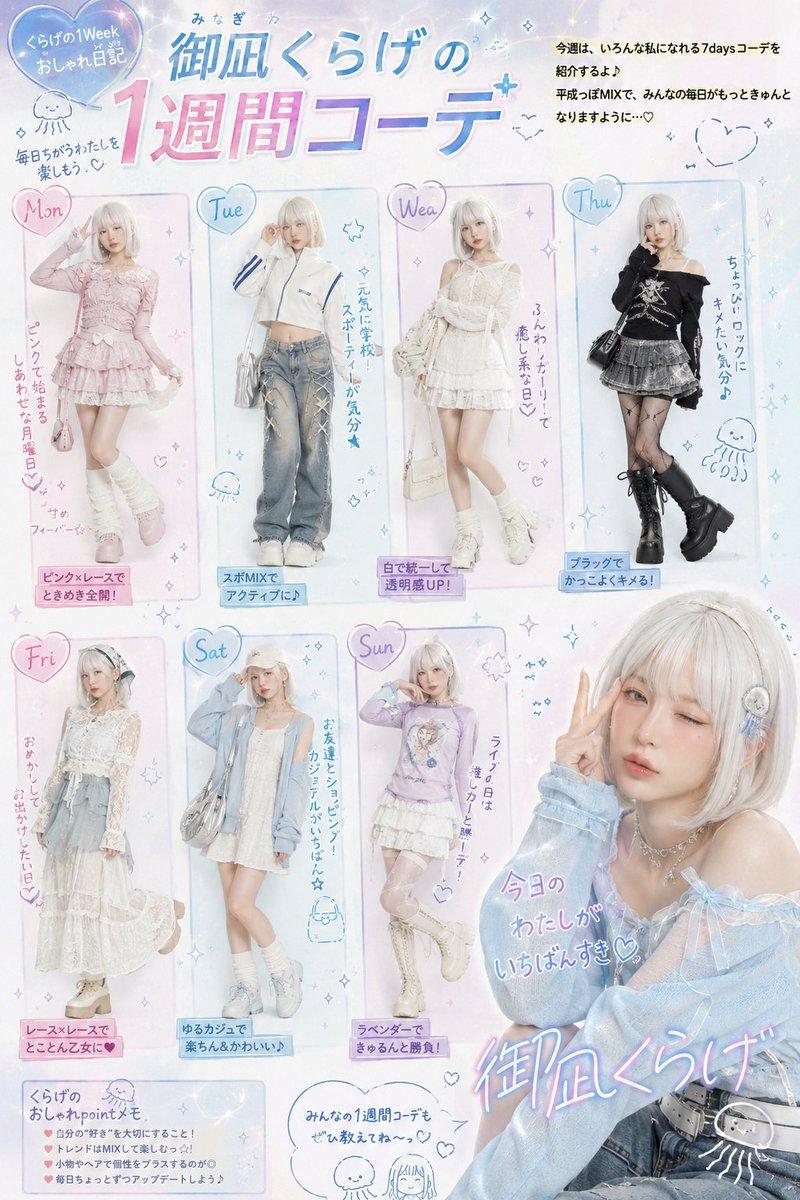
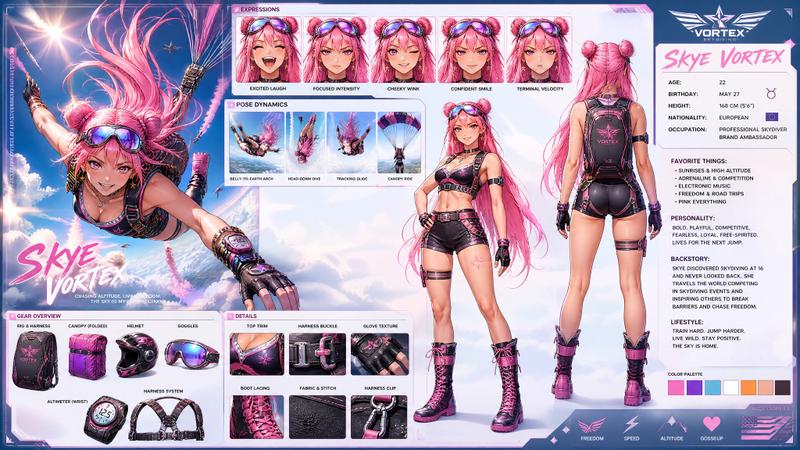
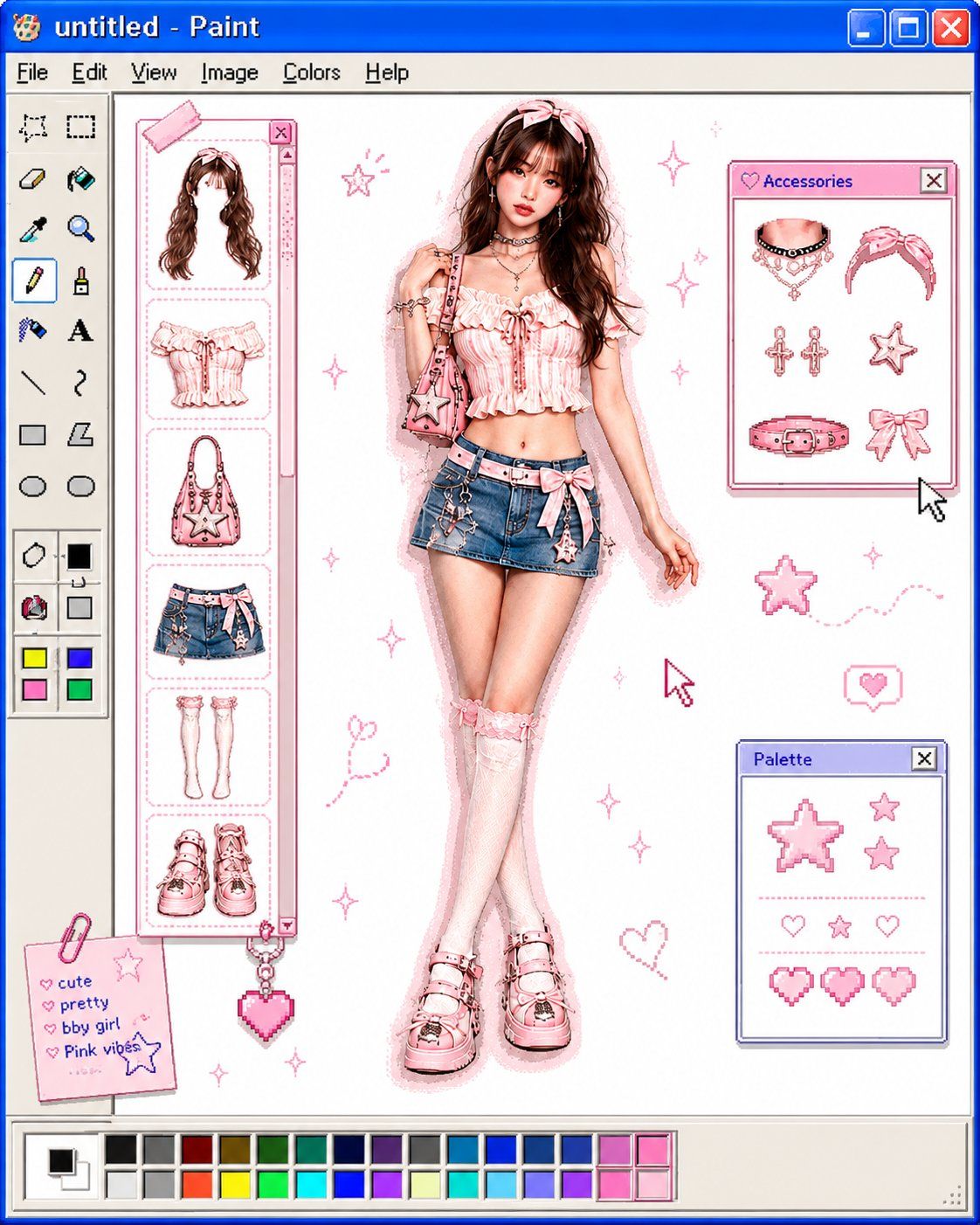
Transform the uploaded image into a retro Windows MS Paint outfit-builder interface aesthetic. Keep the full-body cutout of the subject centered on a clean white canvas, as if placed inside an old Windows XP / MS Paint workspace. 

Left side: classic MS Paint toolbar with pixel-style icons and old UI elements. A vertical column of floating wardrobe/accessory slots (hair, top, bag, pants, shoes, etc.) shown as detachable outfit pieces. Bottom: a pastel color palette bar similar to old Paint color swatches. Window title bar at top with simple retro naming (“untitled - Paint”). Subject appears like a digital paper doll / dress-up character.

Early-2000s internet aesthetic, slight low-resolution softness, airbrushed + scanned magazine feel, soft glow around the subject, tiny sparkle highlights, muted pastel colors with one or two saturated accent colors, minimal shadows, cute playful nostalgic UI composition.

Preserve pose and clothing identity from the original image. Cutout edges slightly softened, elongated editorial proportions, clean white negative space, subtle JPEG compression and vintage screen texture. MS Paint UI, Windows XP aesthetic, digital dress-up game, Y2K nostalgia, paper doll fashion, retro desktop, kawaii editorial, internetcore, soft glow, scrapbook UI, fashion collage.
Category
UI & Interfaces
Model
ChatGPT
Views7
Source ID
15357
Published
Jun 4, 2026

Guide

About "复古画图工具换装界面美学"

What is this prompt for?

"复古画图工具换装界面美学" AI image prompt for ChatGPT (UI & Interfaces). 将上传的图像转换为复古的 Windows MS Paint 换装界面美学。保持主体的全身抠图居中于洁净的白色画布,仿佛放置在旧款 Windows XP / MS Paint 工作区内。 左侧:经…

The full copyable prompt and example visuals above are ready for AI image generation or one-click recreate in Picva.

How to use this prompt

  1. Step 1

    Open the prompt detail

    Review the example visuals, category, and full prompt text for "复古画图工具换装界面美学".

  2. Step 2

    Copy the prompt

    Copy the prompt body from this page, or load it directly in Studio.

  3. Step 3

    Pick a model (ChatGPT)

    Prefer ChatGPT. If you switch models, keep subject and composition and tweak style terms.

  4. Step 4

    Generate and export

    Recreate the look in Picva, or export into your workflow for editing and publishing.

FAQ

What is the "复古画图工具换装界面美学" prompt?
It is an AI image-generation prompt for ChatGPT in the UI & Interfaces category. This page includes the full prompt text, example visuals, and a one-click recreate path in Picva.
How do I use this prompt to generate an image?
Copy the prompt from this page, or use Generate / Studio. Paste it into a compatible image model, or recreate the look in Picva with optional reference images.
Which model is this prompt for?
This page lists ChatGPT. Most descriptive prompts also transfer to nearby image models such as GPT Image, Flux, or Midjourney with light style tweaks.
Can I use the result commercially?
You can usually copy the prompt for creation, but commercial use of the final image depends on the model terms, reference-image rights, and the generated content. Follow the source author and platform rules.