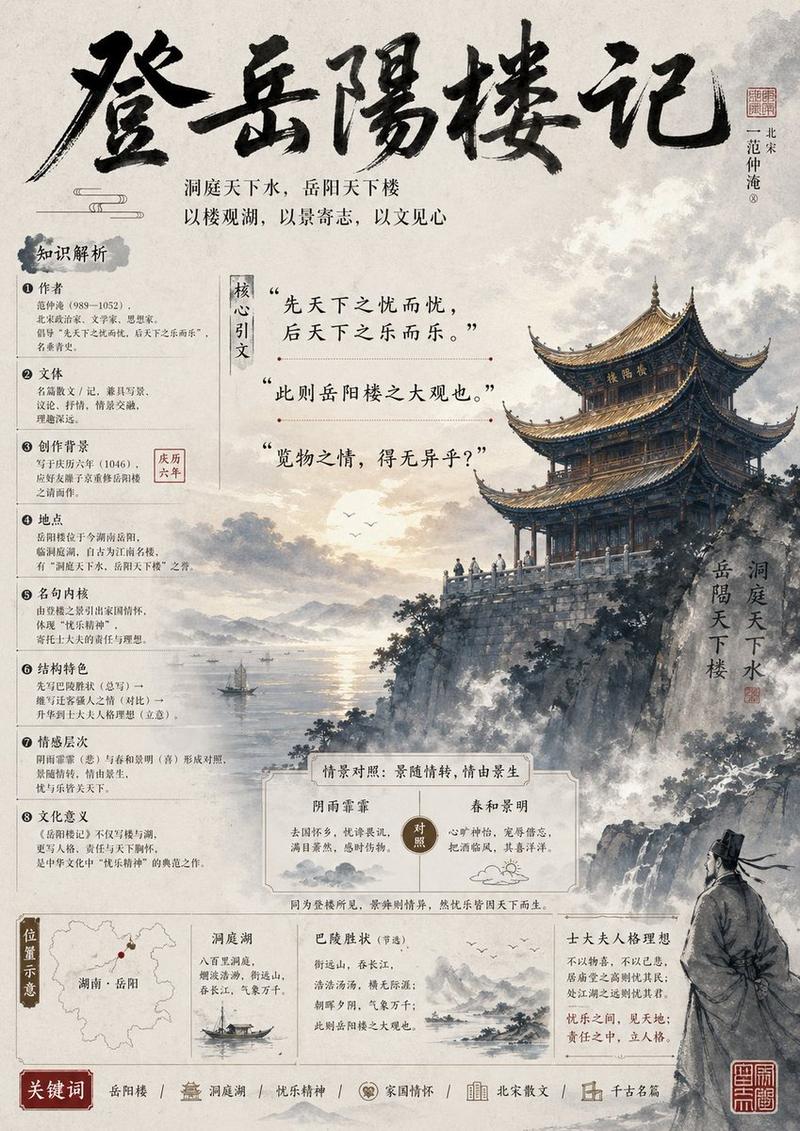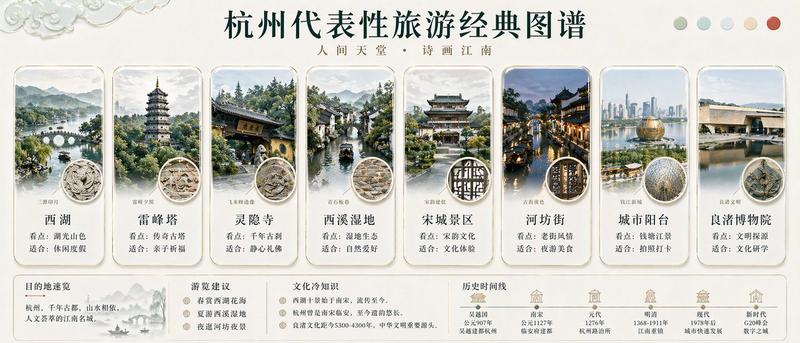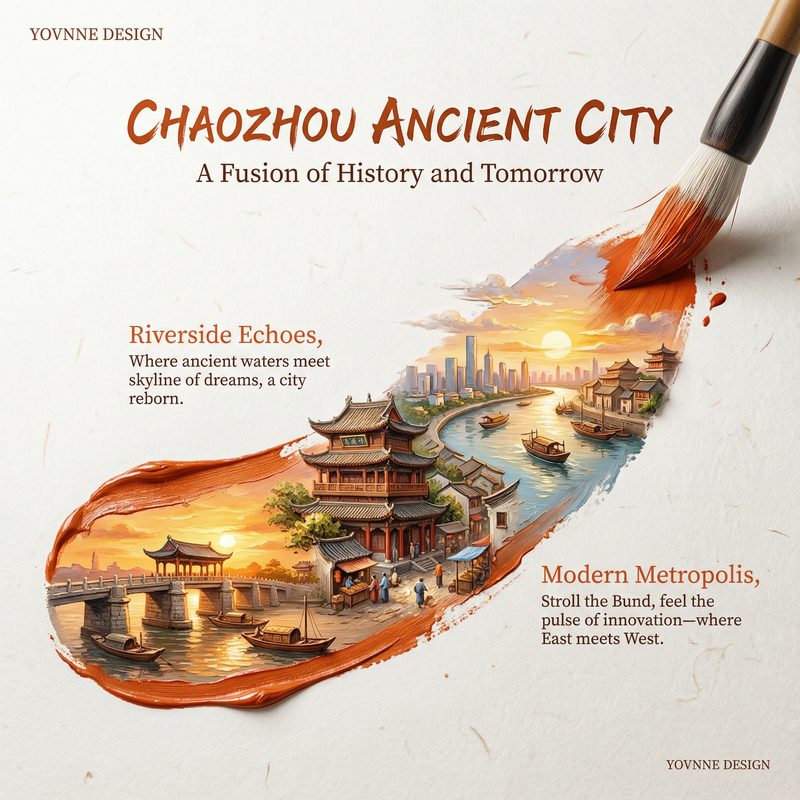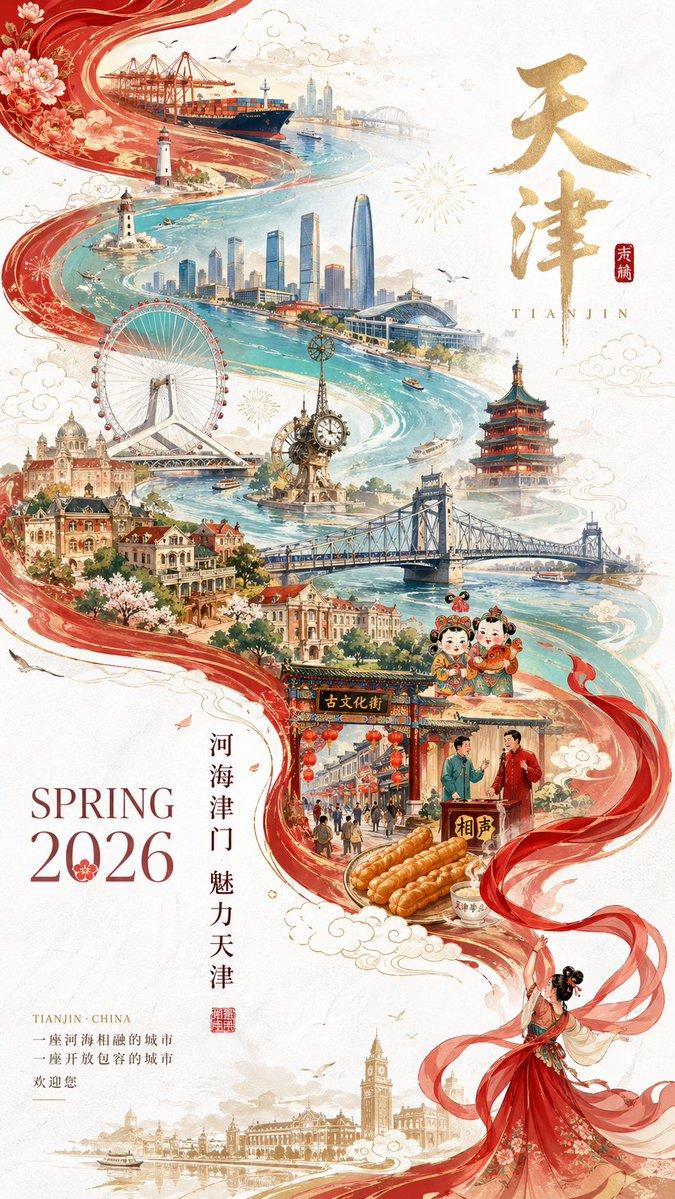
新加坡元素清透治愈早安问候设计
Prompt
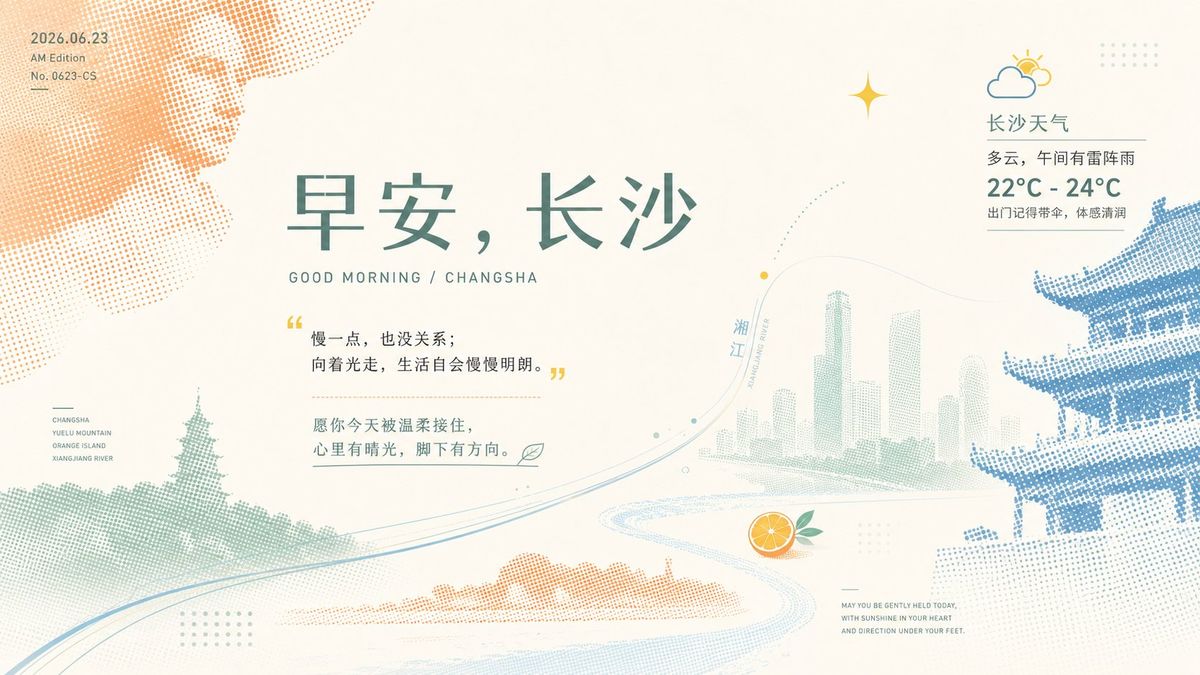
Generate a clear, bright, and design-oriented image around any theme: the scene uses a large area of clean, light-colored airy background to support the subject; the subject does not appear in a complete realistic form but is translated into several huge halftone dot silhouettes, partially entering from the edges and being cropped, forming light occlusion, misalignment, and tension in white space; a finer linear structure passes through the main body from below or the side, like the subject's skeleton, path, or growth line, carrying direction and order; then add a small-scale derived symbol of the theme as a visual pause, creating a breathing relationship between large shapes and small dots. Colors are extracted from the theme's own material, seasonal sense, cultural semantics, and emotions, maintaining the relationship between a large area of high-brightness base color, clear main color dots, small area structural color, and light accent color; the overall feel is bright, brisk, clean, and airy, with clear but not overly heavy saturation; textures only present fine paper surfaces and regular dots, without creating a sense of oldness, smoke, or muddiness. The information layer uses a restrained layout rhythm: the main title can be in a large font size close to the center of gravity of the white space, with relaxed letter spacing, forming a calm hierarchical contrast between Chinese and Western languages or main and secondary information; auxiliary information is scattered in corners or edges in extremely small font sizes, like dates, numbers, and marks on printed matter, enhancing the sense of precision without stealing from the main shape. The overall effect should be like a modern art print, where the enlarged dot-matrix theme silhouettes and refreshing white space are read first, followed by the fine line structures, small symbols, and textual order.

Theme: Singapore elements good morning greeting + philosophical golden sentence + weather forecast + blessings

Healing color palette

Ratio: 16:9
- Category
- Charts & Infographics
- Model
- ChatGPT
- Creator
- @xiaoxiaodong01
- Source ID
- 16577
- Published
- Jun 23, 2026
Views34