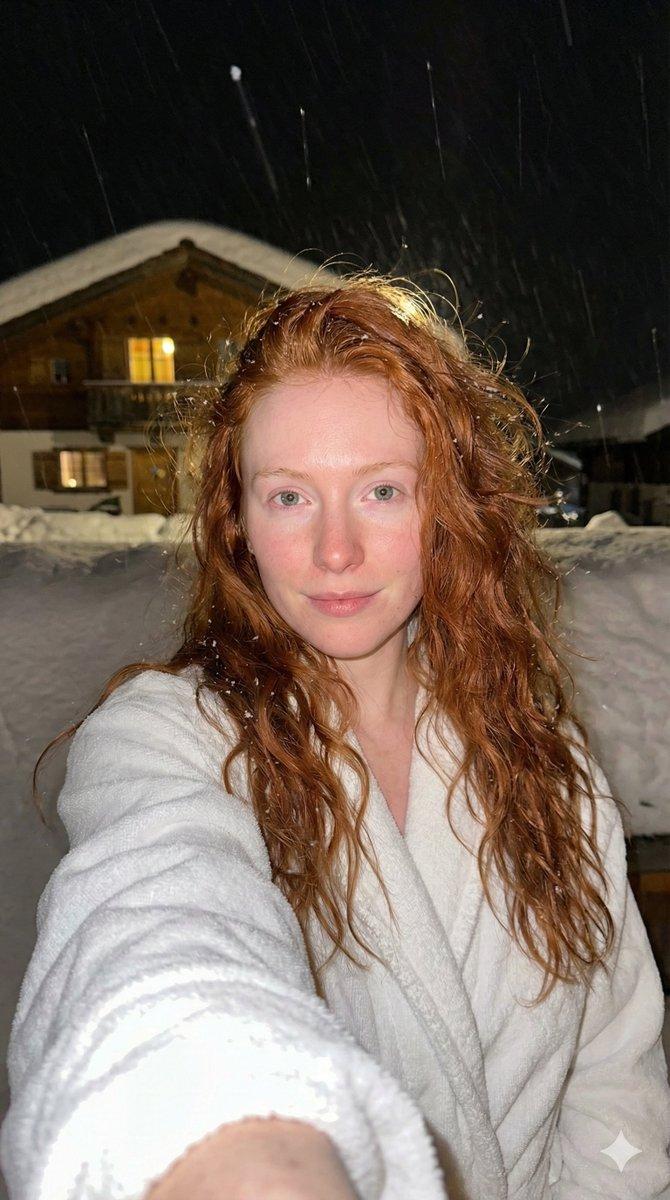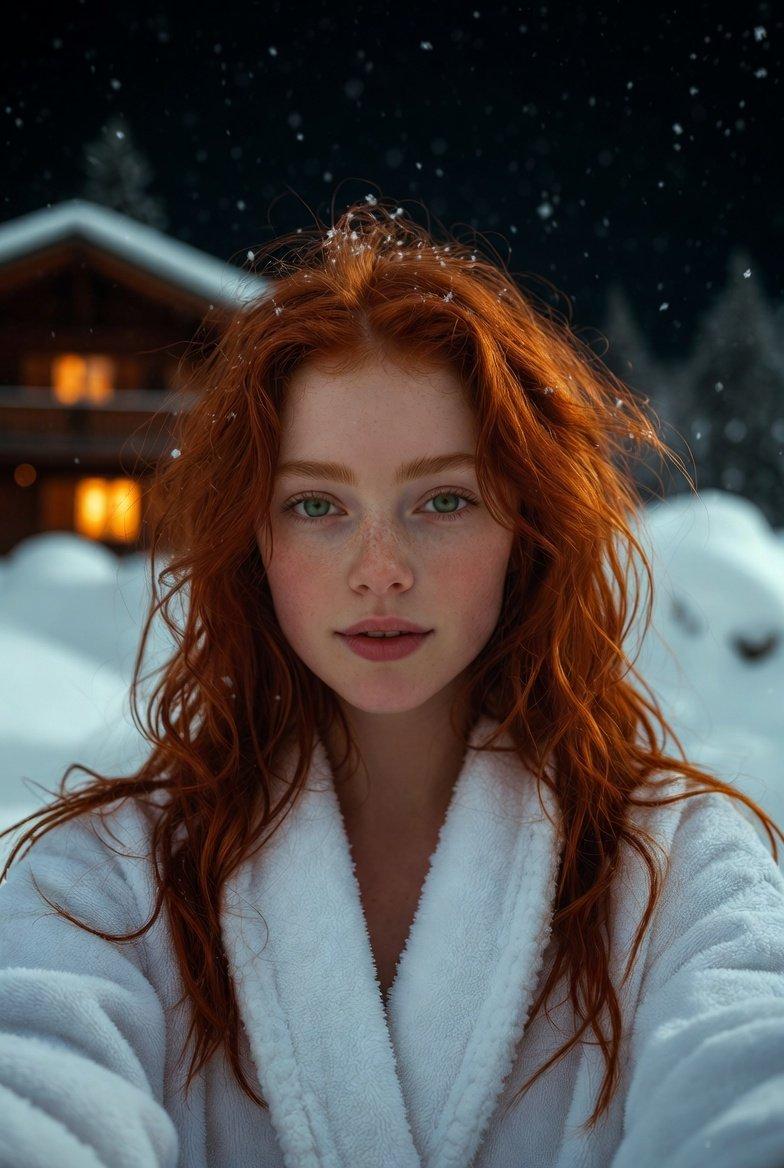
雪夜红发少女浴袍闪光灯高清自拍
Prompt
{ "subject": { "demographics": "Young woman with a fair, pale complexion and a natural, fresh-faced appearance.", "hair": { "color": "Vibrant copper red.", "style": "Long, loose, messy waves cascading down shoulders.", "texture": "Slightly damp or windswept, detailed individual strands, snowflakes caught in the hair.", "details": "Flyaways illuminated by the flash." }, "face": { "expression": "Calm, direct gaze at the camera, slight soft smile, relaxed confidence.", "eyes": "Clear blue-green eyes, sharp and bright.", "skin_texture": "High-fidelity skin details: visible pores on nose and cheeks, natural flush/redness on cheeks and nose from the cold air, realistic texture without airbrushing.", "makeup": "Minimal to no makeup, natural look." }, "pose": { "type": "Selfie perspective.", "arm": "Right arm extended towards the camera lens (foreshortened) holding the camera.", "angle": "Eye-level, close-up portrait." } }, "clothing": { "item": "White bathrobe.", "fabric": "Plush terry cloth or soft fleece texture.", "details": "Thick collar, soft folds, detailed fabric pile visible under the light.", "fit": "Loose and comfortable, wrapped around the body." }, "environment": { "location": "Outdoors at a ski resort or alpine village at night.", "weather": "Snowing; visible white snowflakes falling (some as streaks, some distinct flakes) against the dark background.", "background": { "structure": "Traditional wooden alpine chalet/cabin.", "details": "Dark wood timber construction, snow-capped roof with thick overhangs.", "illumination": "Warm yellow light glowing from the chalet windows in the background, contrasting with the cold exterior." }, "ground": "Deep snow banks visible in the mid-ground." }, "lighting": { "type": "Direct on-camera flash or bright selfie-light.", "quality": "Hard, frontal lighting on the subject that illuminates the face and hair clearly.", "ambiance": "Dark nighttime environment with mixed lighting (cool ambient night air vs. warm window glow vs. bright white flash).", "shadows": "Minimal shadows on the face due to direct flash; background falls into deep shadow." }, "camera_gear": { "camera_model": "iPhone 15 Pro Max or high-end mirrorless in selfie mode.", "lens": "24mm wide-angle lens (simulating smartphone main camera).", "settings": { "aperture": "f/2.8", "shutter_speed": "1/60s", "iso": "800" } }, "technical_specs": [ "8K Ultra HD", "RAW photograph", "Uncompressed", "Flash photography aesthetic", "Hyper-realistic skin texture", "Sharp focus on eyes", "Detailed fabric texture", "Particle effects (snow)", "Cold atmosphere" ], "negative_prompt": [ "blur", "bokeh", "haze", "filter", "airbrushed", "smooth skin", "- Category
- Charts & Infographics
- Model
- Nano banana pro
- Creator
- @SindhuK66662473
- Source language
- zh-CN
- Source ID
- 7704
- Published
- Mar 21, 2026
Views0