18

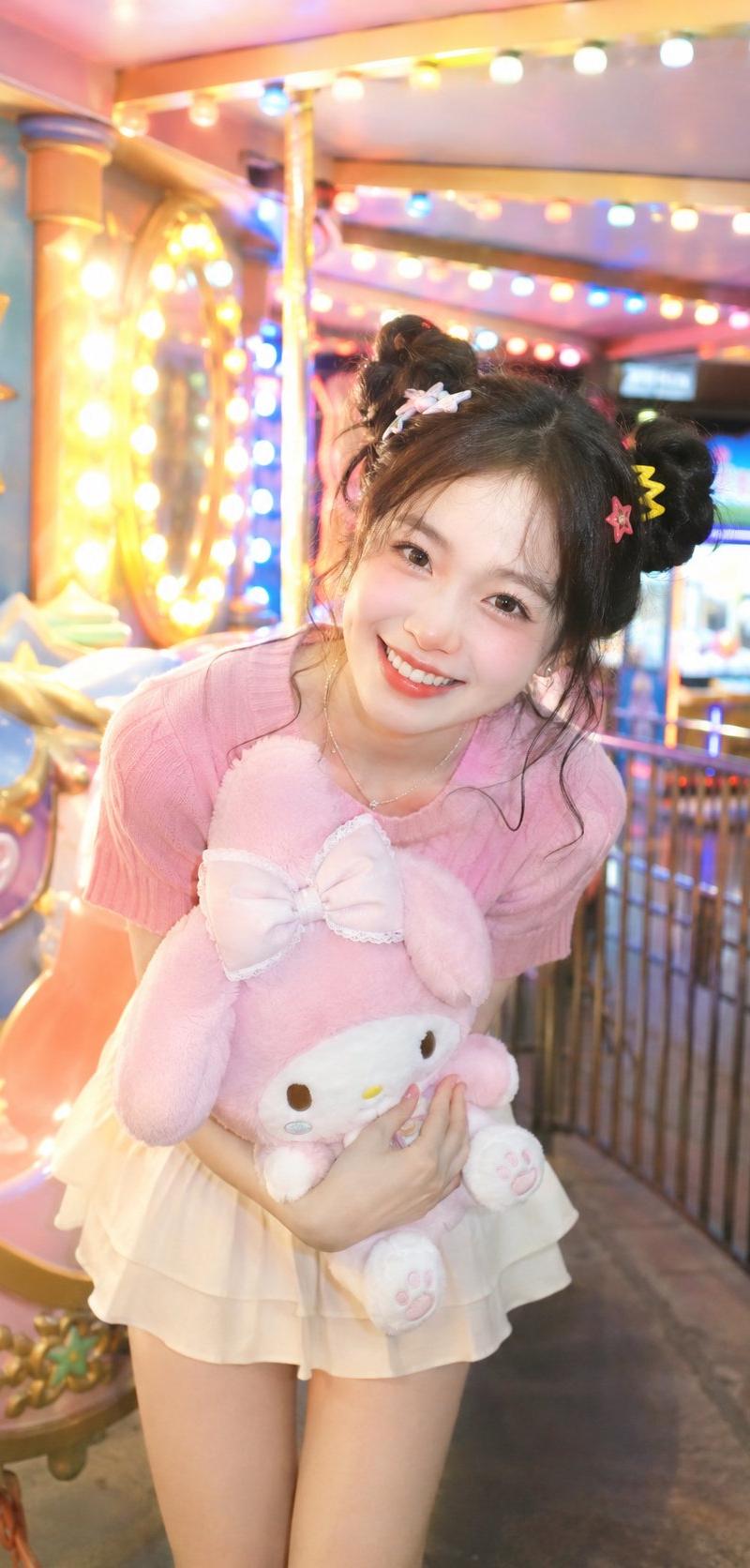
柔光CCD风多巴胺元气双丸子头少女
Enlarge

Example images

柔光CCD风多巴胺元气双丸子头少女

Prompt
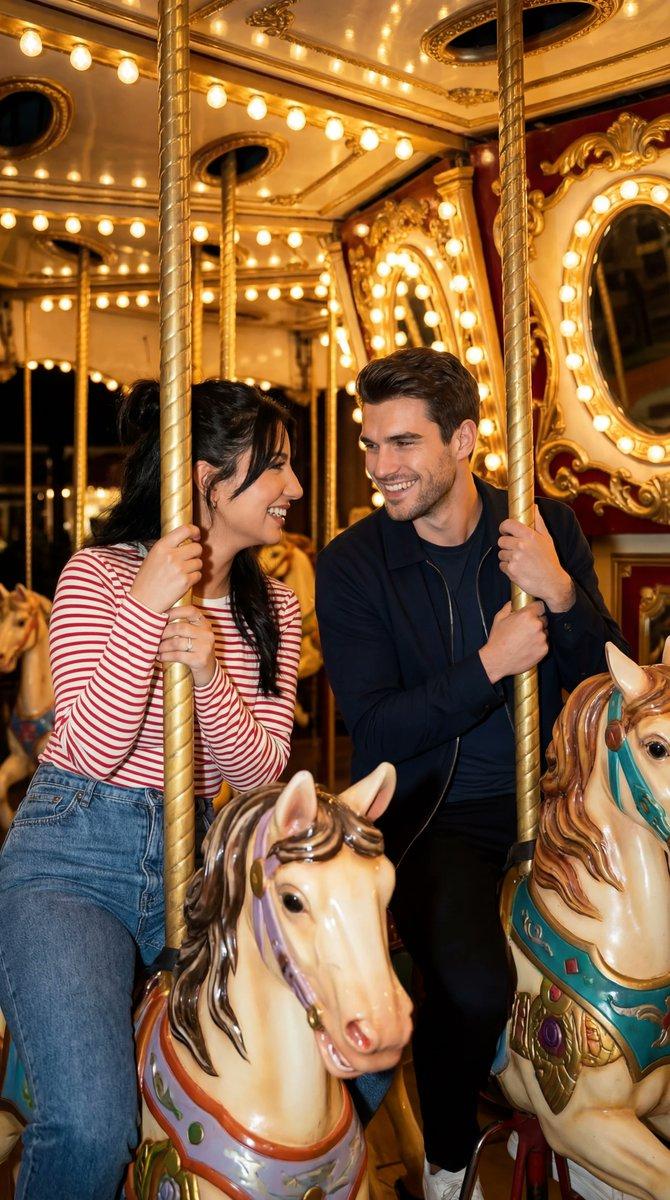
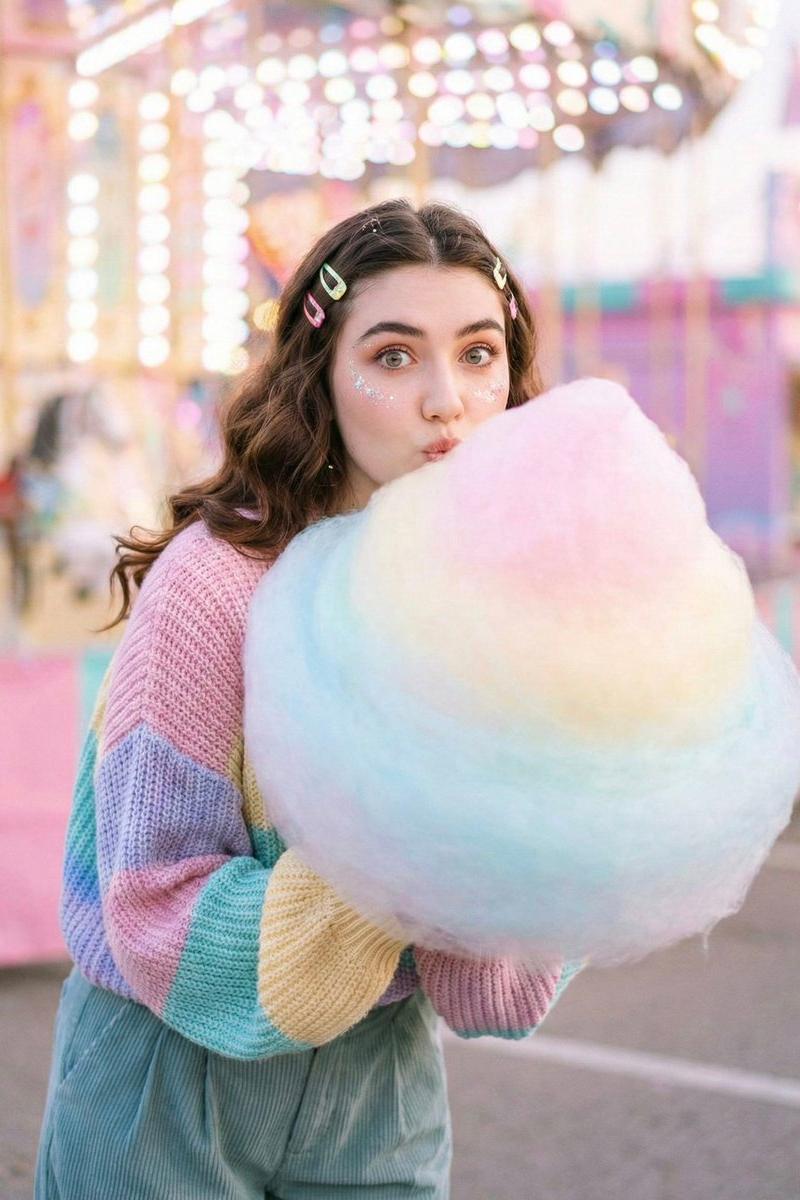
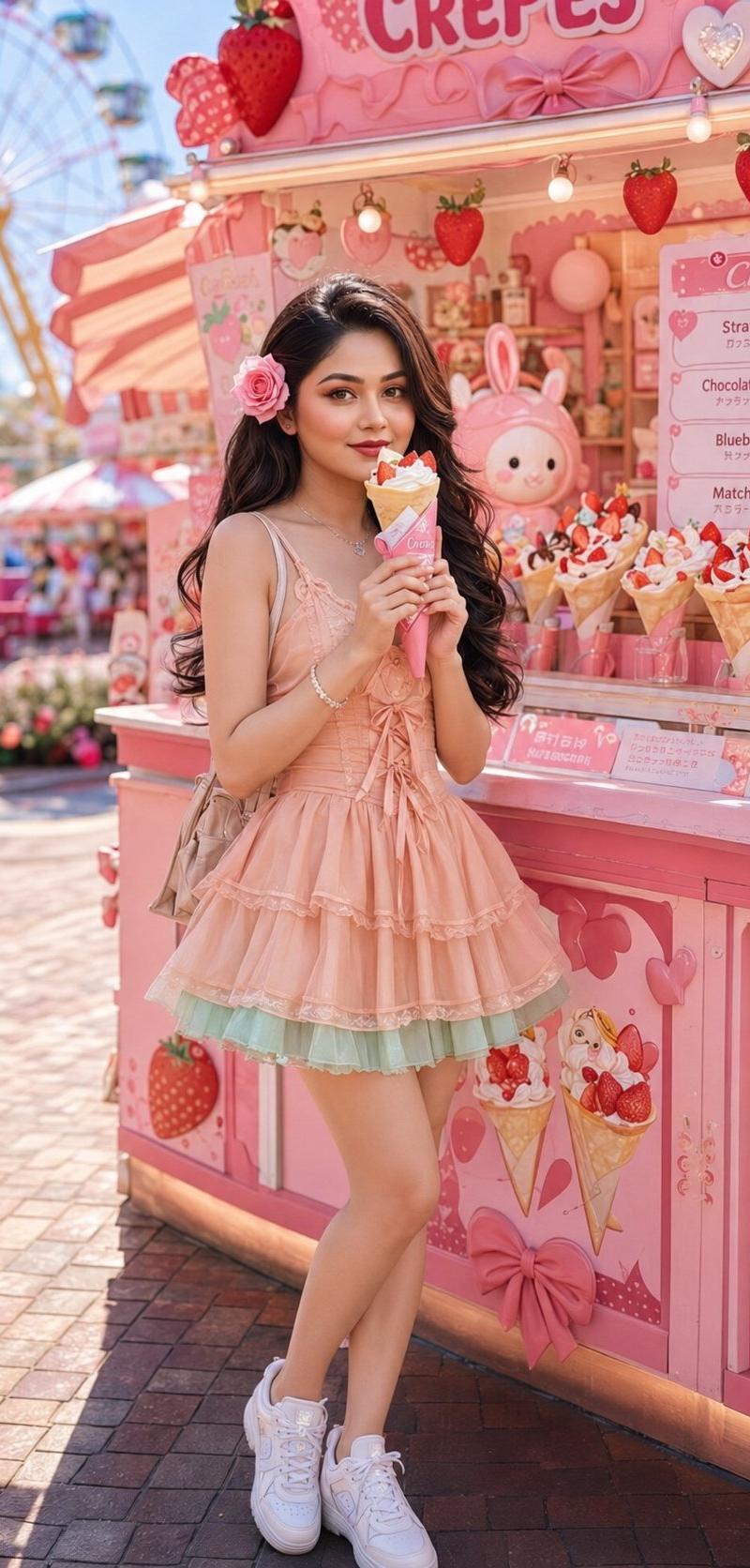
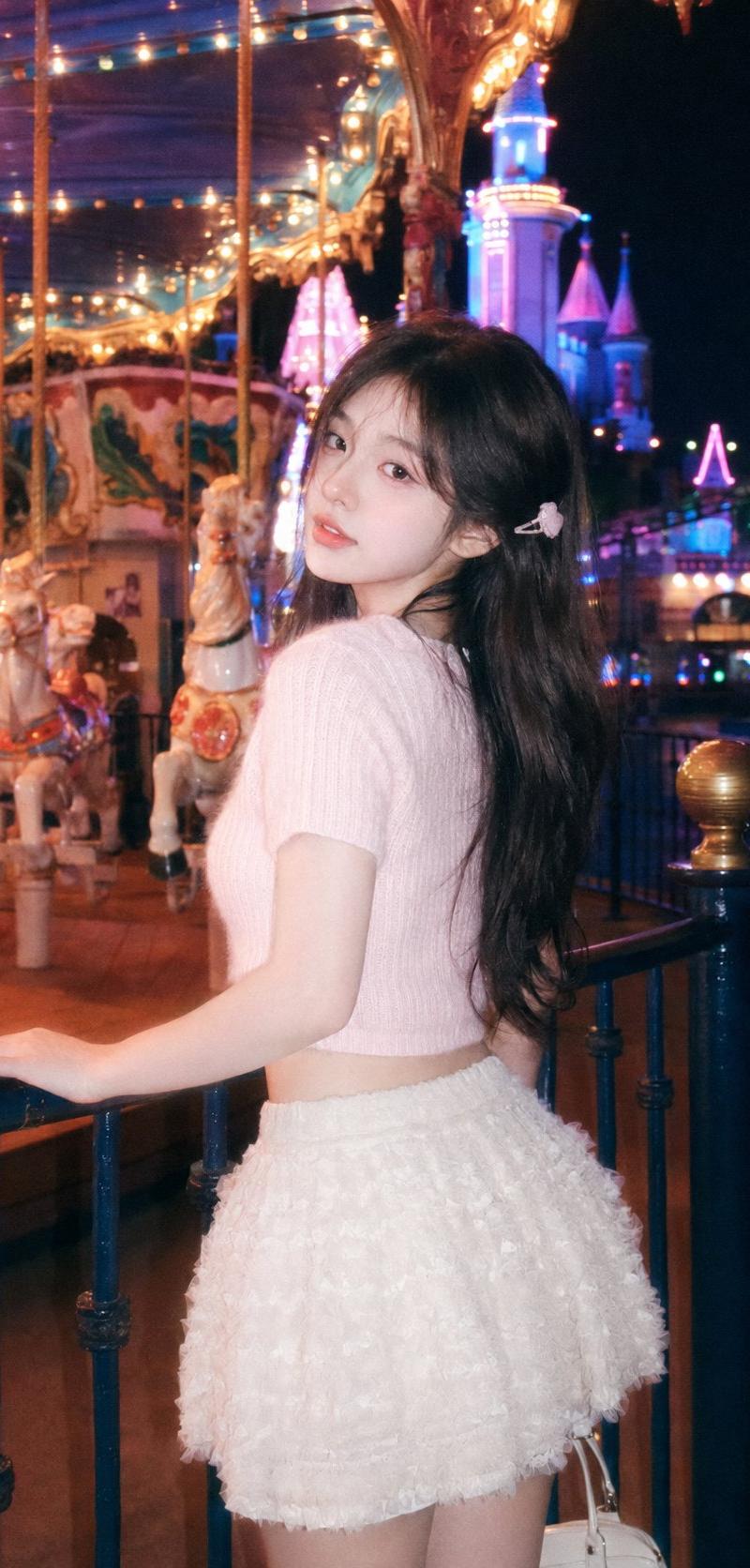
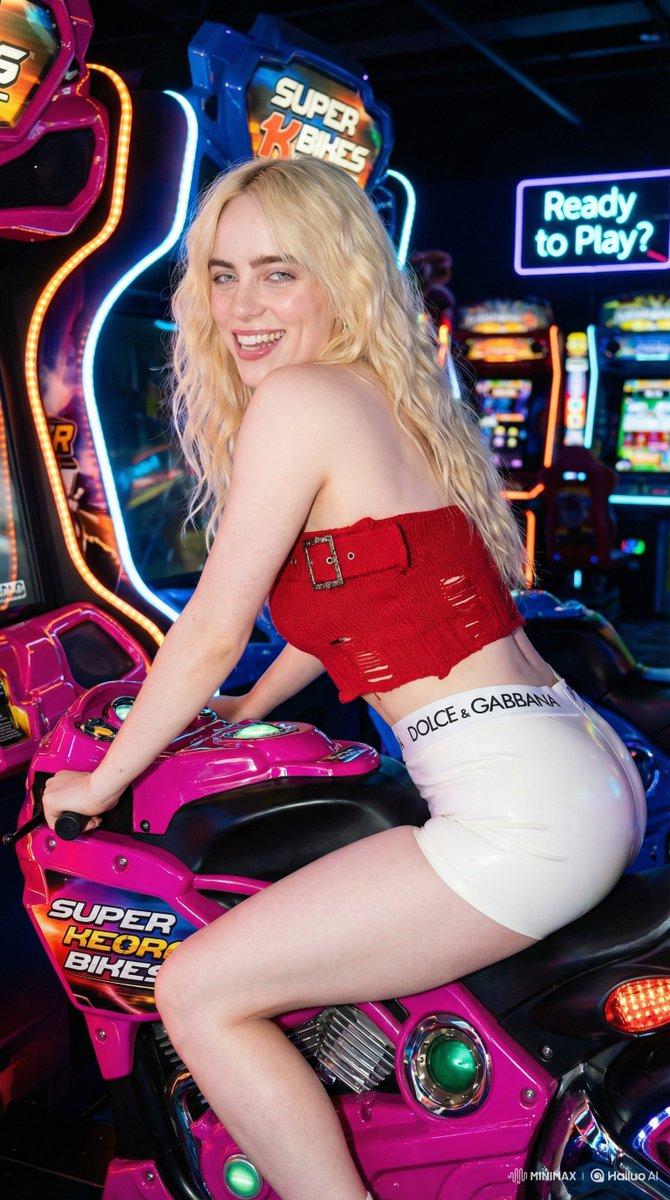
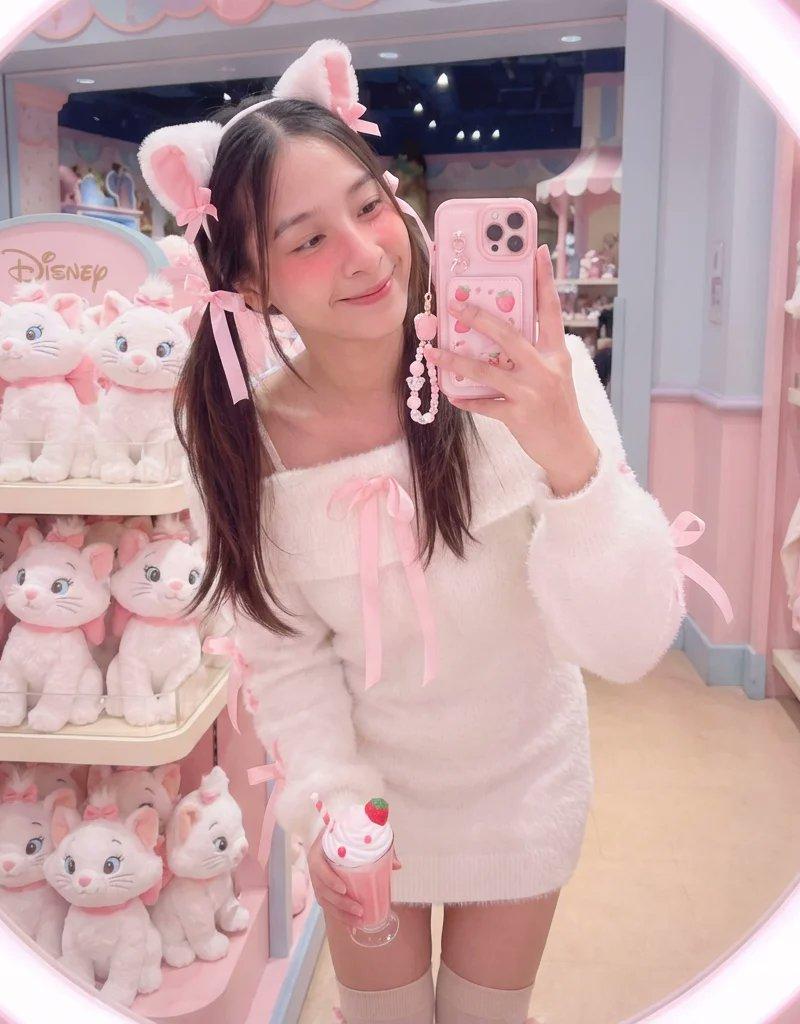
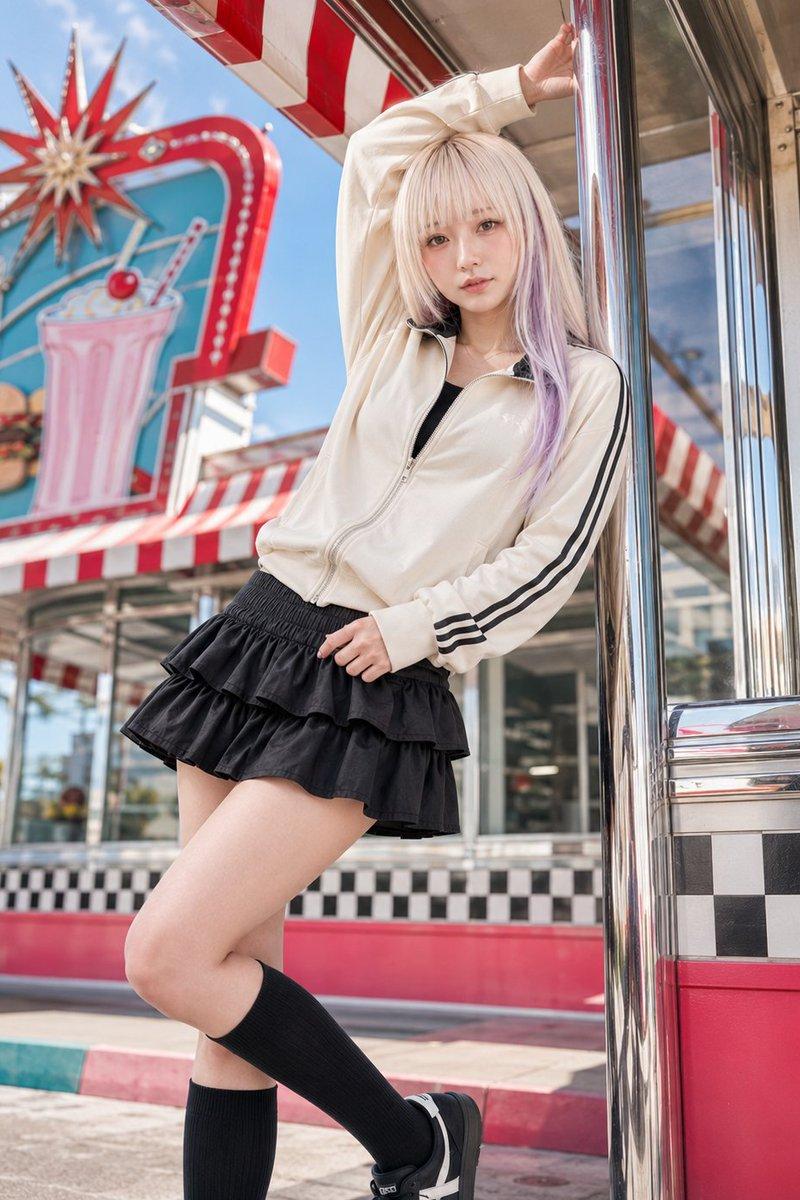
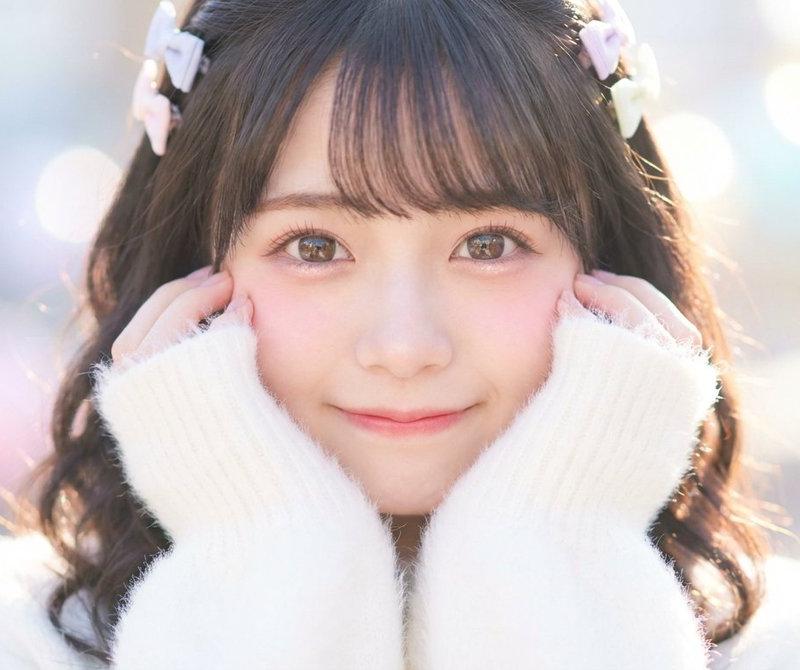
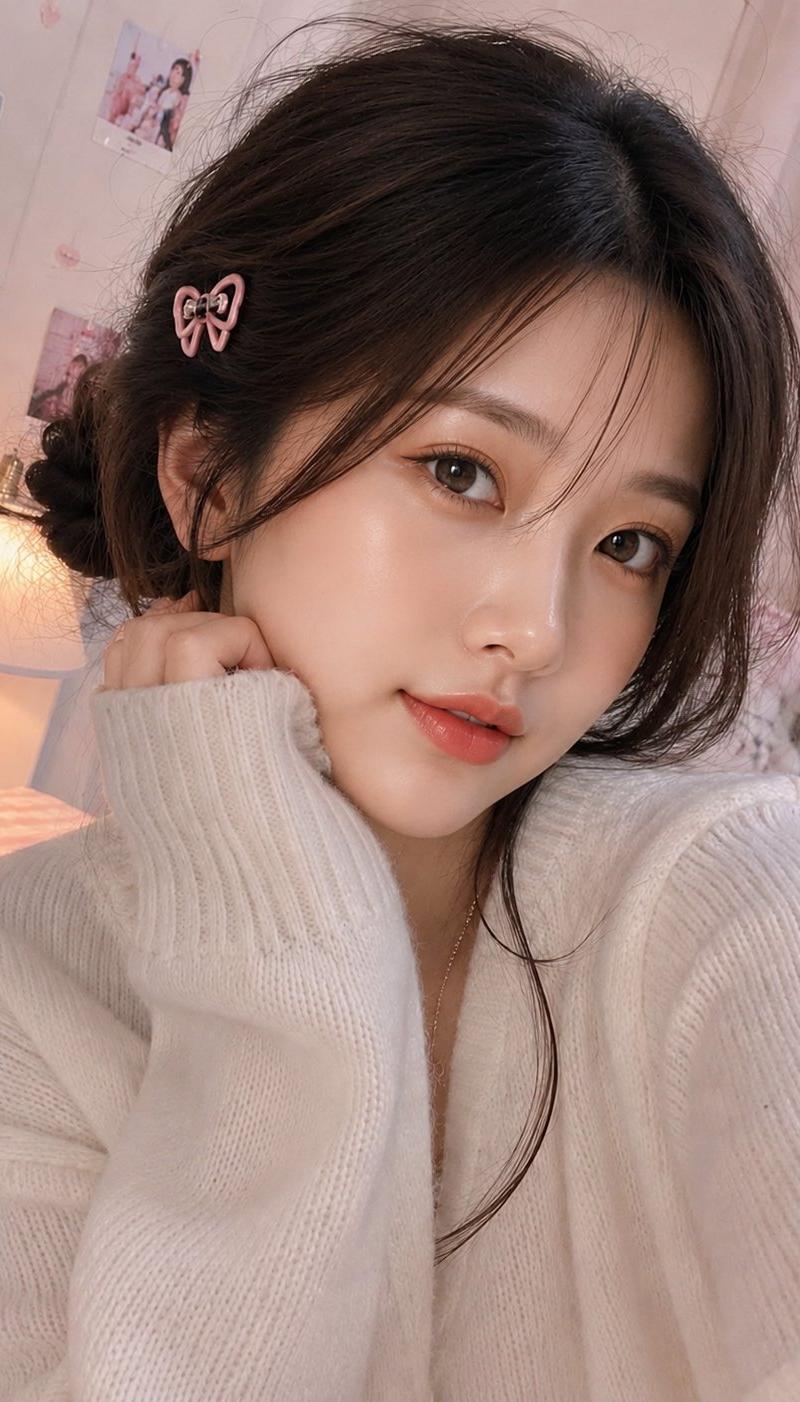
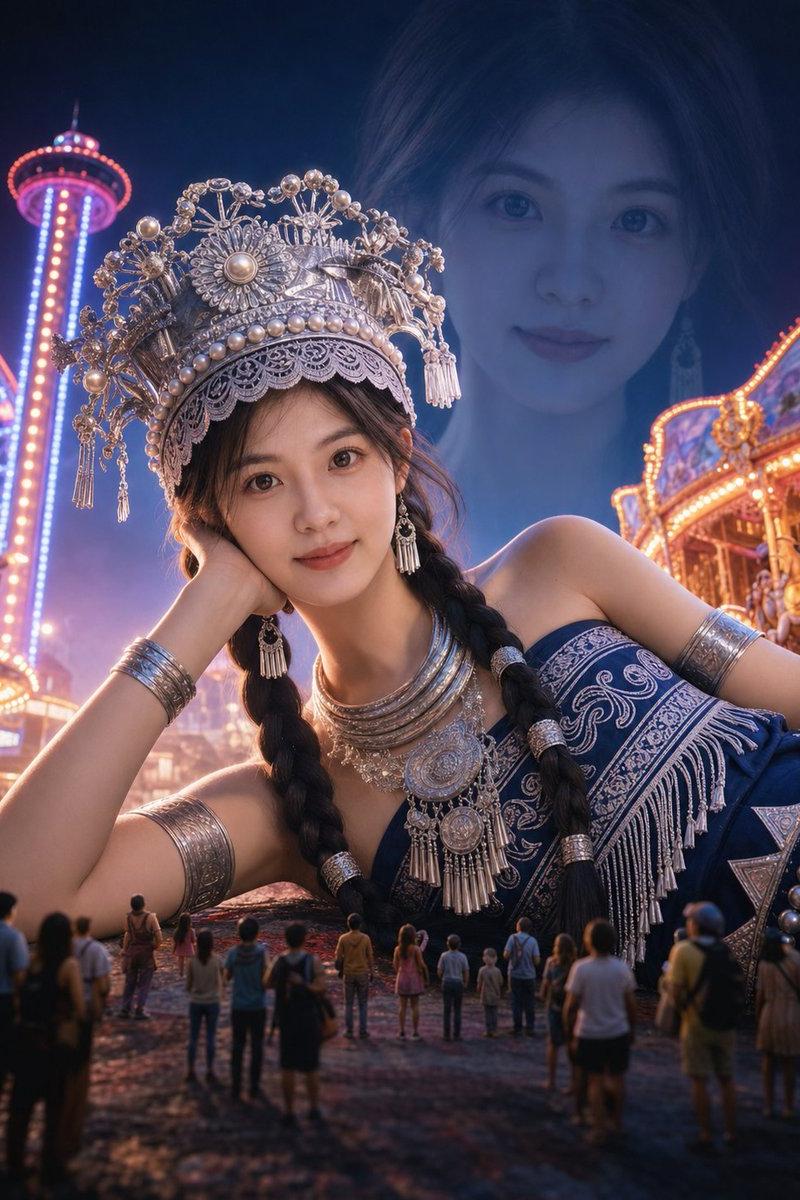
Photography style: Soft light CCD style
Portrait direction: Dopamine energetic portrait
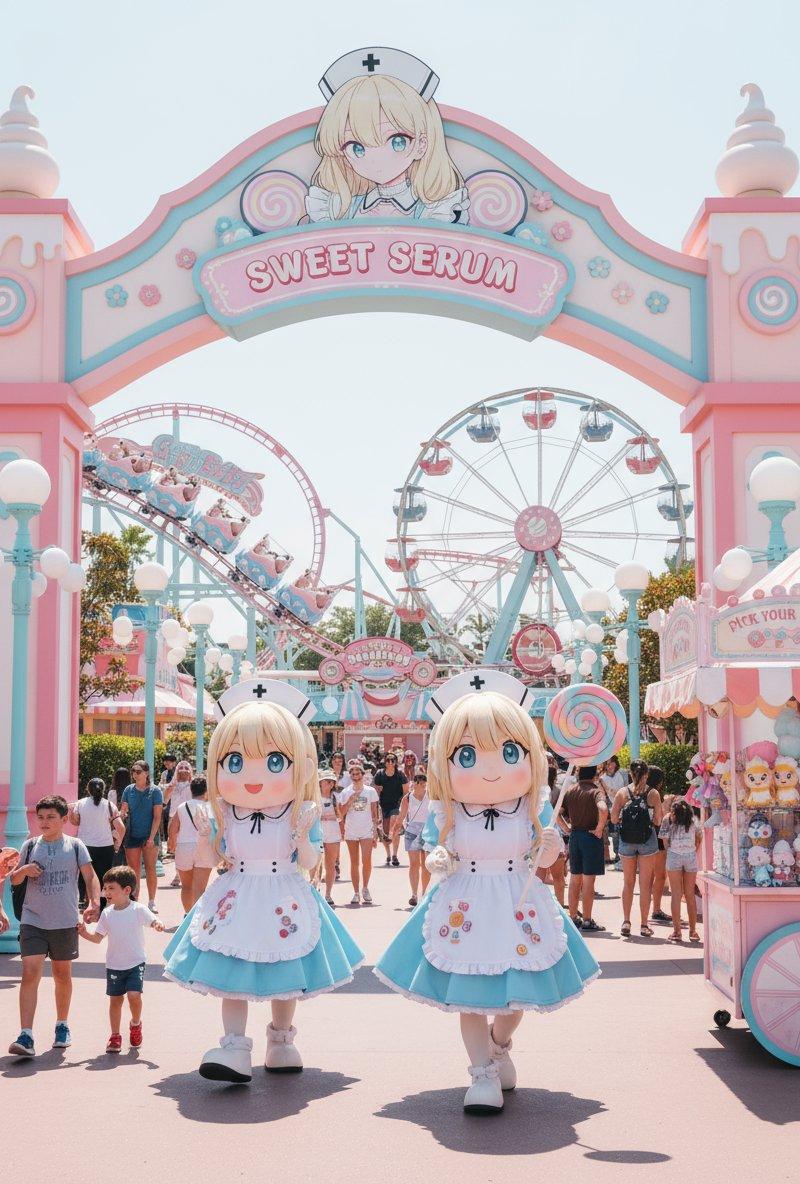
Scene direction: Colored sticker wall / Amusement park corner / Claw machine shop
Clothing direction: Bright yellow short-sleeved top + white short skirt + colored hairpins
Temperament tags: Happy, energetic, lively, sweet, playful, highly infectious
Facial features direction: Round eyes energetic face
Facial details: Big eyes, obvious aegyo-sal, bright smile, teeth slightly showing, rounded nose tip, rosy cheeks
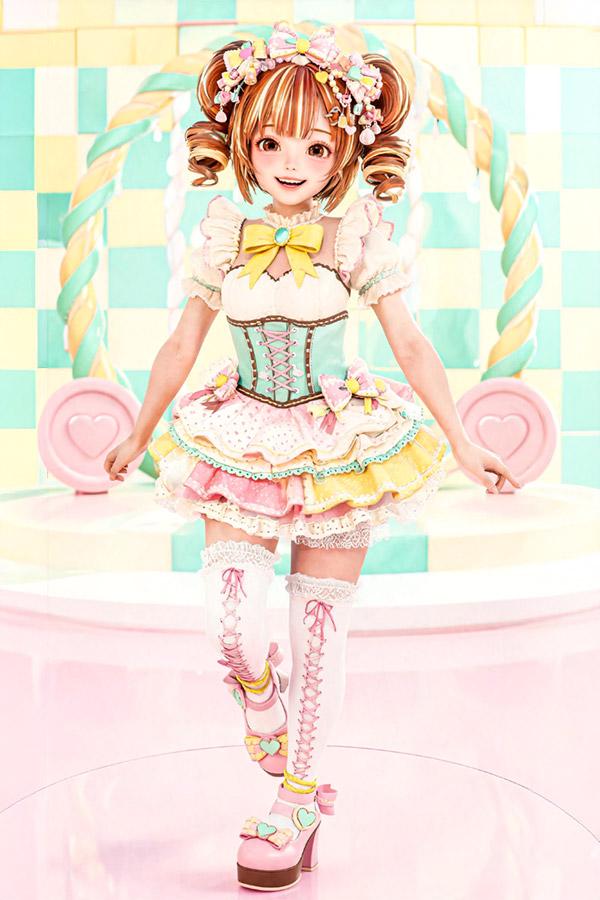
Hairstyle direction: Double buns
Hairstyle details: Natural stray hairs on both sides, thick hair volume, slight curls, overall light and fluffy
Body shape direction: Light and slender
Line emphasis: Weak
Lens direction: Half body to thighs
Postures and actions: Both hands making small hearts or holding a plush toy, body leaning slightly forward, happily looking at the camera
Lighting atmosphere: Colored ambient lighting + soft flash
Filter effect: Milky white highlights + slight overexposure + light grain + high brightness low saturation CCD colors
Aspect ratio: 9:16
Supplementary requirements: The character looks like she will laugh at any moment, happy at first glance, the image has a strong sense of dopamine transmission
Category
Charts & Infographics
Model
ChatGPT
Creator
@liyue_ai
Source language
zh-CN
Views51
Source ID
16109
Published
Jun 16, 2026
Studio

Guide

About "柔光CCD风多巴胺元气双丸子头少女"

What is this prompt for?

"柔光CCD风多巴胺元气双丸子头少女" AI image prompt for ChatGPT (Charts & Infographics). 摄影风格:柔光CCD风 写真方向:多巴胺元气写真 场景方向:彩色贴纸墙 / 游乐园角落 / 娃娃机店 服装方向:亮黄色短袖上衣 + 白色短裙 + 彩色发卡 气质标签:快乐、…

The full copyable prompt and example visuals above are ready for AI image generation or one-click recreate in Picva.

How to use this prompt

  1. Step 1

    Open the prompt detail

    Review the example visuals, category, and full prompt text for "柔光CCD风多巴胺元气双丸子头少女".

  2. Step 2

    Copy the prompt

    Copy the prompt body from this page, or load it directly in Studio.

  3. Step 3

    Pick a model (ChatGPT)

    Prefer ChatGPT. If you switch models, keep subject and composition and tweak style terms.

  4. Step 4

    Generate and export

    Recreate the look in Picva, or export into your workflow for editing and publishing.

FAQ

What is the "柔光CCD风多巴胺元气双丸子头少女" prompt?
It is an AI image-generation prompt for ChatGPT in the Charts & Infographics category. This page includes the full prompt text, example visuals, and a one-click recreate path in Picva.
How do I use this prompt to generate an image?
Copy the prompt from this page, or use Generate / Studio. Paste it into a compatible image model, or recreate the look in Picva with optional reference images.
Which model is this prompt for?
This page lists ChatGPT. Most descriptive prompts also transfer to nearby image models such as GPT Image, Flux, or Midjourney with light style tweaks.
Can I use the result commercially?
You can usually copy the prompt for creation, but commercial use of the final image depends on the model terms, reference-image rights, and the generated content. Follow the source author and platform rules.