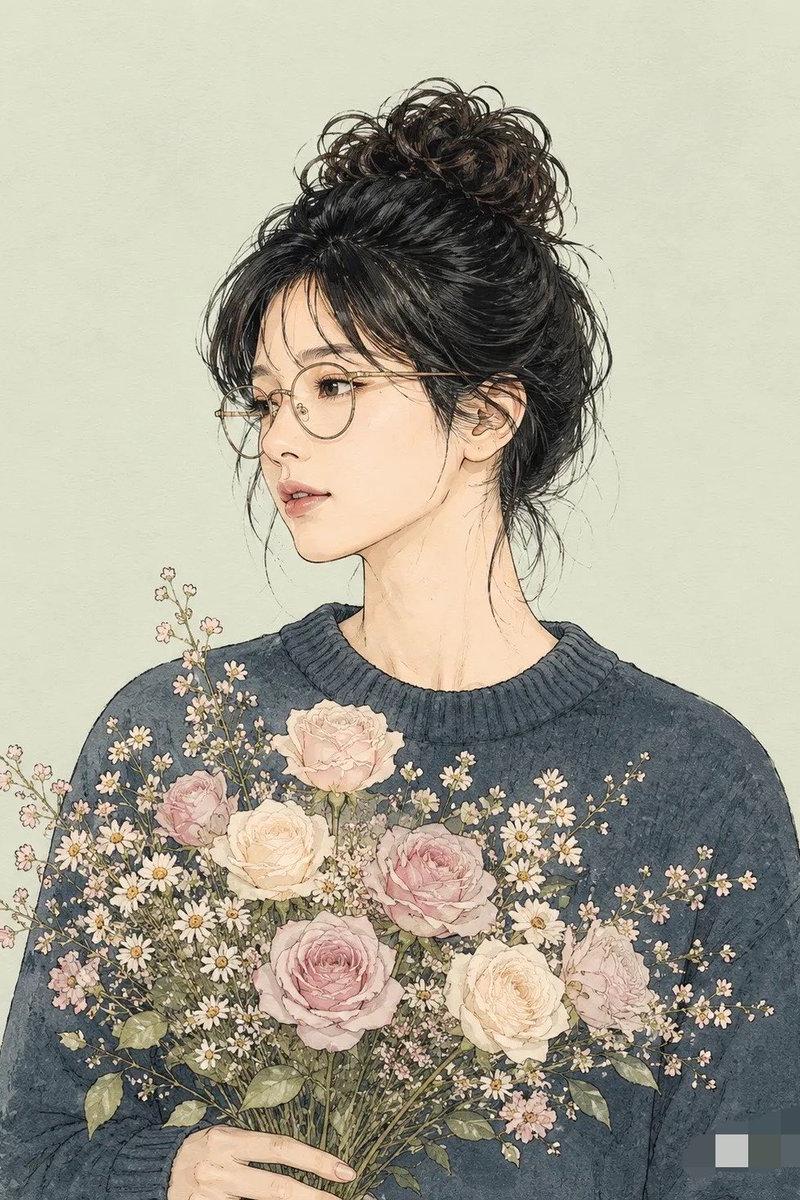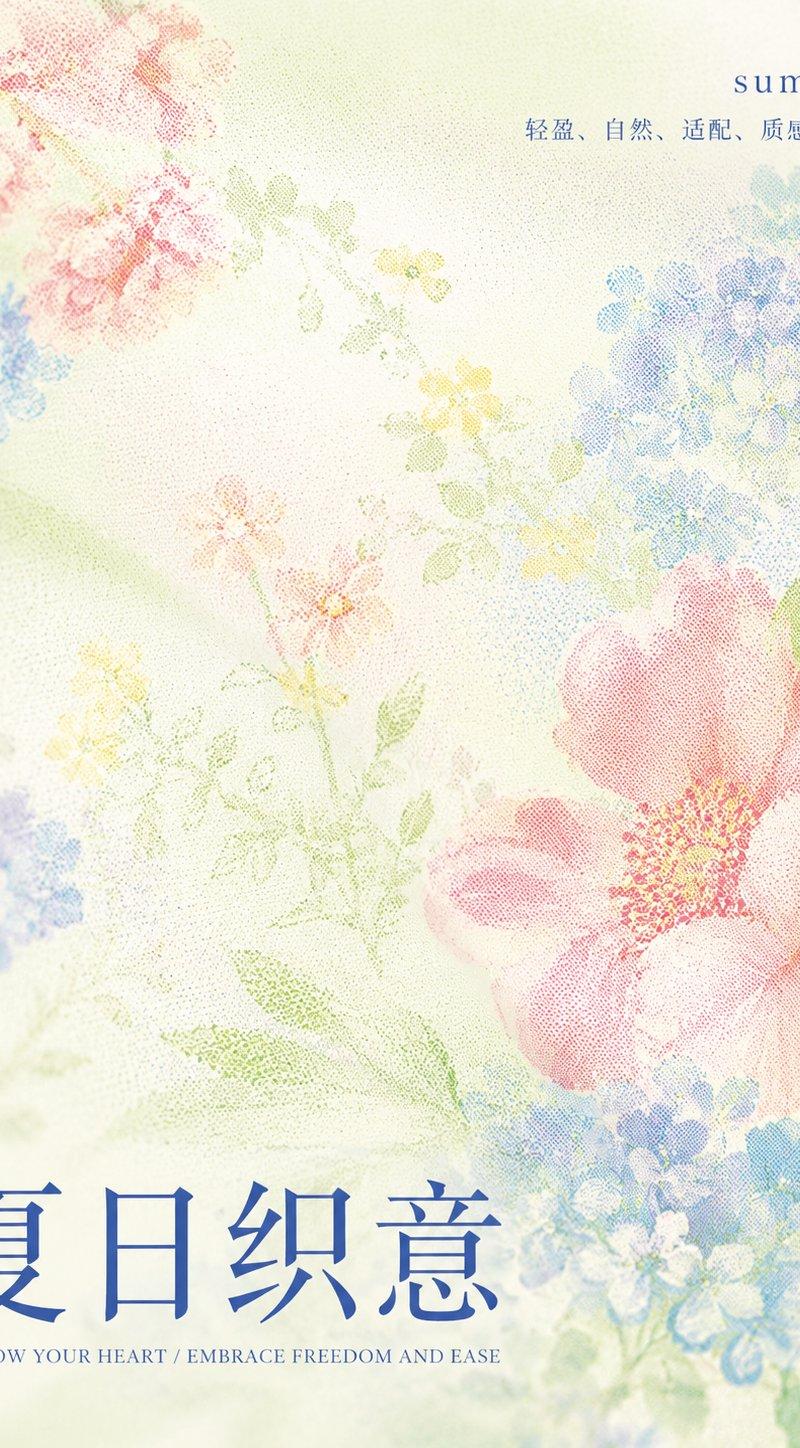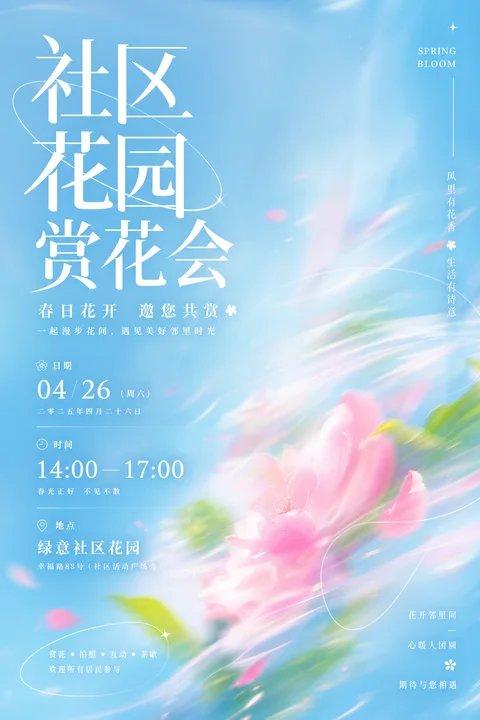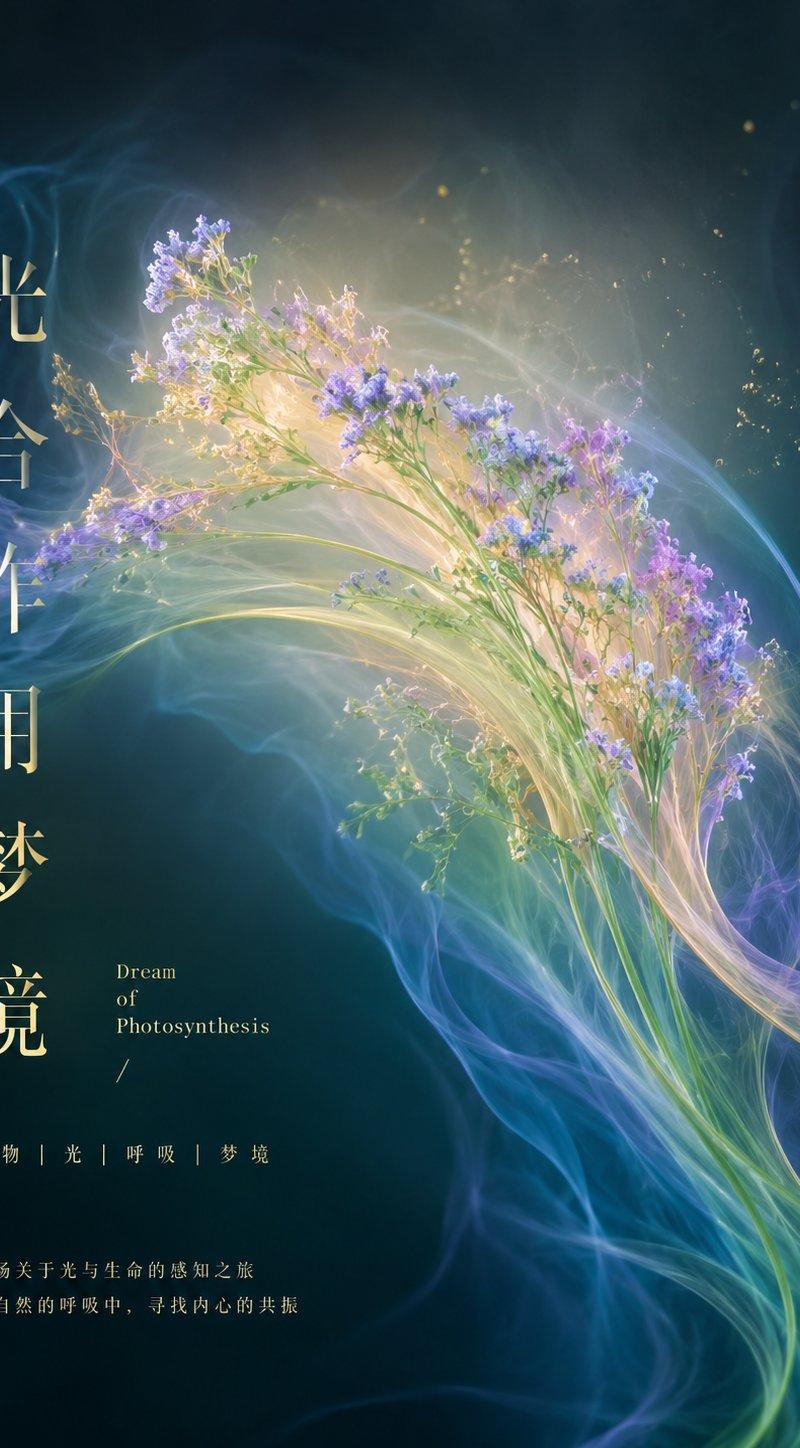
春日清新空气感花艺信息海报
Prompt
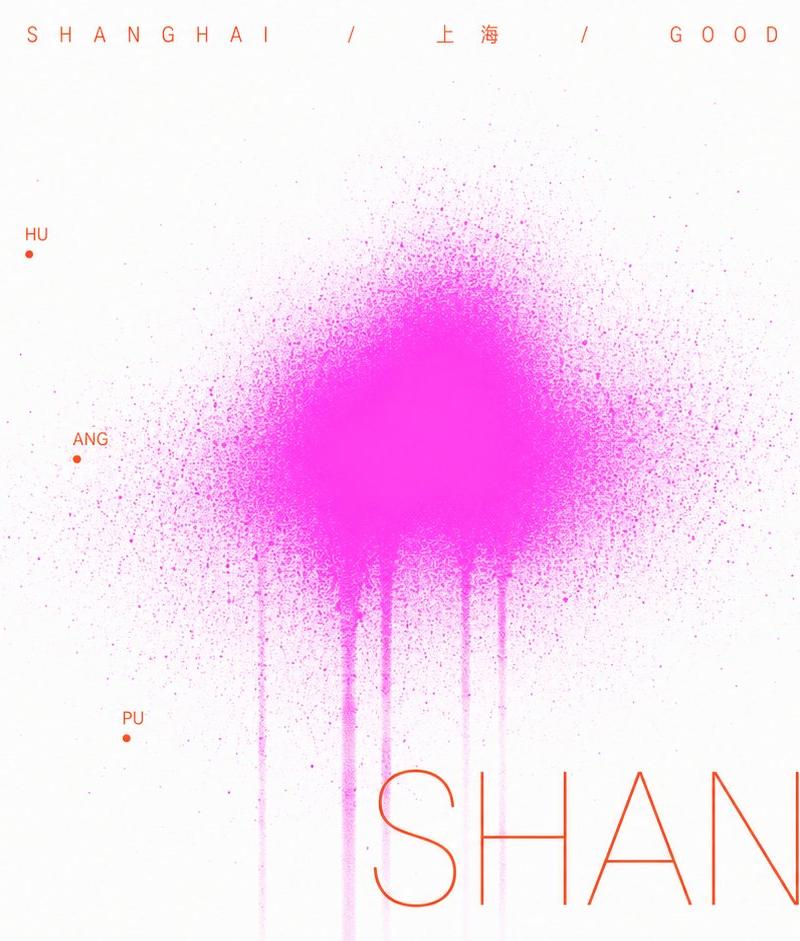
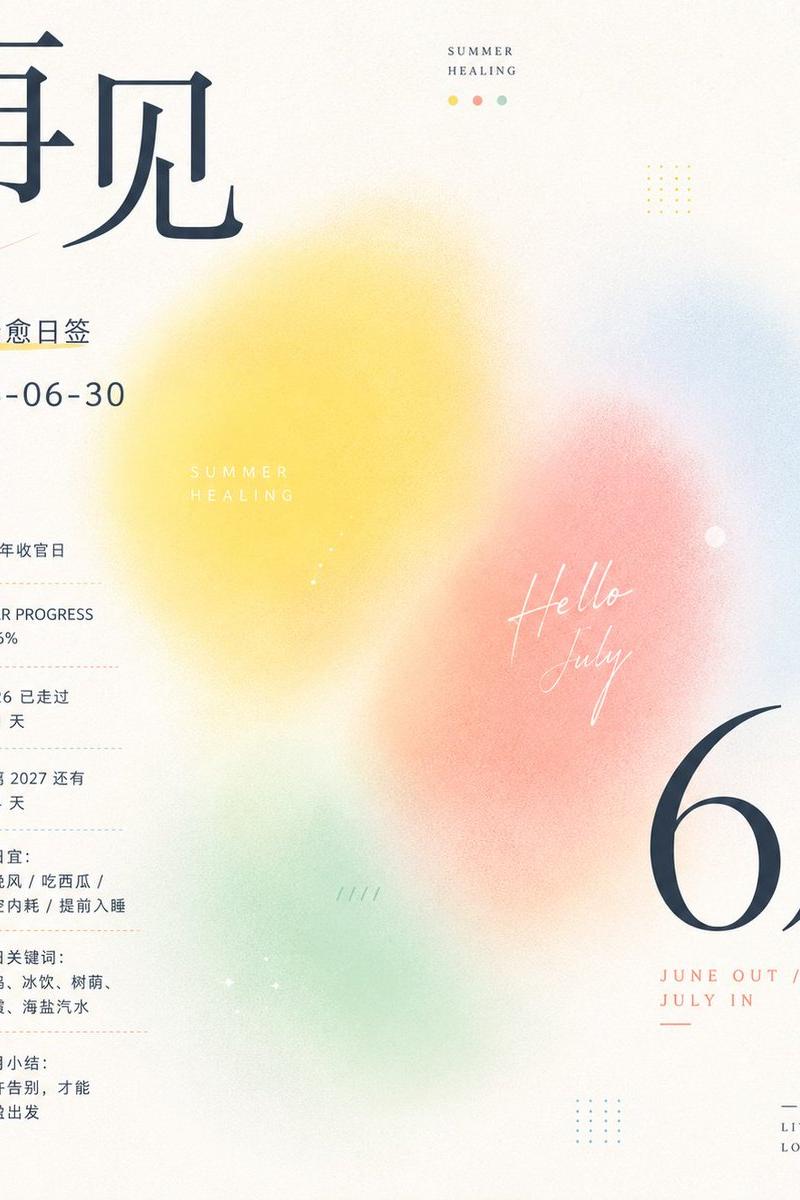
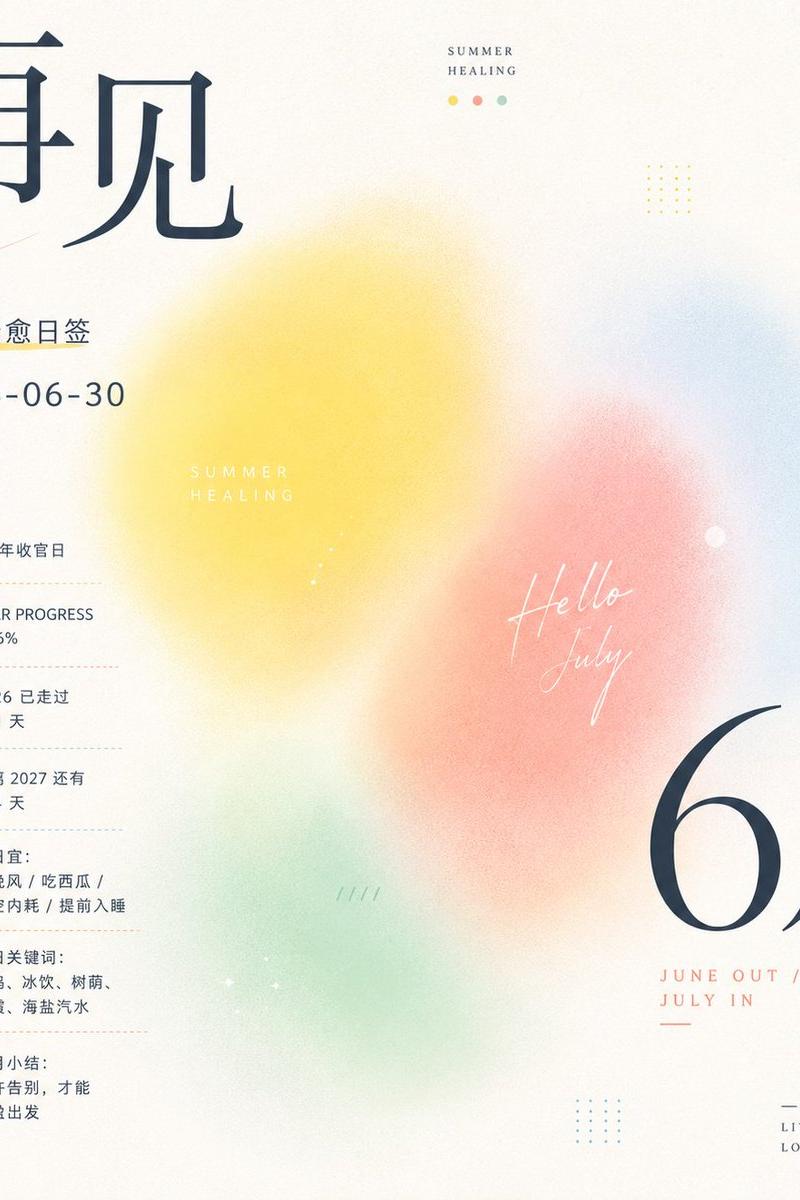
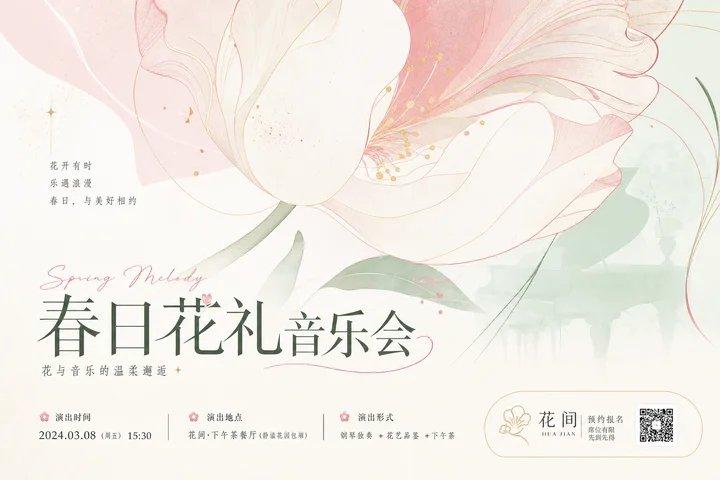
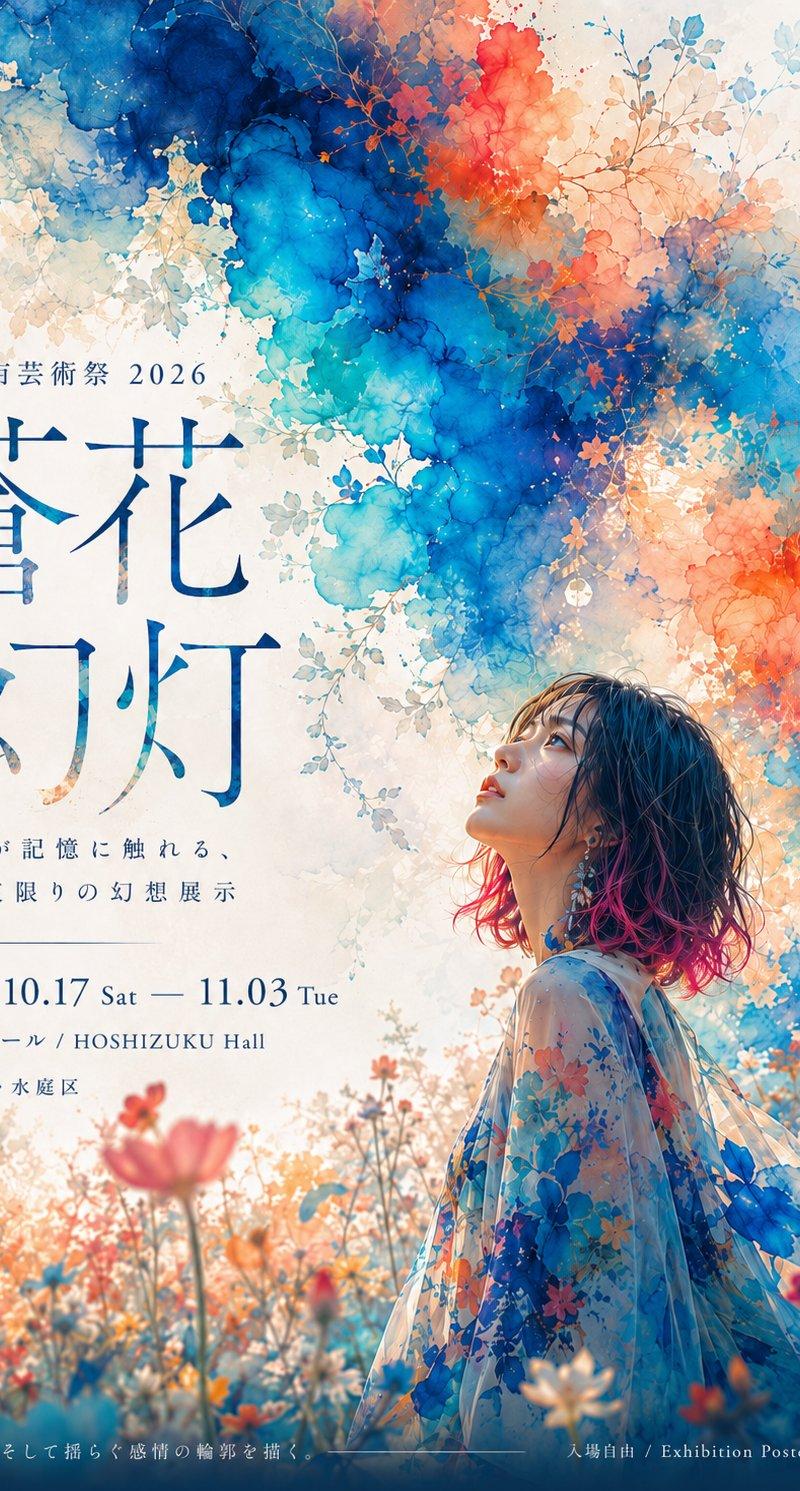
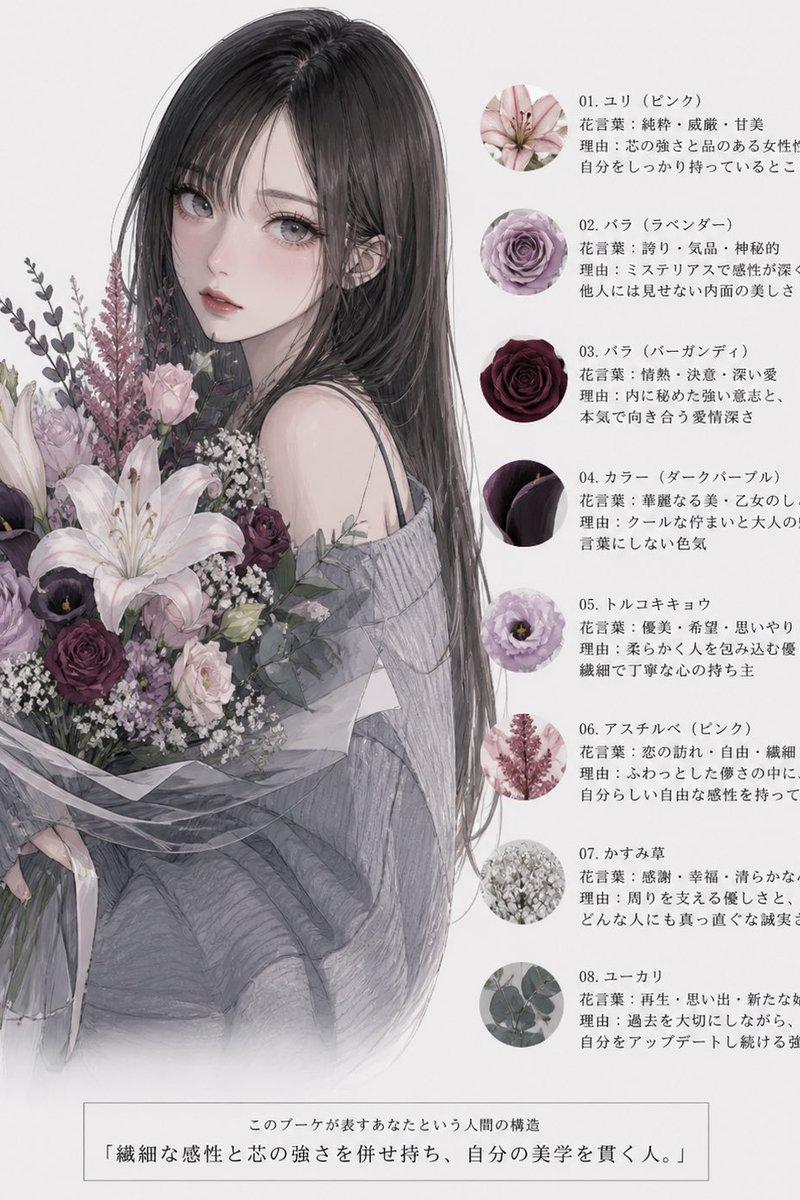
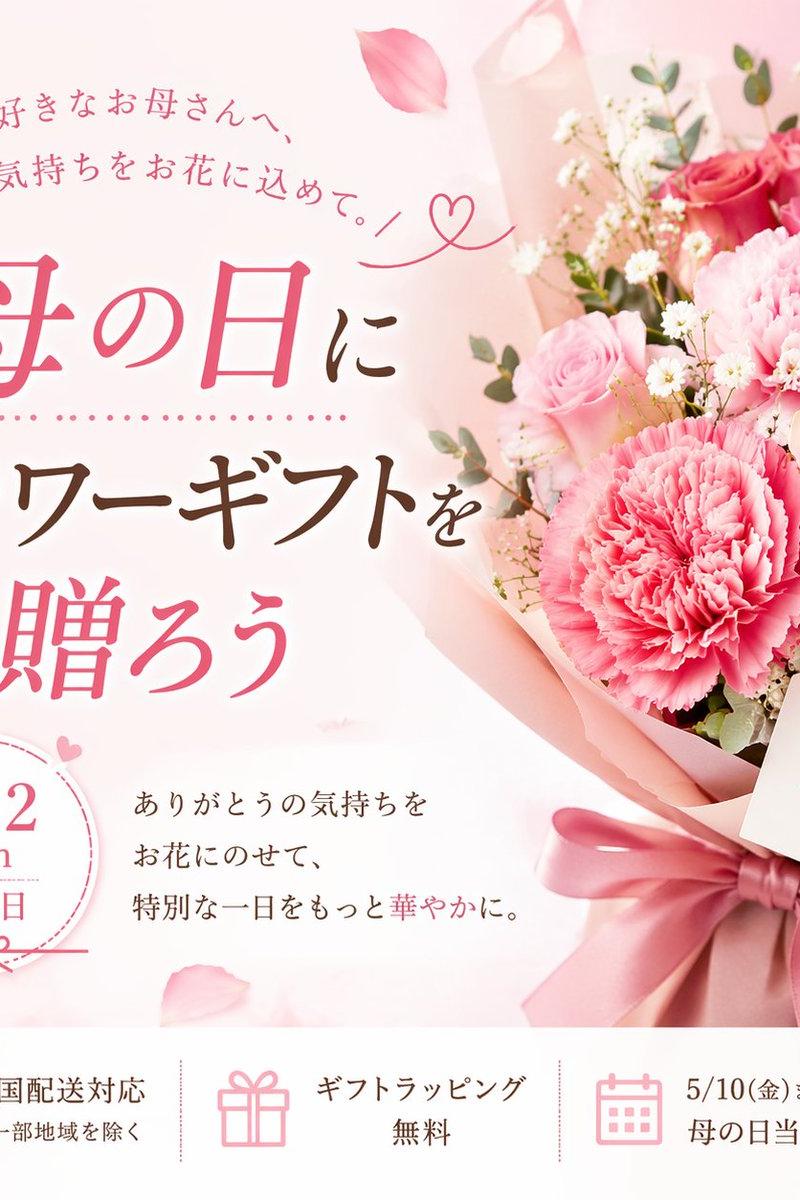
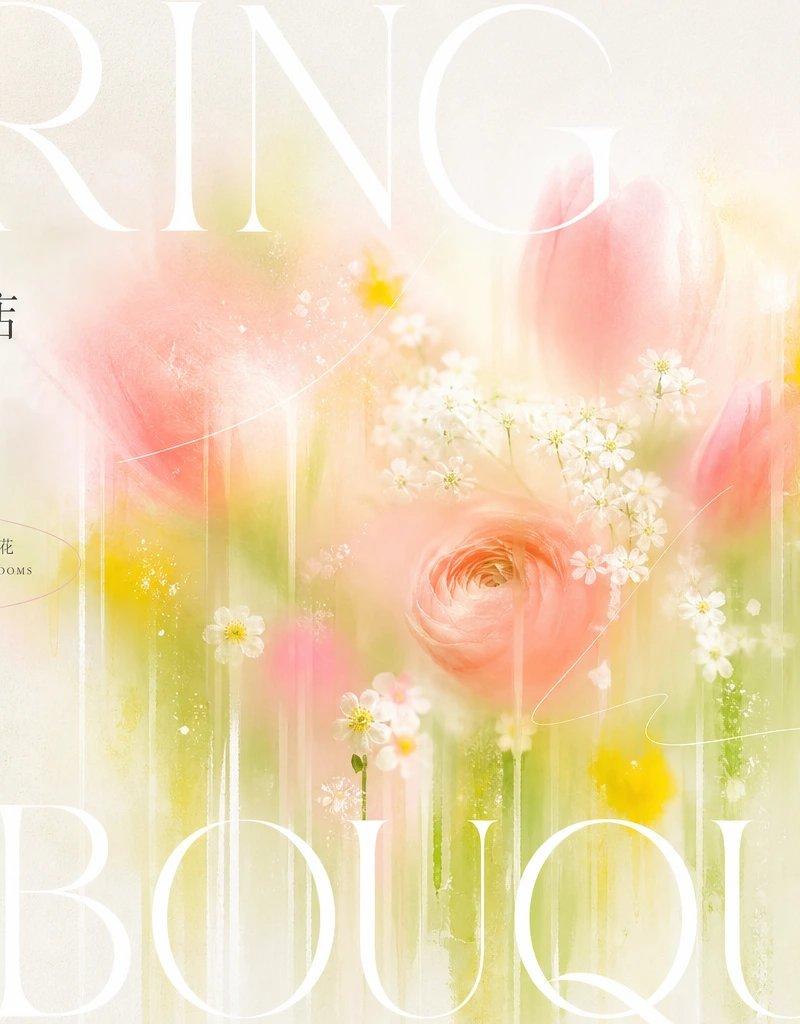
Generate a bright, clear, and airy information visual around specific thematic content: the core of the image is not a clear realistic subject, but rather dissolves the thematic imagery into soft-focus color mist and slender falling flowing color streaks, forming a background field that looks like it is stretched by light and blurred by water vapor; the main color blocks are concentrated in the center to form hazy memory points, with edges gradually dissolving and small amounts of more vivid color dots retained locally as visual pauses. The overall hierarchy consists of a large area of high-brightness clean base field, soft translucent theme colors, a small amount of bright emphasis colors, and clear white information text; colors are extracted from the theme's own season, material, emotion, and semantics to assign roles: the base color is responsible for the sense of ventilation and clean brightness, the main color is responsible for soft emotions, the emphasis color only lights up in key positions, and the text color maintains clean high contrast; maintain high brightness, low impurity, moderate saturation, and a light, gentle mood, avoiding muddy, stale, or dark treatments. The layout uses elegant high-contrast serif fonts as the main title, with a very large font size close to the screen boundaries, while Chinese information is interspersed with a thinner Songti temperament, creating a rhythm of large text suppressing the field and small text breathing; side information for rotating reading, fine line floral symbols, extremely thin hand-drawn curves, and oval stroke labels can be added, making the text like a floral exhibition poster that is both information and graphic. The screen texture should have slight paper grain, soft light diffusion, and transparent layers, with all elements maintaining white space, order, and a spring-like clear sense of breathing.

——————
Purpose of the image: Create a horizontal 16:9 WeChat header for a community flower shop, the theme is "The first bouquet of spring", suitable for posting in shop groups and Moments covers.
Screen content: Turn the colors of tulips, ranunculus, and small white flowers into central soft mist and slender falling color streaks, keeping the edges transparent, with a small handwritten price tag next to it.
Visible text: Main title "SPRING BOUQUET", Chinese small text "今日花材到店 / 19:00 前可自取", and "从一束明亮开始" in the corner.
- Category
- Charts & Infographics
- Model
- ChatGPT
- Creator
- @xiaoxiaodong01
- Source language
- zh-CN
- Source ID
- 16415
- Published
- Jun 20, 2026
Views19