18

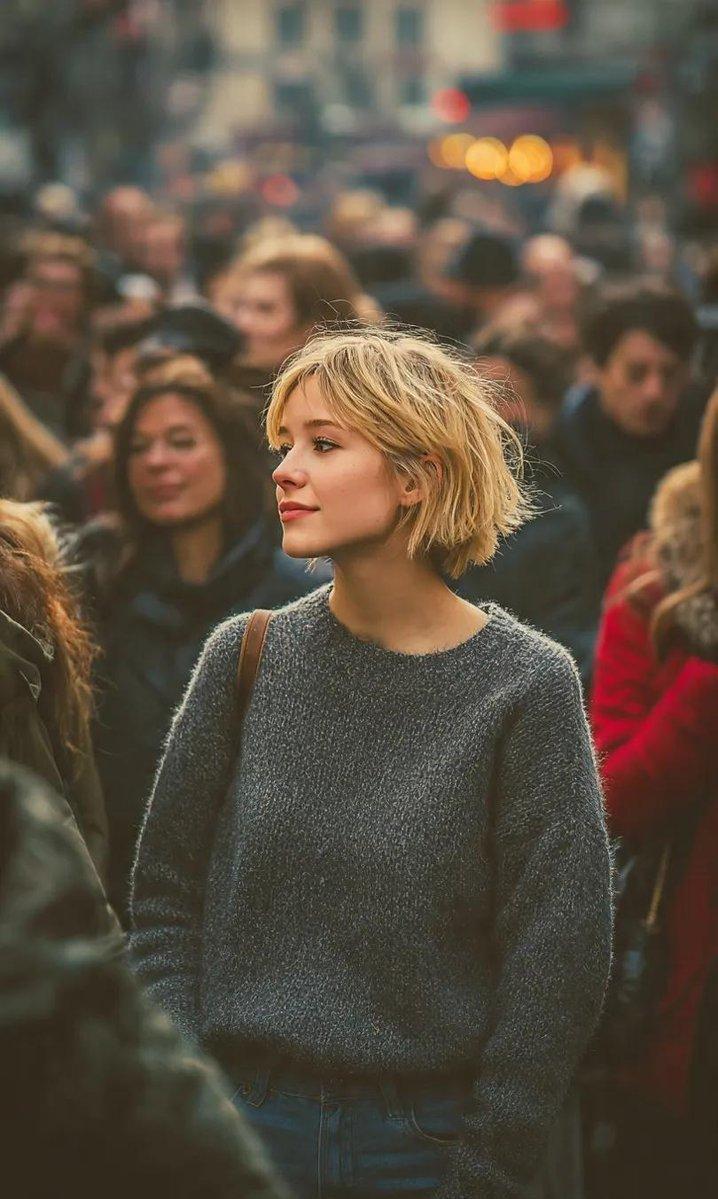
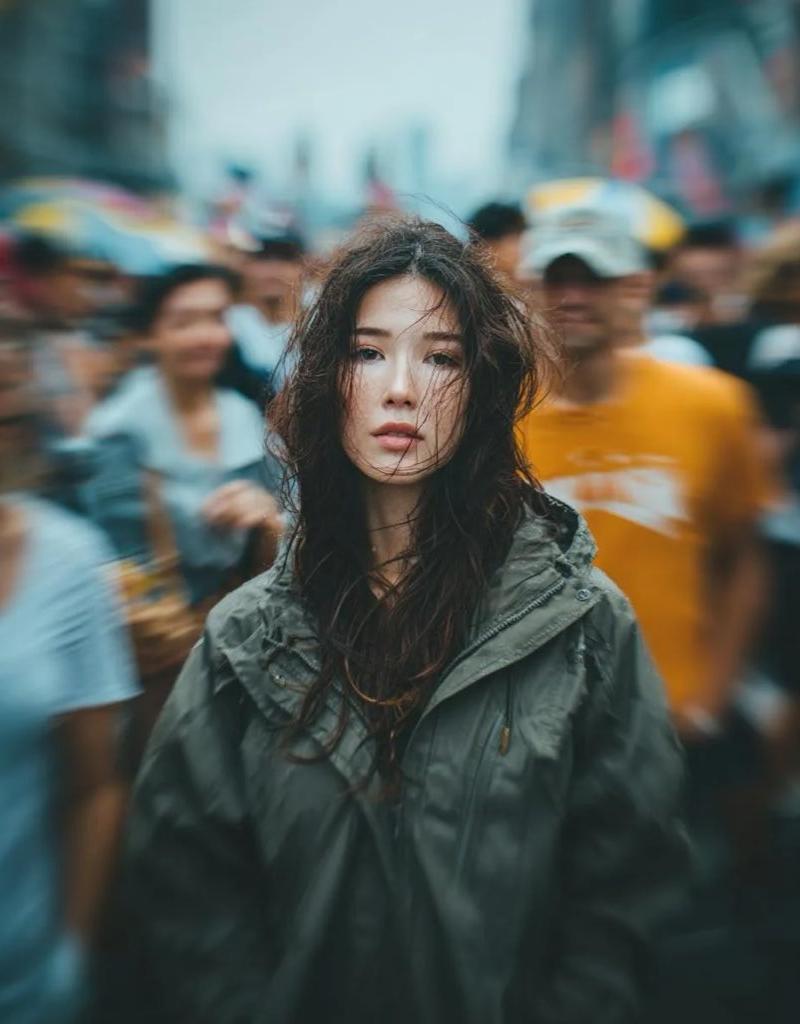
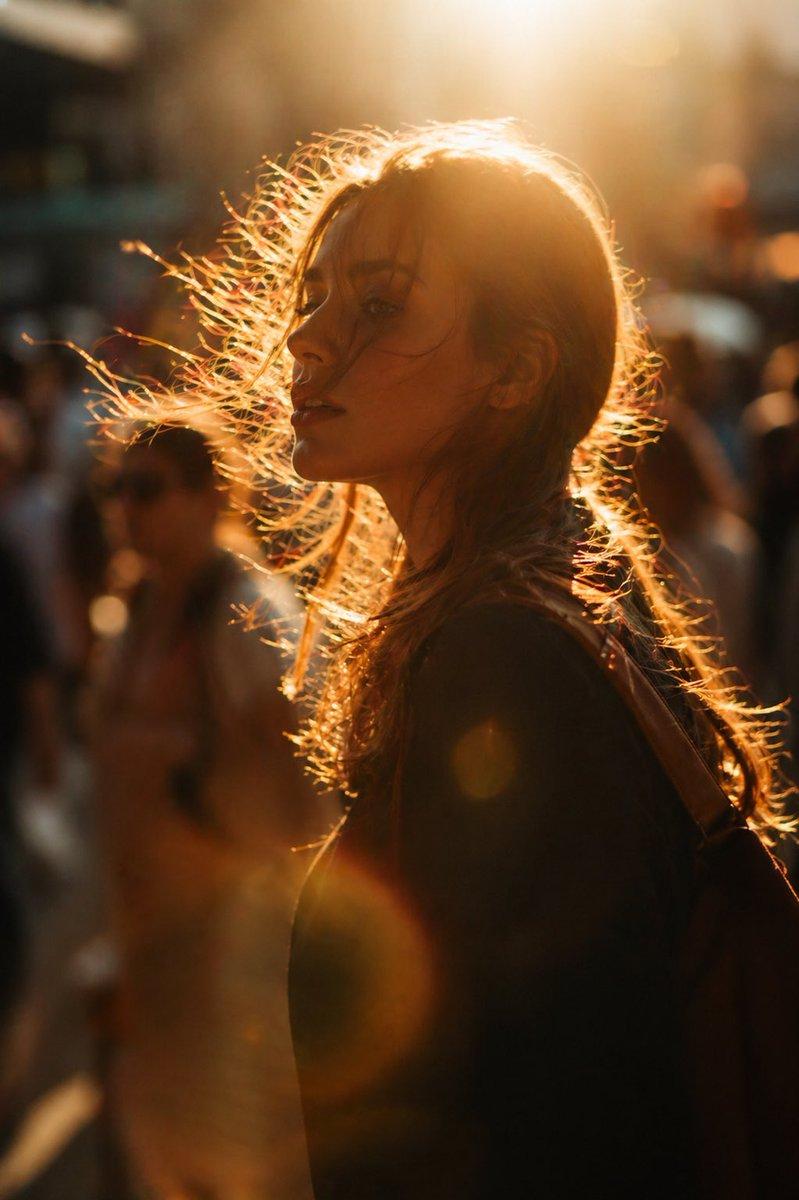
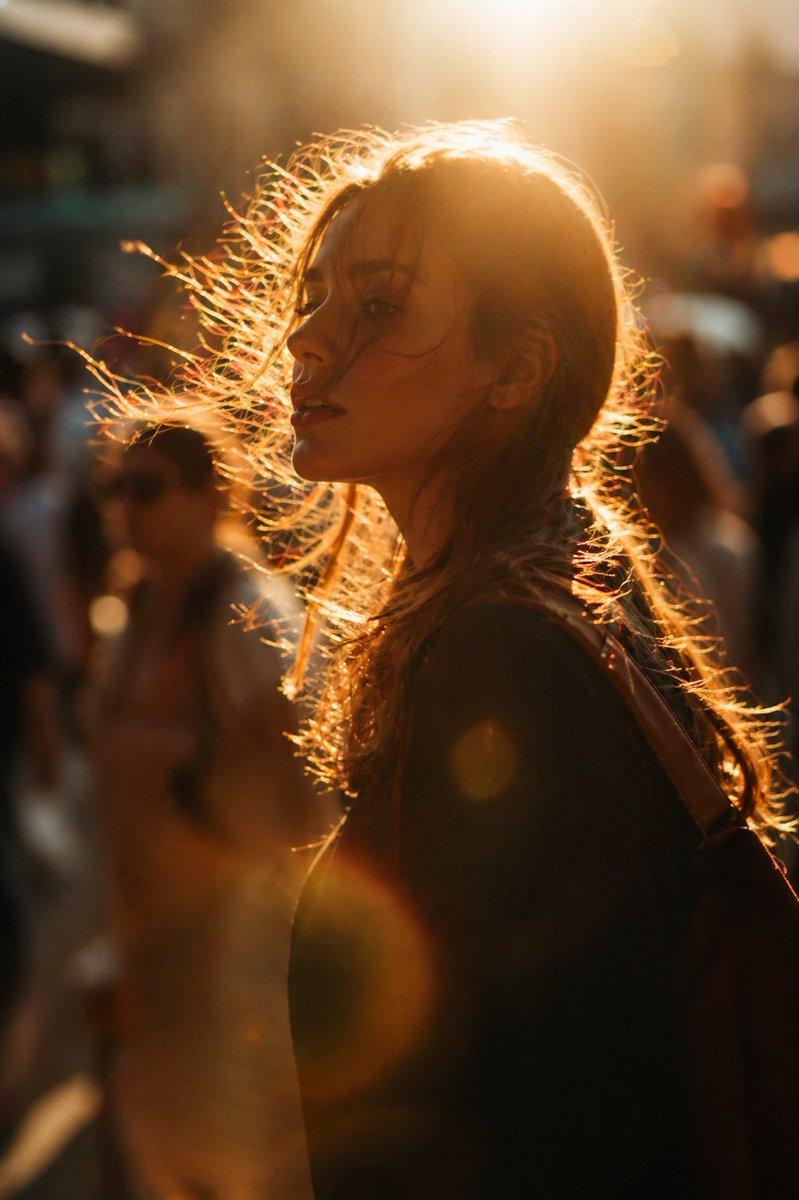
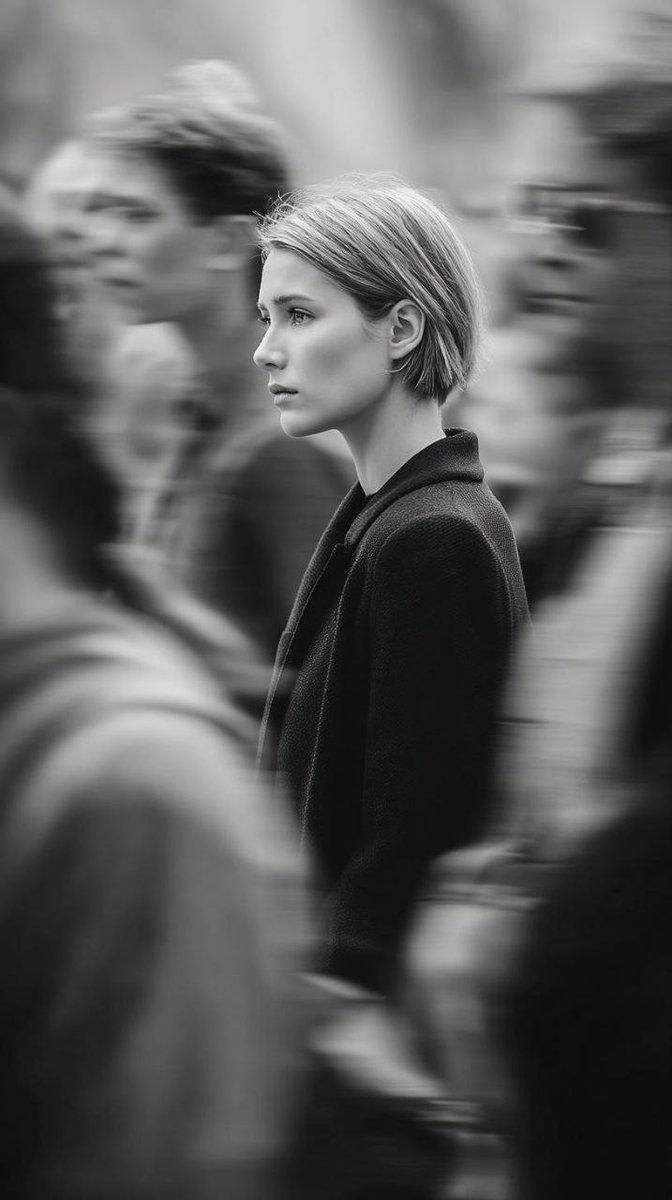
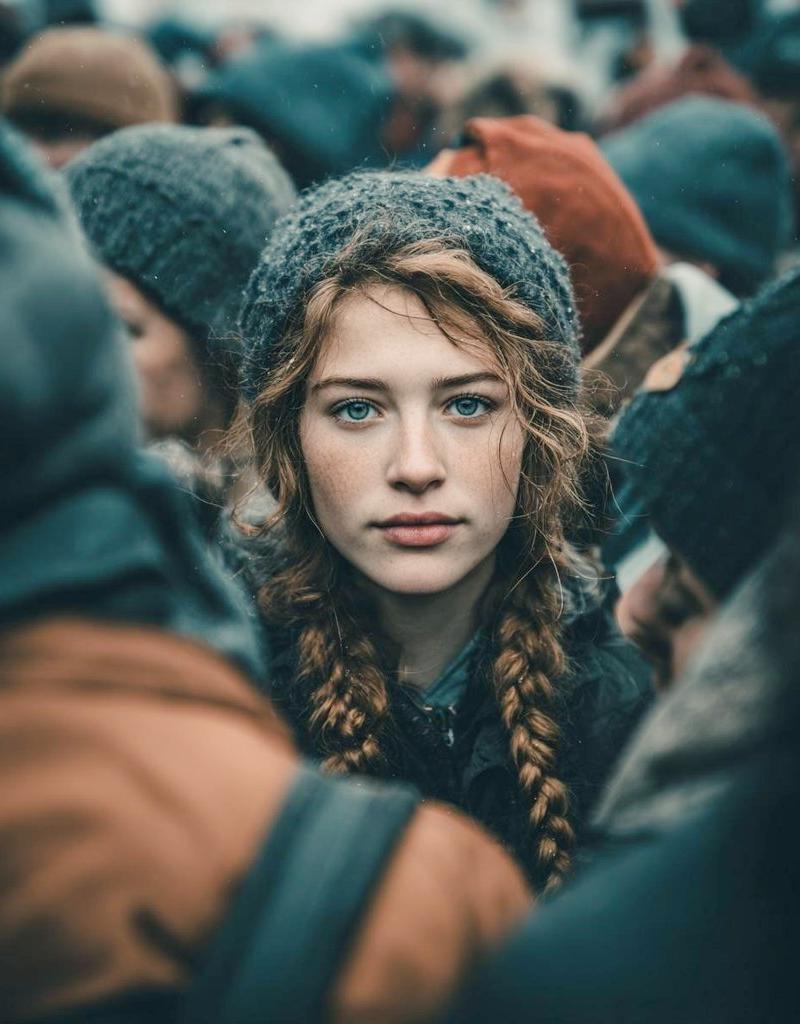
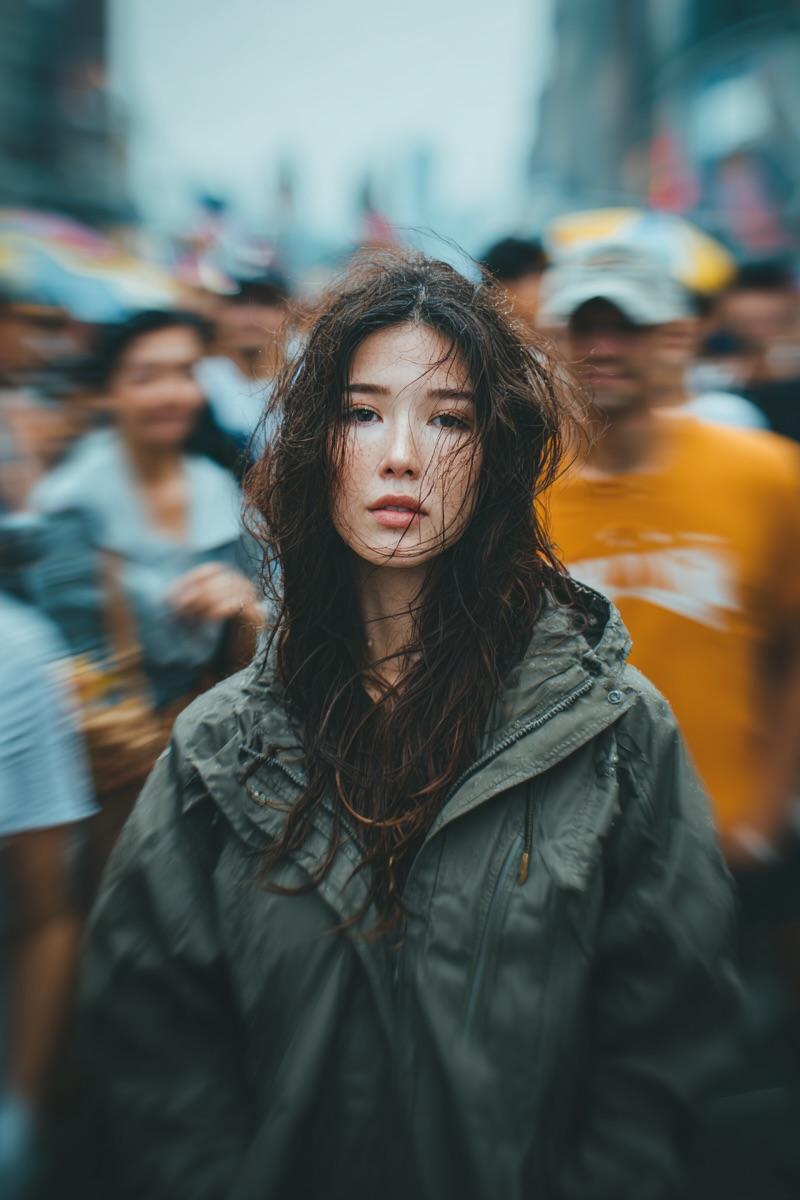
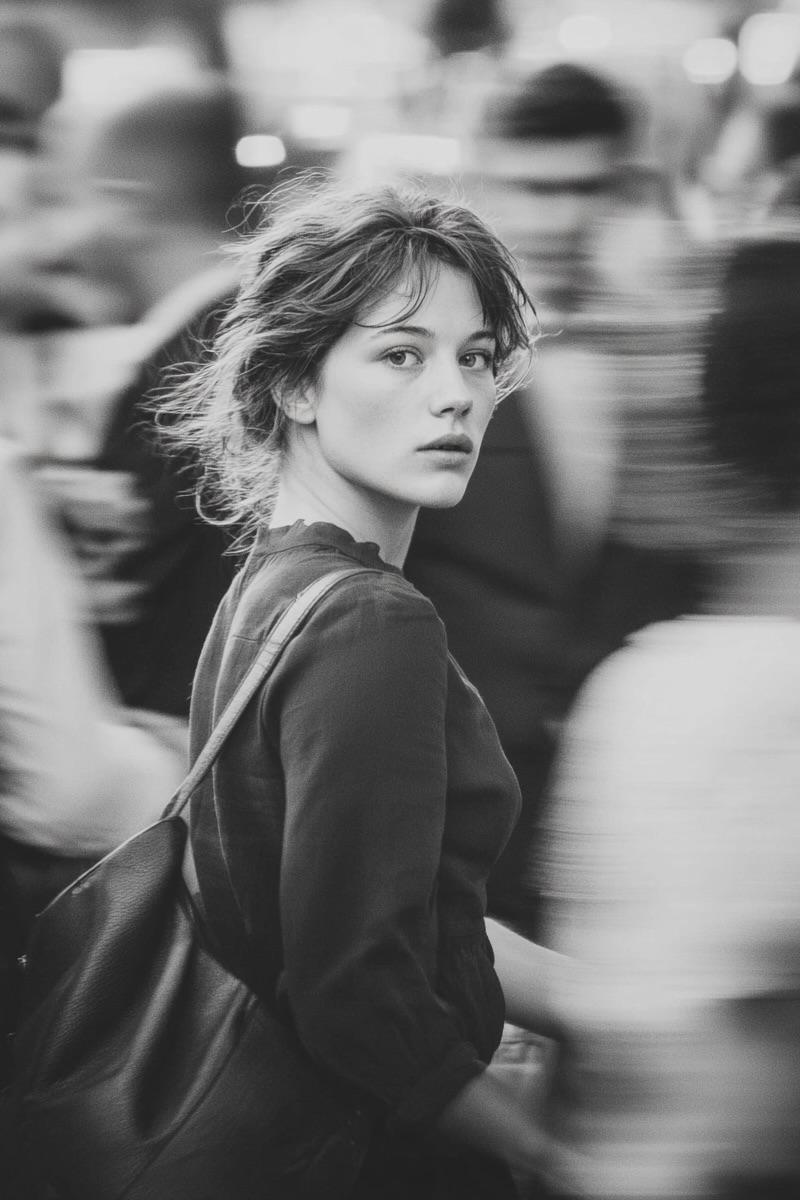
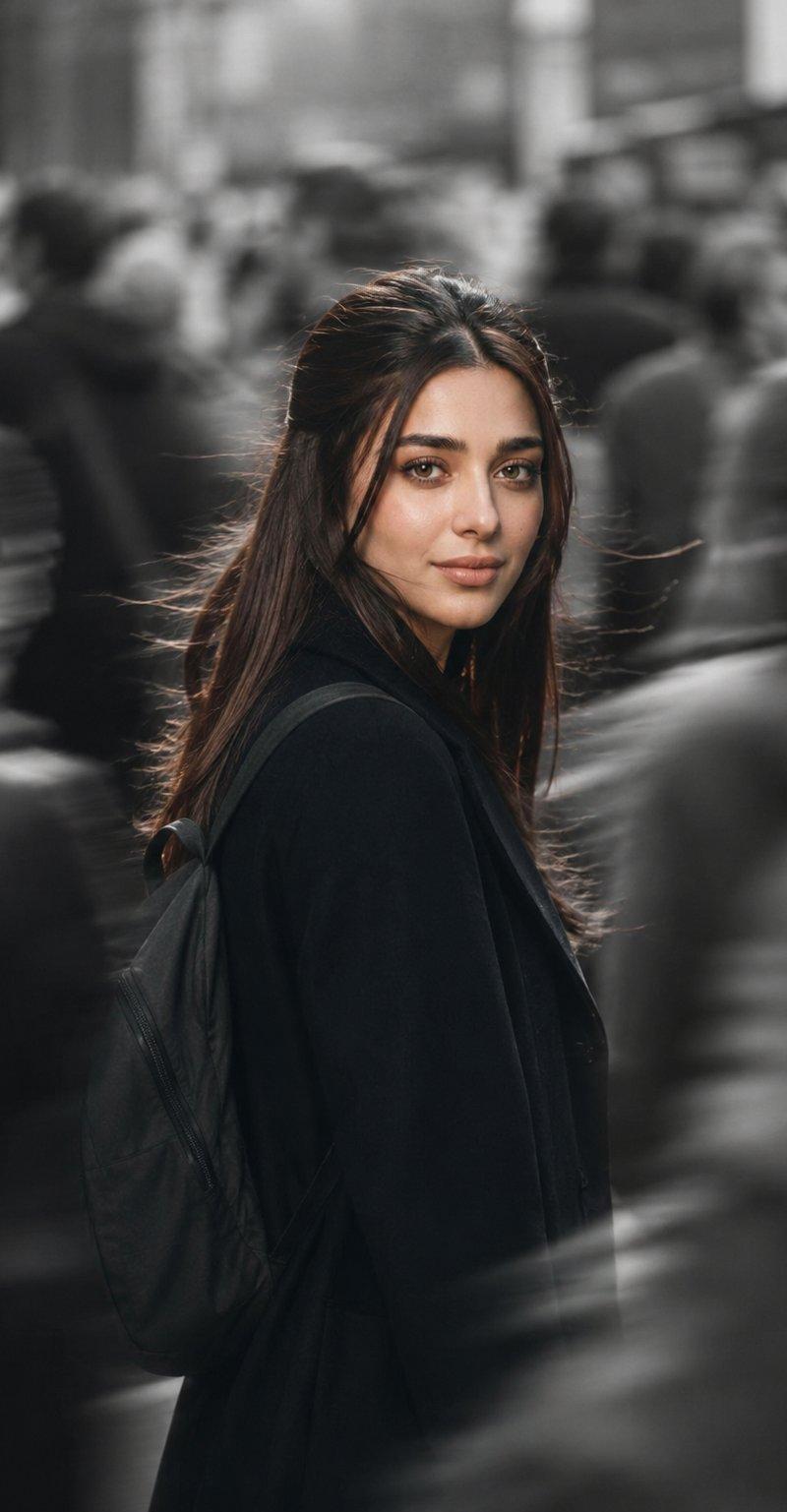
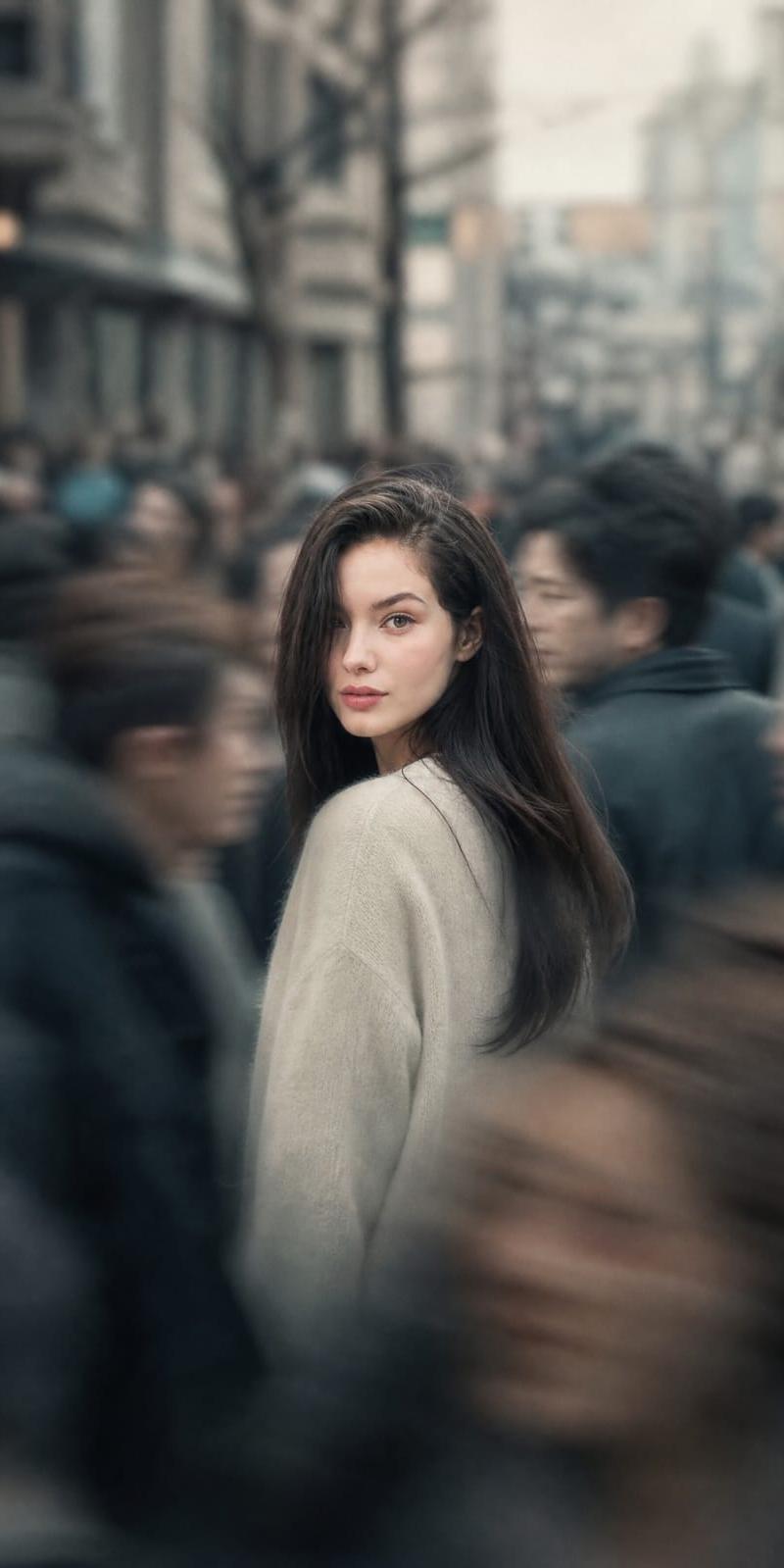
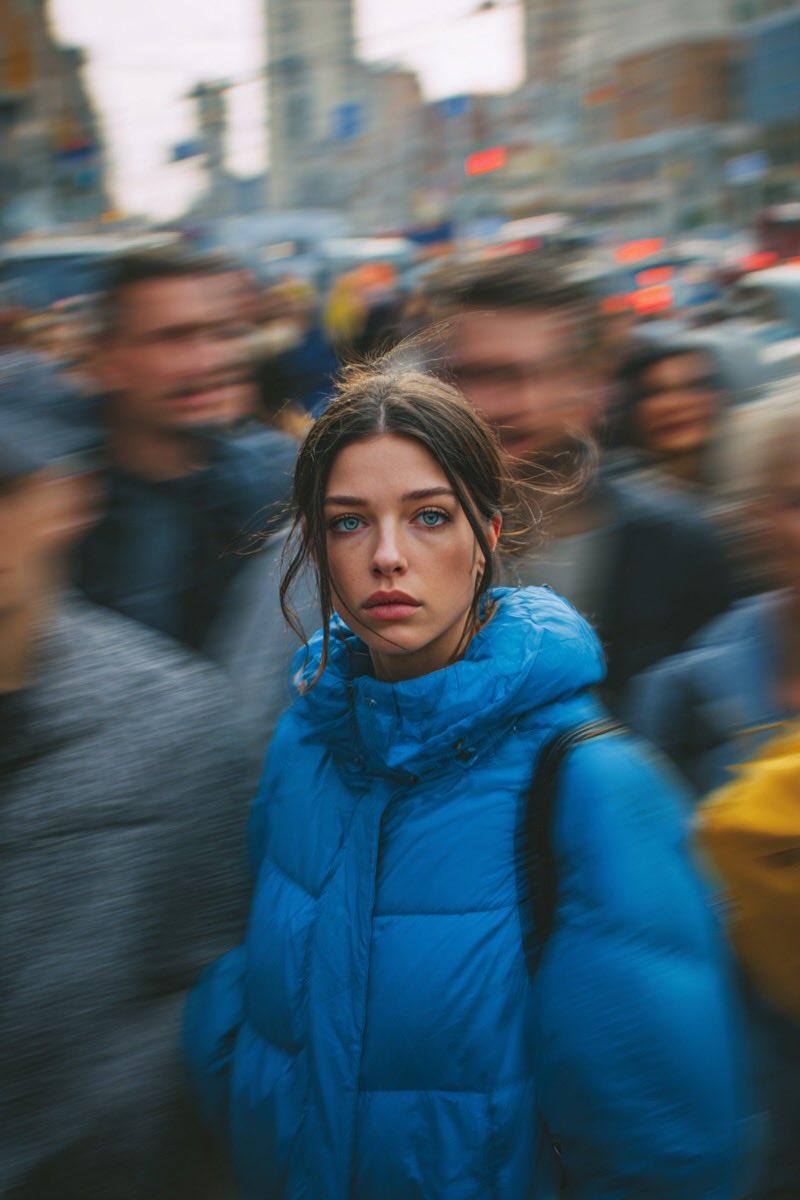
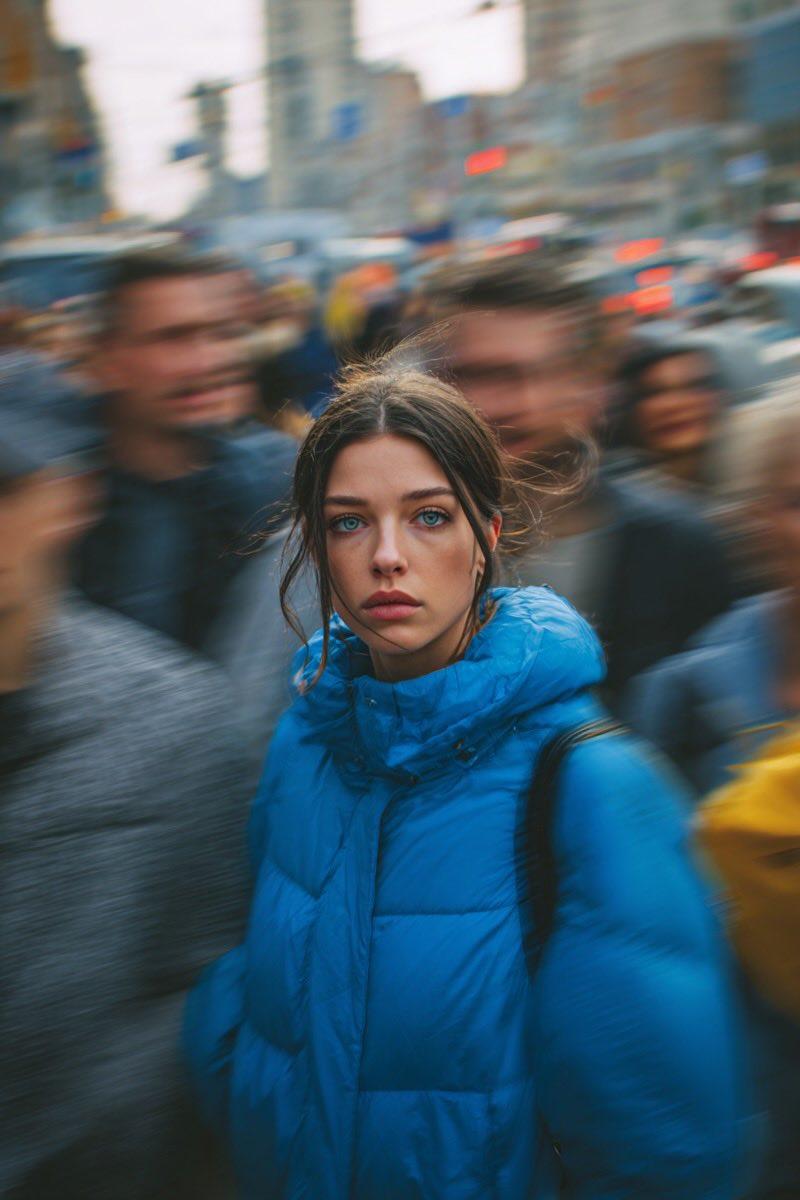
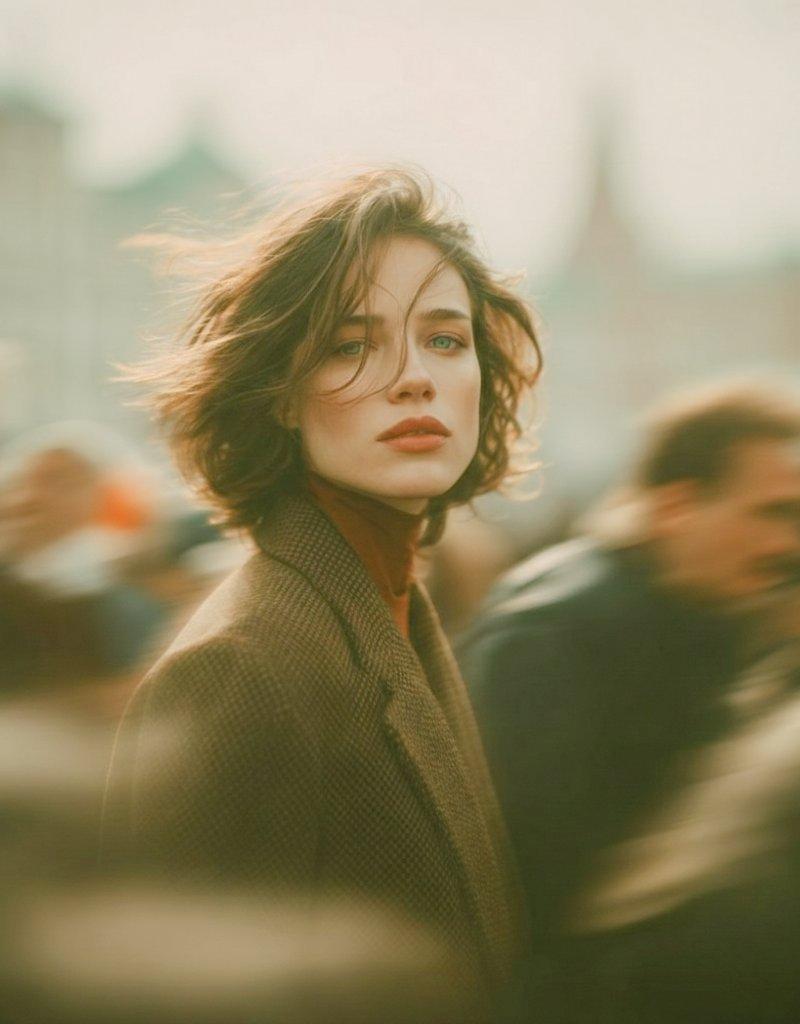
喧嚣都市中静止的复古电影感少女
Enlarge

Example images

喧嚣都市中静止的复古电影感少女

Prompt
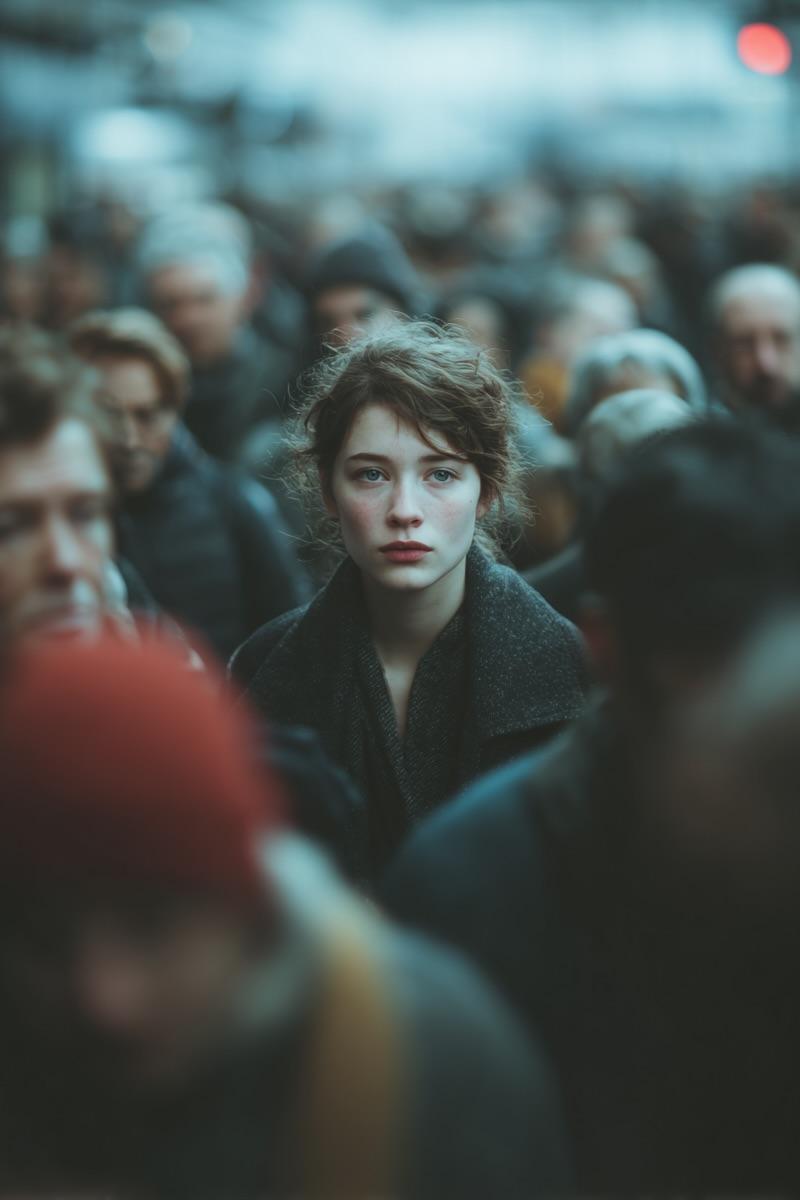
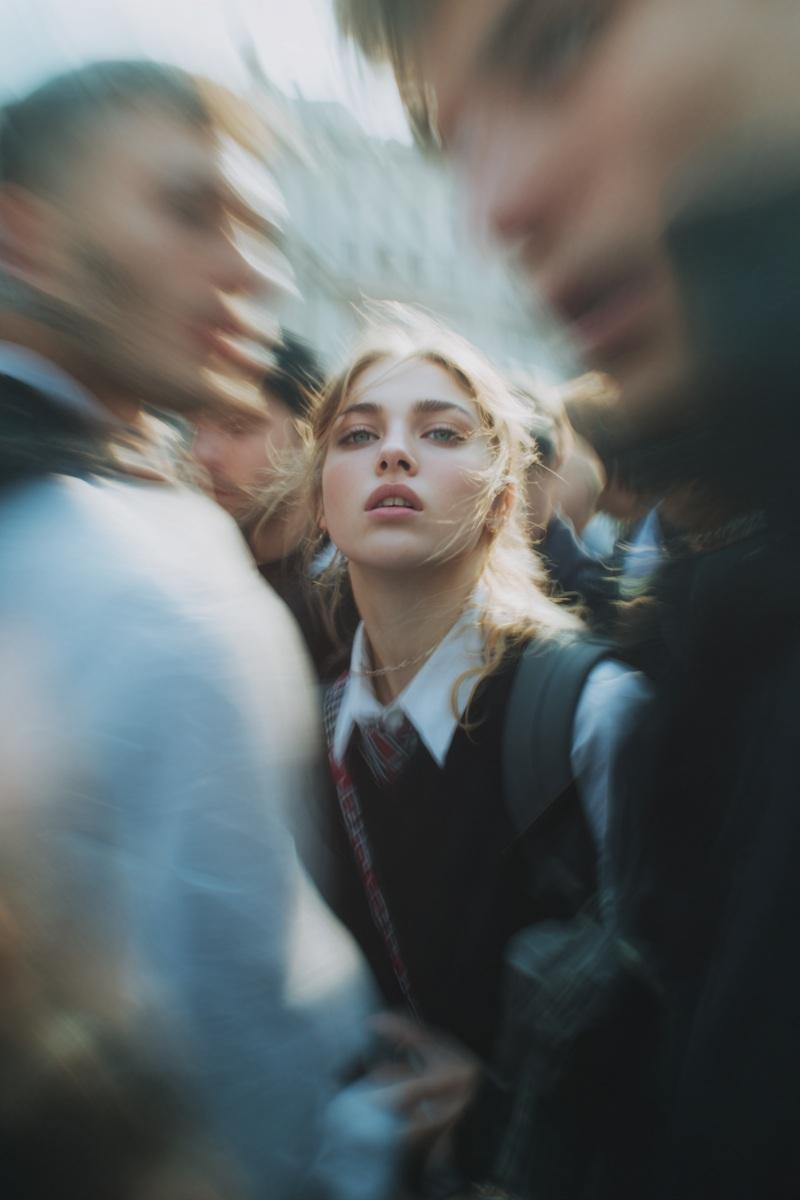
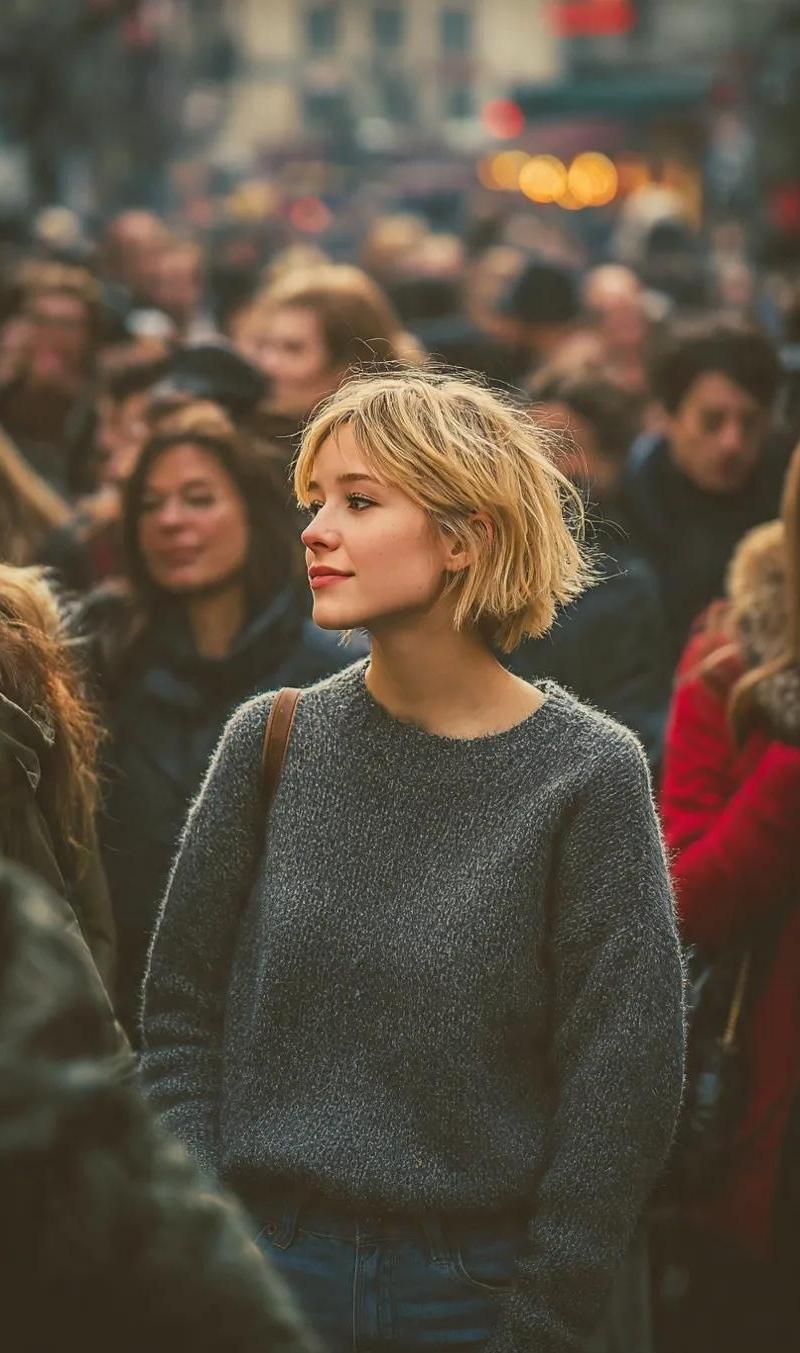
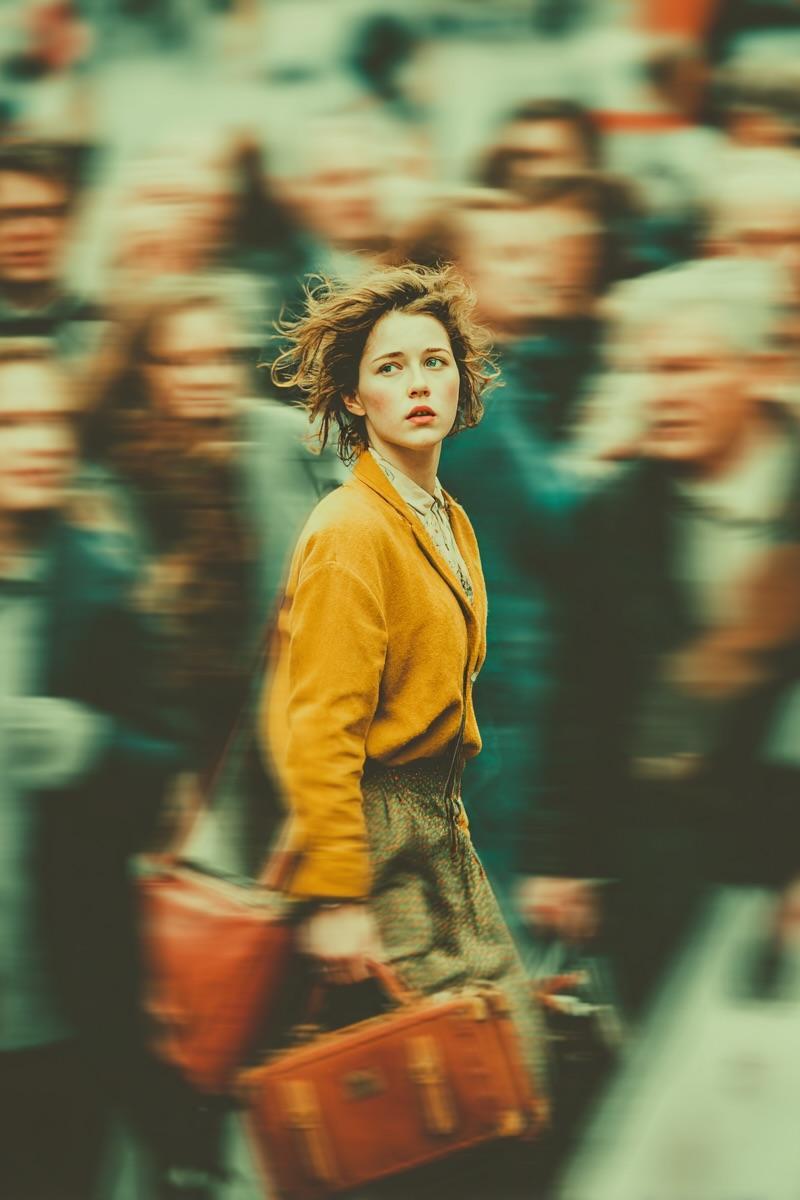
{ "subject": { "description": "Young woman with pale skin", "hair": "Short, softly tousled brown hair blowing in the wind", "expression": "Calm, introspective, looking directly at the camera", "outfit": "Vintage brown wool coat layered over a muted rust turtleneck" }, "setting": { "location": "Middle of a busy city crowd", "dynamics": "Subject standing perfectly still while surrounding crowd is rendered with strong motion blur", "atmosphere": "Dreamy, emotional storytelling, contrast between stillness and chaos" }, "technical": { "style": "Cinematic street portrait, editorial photography style", "camera": "35mm lens look, shallow depth of field", "lighting": "Soft natural daylight", "color_grading": "Warm desaturated tones", "texture": "Subtle film grain, ultra-realistic, high detail" } }
Category
Architecture & Spaces
Model
Nano Banana Pro
Creator
@Taaruk_
Source language
zh-CN
Views2
Source ID
8678
Published
Jun 6, 2026
Studio

Guide

About "喧嚣都市中静止的复古电影感少女"

What is this prompt for?

"喧嚣都市中静止的复古电影感少女" AI image prompt for Nano Banana Pro (Architecture & Spaces). { "subject": { "description": "一位皮肤白皙的年轻女性", "hair": "棕色短发,轻柔蓬松,随风飘动", "expressi…

The full copyable prompt and example visuals above are ready for AI image generation or one-click recreate in Picva.

How to use this prompt

  1. Step 1

    Open the prompt detail

    Review the example visuals, category, and full prompt text for "喧嚣都市中静止的复古电影感少女".

  2. Step 2

    Copy the prompt

    Copy the prompt body from this page, or load it directly in Studio.

  3. Step 3

    Pick a model (Nano Banana Pro)

    Prefer Nano Banana Pro. If you switch models, keep subject and composition and tweak style terms.

  4. Step 4

    Generate and export

    Recreate the look in Picva, or export into your workflow for editing and publishing.

FAQ

What is the "喧嚣都市中静止的复古电影感少女" prompt?
It is an AI image-generation prompt for Nano Banana Pro in the Architecture & Spaces category. This page includes the full prompt text, example visuals, and a one-click recreate path in Picva.
How do I use this prompt to generate an image?
Copy the prompt from this page, or use Generate / Studio. Paste it into a compatible image model, or recreate the look in Picva with optional reference images.
Which model is this prompt for?
This page lists Nano Banana Pro. Most descriptive prompts also transfer to nearby image models such as GPT Image, Flux, or Midjourney with light style tweaks.
Can I use the result commercially?
You can usually copy the prompt for creation, but commercial use of the final image depends on the model terms, reference-image rights, and the generated content. Follow the source author and platform rules.