19

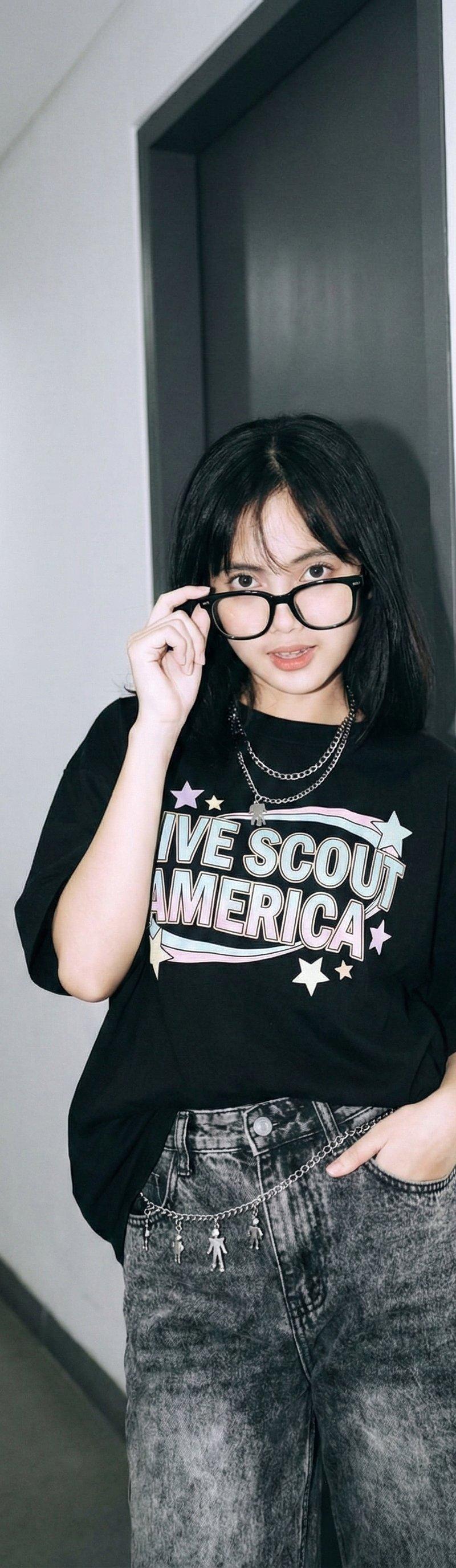
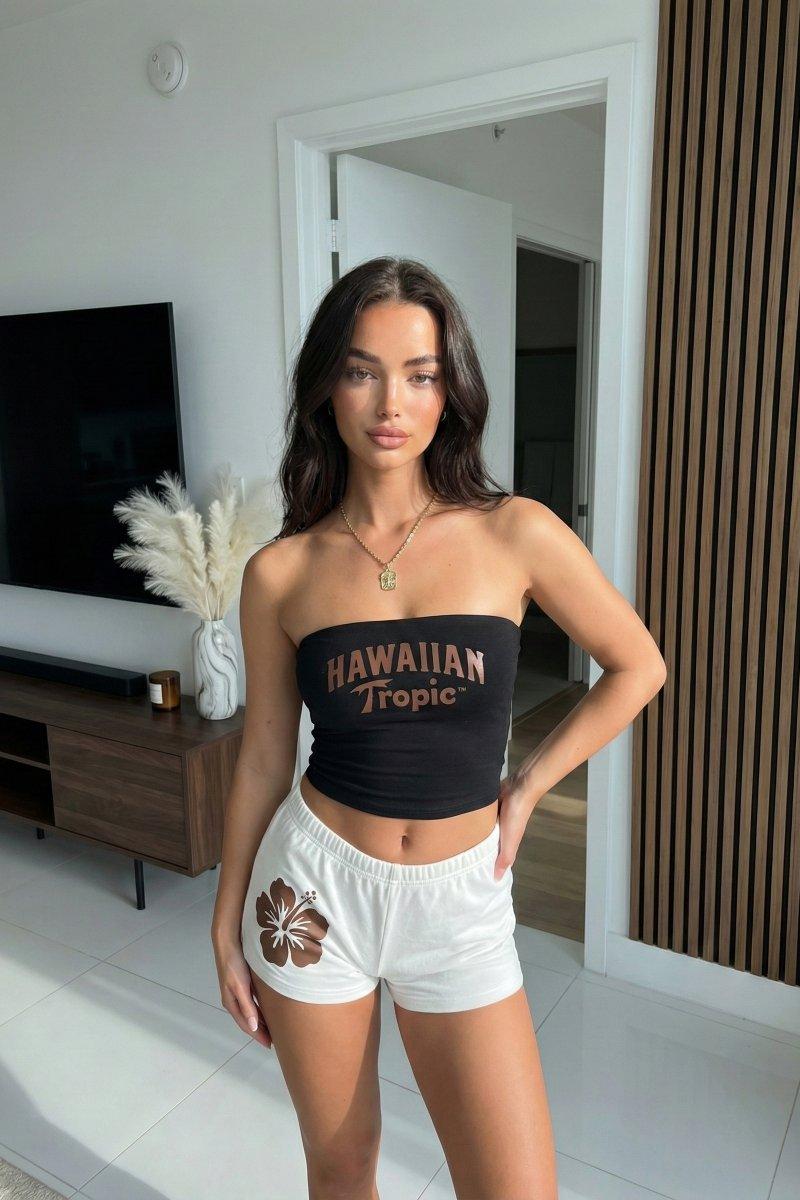
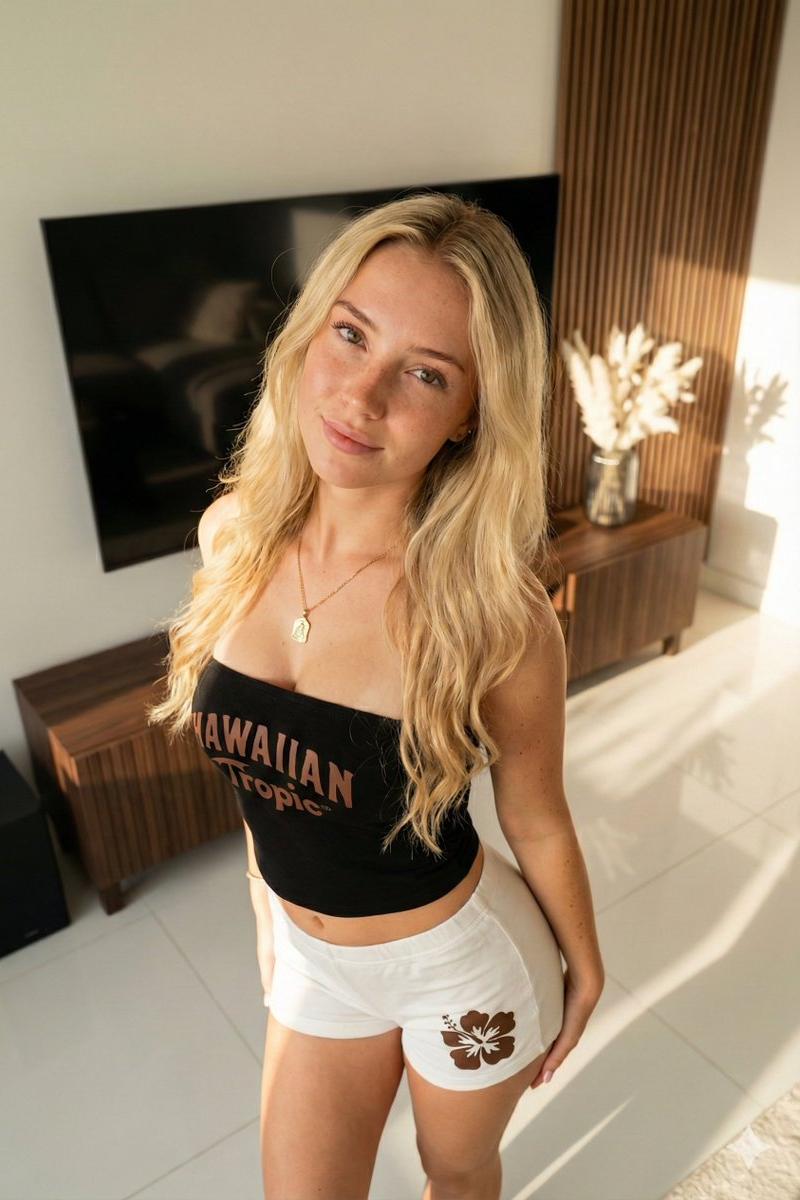
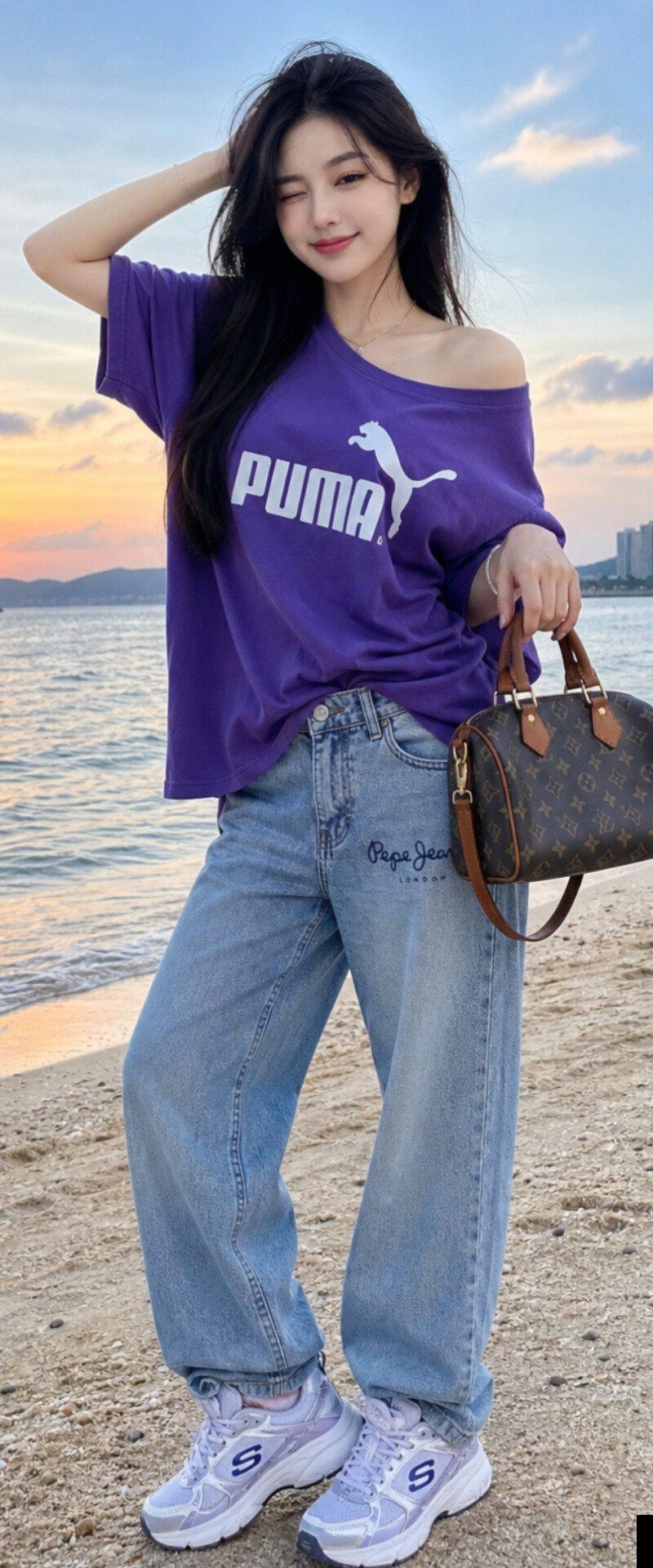
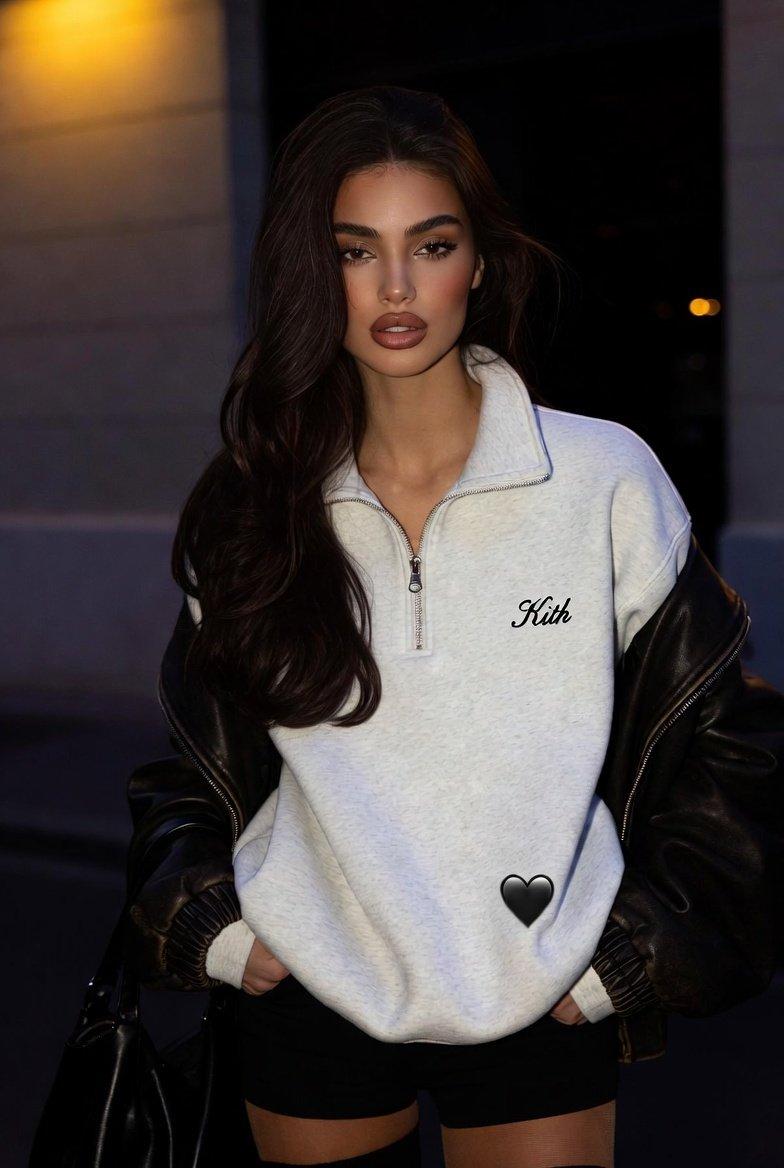
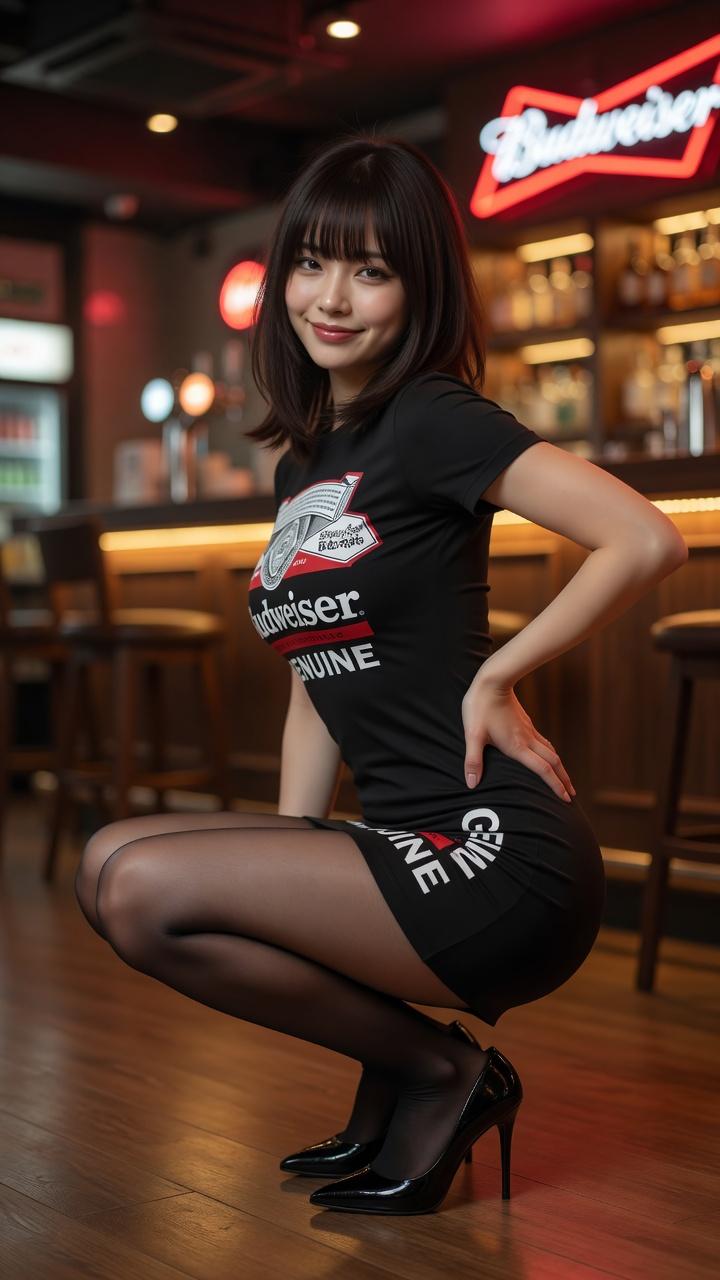
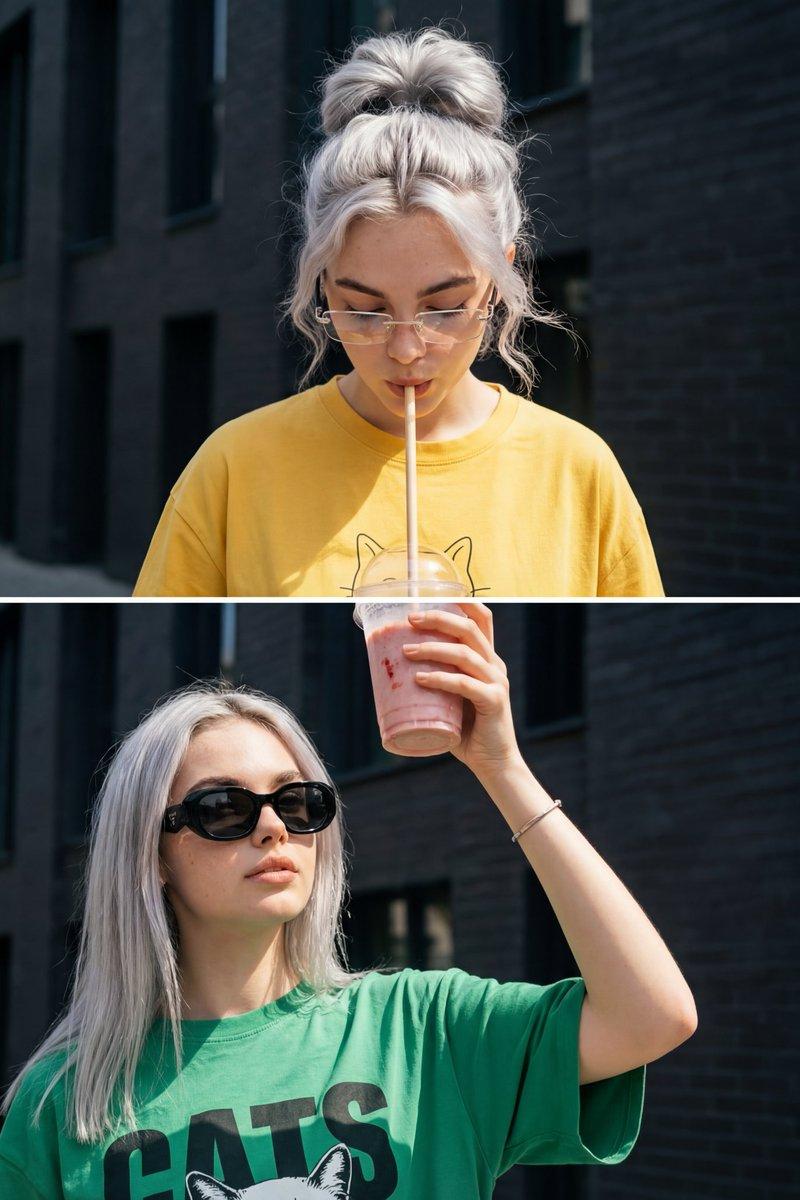
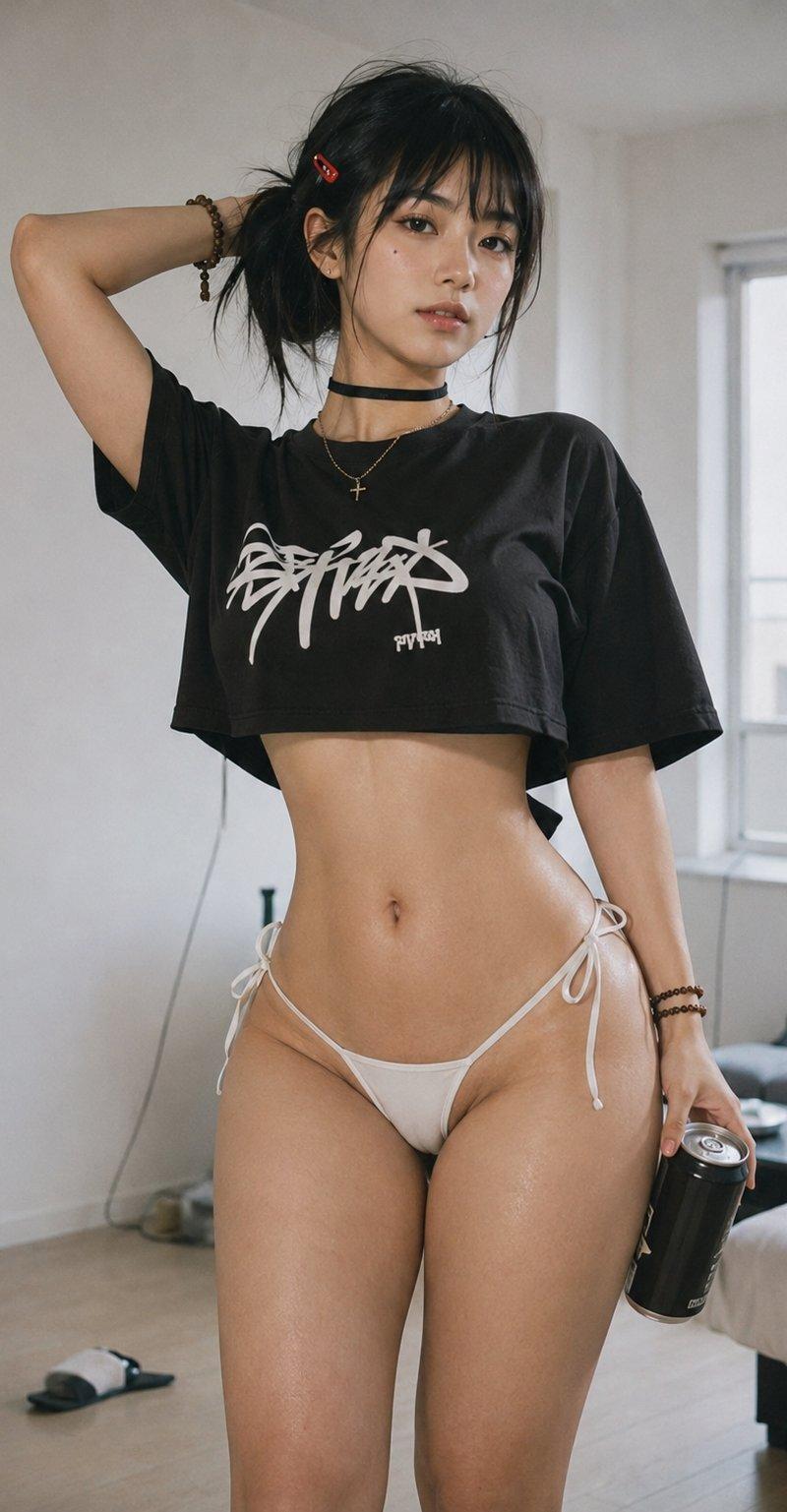
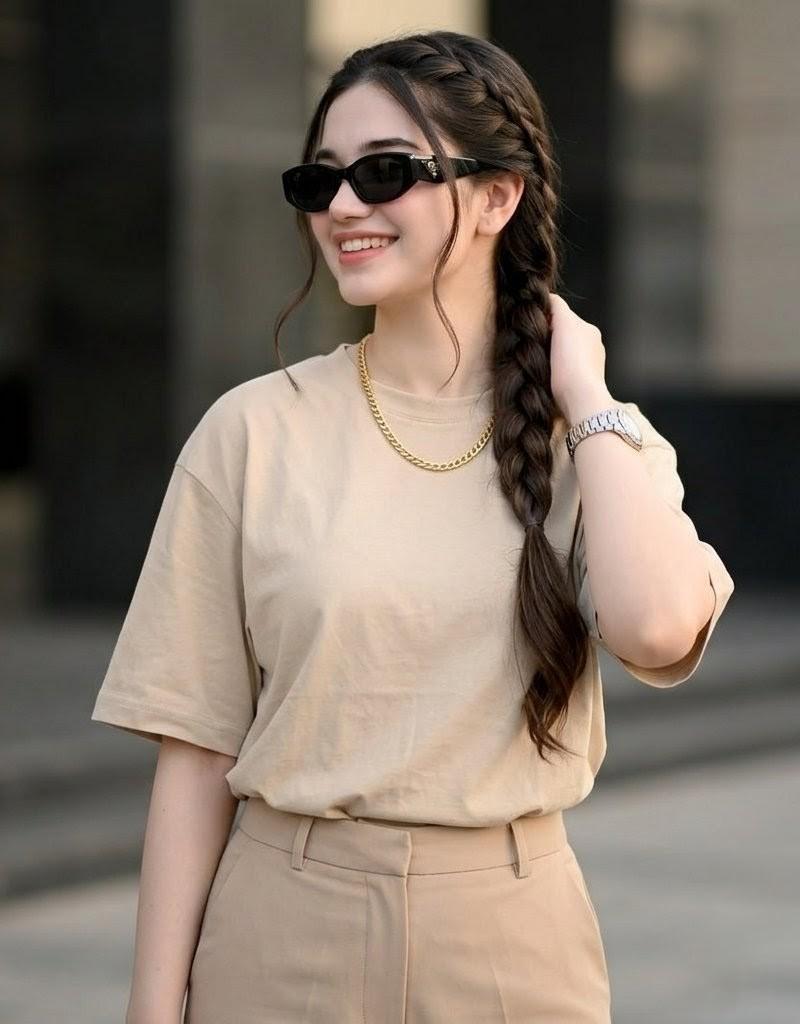
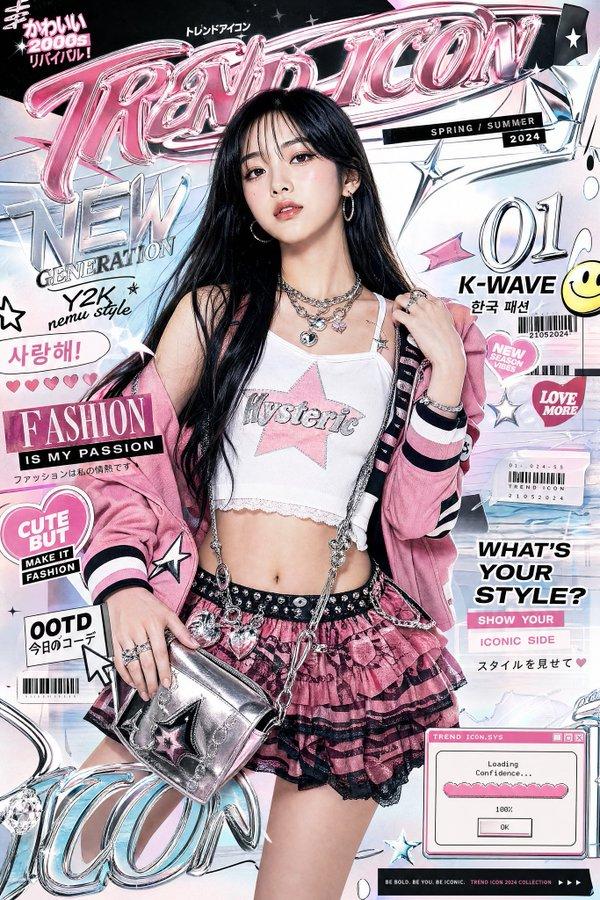
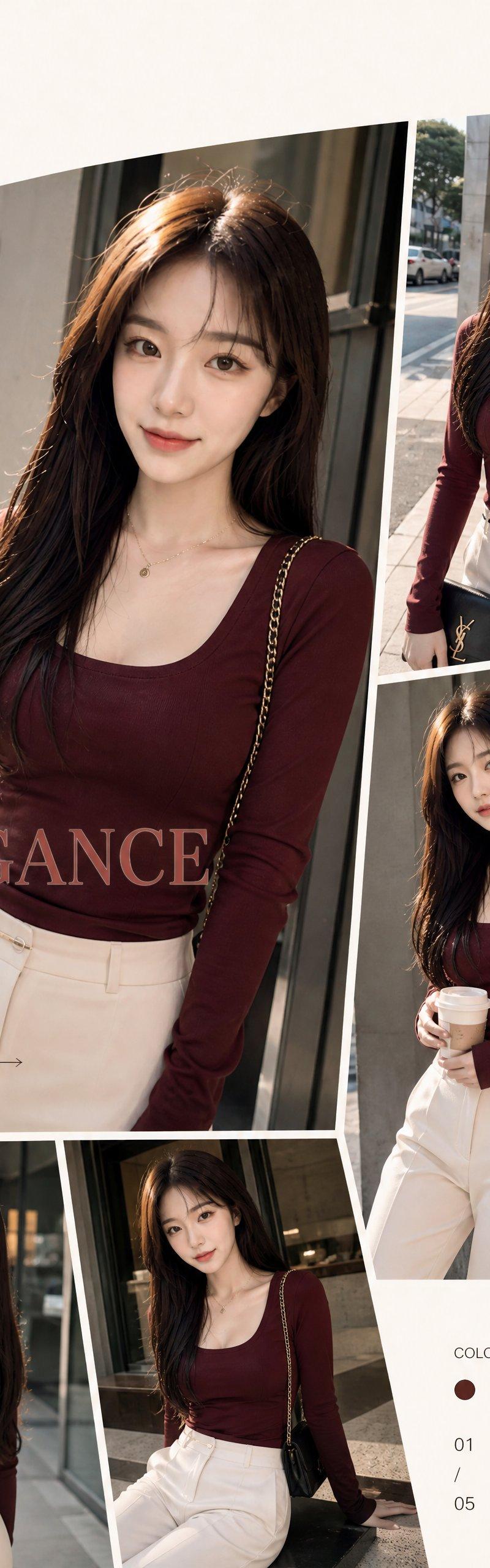
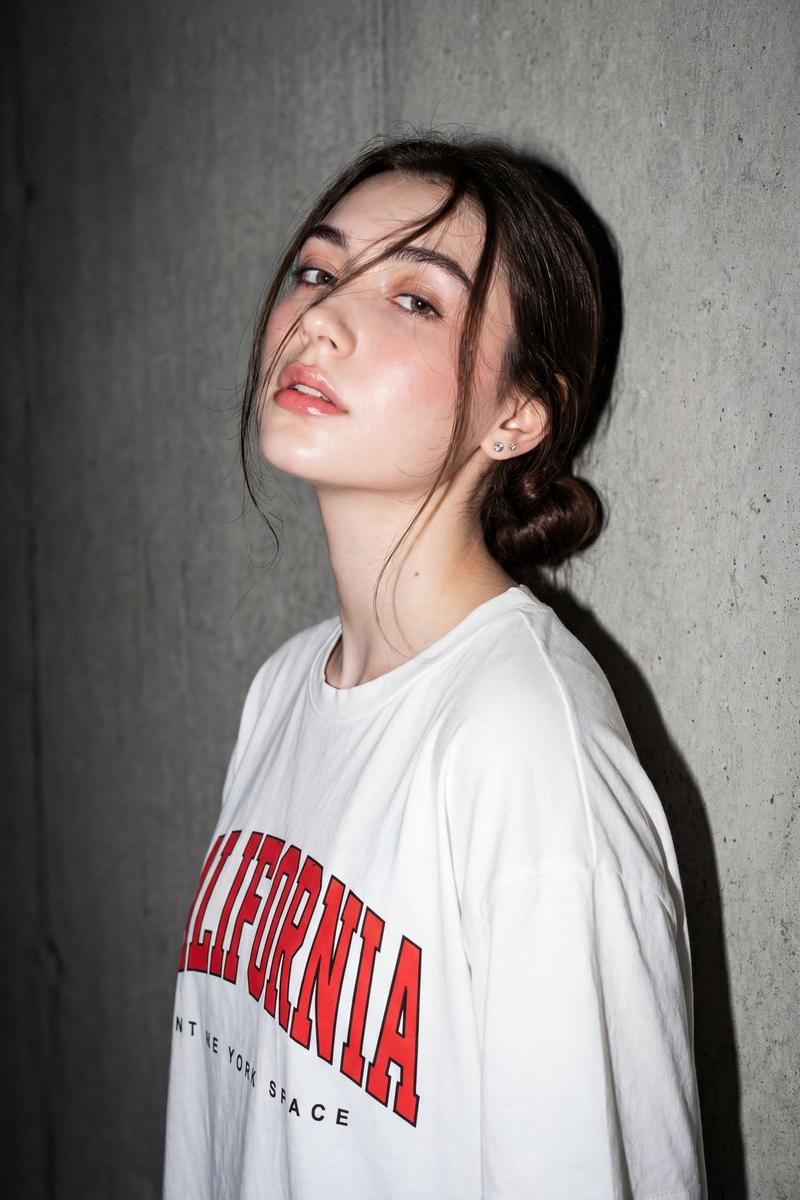
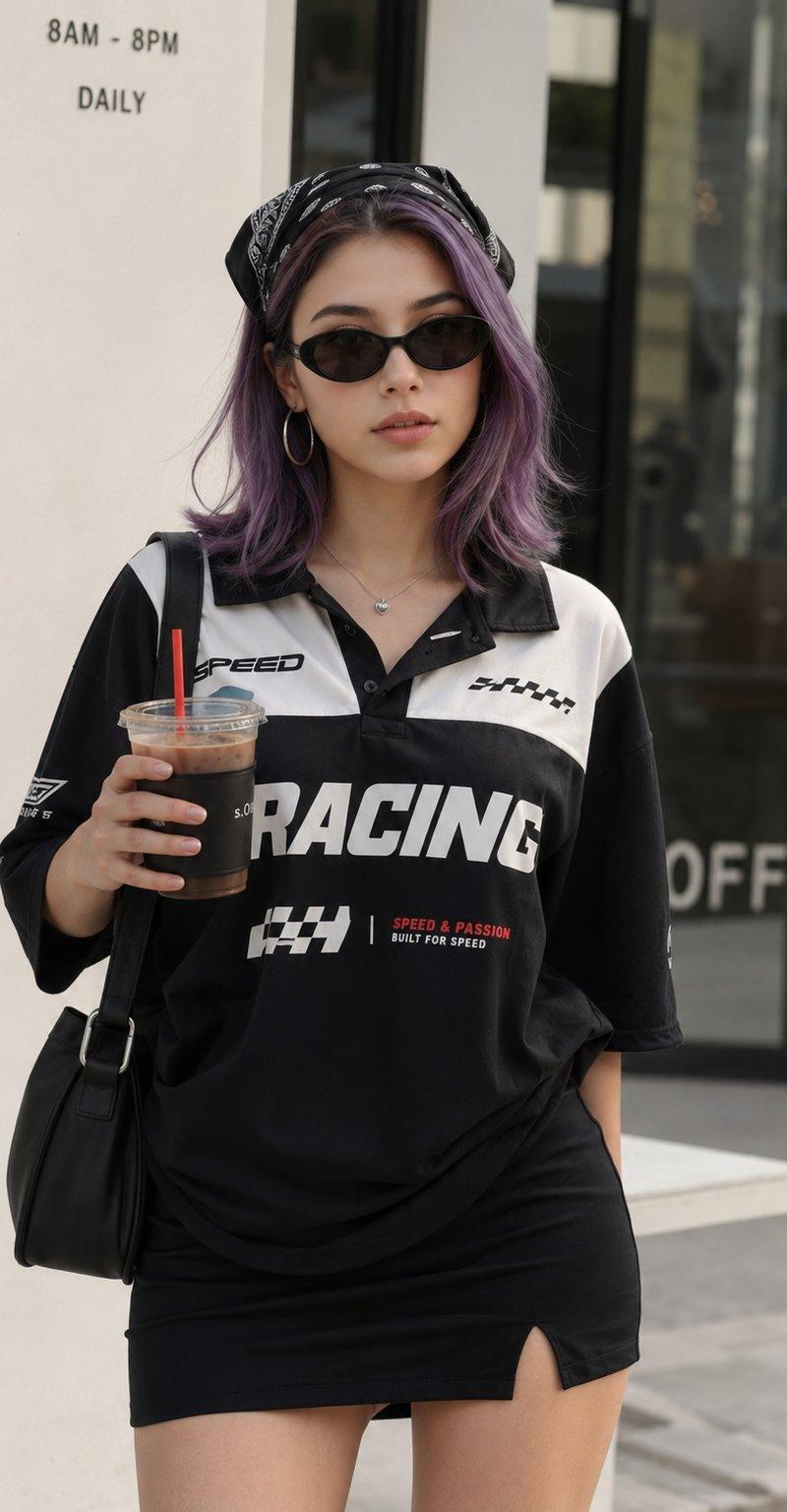
咖啡馆外的紫色短发时尚女性街拍
Enlarge

Example images

咖啡馆外的紫色短发时尚女性街拍

Prompt
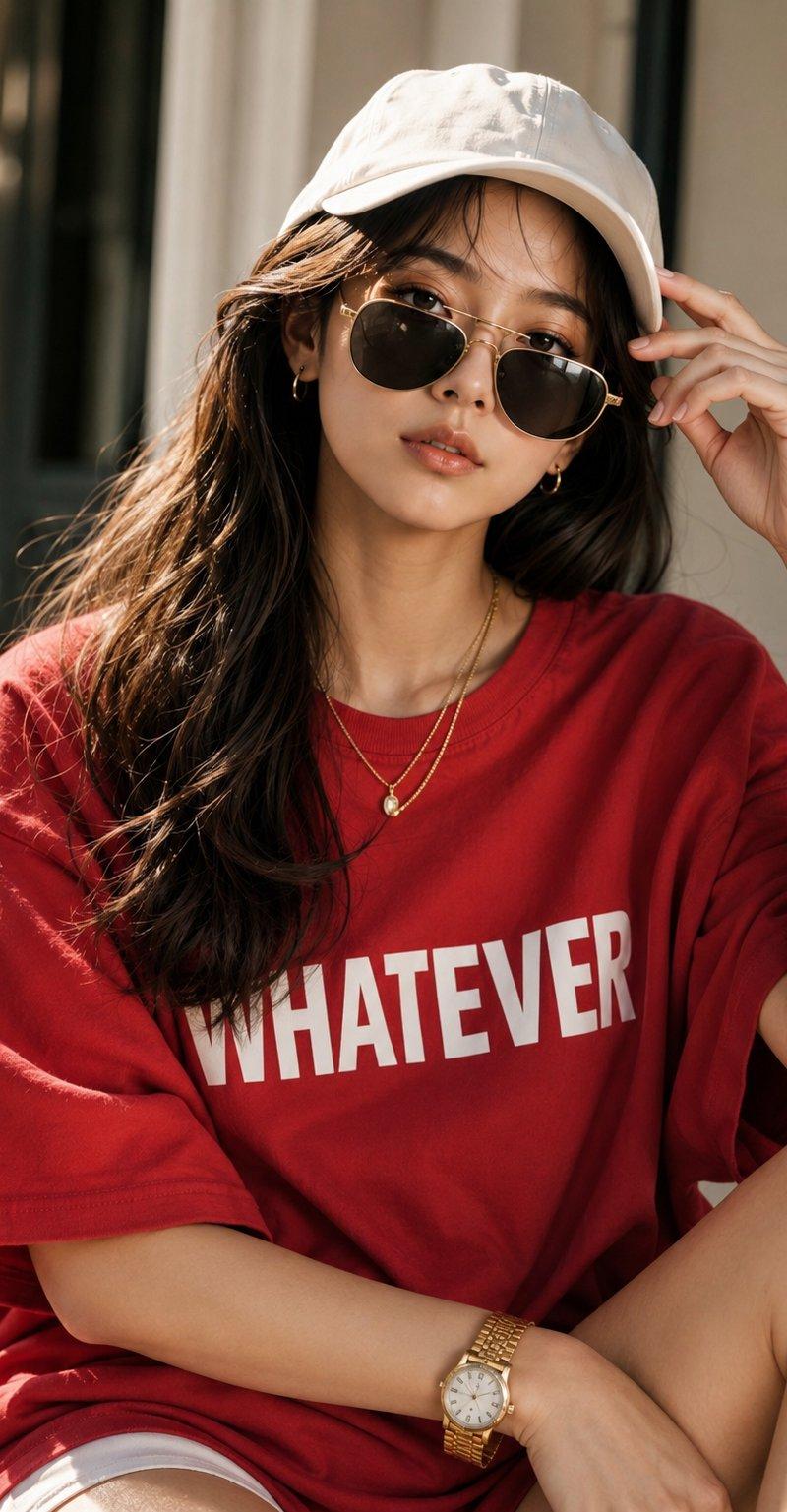
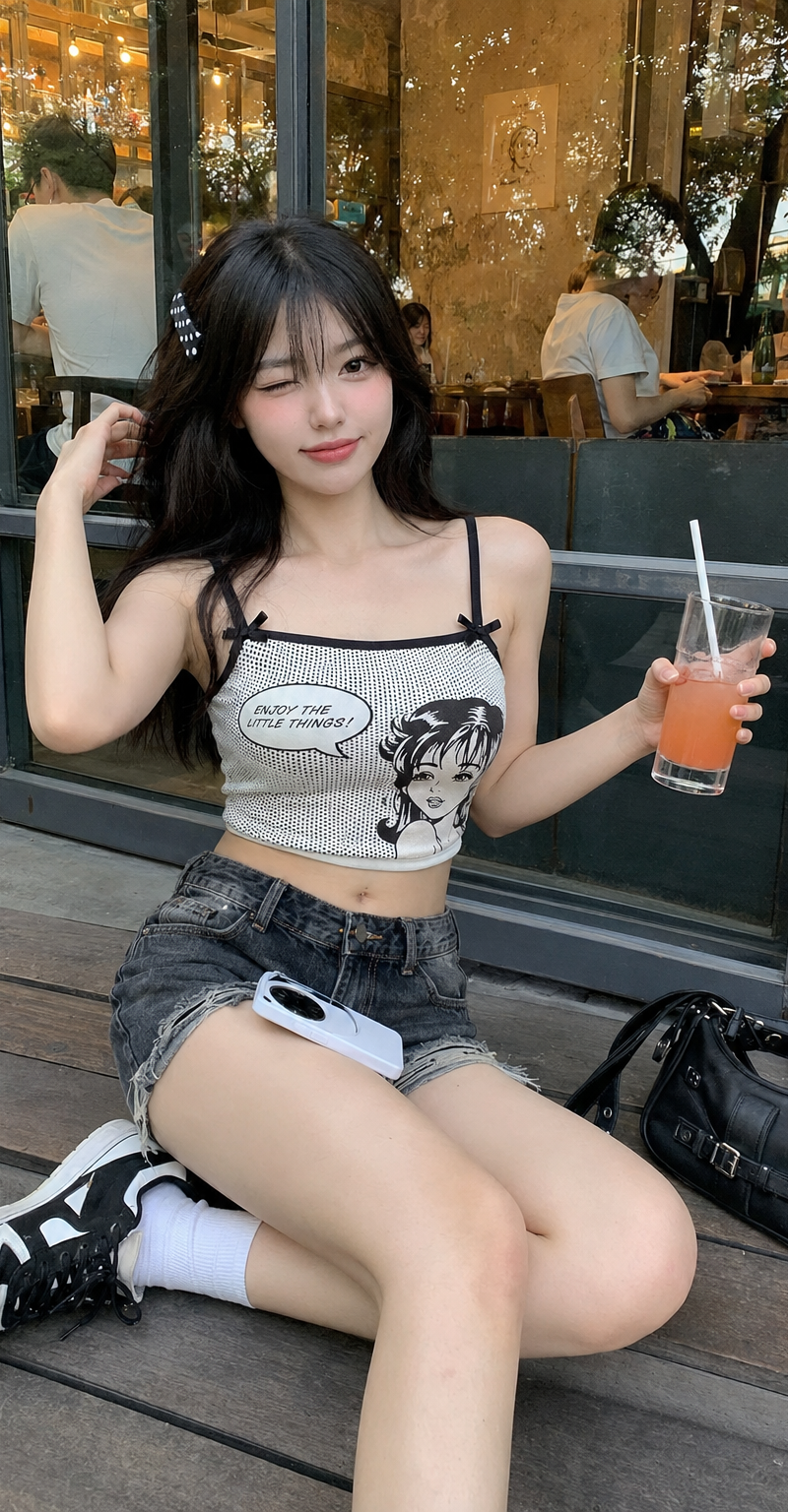
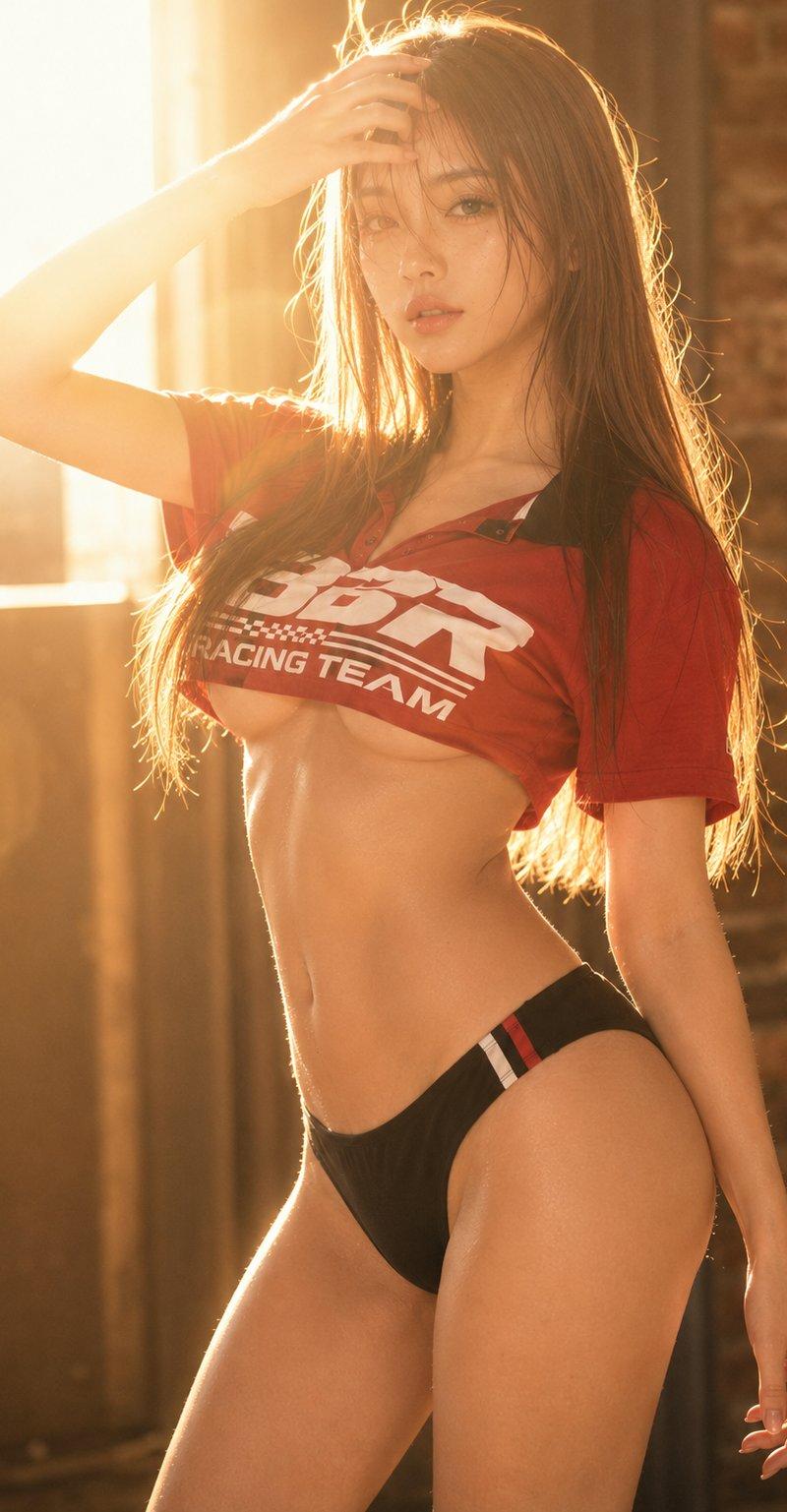
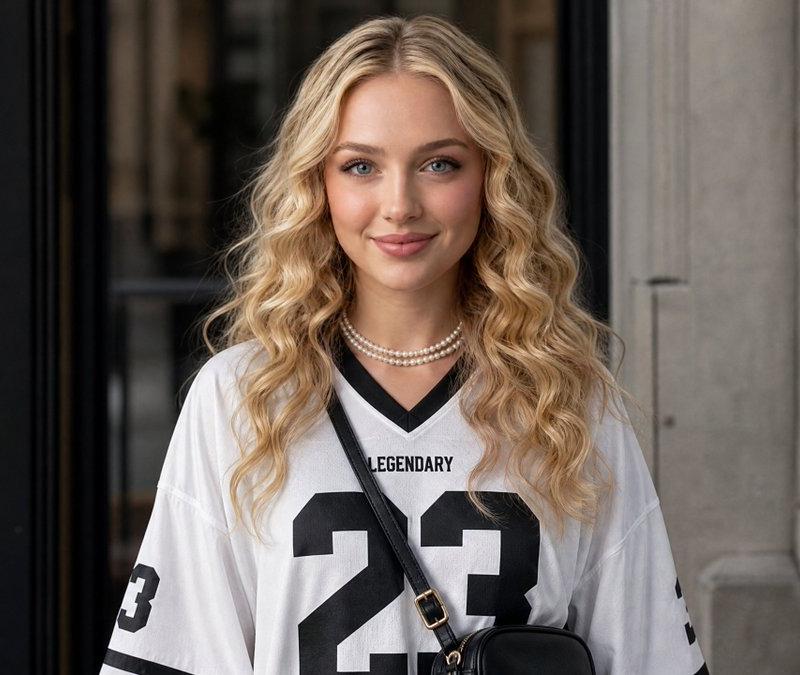
A stylish young woman standing outside a modern minimalist coffee shop, holding a plastic cup of iced coffee with a red straw. She has short shoulder-length lavender-purple hair, a black paisley bandana, small oval black sunglasses, silver hoop earrings, and a delicate necklace. Wearing an oversized black-and-white motorsport-inspired polo shirt with bold typography and a fitted black mini skirt with a side slit. Soft natural daylight, clean white background, shallow depth of field, high-end street fashion photography, candid pose, ultra-realistic skin texture, sharp focus, professional DSLR, bokeh background, fashion editorial style, 85mm lens, f/1.8, high resolution, photorealistic.
Category
Charts & Infographics
Model
ChatGPT
Creator
@AvelyrahnAI
Source language
zh-CN
Views42
Source ID
15829
Published
Jun 11, 2026
Studio

Guide

About "咖啡馆外的紫色短发时尚女性街拍"

What is this prompt for?

"咖啡馆外的紫色短发时尚女性街拍" AI image prompt for ChatGPT (Charts & Infographics). 一位时尚的年轻女性站在现代极简主义咖啡馆外,手里拿着一杯带有红色吸管的塑料杯装冰咖啡。她留着齐肩的淡紫色短发,戴着黑色佩斯利花纹头巾、黑色小椭圆墨镜、银色耳环和精致的项链。穿着…

The full copyable prompt and example visuals above are ready for AI image generation or one-click recreate in Picva.

How to use this prompt

  1. Step 1

    Open the prompt detail

    Review the example visuals, category, and full prompt text for "咖啡馆外的紫色短发时尚女性街拍".

  2. Step 2

    Copy the prompt

    Copy the prompt body from this page, or load it directly in Studio.

  3. Step 3

    Pick a model (ChatGPT)

    Prefer ChatGPT. If you switch models, keep subject and composition and tweak style terms.

  4. Step 4

    Generate and export

    Recreate the look in Picva, or export into your workflow for editing and publishing.

FAQ

What is the "咖啡馆外的紫色短发时尚女性街拍" prompt?
It is an AI image-generation prompt for ChatGPT in the Charts & Infographics category. This page includes the full prompt text, example visuals, and a one-click recreate path in Picva.
How do I use this prompt to generate an image?
Copy the prompt from this page, or use Generate / Studio. Paste it into a compatible image model, or recreate the look in Picva with optional reference images.
Which model is this prompt for?
This page lists ChatGPT. Most descriptive prompts also transfer to nearby image models such as GPT Image, Flux, or Midjourney with light style tweaks.
Can I use the result commercially?
You can usually copy the prompt for creation, but commercial use of the final image depends on the model terms, reference-image rights, and the generated content. Follow the source author and platform rules.