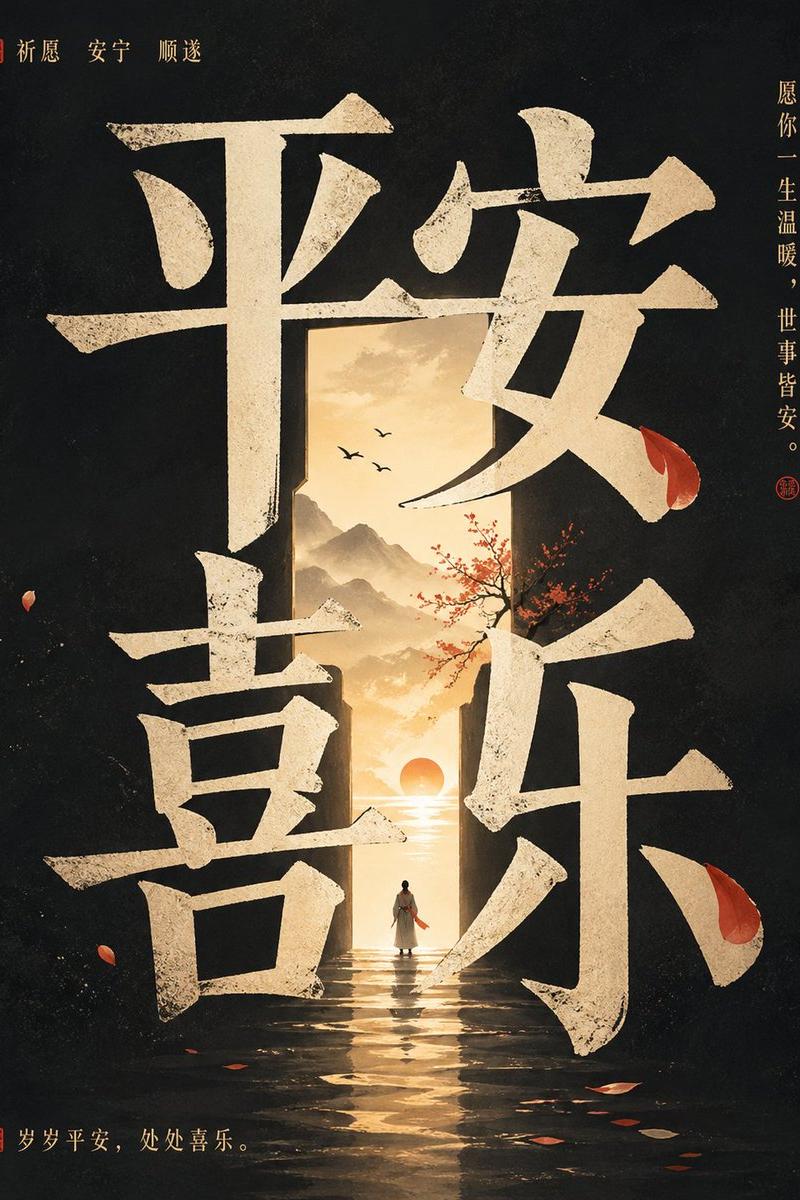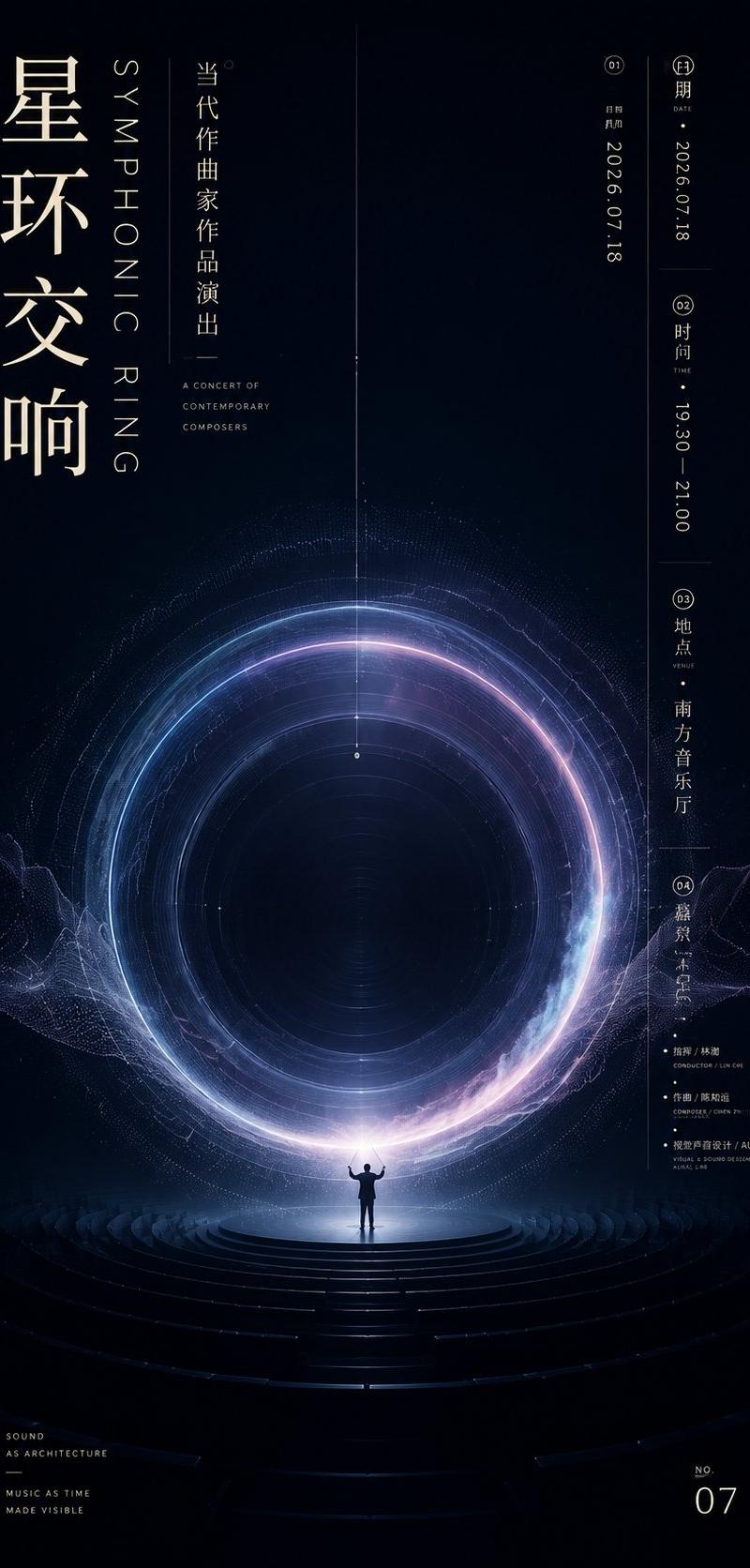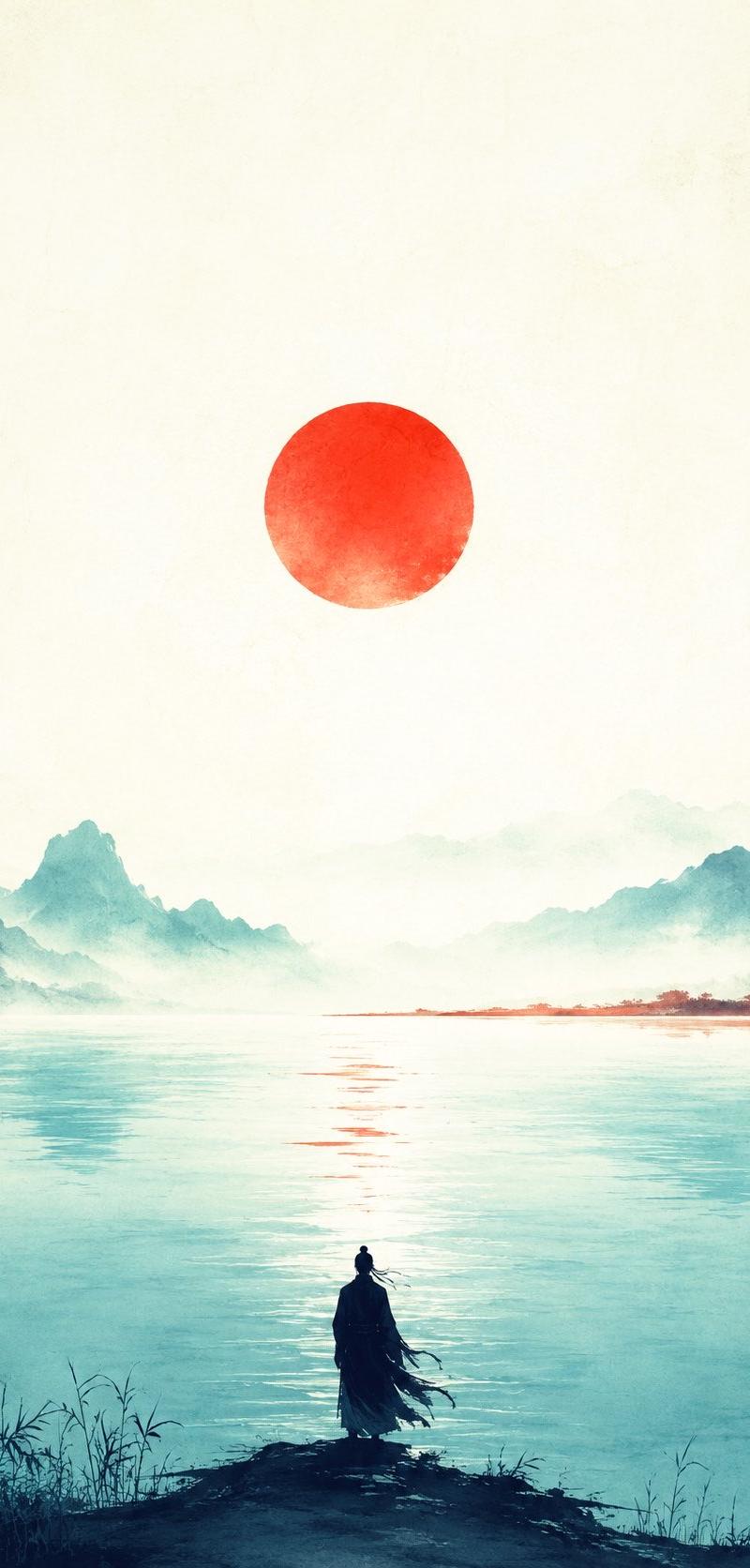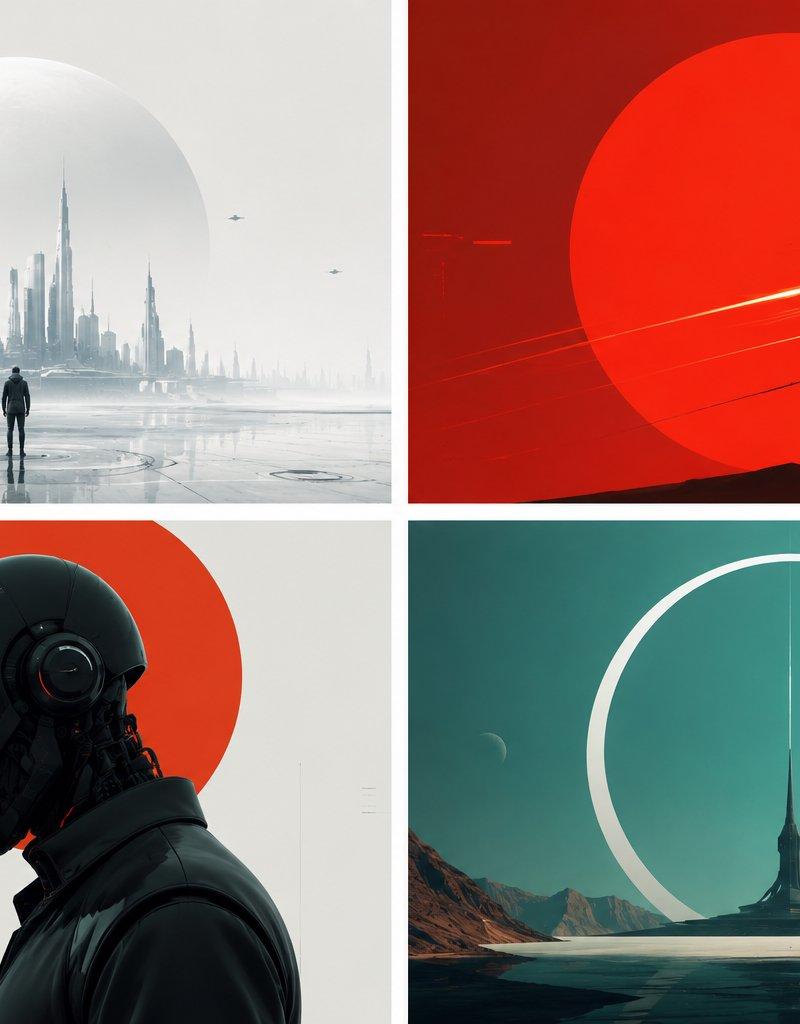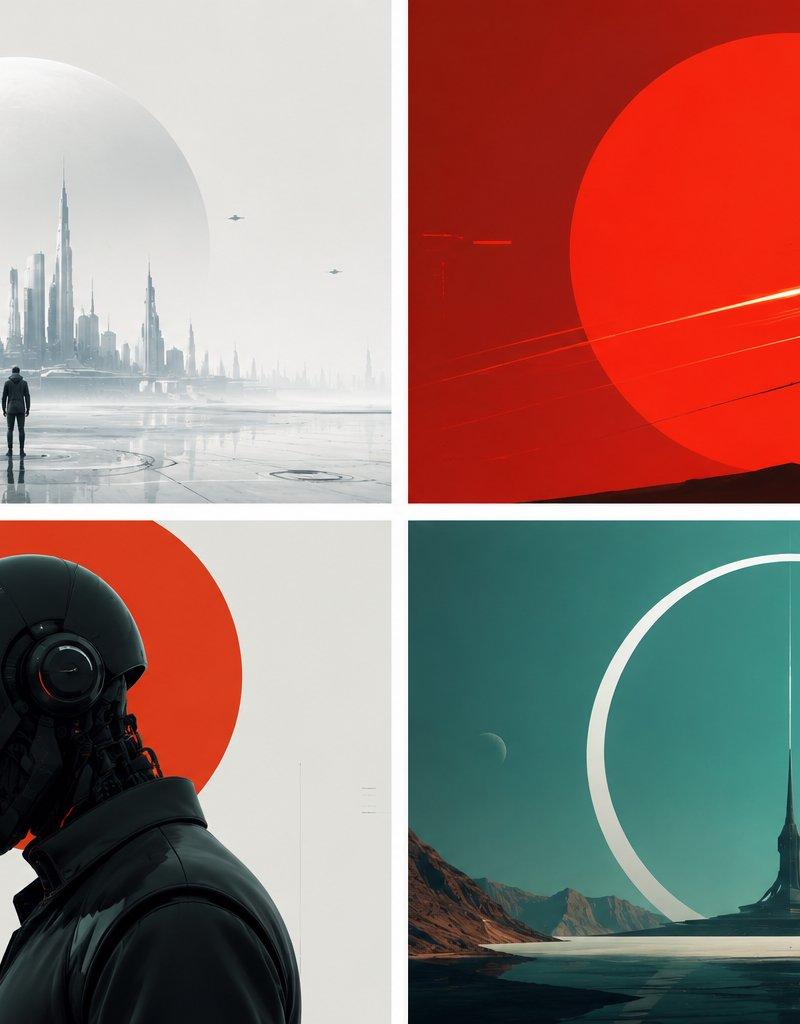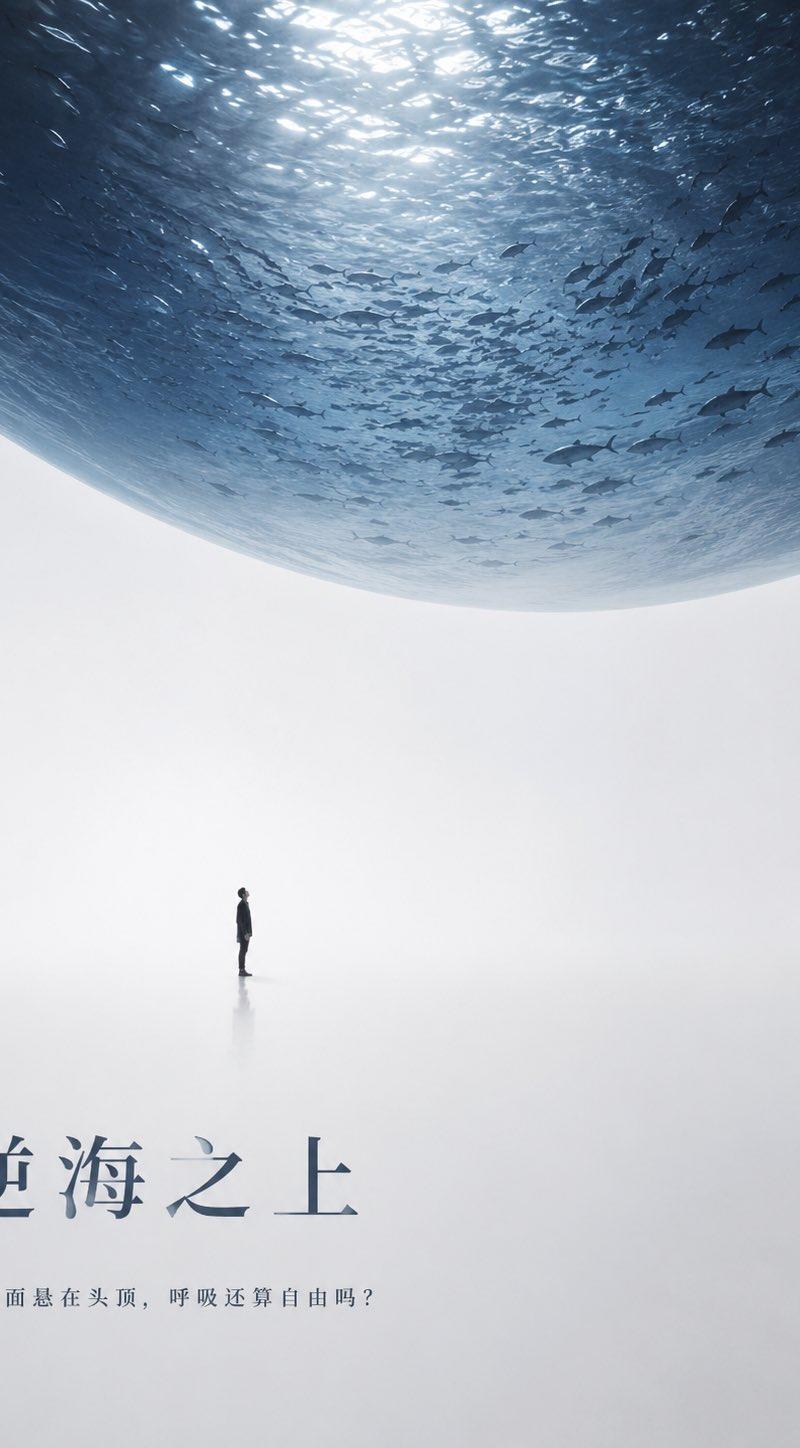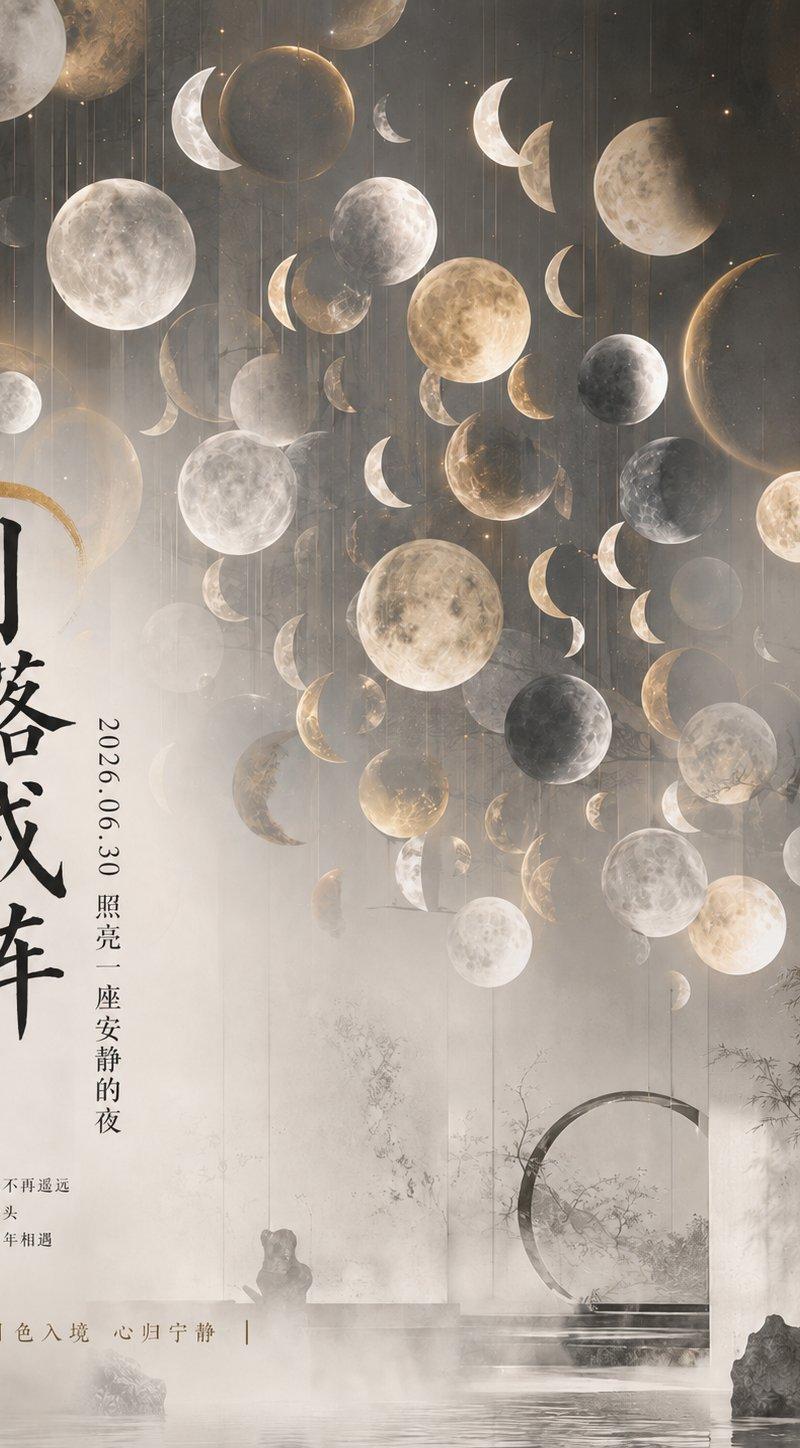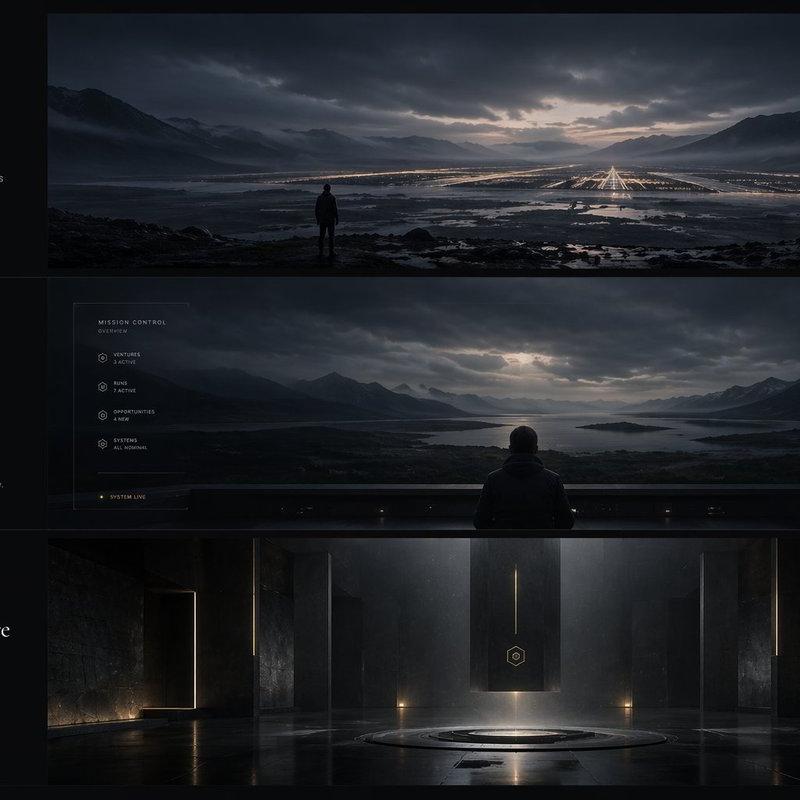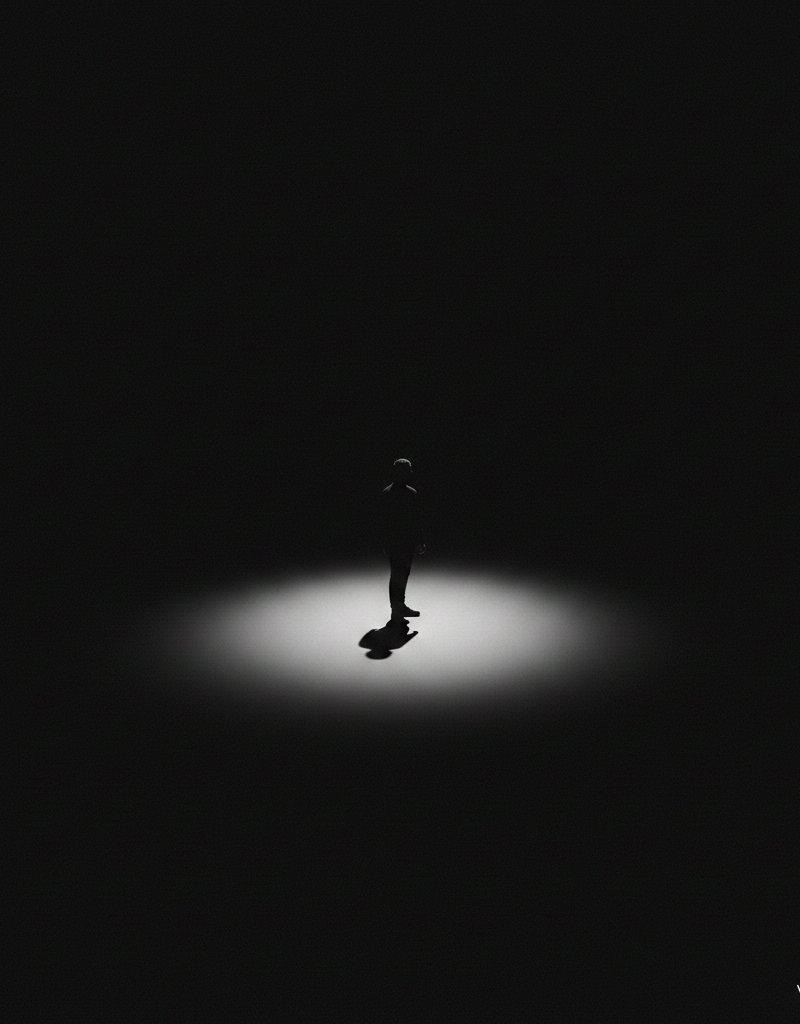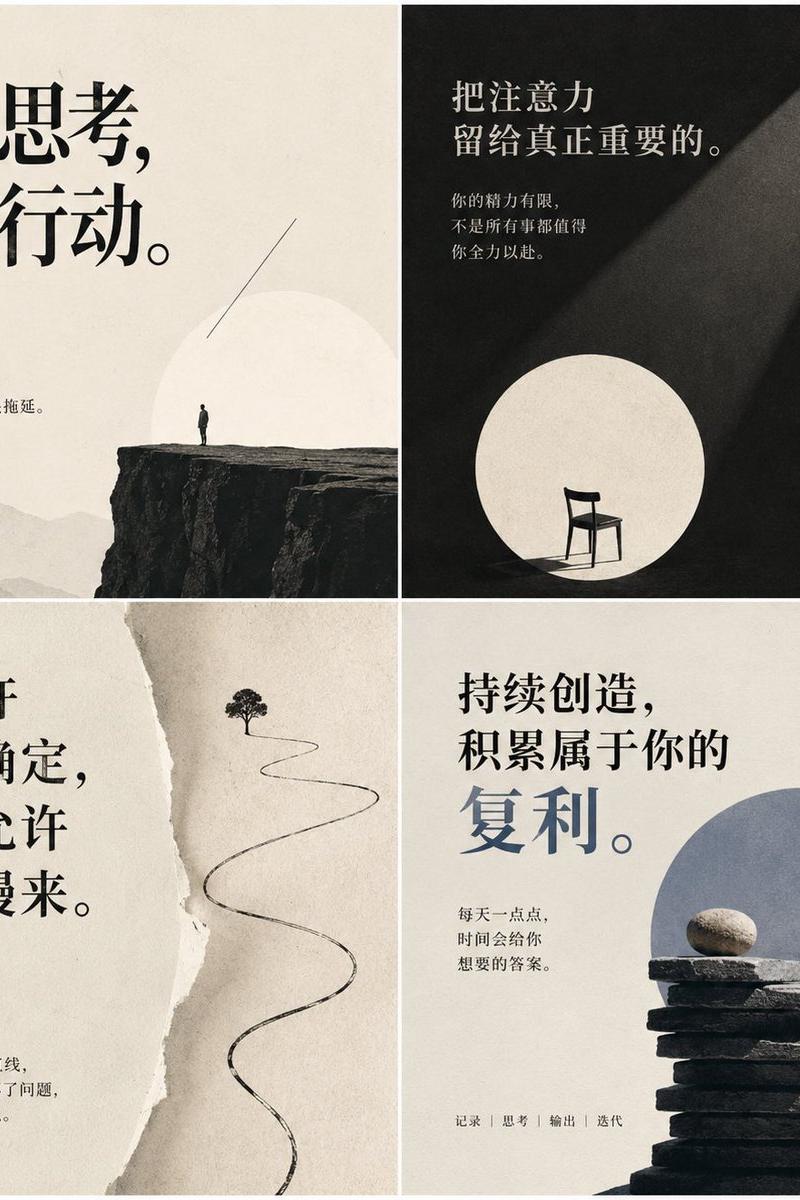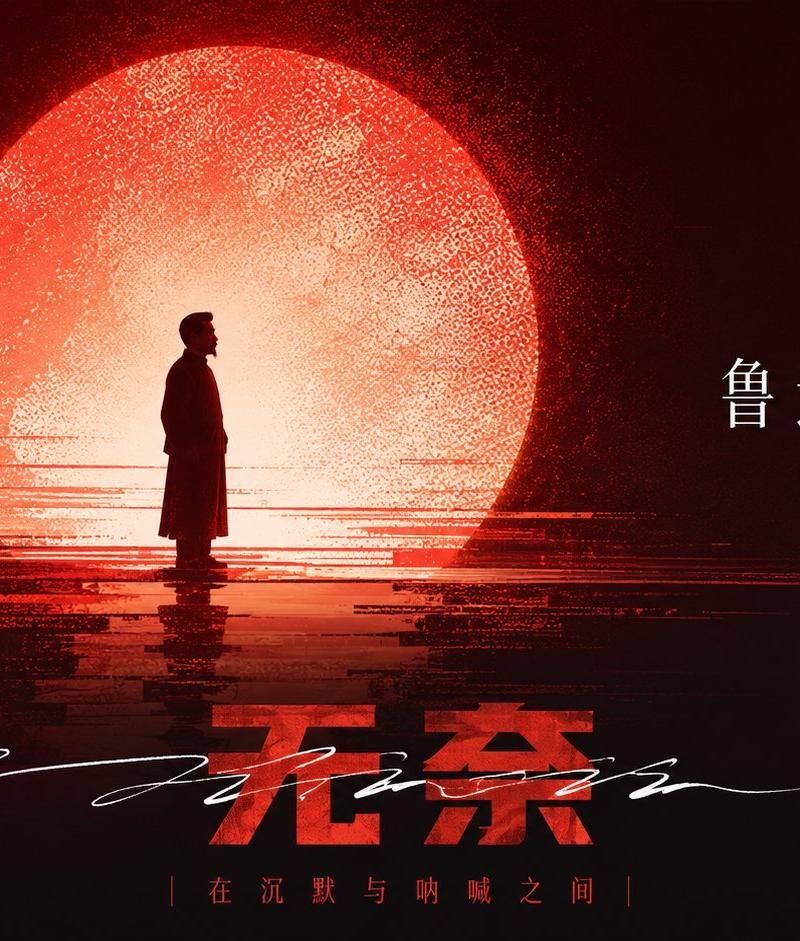
苏轼的无奈纪念感极简剪影插画
Prompt
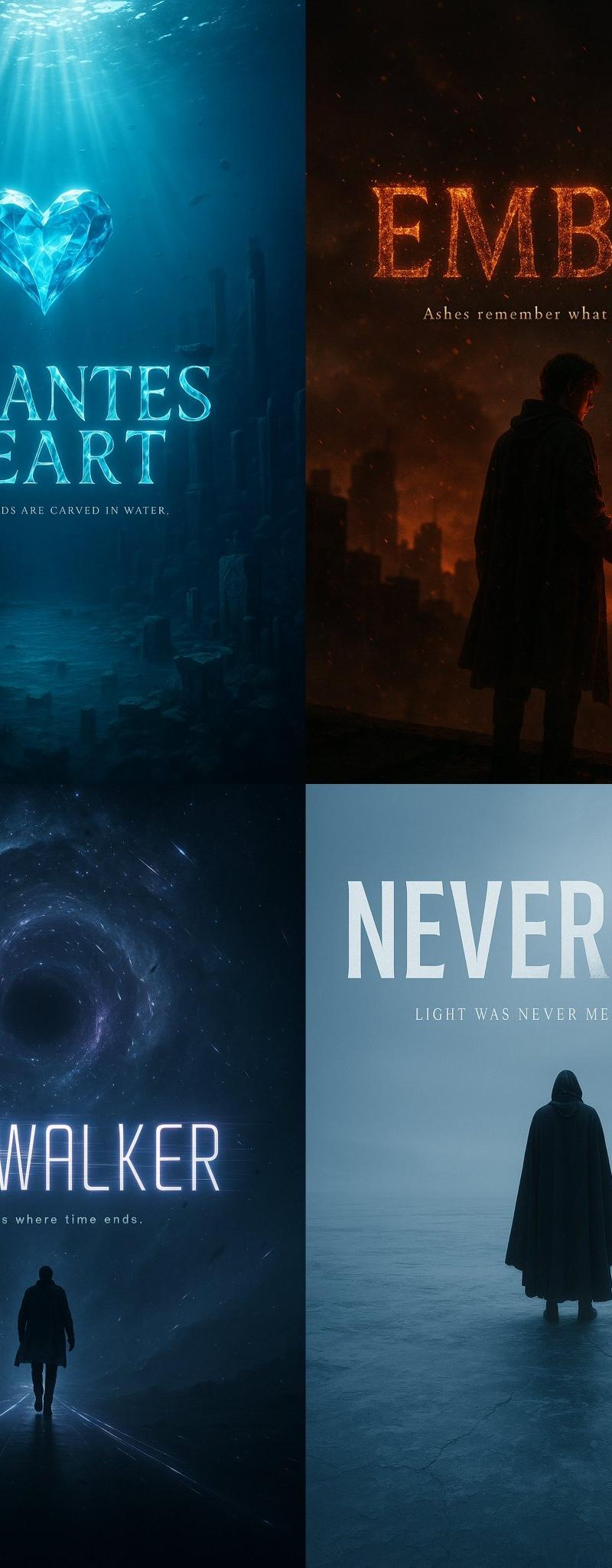
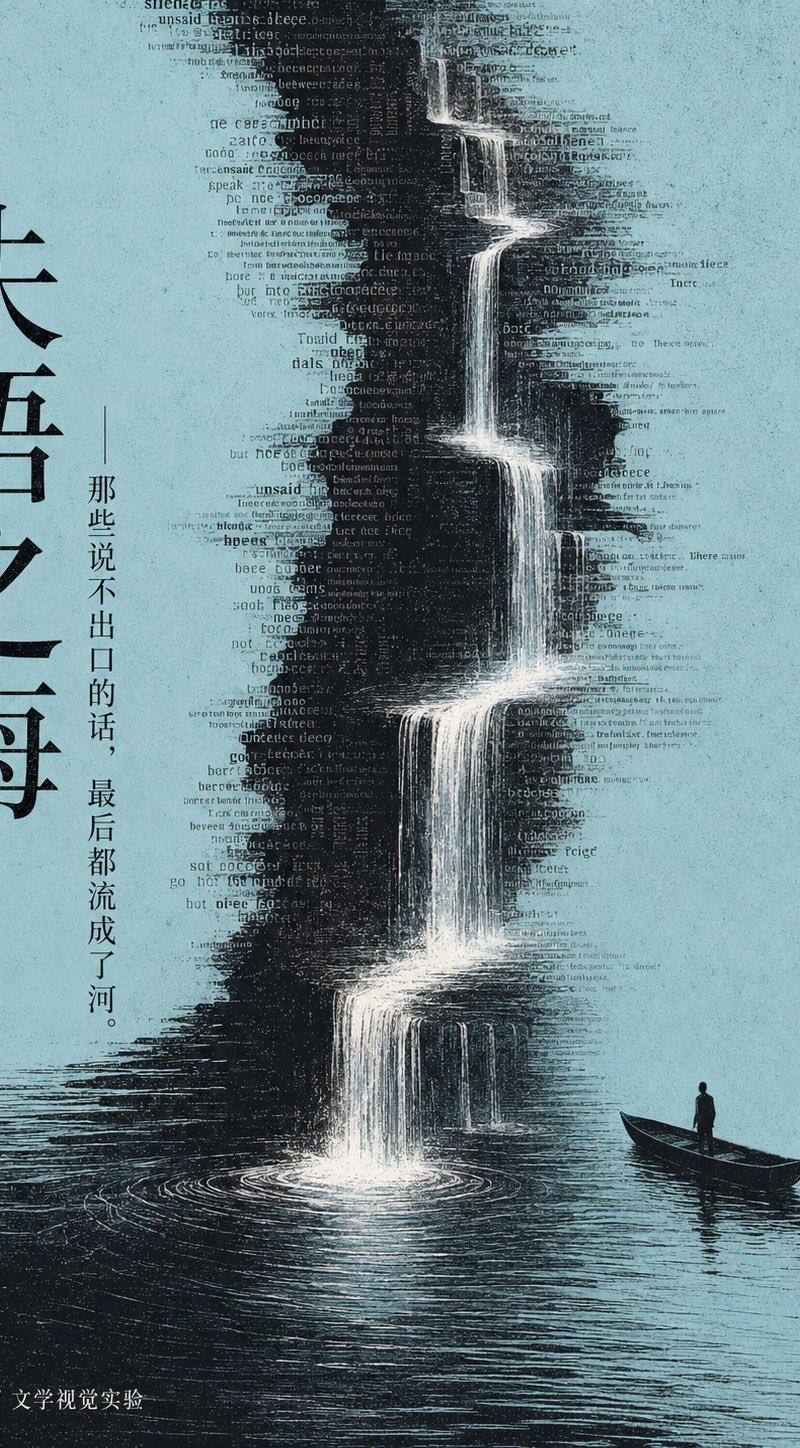
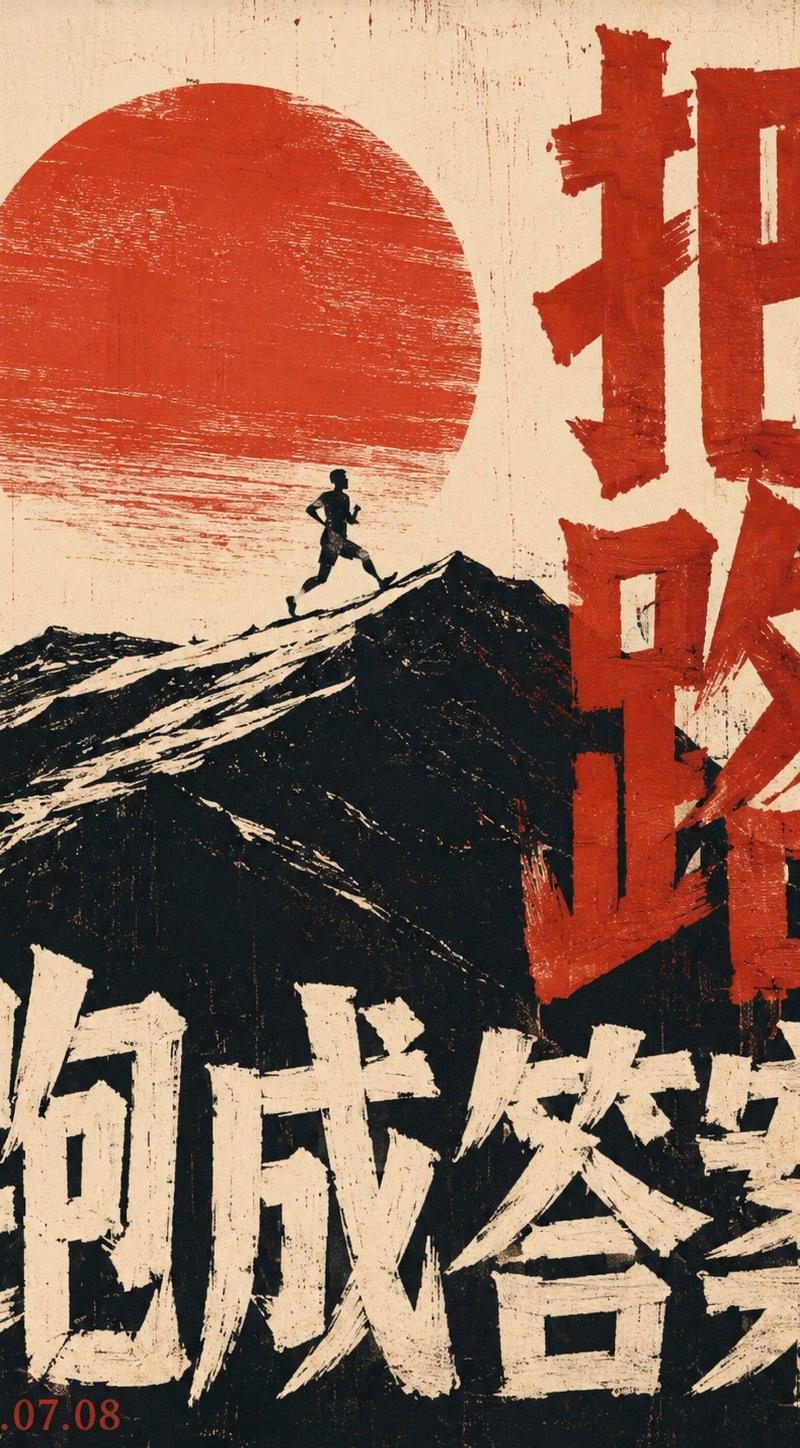
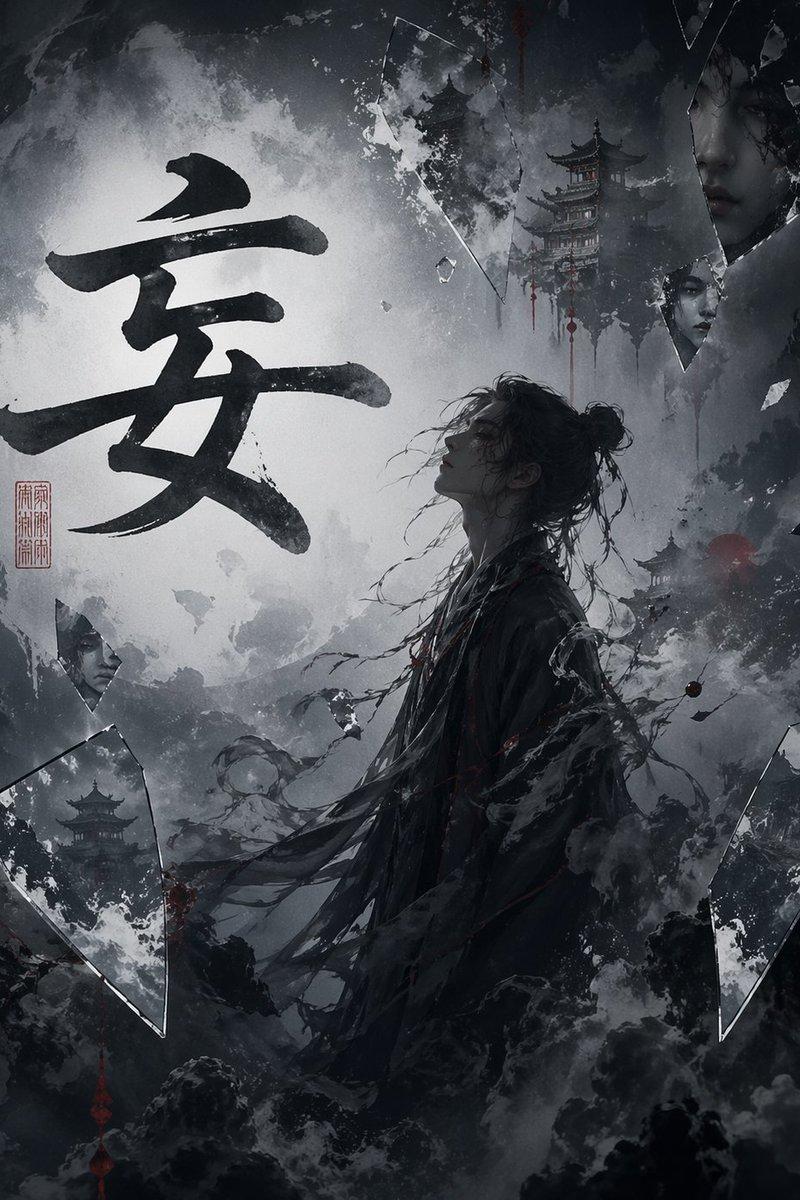
Generate a highly graphical image with a strong sense of commemoration around any theme: First, establish a dark and quiet background, allowing a large, bright circular light surface that occupies the main visual weight to emerge from the background. The edges of the circular surface are clear but with fine grain, making it look like both a symbolic light source and a screen-printed memory block. The subject appears as a minimalist dark silhouette, placed at the critical junction in front of the light surface; the form should be smaller than the light surface but with a clear outline, forming a strong contrast between light and dark; beneath the silhouette, blurred reflections or echo forms extend, cut by horizontal fractured color bands, noise, motion blur, and grain layers, making the subject look as if it is passing through a luminous surface of time. The image retains a large amount of breathing space, with information layers appearing in segments: a slanted, swift, handwritten gratitude-style short phrase with brushstrokes as an emotional explosion point; a more restrained, upright theme title with ample whitespace as the ritual center; at the bottom, a heavier main title can be added, overlaid with slender handwritten lines, creating tension between printed characters and writing marks. Colors are extracted from the mood, material, and narrative temperature of the specific theme content itself, mapped as a large area of clear deep background, a small amount of high-brightness glowing primary color, clean information white, and a very small amount of linear accent color; maintain a warm, vibrant, bright yet restrained mood, the glowing area is saturated but not muddy, the dark parts are clean and layered, grain and noise are only used to create a sense of memory and motion afterimages, not to make the image dirty, old, or grey.

——————
Theme: Su Shi's helplessness
Color scheme: Classical green logic
Ratio 16:9
- Category
- Charts & Infographics
- Model
- ChatGPT
- Creator
- @xiaoxiaodong01
- Source language
- zh-CN
- Source ID
- 16562
- Published
- Jun 23, 2026
Views38