19

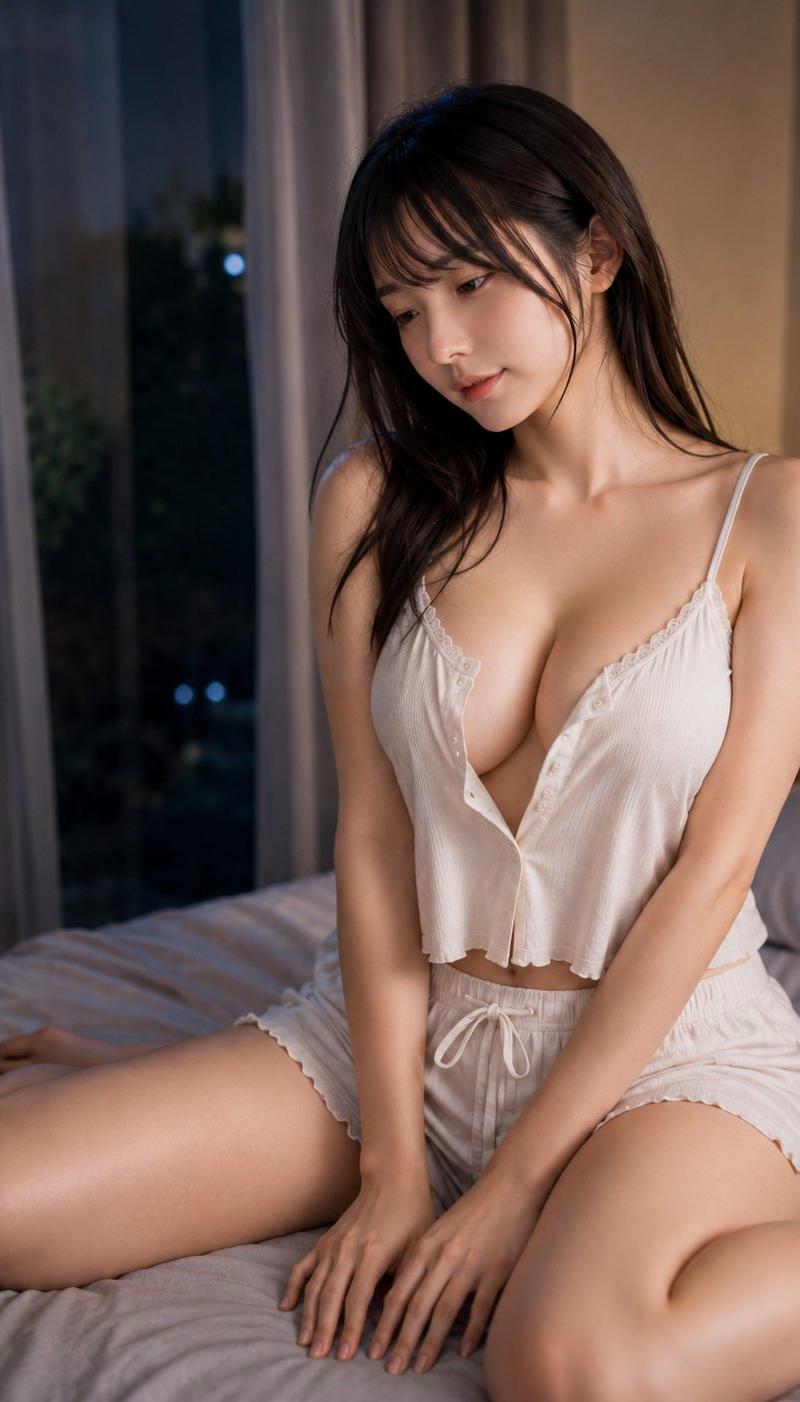
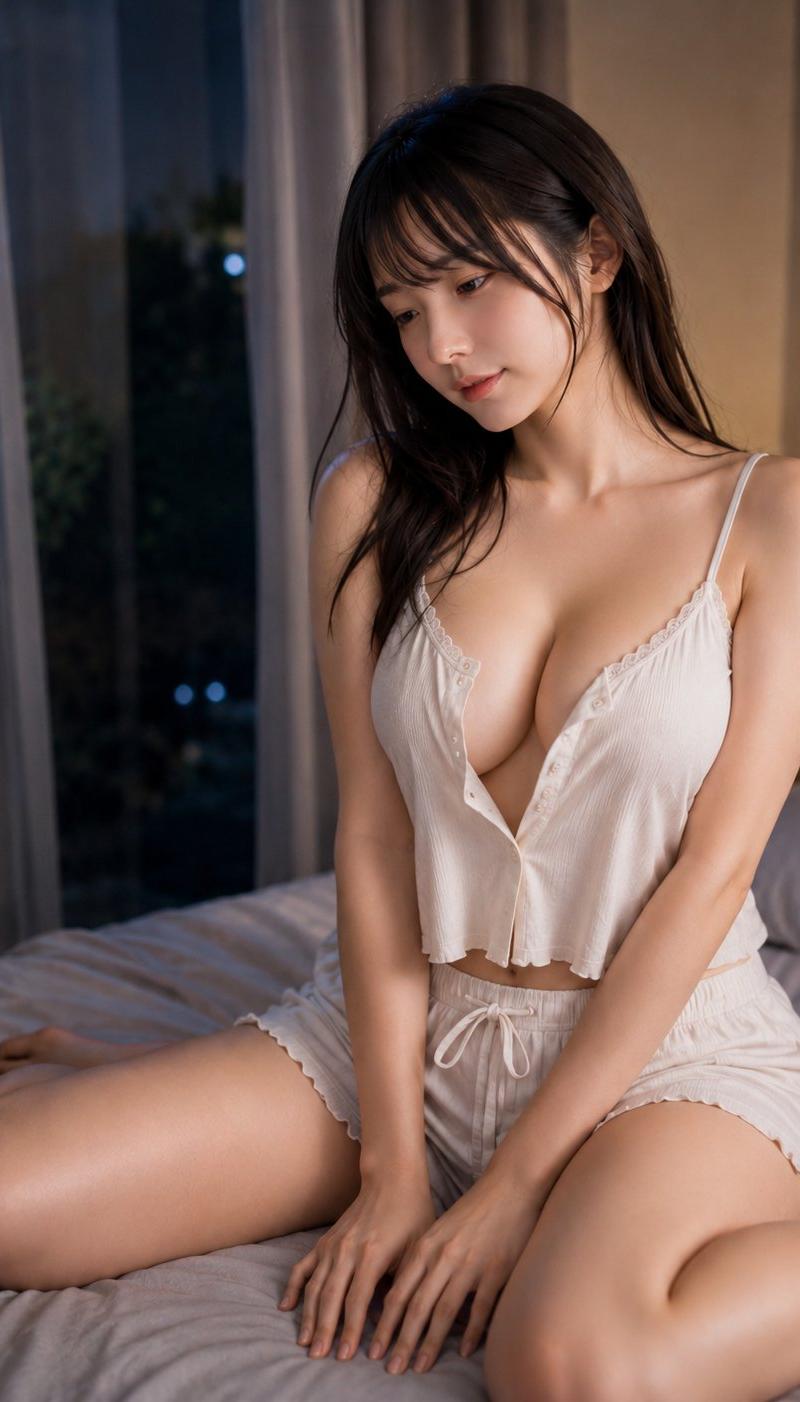
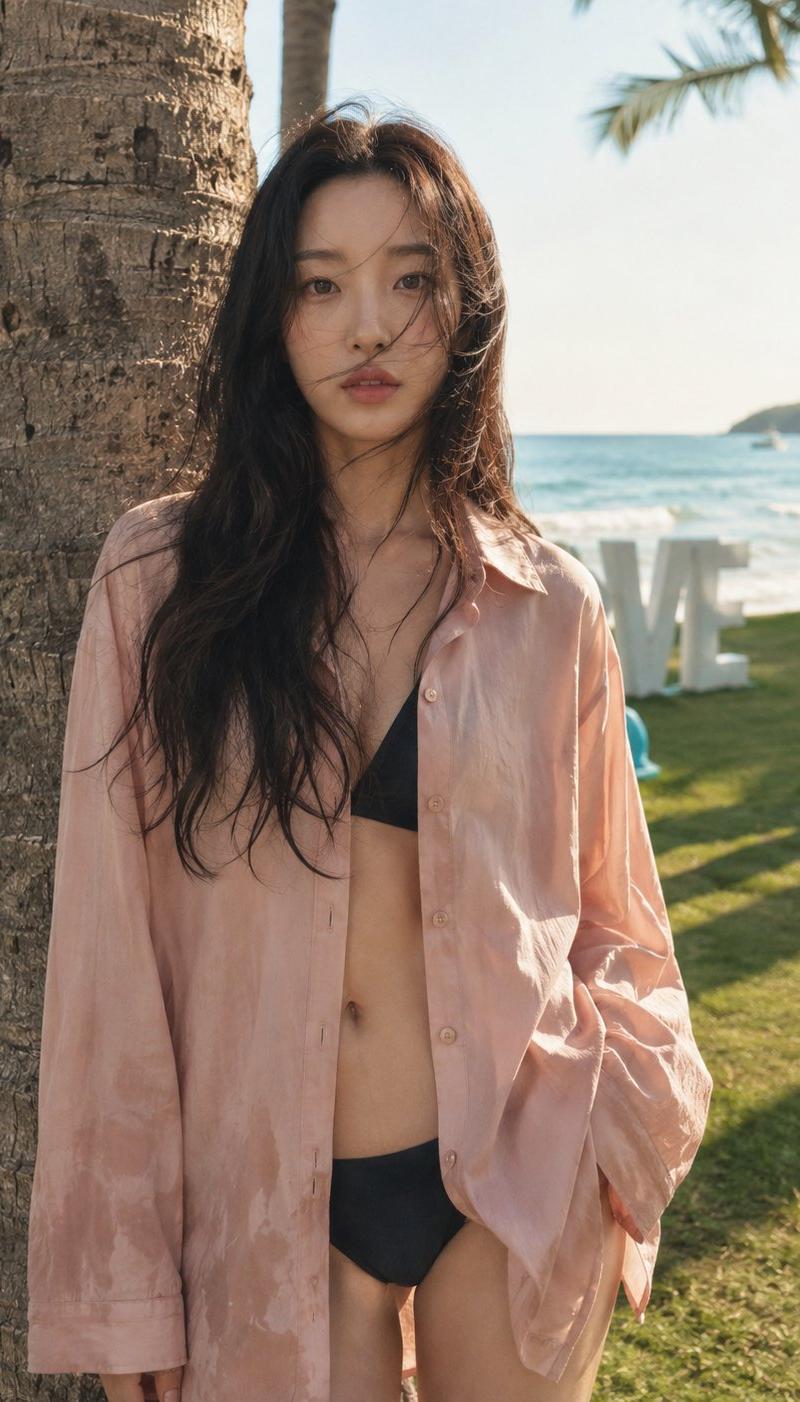
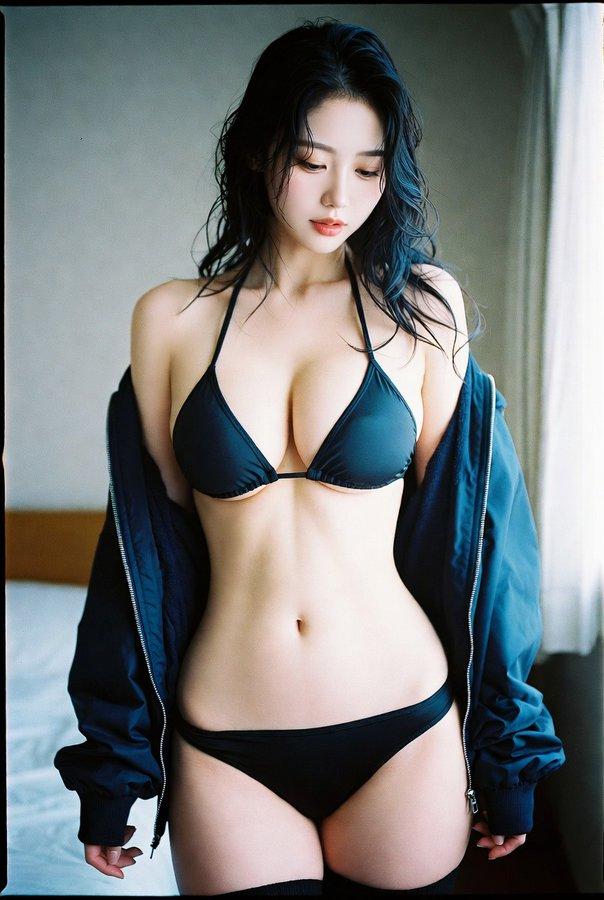
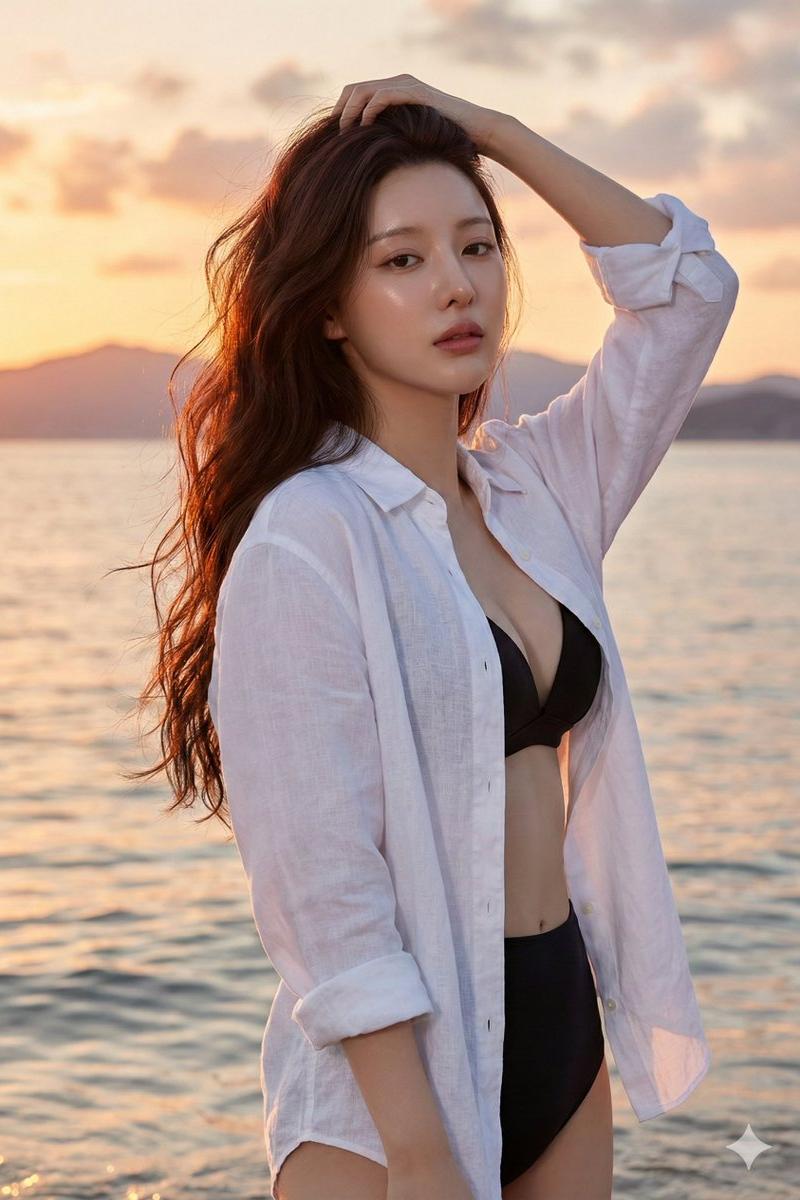
夕阳逆光下抚发的性感海边少女
Enlarge

Example images

夕阳逆光下抚发的性感海边少女

Prompt
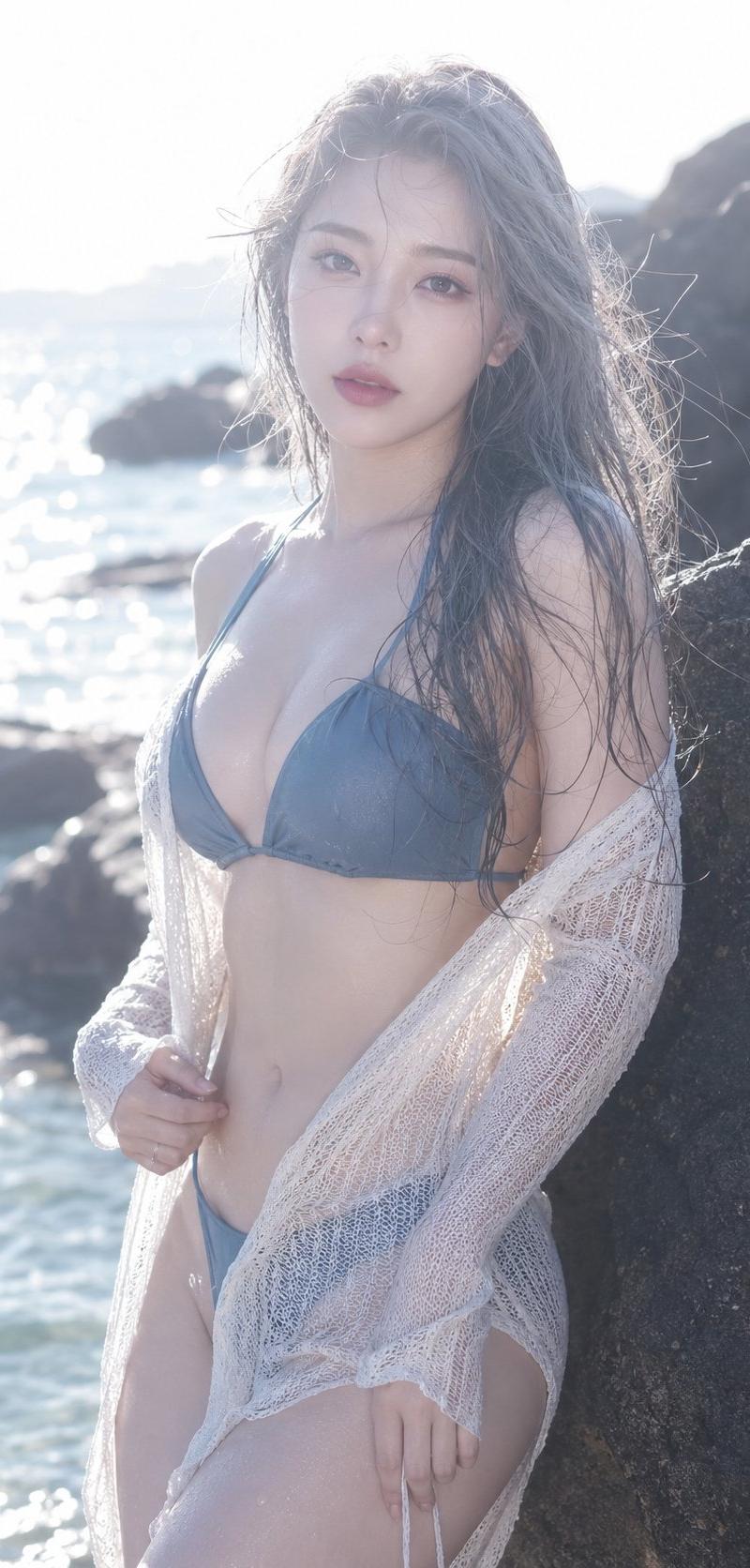
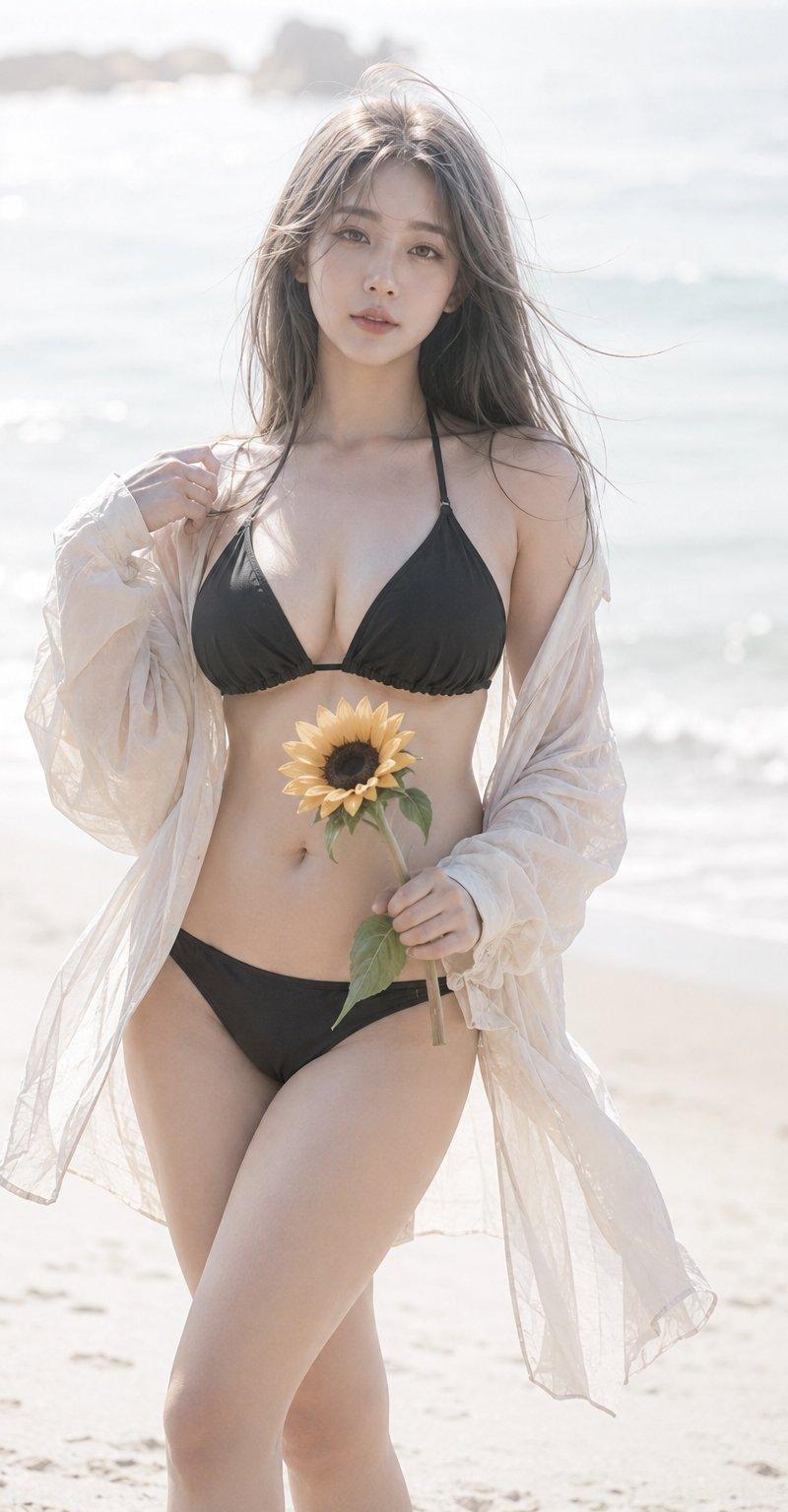
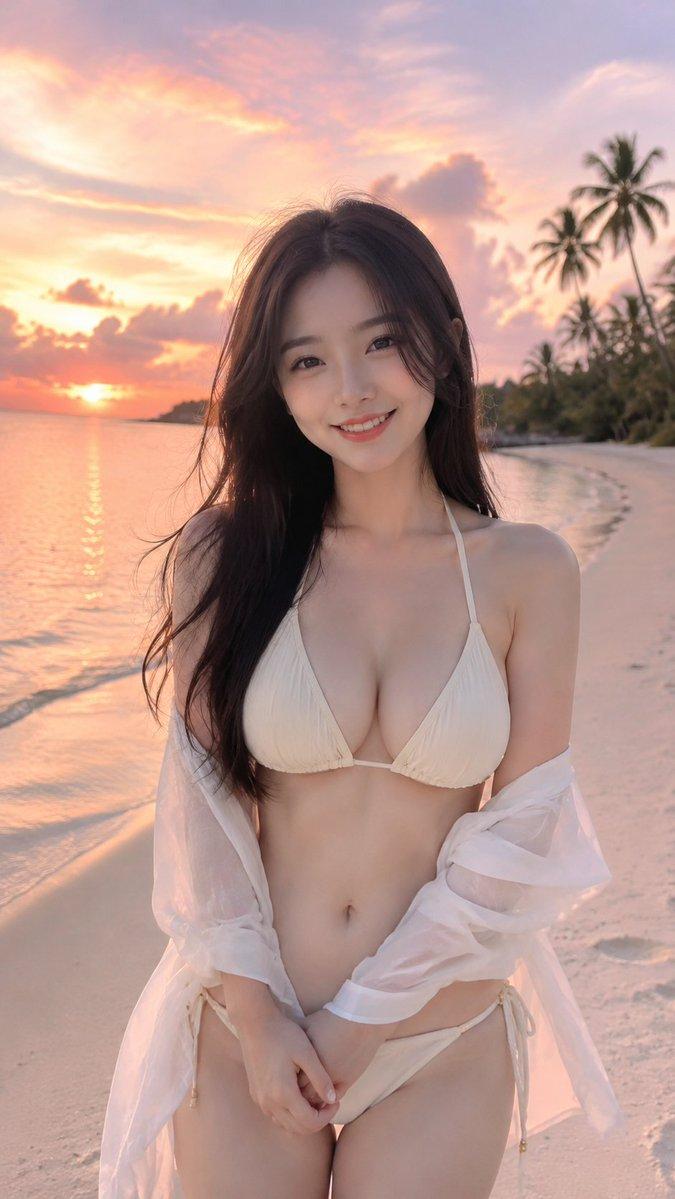
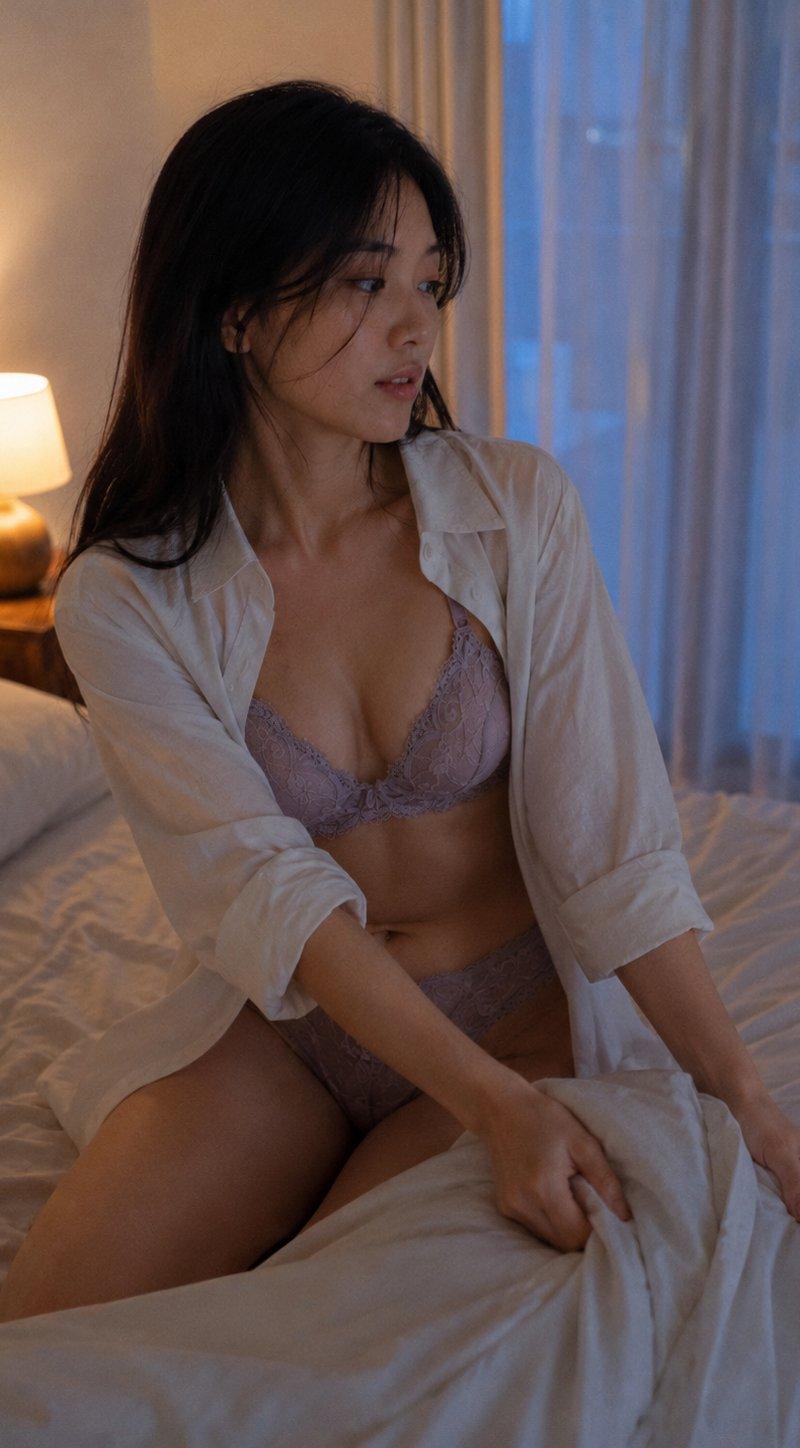
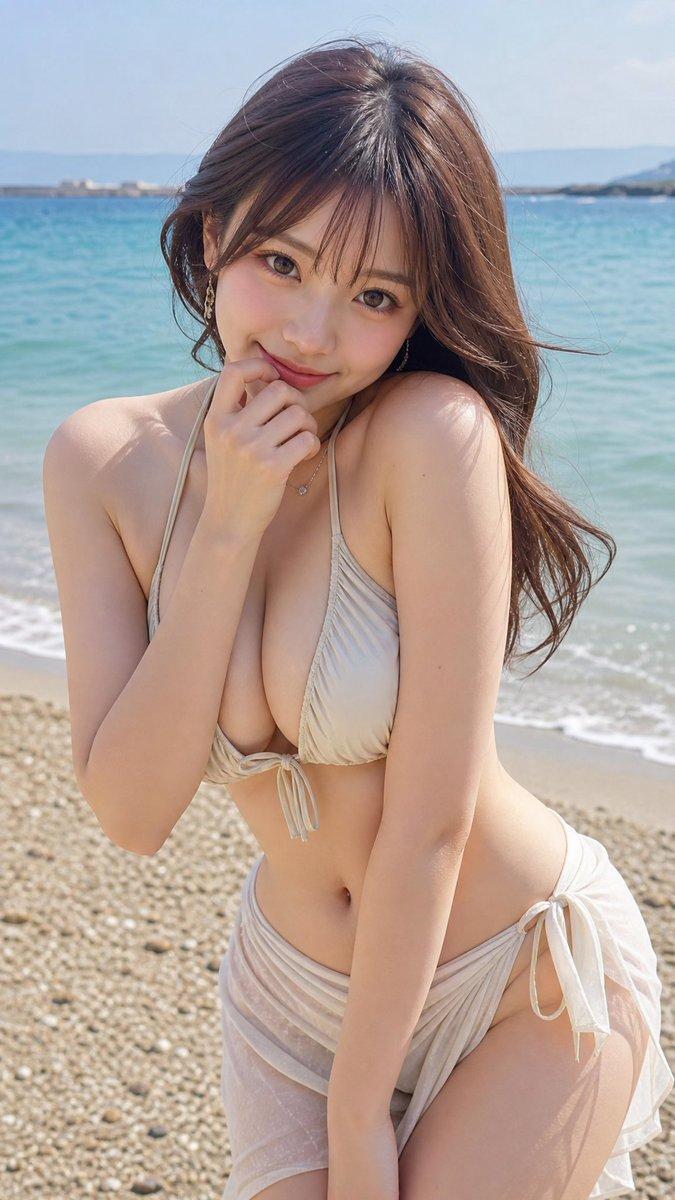
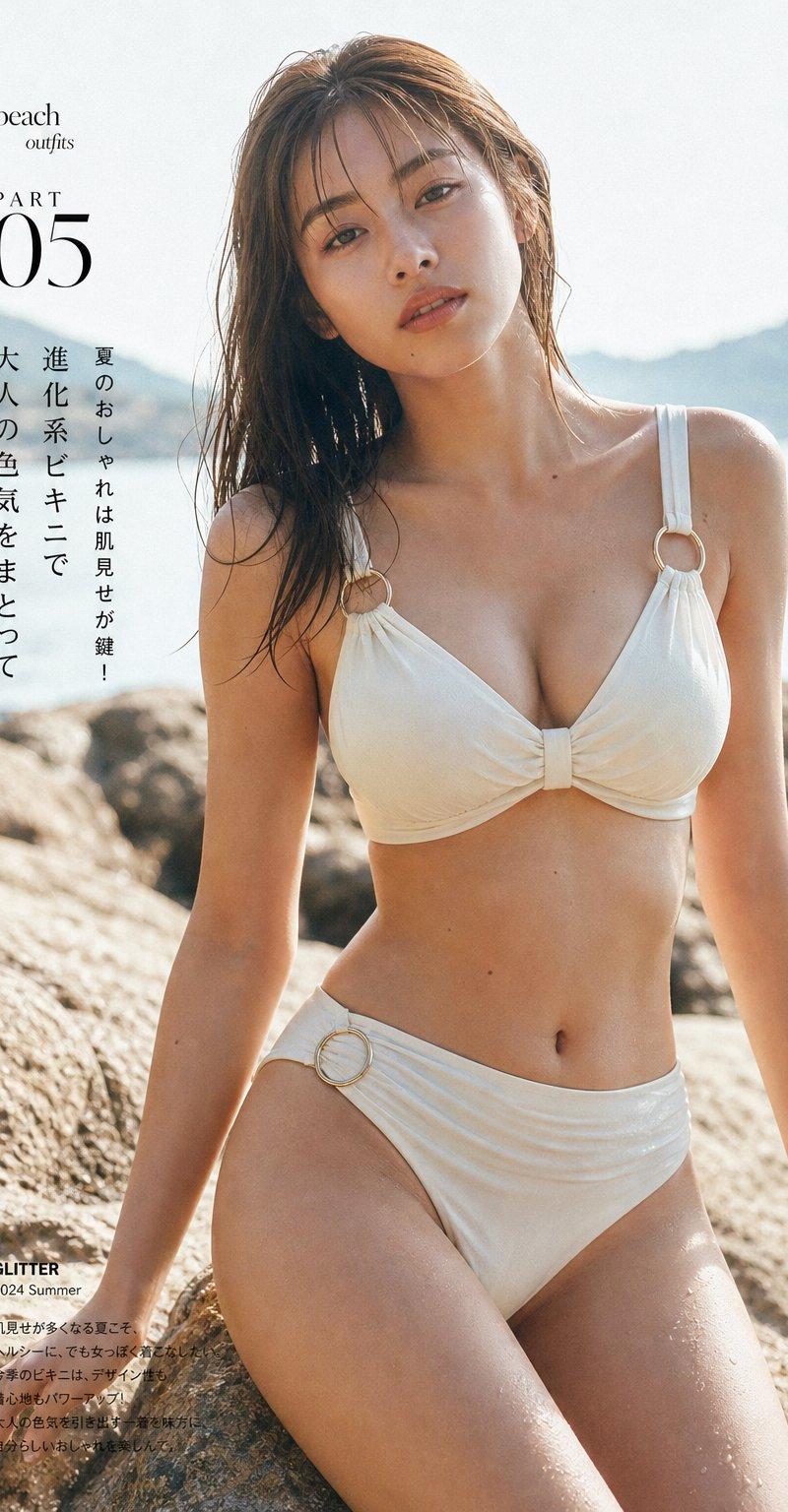
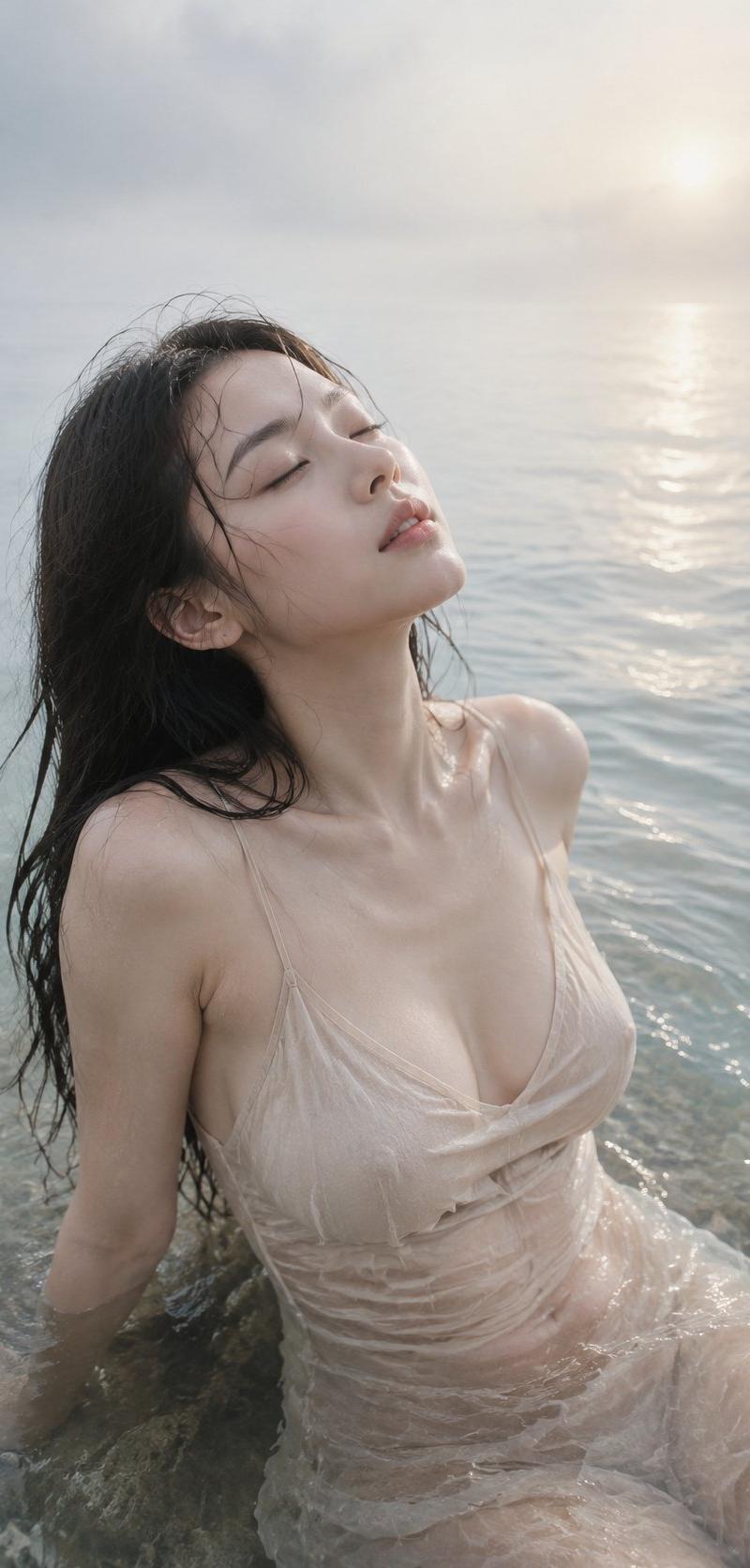
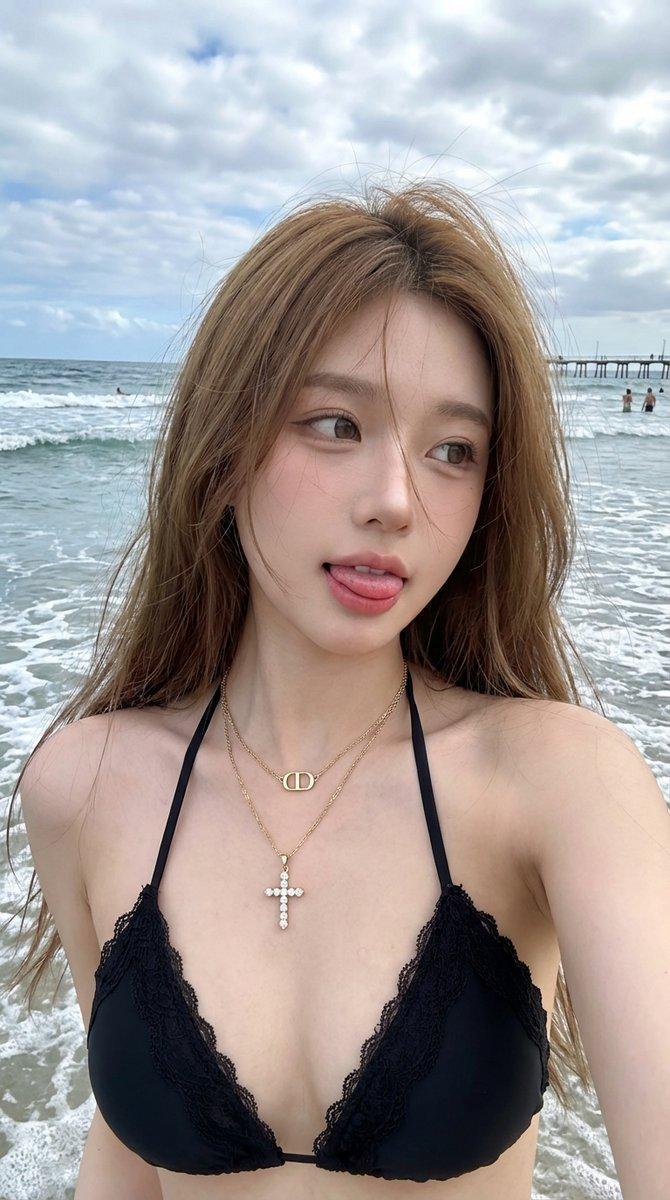
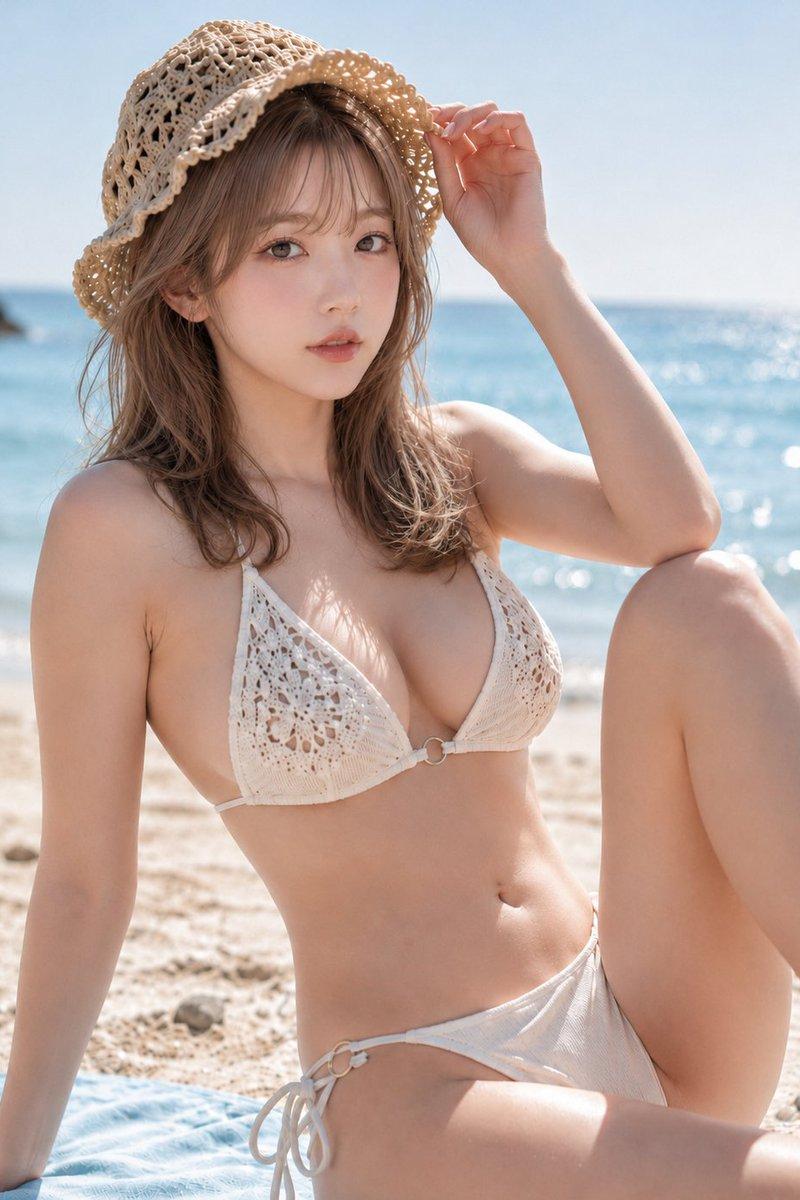
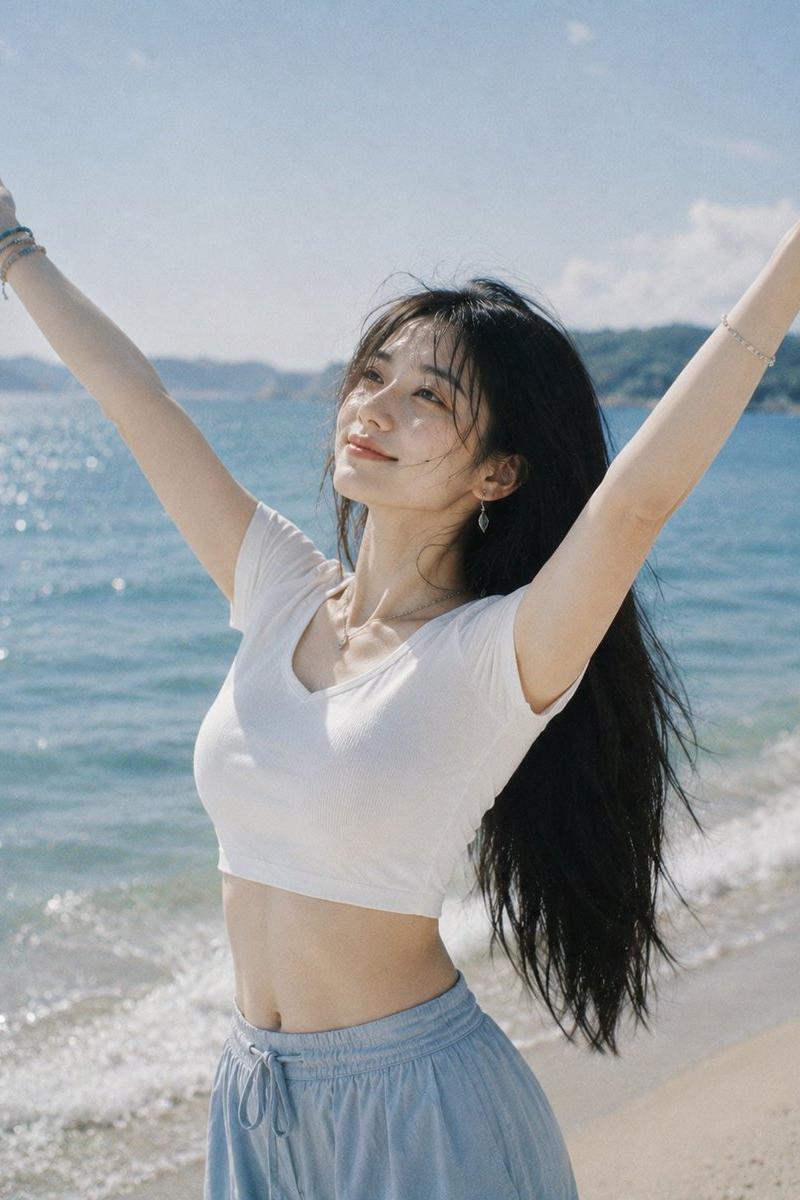
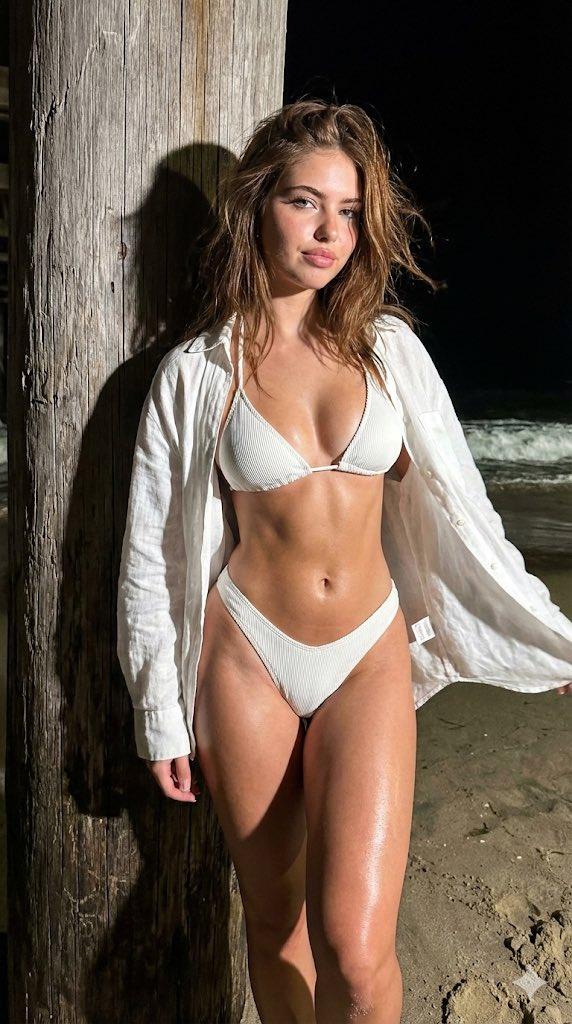
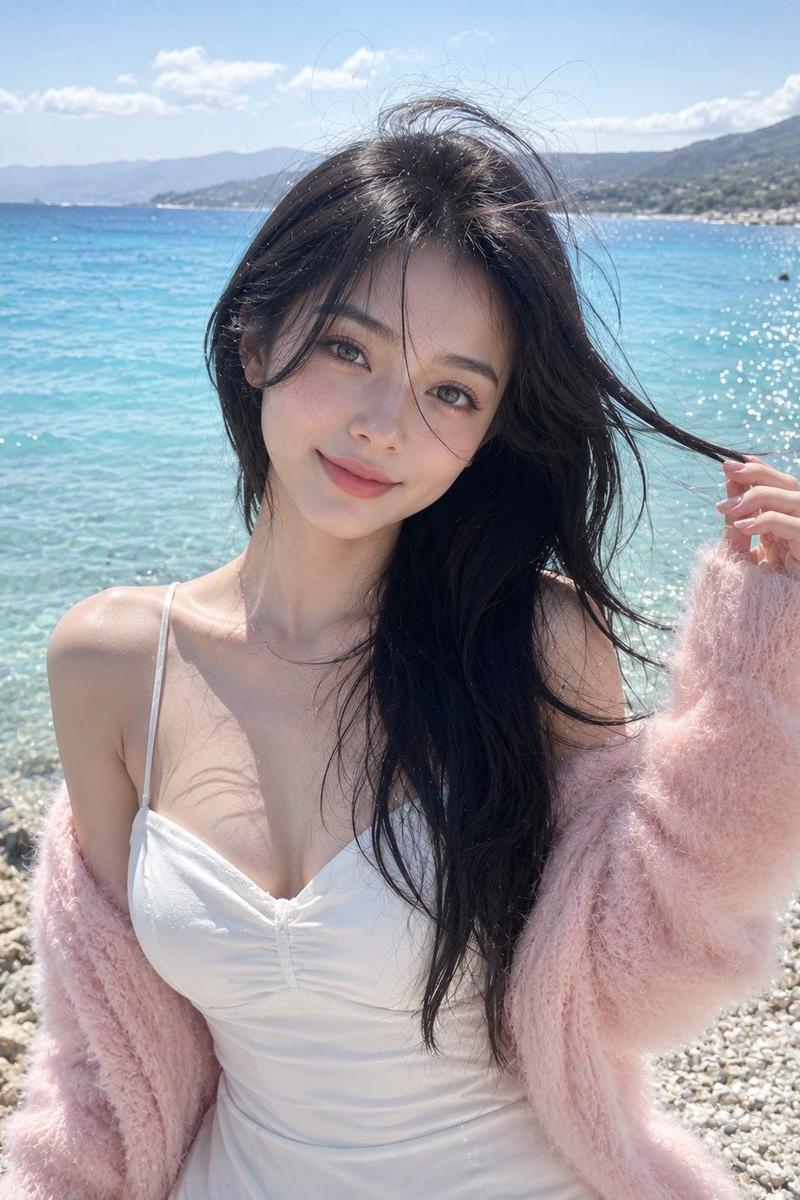
A stunning young East Asian woman, with deep brown wavy hair that reaches her chest and flutters in the wind. Her skin is fair and shiny, with a sexy and fresh makeup look. She is wearing a loose white linen shirt that is completely open (sleeves rolled up), paired with a black bikini top and black high waisted bikini underwear. During prime time sunset by the sea, she holds her head up high to stroke her hair, lazily and confidently looking straight at the camera. The background is calm sea and distant mountains, with a soft orange pink sunset sky and clouds, creating a romantic and dreamy atmosphere with high highlights on the edges of her hair and body. Her shirt is wrinkled, her skin is glossy, and the sea reflects extreme details. Her photography level realistic fashion portrait is 8K.
Category
Charts & Infographics
Model
Nano banana pro
Creator
@xyue13
Source language
zh-CN
Views119
Source ID
8315
Published
Mar 22, 2026
Studio

Guide

About "夕阳逆光下抚发的性感海边少女"

What is this prompt for?

"夕阳逆光下抚发的性感海边少女" AI image prompt for Nano banana pro (Charts & Infographics). 一位令人惊艳的年轻东亚女性,深棕色波浪长发及胸,随风飘扬。她皮肤白皙有光泽,妆容性感而清新。她穿着一件完全敞开的宽松白色亚麻衬衫(袖子卷起),内搭黑色比基尼上衣和…

The full copyable prompt and example visuals above are ready for AI image generation or one-click recreate in Picva.

How to use this prompt

  1. Step 1

    Open the prompt detail

    Review the example visuals, category, and full prompt text for "夕阳逆光下抚发的性感海边少女".

  2. Step 2

    Copy the prompt

    Copy the prompt body from this page, or load it directly in Studio.

  3. Step 3

    Pick a model (Nano banana pro)

    Prefer Nano banana pro. If you switch models, keep subject and composition and tweak style terms.

  4. Step 4

    Generate and export

    Recreate the look in Picva, or export into your workflow for editing and publishing.

FAQ

What is the "夕阳逆光下抚发的性感海边少女" prompt?
It is an AI image-generation prompt for Nano banana pro in the Charts & Infographics category. This page includes the full prompt text, example visuals, and a one-click recreate path in Picva.
How do I use this prompt to generate an image?
Copy the prompt from this page, or use Generate / Studio. Paste it into a compatible image model, or recreate the look in Picva with optional reference images.
Which model is this prompt for?
This page lists Nano banana pro. Most descriptive prompts also transfer to nearby image models such as GPT Image, Flux, or Midjourney with light style tweaks.
Can I use the result commercially?
You can usually copy the prompt for creation, but commercial use of the final image depends on the model terms, reference-image rights, and the generated content. Follow the source author and platform rules.