17

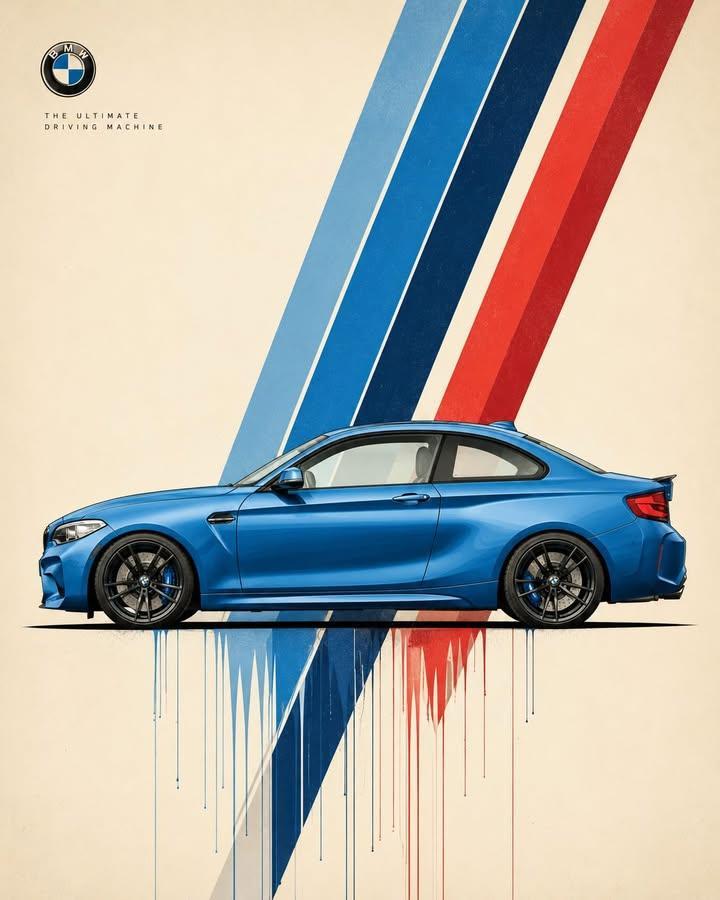
极简瑞士现代主义汽车海报设计
Enlarge

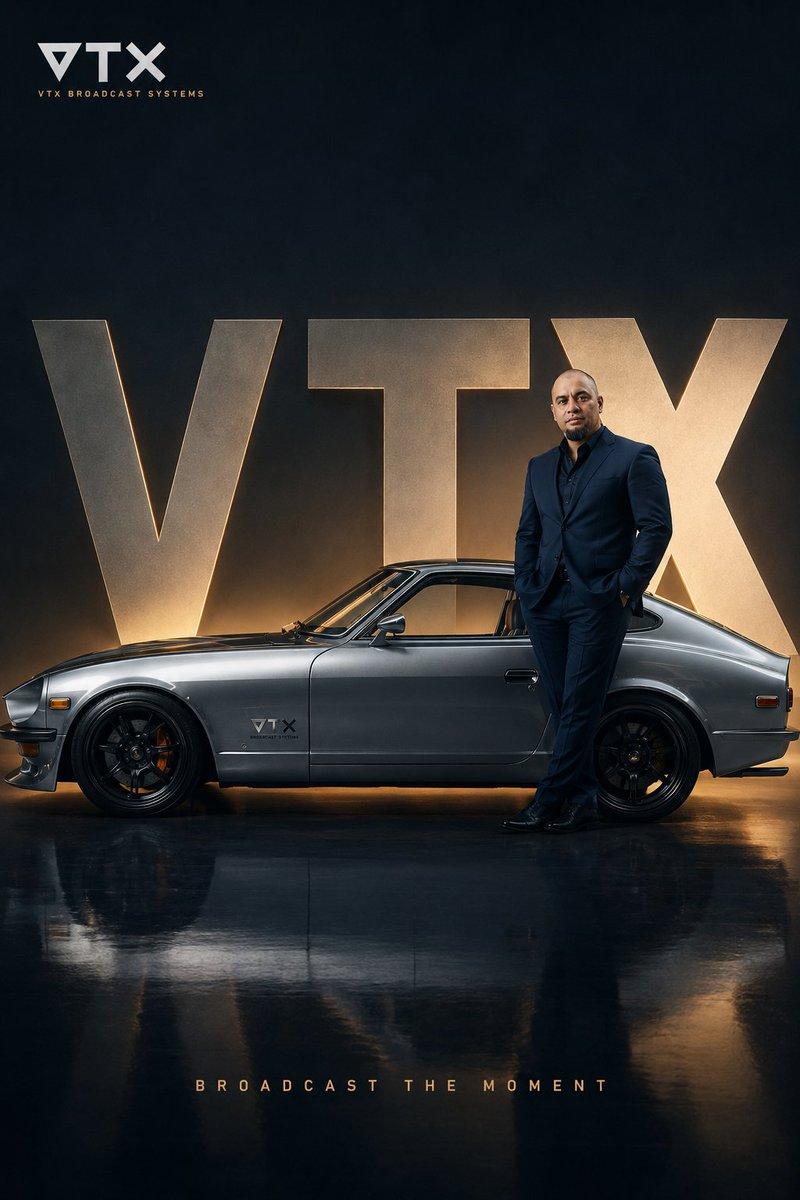
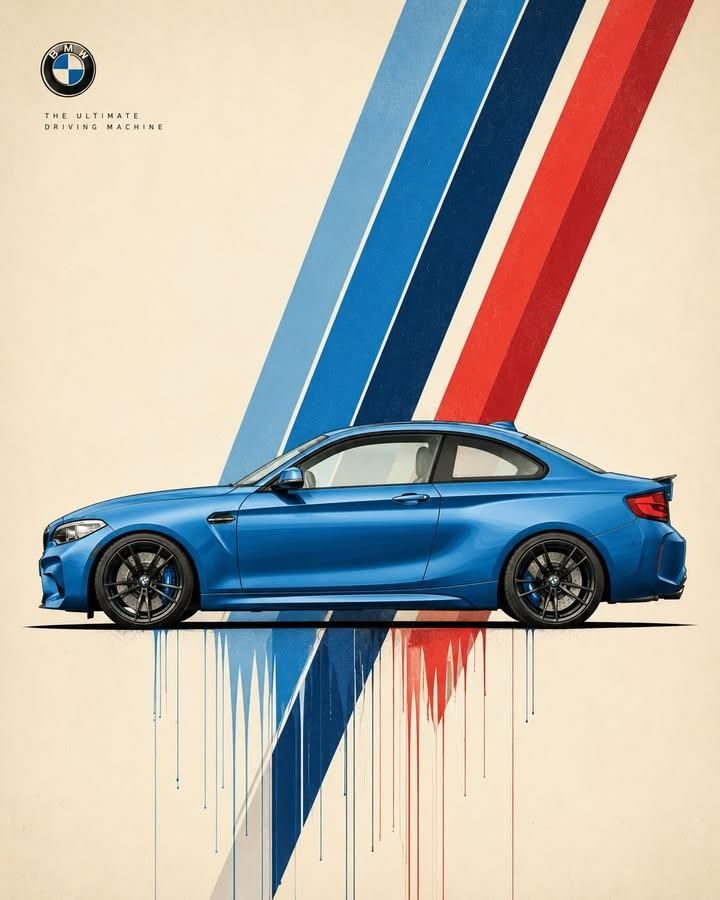
Example images

极简瑞士现代主义汽车海报设计

Prompt
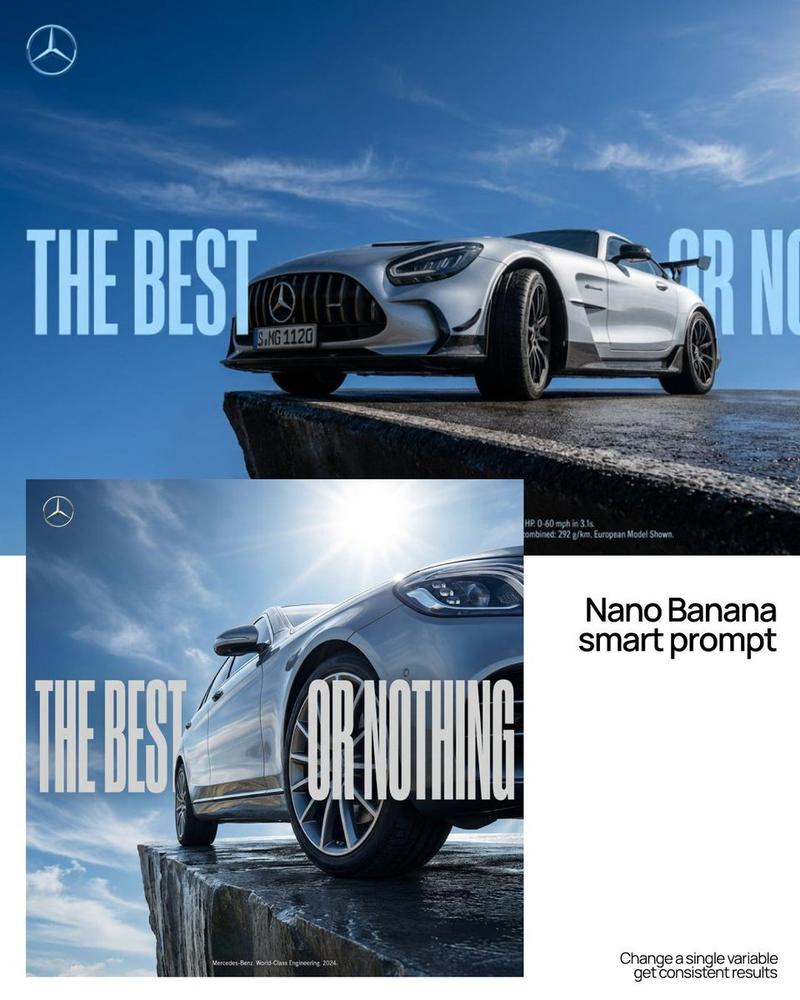
Ultra-clean automotive poster design featuring a [CAR], perfect side profile, positioned low and centered in the frame. A small refined [BRAND] badge/logo sits near the upper corner, with a short slogan reading “[SLOGAN]” in tiny modernist uppercase typography. A dramatic diagonal burst of layered [COLORS] speed stripes slices across the composition from upper corner to lower center, creating motion and visual rhythm. Warm ivory paper background with expansive negative space. Crisp technical illustration, precise proportions, subtle screen-print texture, fine ink outlines, minimal shadows, gallery-quality graphic design. Thin paint drips and color trails descending beneath the ground plane. Swiss modernist automotive poster, refined vector precision, museum poster quality, aspect ratio 4:5.
Category
Charts & Infographics
Model
ChatGPT
Views14
Source ID
16666
Published
Jun 24, 2026

Guide

About "极简瑞士现代主义汽车海报设计"

What is this prompt for?

"极简瑞士现代主义汽车海报设计" AI image prompt for ChatGPT (Charts & Infographics). 超洁净的汽车海报设计,以一辆[CAR]为主角,完美的侧面轮廓,位置较低且在画框中心。一个精致的小型[BRAND]徽标/标志位于上角附近,带有简短的标语,内容为“[SLOGAN]”…

The full copyable prompt and example visuals above are ready for AI image generation or one-click recreate in Picva.

How to use this prompt

  1. Step 1

    Open the prompt detail

    Review the example visuals, category, and full prompt text for "极简瑞士现代主义汽车海报设计".

  2. Step 2

    Copy the prompt

    Copy the prompt body from this page, or load it directly in Studio.

  3. Step 3

    Pick a model (ChatGPT)

    Prefer ChatGPT. If you switch models, keep subject and composition and tweak style terms.

  4. Step 4

    Generate and export

    Recreate the look in Picva, or export into your workflow for editing and publishing.

FAQ

What is the "极简瑞士现代主义汽车海报设计" prompt?
It is an AI image-generation prompt for ChatGPT in the Charts & Infographics category. This page includes the full prompt text, example visuals, and a one-click recreate path in Picva.
How do I use this prompt to generate an image?
Copy the prompt from this page, or use Generate / Studio. Paste it into a compatible image model, or recreate the look in Picva with optional reference images.
Which model is this prompt for?
This page lists ChatGPT. Most descriptive prompts also transfer to nearby image models such as GPT Image, Flux, or Midjourney with light style tweaks.
Can I use the result commercially?
You can usually copy the prompt for creation, but commercial use of the final image depends on the model terms, reference-image rights, and the generated content. Follow the source author and platform rules.