19

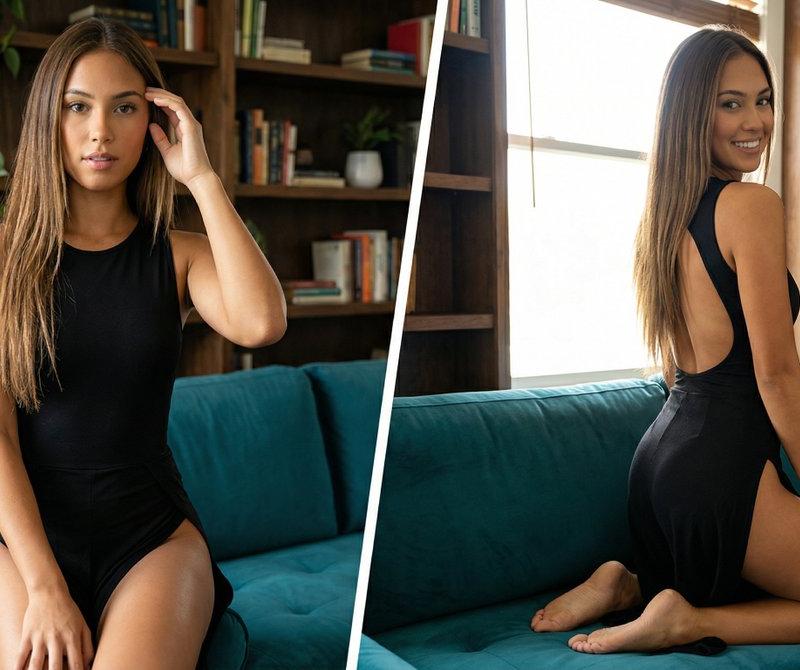
绿丝绒沙发上棕发黑裙女子的分屏双重姿态
Enlarge

Example images

绿丝绒沙发上棕发黑裙女子的分屏双重姿态

Prompt
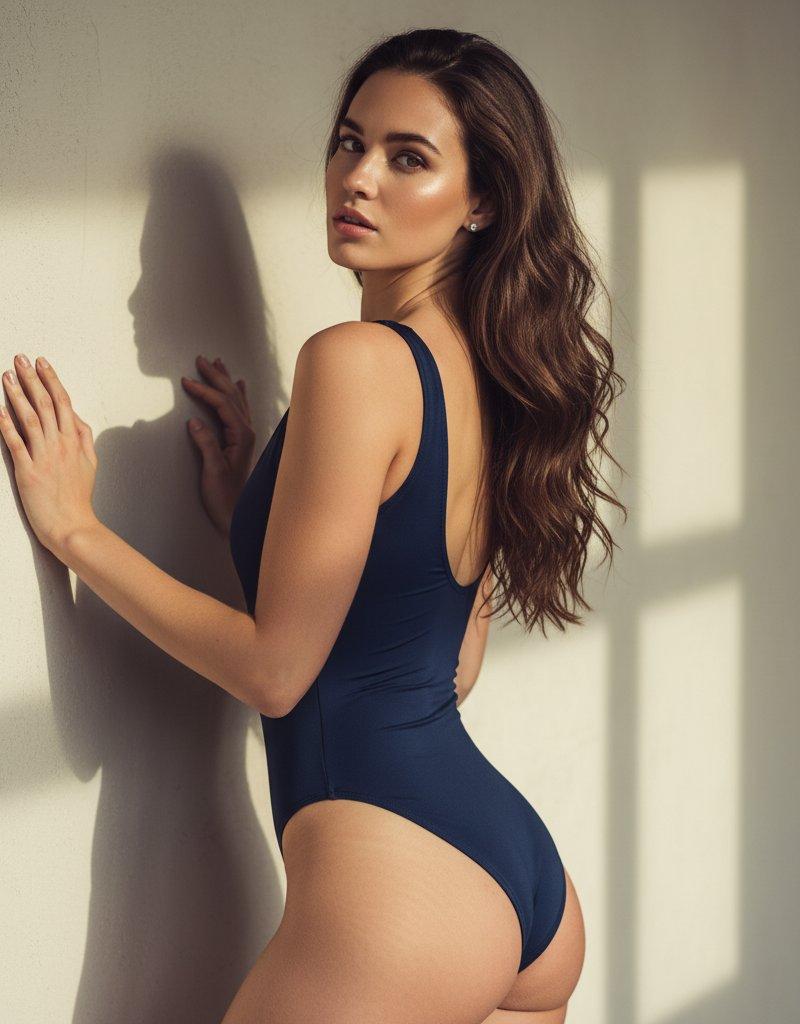
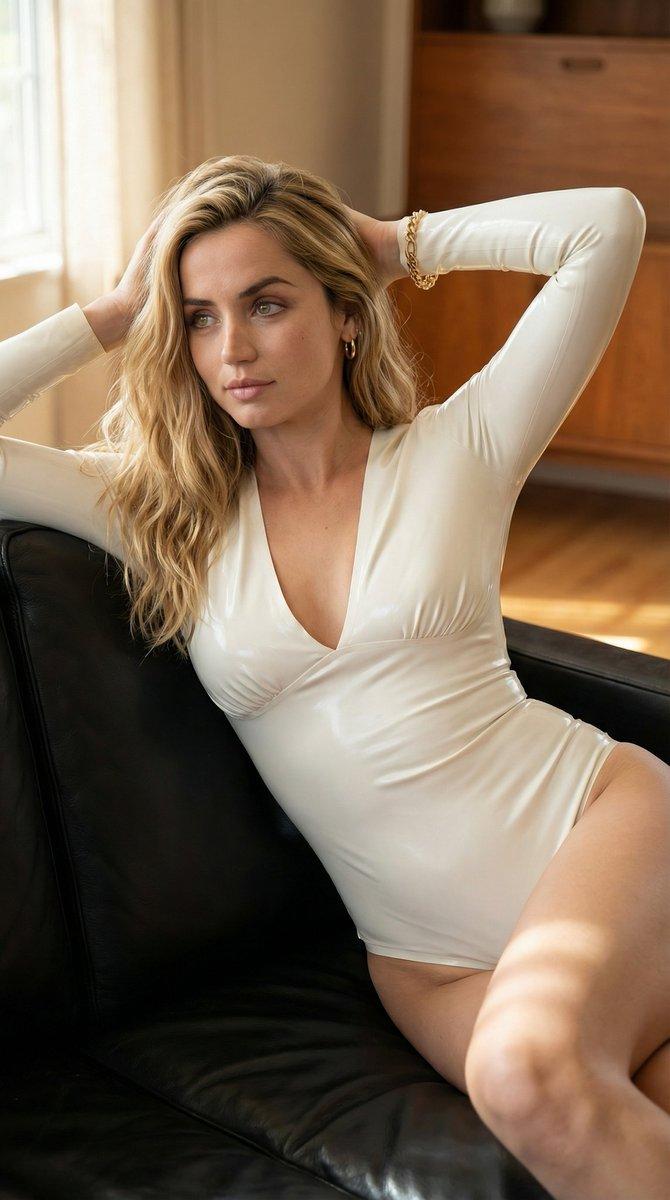
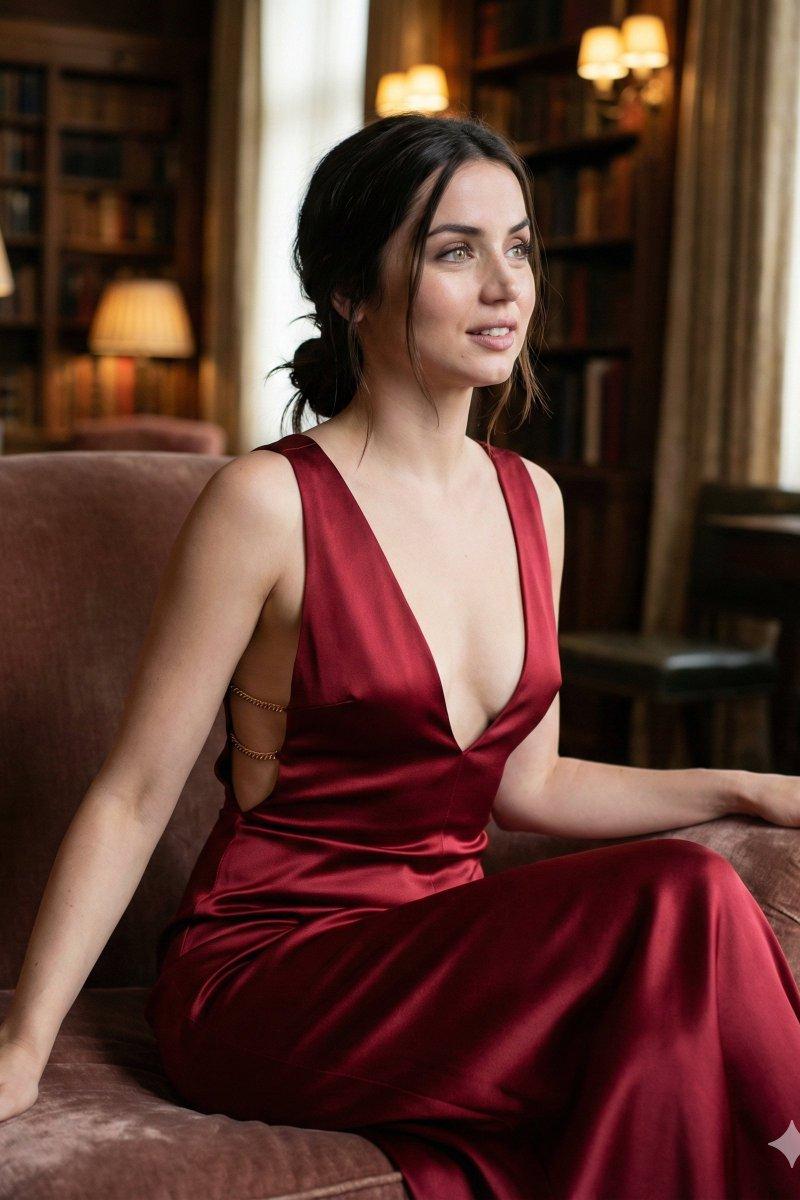
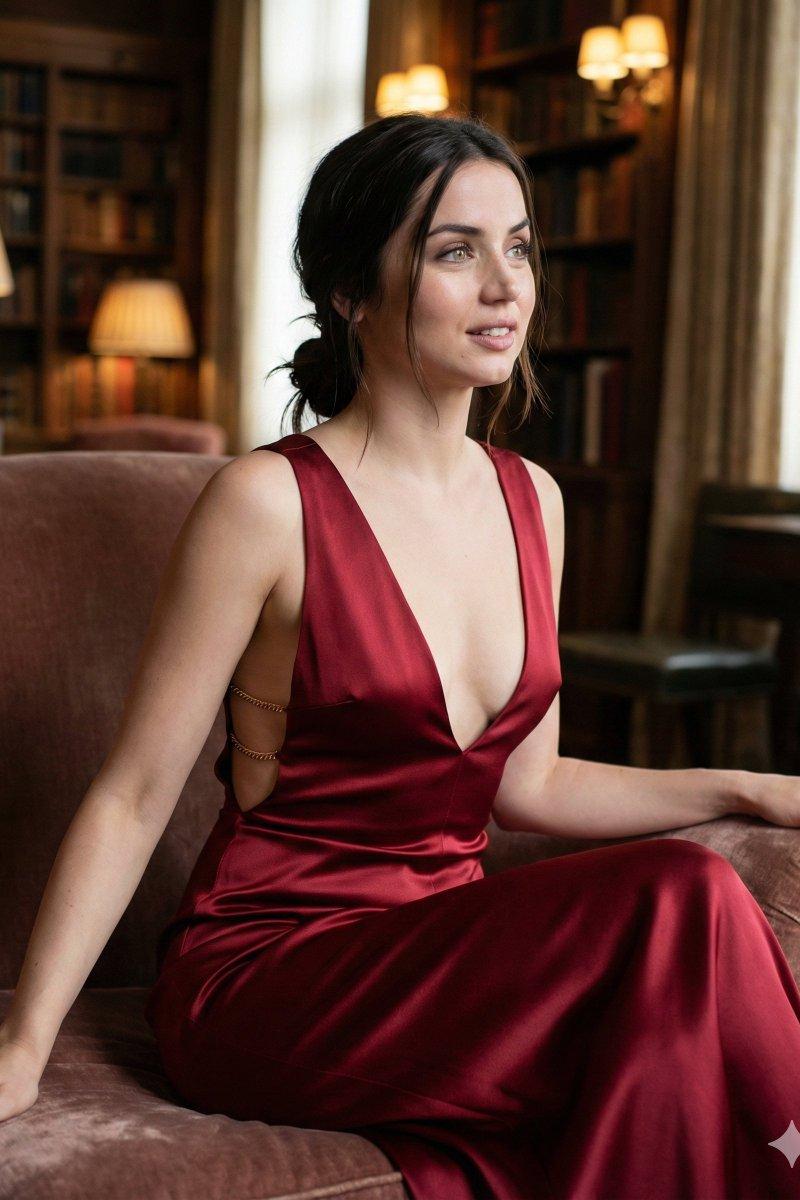
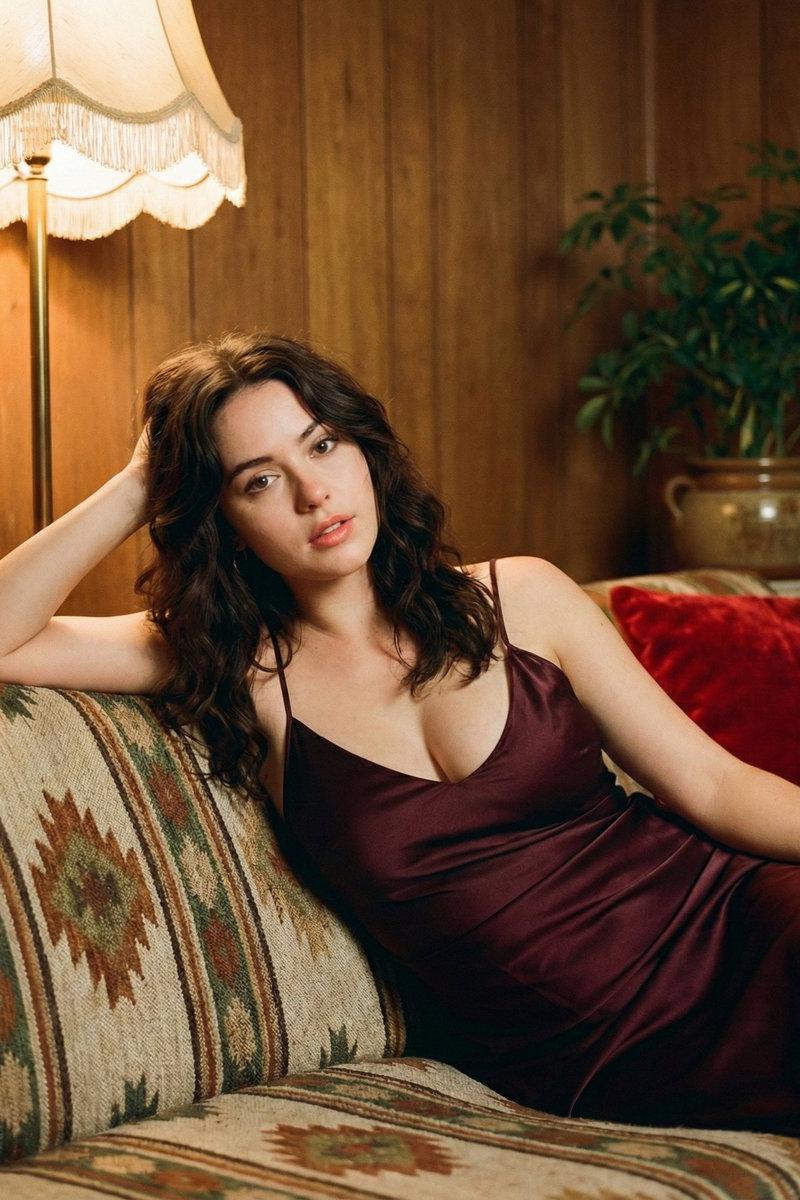
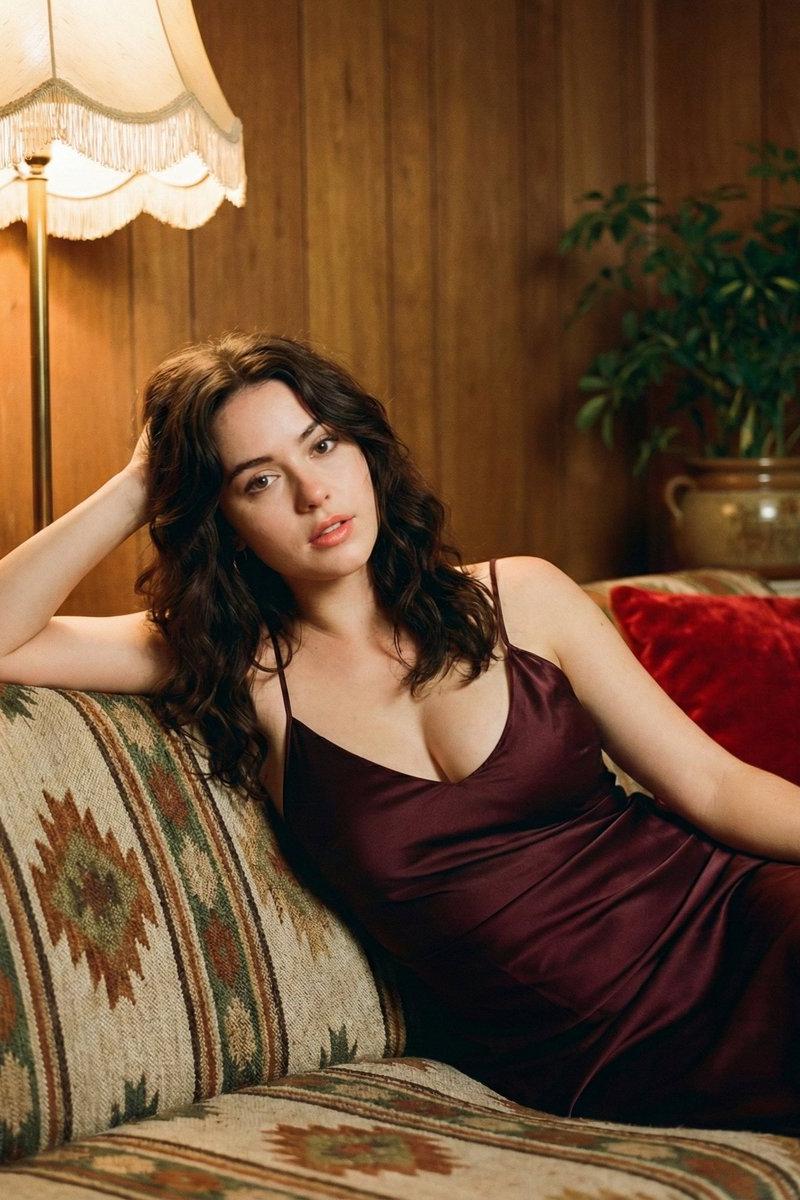
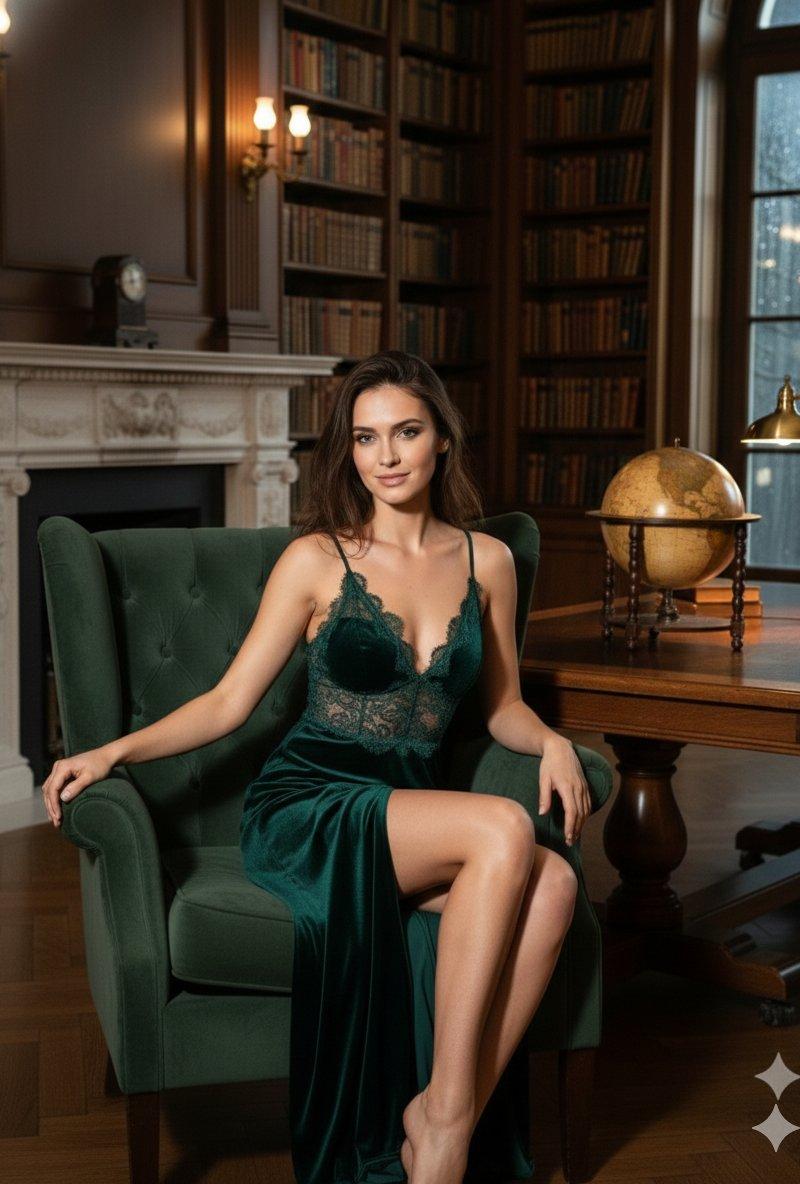
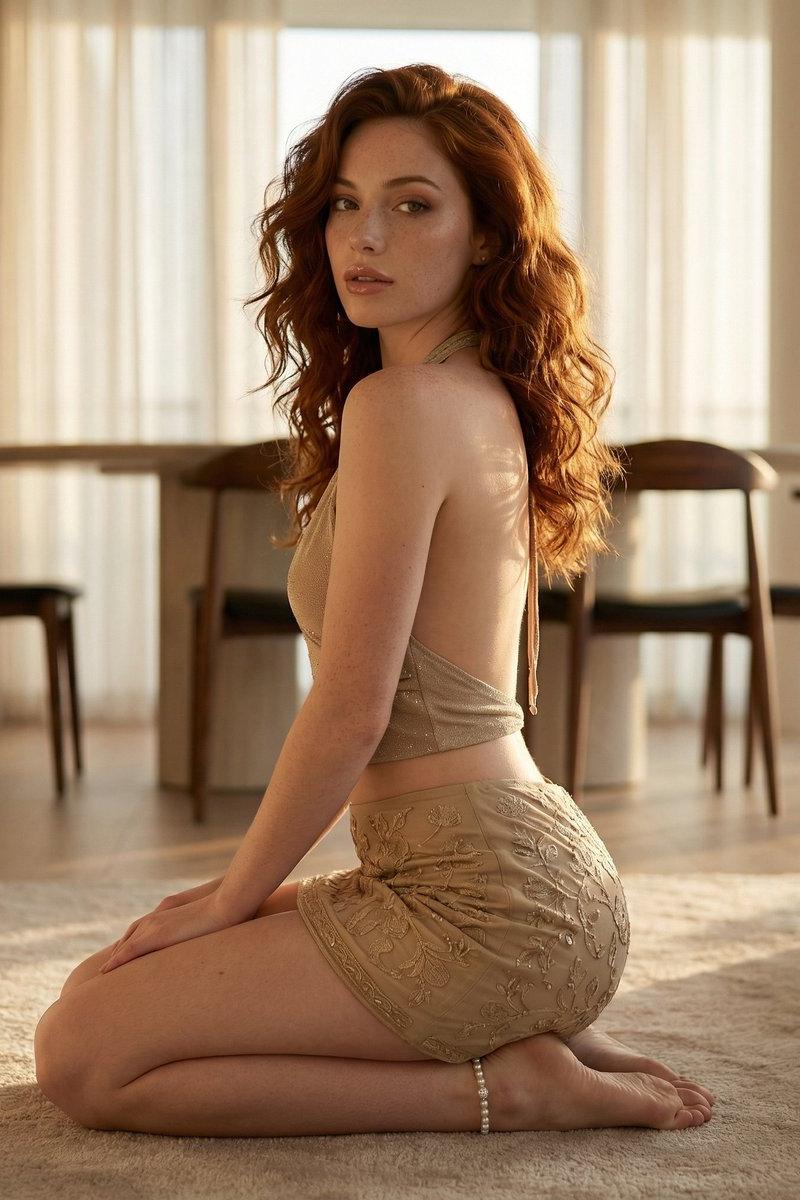
A photorealistic split-screen collage featuring two poses of a young woman with long, straight brown hair and tan skin in a domestic interior. On the left panel, she is seated facing forward on a teal velvet sofa, wearing a tight black halter-neck bodysuit or dress with extremely high leg slits revealing a thigh tattoo, one hand raised to her head, framed by dark wooden bookshelves. On the right panel, she is captured in a side-rear view kneeling on the same teal couch, looking back over her shoulder at the camera, highlighting the open back of the black garment. The background features the wooden shelving unit and a window letting in bright natural daylight, creating a mix of soft indoor lighting and natural backlighting. The style is casual, high-resolution social media photography.
Category
Charts & Infographics
Model
Nano banana pro
Creator
@rkrahulkhorwal
Source language
zh-CN
Views32
Source ID
8257
Published
Mar 22, 2026
Studio

Guide

About "绿丝绒沙发上棕发黑裙女子的分屏双重姿态"

What is this prompt for?

"绿丝绒沙发上棕发黑裙女子的分屏双重姿态" AI image prompt for Nano banana pro (Charts & Infographics). 一张逼真的分屏拼贴画,展示了一位年轻女性在家居室内摆出的两种姿势,她留着长长的直棕色头发,皮肤呈棕褐色。左侧画面中,她面向前方坐在一张青色天鹅绒沙发上,…

The full copyable prompt and example visuals above are ready for AI image generation or one-click recreate in Picva.

How to use this prompt

  1. Step 1

    Open the prompt detail

    Review the example visuals, category, and full prompt text for "绿丝绒沙发上棕发黑裙女子的分屏双重姿态".

  2. Step 2

    Copy the prompt

    Copy the prompt body from this page, or load it directly in Studio.

  3. Step 3

    Pick a model (Nano banana pro)

    Prefer Nano banana pro. If you switch models, keep subject and composition and tweak style terms.

  4. Step 4

    Generate and export

    Recreate the look in Picva, or export into your workflow for editing and publishing.

FAQ

What is the "绿丝绒沙发上棕发黑裙女子的分屏双重姿态" prompt?
It is an AI image-generation prompt for Nano banana pro in the Charts & Infographics category. This page includes the full prompt text, example visuals, and a one-click recreate path in Picva.
How do I use this prompt to generate an image?
Copy the prompt from this page, or use Generate / Studio. Paste it into a compatible image model, or recreate the look in Picva with optional reference images.
Which model is this prompt for?
This page lists Nano banana pro. Most descriptive prompts also transfer to nearby image models such as GPT Image, Flux, or Midjourney with light style tweaks.
Can I use the result commercially?
You can usually copy the prompt for creation, but commercial use of the final image depends on the model terms, reference-image rights, and the generated content. Follow the source author and platform rules.