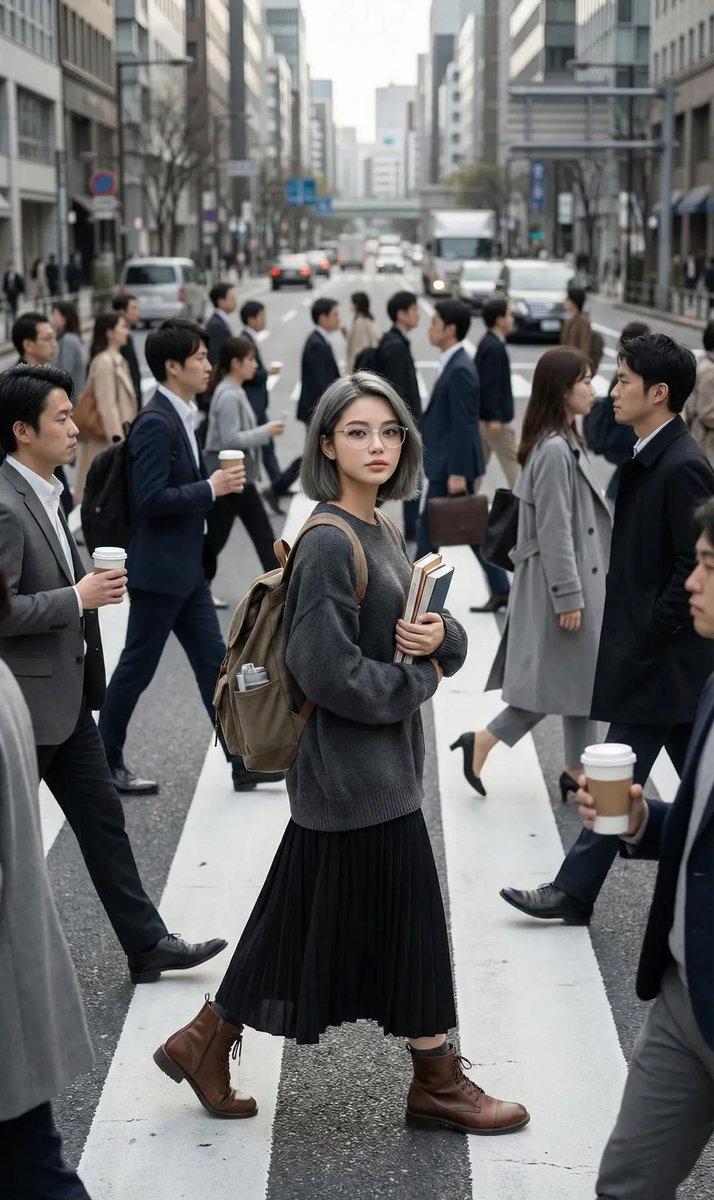
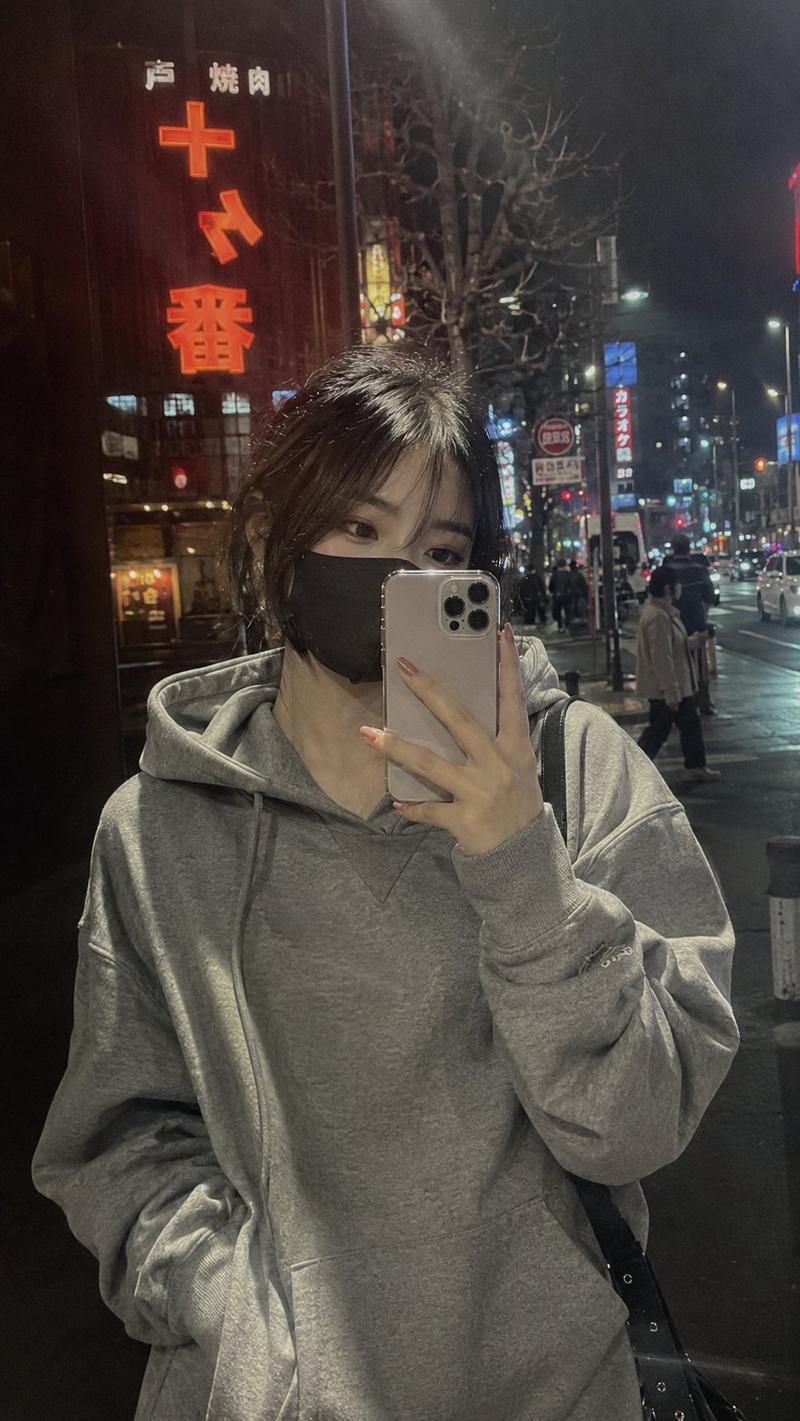
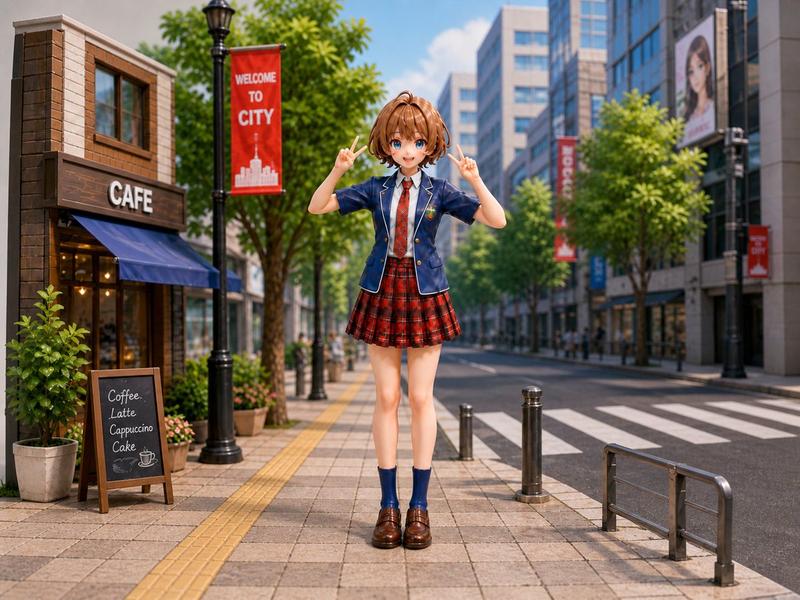
十年后的我们毕业照电影海报重绘
Prompt
Please refer to the graduation photo I uploaded and redraw it into a 3:4 vertical youth movie poster, themed 'Us Ten Years Later'.

Preserve the approximate number of people, positions, gestures, relationships, and main facial features from the original image; do not change the distance and relationships between characters. You can optimize clothing, hairstyles, lighting, background, and poster layout, but do not generate real school names, real school badges, real class information, or personal privacy text.

Composition:
Adopt a movie poster composition of 'half the year of graduation, half ten years later'.

Left side is the summer of the graduation year:
Bright campus, blue sky and white clouds, playground, teaching buildings, white shirts or school uniforms, the atmosphere is refreshing, young, and bright.

Right side is them ten years later:
City street intersection, dusk lighting, mature clothing, slight wind blowing the edges of clothes, the temperament is quieter and more story-driven.

Visual Hook:
Between the two time stages, connect them with a soft light, paper crease, film split line, or time crack. Let the audience see at a glance: these are the same group of people, having crossed ten years.

Poster Text:
Top small text: 'Graduation Season AI Visual Experiment'
Main Title: 'Us Ten Years Later'
Sub-title: 'That graduation photo later turned into a movie'

Layout Requirements:
Use high-end Songti or Mincho font for the main title, and thin gothic font for the sub-title. The image should have a clear title area, character area, and negative space. Do not add personal tags at the bottom.

Visual Style:
Youth movie poster, realistic photography texture, refreshing blue and white campus tones on the left, mature city warm tones on the right, soft backlighting, slight film grain, airy feel, restrained emotions but with a sense of time.

Avoid:
Do not cartoonize, no excessive anime style, no incorrect Chinese, no garbled English, no real school names, no real school badges, no redundant logos, no facial distortion, do not change the number of people, do not make character relationships messy.
- Category
- Charts & Infographics
- Model
- ChatGPT
- Creator
- @YangOnchain
- Source language
- zh-CN
- Source ID
- 16192
- Published
- Jun 17, 2026
Views89