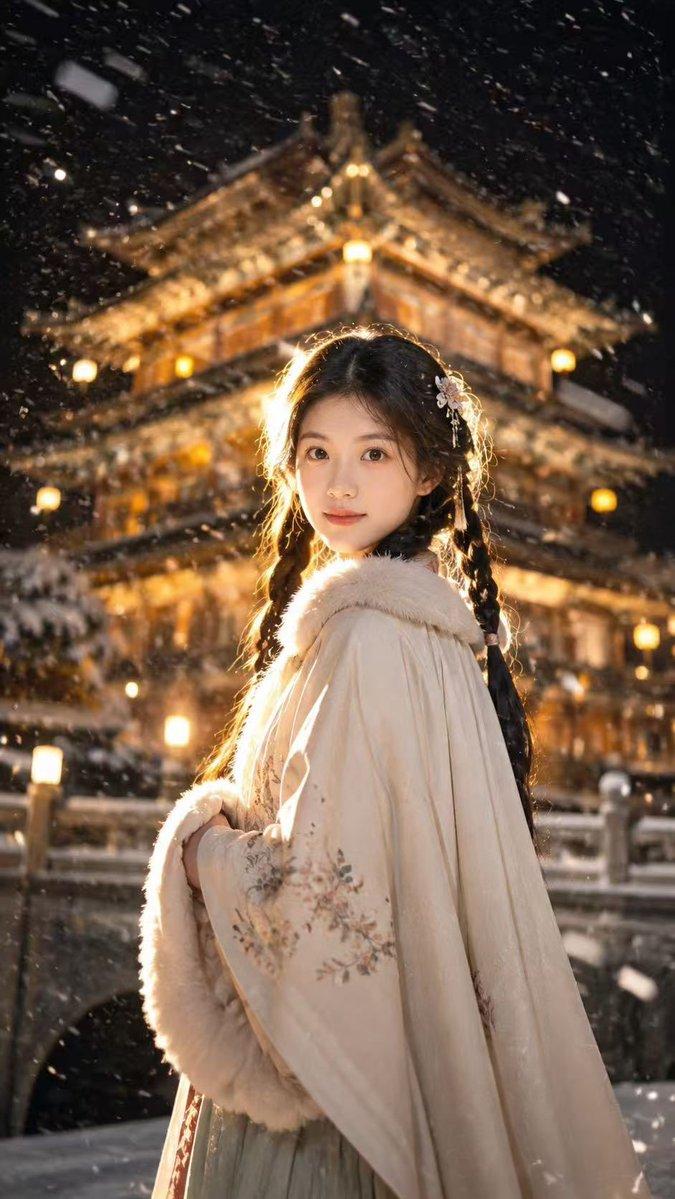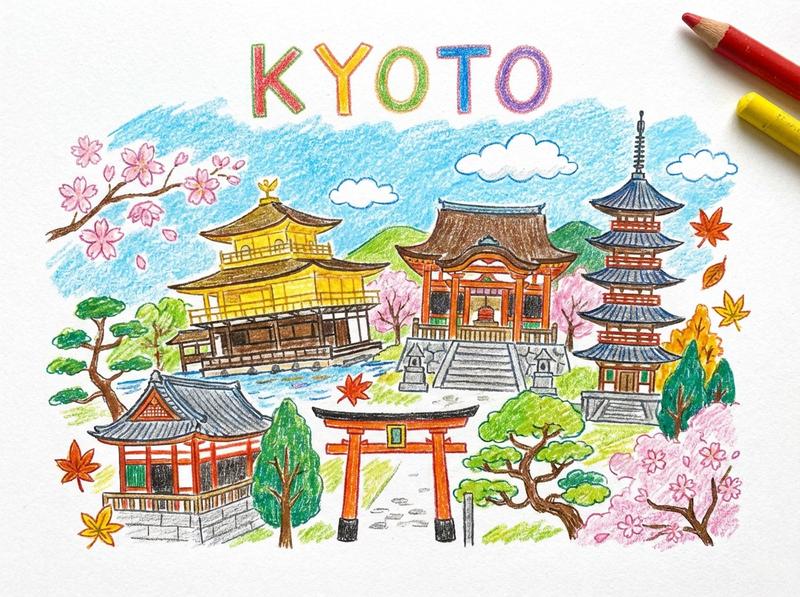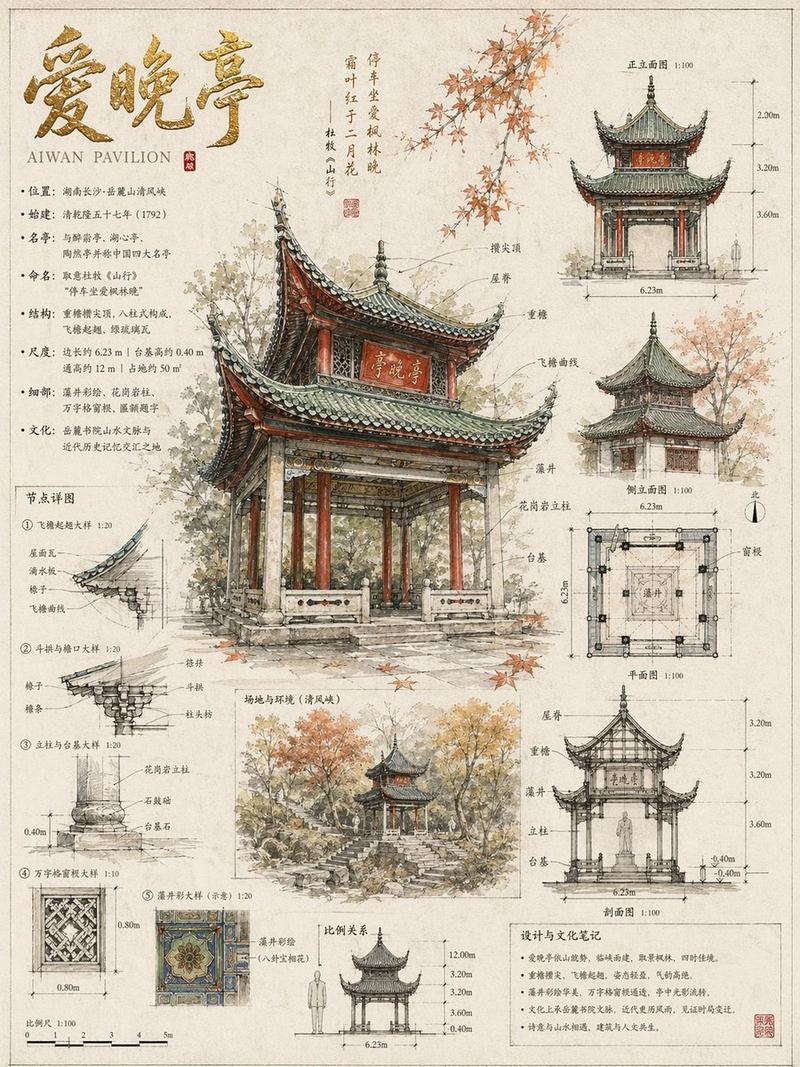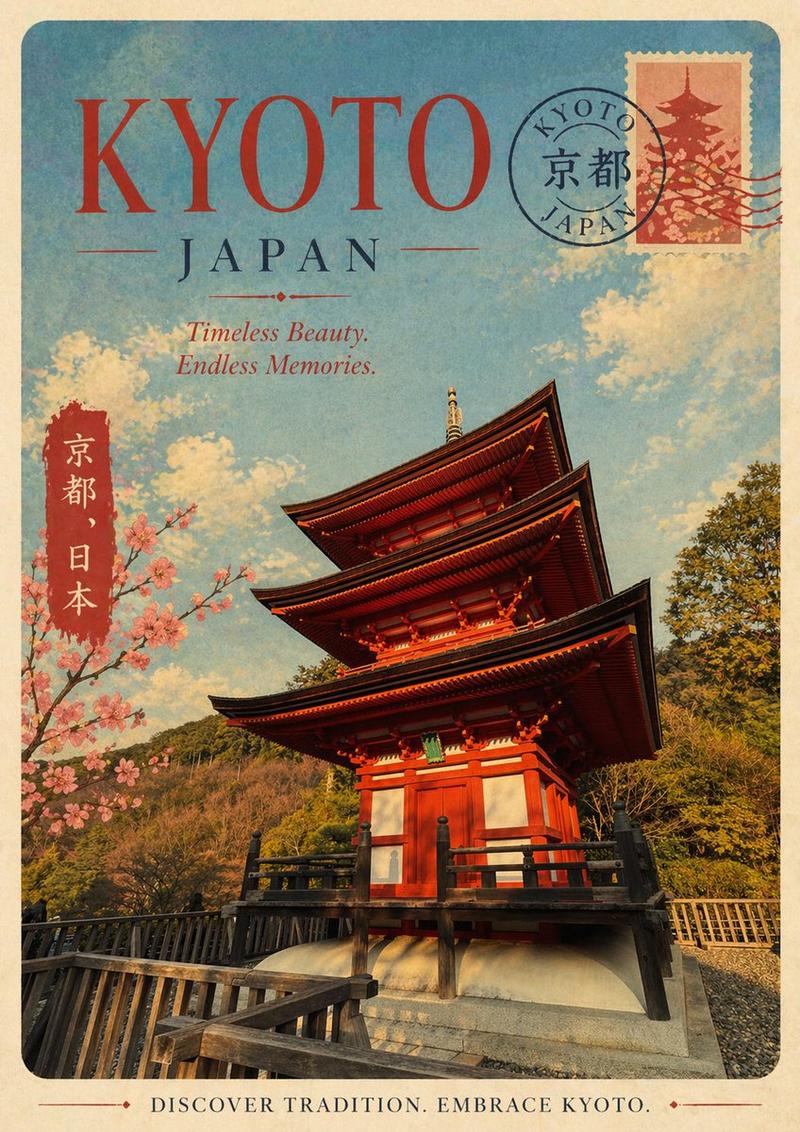
20

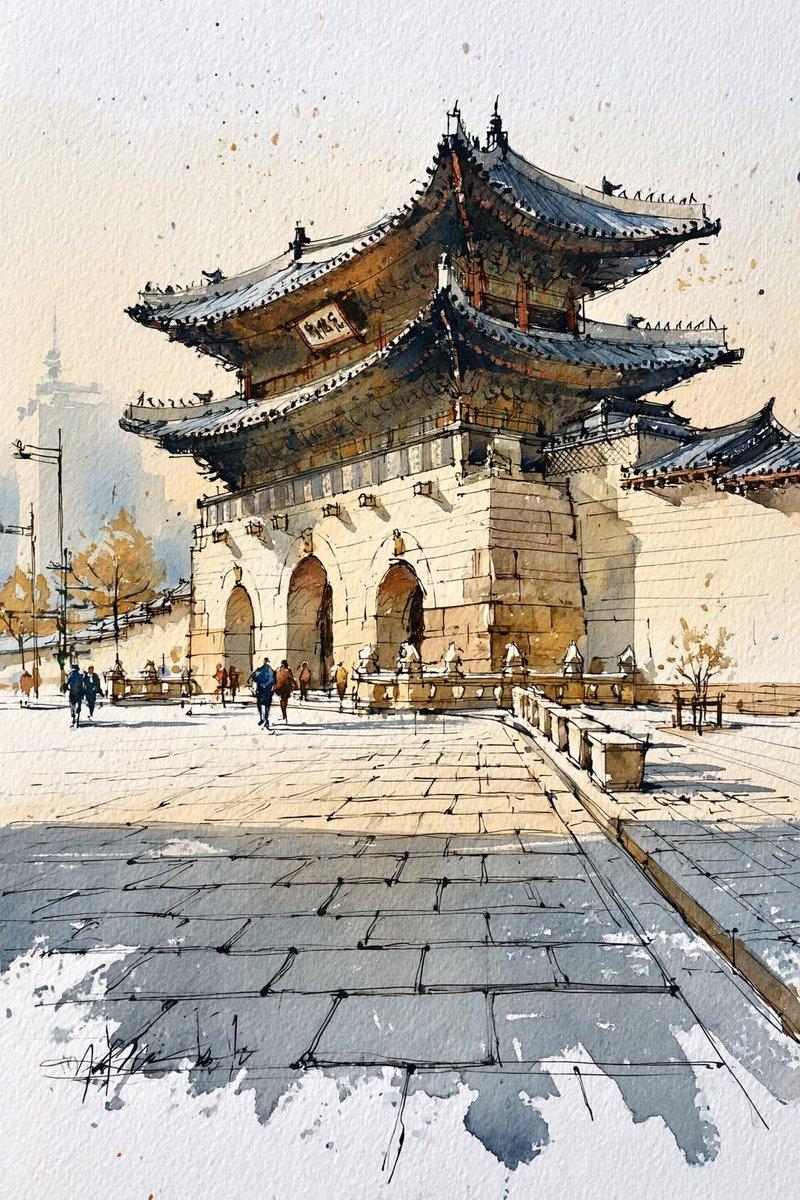
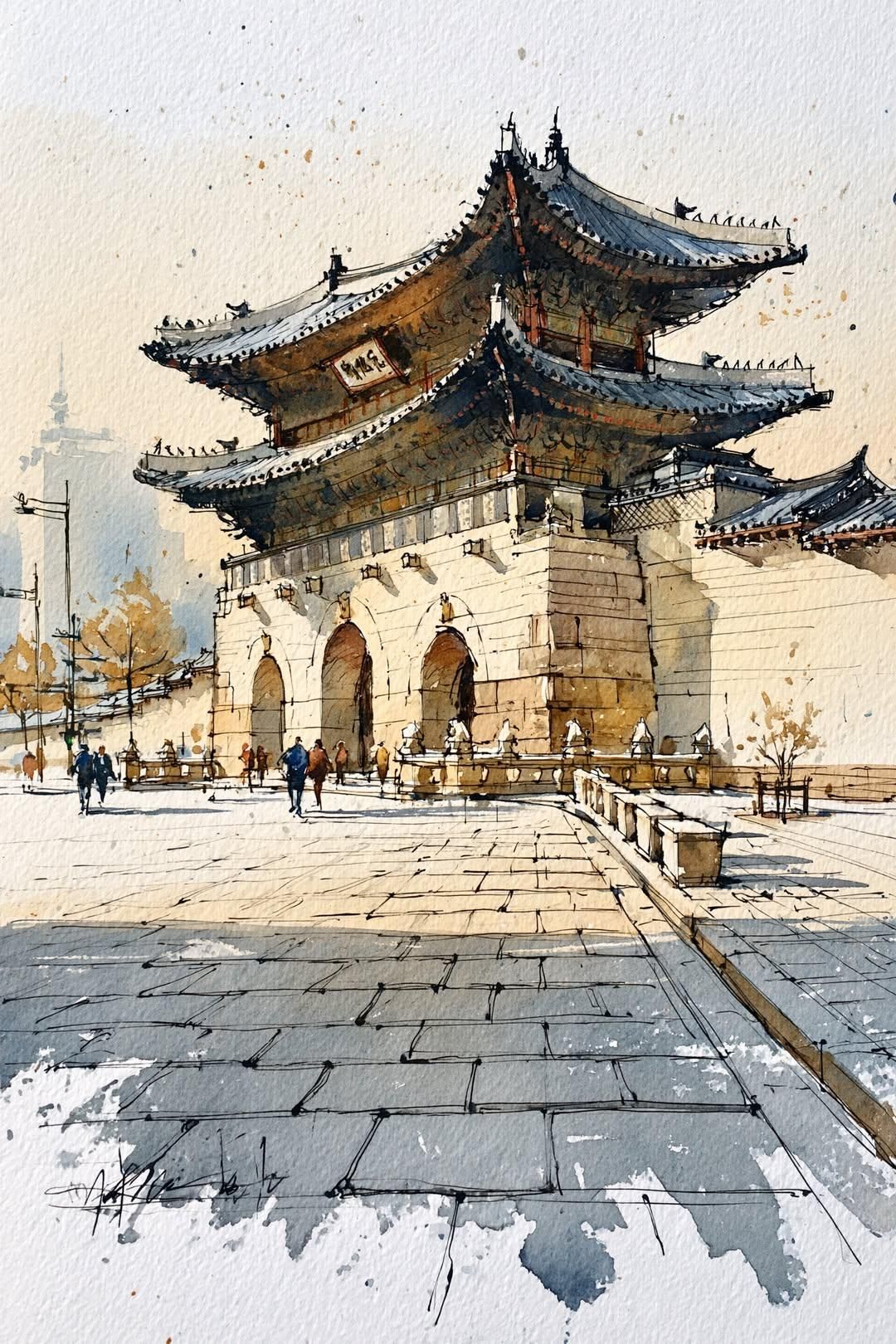
传统韩国韩屋村街道水彩建筑速写
Enlarge

Example images

传统韩国韩屋村街道水彩建筑速写

Prompt
Traditional Korean hanok village street, watercolor architectural sketch, urban sketching masterpiece, hand-drawn ink lines with loose watercolor washes, detailed curved tiled rooftops, wooden doors and traditional architecture, soft earthy tones, beige, warm brown, gray slate roofs, subtle splatter effects, textured watercolor paper background, minimalist composition, clean white negative space, atmospheric perspective, delicate linework, travel sketchbook illustration, plein air painting style, highly detailed architecture, soft morning light, realistic proportions, elegant brush strokes, ink and wash technique, professional architectural rendering, peaceful historic alleyway, reflections on wet stone pavement, fine pen sketch details, muted color palette, artistic watercolor journal, East Asian heritage architecture, ultra detailed, high quality, watercolor and ink illustration.
Category
Architecture & Spaces
Model
ChatGPT
Views2
Source ID
15349
Published
Jun 4, 2026

Guide

About "传统韩国韩屋村街道水彩建筑速写"

What is this prompt for?

"传统韩国韩屋村街道水彩建筑速写" AI image prompt for ChatGPT (Architecture & Spaces). 传统韩国韩屋村街道,水彩建筑速写,城市写生杰作,手绘墨线与松散的水彩晕染,细致的弧形瓦屋顶,木门与传统建筑,柔和的大地色调,米色,暖棕色,灰色石板屋顶,细微的飞溅效果,有纹理的…

The full copyable prompt and example visuals above are ready for AI image generation or one-click recreate in Picva.

How to use this prompt

  1. Step 1

    Open the prompt detail

    Review the example visuals, category, and full prompt text for "传统韩国韩屋村街道水彩建筑速写".

  2. Step 2

    Copy the prompt

    Copy the prompt body from this page, or load it directly in Studio.

  3. Step 3

    Pick a model (ChatGPT)

    Prefer ChatGPT. If you switch models, keep subject and composition and tweak style terms.

  4. Step 4

    Generate and export

    Recreate the look in Picva, or export into your workflow for editing and publishing.

FAQ

What is the "传统韩国韩屋村街道水彩建筑速写" prompt?
It is an AI image-generation prompt for ChatGPT in the Architecture & Spaces category. This page includes the full prompt text, example visuals, and a one-click recreate path in Picva.
How do I use this prompt to generate an image?
Copy the prompt from this page, or use Generate / Studio. Paste it into a compatible image model, or recreate the look in Picva with optional reference images.
Which model is this prompt for?
This page lists ChatGPT. Most descriptive prompts also transfer to nearby image models such as GPT Image, Flux, or Midjourney with light style tweaks.
Can I use the result commercially?
You can usually copy the prompt for creation, but commercial use of the final image depends on the model terms, reference-image rights, and the generated content. Follow the source author and platform rules.