19

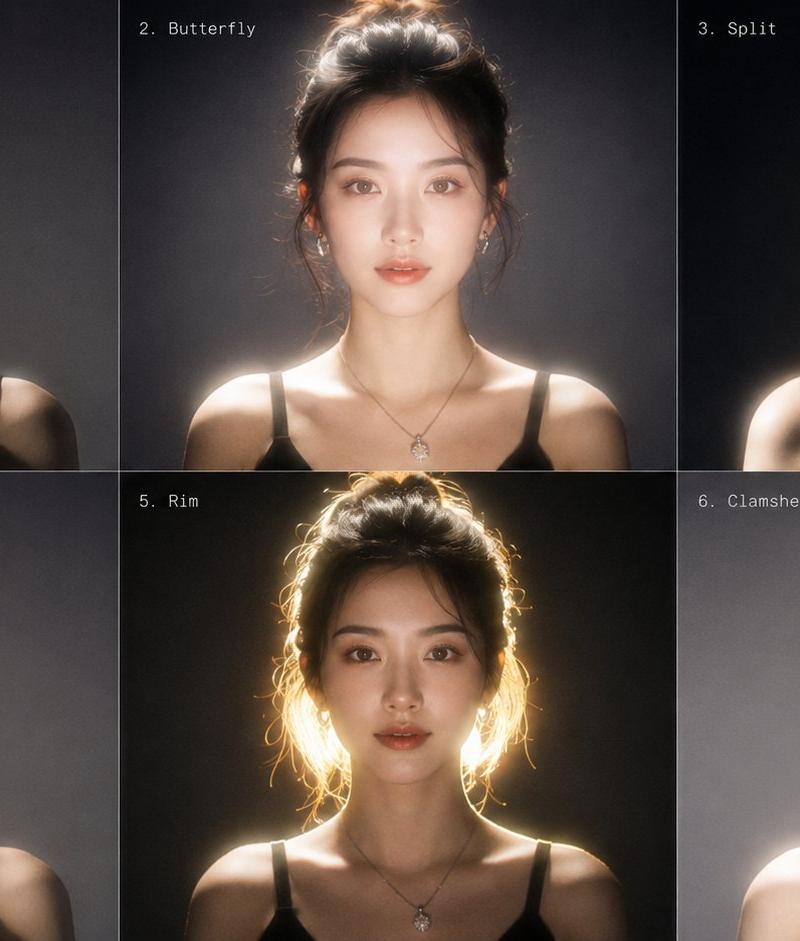
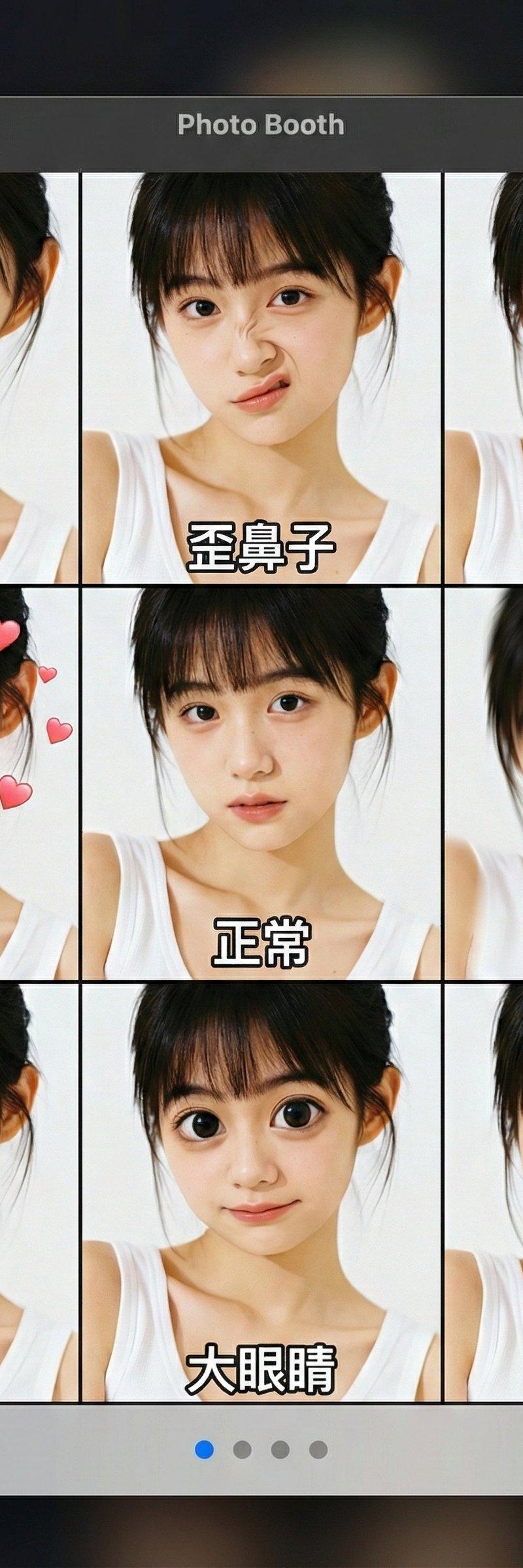
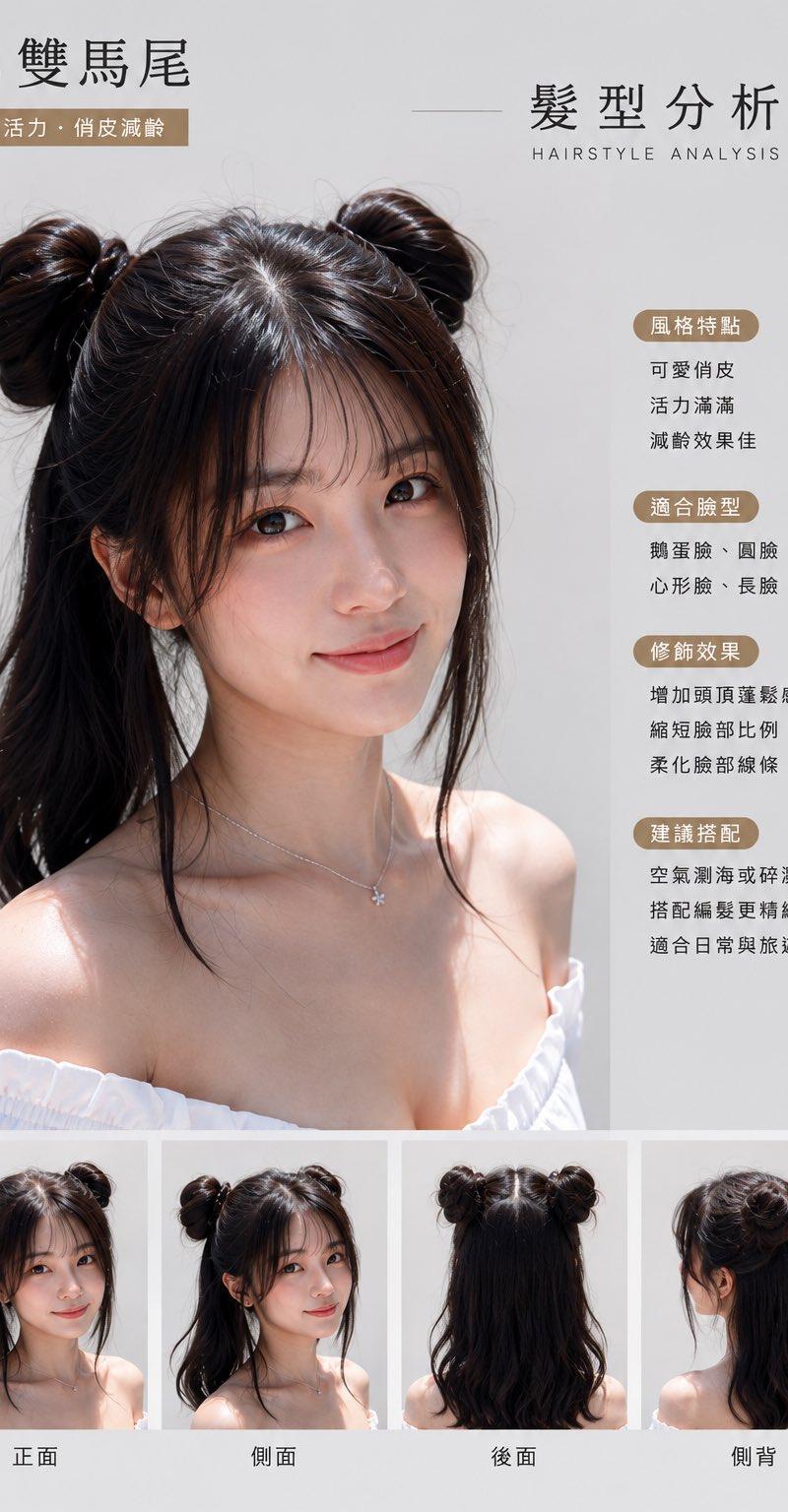
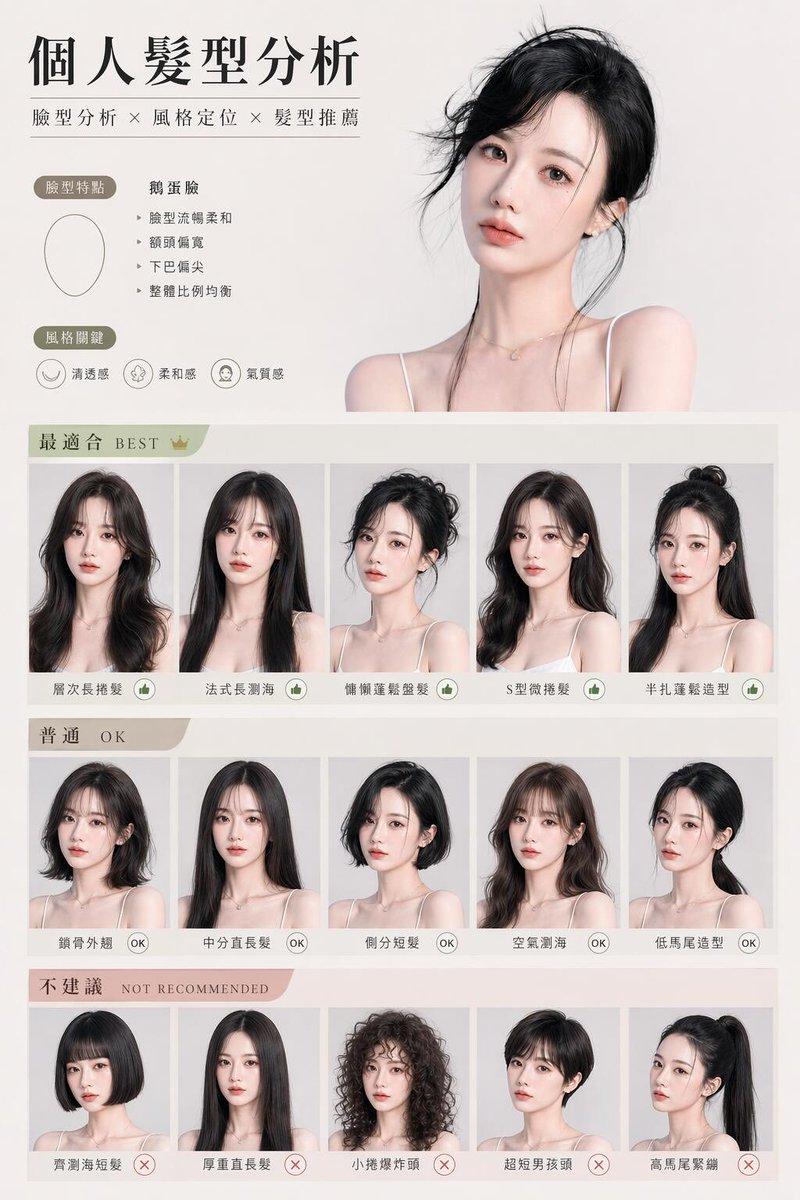
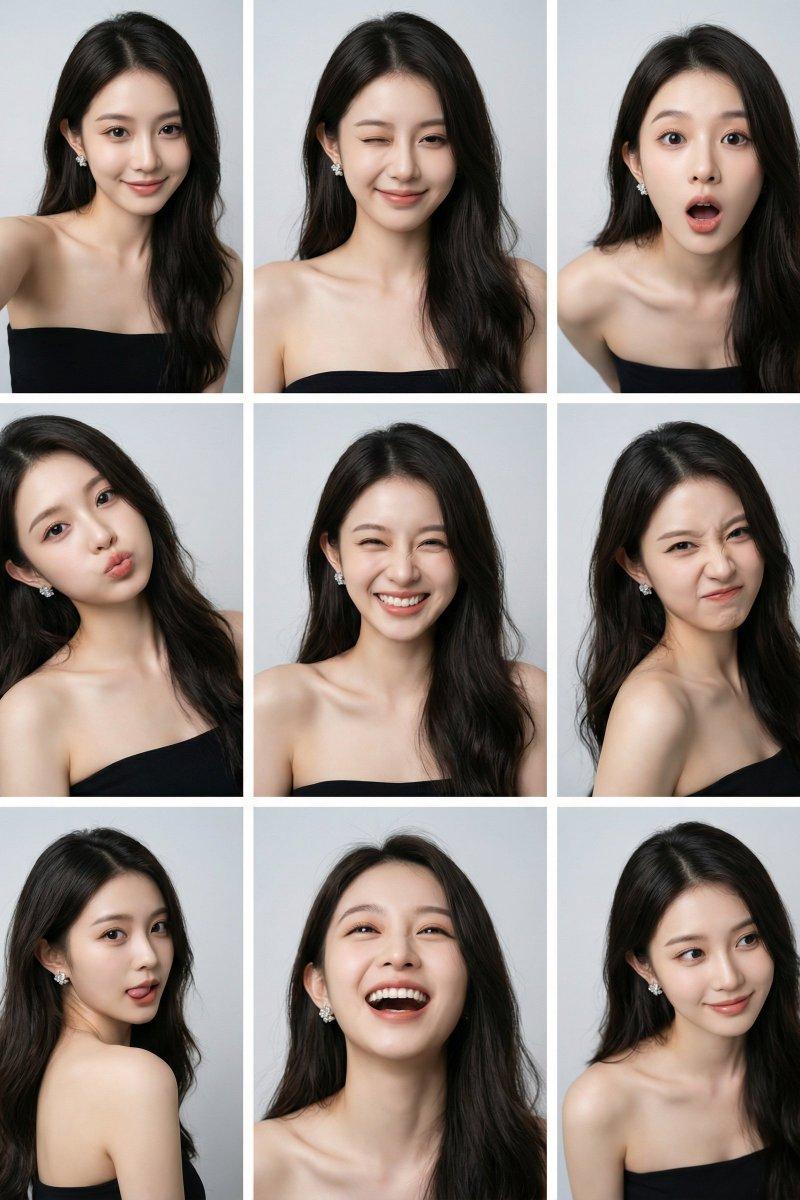
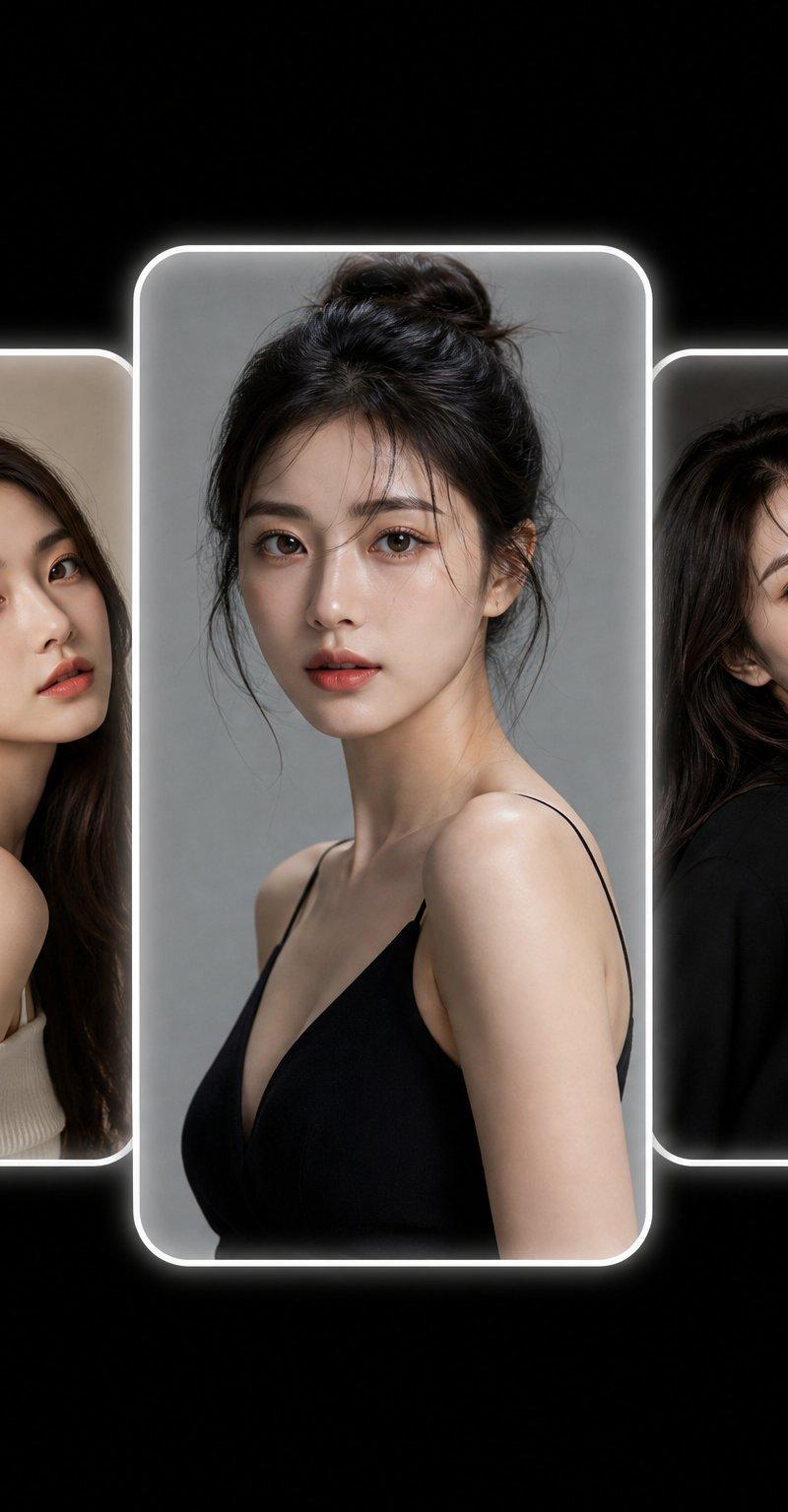
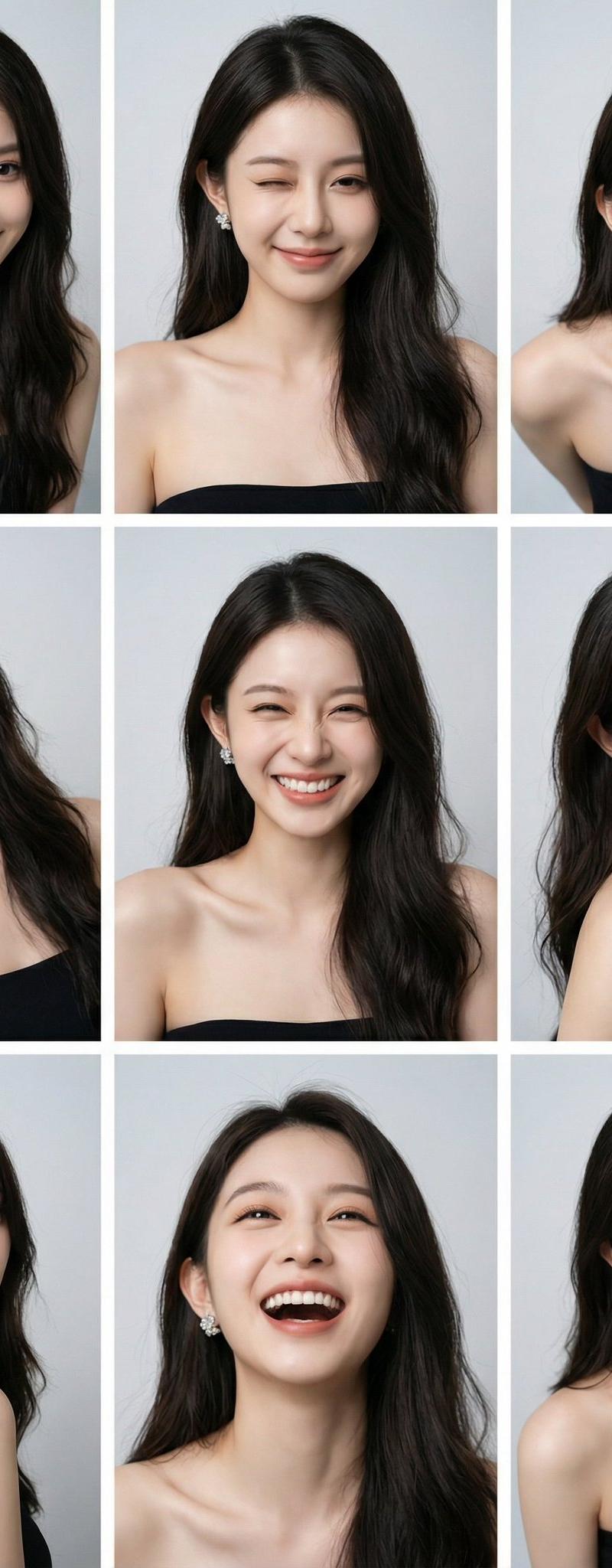
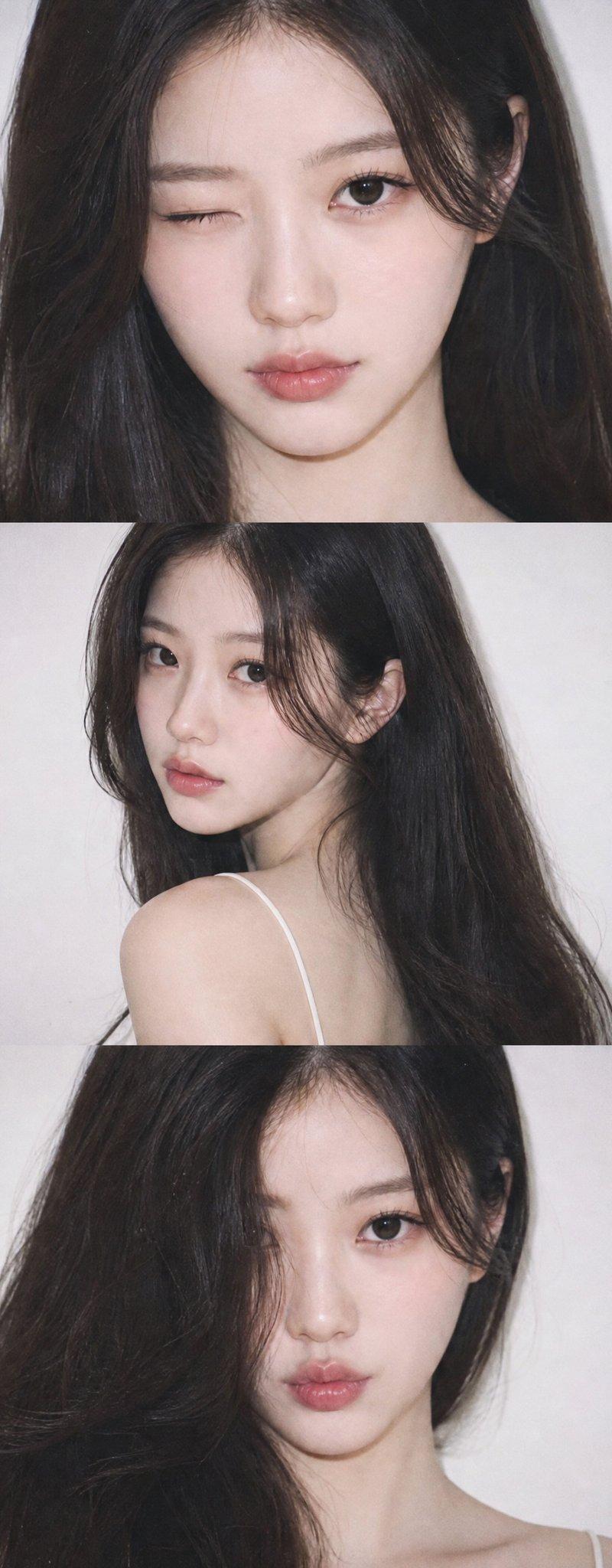
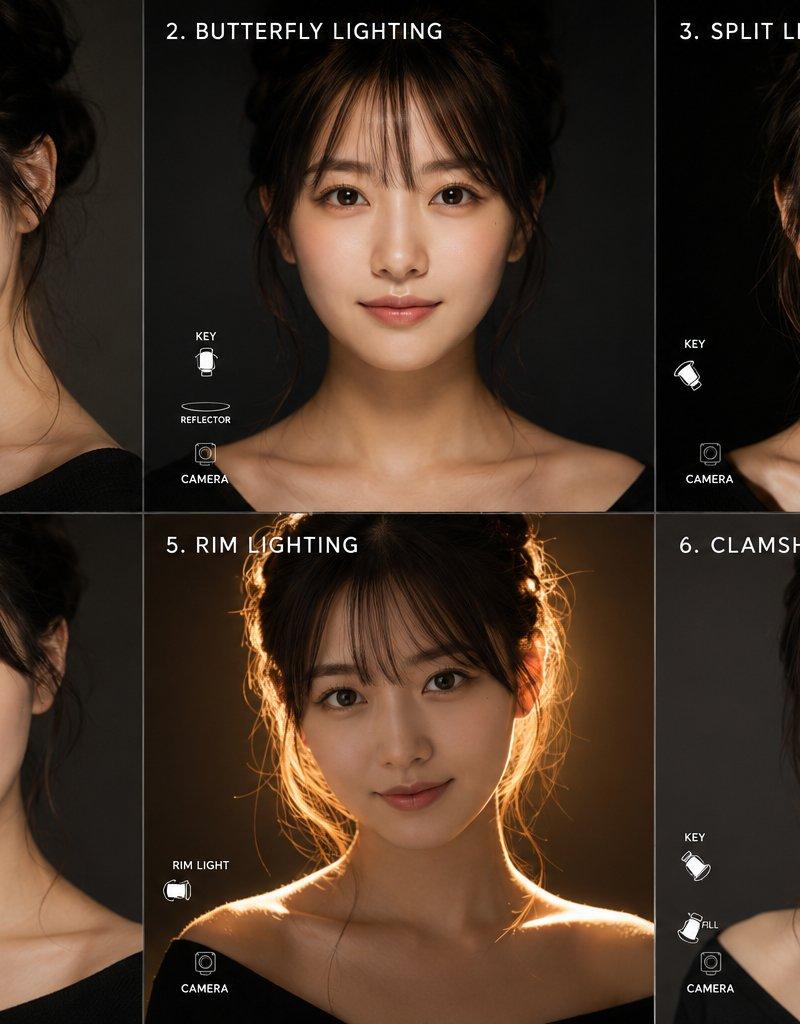
超写实2x3女性肖像六种专业摄影灯光对比
Enlarge

Example images

超写实2x3女性肖像六种专业摄影灯光对比

Prompt
Ultra-realistic 2x3 portrait collage of the same woman, showcasing six professional studio lighting setups. Top-left: Rembrandt lighting with 45° elevated key light camera left and subtle fill right, dramatic shadow triangle. Top-center: Butterfly lighting with overhead key and reflector under chin, beauty editorial look. Top-right: Split lighting with hard 90° key light camera left, no fill, half face in deep shadow, noir mood. Bottom-left: Loop lighting with 30° elevated key light and soft fill, natural commercial portrait. Bottom-center: Strong rim lighting with warm golden backlight, glowing hair edges, heroic silhouette. Bottom-right: Clamshell lighting with overhead key and soft fill below, flawless porcelain skin, high-end beauty photography. Same pose and styling throughout, clean studio background, sharp focus, cinematic quality, ultra-detailed skin, professional fashion editorial, 8K.
Category
Charts & Infographics
Model
ChatGPT
Creator
@MissDelulu9
Source language
zh-CN
Views55
Source ID
16254
Published
Jun 18, 2026
Studio

Guide

About "超写实2x3女性肖像六种专业摄影灯光对比"

What is this prompt for?

"超写实2x3女性肖像六种专业摄影灯光对比" AI image prompt for ChatGPT (Charts & Infographics). 超写实 2x3 肖像拼图,同一位女性,展示六种专业影棚灯光设置。左上:伦勃朗光,主灯位于相机左侧 45° 高处,右侧有细微补光,具有戏剧性的阴影三角形。中上:蝴蝶光,…

The full copyable prompt and example visuals above are ready for AI image generation or one-click recreate in Picva.

How to use this prompt

  1. Step 1

    Open the prompt detail

    Review the example visuals, category, and full prompt text for "超写实2x3女性肖像六种专业摄影灯光对比".

  2. Step 2

    Copy the prompt

    Copy the prompt body from this page, or load it directly in Studio.

  3. Step 3

    Pick a model (ChatGPT)

    Prefer ChatGPT. If you switch models, keep subject and composition and tweak style terms.

  4. Step 4

    Generate and export

    Recreate the look in Picva, or export into your workflow for editing and publishing.

FAQ

What is the "超写实2x3女性肖像六种专业摄影灯光对比" prompt?
It is an AI image-generation prompt for ChatGPT in the Charts & Infographics category. This page includes the full prompt text, example visuals, and a one-click recreate path in Picva.
How do I use this prompt to generate an image?
Copy the prompt from this page, or use Generate / Studio. Paste it into a compatible image model, or recreate the look in Picva with optional reference images.
Which model is this prompt for?
This page lists ChatGPT. Most descriptive prompts also transfer to nearby image models such as GPT Image, Flux, or Midjourney with light style tweaks.
Can I use the result commercially?
You can usually copy the prompt for creation, but commercial use of the final image depends on the model terms, reference-image rights, and the generated content. Follow the source author and platform rules.