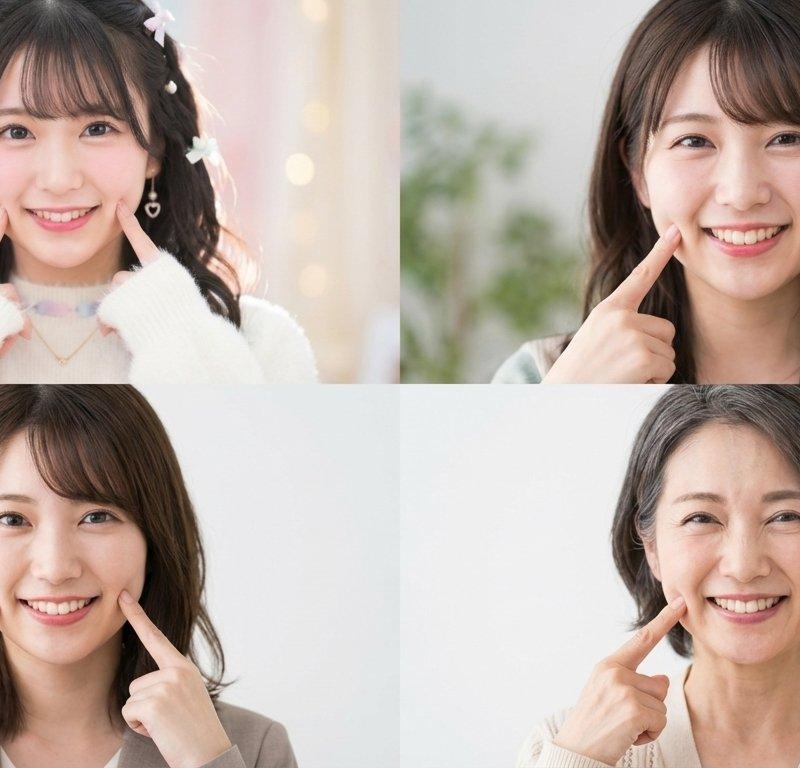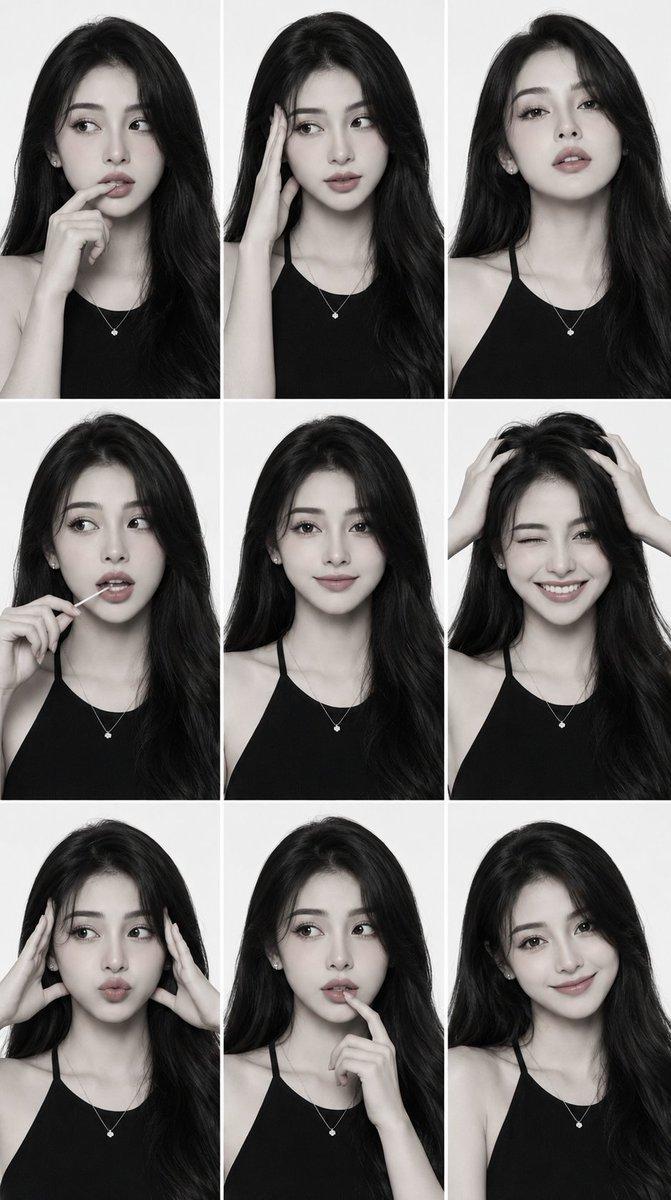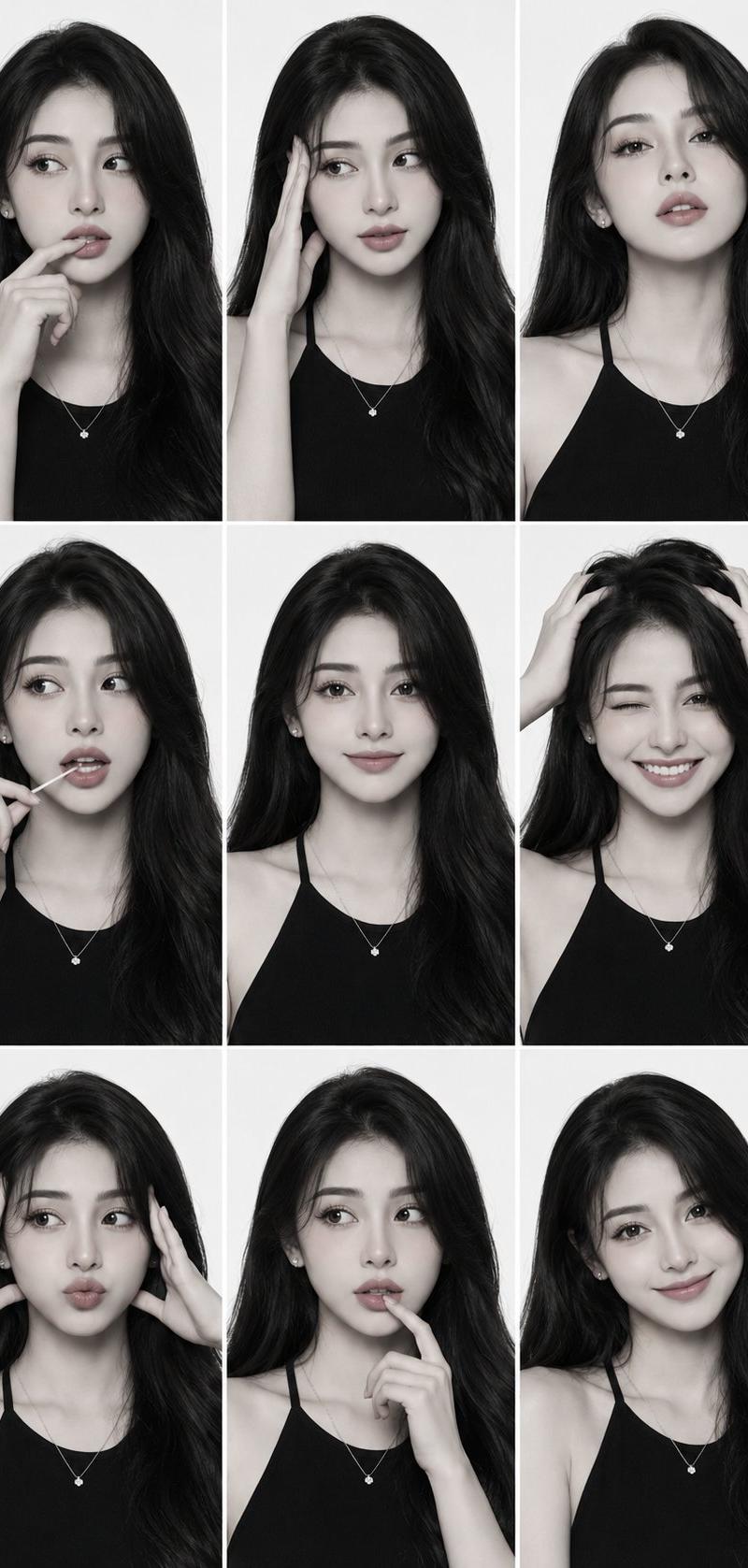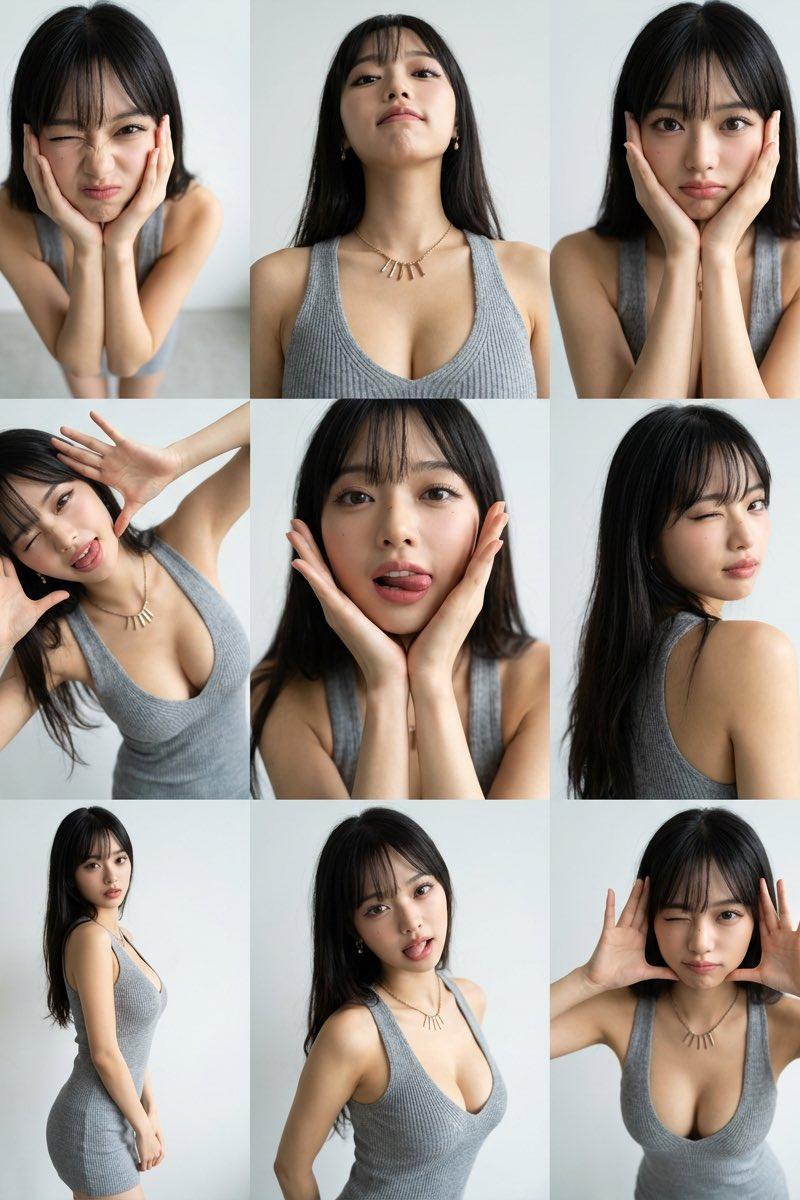
17

超写实九十年代社论人像拼贴提示词
Enlarge

Example images

超写实九十年代社论人像拼贴提示词

Prompt
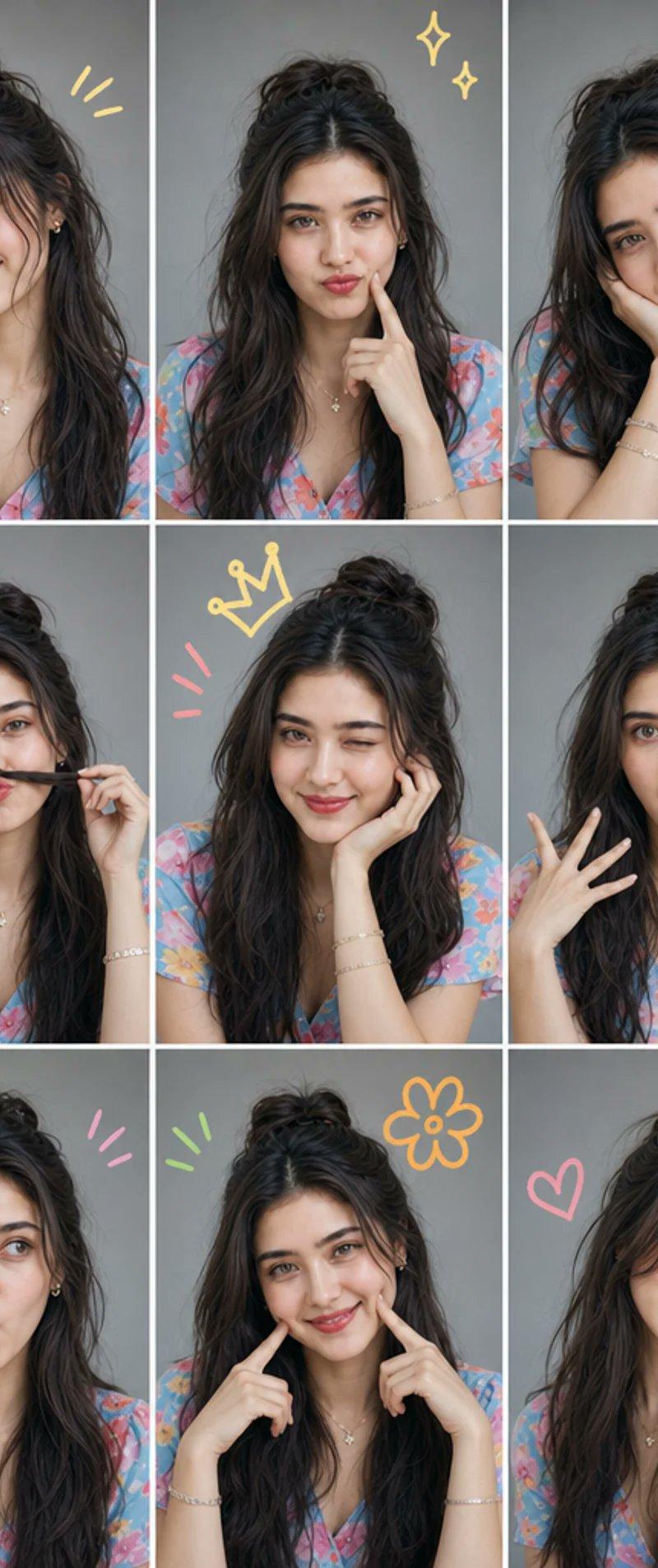
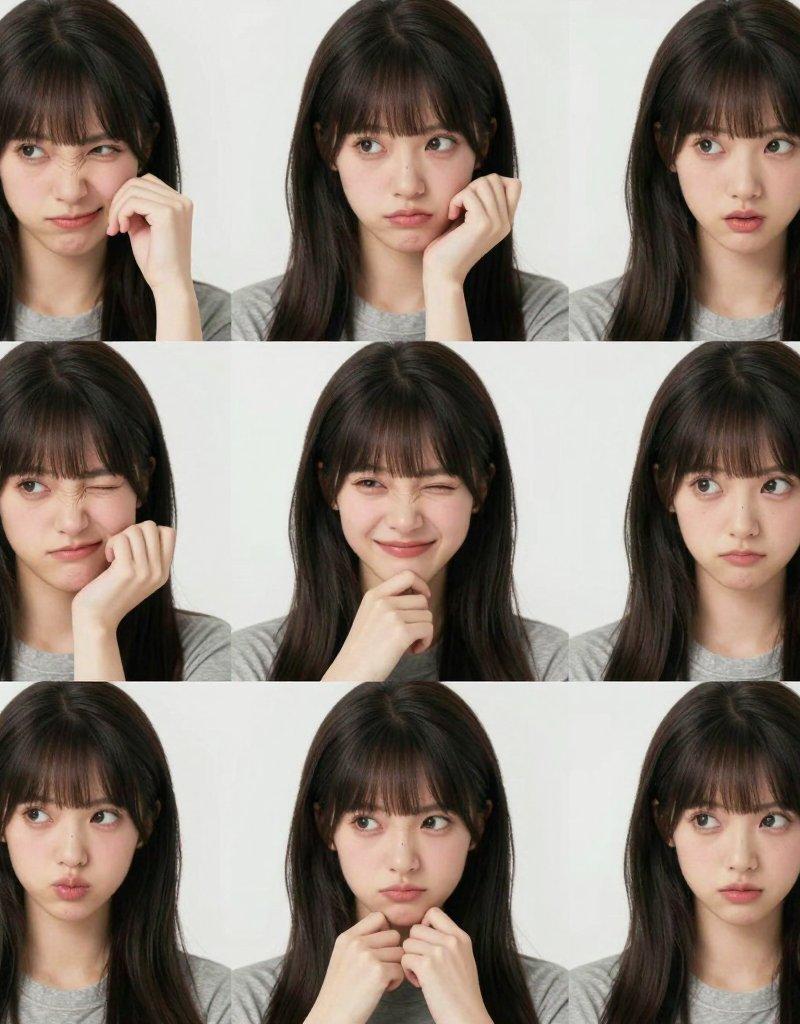
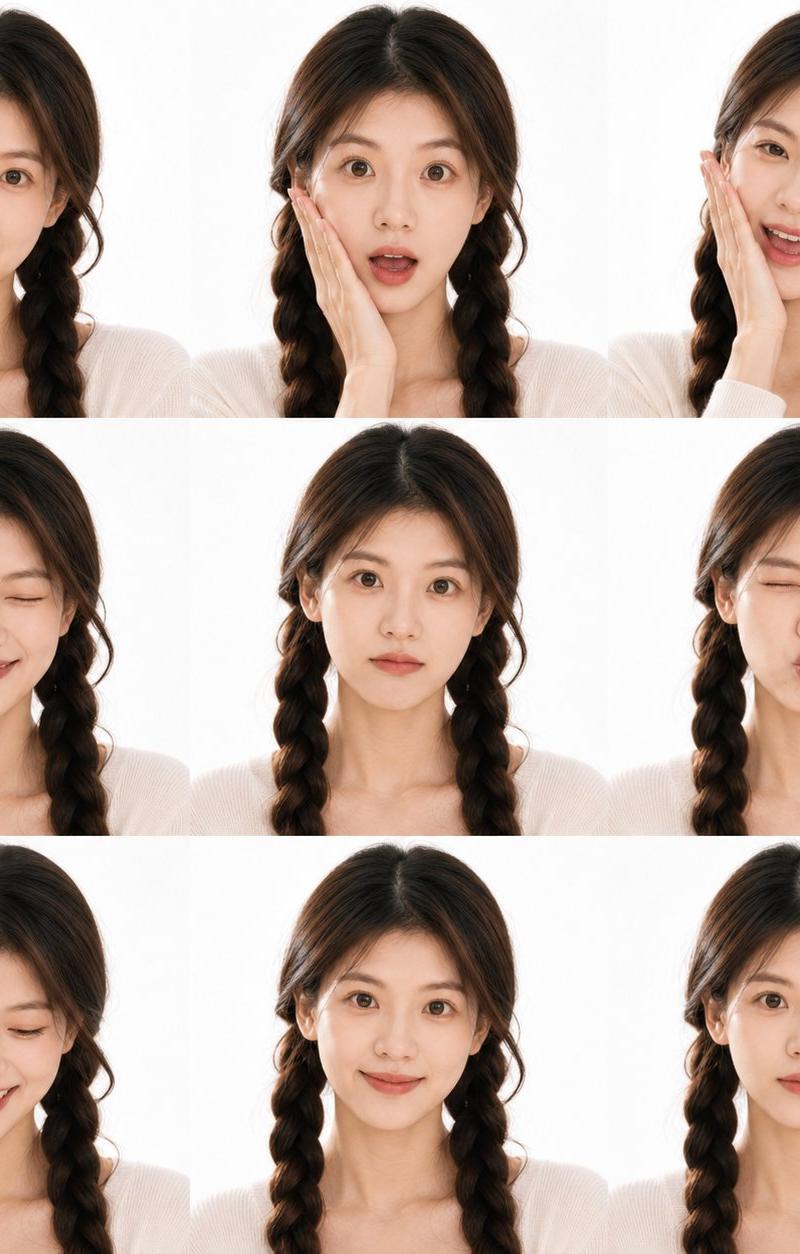
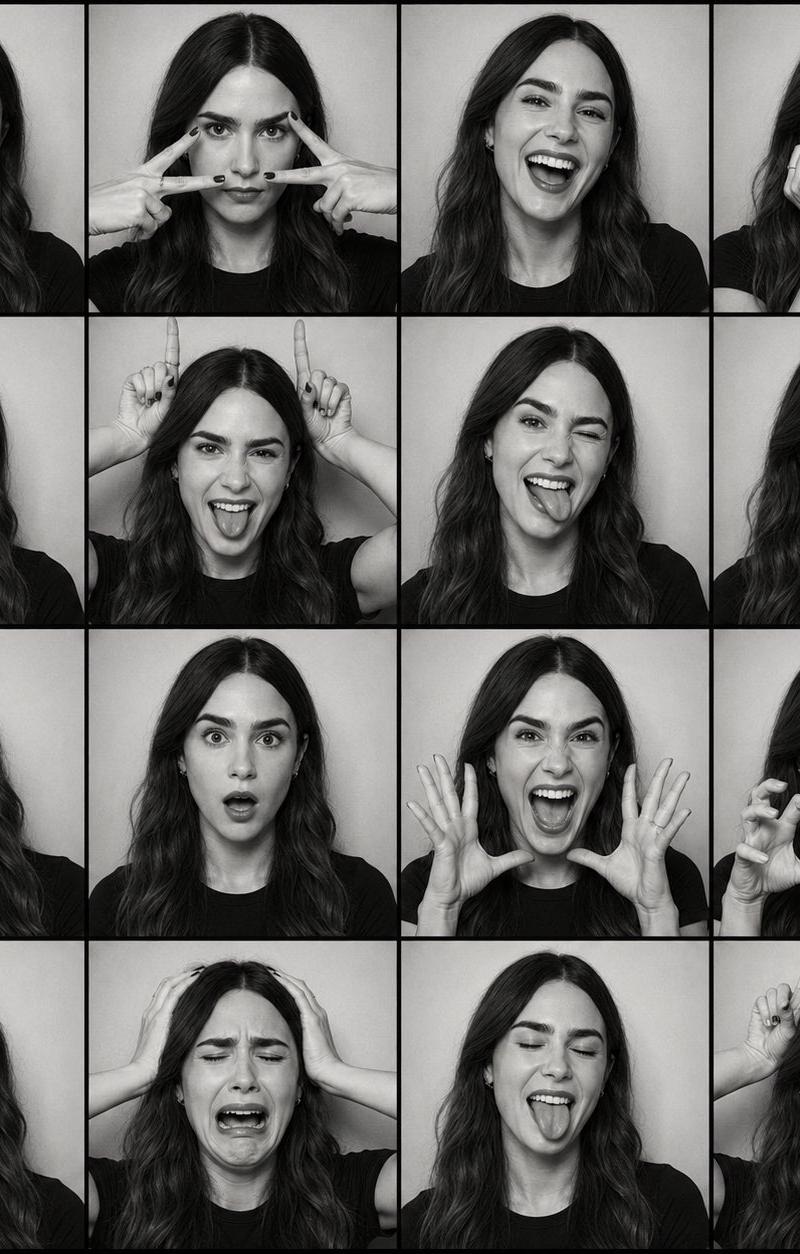
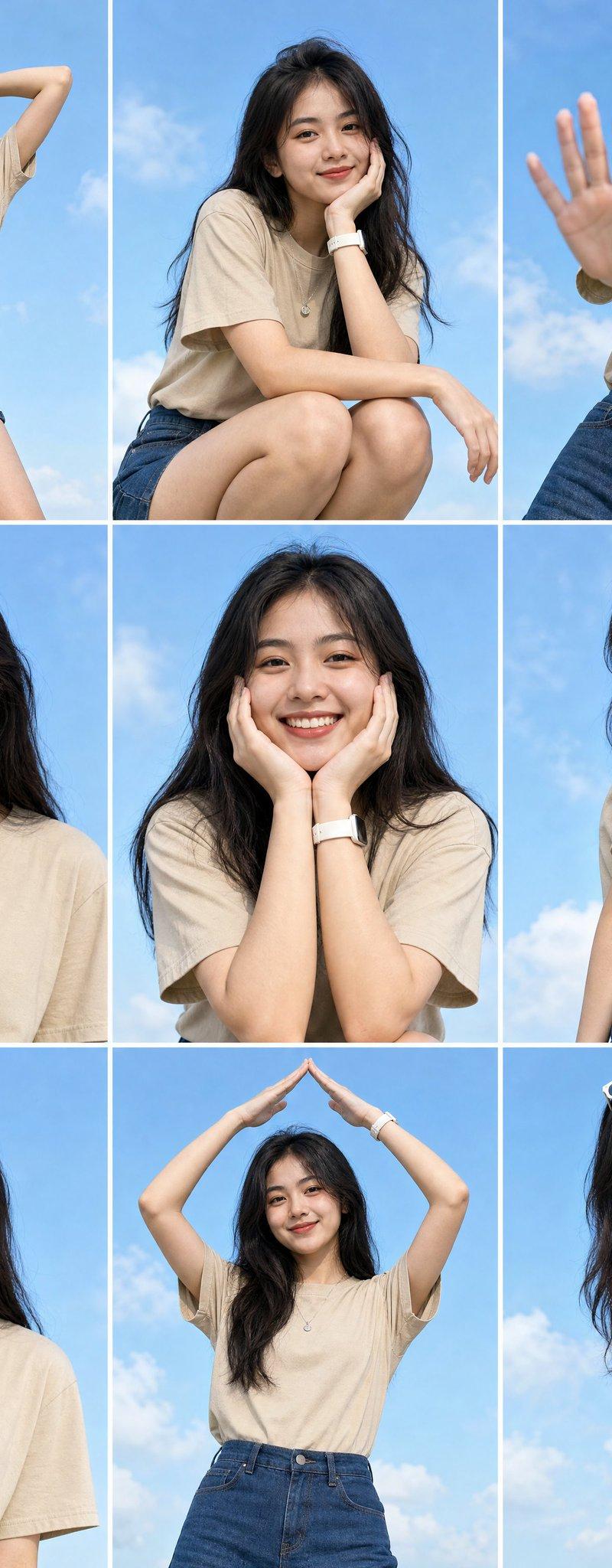
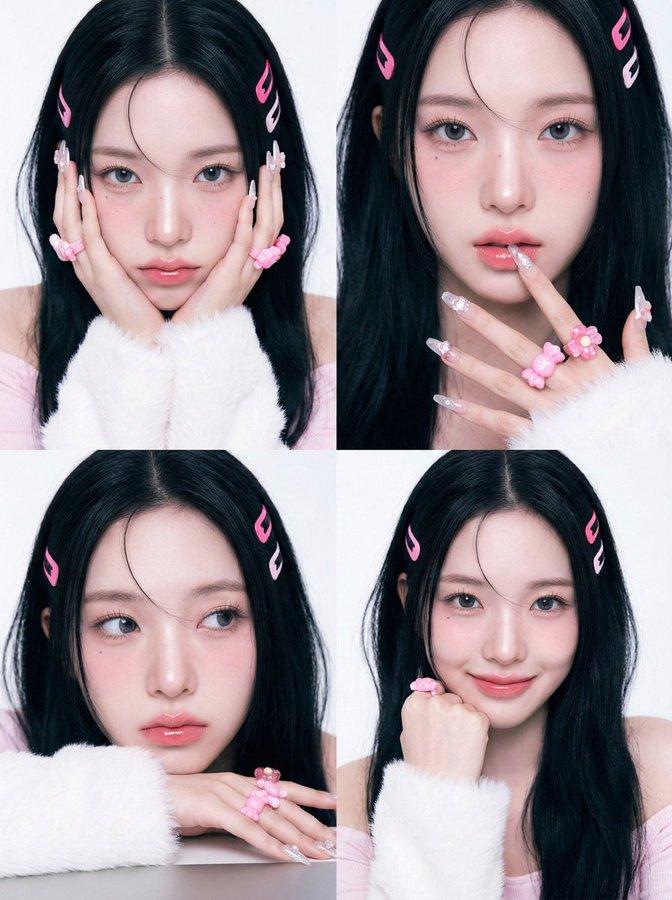
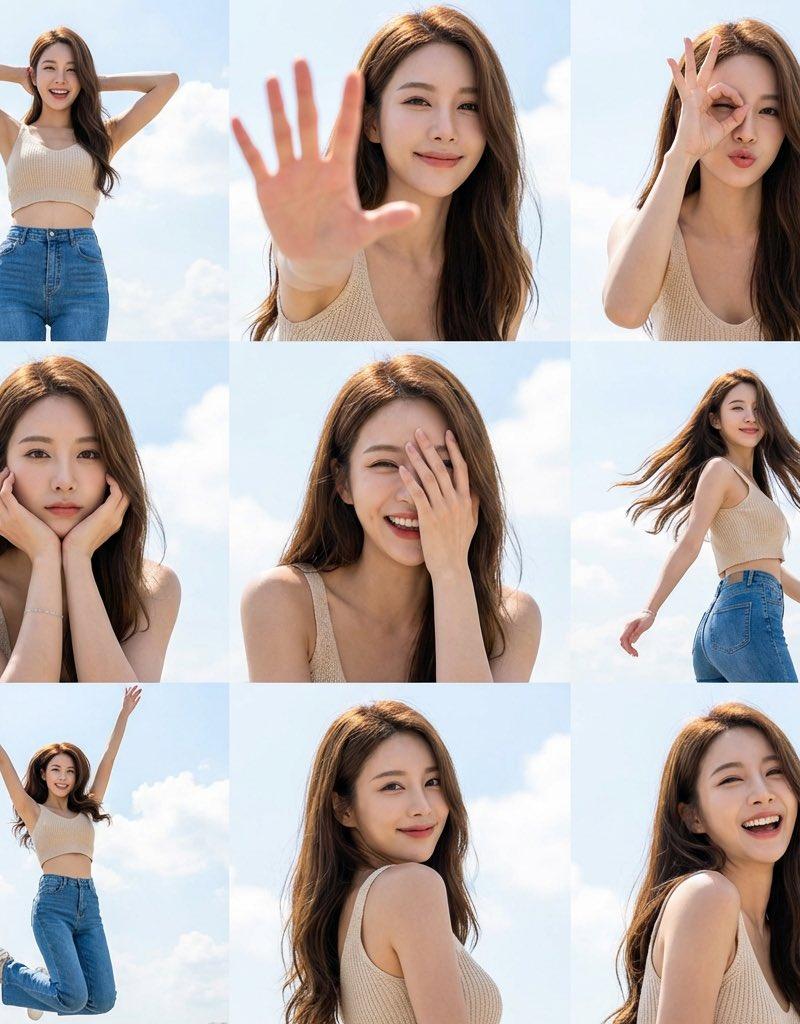
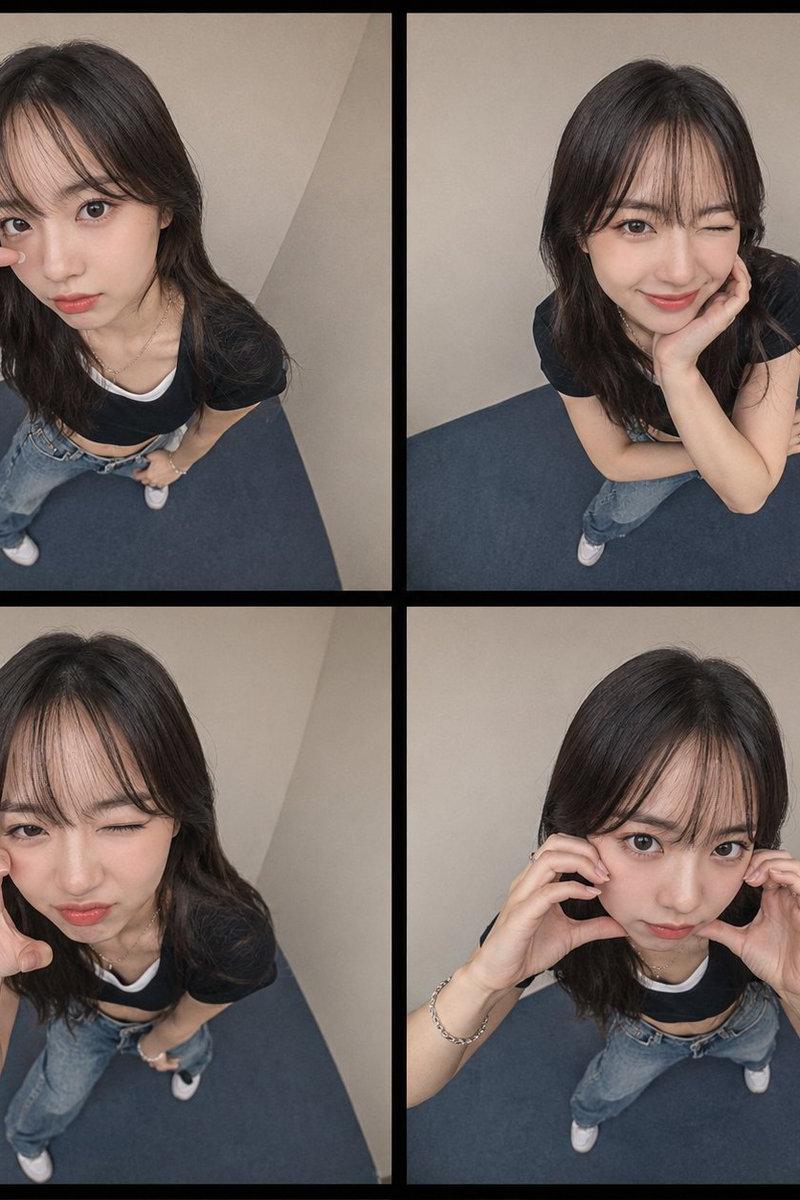
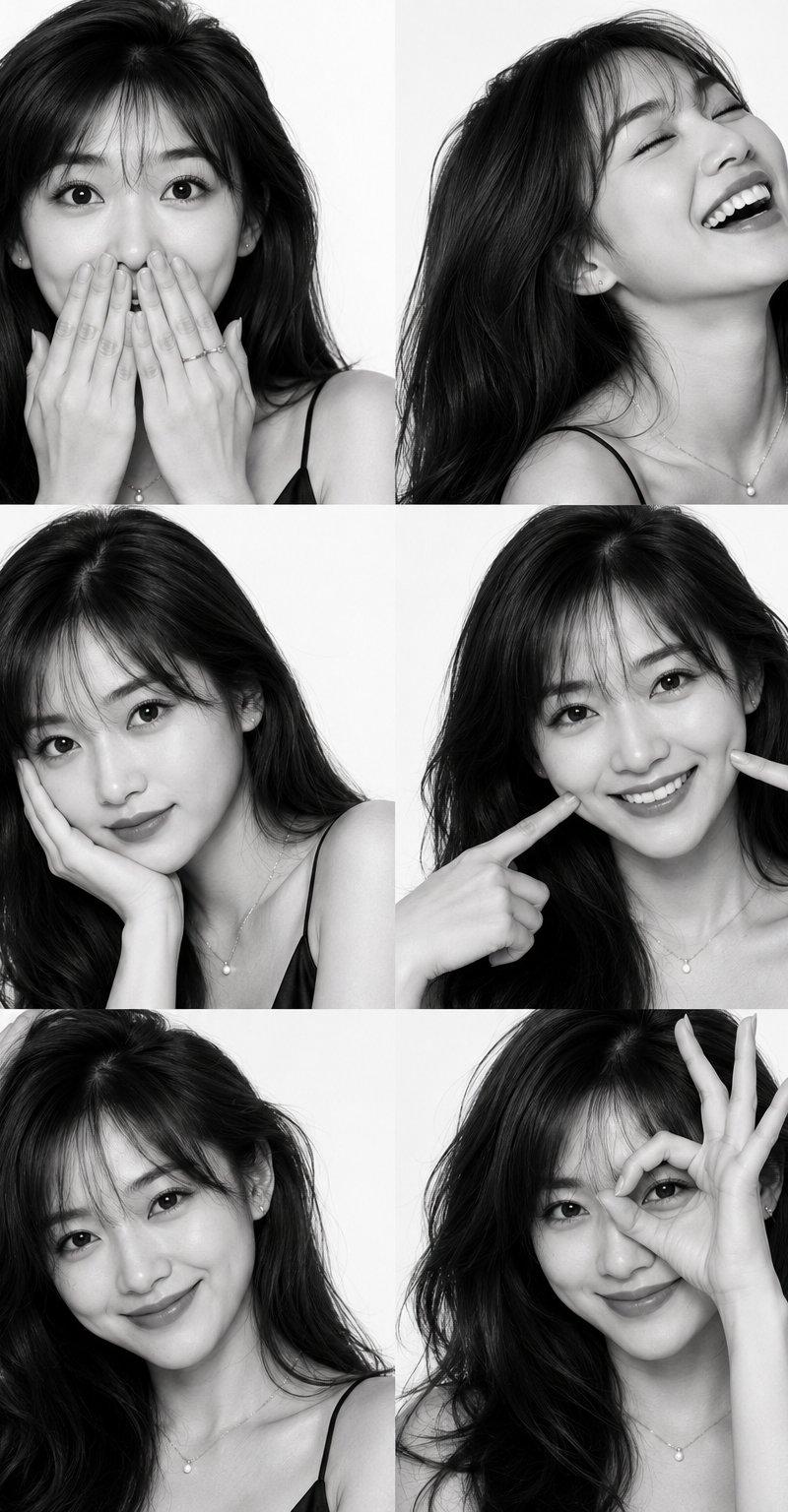
Create an ultra-realistic editorial portrait collage using the reference image as the identity source. Preserve the subject's exact facial features, bone structure, proportions, skin tone, and identity without beautifying or altering the face. Arrange six close-up portraits in a clean 3×2 grid on a white studio background.

Expressions:
1. Surprised with both hands covering her mouth.

2. Head tilted back, eyes closed, laughing naturally.

3. Soft, confident gaze with chin resting gently on one hand and a subtle closed-lip smile.

4. Bright smile while pointing at her dimples.

5. Warm smile with one hand running through her hair.

6. Smiling through an "OK" hand gesture over one eye.

Style with a voluminous 90s blowout, flawless editorial makeup, black satin camisole, minimal jewelry, high-contrast black-and-white studio lighting, Phase One XF IQ4 150MP, 80mm f/2.8 lens, f/5.6, ISO 50, ultra-detailed 32K skin texture and true photographic realism.

Negative Prompt: low quality, blurry, flat lighting, bad anatomy, distorted face, extra limbs, cartoon, anime, CGI, plastic skin, over-retouched.
Category
Charts & Infographics
Model
ChatGPT
Creator
@MissDelulu9
Source language
zh-CN
Views25
Source ID
16867
Published
Jun 28, 2026
Studio

Guide

About "超写实九十年代社论人像拼贴提示词"

What is this prompt for?

"超写实九十年代社论人像拼贴提示词" AI image prompt for ChatGPT (Charts & Infographics). 使用参考图像作为身份来源,创建一个超写实的社论肖像拼贴。保留受访者确切的面部特征、骨骼结构、比例、肤色和身份,不进行美化或改变面部。在白色摄影棚背景下,将六张特写肖像整齐地排…

The full copyable prompt and example visuals above are ready for AI image generation or one-click recreate in Picva.

How to use this prompt

  1. Step 1

    Open the prompt detail

    Review the example visuals, category, and full prompt text for "超写实九十年代社论人像拼贴提示词".

  2. Step 2

    Copy the prompt

    Copy the prompt body from this page, or load it directly in Studio.

  3. Step 3

    Pick a model (ChatGPT)

    Prefer ChatGPT. If you switch models, keep subject and composition and tweak style terms.

  4. Step 4

    Generate and export

    Recreate the look in Picva, or export into your workflow for editing and publishing.

FAQ

What is the "超写实九十年代社论人像拼贴提示词" prompt?
It is an AI image-generation prompt for ChatGPT in the Charts & Infographics category. This page includes the full prompt text, example visuals, and a one-click recreate path in Picva.
How do I use this prompt to generate an image?
Copy the prompt from this page, or use Generate / Studio. Paste it into a compatible image model, or recreate the look in Picva with optional reference images.
Which model is this prompt for?
This page lists ChatGPT. Most descriptive prompts also transfer to nearby image models such as GPT Image, Flux, or Midjourney with light style tweaks.
Can I use the result commercially?
You can usually copy the prompt for creation, but commercial use of the final image depends on the model terms, reference-image rights, and the generated content. Follow the source author and platform rules.