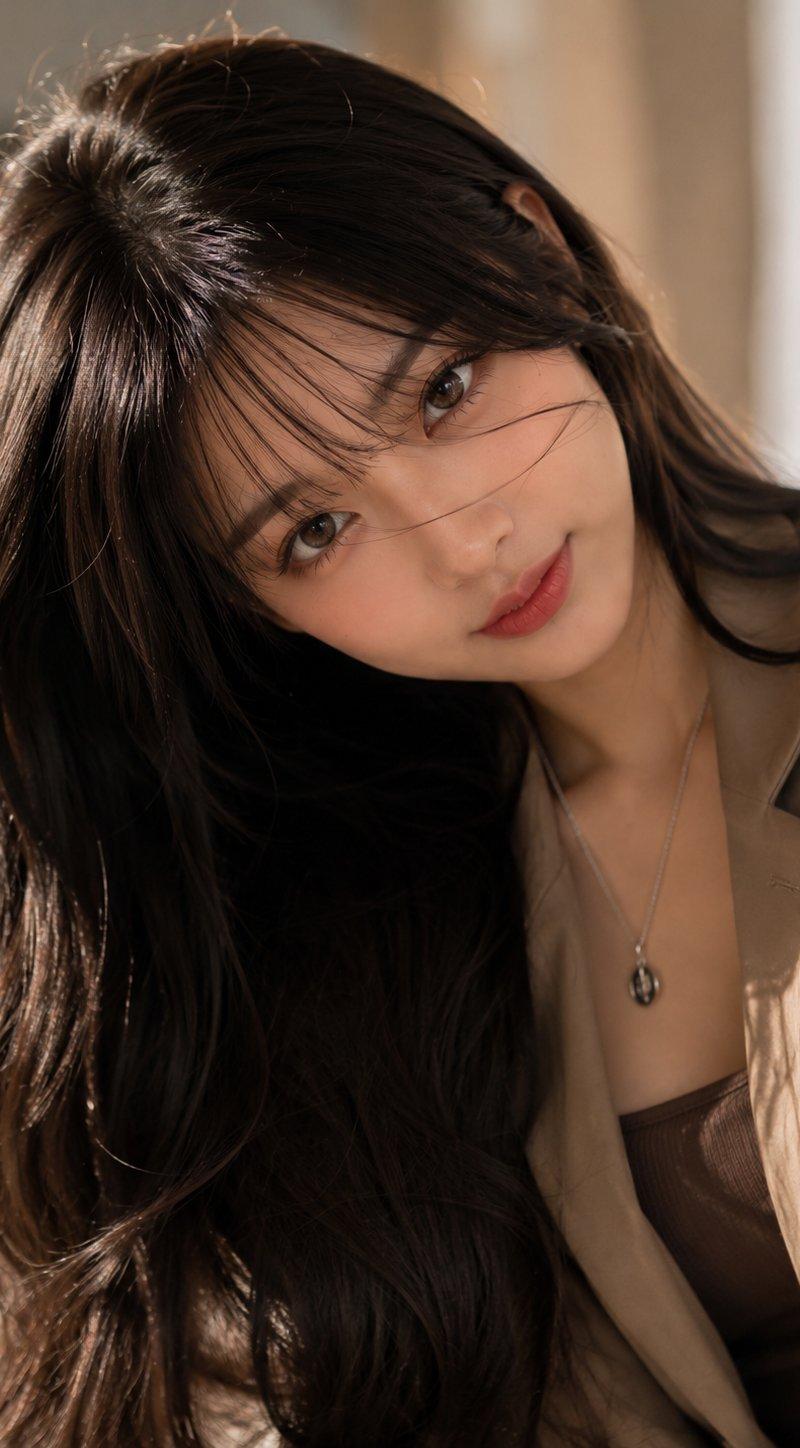
超真实写实人脸还原摄影提示词
Prompt
Ultra-Realistic Face-Preservation Prompt (Google Gemini / Flux / Image / ):
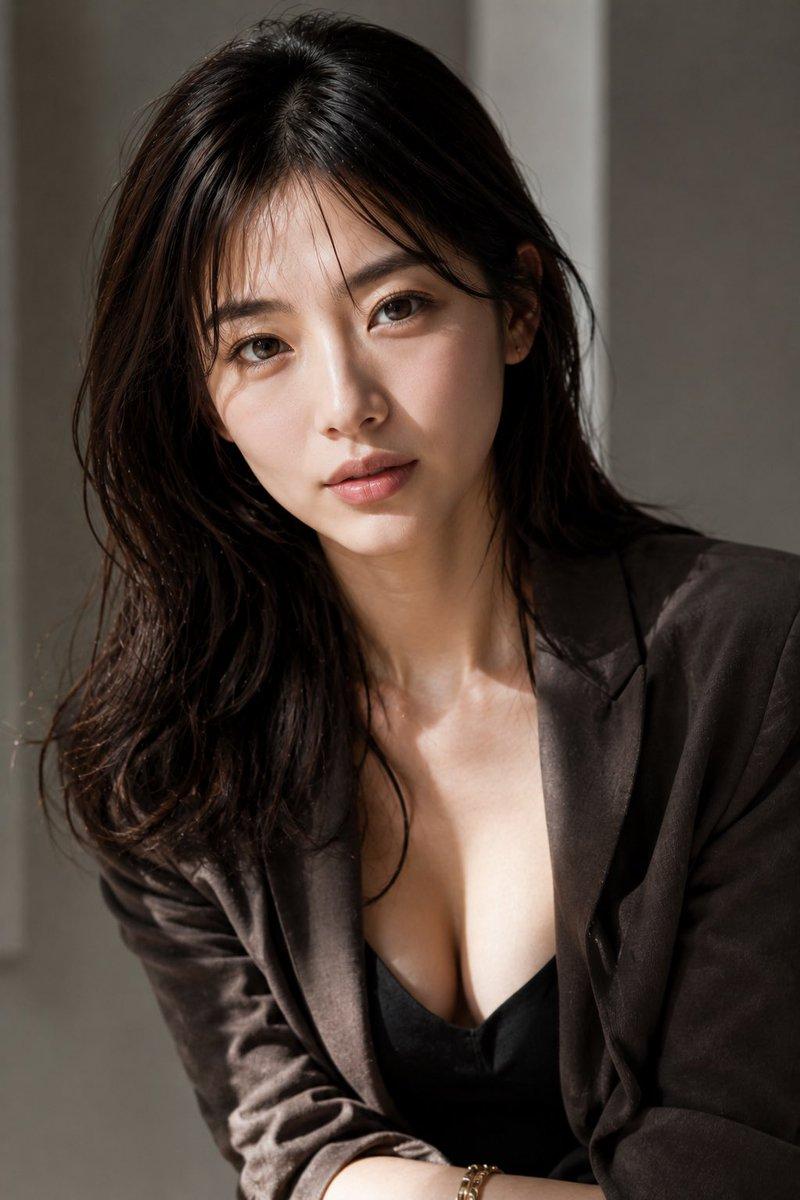
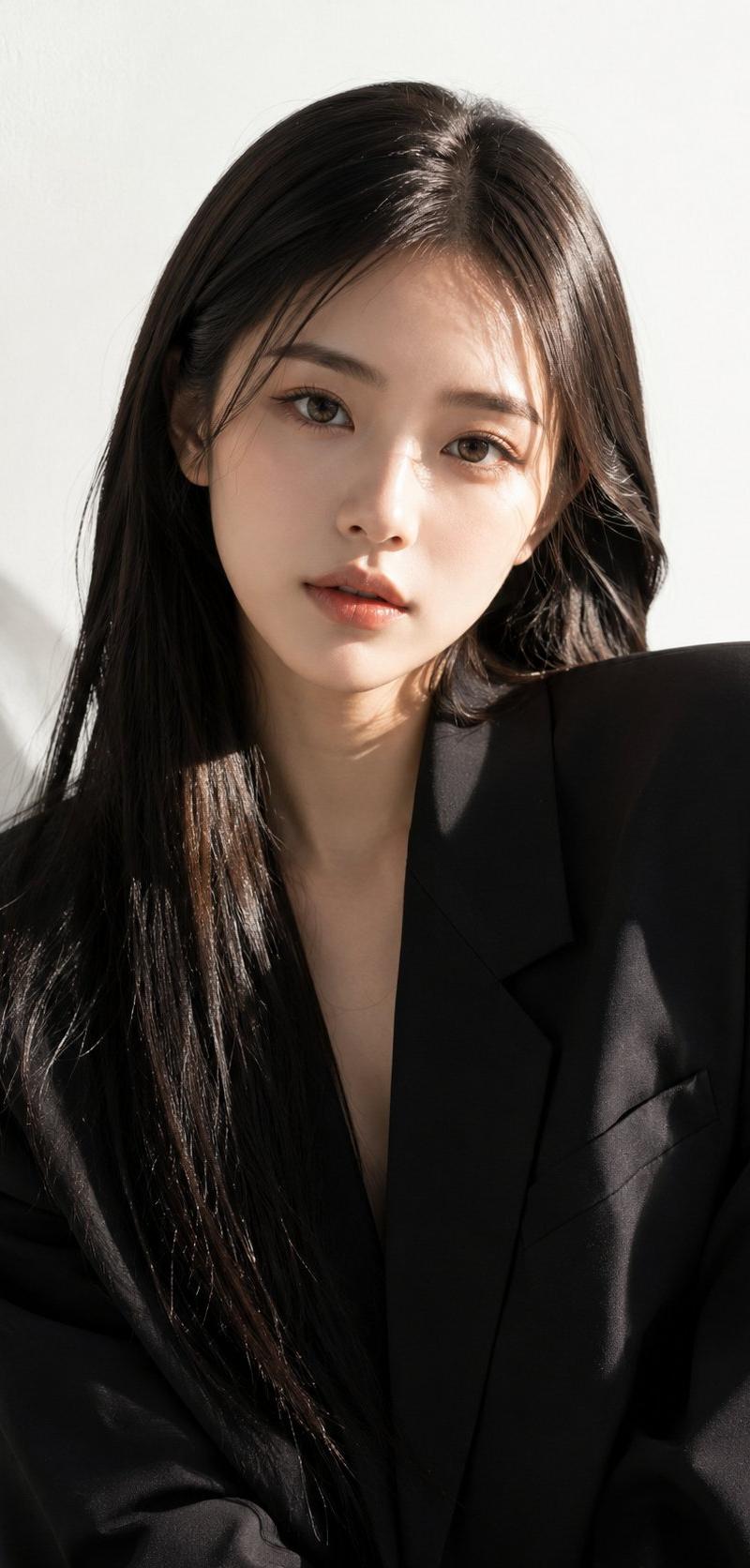
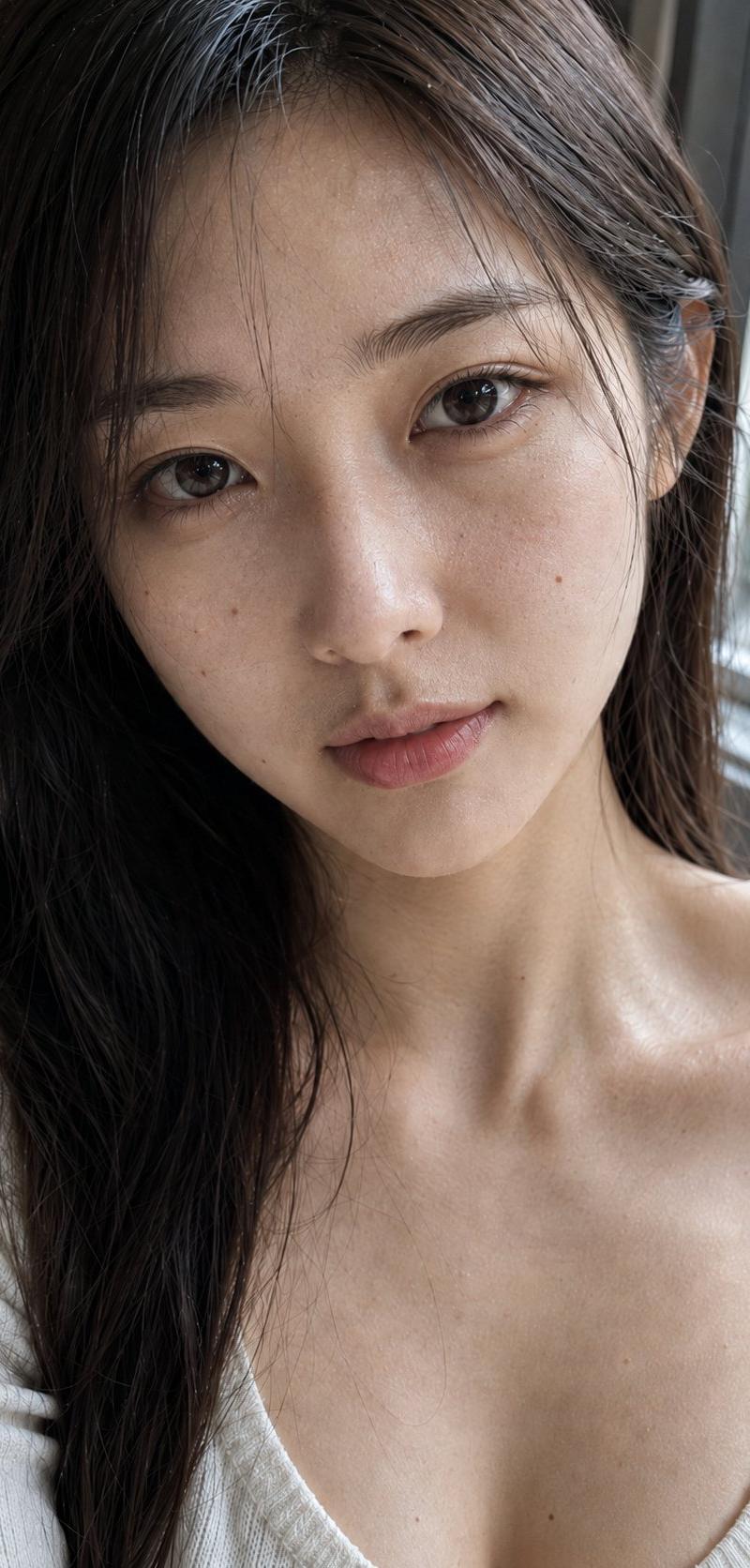
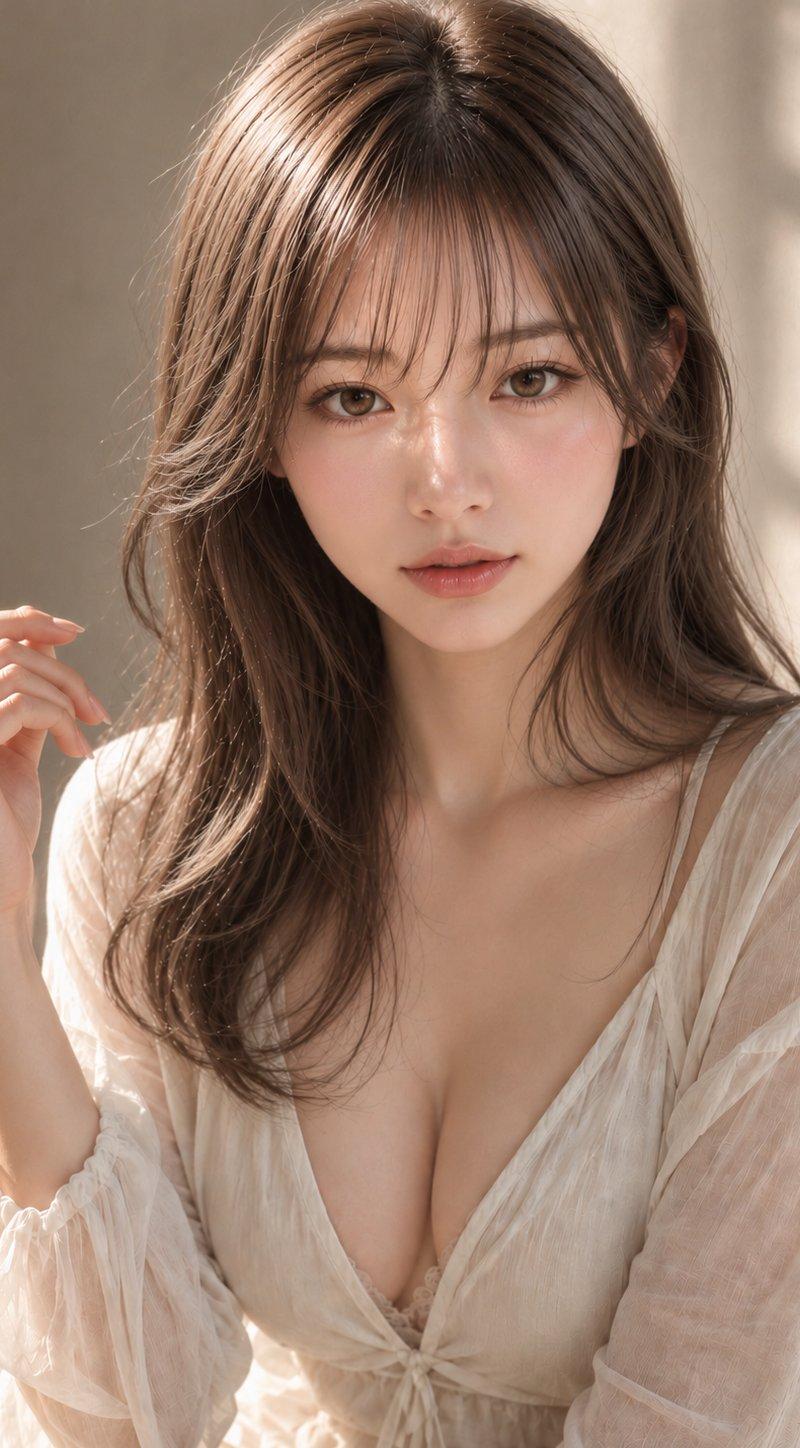
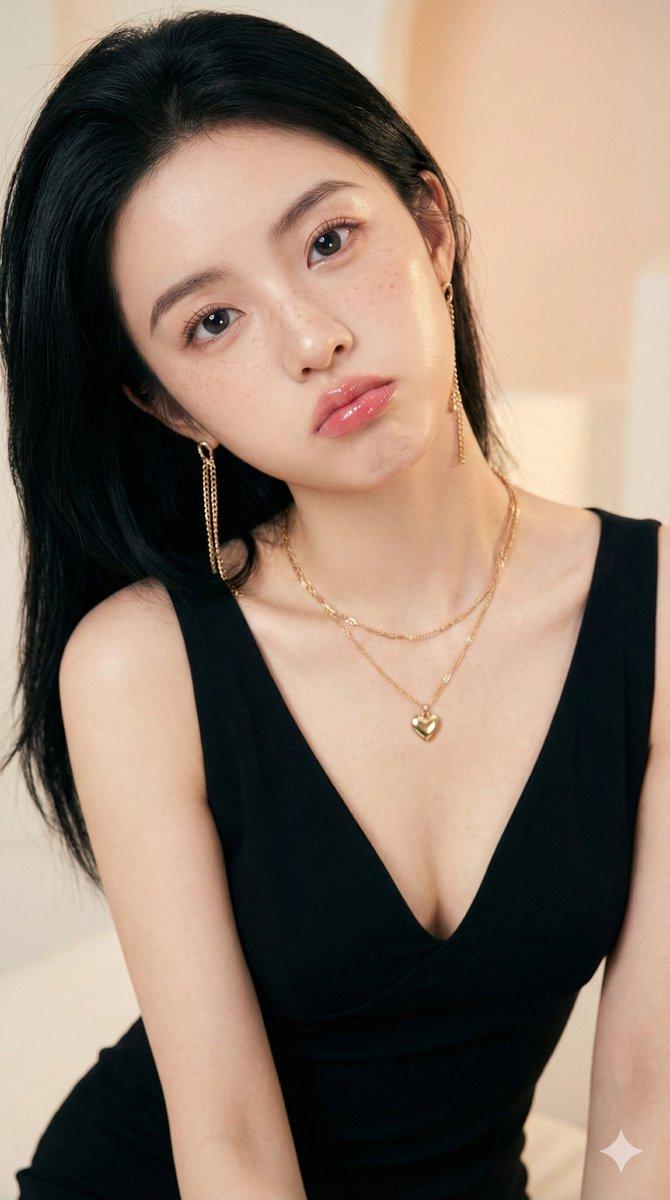
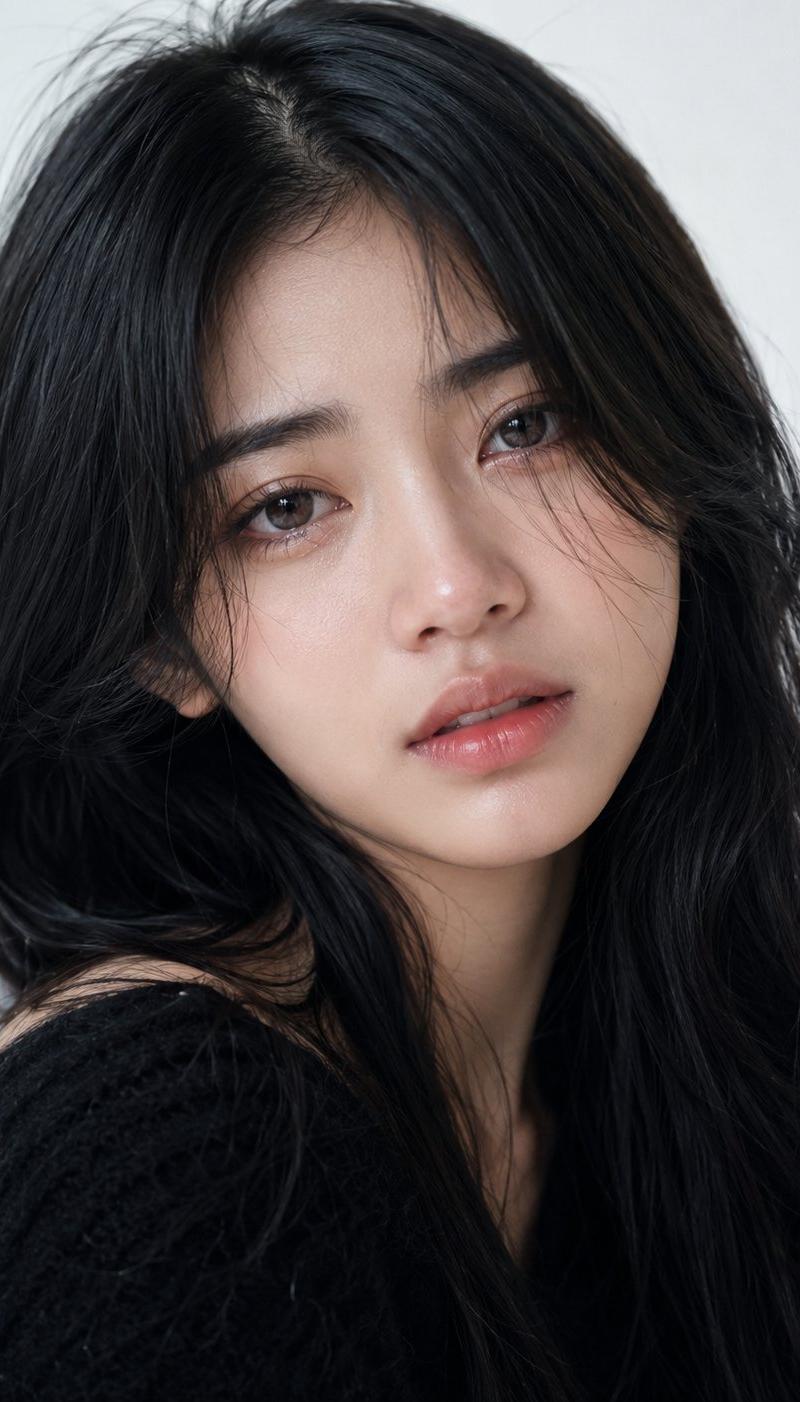
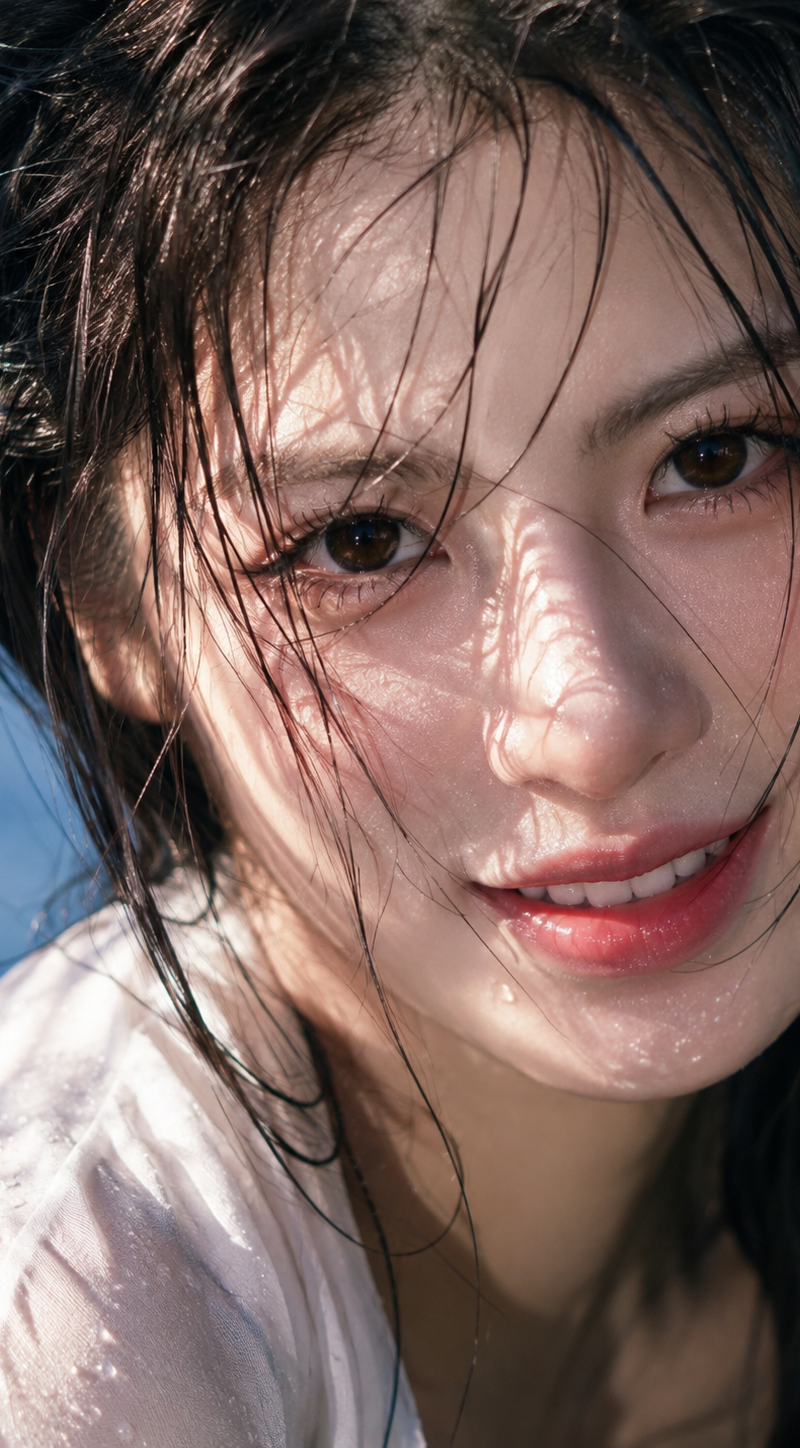
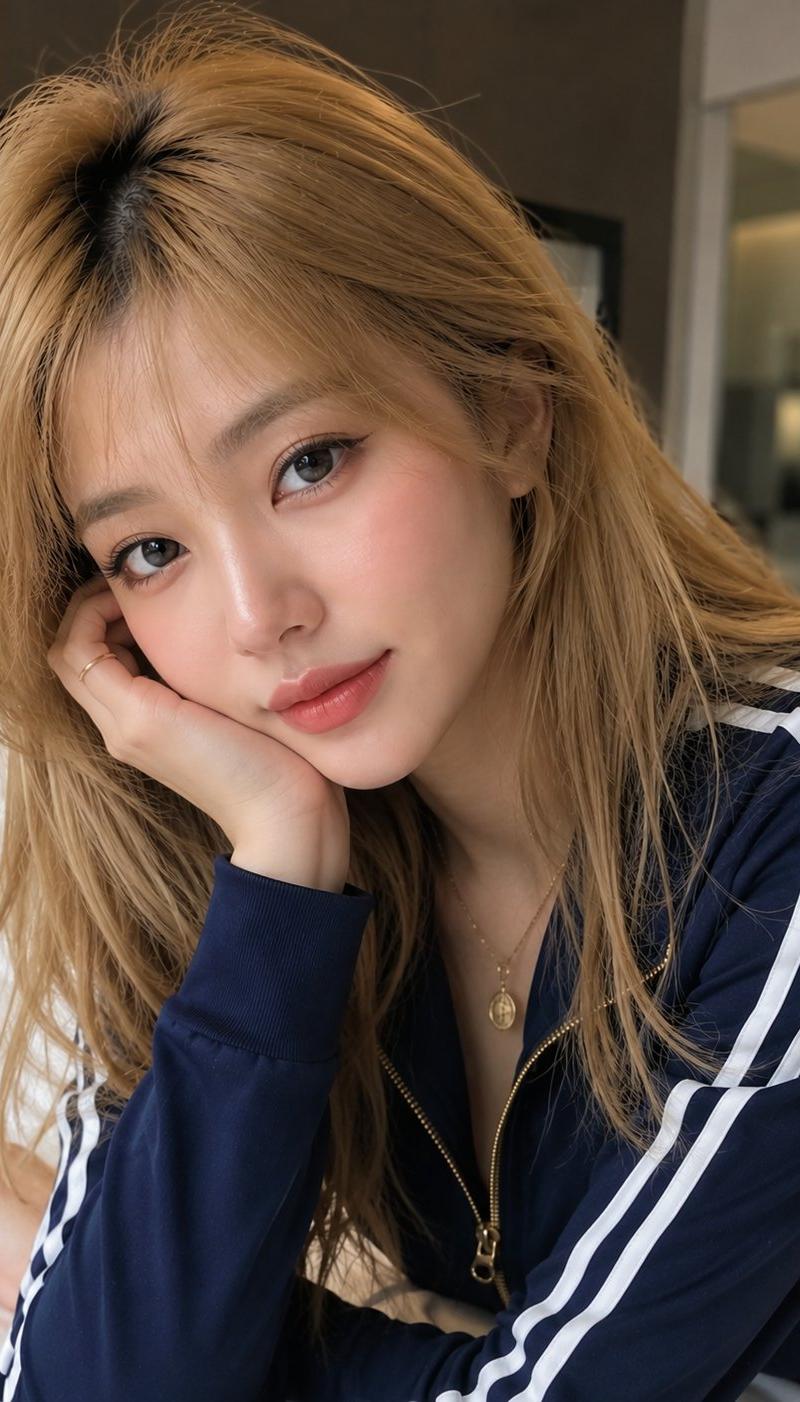
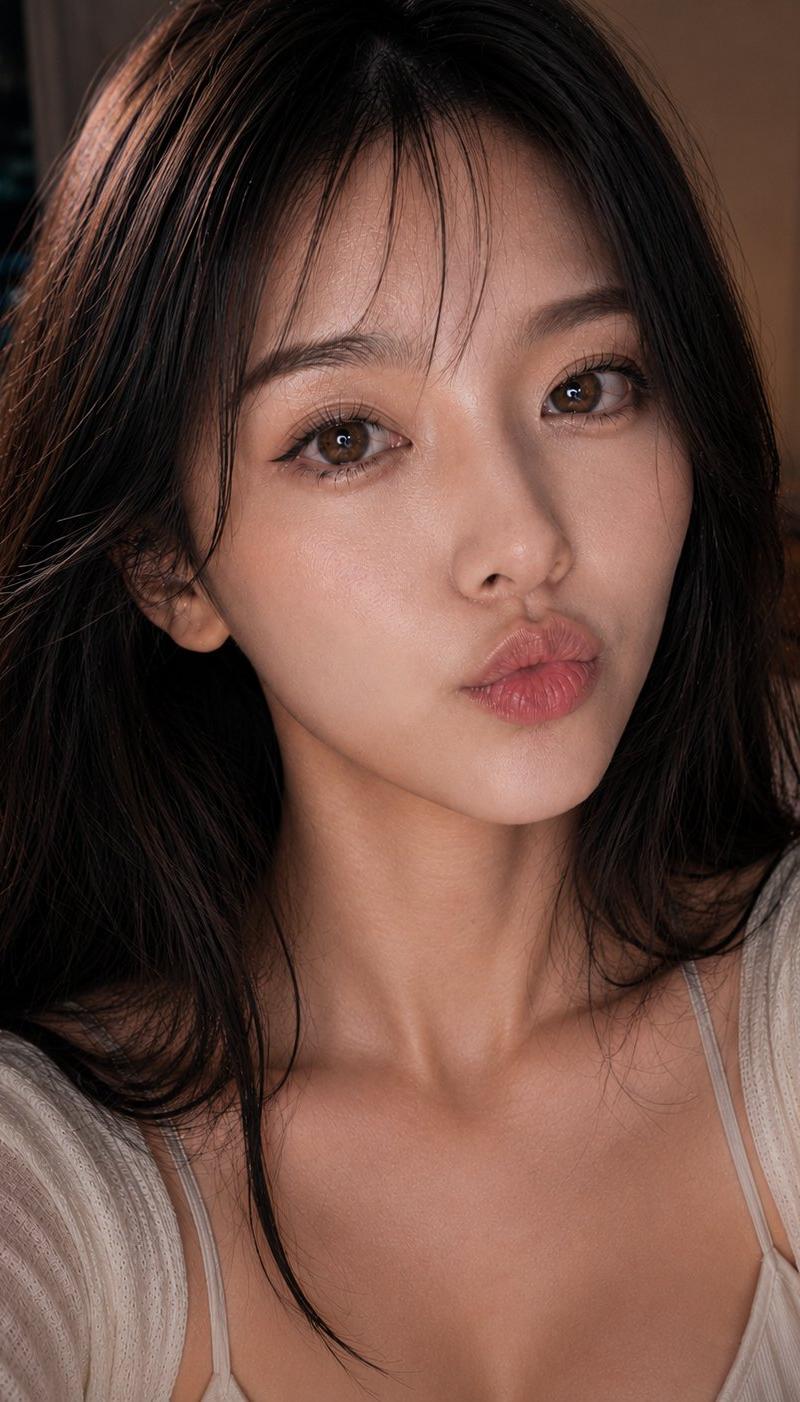
Use the uploaded image as the ONLY face reference. Preserve the face 100% exactly with no changes to identity, facial structure, eye shape, nose, lips, jawline, eyebrows, skin tone, bangs, or expression. Do not beautify, age, stylize, or modify the face in any way. Maintain the exact same person and identity.
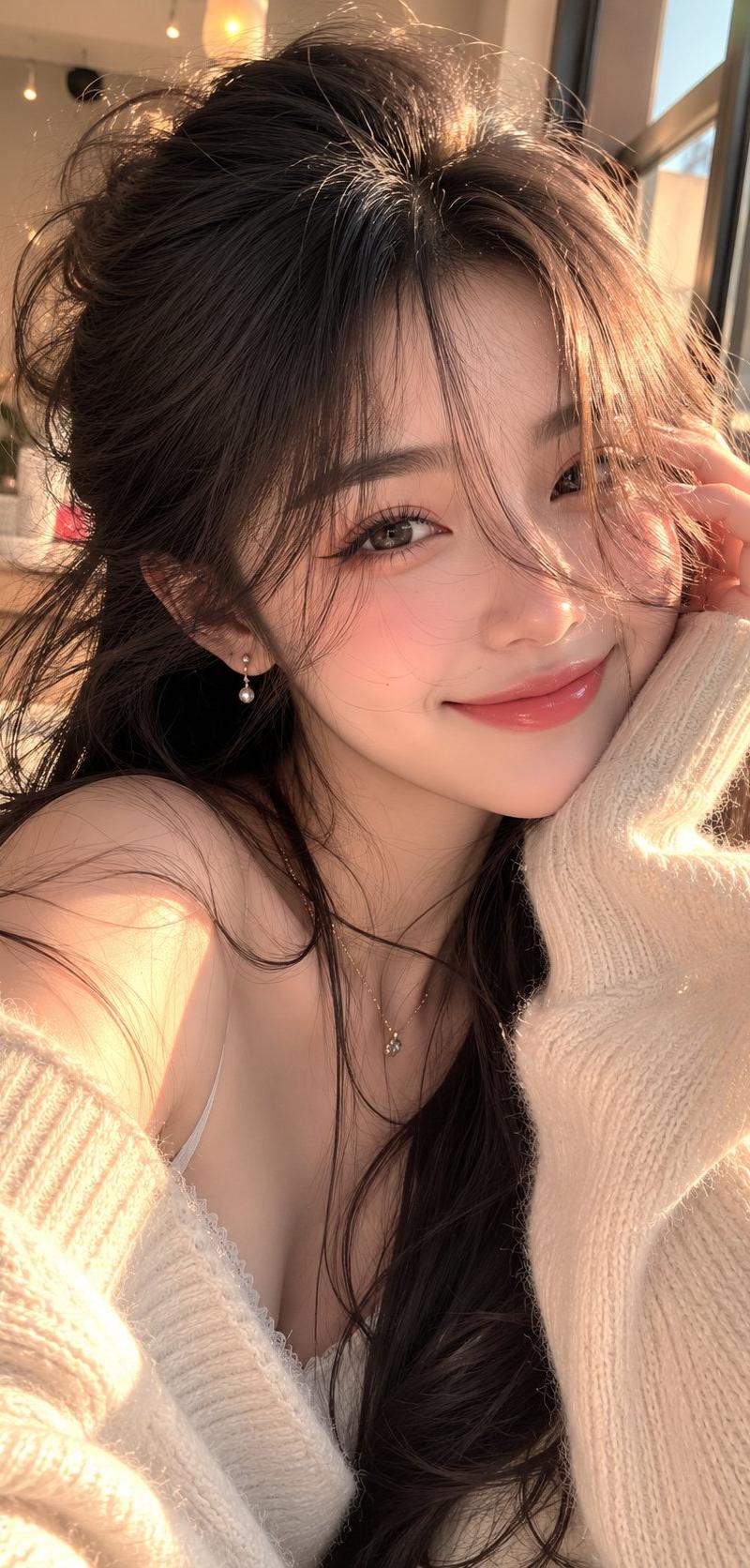
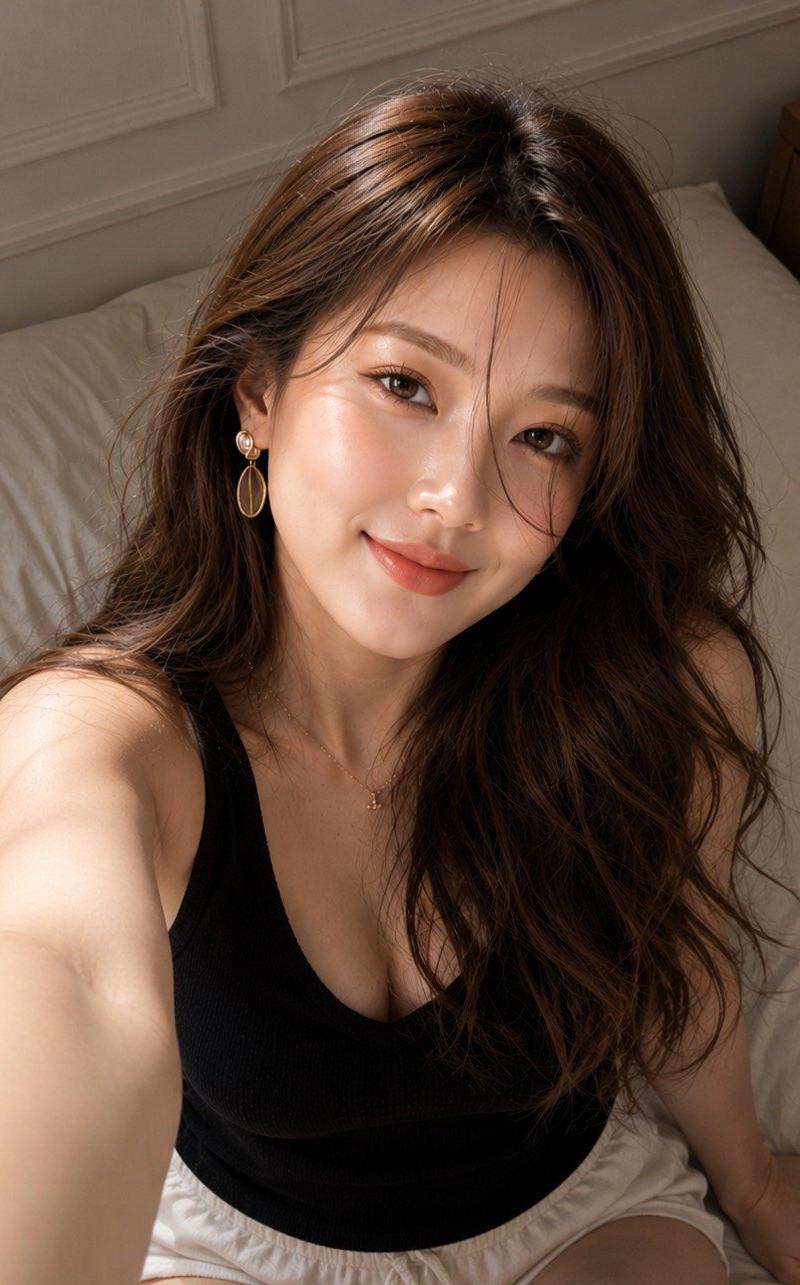
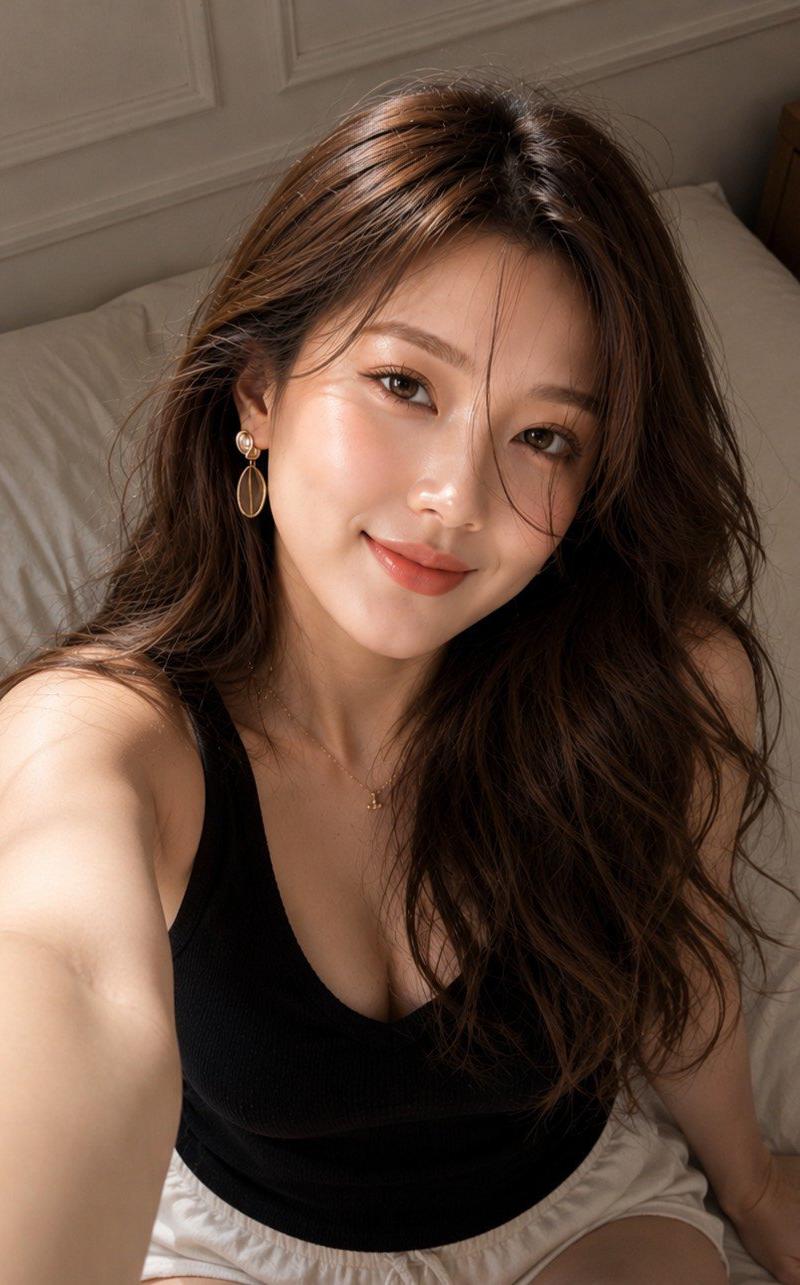
Create a hyper-realistic cinematic close-up portrait captured from a tilted camera angle. She has waist-length, very long dark brown hair with luxurious volume, soft natural waves, and a few delicate wispy strands gently flowing across her face. Her long curled eyelashes, naturally glowing fair skin, and soft deep-red lips create a dreamy, elegant appearance.
She is wearing a luxury modern beige blazer layered over a satin brown top, complemented by a minimal silver pendant necklace, creating a sophisticated editorial fashion look. Her expression remains exactly the same as the reference image—calm, confident, soft, and natural with direct eye contact.
Warm golden sunlight illuminates her face, producing soft cinematic shadows, natural skin texture, and beautiful in the eyes. The background is softly blurred with a creamy , creating a premium lifestyle atmosphere.
Photorealistic, DSLR lens, f/1.4, shallow depth of field, RAW photo, ultra-detailed skin texture, realistic hair strands, HDR lighting, cinematic color grading, luxury editorial fashion photography, masterpiece, best quality, ultra-sharp focus, , no face alteration, no AI beauty filter, no extra fingers, no distortion, no watermark, no text.
- Category
- Charts & Infographics
- Model
- ChatGPT
- Creator
- @AmeliaAi12
- Source language
- zh-CN
- Source ID
- 17007
- Published
- Jun 29, 2026
Views43