19

创意工作室东亚女性超写实时尚大片
Enlarge

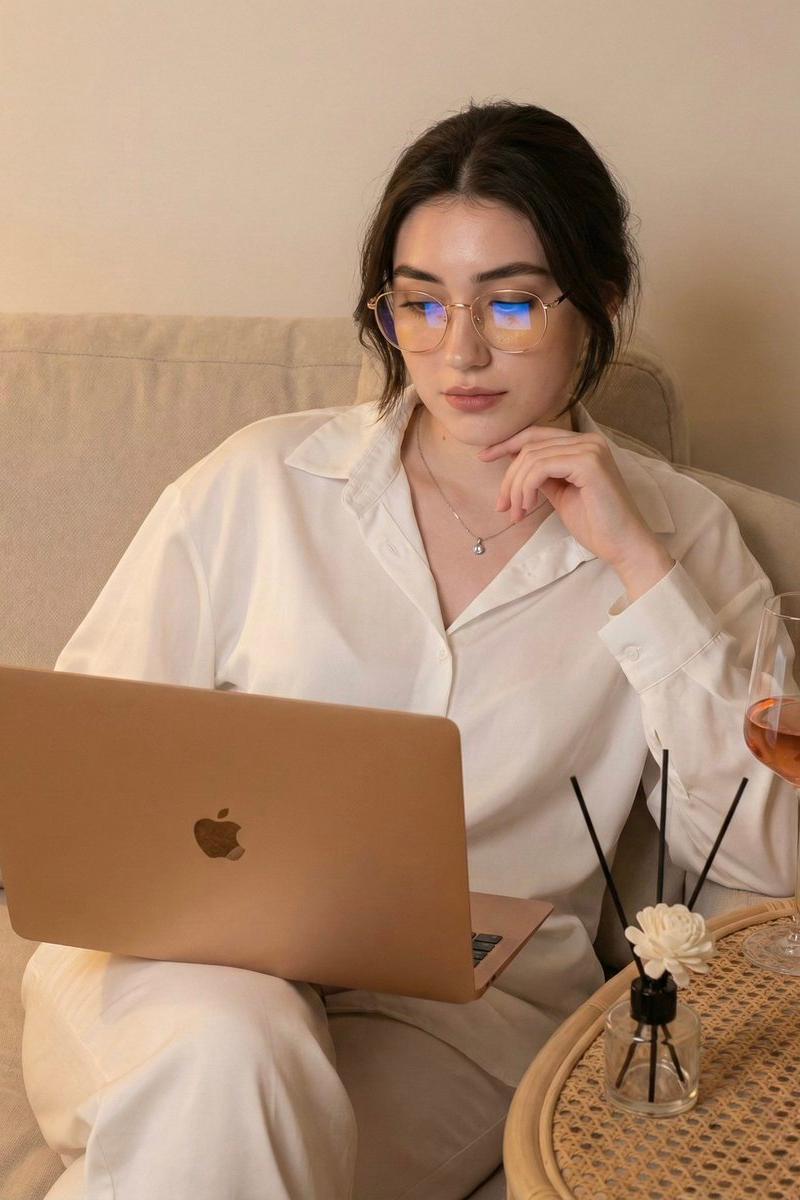
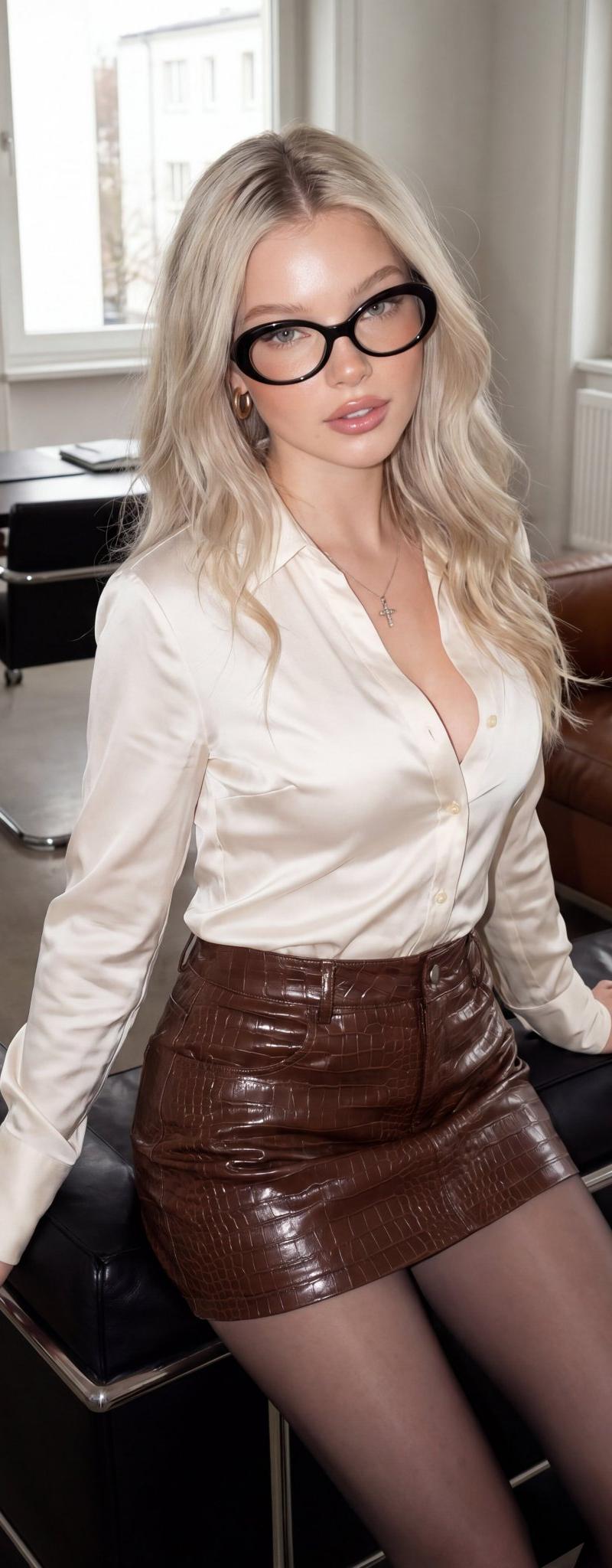
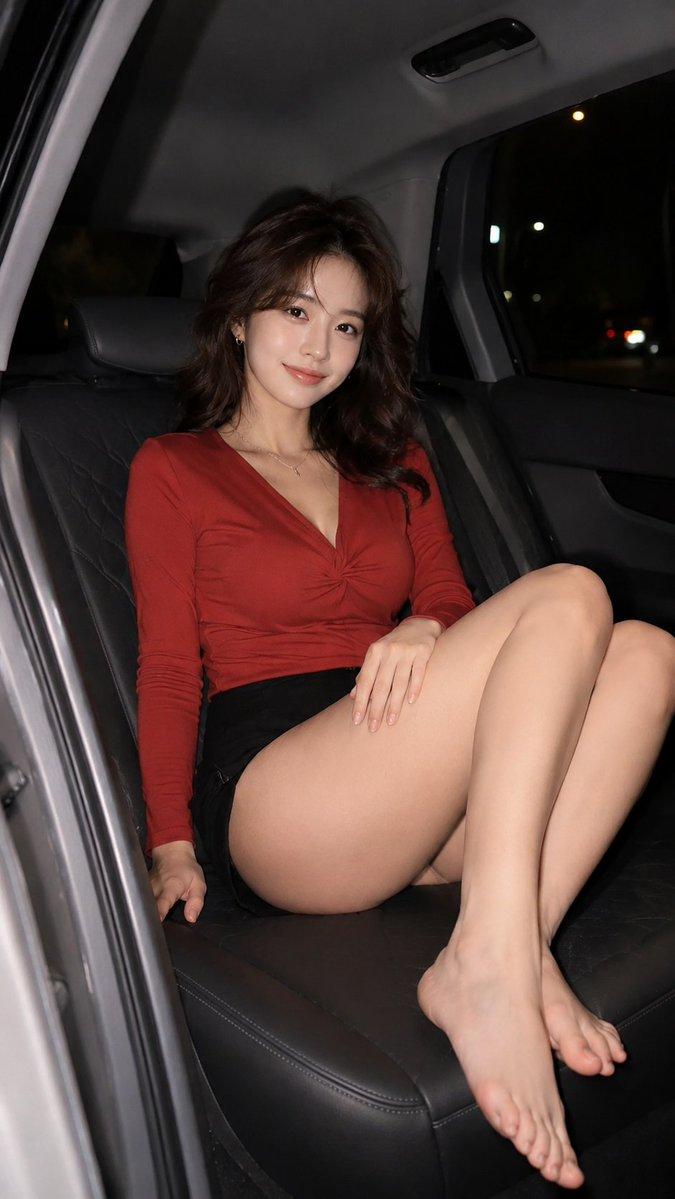
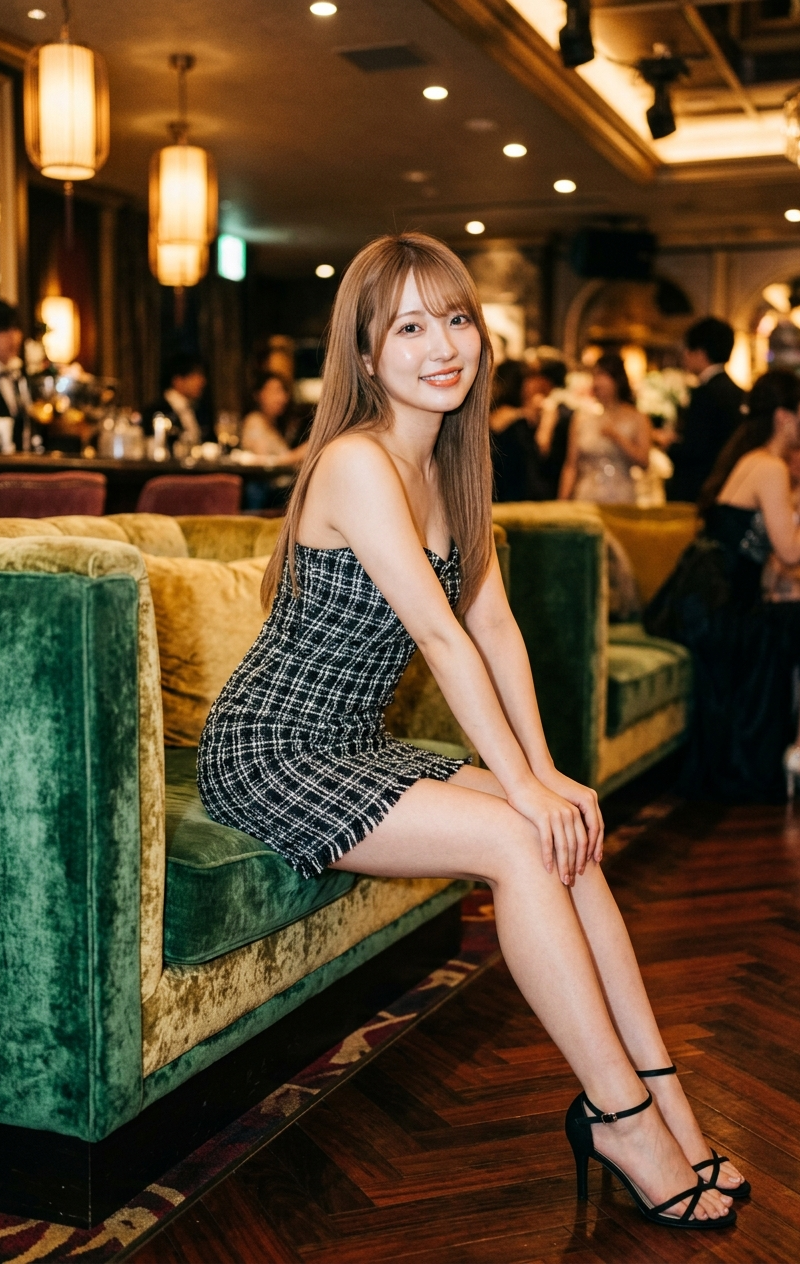
Example images

创意工作室东亚女性超写实时尚大片

Prompt
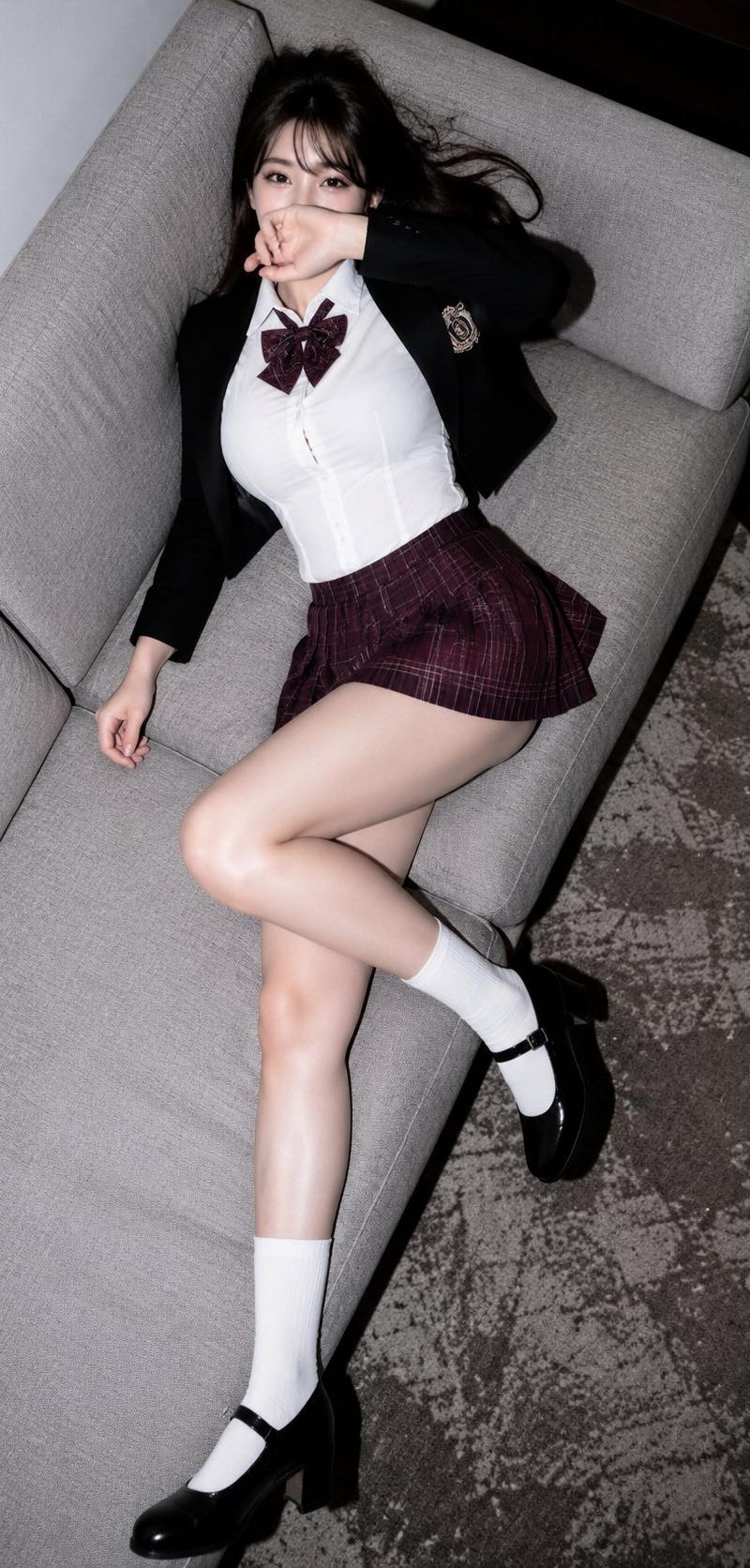
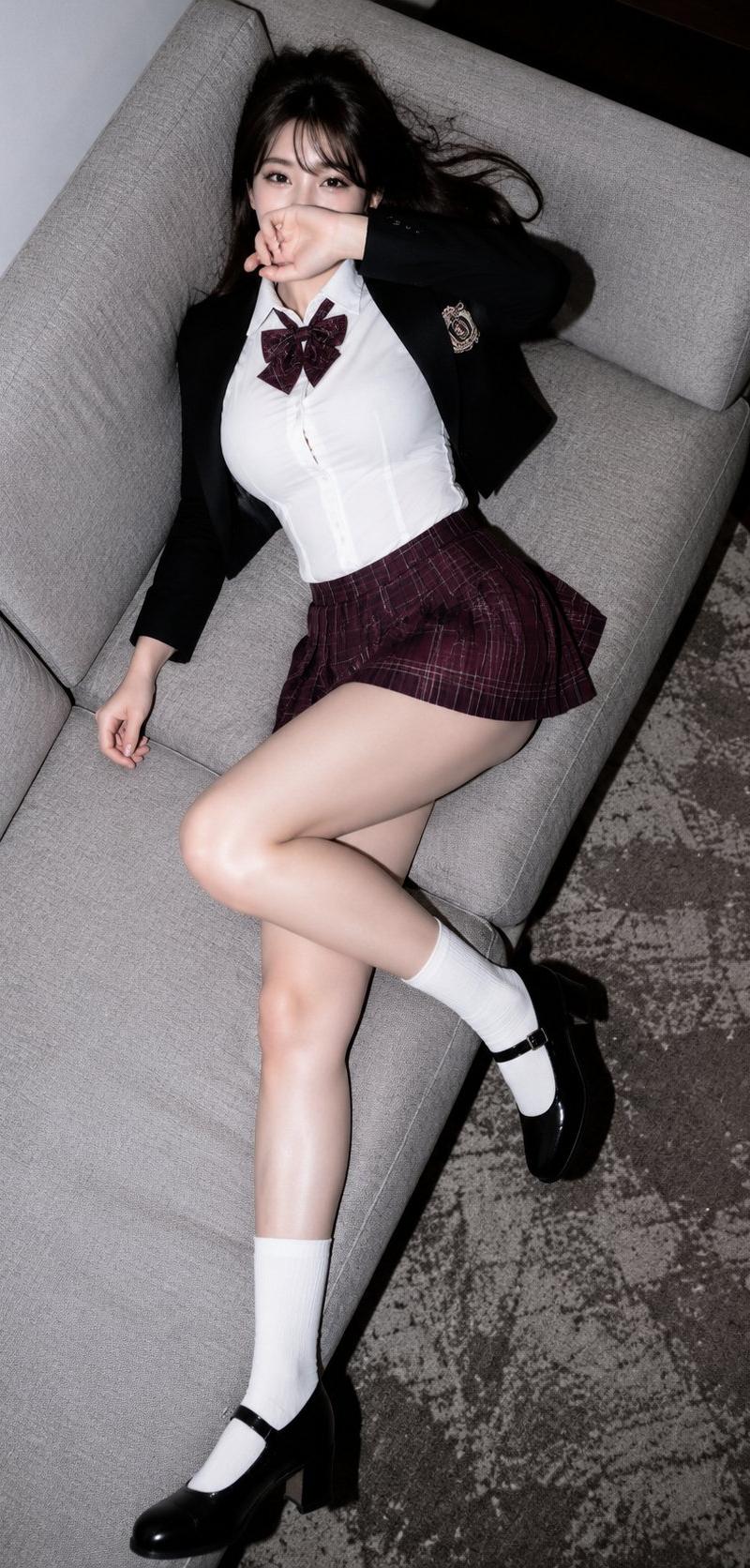
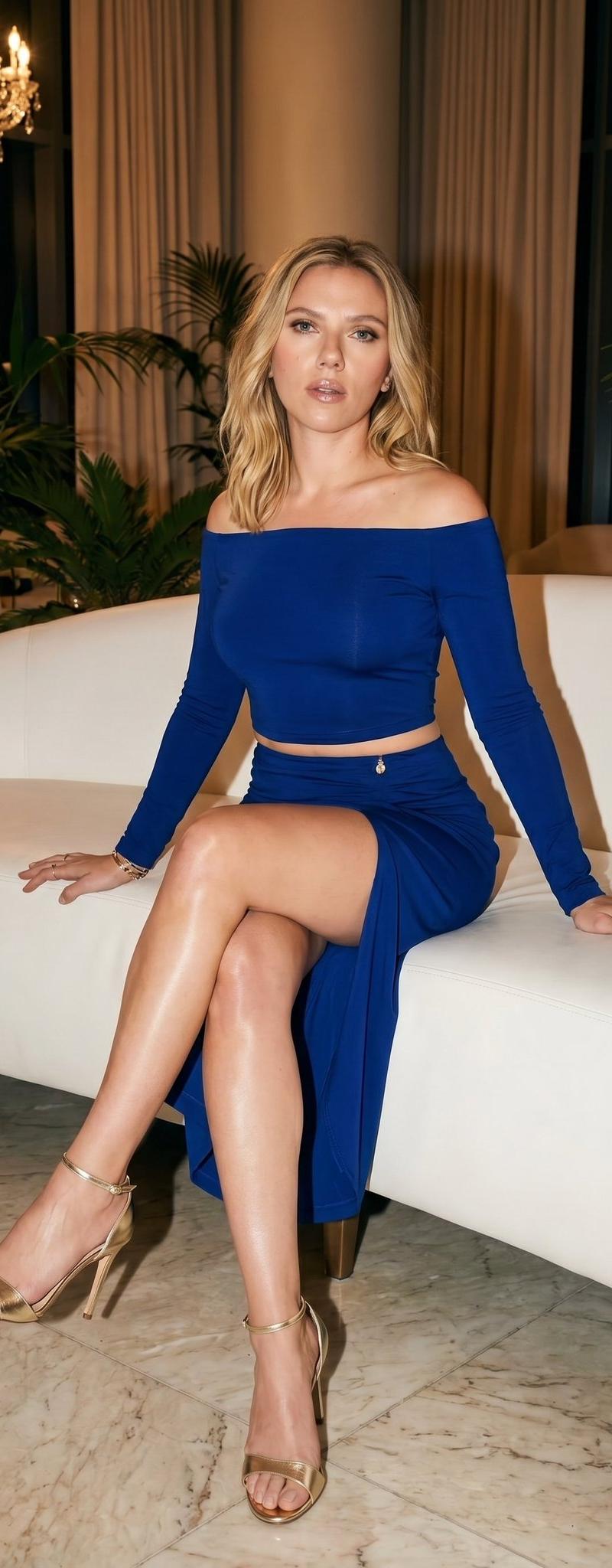
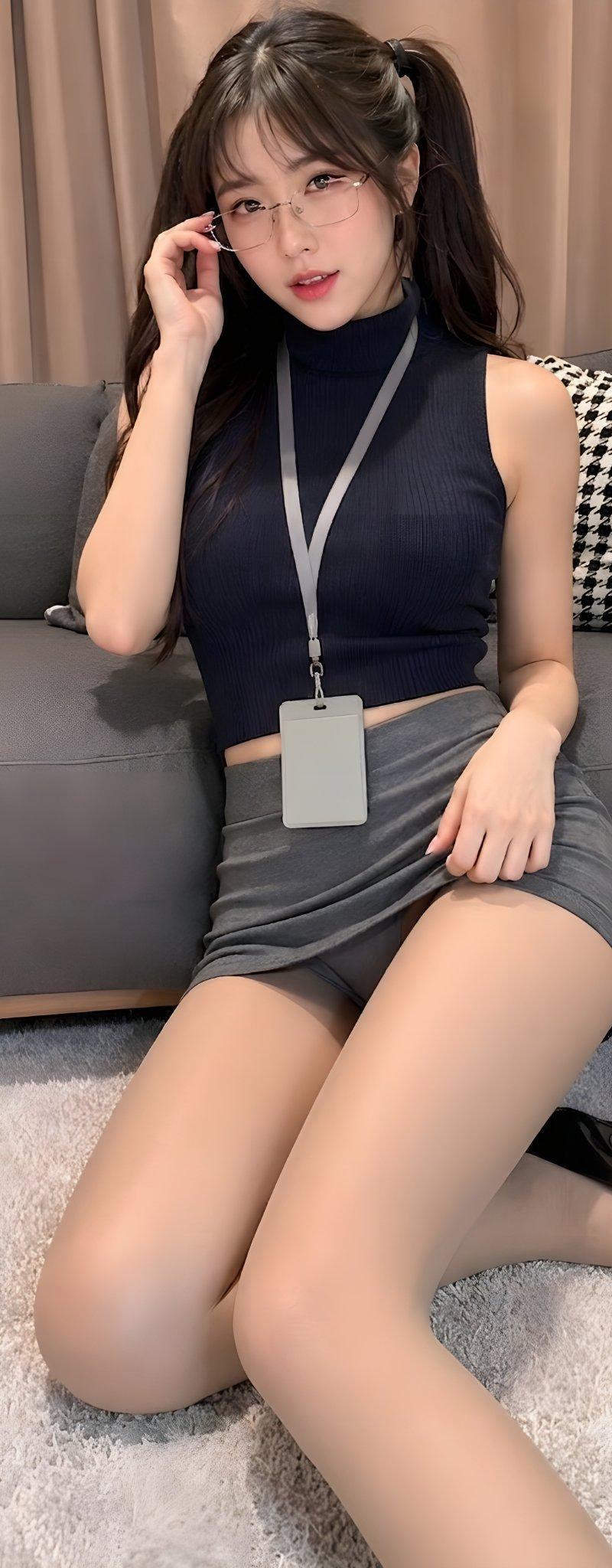
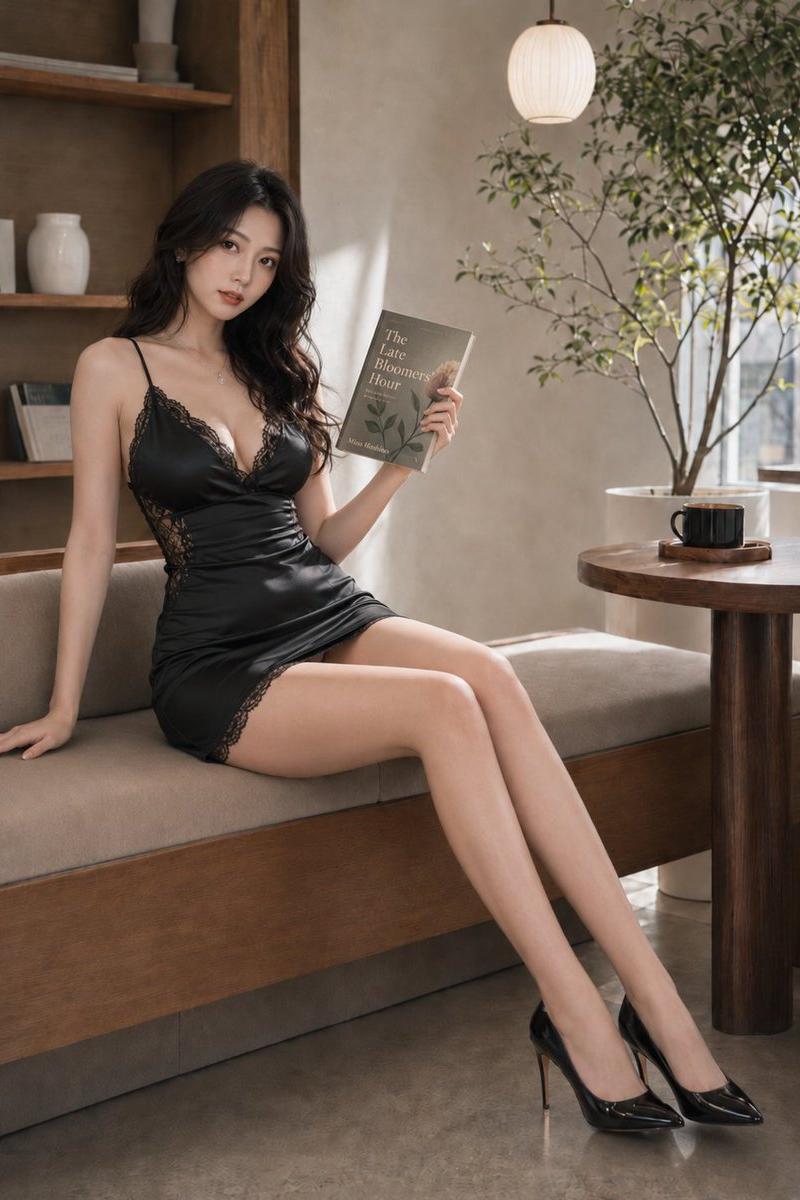
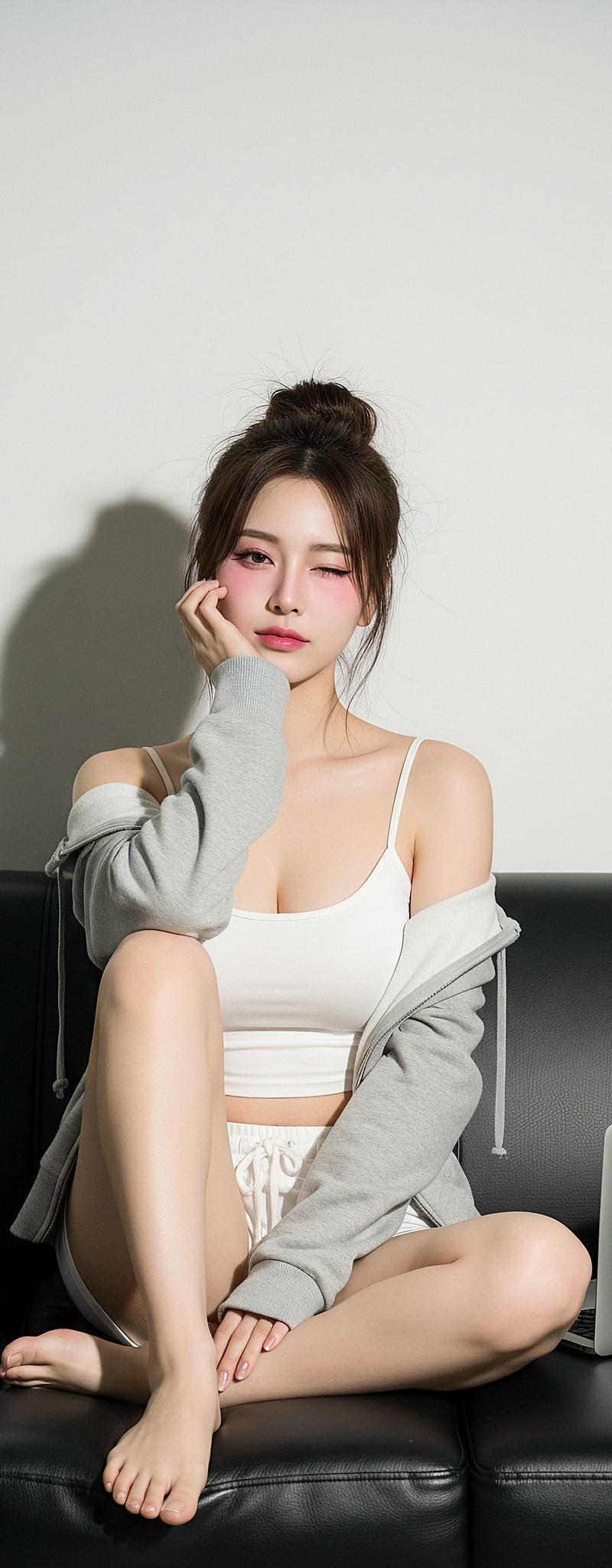
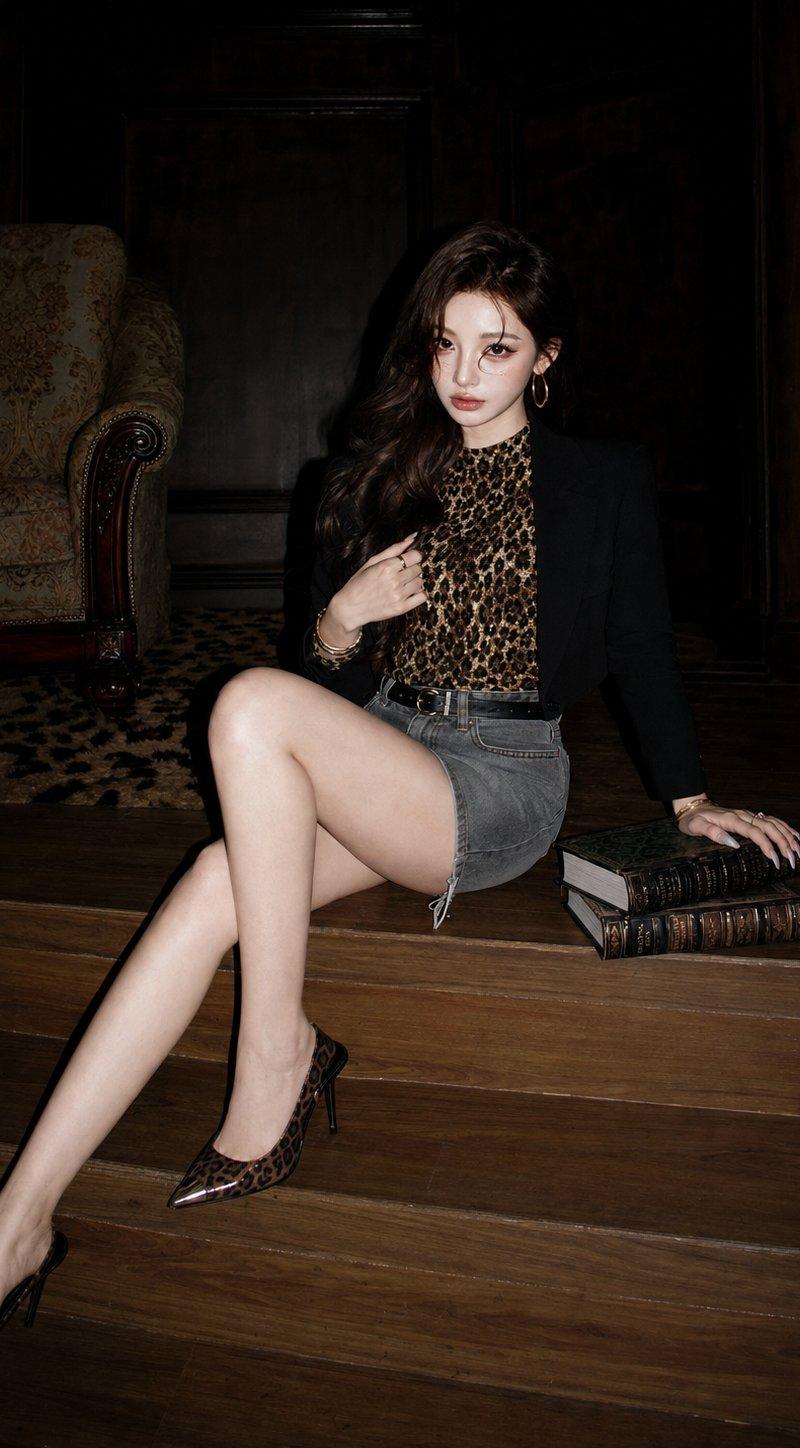
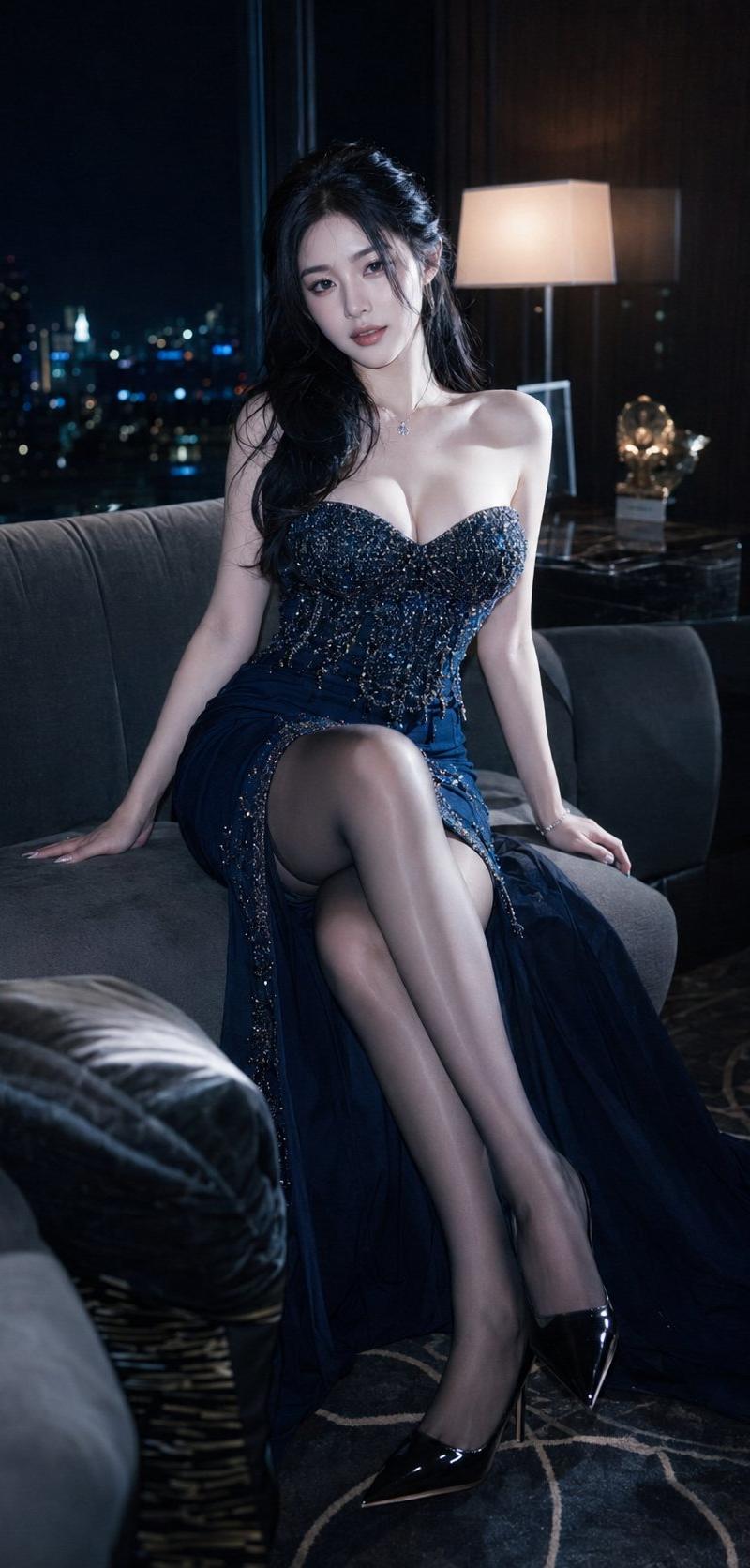
Ultra-realistic fashion campaign photography, vertical 9:16.

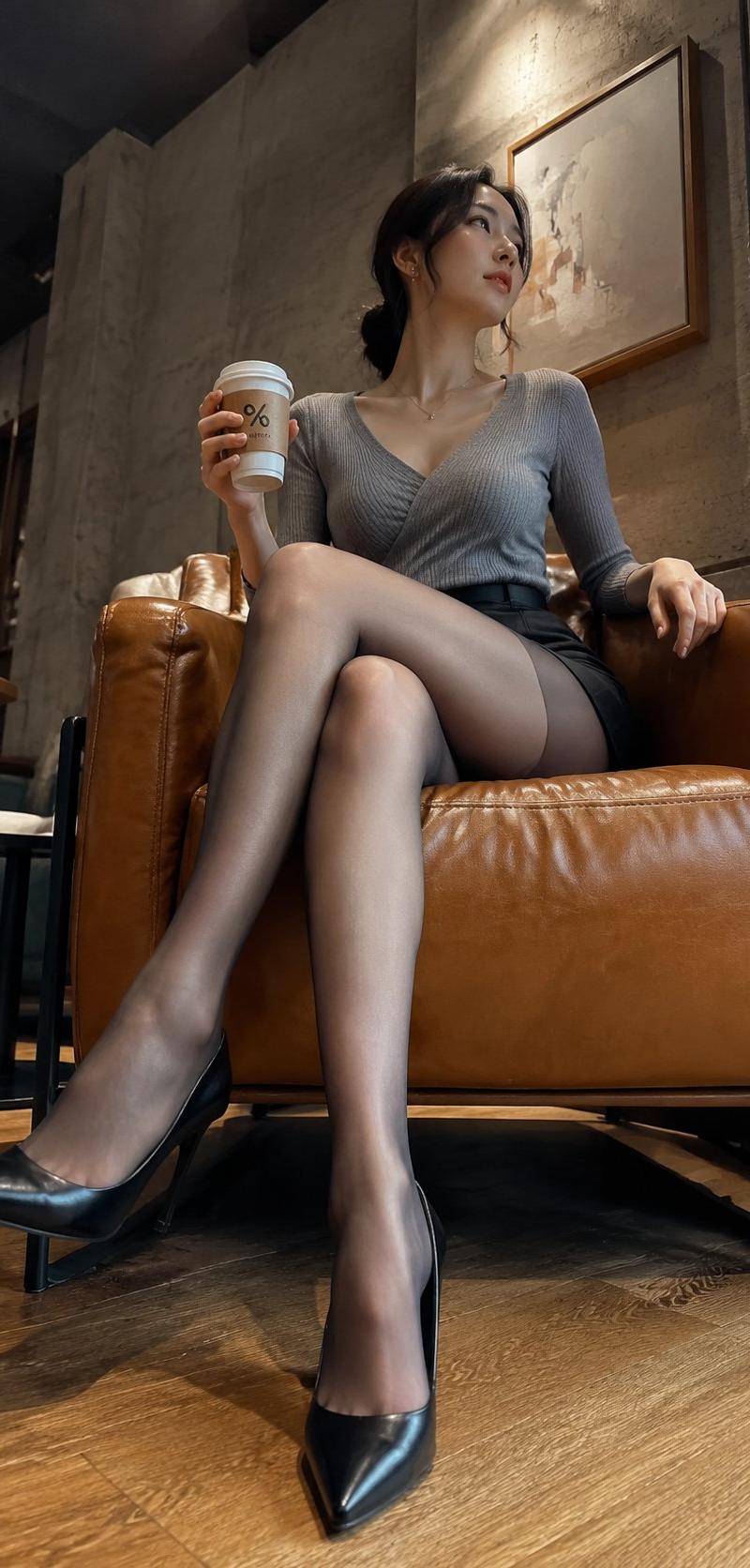
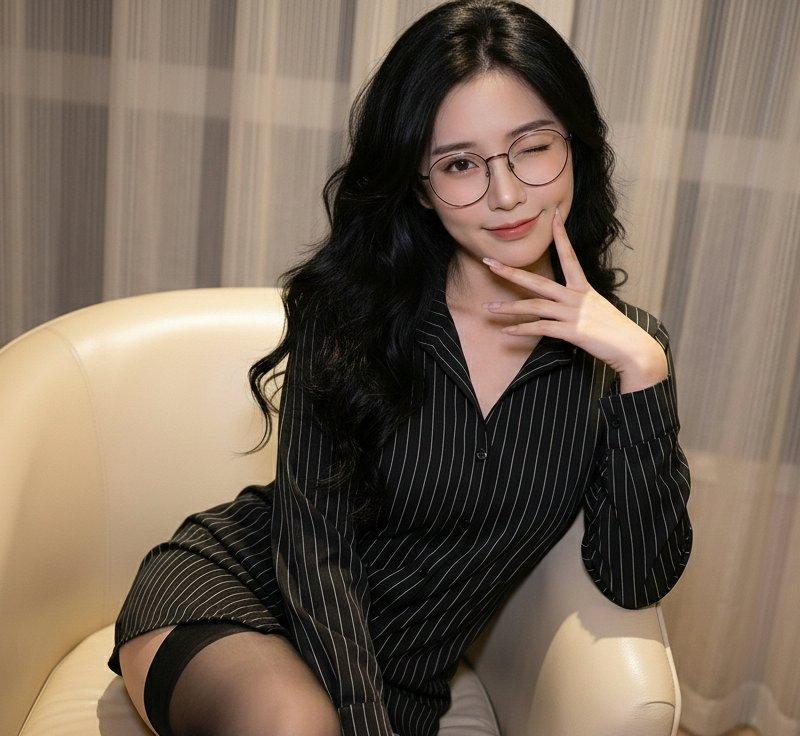
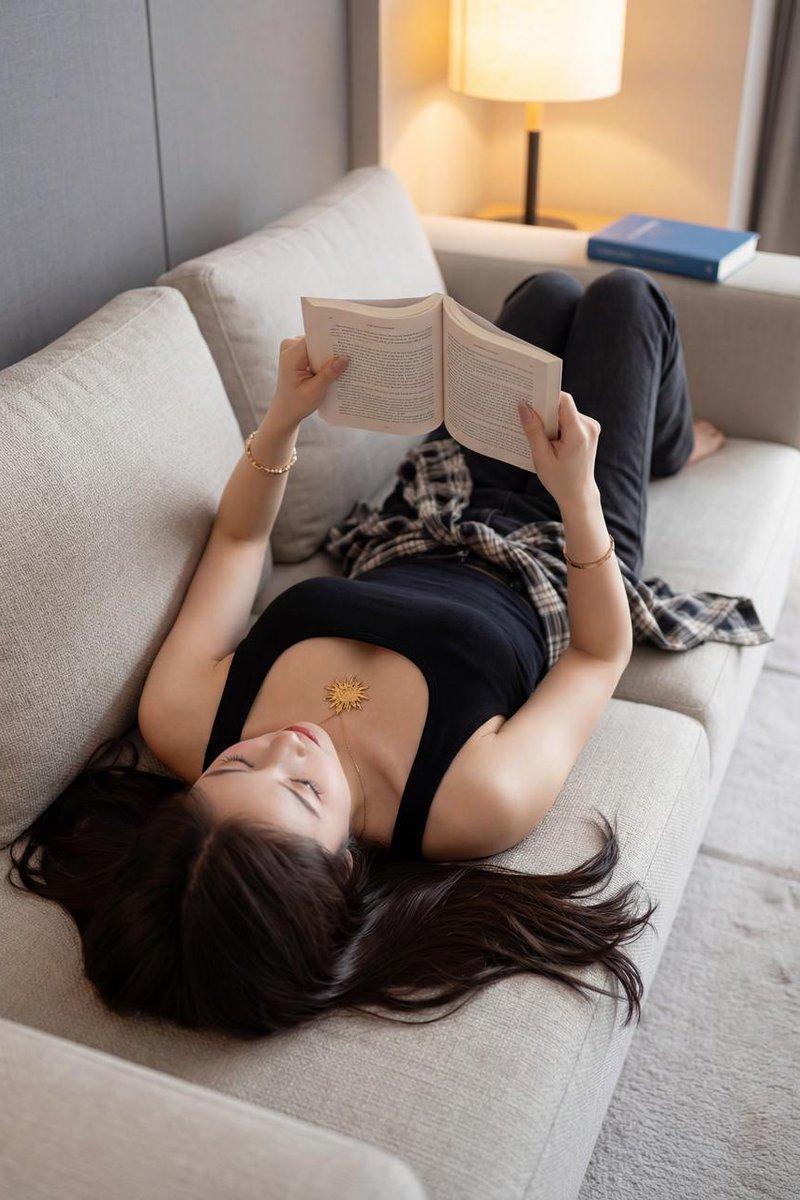
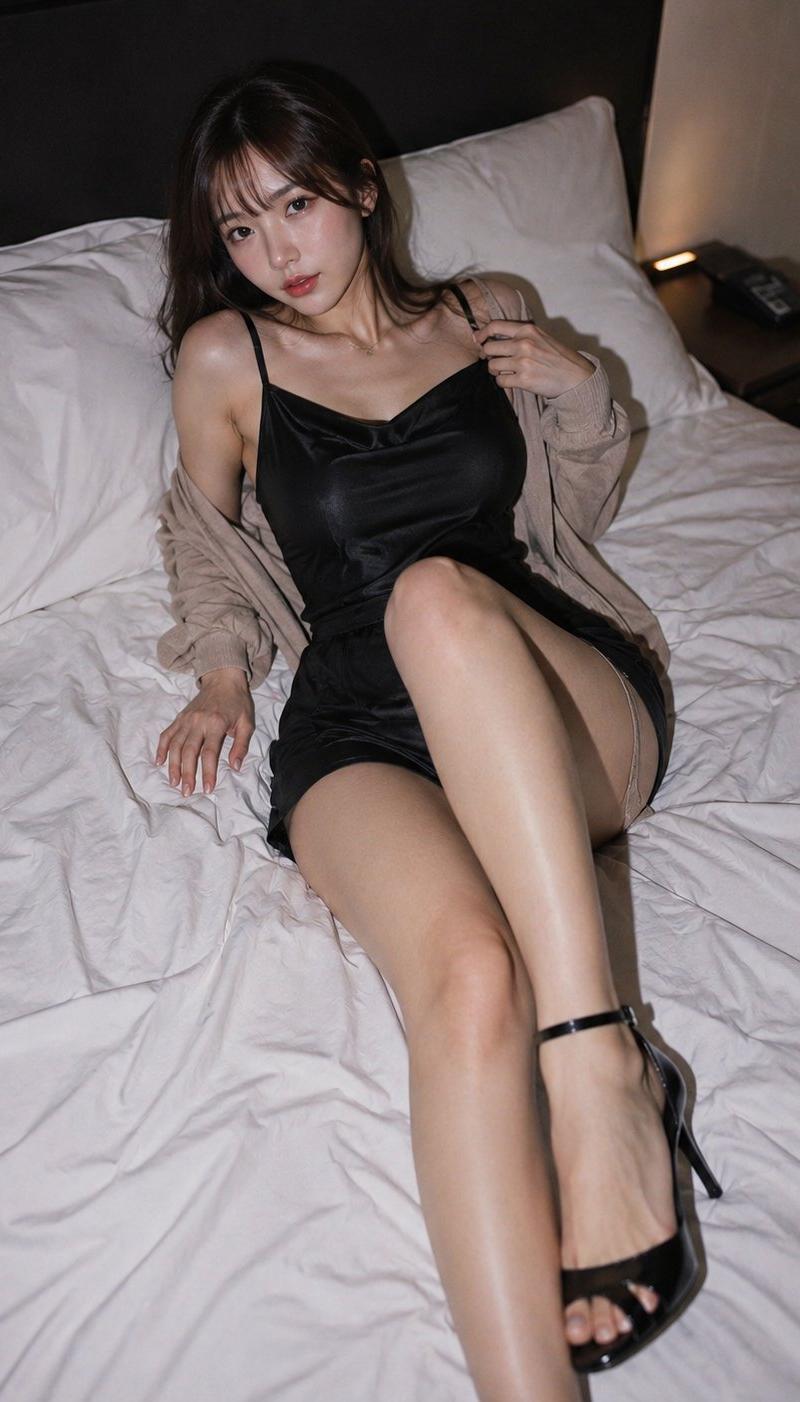
Top-down full-body portrait of an adult East Asian woman reclining diagonally on a modern grey sofa inside a creative studio loft.

She wears an oversized denim jacket over a fitted white T-shirt, relaxed cargo pants and premium white sneakers. Round glasses, natural loose hair, minimal makeup.

Relaxed confident expression, one arm behind her head, the other lightly holding a coffee cup. One leg bent naturally while the other extends comfortably. Head-to-toe composition.

Direct flash photography with crisp highlights, industrial studio background, concrete textures, fashion editorial mood, realistic skin texture, premium clothing details, shallow depth of field, DSLR realism, 4K.

Avoid AI artifacts, cropped shoes, blurry face, plastic skin, duplicate limbs, distorted body, watermark.
Category
Charts & Infographics
Model
ChatGPT
Creator
@xRahultripathi
Source language
zh-CN
Views117
Source ID
16807
Published
Jun 28, 2026
Studio

Guide

About "创意工作室东亚女性超写实时尚大片"

What is this prompt for?

"创意工作室东亚女性超写实时尚大片" AI image prompt for ChatGPT (Charts & Infographics). 超现实时尚活动摄影,垂直 9:16。 一位成年东亚女性在创意工作室阁楼内的现代灰色沙发上斜靠着的俯视全身肖像。 她身穿一件大廓形牛仔夹克,内搭修身白色 T 恤,下穿休闲工装裤…

The full copyable prompt and example visuals above are ready for AI image generation or one-click recreate in Picva.

How to use this prompt

  1. Step 1

    Open the prompt detail

    Review the example visuals, category, and full prompt text for "创意工作室东亚女性超写实时尚大片".

  2. Step 2

    Copy the prompt

    Copy the prompt body from this page, or load it directly in Studio.

  3. Step 3

    Pick a model (ChatGPT)

    Prefer ChatGPT. If you switch models, keep subject and composition and tweak style terms.

  4. Step 4

    Generate and export

    Recreate the look in Picva, or export into your workflow for editing and publishing.

FAQ

What is the "创意工作室东亚女性超写实时尚大片" prompt?
It is an AI image-generation prompt for ChatGPT in the Charts & Infographics category. This page includes the full prompt text, example visuals, and a one-click recreate path in Picva.
How do I use this prompt to generate an image?
Copy the prompt from this page, or use Generate / Studio. Paste it into a compatible image model, or recreate the look in Picva with optional reference images.
Which model is this prompt for?
This page lists ChatGPT. Most descriptive prompts also transfer to nearby image models such as GPT Image, Flux, or Midjourney with light style tweaks.
Can I use the result commercially?
You can usually copy the prompt for creation, but commercial use of the final image depends on the model terms, reference-image rights, and the generated content. Follow the source author and platform rules.