17

超写实时尚编辑六宫格摄影提示词
Enlarge

Example images

超写实时尚编辑六宫格摄影提示词

Prompt
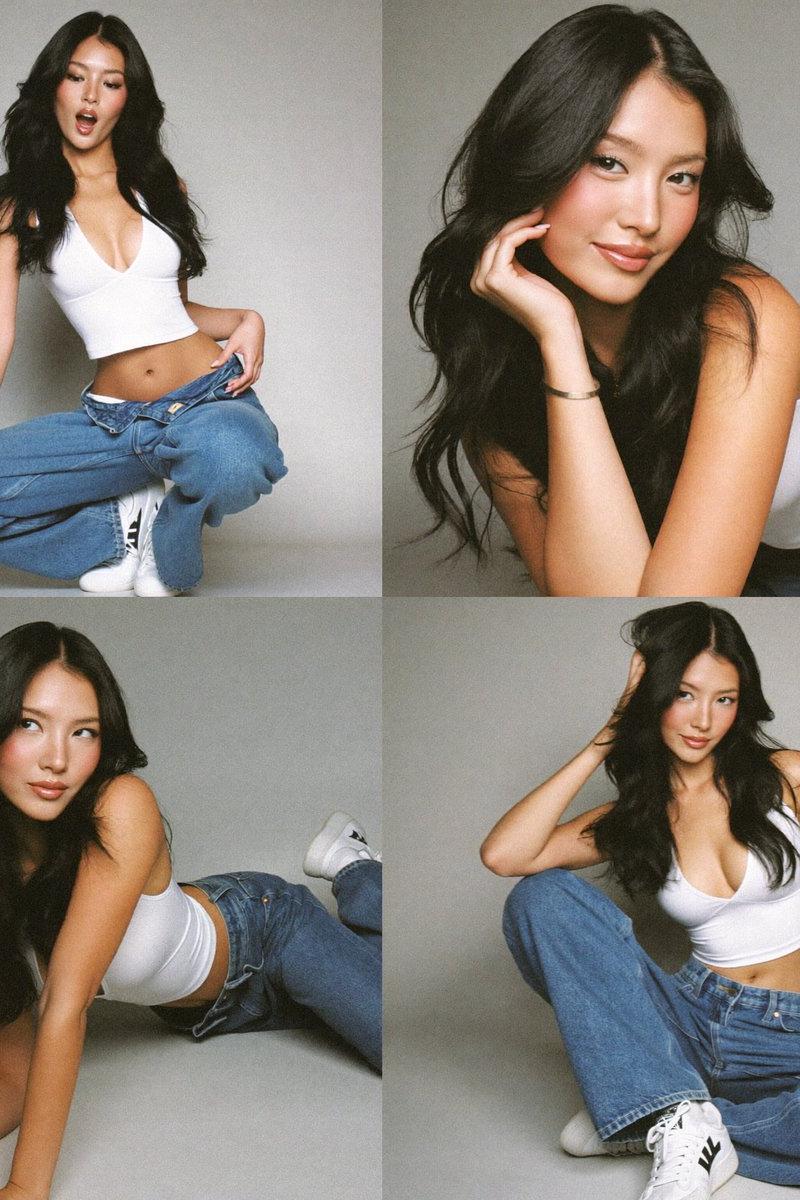
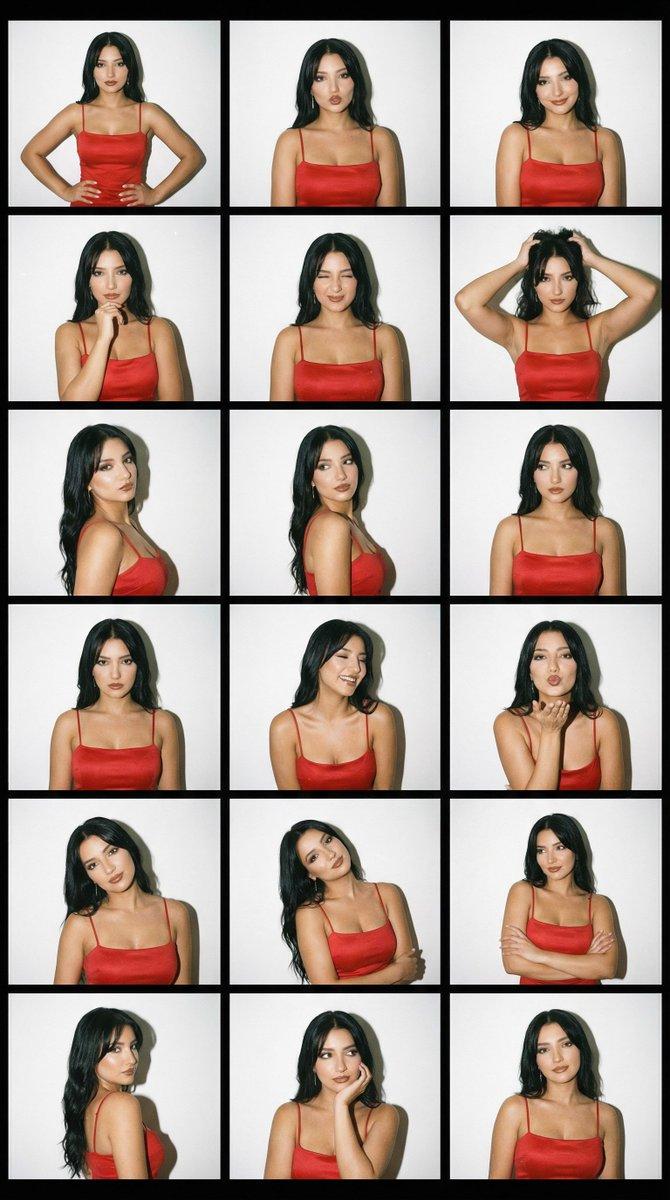
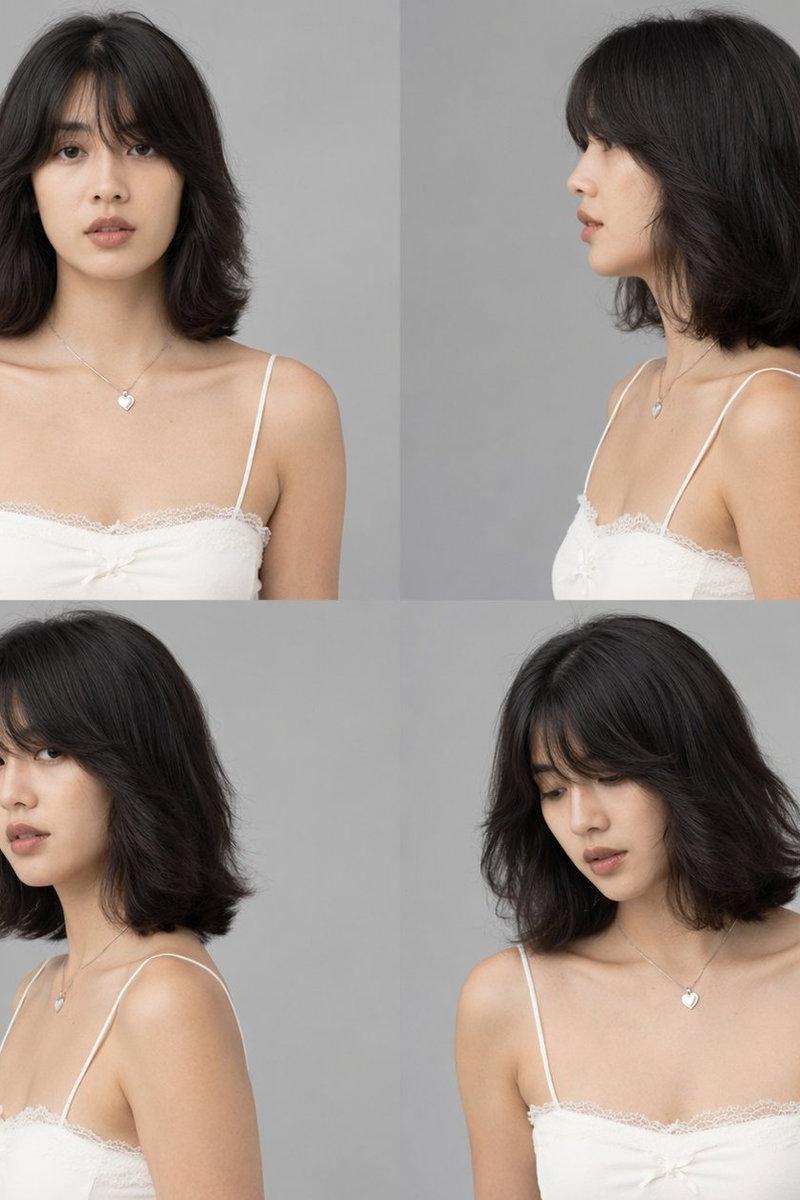
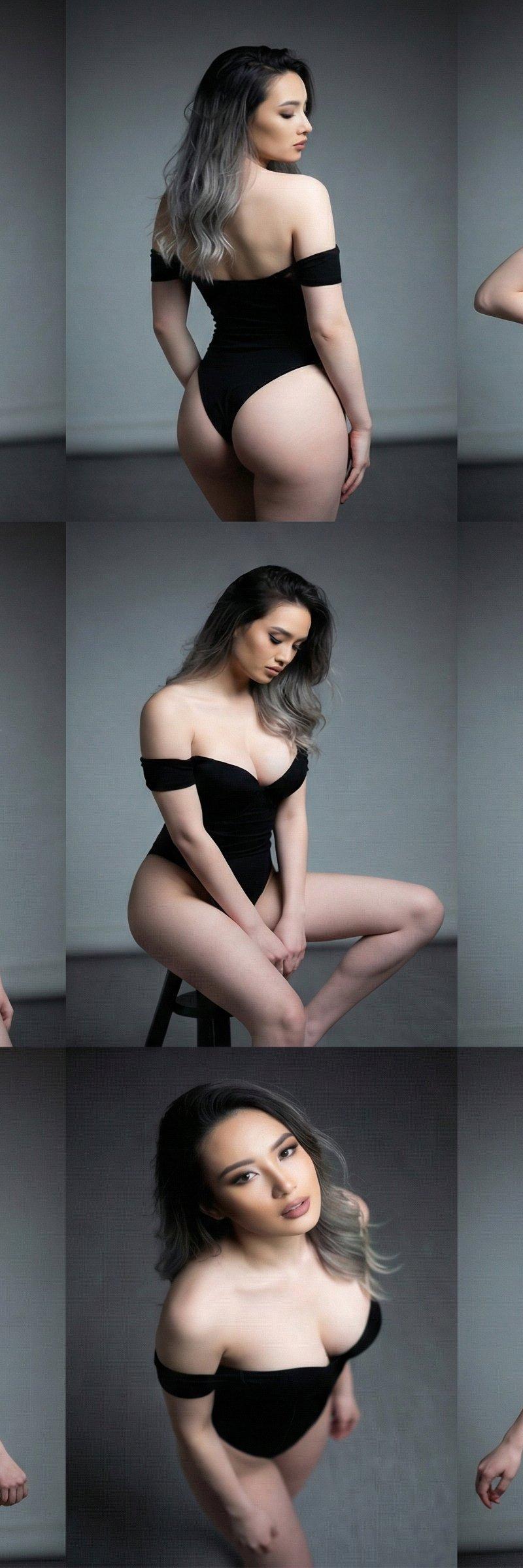
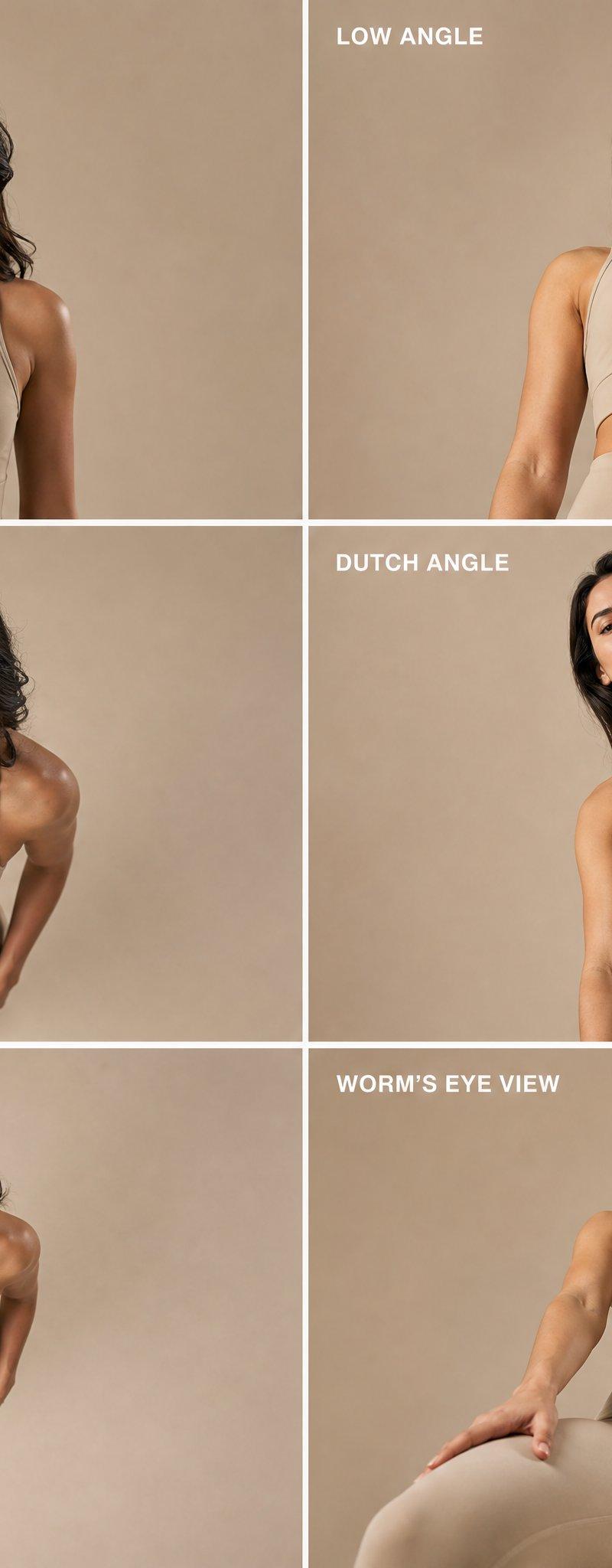
Ultra-realistic fashion editorial composite image, 6-panel grid layout (3 rows, 2 columns), each panel clearly labeled with minimal clean typography: “EYE LEVEL”, “LOW ANGLE”, “HIGH ANGLE”, “DUTCH ANGLE”, “BIRD’S EYE VIEW”, “WORM’S EYE VIEW”.

Same professional female model in all panels, consistent face identity, sharp jawline, natural makeup, slightly wavy dark hair, neutral expression.

Outfit: minimal beige sports bra and matching high-waist leggings, clean luxury athleisure fashion style.

Studio setting with soft beige seamless background, high-end fashion photography lighting, soft shadows, ultra-clean aesthetic.

Each panel demonstrates different camera angle:

Eye Level: straight-on balanced portrait
Low Angle: camera below looking upward, strong presence
High Angle: camera above looking down
Dutch Angle: tilted frame, dynamic diagonal composition
Bird’s Eye View: top-down view, model looking up
Worm’s Eye View: extreme low ground perspective, dramatic upward shot

Cinematic fashion magazine quality, ultra realistic skin texture, 8k detail, sharp focus, symmetrical grid alignment, premium editorial layout, clean borders between panels, modern luxury look.
Category
Charts & Infographics
Model
ChatGPT
Creator
@Mind_Boticni
Source language
zh-CN
Views93
Source ID
15688
Published
Jun 9, 2026
Studio

Guide

About "超写实时尚编辑六宫格摄影提示词"

What is this prompt for?

"超写实时尚编辑六宫格摄影提示词" AI image prompt for ChatGPT (Charts & Infographics). 超写实时尚编辑合成图像,6 面板网格布局(3 行,2 列),每个面板都用极简干净的排版清晰标注:“EYE LEVEL”、“LOW ANGLE”、“HIGH ANGLE”、“DU…

The full copyable prompt and example visuals above are ready for AI image generation or one-click recreate in Picva.

How to use this prompt

  1. Step 1

    Open the prompt detail

    Review the example visuals, category, and full prompt text for "超写实时尚编辑六宫格摄影提示词".

  2. Step 2

    Copy the prompt

    Copy the prompt body from this page, or load it directly in Studio.

  3. Step 3

    Pick a model (ChatGPT)

    Prefer ChatGPT. If you switch models, keep subject and composition and tweak style terms.

  4. Step 4

    Generate and export

    Recreate the look in Picva, or export into your workflow for editing and publishing.

FAQ

What is the "超写实时尚编辑六宫格摄影提示词" prompt?
It is an AI image-generation prompt for ChatGPT in the Charts & Infographics category. This page includes the full prompt text, example visuals, and a one-click recreate path in Picva.
How do I use this prompt to generate an image?
Copy the prompt from this page, or use Generate / Studio. Paste it into a compatible image model, or recreate the look in Picva with optional reference images.
Which model is this prompt for?
This page lists ChatGPT. Most descriptive prompts also transfer to nearby image models such as GPT Image, Flux, or Midjourney with light style tweaks.
Can I use the result commercially?
You can usually copy the prompt for creation, but commercial use of the final image depends on the model terms, reference-image rights, and the generated content. Follow the source author and platform rules.