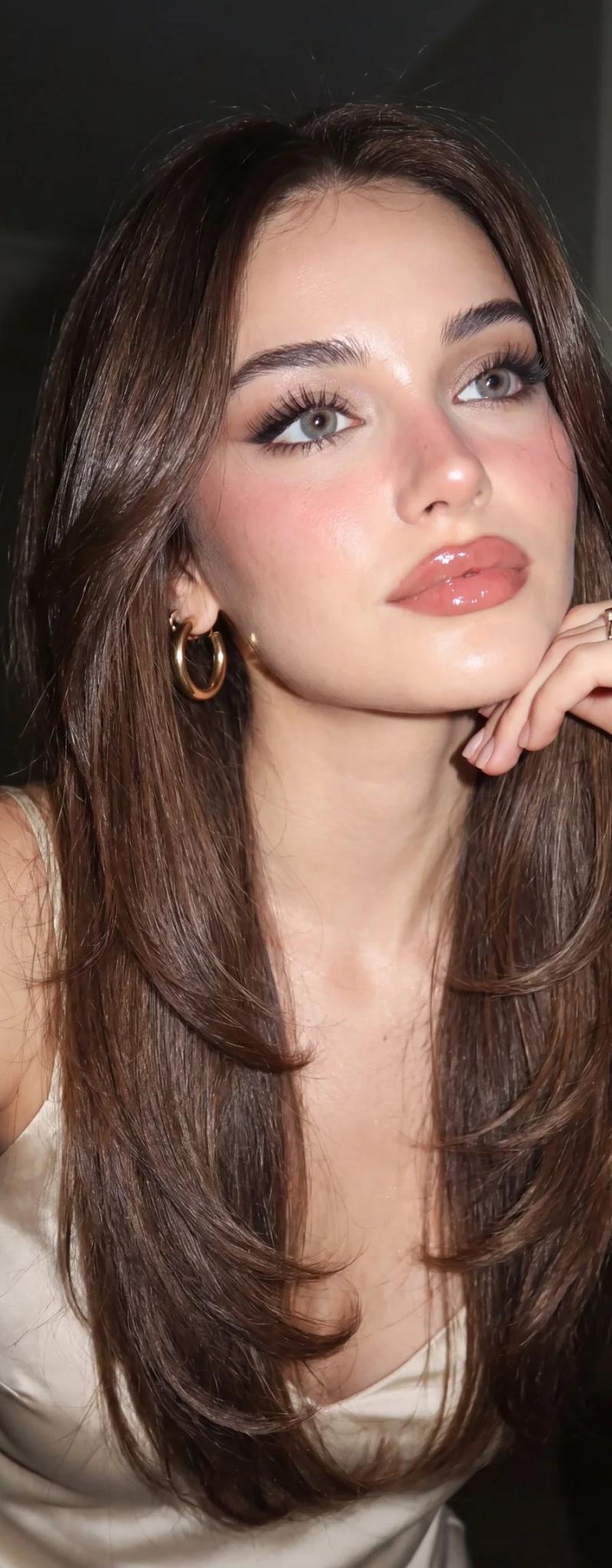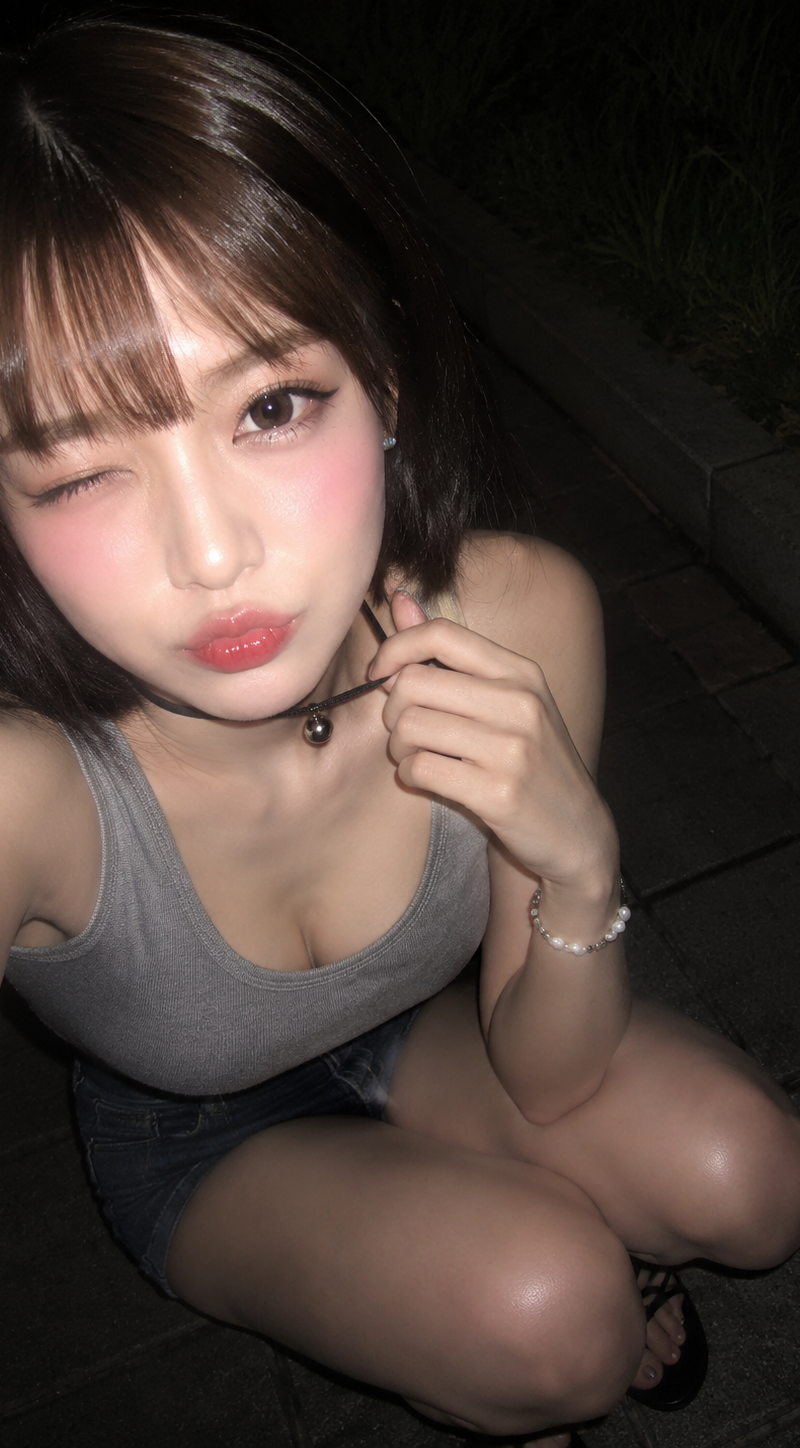
17

卧室闪光灯自拍写实人像提示词
Enlarge

Example images

卧室闪光灯自拍写实人像提示词

Prompt
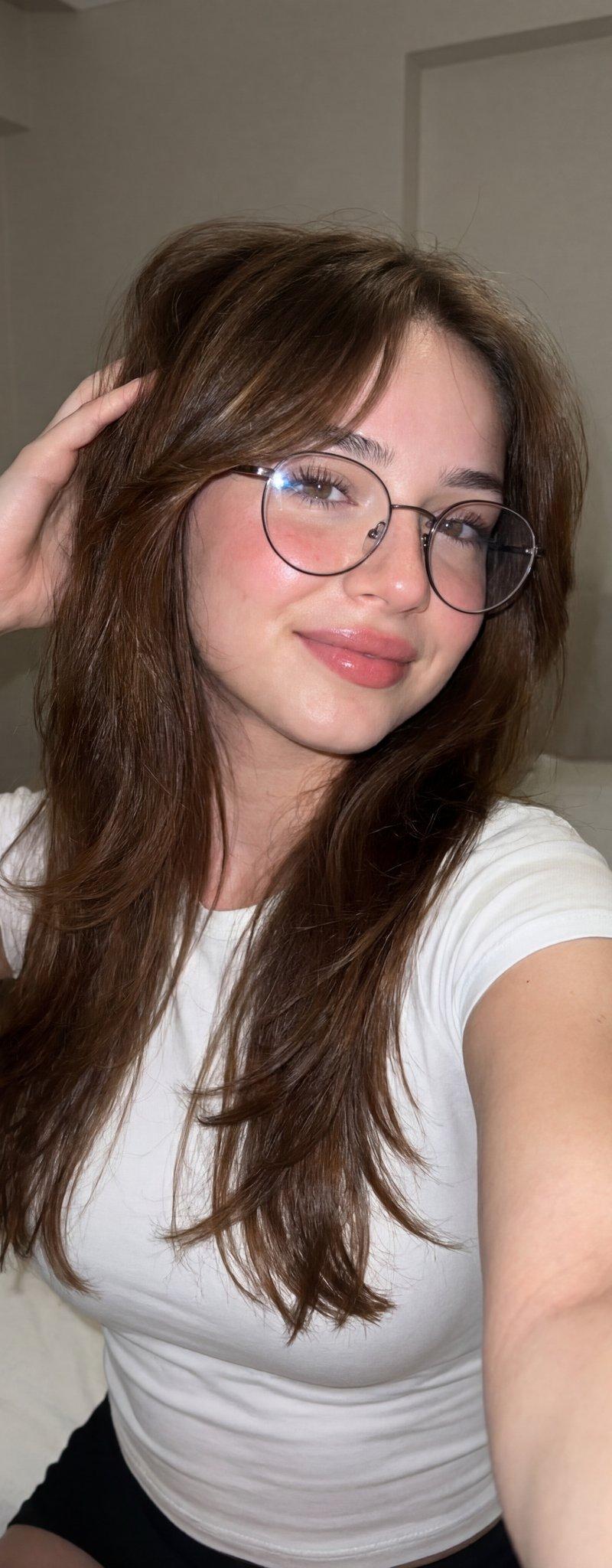
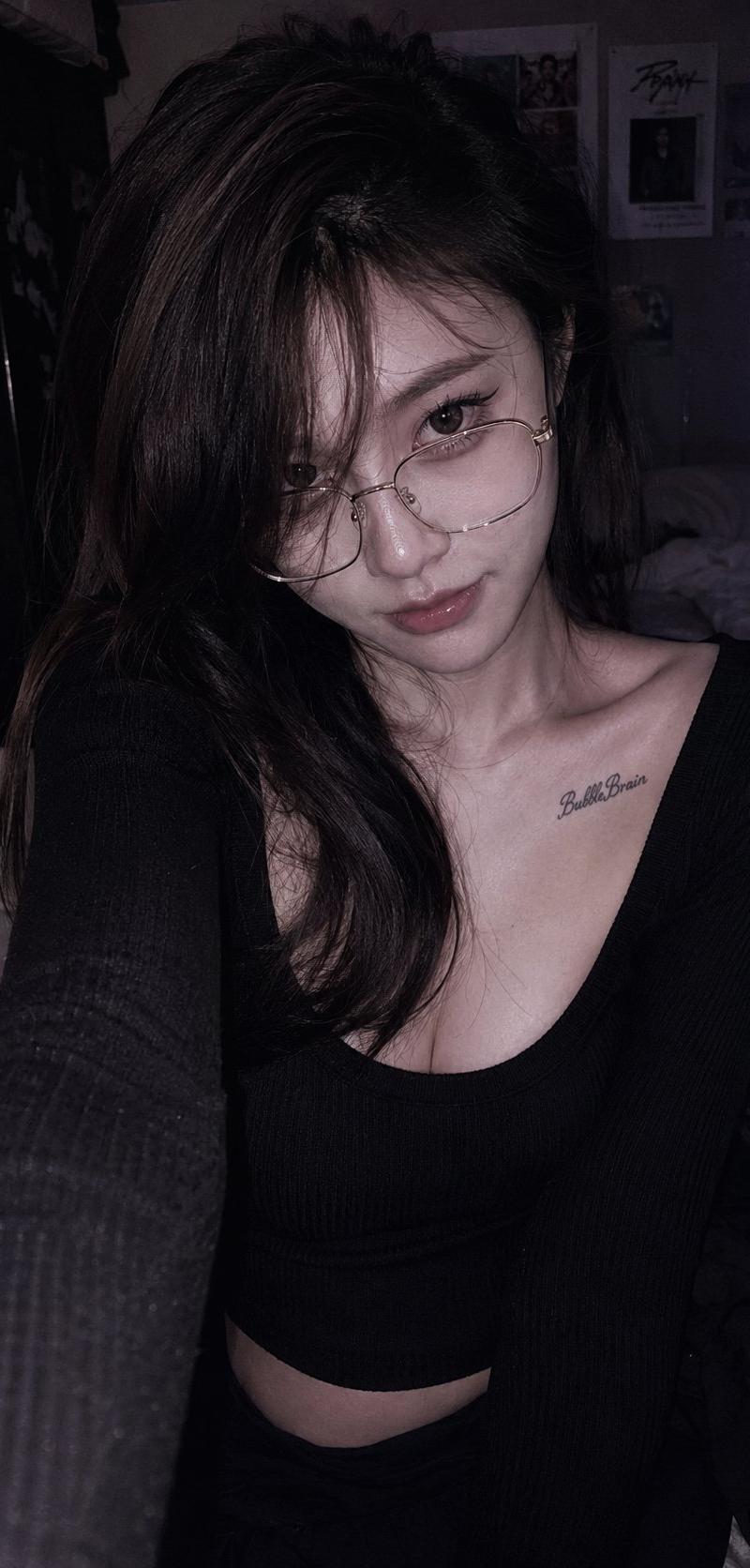
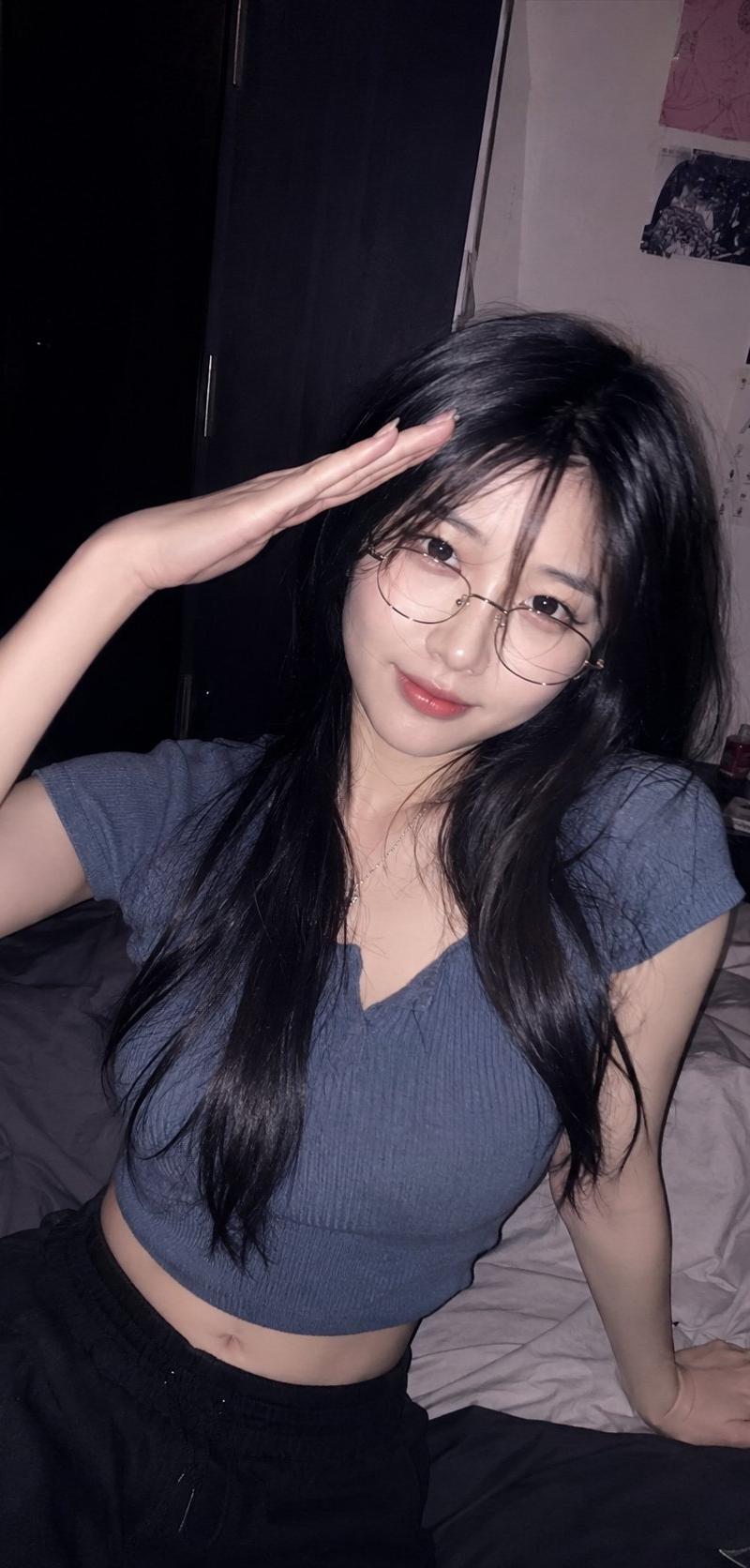
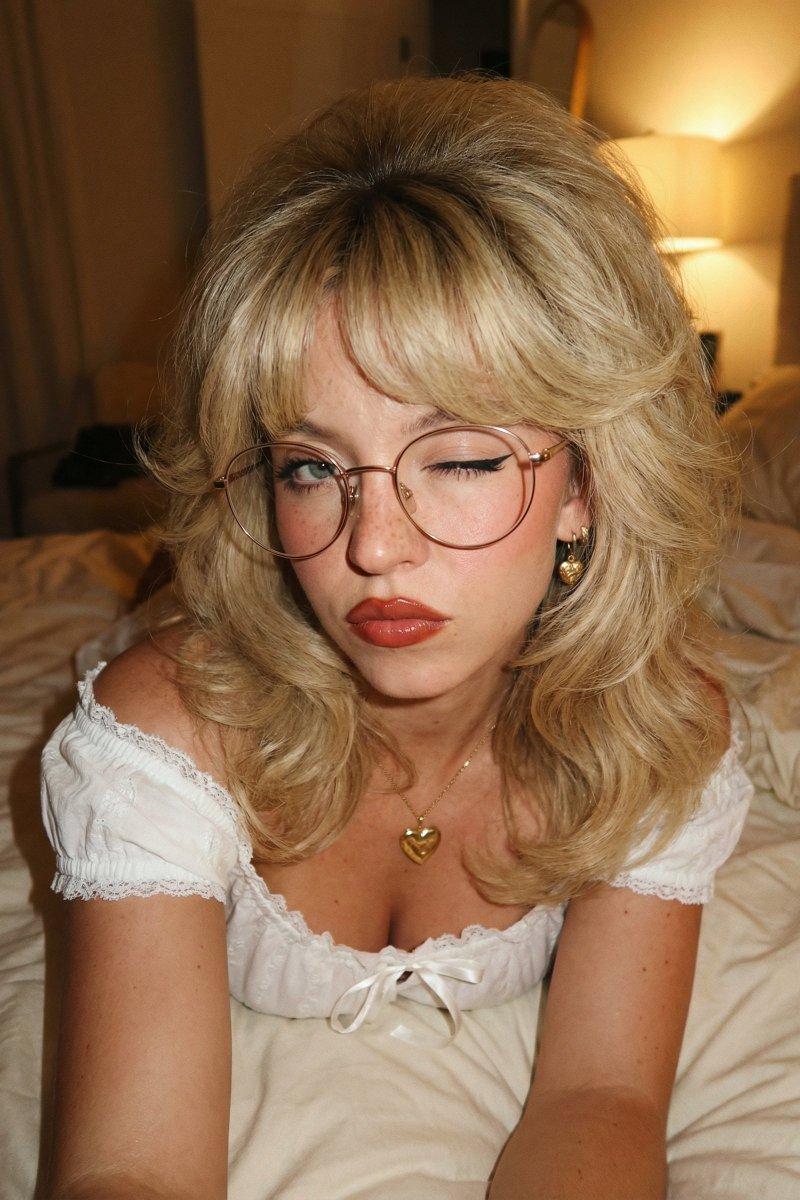
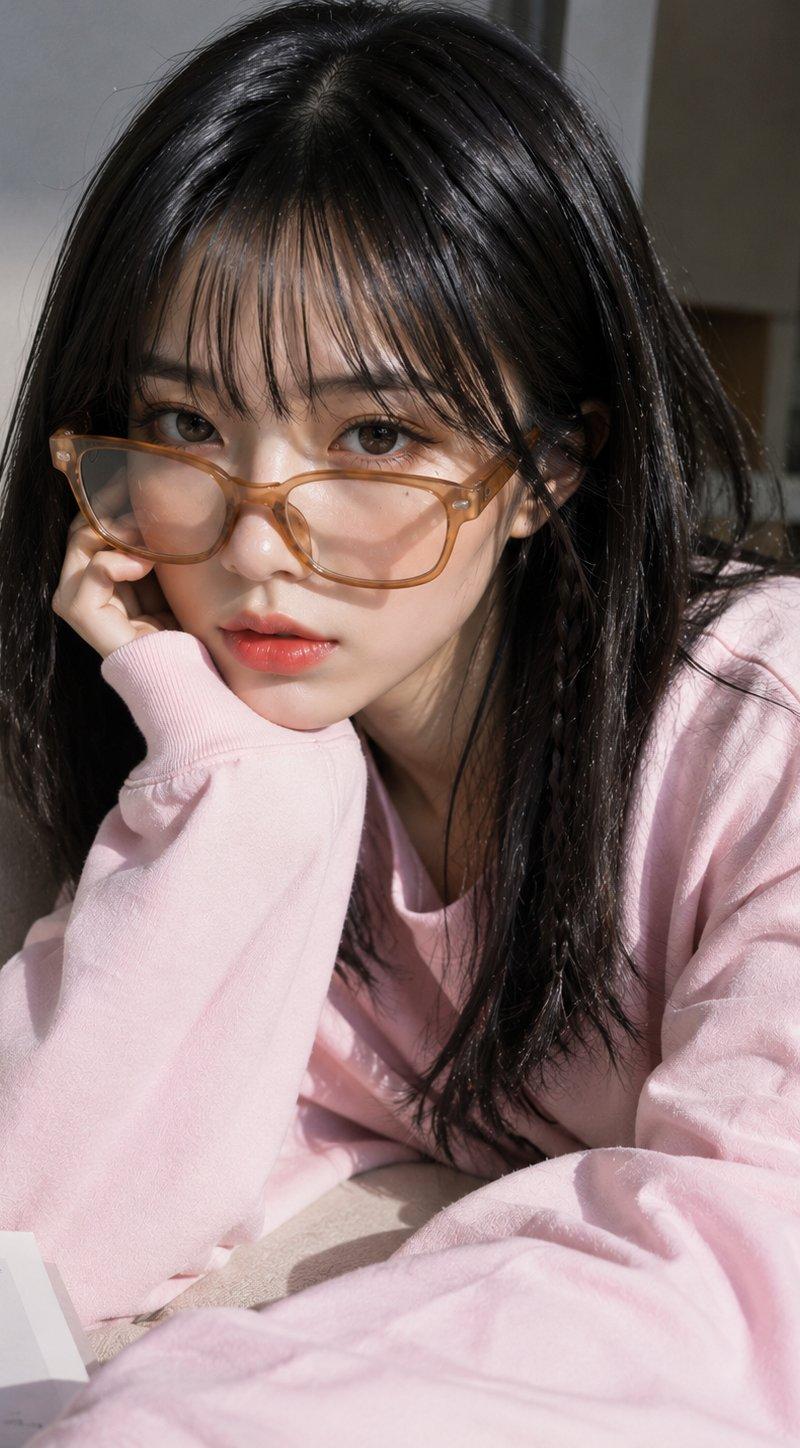
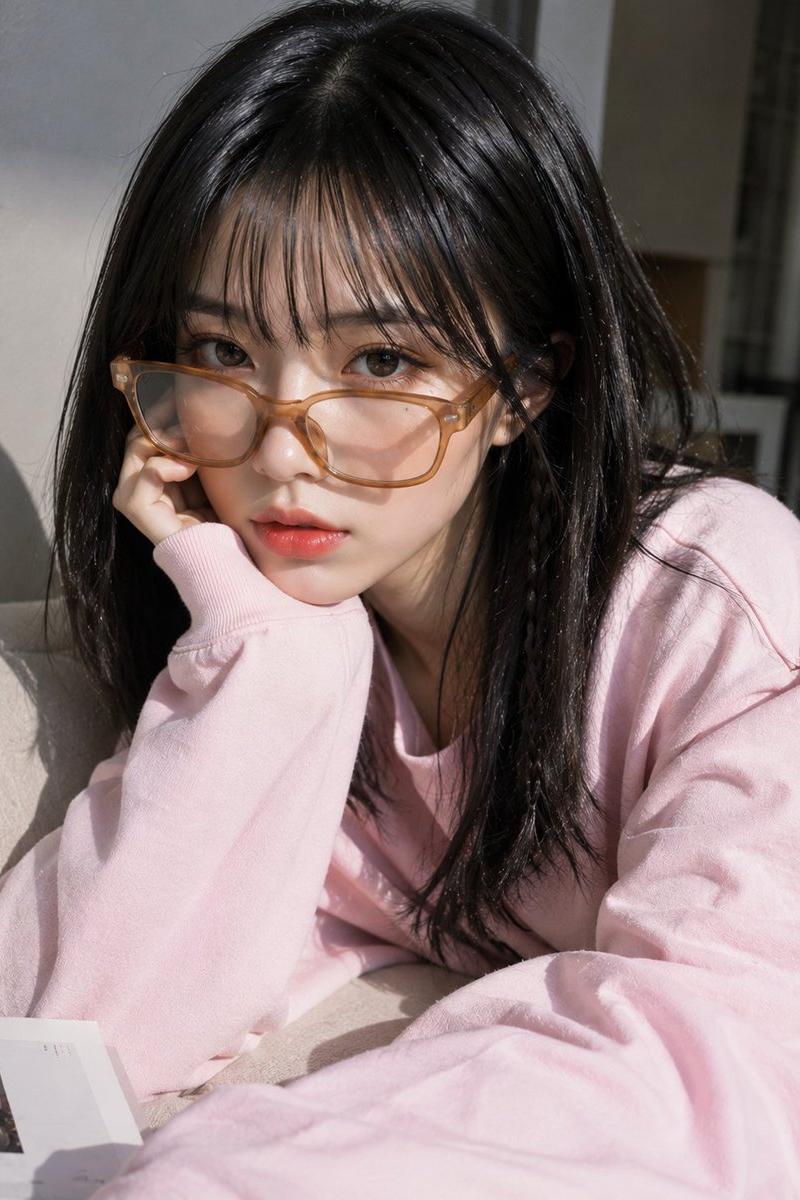
Use the uploaded image as the only identity reference. Preserve the exact facial features, facial proportions, skin tone, eyes, lips, nose, hairstyle, and overall likeness with maximum accuracy. No face modifications, no beautification, no identity changes.

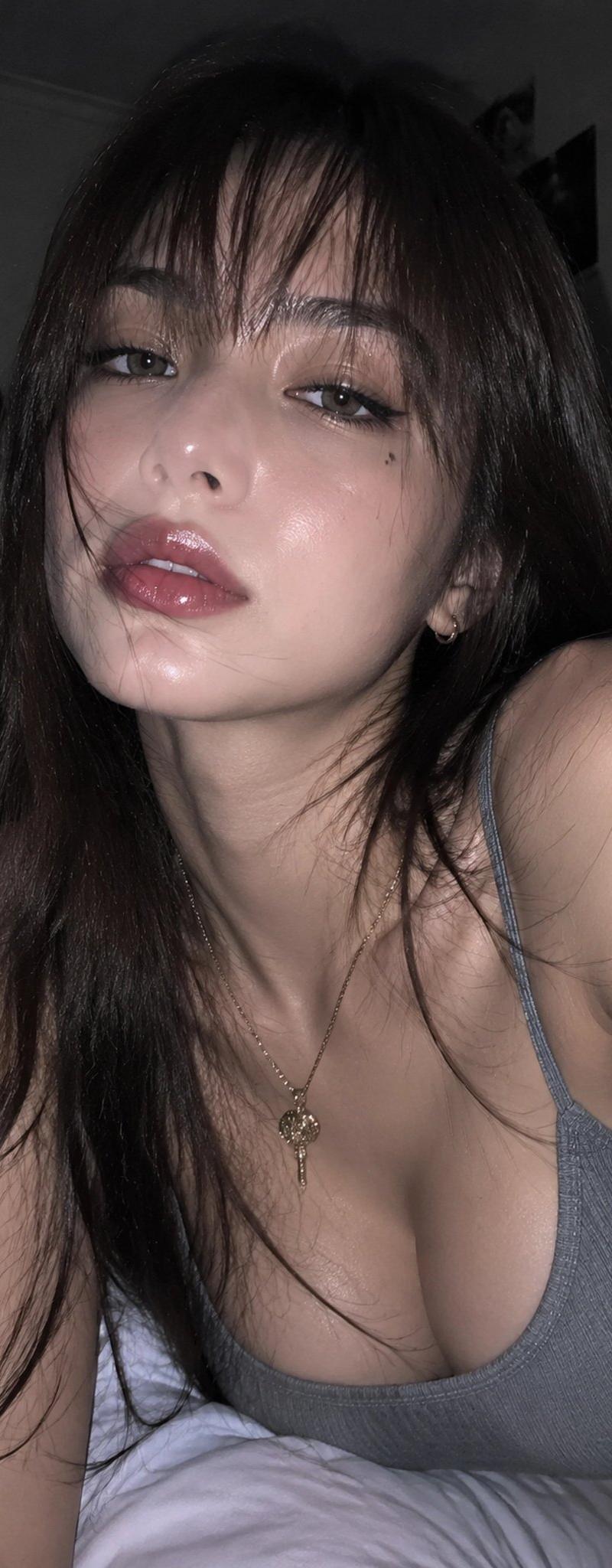
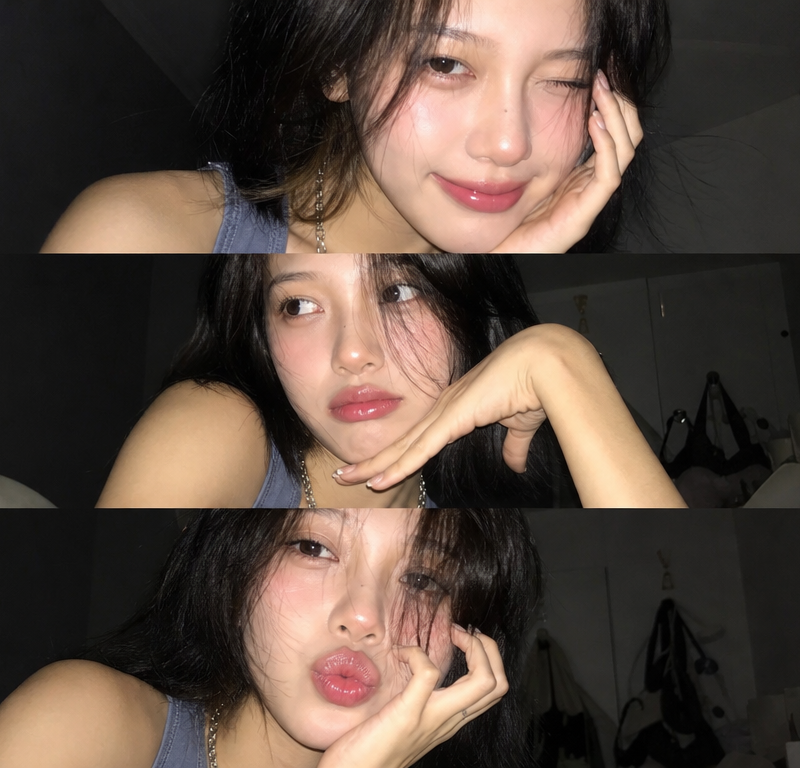
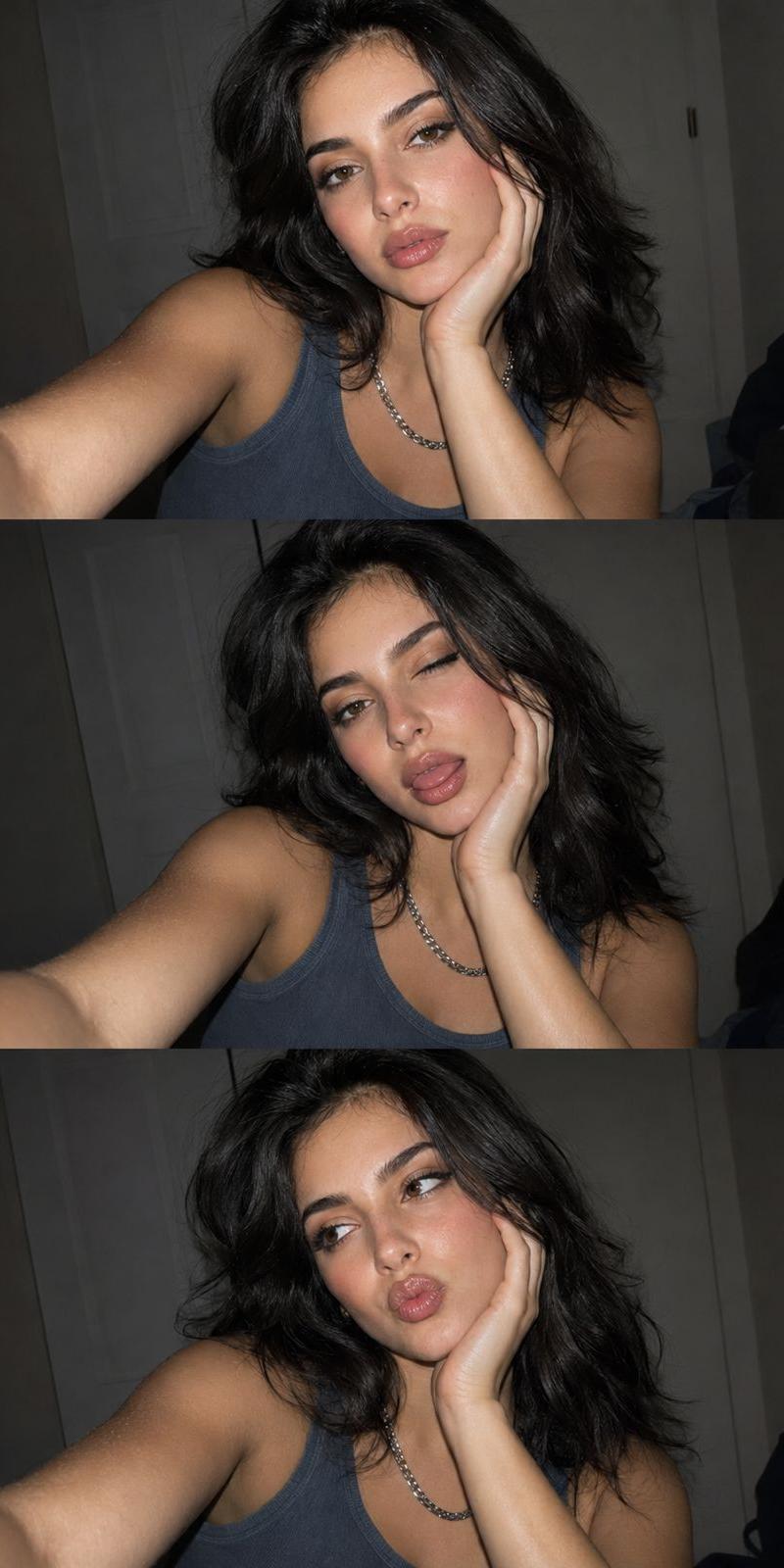
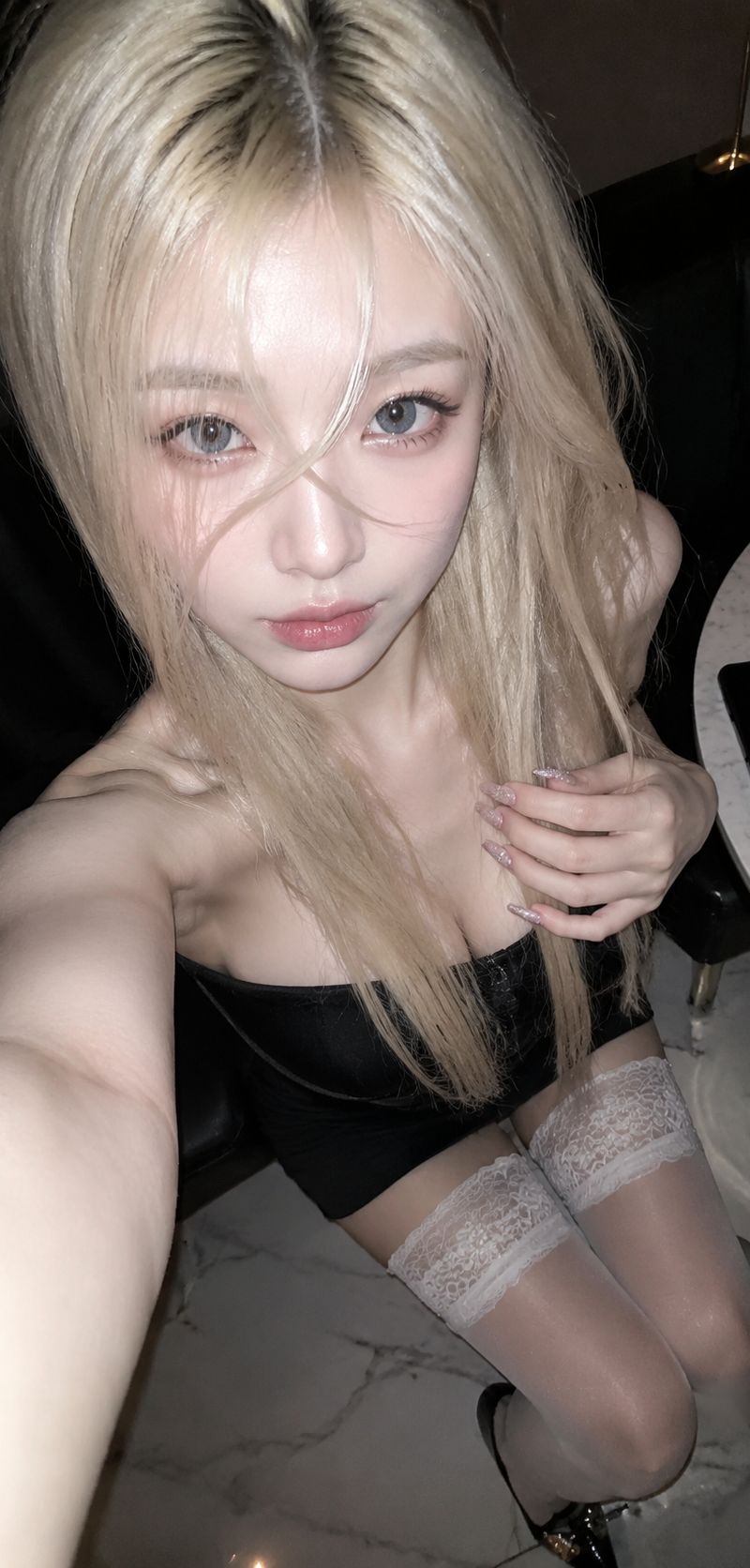
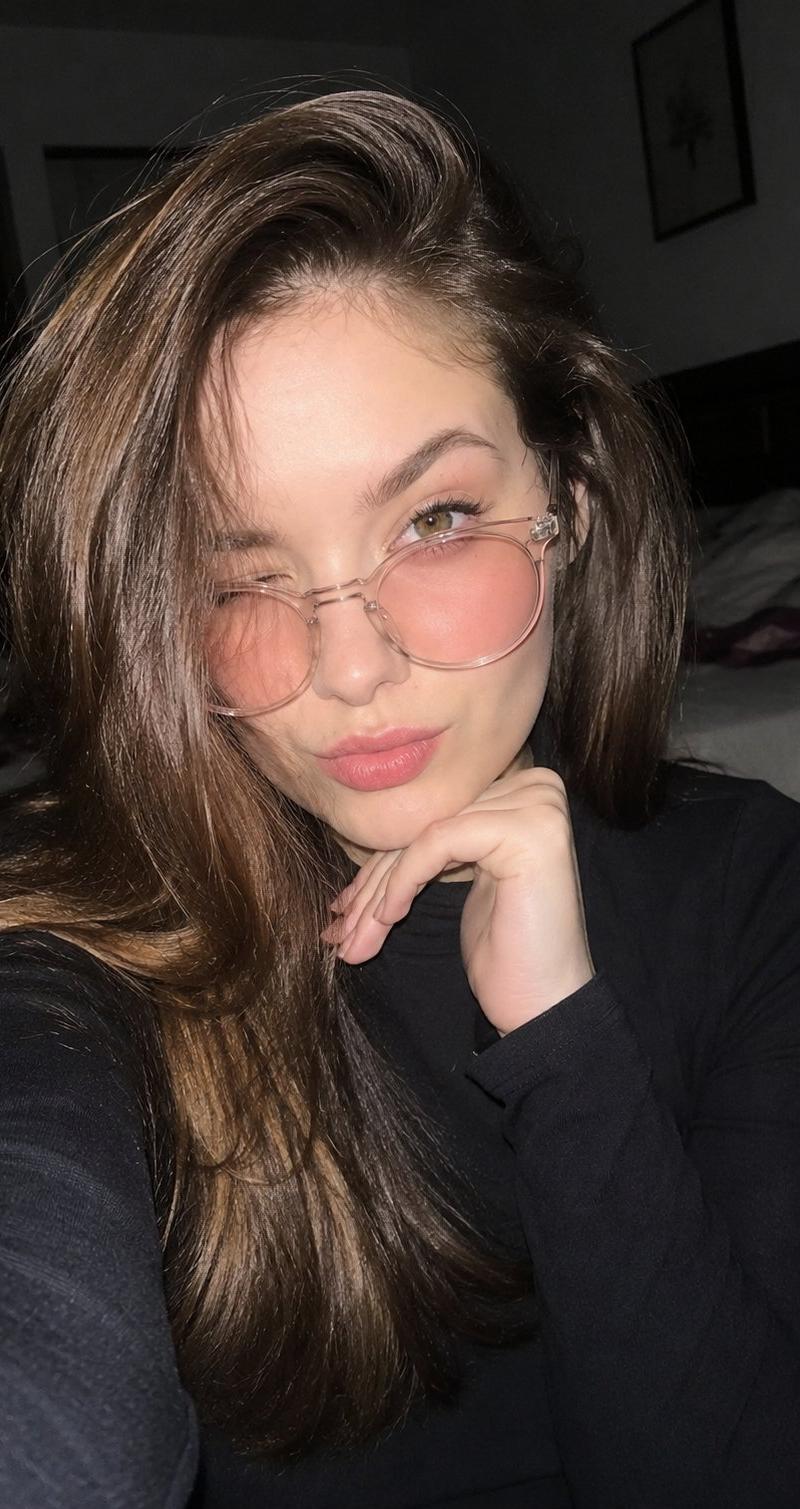
Create an ultra-realistic nighttime smartphone selfie taken in a dark bedroom using the rear camera with flash enabled. The subject is looking directly at the camera, winking with one eye, and resting her chin gently on one hand.

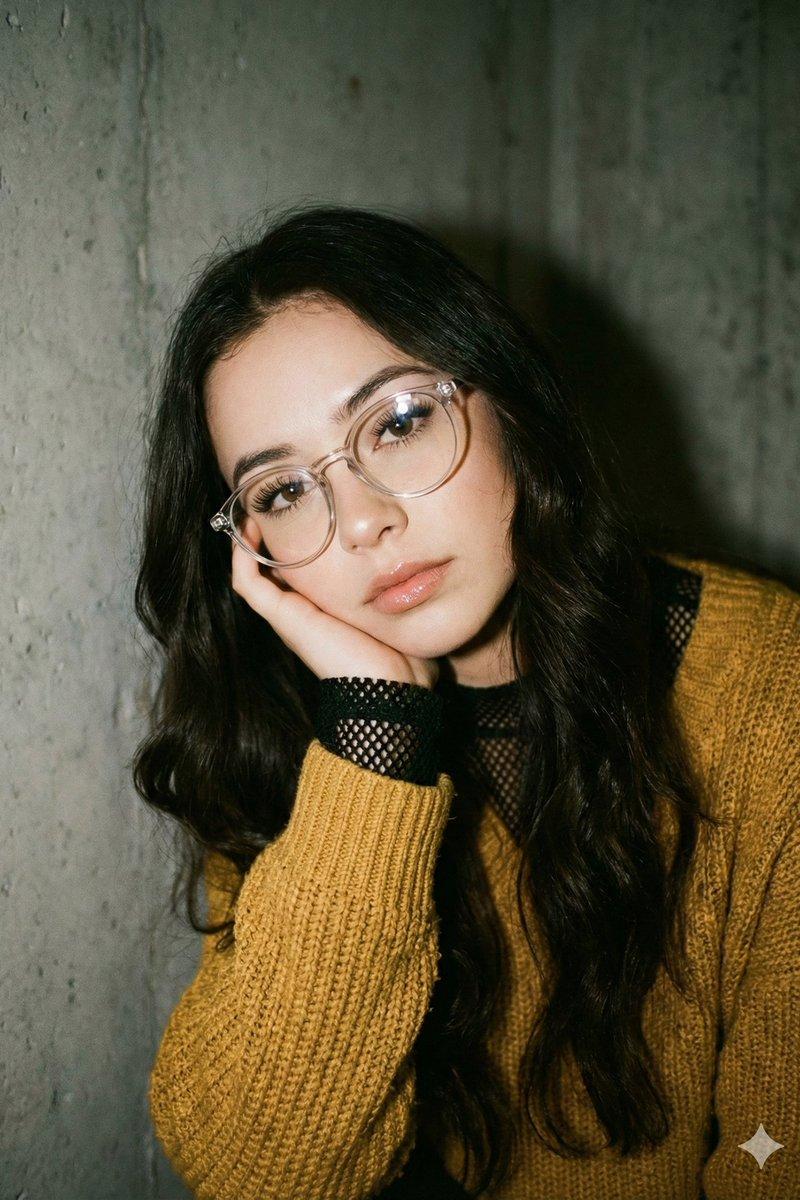
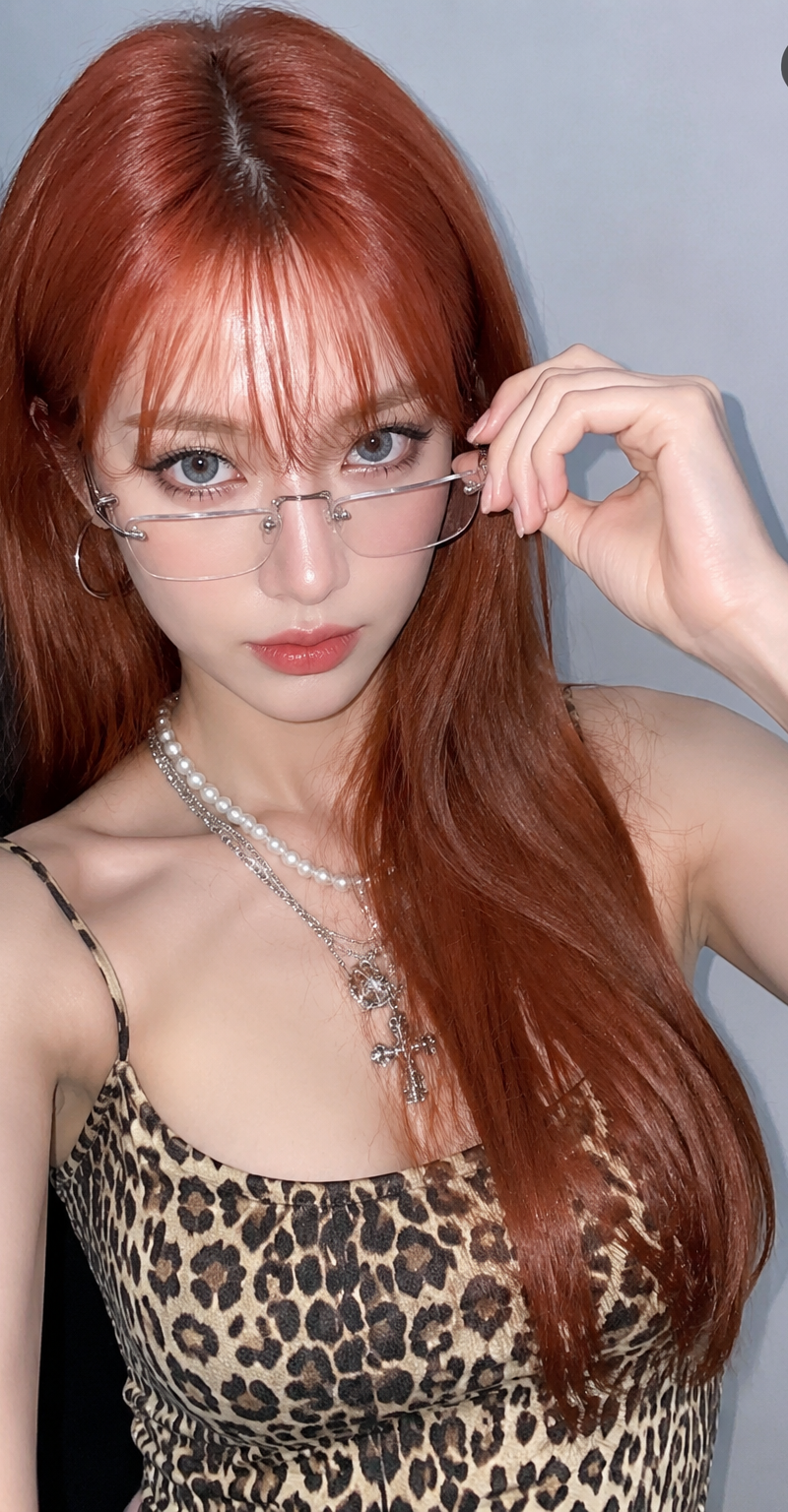
Long dark brown silky hair with natural shine, flowing over one side of the face. Large transparent round eyeglasses with soft pink-tinted lenses.

Natural dewy makeup, soft rosy cheeks, subtle pink lips, healthy glowing skin, realistic skin texture.

Wearing a fitted black long-sleeve top with a modest neckline. Elegant and casual appearance.

Background shows a dimly lit bedroom with a slightly messy bed, shallow depth of field, realistic nighttime atmosphere.

Strong smartphone flash lighting, high contrast shadows, authentic mobile photography, candid social media selfie, HDR, photorealistic, ultra detailed, realistic proportions, sharp focus on face.

Aspect ratio 9:13 vertical.
Category
Charts & Infographics
Model
ChatGPT
Creator
@SimplyAnnisa
Source language
zh-CN
Views55
Source ID
15743
Published
Jun 10, 2026
Studio

Guide

About "卧室闪光灯自拍写实人像提示词"

What is this prompt for?

"卧室闪光灯自拍写实人像提示词" AI image prompt for ChatGPT (Charts & Infographics). 将上传的图像作为唯一的身份参考。以最高的准确度保留精确的面部特征、面部比例、肤色、眼睛、嘴唇、鼻子、发型和整体相似度。不进行面部修改,不美化,不更改身份。 创建一张在黑暗卧室中通…

The full copyable prompt and example visuals above are ready for AI image generation or one-click recreate in Picva.

How to use this prompt

  1. Step 1

    Open the prompt detail

    Review the example visuals, category, and full prompt text for "卧室闪光灯自拍写实人像提示词".

  2. Step 2

    Copy the prompt

    Copy the prompt body from this page, or load it directly in Studio.

  3. Step 3

    Pick a model (ChatGPT)

    Prefer ChatGPT. If you switch models, keep subject and composition and tweak style terms.

  4. Step 4

    Generate and export

    Recreate the look in Picva, or export into your workflow for editing and publishing.

FAQ

What is the "卧室闪光灯自拍写实人像提示词" prompt?
It is an AI image-generation prompt for ChatGPT in the Charts & Infographics category. This page includes the full prompt text, example visuals, and a one-click recreate path in Picva.
How do I use this prompt to generate an image?
Copy the prompt from this page, or use Generate / Studio. Paste it into a compatible image model, or recreate the look in Picva with optional reference images.
Which model is this prompt for?
This page lists ChatGPT. Most descriptive prompts also transfer to nearby image models such as GPT Image, Flux, or Midjourney with light style tweaks.
Can I use the result commercially?
You can usually copy the prompt for creation, but commercial use of the final image depends on the model terms, reference-image rights, and the generated content. Follow the source author and platform rules.