15

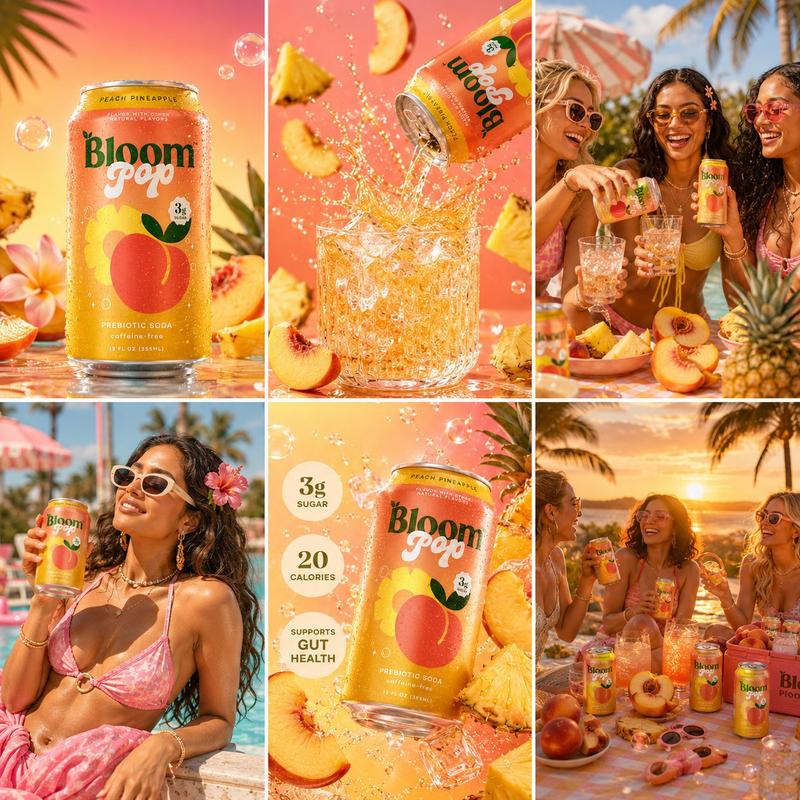
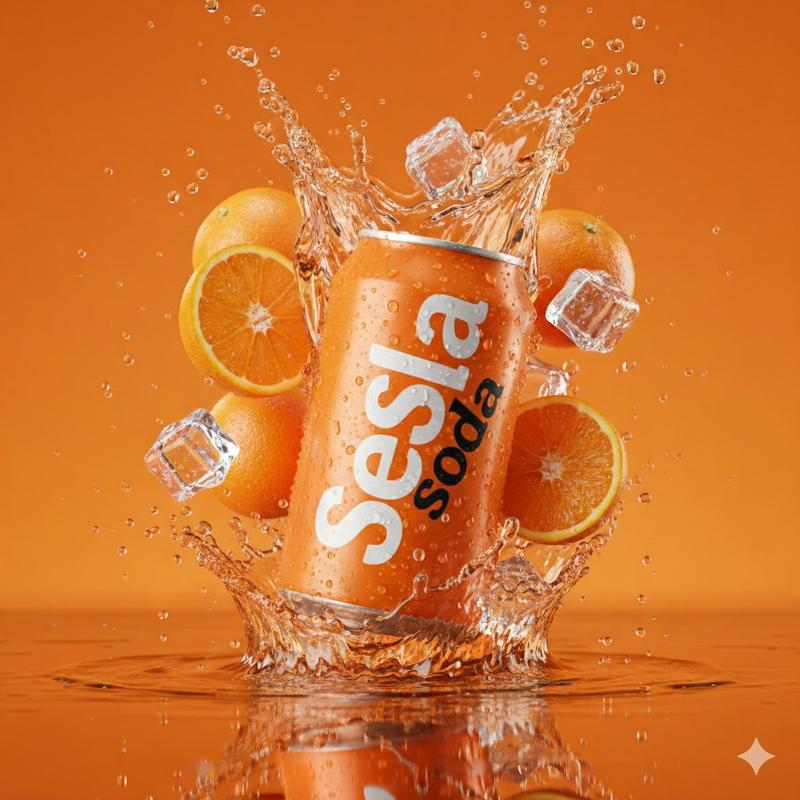
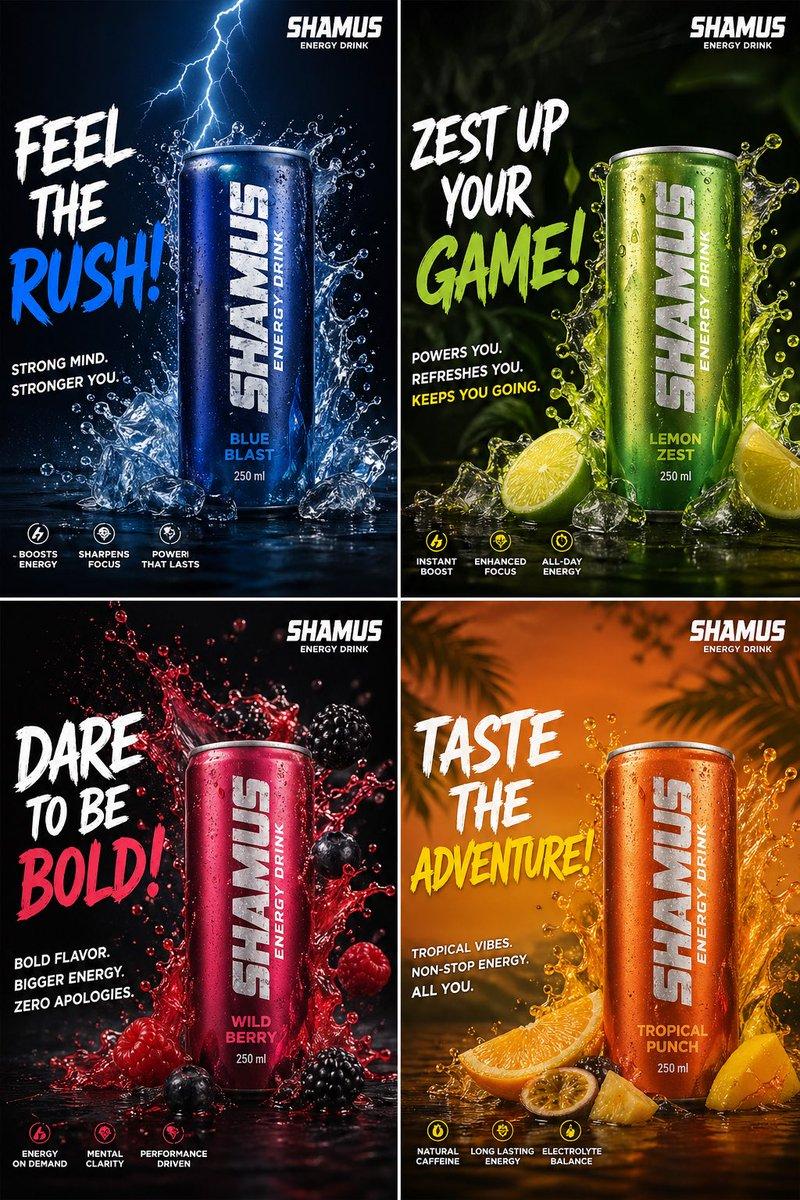
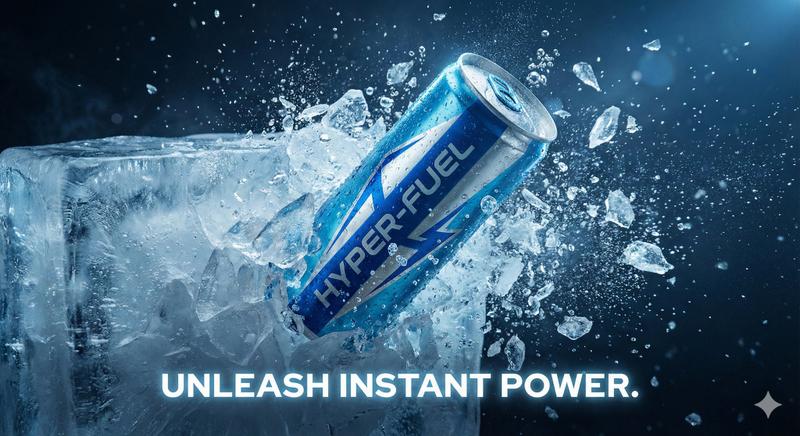
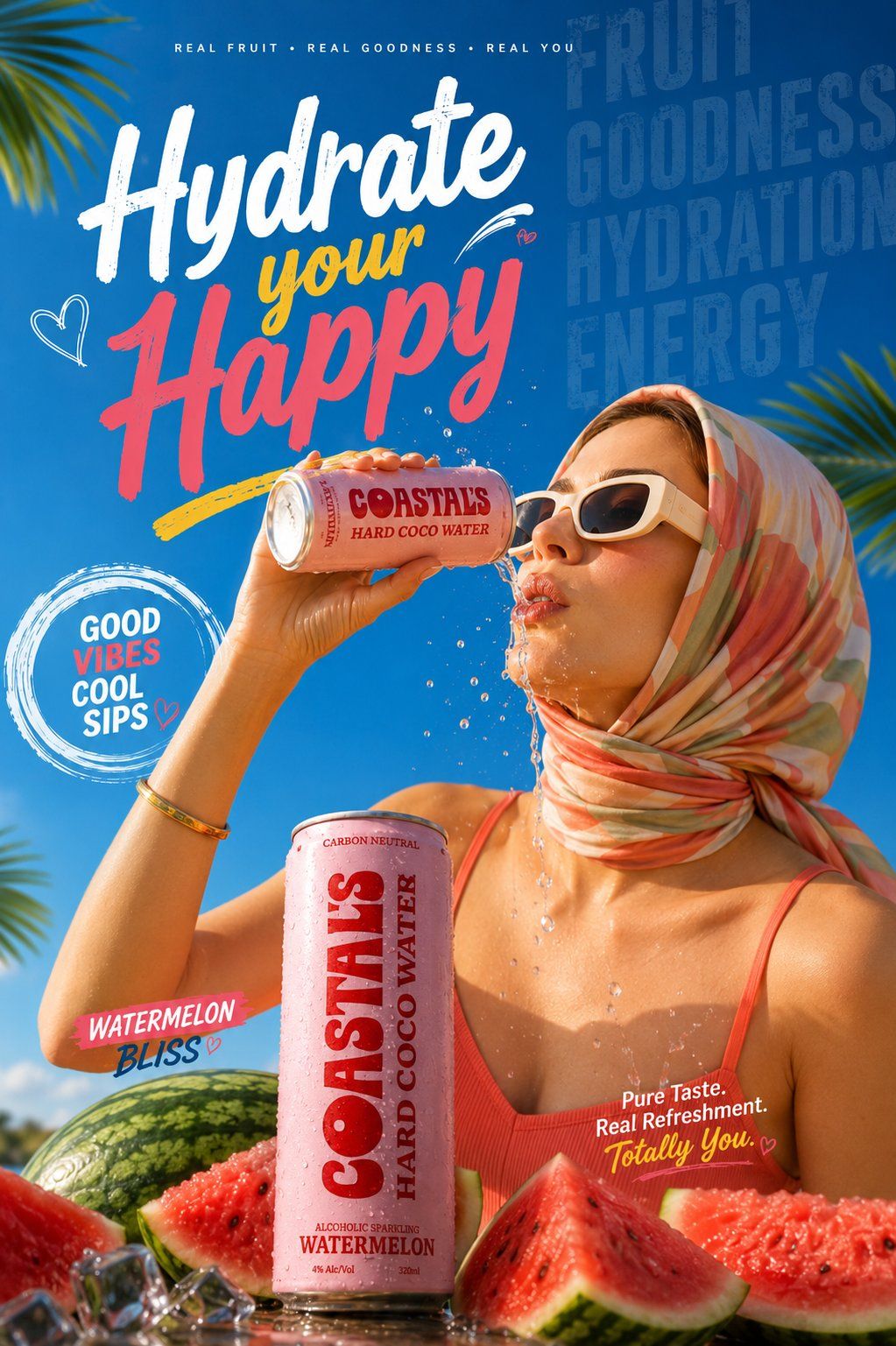
超写实夏季饮料广告海报时尚女性
Enlarge

超写实夏季饮料广告海报时尚女性

Prompt
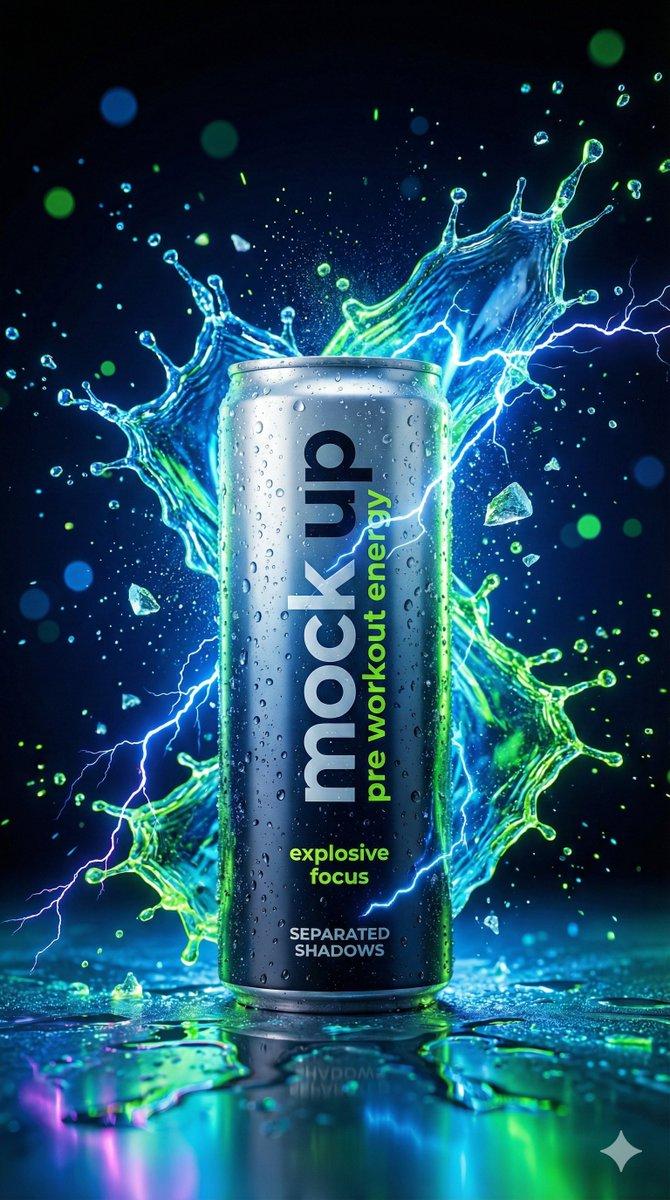
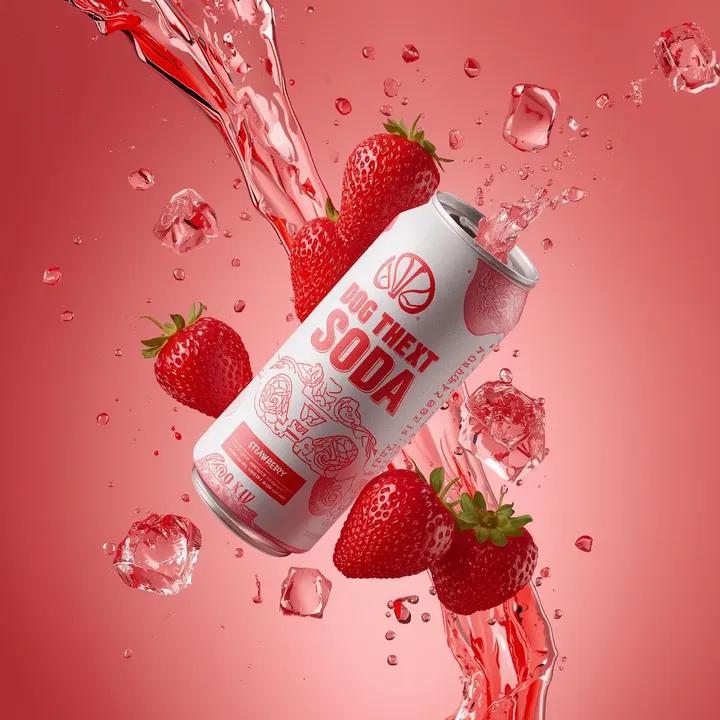
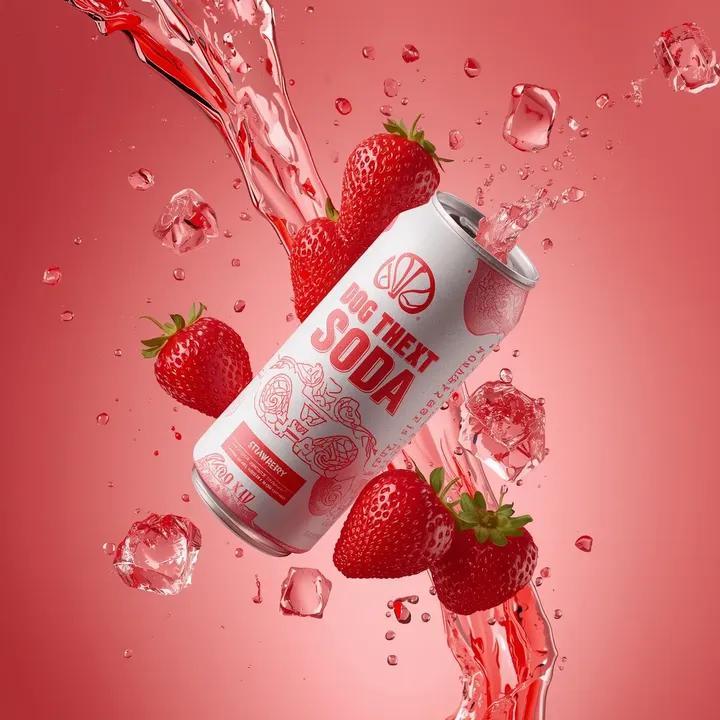
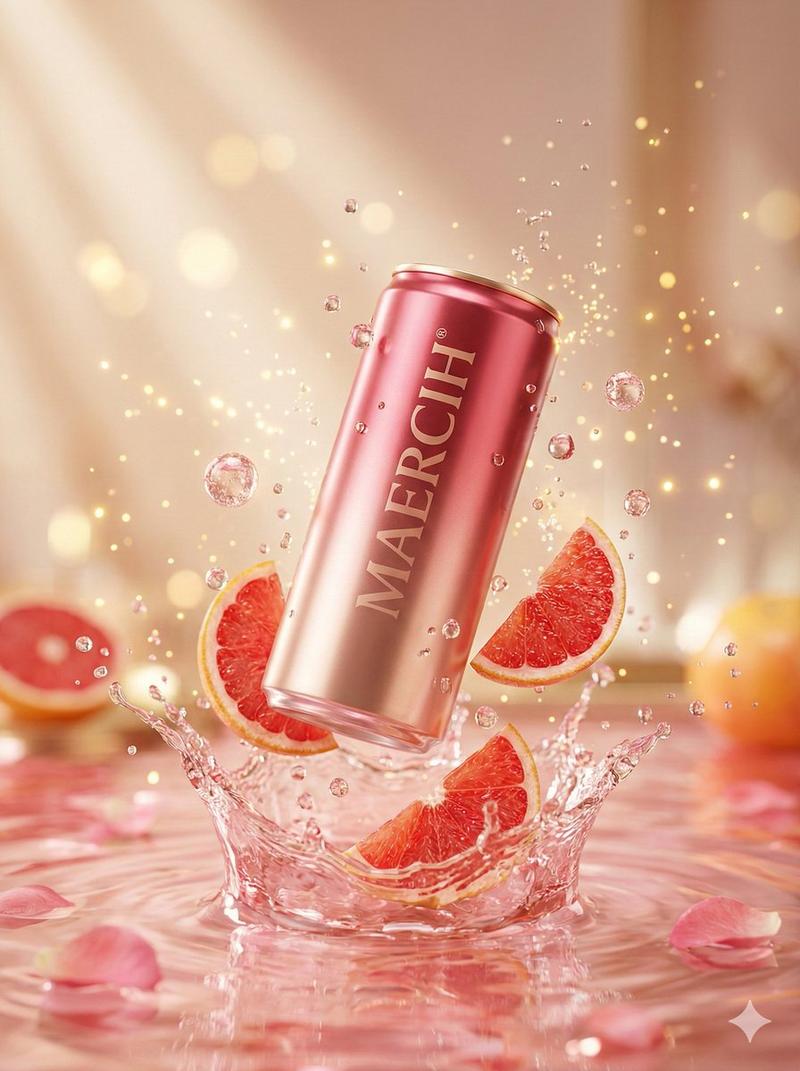
(Ultra-realistic summer beverage commercial poster), stylish young woman wearing (soft pastel scarf wrapped around head) and (white luxury sunglasses), drinking from a (pink premium tropical can) with water splashing naturally around lips and chin, same fashion aesthetic, same scarf model look, bright blue sky background, tropical palm leaves, fresh watermelon slices at bottom, ice cubes in foreground, (premium product branding centered), bold energetic typography in background saying (Hydrate your Happy), vibrant summer color palette, glossy skin texture, golden sunlight, refreshing drink ad campaign, (cinematic lighting), (viral Instagram commercial style), high-end beverage photography, hyper-detailed, photorealistic, ultra-sharp focus, (8K HDR), luxury editorial ad, realistic splash physics, trendy youth marketing aesthetic.
Category
Charts & Infographics
Model
ChatGPT
Creator
@sha_zdiii
Views38
Source ID
16994
Published
Jun 29, 2026

Guide

About "超写实夏季饮料广告海报时尚女性"

What is this prompt for?

"超写实夏季饮料广告海报时尚女性" AI image prompt for ChatGPT (Charts & Infographics). (超写实夏季饮料广告海报),时尚年轻女性戴着(浅色柔和围巾裹在头上)和(白色奢华墨镜),正在喝一罐(粉色高级热带饮料罐),水分自然地溅在嘴唇和下巴周围,同样的时尚美学,同样的围…

The full copyable prompt and example visuals above are ready for AI image generation or one-click recreate in Picva.

How to use this prompt

  1. Step 1

    Open the prompt detail

    Review the example visuals, category, and full prompt text for "超写实夏季饮料广告海报时尚女性".

  2. Step 2

    Copy the prompt

    Copy the prompt body from this page, or load it directly in Studio.

  3. Step 3

    Pick a model (ChatGPT)

    Prefer ChatGPT. If you switch models, keep subject and composition and tweak style terms.

  4. Step 4

    Generate and export

    Recreate the look in Picva, or export into your workflow for editing and publishing.

FAQ

What is the "超写实夏季饮料广告海报时尚女性" prompt?
It is an AI image-generation prompt for ChatGPT in the Charts & Infographics category. This page includes the full prompt text, example visuals, and a one-click recreate path in Picva.
How do I use this prompt to generate an image?
Copy the prompt from this page, or use Generate / Studio. Paste it into a compatible image model, or recreate the look in Picva with optional reference images.
Which model is this prompt for?
This page lists ChatGPT. Most descriptive prompts also transfer to nearby image models such as GPT Image, Flux, or Midjourney with light style tweaks.
Can I use the result commercially?
You can usually copy the prompt for creation, but commercial use of the final image depends on the model terms, reference-image rights, and the generated content. Follow the source author and platform rules.