16

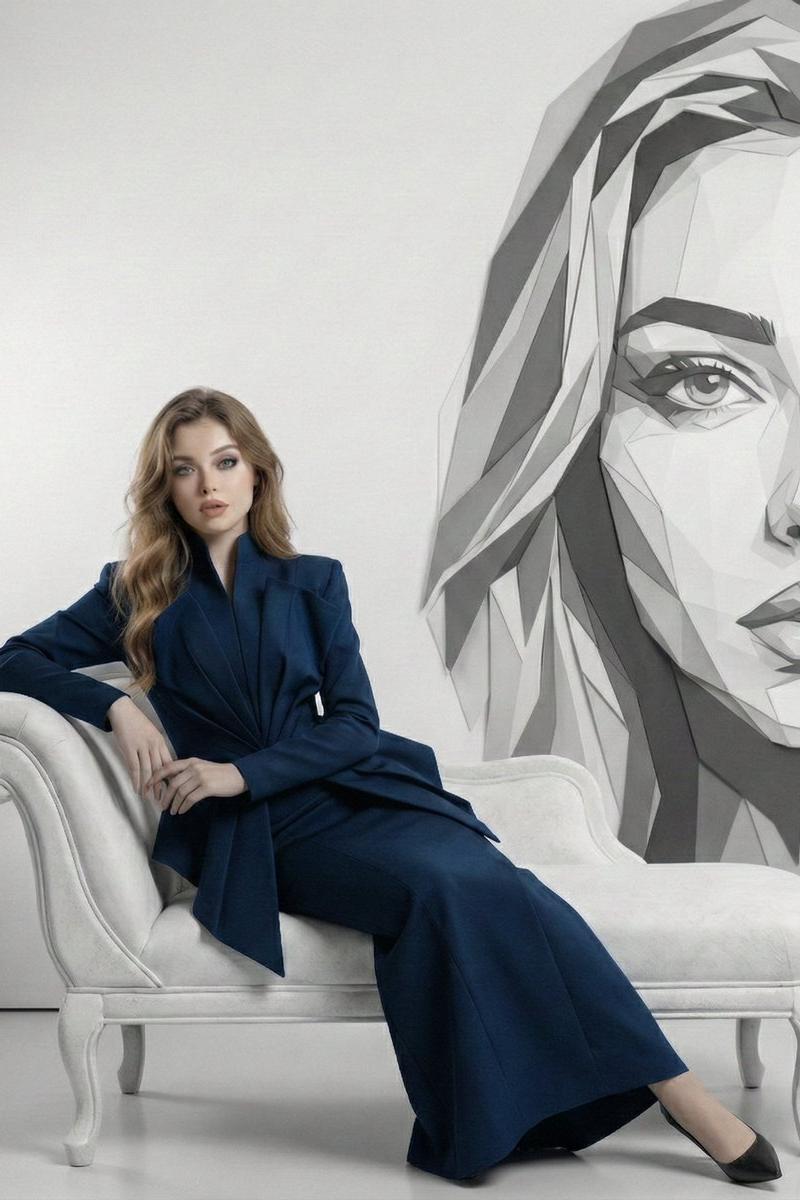
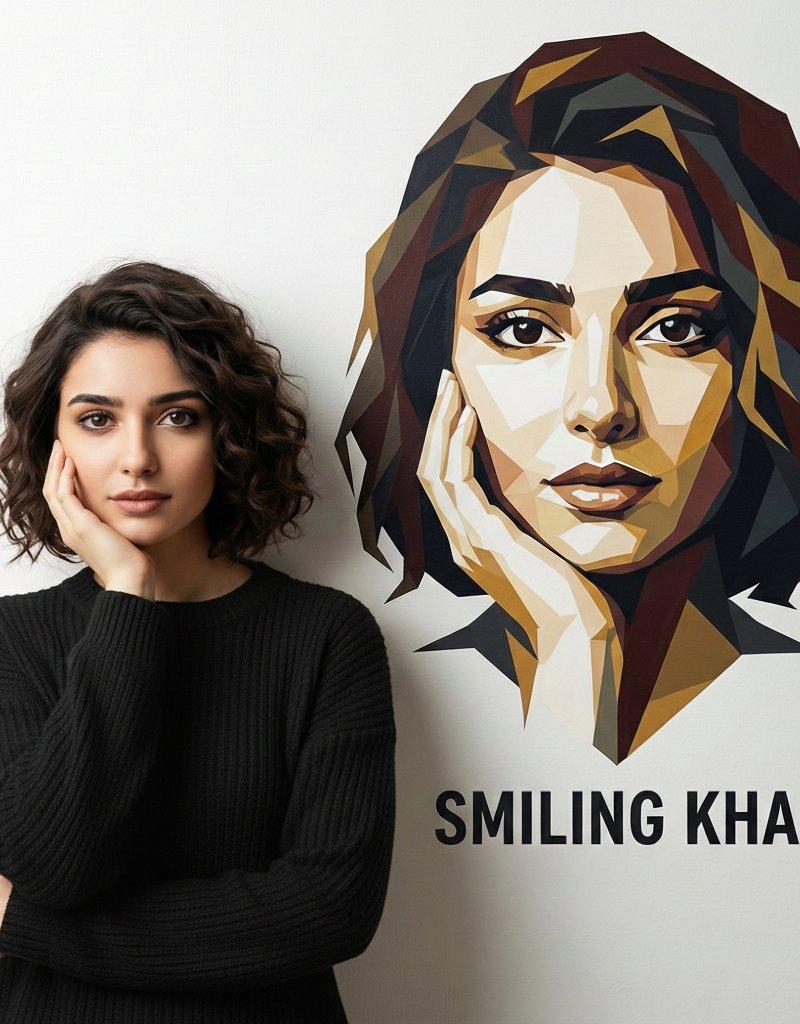
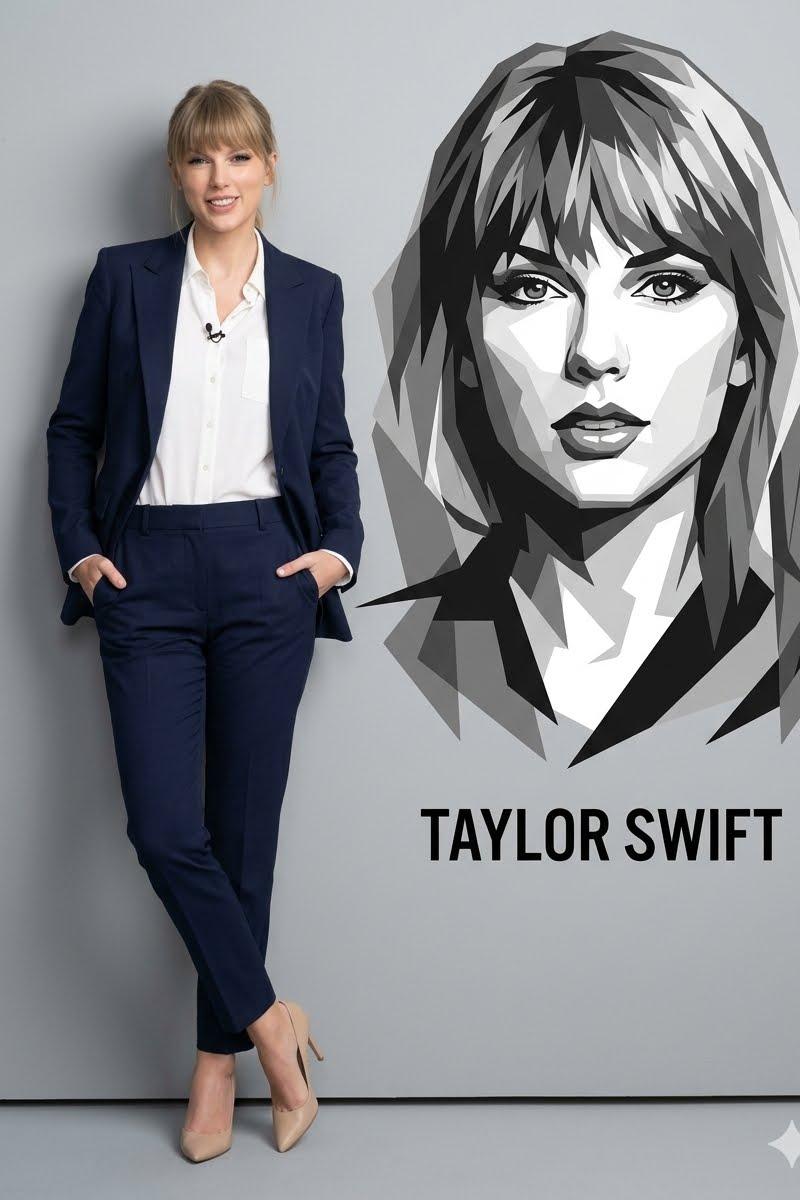
藏青色西装女性与简约几何矢量人像
Enlarge

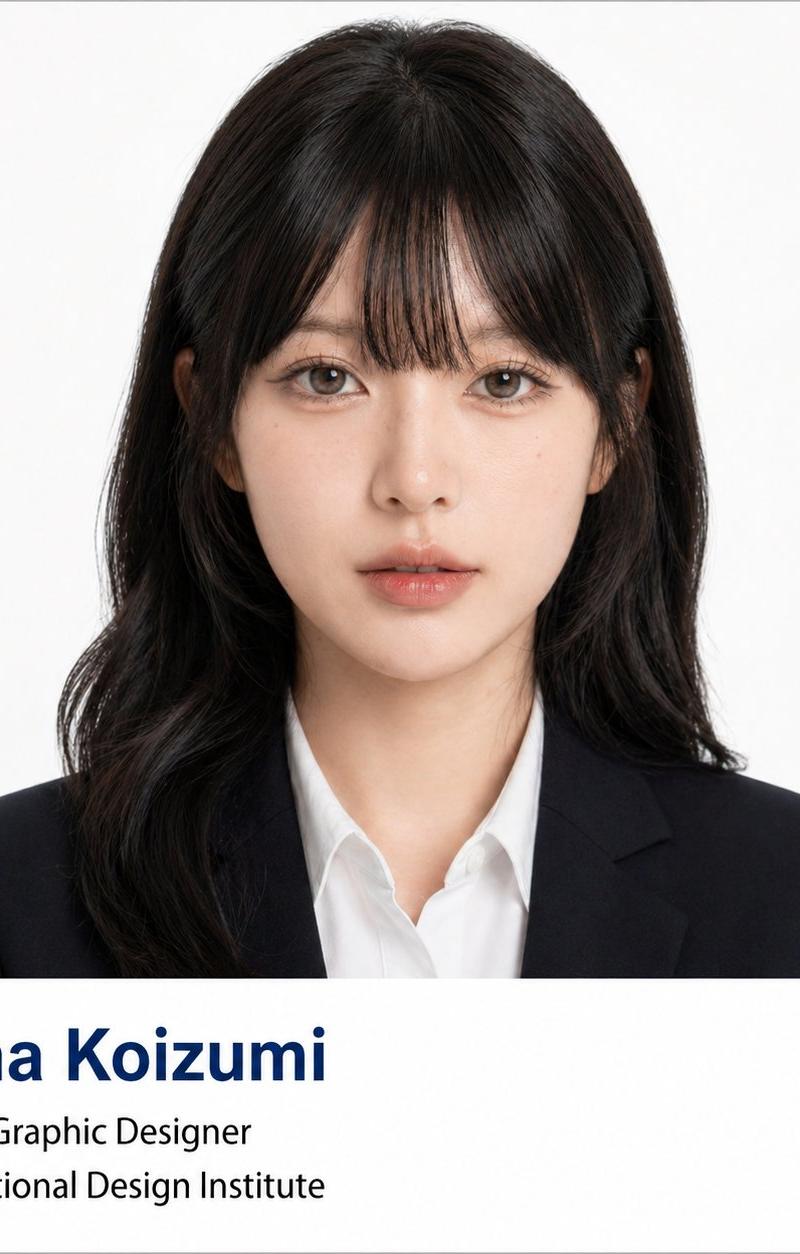
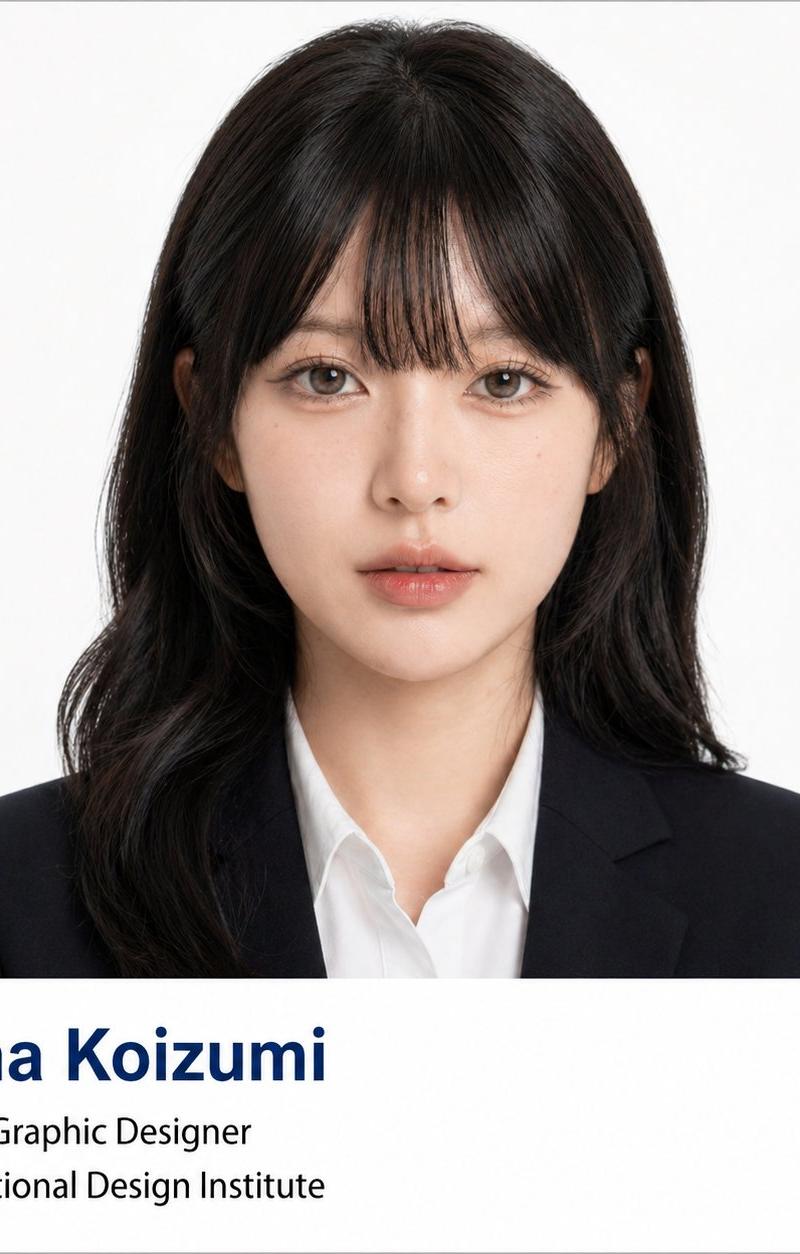
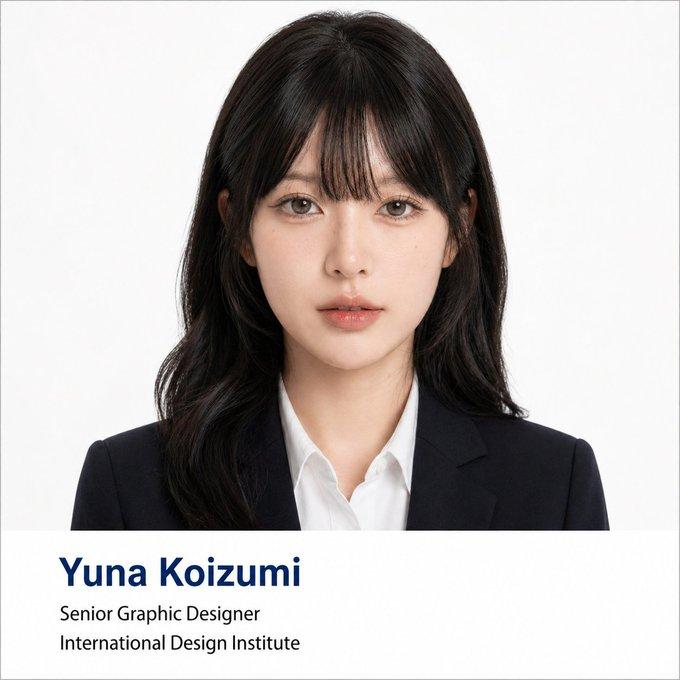
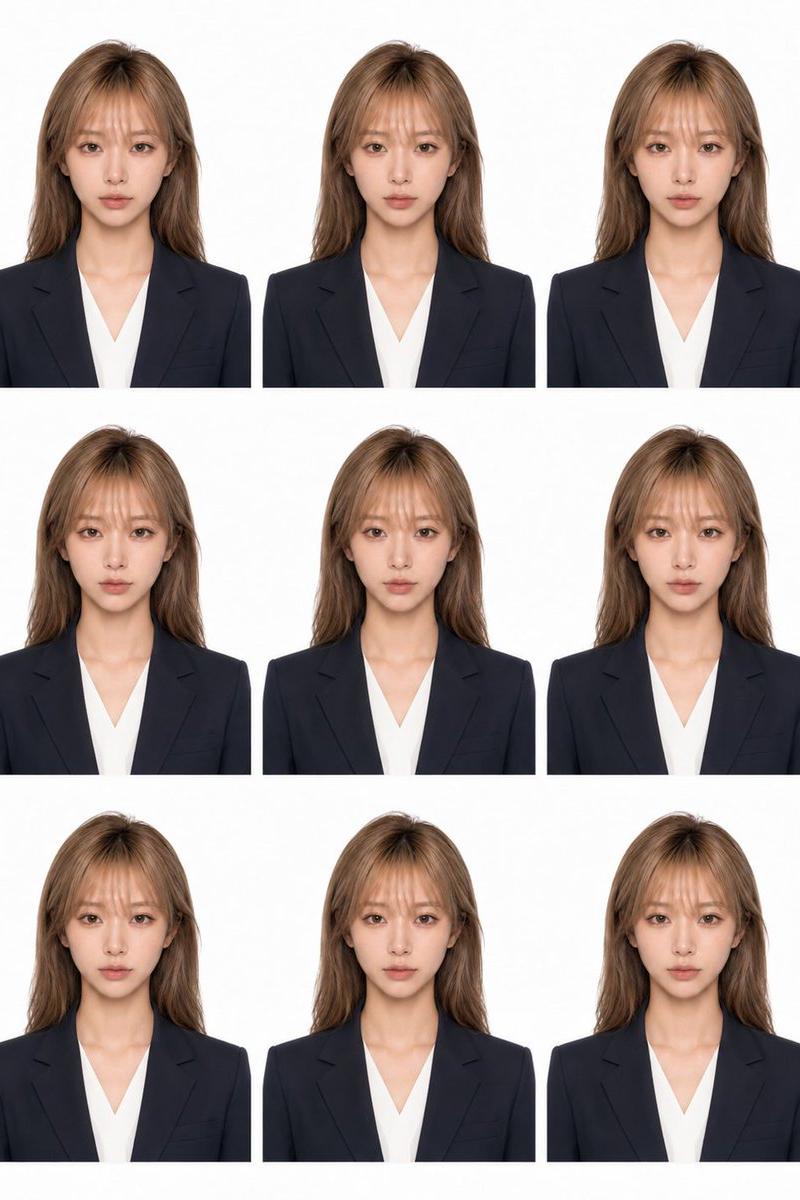
Example images

藏青色西装女性与简约几何矢量人像

Prompt
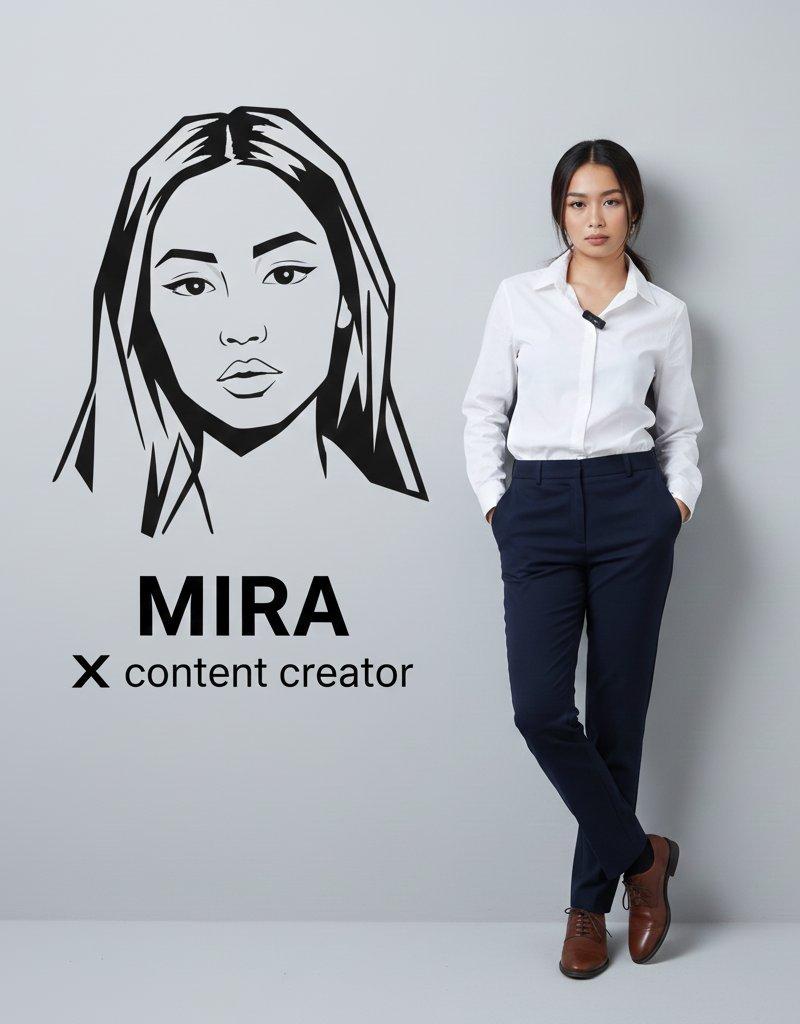
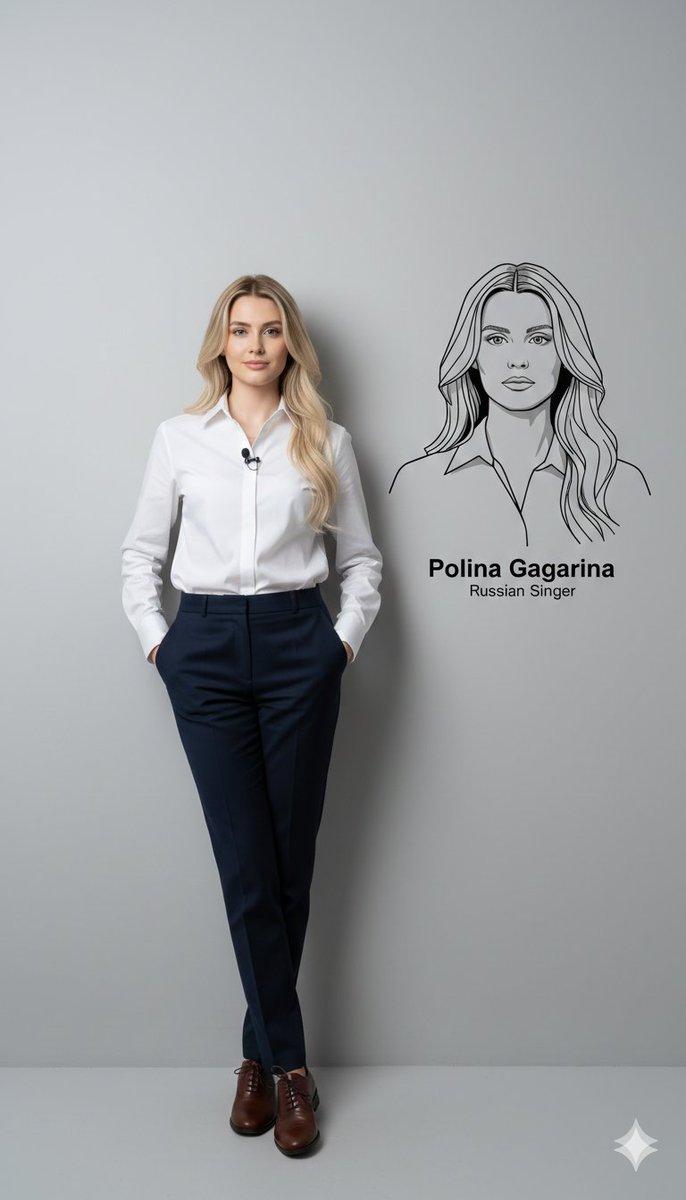
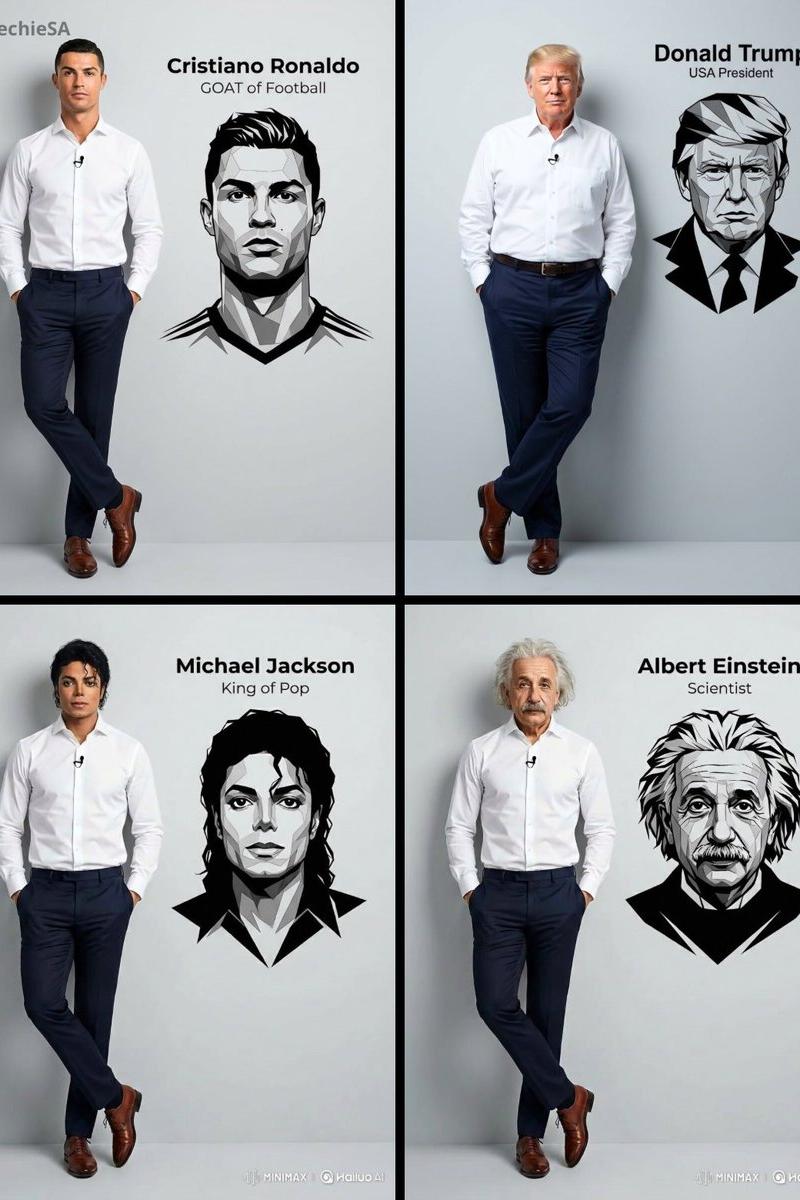
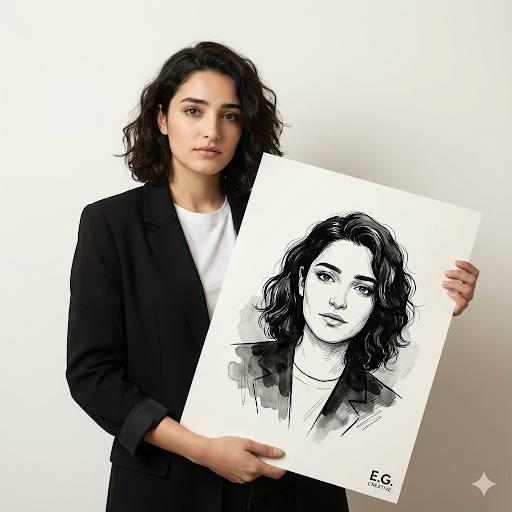
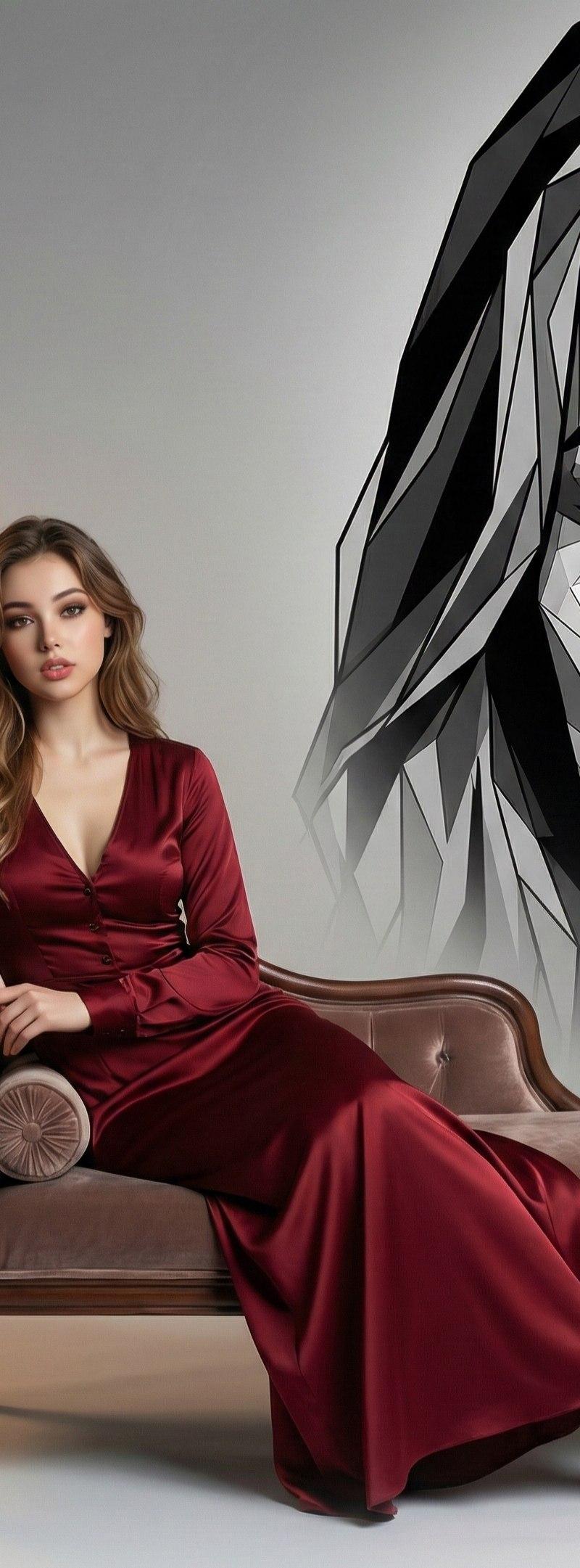
Ultra-realistic full-body portrait in 4K of the same woman from the reference photo, standing on the left side of the frame, wearing a clean, perfectly ironed navy blue blazer over a white dress shirt, with a small lapel microphone, dark navy blue trousers, and beige heels. 

She is casually and naturally leaning against a smooth gray studio wall, with both hands in her pockets and one leg crossed over the other, conveying relaxed yet confident body language. On the wall to her right (the right side of the frame), add a prominent black-and-white vector portrait of her face and upper body, featuring sharp angular lines, overlapping polygonal shapes, and a clean, minimalist modern graphic style. Directly beneath the artwork, display the text "Taylor Swift".
Category
Charts & Infographics
Model
ChatGPT
Creator
@Mind_Boticni
Source language
zh-CN
Views20
Source ID
16889
Published
Jun 28, 2026
Studio

Guide

About "藏青色西装女性与简约几何矢量人像"

What is this prompt for?

"藏青色西装女性与简约几何矢量人像" AI image prompt for ChatGPT (Charts & Infographics). 4K 超高清写实全身肖像,画面左侧站着参考照片中的同一位女性,身穿挺括整洁的藏青色西装外套,内搭白色正装衬衫,佩戴小型领夹式麦克风,下穿深藏青色长裤和米色高跟鞋。她自然而随意…

The full copyable prompt and example visuals above are ready for AI image generation or one-click recreate in Picva.

How to use this prompt

  1. Step 1

    Open the prompt detail

    Review the example visuals, category, and full prompt text for "藏青色西装女性与简约几何矢量人像".

  2. Step 2

    Copy the prompt

    Copy the prompt body from this page, or load it directly in Studio.

  3. Step 3

    Pick a model (ChatGPT)

    Prefer ChatGPT. If you switch models, keep subject and composition and tweak style terms.

  4. Step 4

    Generate and export

    Recreate the look in Picva, or export into your workflow for editing and publishing.

FAQ

What is the "藏青色西装女性与简约几何矢量人像" prompt?
It is an AI image-generation prompt for ChatGPT in the Charts & Infographics category. This page includes the full prompt text, example visuals, and a one-click recreate path in Picva.
How do I use this prompt to generate an image?
Copy the prompt from this page, or use Generate / Studio. Paste it into a compatible image model, or recreate the look in Picva with optional reference images.
Which model is this prompt for?
This page lists ChatGPT. Most descriptive prompts also transfer to nearby image models such as GPT Image, Flux, or Midjourney with light style tweaks.
Can I use the result commercially?
You can usually copy the prompt for creation, but commercial use of the final image depends on the model terms, reference-image rights, and the generated content. Follow the source author and platform rules.