20

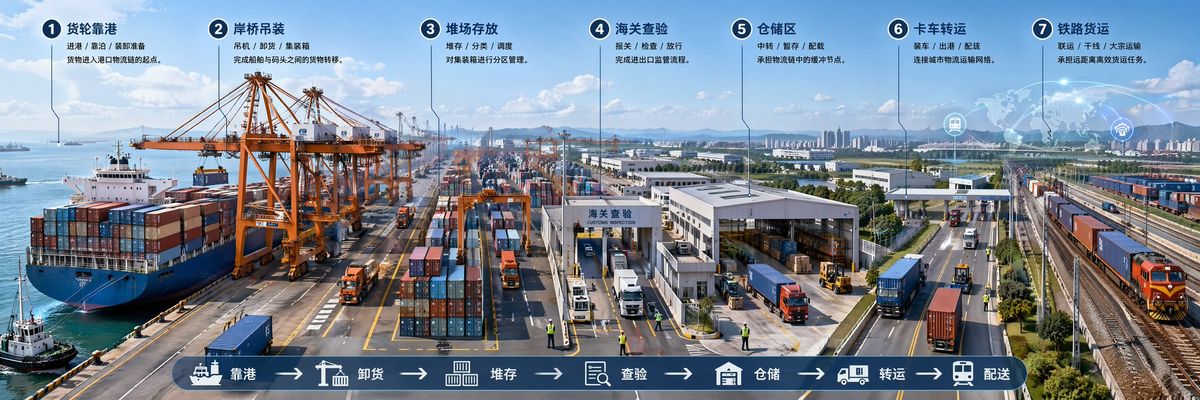
超宽城市系统科普剖面长卷
Enlarge

超宽城市系统科普剖面长卷

Prompt
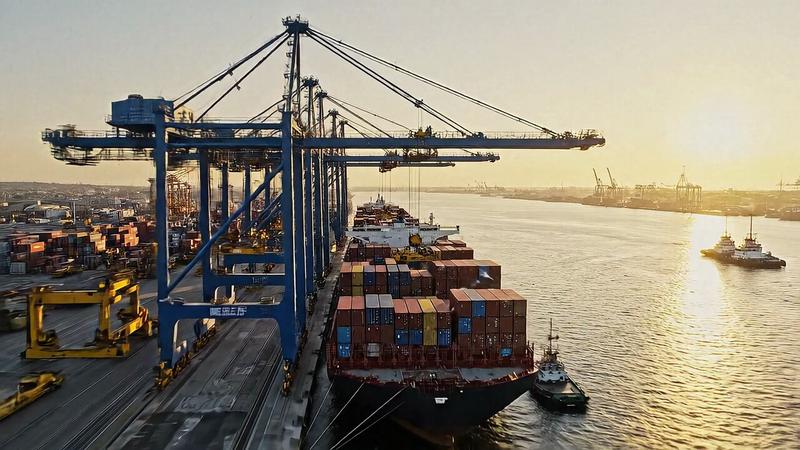
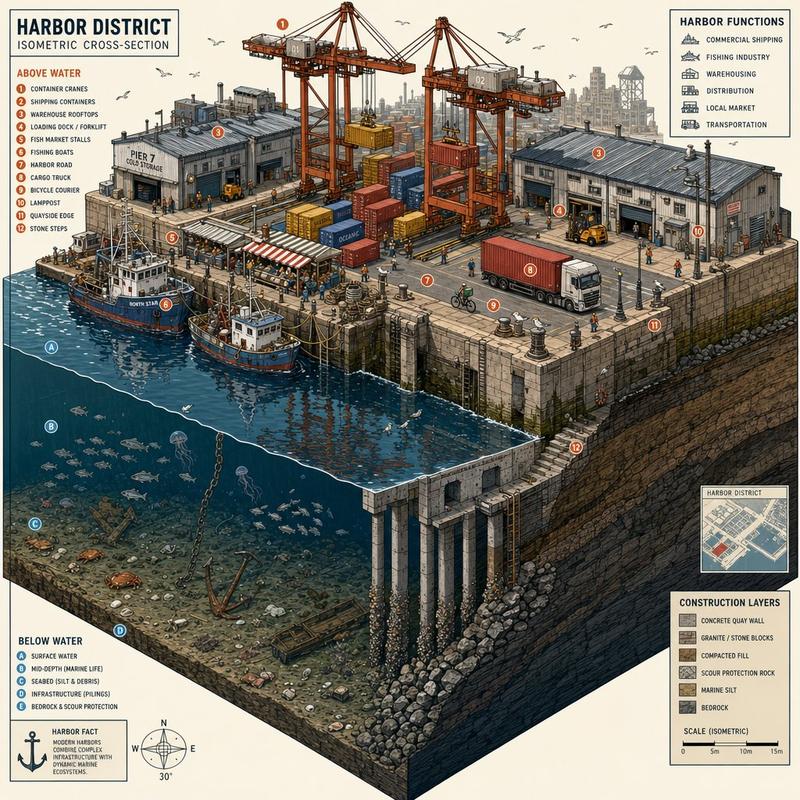
Generate an [Ultra-wide City System Science Popularization Cross-section Long Scroll], a single complete image, no collages, no multi-grids, no columns, horizontal aspect ratio 3:1.

Theme: [Urban Underground System / Airport Operation System / Hospital Functional System / Port Logistics System / Custom System]
Title: [Fill in Science Title]
Core Content: [Fill in Spatial Structure, Functional Zoning, Operation Flow]
Information Modules: [Keep between 6–8]
Style: [Advanced Science Popularization Exhibition Board / System Cross-section Infographic / Knowledge Visualization with Text and Images]
Color Palette: [Fill in Main Tone]

The focus of the image is to explain the surface, internal structure, functional zoning, and operation flow of a complex system all at once.
Images as the primary focus, text as the secondary. Use only short labels, module names, functional words, and one extremely short description for text; no long paragraphs, no dense clutter.

A small number of numbers, arrows, flow lines, thin line annotations, and legend bars can be added to let the audience understand how the system operates.

The overall style is like an exhibition hall science long scroll, a city system infographic, or a high-end cross-section diagram in a PPT proposal.

Avoid excessive text, cluttered information, a collage feel, multi-grids, ordinary landscape photos, and low resolution.
Category
Charts & Infographics
Model
ChatGPT
Creator
@MrLarus
Views44
Source ID
16715
Published
Jun 24, 2026

Guide

About "超宽城市系统科普剖面长卷"

What is this prompt for?

"超宽城市系统科普剖面长卷" AI image prompt for ChatGPT (Charts & Infographics). 生成一张【超宽城市系统科普剖面长卷】,单张完整图片,不要拼图,不要多宫格,不要分栏,横版 3:1。 主题:【城市地下系统 / 机场运行系统 / 医院功能系统 / 港口物流系统 / 自…

The full copyable prompt and example visuals above are ready for AI image generation or one-click recreate in Picva.

How to use this prompt

  1. Step 1

    Open the prompt detail

    Review the example visuals, category, and full prompt text for "超宽城市系统科普剖面长卷".

  2. Step 2

    Copy the prompt

    Copy the prompt body from this page, or load it directly in Studio.

  3. Step 3

    Pick a model (ChatGPT)

    Prefer ChatGPT. If you switch models, keep subject and composition and tweak style terms.

  4. Step 4

    Generate and export

    Recreate the look in Picva, or export into your workflow for editing and publishing.

FAQ

What is the "超宽城市系统科普剖面长卷" prompt?
It is an AI image-generation prompt for ChatGPT in the Charts & Infographics category. This page includes the full prompt text, example visuals, and a one-click recreate path in Picva.
How do I use this prompt to generate an image?
Copy the prompt from this page, or use Generate / Studio. Paste it into a compatible image model, or recreate the look in Picva with optional reference images.
Which model is this prompt for?
This page lists ChatGPT. Most descriptive prompts also transfer to nearby image models such as GPT Image, Flux, or Midjourney with light style tweaks.
Can I use the result commercially?
You can usually copy the prompt for creation, but commercial use of the final image depends on the model terms, reference-image rights, and the generated content. Follow the source author and platform rules.