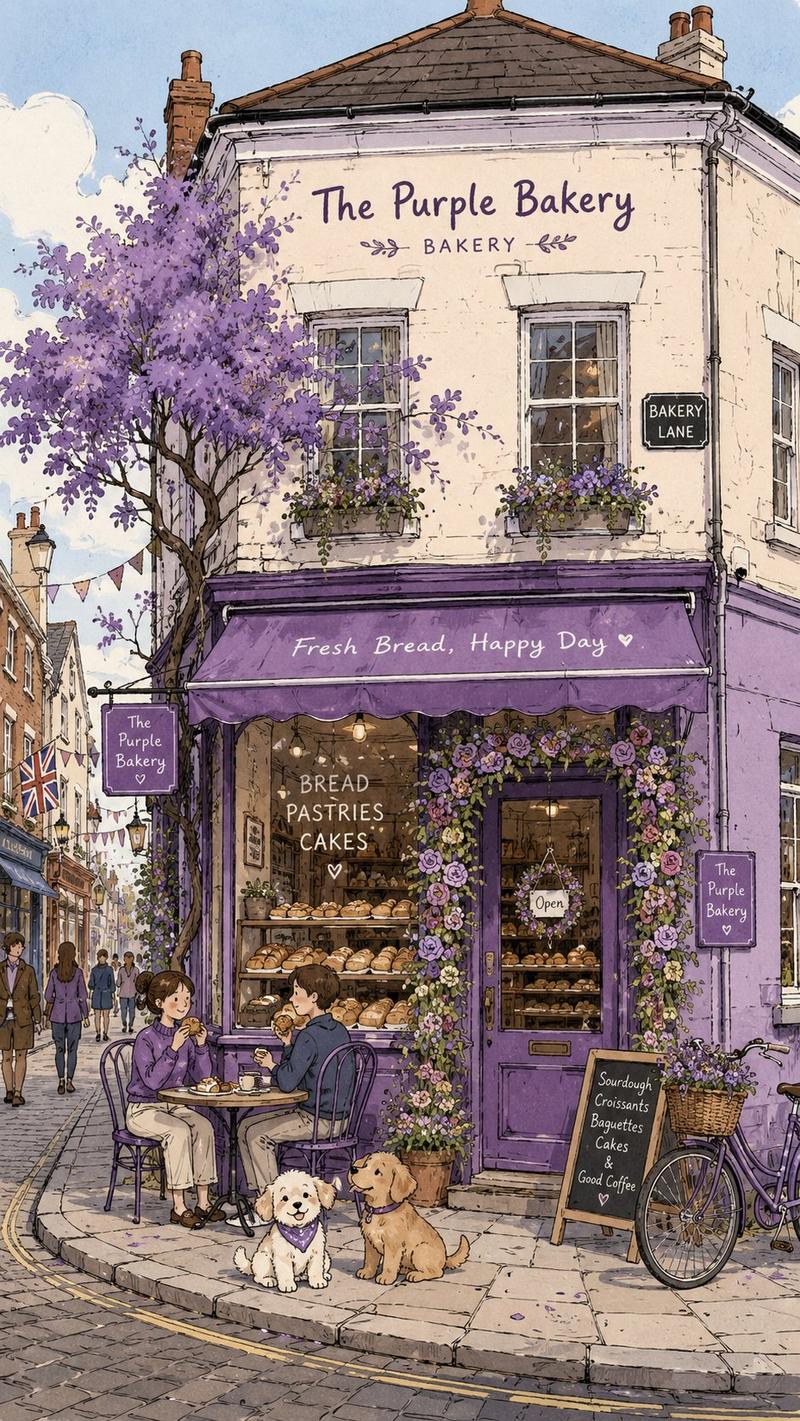
超宽连续背景建筑立面生成指南
Prompt
Generate an [ultra-wide continuous background scene long image], a single complete image, no collages, no multi-grids, no columns, horizontal 3:1.

Scene types: [Urban street shops / Rainy night neon blocks / County town storefronts / Rural street facades]
Time atmosphere: [Daytime / Afternoon / Rainy night / Night scene]
Main content: [Fill in shop or building type]
Image temperament: [Realistic / Continuous / Life-like / Practical]

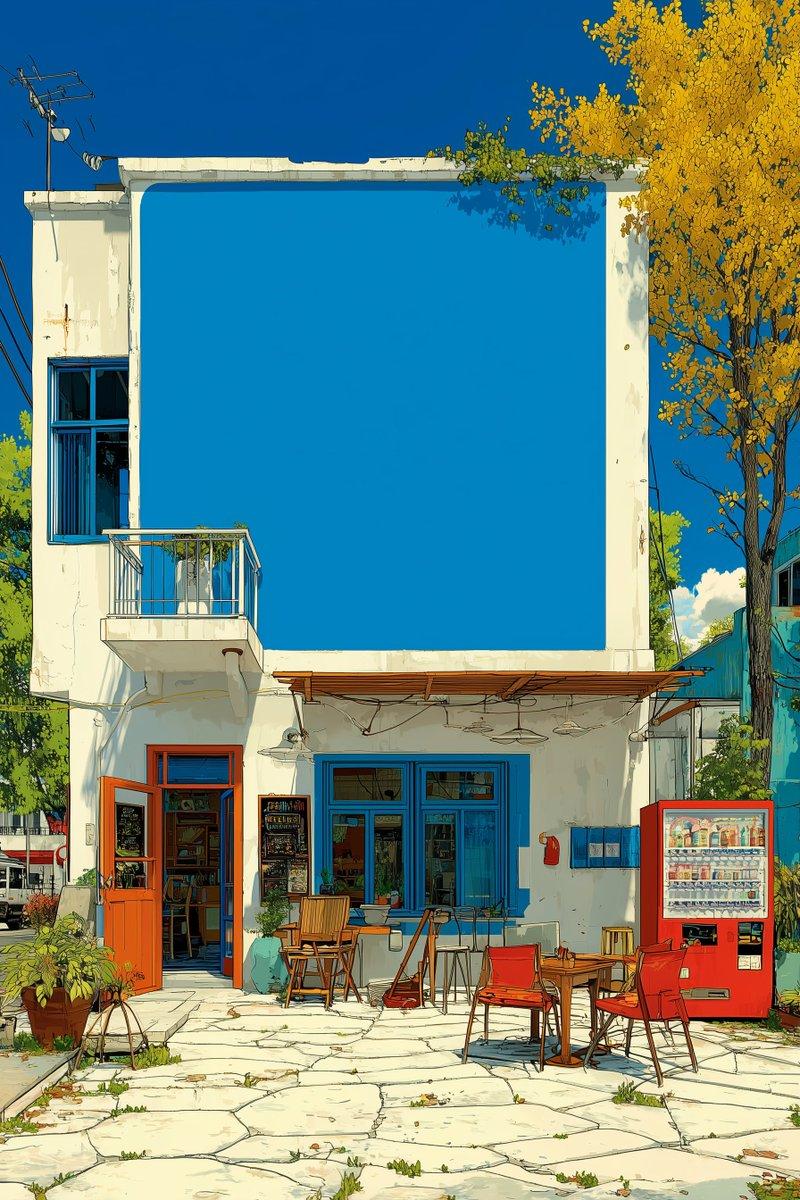
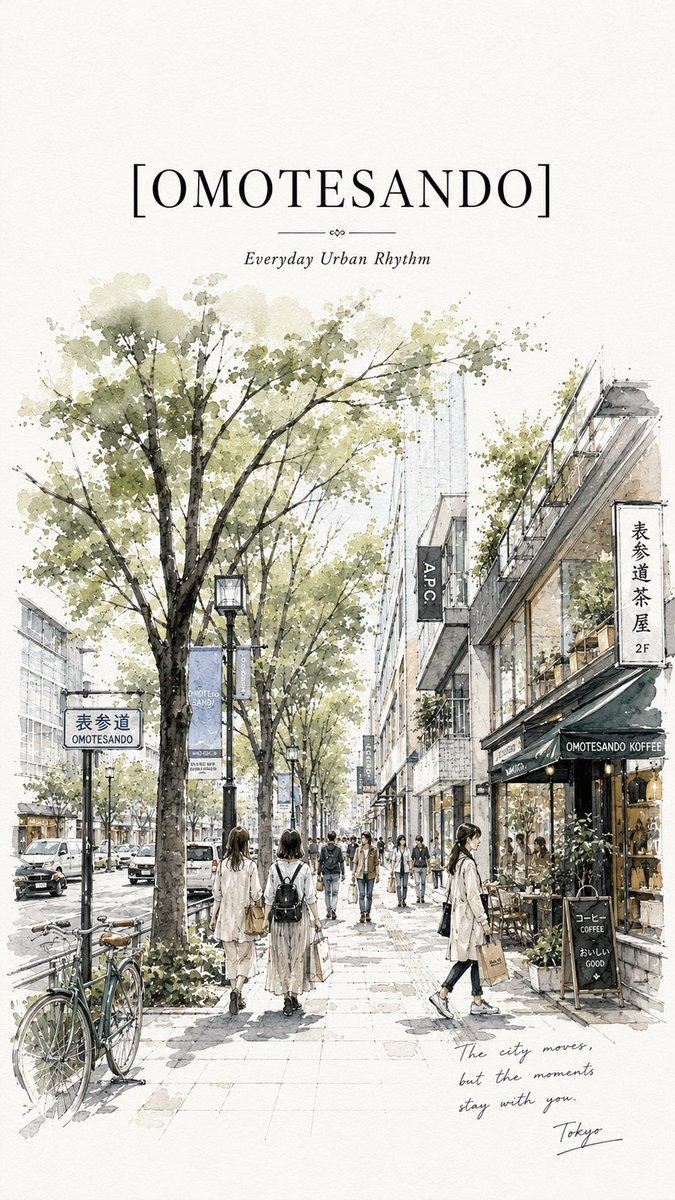
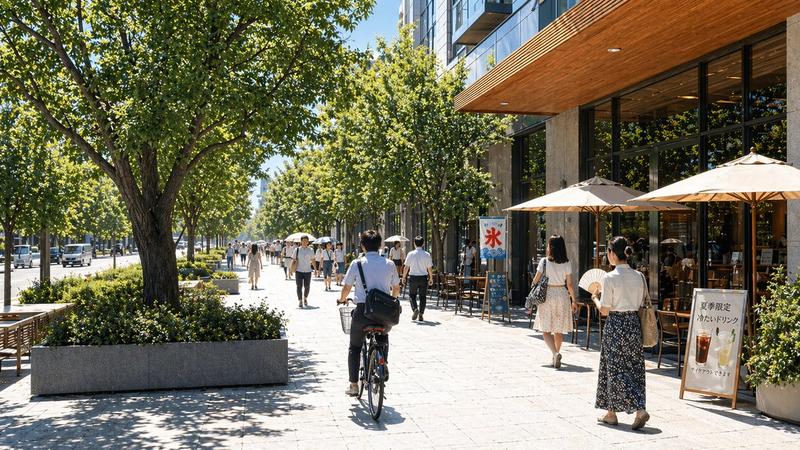
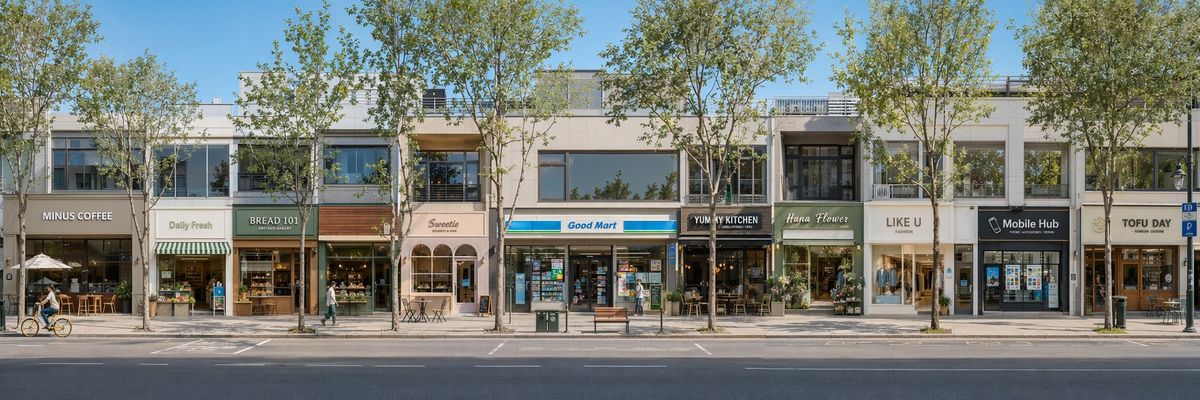
The image adopts an eye-level, frontal perspective, focusing on representing a whole row of continuously unfolding storefronts or building facades. Do not shoot at an angle, do not use strong perspective, no wide-angle distortion, do not have the street disappear into the distance, but rather like a flattened, directly facing continuous facade long image.

Each storefront or building unit must be fully visible from the front, with signs, shopfronts, display windows, doors and windows, entrances, roller shutters, courtyard walls, and objects in front of the door clearly visible. Small amounts of environmental elements such as street lamps, trees, bicycles, electric bikes, tricycles, benches, and sundries can be added, as well as a very small number of tiny figures for embellishment, but the focus remains on the continuous background itself.

The overall effect is like a background board for short dramas, a scene construction reference map, or a continuous environment setting scroll, highlighting the advantage of "ultra-wide horizontal image accommodating complete spatial information at once."

Avoid diagonal shots, strong perspective, collage feeling, multi-grids, too many characters, poster feeling, cartoon feeling, low resolution, and extra large text titles.
- Category
- Charts & Infographics
- Model
- ChatGPT
- Creator
- @MrLarus
- Source ID
- 16406
- Published
- Jun 20, 2026
Views36