16

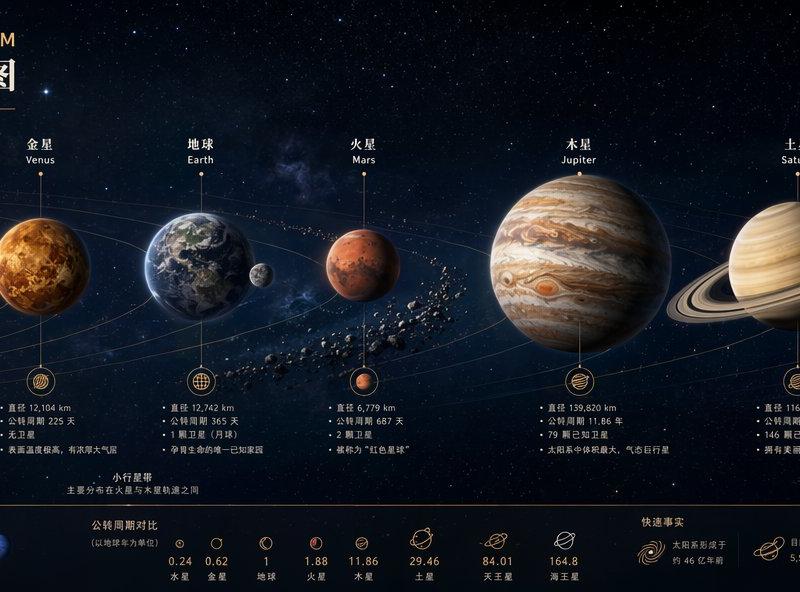
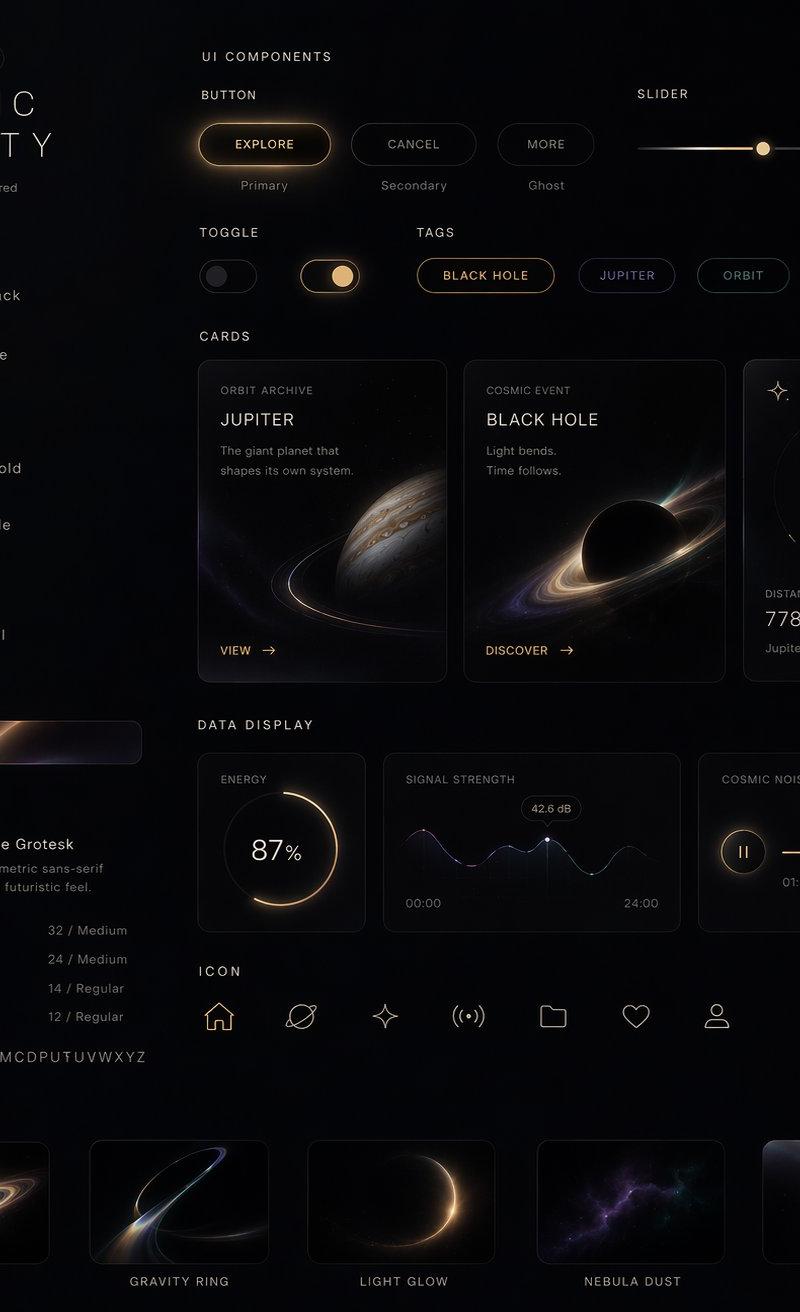
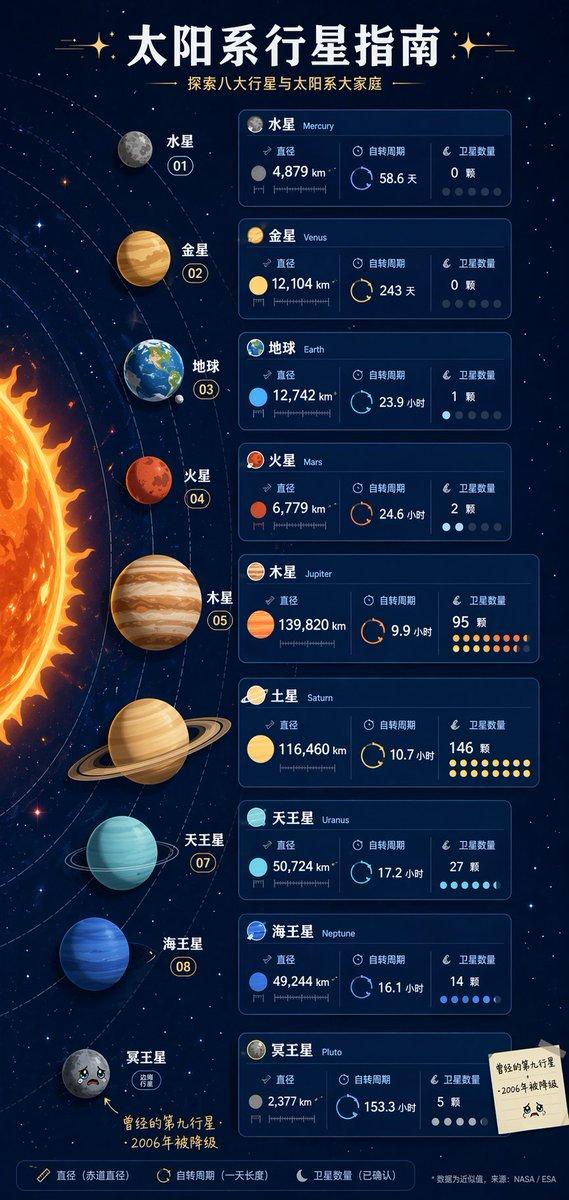
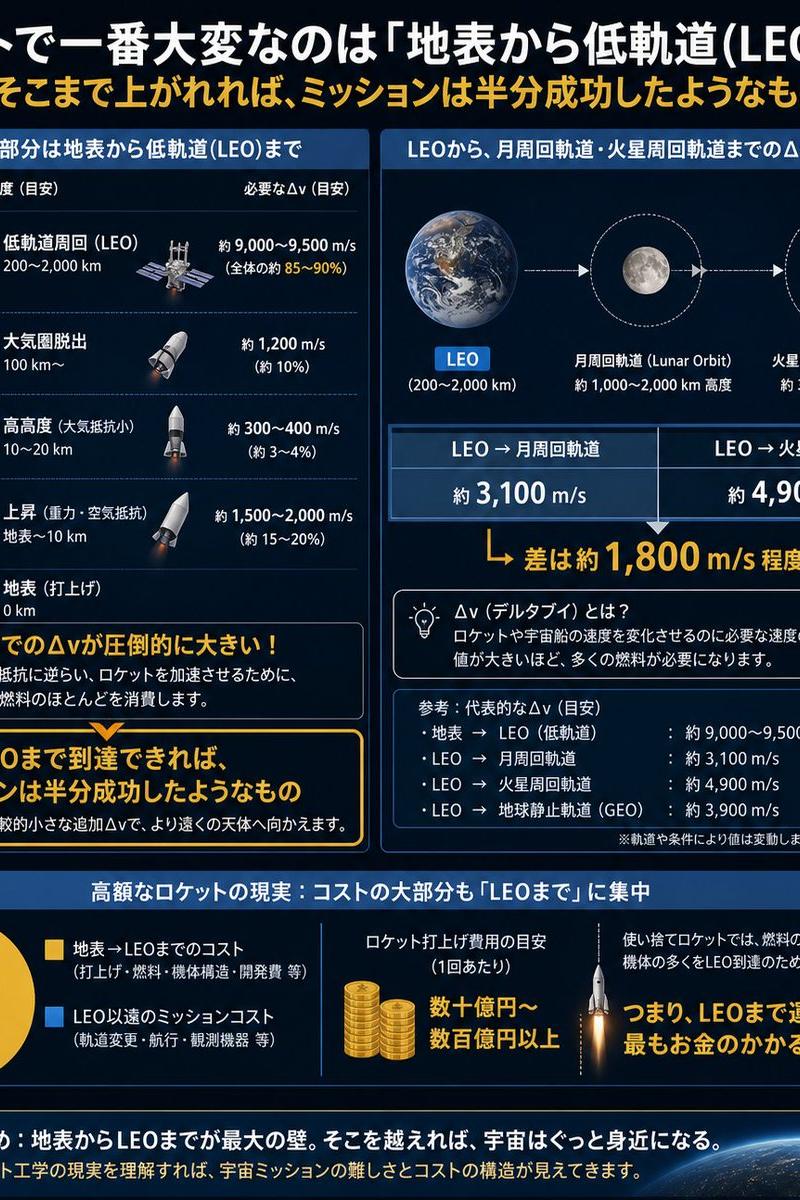
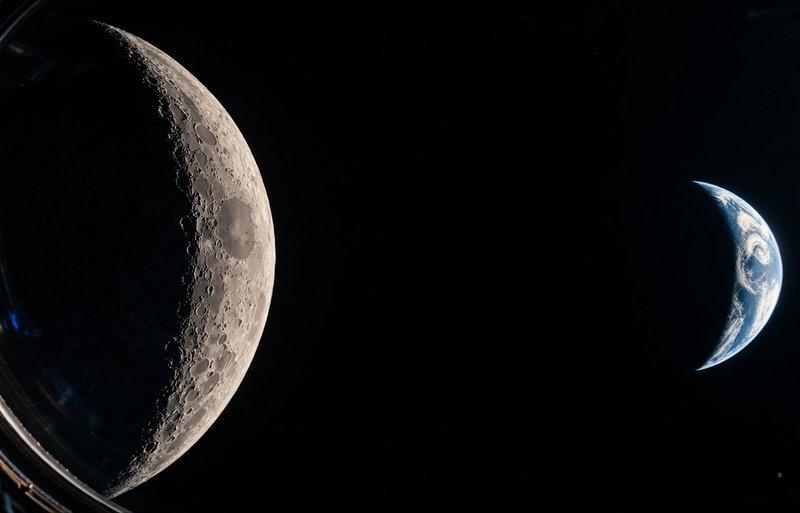
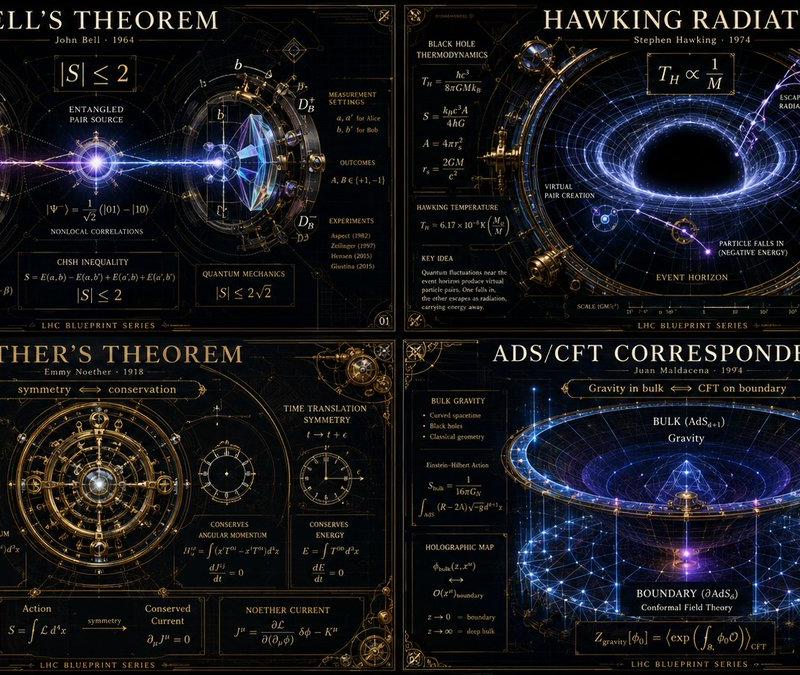
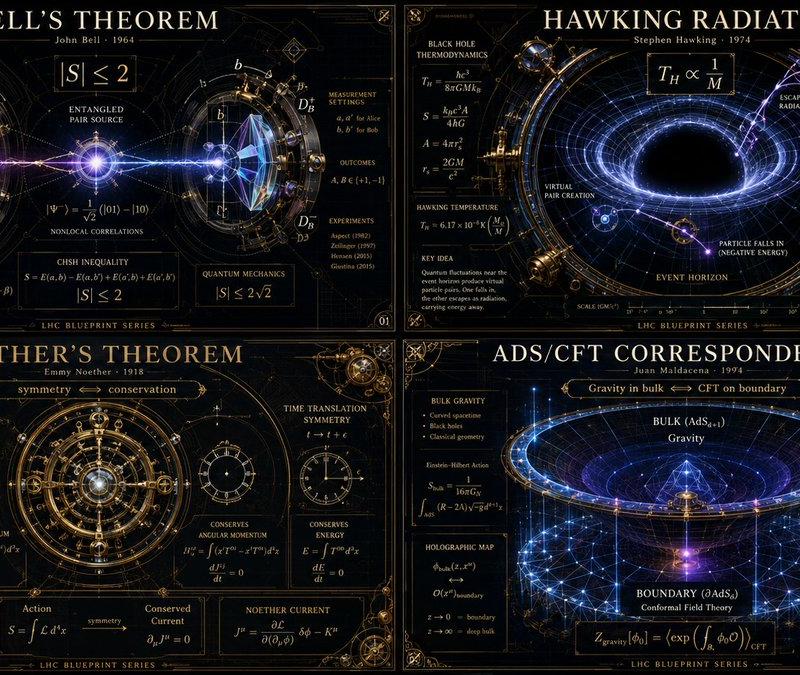
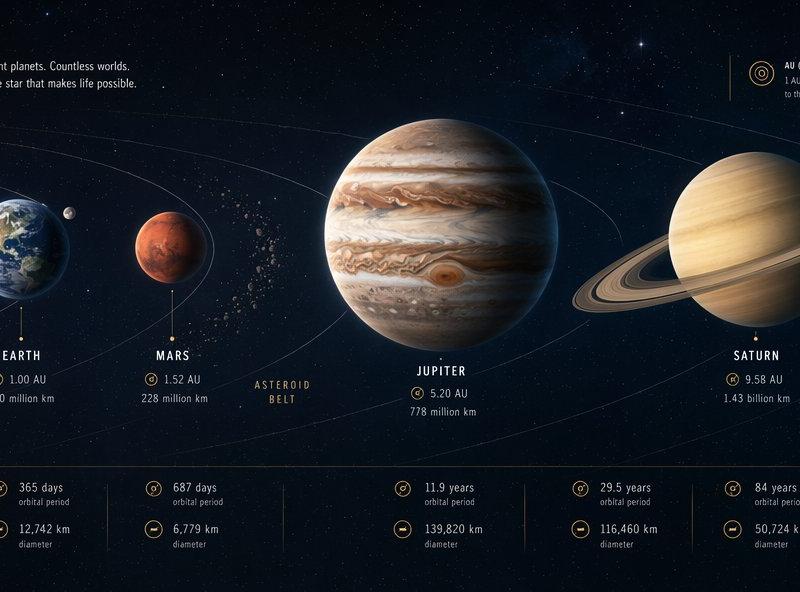
超宽全景科学科普视觉图
Enlarge

Example images

超宽全景科学科普视觉图

Prompt
Create a single ultra-wide panoramic science explainer visual, horizontal 3:1, one complete image, no collage, no multi-panel layout.

Theme: [your science topic]
Title: [your title]
Logic: [timeline / evolution chain / scale progression / knowledge structure]
Main content: [key stages, objects, eras or concepts]
Style: premium science museum wall display, clean editorial infographic, panoramic educational poster.

Use a clear left-to-right reading flow. Visualize the topic as a continuous knowledge map with strong structure, elegant typography, concise English labels, minimal annotations and clean stage markers.

The image should feel informative, readable, visually impressive and collectible, showing how an ultra-wide format can explain complex science content in one image.

Avoid collage, multi-panel layout, cartoon style, overcrowded text, messy labels and low readability.
Category
Charts & Infographics
Model
ChatGPT
Creator
@MrLarus
Source language
zh-CN
Views20
Source ID
16413
Published
Jun 20, 2026
Studio

Guide

About "超宽全景科学科普视觉图"

What is this prompt for?

"超宽全景科学科普视觉图" AI image prompt for ChatGPT (Charts & Infographics). 创建一个单张超宽全景科学解释视觉图,水平比例 3:1,一张完整的图像,无拼贴,无多面板布局。 主题:[你的科学主题] 标题:[你的标题] 逻辑:[时间轴 / 进化链 / 尺度演进 /…

The full copyable prompt and example visuals above are ready for AI image generation or one-click recreate in Picva.

How to use this prompt

  1. Step 1

    Open the prompt detail

    Review the example visuals, category, and full prompt text for "超宽全景科学科普视觉图".

  2. Step 2

    Copy the prompt

    Copy the prompt body from this page, or load it directly in Studio.

  3. Step 3

    Pick a model (ChatGPT)

    Prefer ChatGPT. If you switch models, keep subject and composition and tweak style terms.

  4. Step 4

    Generate and export

    Recreate the look in Picva, or export into your workflow for editing and publishing.

FAQ

What is the "超宽全景科学科普视觉图" prompt?
It is an AI image-generation prompt for ChatGPT in the Charts & Infographics category. This page includes the full prompt text, example visuals, and a one-click recreate path in Picva.
How do I use this prompt to generate an image?
Copy the prompt from this page, or use Generate / Studio. Paste it into a compatible image model, or recreate the look in Picva with optional reference images.
Which model is this prompt for?
This page lists ChatGPT. Most descriptive prompts also transfer to nearby image models such as GPT Image, Flux, or Midjourney with light style tweaks.
Can I use the result commercially?
You can usually copy the prompt for creation, but commercial use of the final image depends on the model terms, reference-image rights, and the generated content. Follow the source author and platform rules.