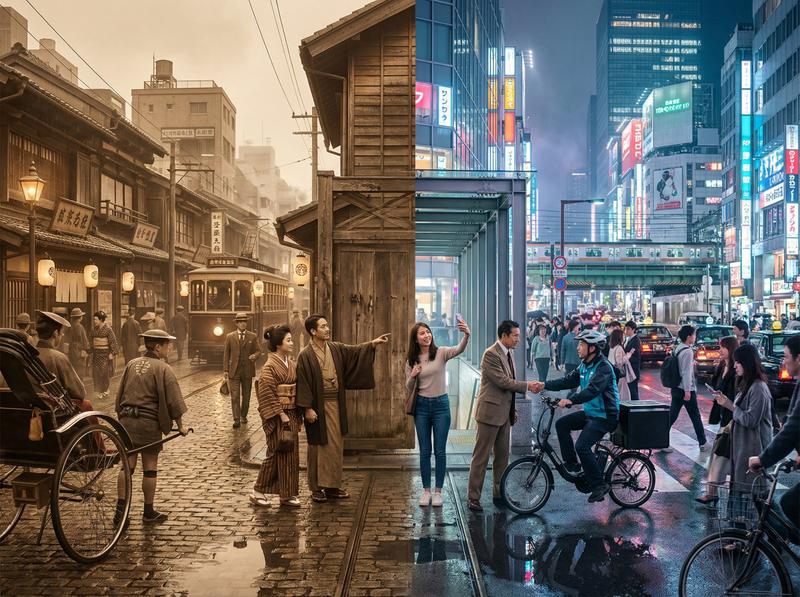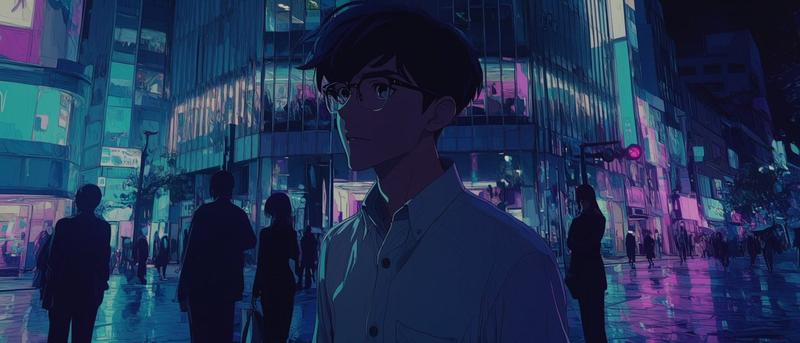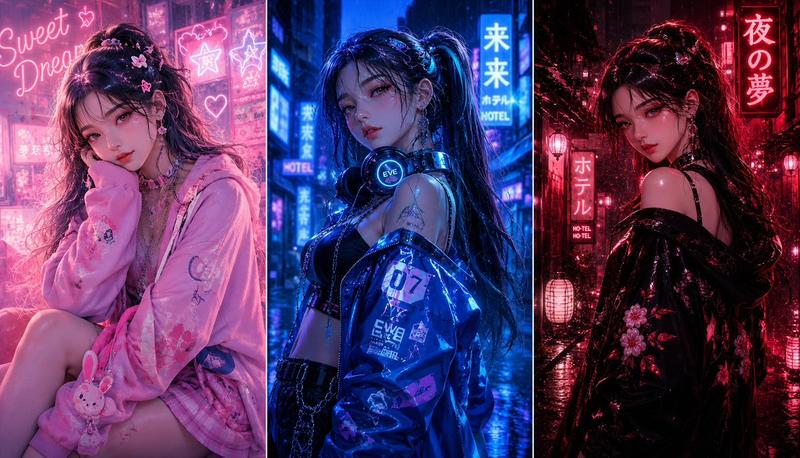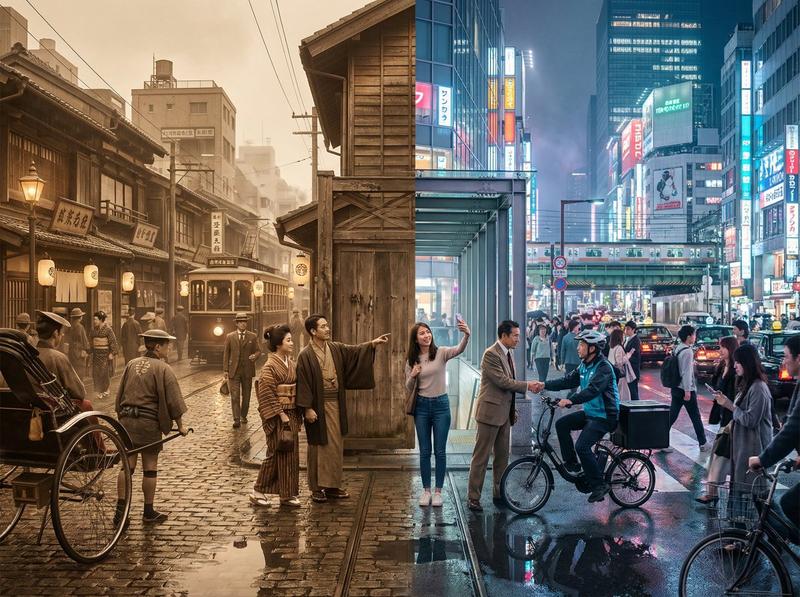
超宽短剧场景故事看板
Prompt
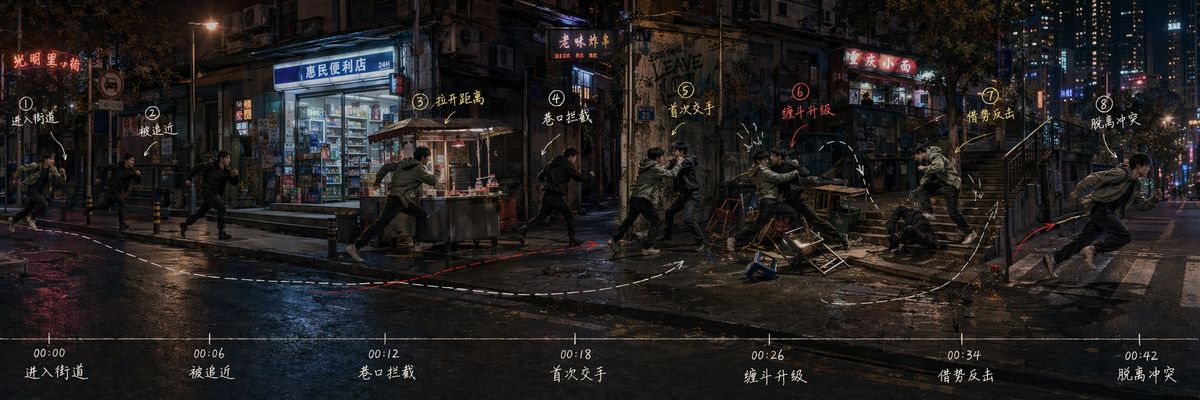
Generate an [Ultra-wide Short Drama Scene Storyboard], a single complete image, horizontal 3:1, no collage, no multi-grid, no split columns.

Theme: [Fill in the scene, e.g., Street Chase Battle / Hotel Corridor Ambush / Subway Station Escape / Night Market Block Conflict]

The image is not a common poster, nor a traditional storyboard grid, but a 'continuous background + multi-timepoint character freeze-frame + single-direction plot progression + hand-drawn movement line annotations + bottom timeline' story space storyboard.

The background must be a single complete and continuous real scene, unfolding naturally from left to right, not cut into multiple small images. The plot progresses uniformly from left to right: the left is the starting point, the middle is the conflict escalation, and the right is the ending point.

The same protagonist and the same pursuer/opponent appear repeatedly at different positions in the frame, representing different time points. Character clothing, hairstyle, and body type remain consistent, making it clear at a glance that they are the same characters in the same scene. Each subsequent freeze-frame position must be further to the right than the previous one, not moving left then right.

Plot rhythm suggestion:

Enter scene → Being approached → Encounter interception → First encounter → Conflict escalation → Taking advantage to counterattack → Exiting to the right

Add an exquisite hand-drawn style marking system: thin hand-drawn arrows, route annotations, small circles, brackets, movement center of gravity lines, line-of-sight direction, key node short labels. The text should be minimal, light, and exquisite, like high-end visual notes, not like a PPT infographic.

Add a lightweight timeline at the bottom, for example:

00:00 Enter
00:06 Approach
00:12 Intercept
00:18 Encounter
00:26 Escalate
00:34 Counterattack
00:42 Exit

Overall effect should be like high-end short drama dispatch board, action scene plot planning map, continuous scene storyboard, story space map. The focus is to clearly see: where the characters come from, where they are going, where the conflict escalates, and where the end lands.

Avoid: collage, multi-grid, comic grids, PPT feel, top and bottom white borders, image-text separation, chaotic character movement, back and forth turning, discontinuous space, characters too large, too much text, coarse hard annotations, low resolution.
- Category
- Charts & Infographics
- Model
- ChatGPT
- Creator
- @MrLarus
- Source ID
- 16829
- Published
- Jun 28, 2026
Views53