超广角俯拍Instagram风格高端商业摄影
Prompt
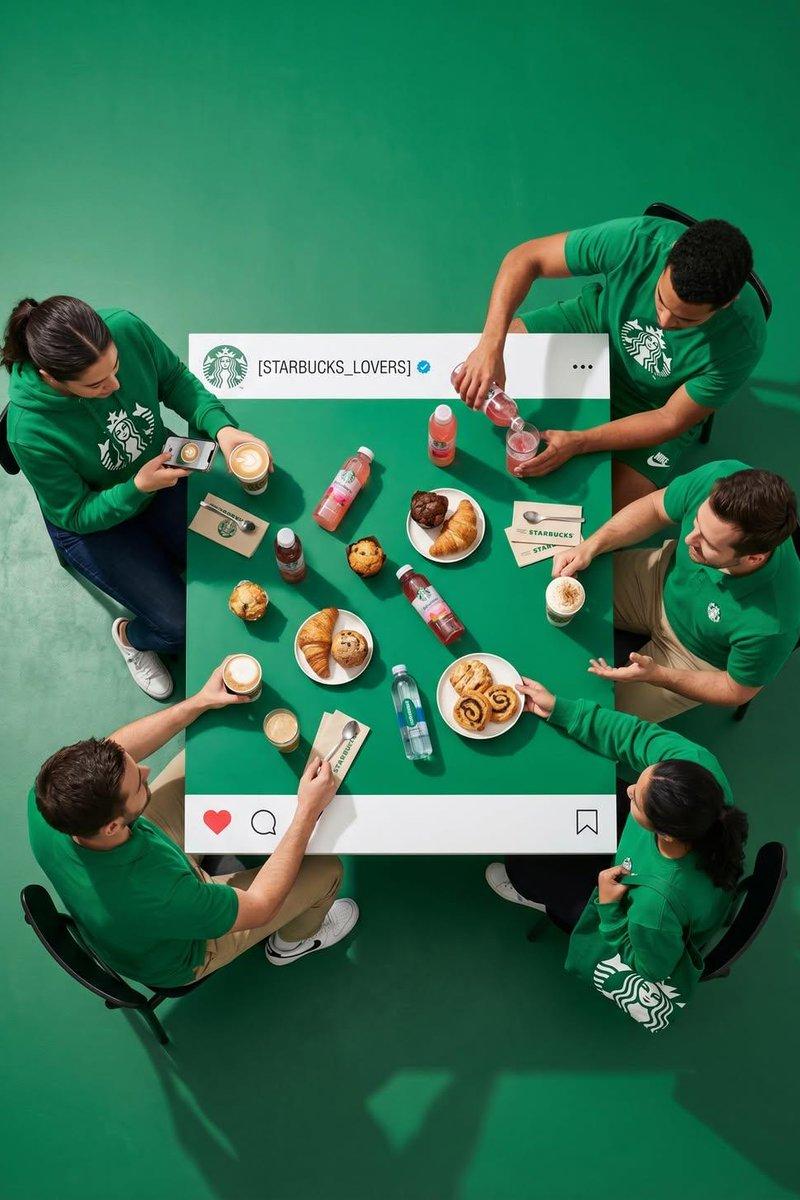
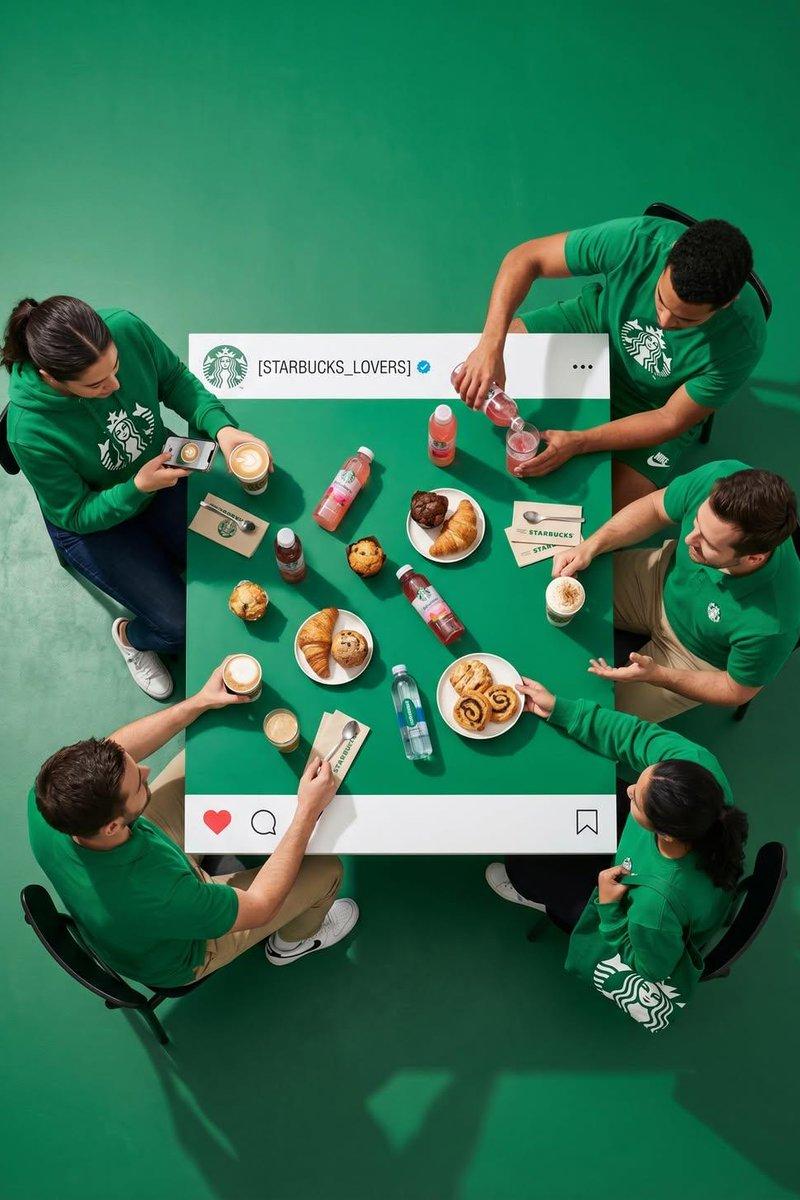
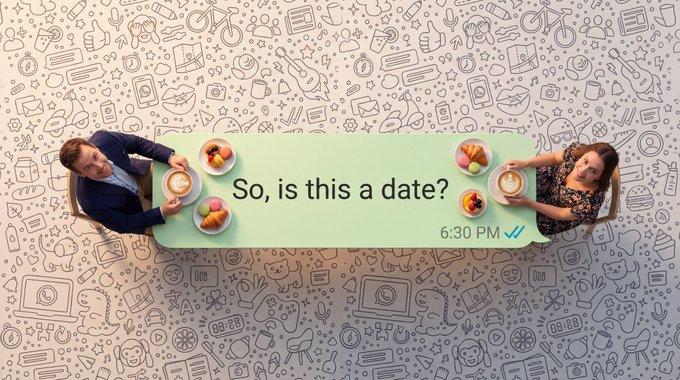
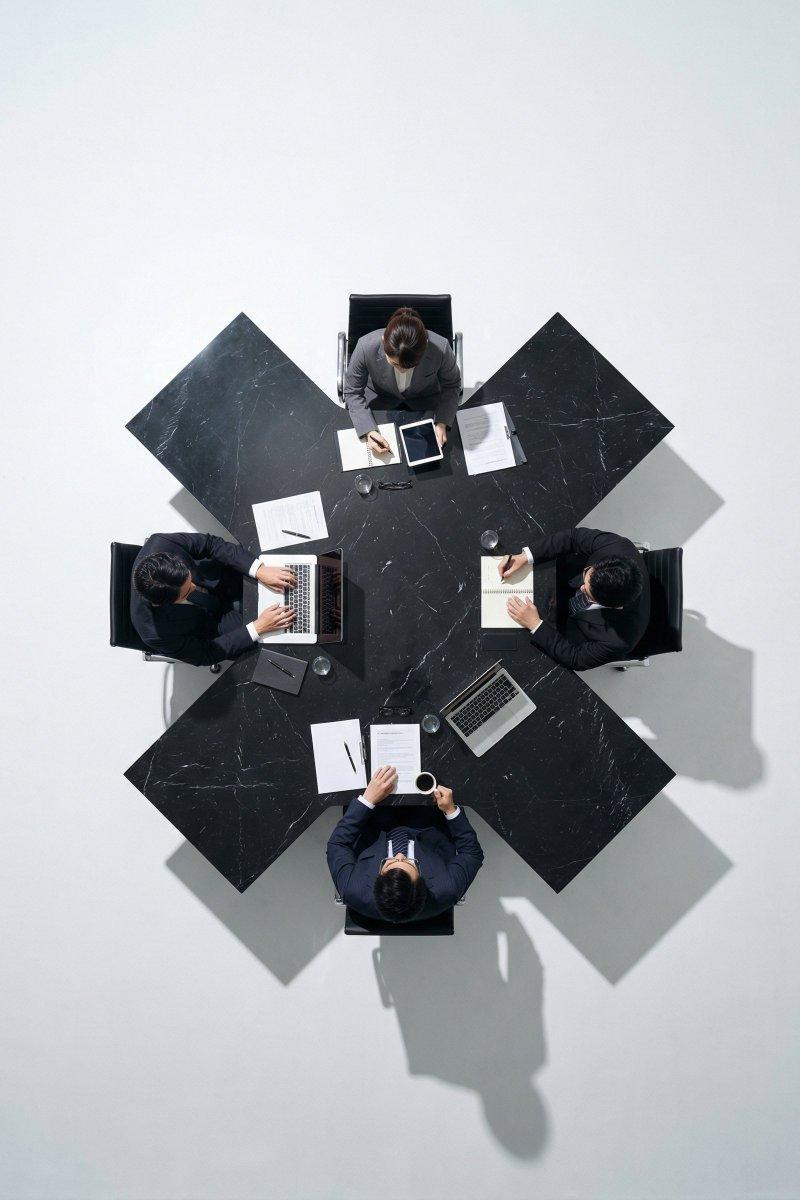
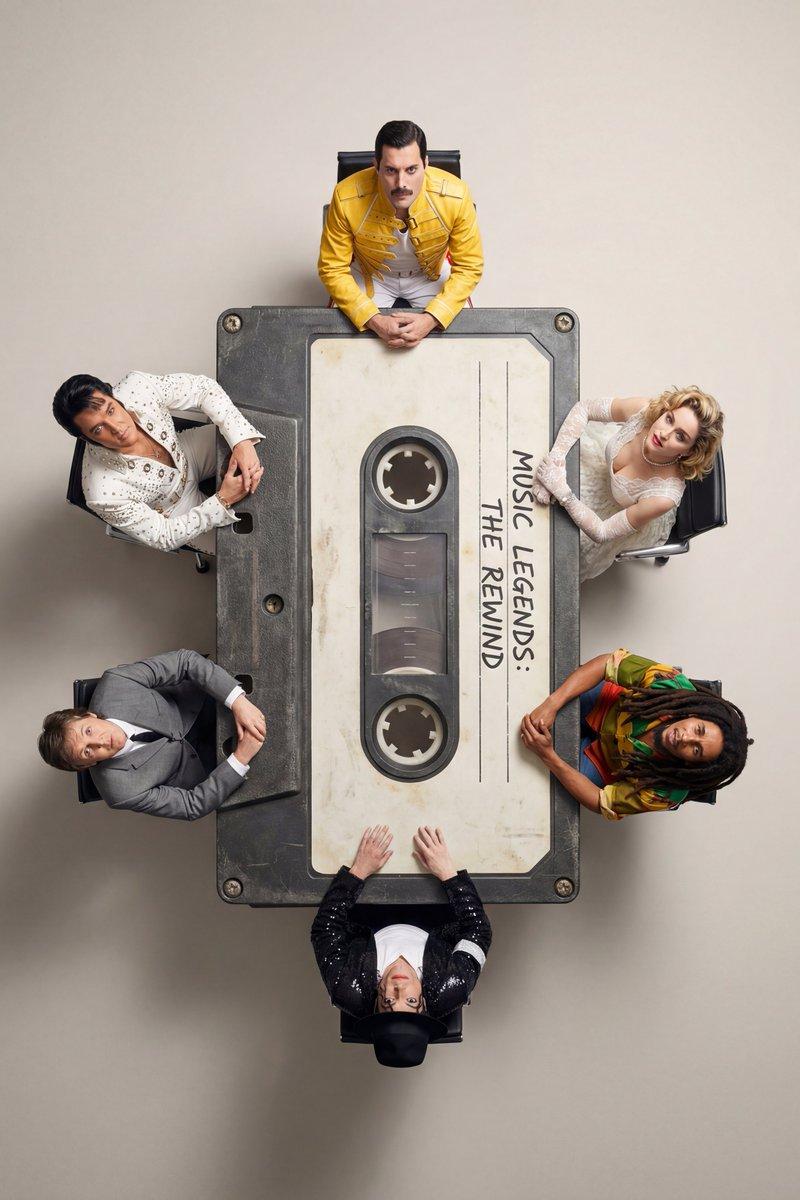
Ultra-wide-angle hyper-realistic top-down photography, camera positioned directly overhead and pulled far back, creating a large amount of clean negative space around the subjects and table. Minimalist premium commercial aesthetic. Professional studio environment with crisp shadows and perfectly controlled lighting. Ultra-sharp focus, 8K quality, luxury brand campaign look.

**Scene & Atmosphere:**
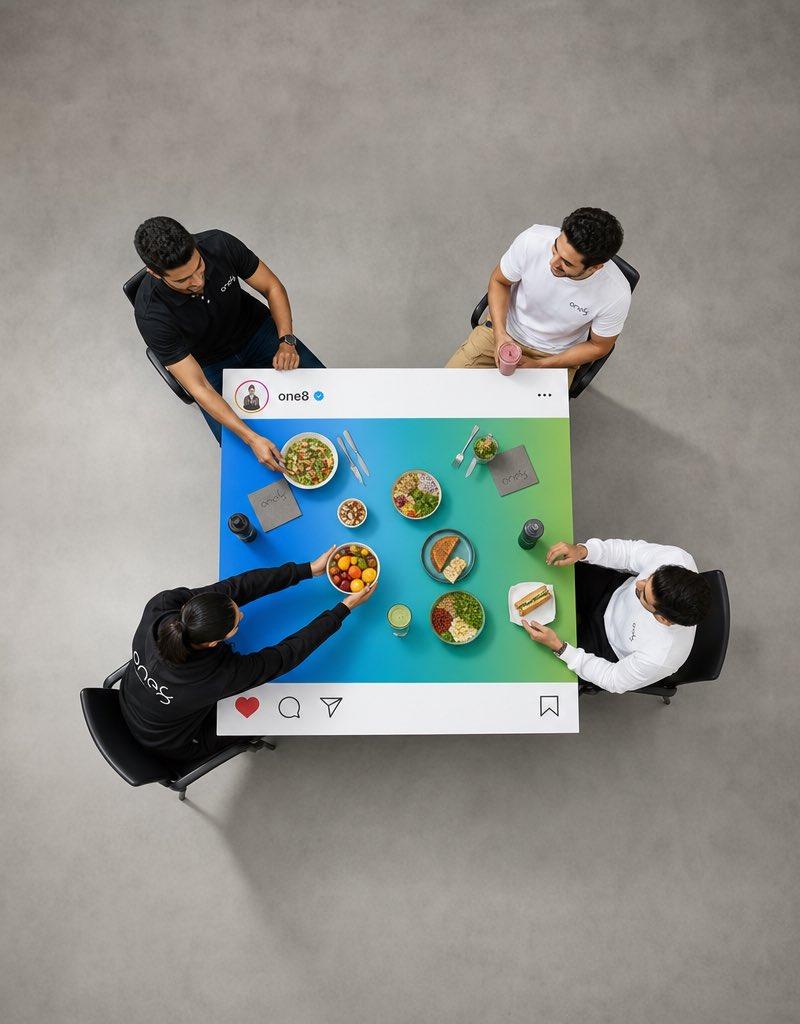
Four real people seated around a square dining table, relaxed, energetic, premium lifestyle vibe associated with fitness, healthy living, and modern social culture.

**Clothing Style:**

* Person 1: Black One8 athletic polo shirt and dark jeans.
* Person 2: White One8 performance t-shirt and beige chinos.
* Person 3: Black One8 hoodie with athletic joggers.
* Person 4: White One8 casual shirt with black trousers.

**Actions:**

* Person 1 is reaching toward a healthy salad bowl.
* Person 2 is holding a smoothie glass and smiling.
* Person 3 is placing a fruit bowl at the center of the table.
* Person 4 is picking up a sandwich while looking toward the group.

**Instagram Table Prop:**
Custom-built square dining table designed as a giant Instagram post.

**Top White Stripe Only:**

* Circular profile illustration on the left.
* Username: **"one8"**
* Small blue verified checkmark icon beside the username.
* Three-dot menu ("...") aligned to the far right.

**Bottom White Stripe Only:**

* Red heart icon.
* Comment icon.
* Share icon.
* Bookmark icon aligned to the far right.

**Important:**
No white borders on the left or right sides of the table.
Only top and bottom white stripes exist.

**Central Content Area:**
The entire center area of the table is filled with a vibrant **blue and green gradient**.

**Food & Objects Inside the Colored Area Only:**
Fresh salads, fruit platters, protein bowls, sandwiches, smoothies, healthy snacks, water bottles, cutlery, napkins.

**Critical Composition Rule:**
All food, beverages, plates, utensils, hands, arms, and interacting objects must remain completely inside the blue-and-green center section of the table.
Nothing may overlap or extend onto the white Instagram interface stripes.
Nothing may extend beyond the edges of the table.

**Floor & Background:**
Matte light-gray studio floor with subtle texture, creating strong visual separation from the table.
Large empty floor space surrounding the table for premium advertising composition and copy placement.

**Lighting & Quality:**
Professional commercial studio lighting, realistic shadows, natural skin tones, premium advertising photography, luxury social media campaign, ultra-detailed textures, photorealistic, clean geometry, sharp edges, magazine-quality production, cinematic realism, 8K resolution.- Category
- Charts & Infographics
- Model
- ChatGPT
- Creator
- @im_shahid7
- Source language
- zh-CN
- Source ID
- 16581
- Published
- Jun 23, 2026
Views33