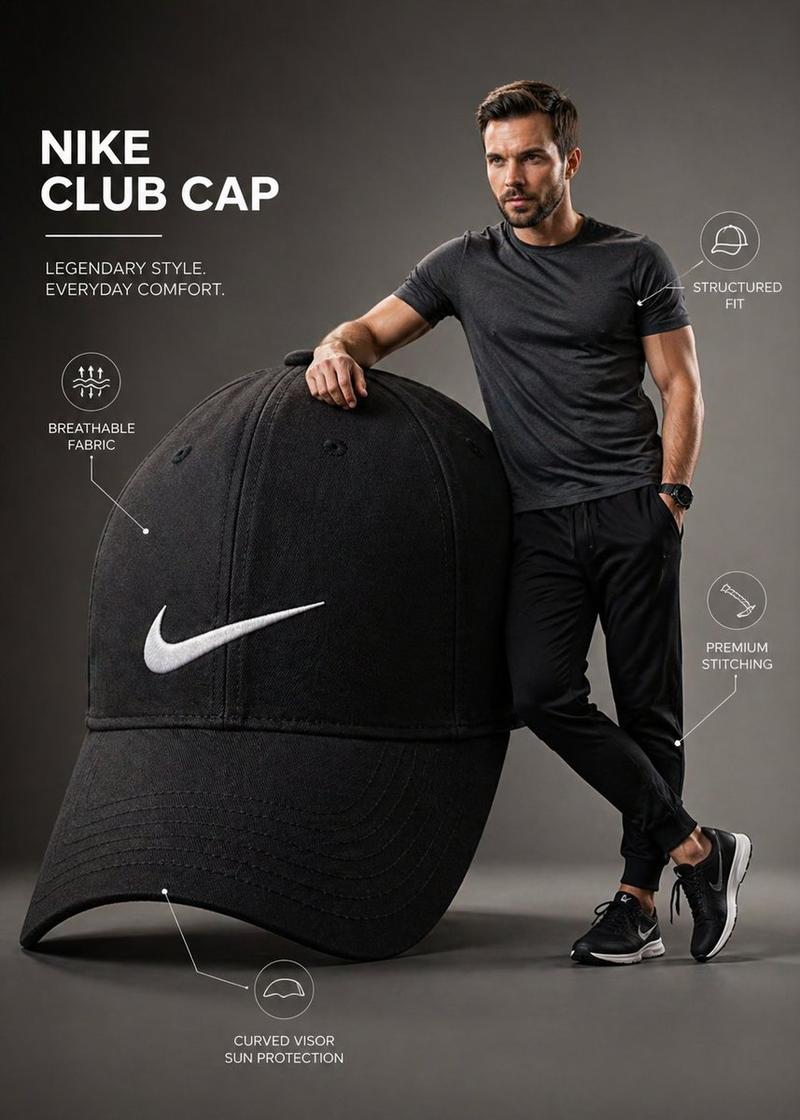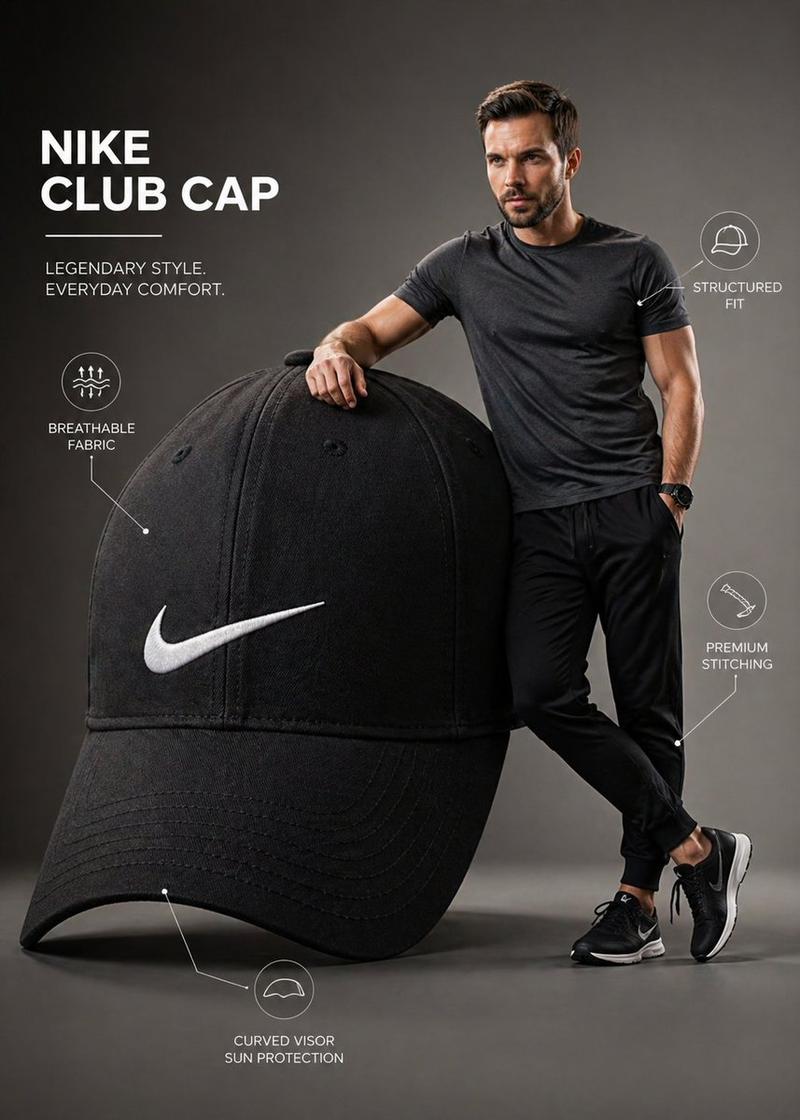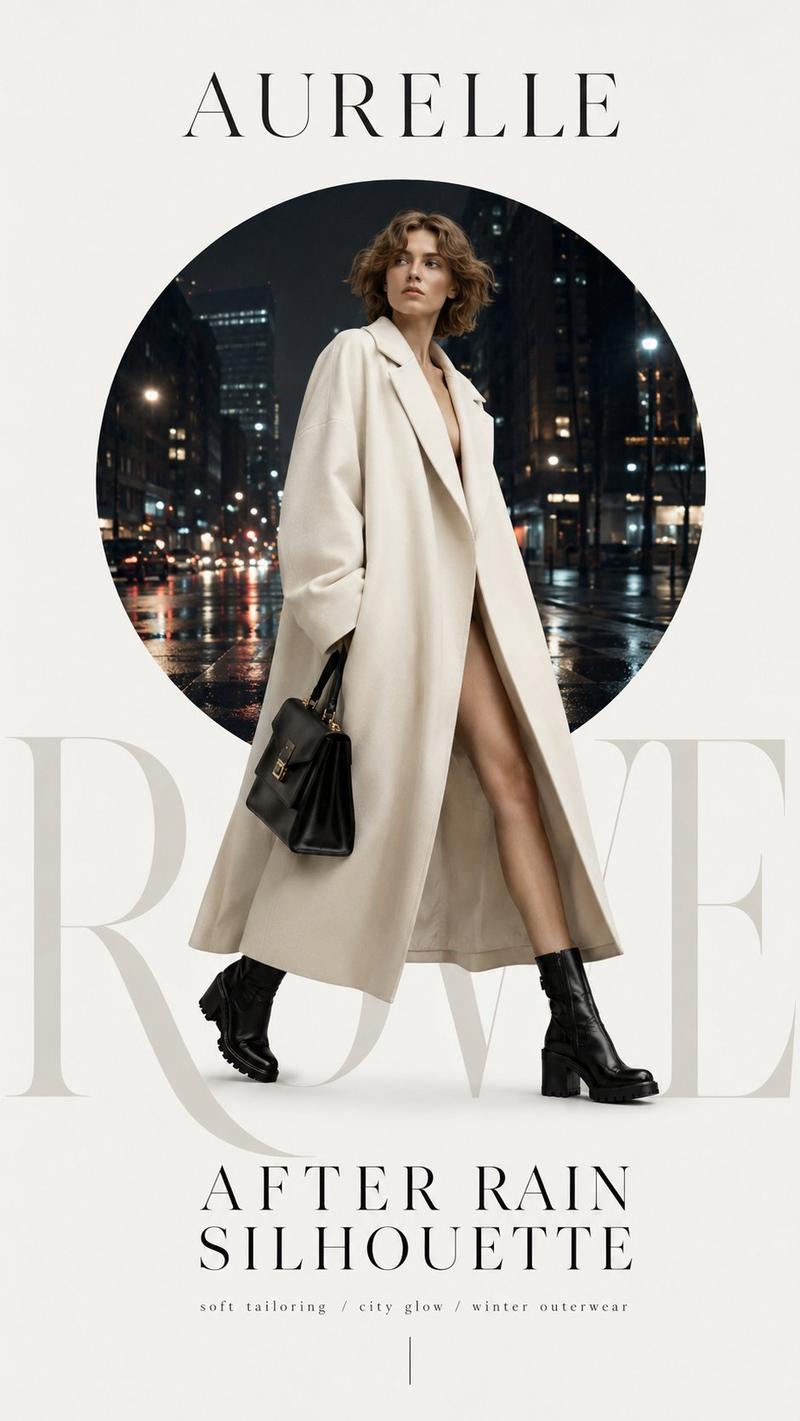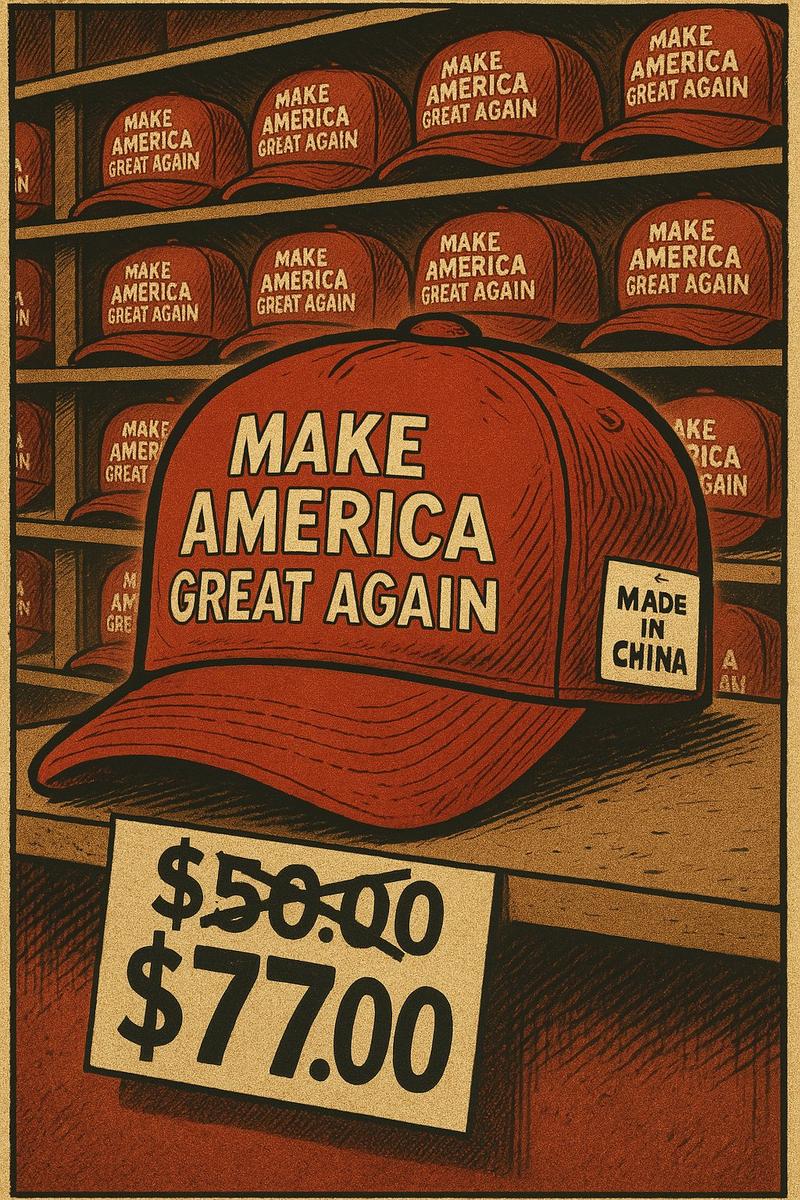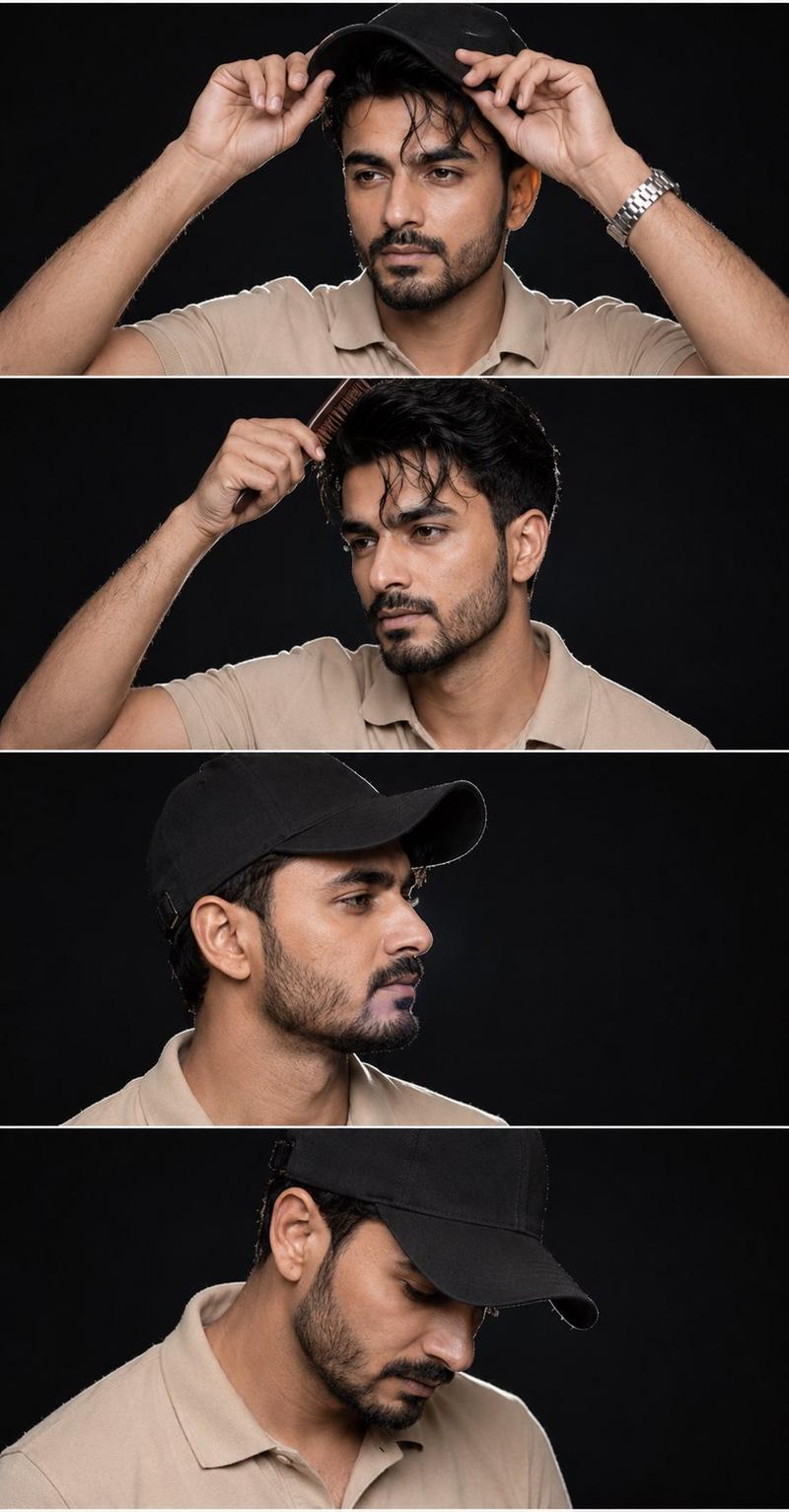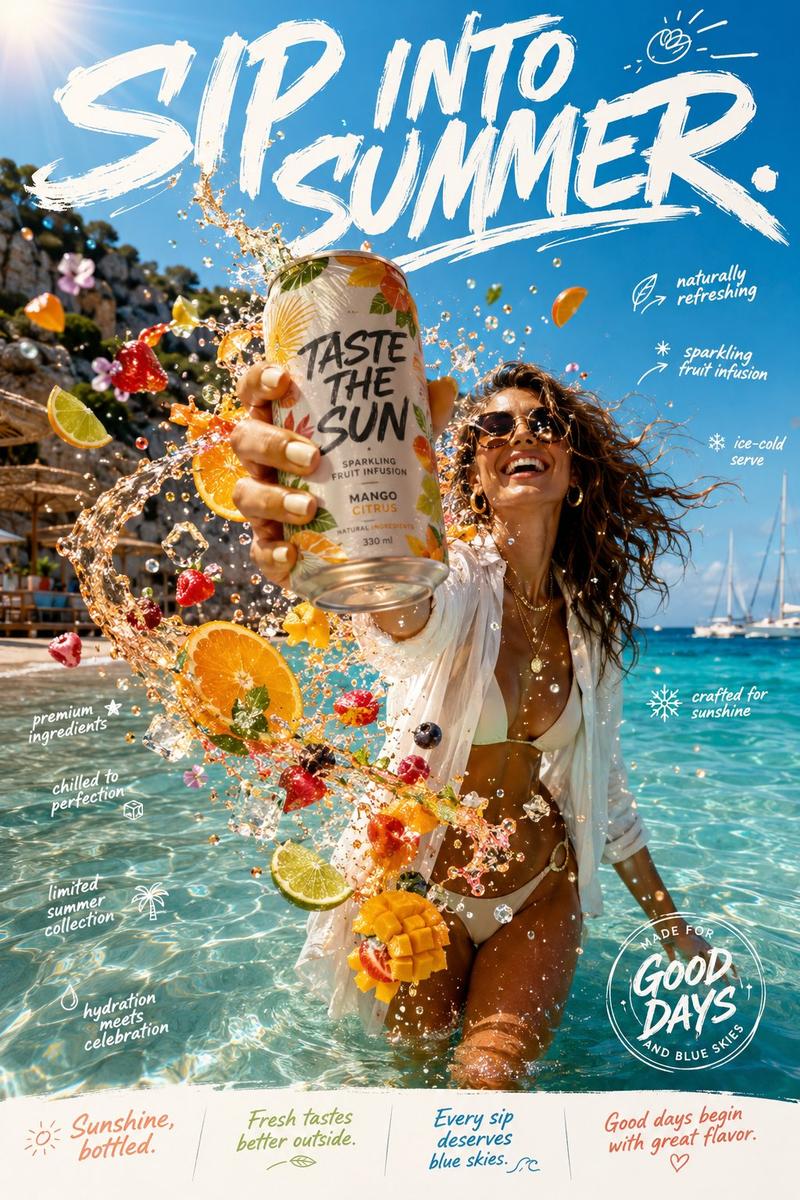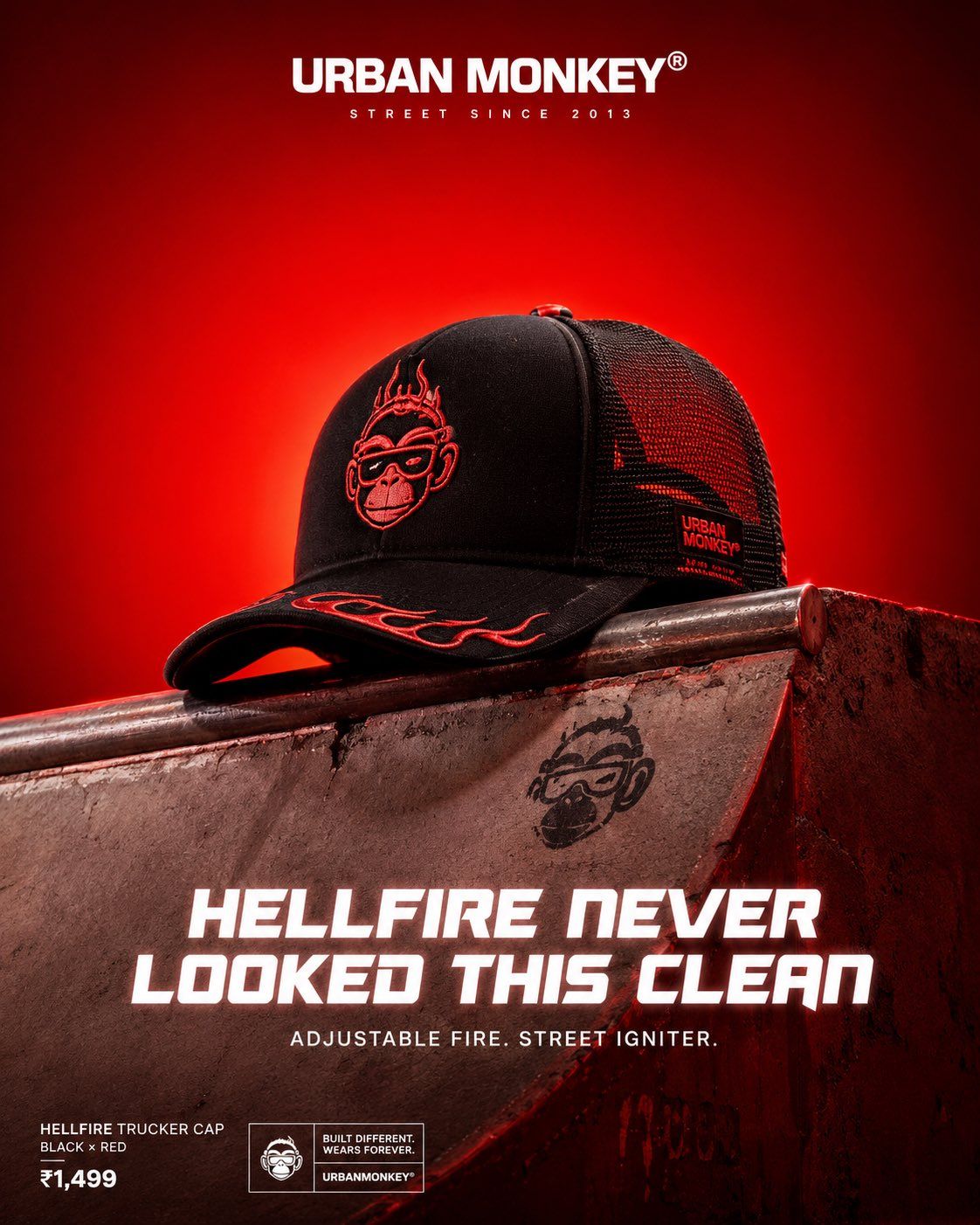
奢华街头品牌Urban Monkey海报视觉设计
Prompt
Act as a Luxury Streetwear Campaign Art Director for Urban Monkey — India's iconic rebellious street culture brand. Create a single vertical hero product poster in premium studio CGI.

[BRAND NAME = Urban Monkey]
[COLOR = Fiery Red]
[HERO PRODUCT = Black trucker cap with fiery red embroidered monkey logo, flame accents, adjustable snapback, mesh back panel]
[HEADLINE = HELLFIRE NEVER LOOKED THIS CLEAN]
[SUBHEADLINE = Adjustable fire. Street igniter.]
[OBJECT = weathered concrete skate ramp section]

PHASE 0 — BRAND INTELLIGENCE:
Use Urban Monkey's core identity: cheeky monkey logo with goggles, underground hip-hop + skate energy, bold sans-serif typography, raw street attitude mixed with premium finish. Hero product is the absolute star — photorealistic with accurate fabric weave, embroidery, hardware, stitching, and subtle wear. All reflective surfaces catch strong Fiery Red ambient bounce.

PHASE 1 — BACKGROUND:
Pure seamless studio background — rich saturated radial gradient driven by Fiery Red. Bright luminous center fading to deeper, darker edges. Monochromatic color field only. No texture, no environment — objects float in this immersive color world.

PHASE 2 — PEDESTAL OBJECT:
Large physical cultural object filling lower 45% of frame, shot from slight low angle. Maximum material realism (concrete texture, metal patina, rubber, etc.). Strong Fiery Red reflections and color bleed on every surface. Object feels heavy, grounded, and authentic to street culture.

PHASE 3 — HERO PRODUCT:
Premium product resting naturally on top of the pedestal, centered, occupying 35-45% of frame height. Hyper-detailed PBR materials, accurate branding (monkey logo embroidered or printed), soft realistic shadow underneath. Product slightly elevated and heroic.

PHASE 4 — TYPOGRAPHY (Crisp, premium, white with subtle glow):
- Top center: URBAN MONKEY® wordmark in bold official sans-serif, large.
- Below it: small tracked uppercase tagline "STREET SINCE 2013" or similar.
- Lower zone: Large commanding HELLFIRE NEVER LOOKED THIS CLEAN in bold distorted futuristic sans (2-3 lines max).
- Below headline: smaller clean ADJUSTABLE FIRE. STREET IGNITER. in regular weight.
- Lower left: small badges — product name + price.

PHASE 5 — LIGHTING:
Dramatic single overhead key light with strong specular highlights on product and pedestal tops. Rich colored shadows and intense global illumination — Fiery Red bounces everywhere. Cinematic rim light, subtle volumetric haze, perfect reflections.

PHASE 6 — COMPOSITION:
Vertical 4:5 or 9:16 aspect ratio. Clean negative space for Instagram. High-end fashion editorial meets raw street energy. Photorealistic Octane/Redshift render quality, maximum detail, sharp anti-aliasing, commercial advertising finish.

Technical: 8K, ultra photorealistic, PBR materials, ray tracing, subtle film grain optional, Instagram-optimized vertical --ar 4:5 --stylize 150 --v 6
- Category
- Charts & Infographics
- Model
- ChatGPT
- Creator
- @Diplomeme
- Source ID
- 16001
- Published
- Jun 16, 2026
Views35
![Act as a Luxury Streetwear Campaign Art Director for [Brand Name] — India's icon](https://whqgdndlpxjbwosvipip.supabase.co/storage/v1/render/image/public/prompt-source-media/promptsref/work-32289/image-1-4a0219f1f7c8bb5f.png?width=800&quality=75&resize=contain)