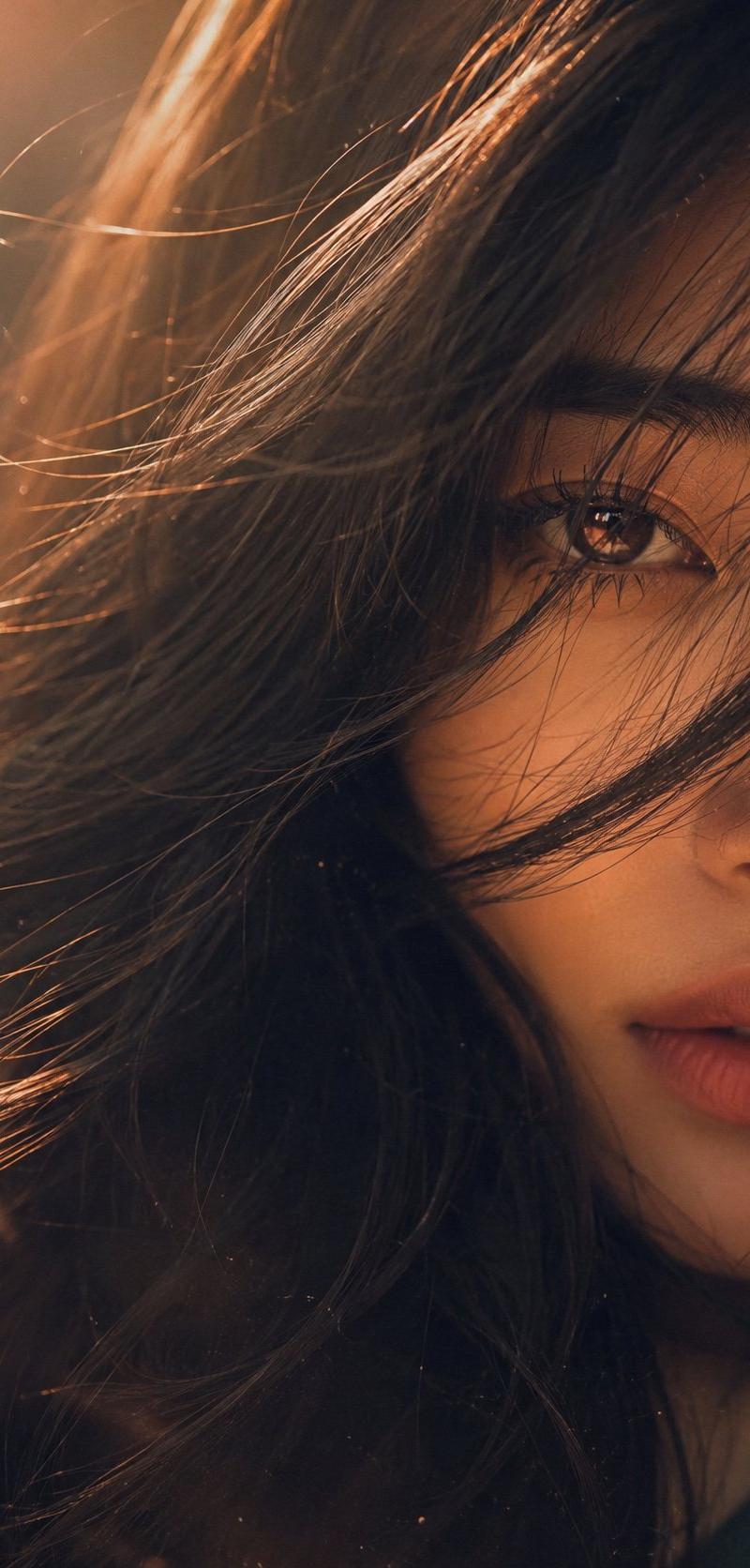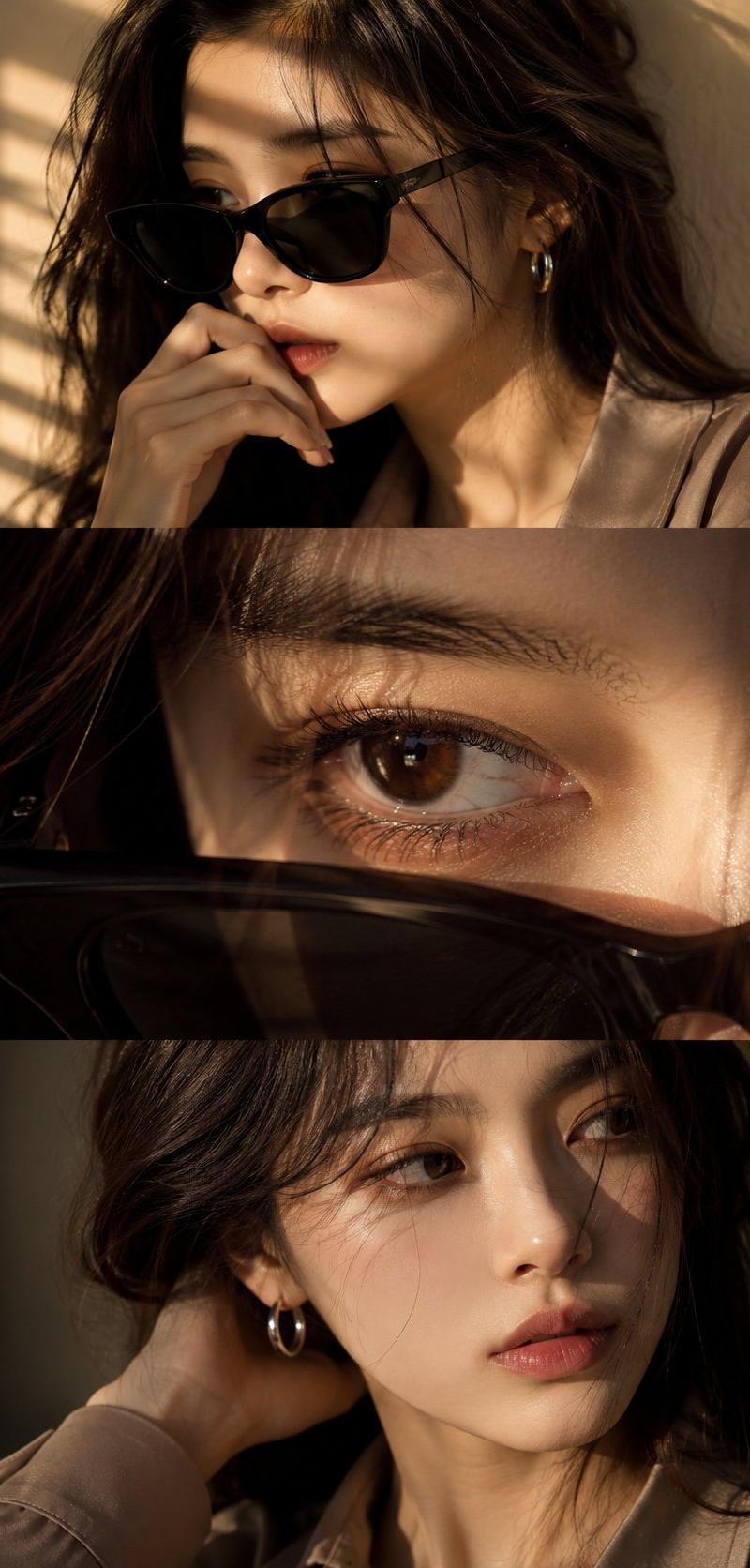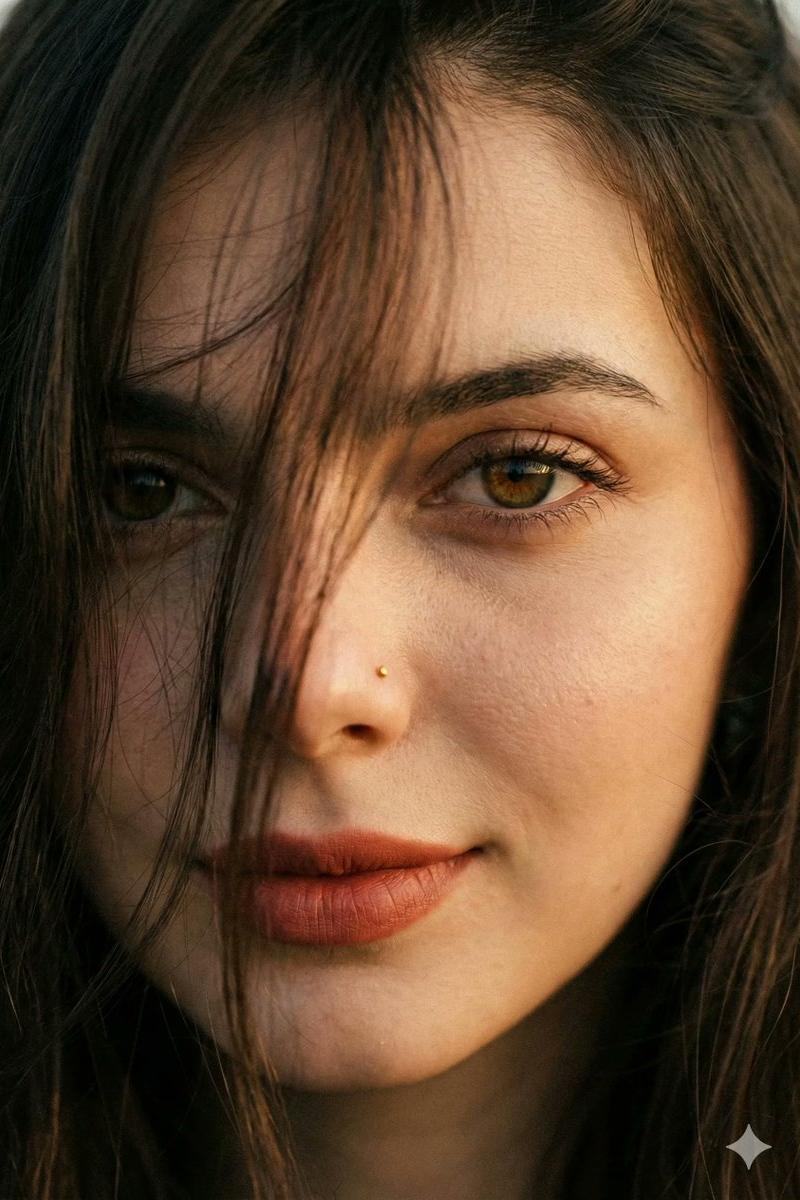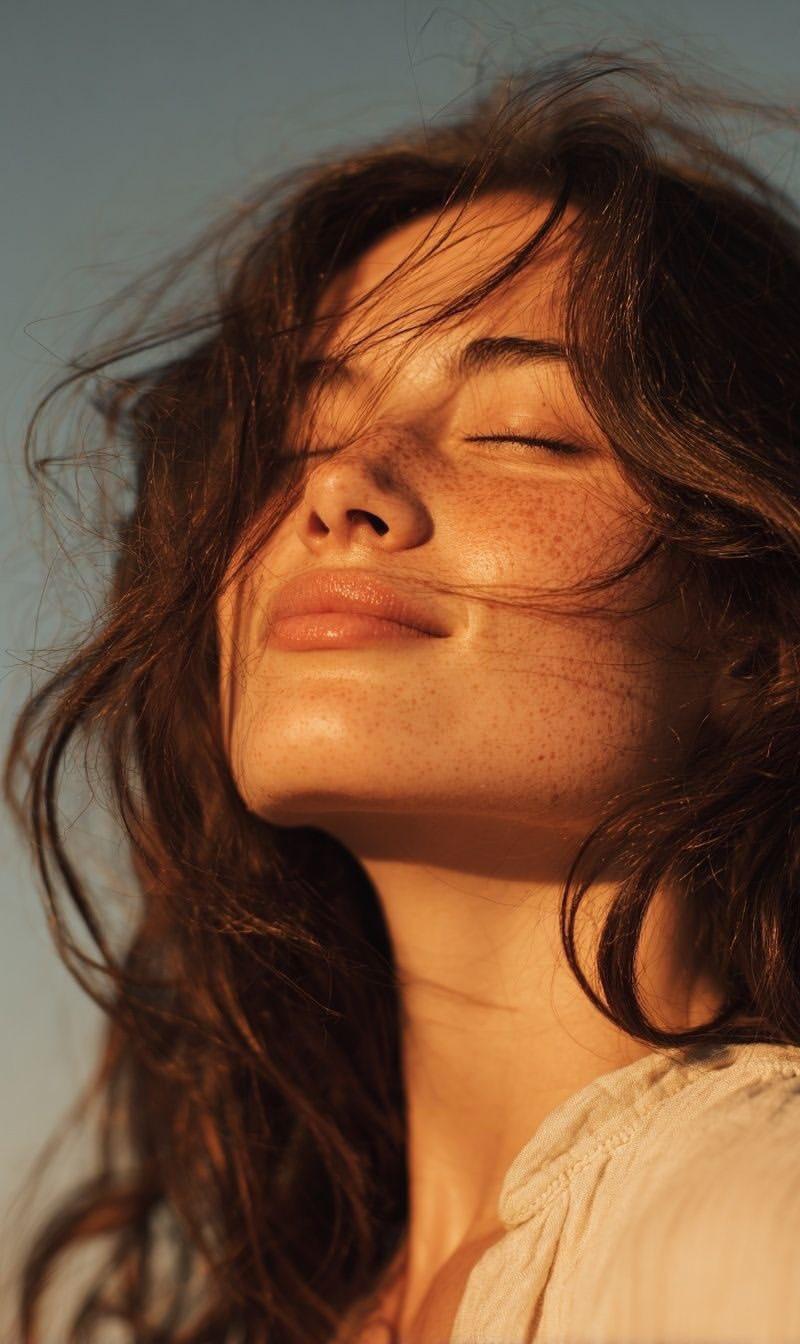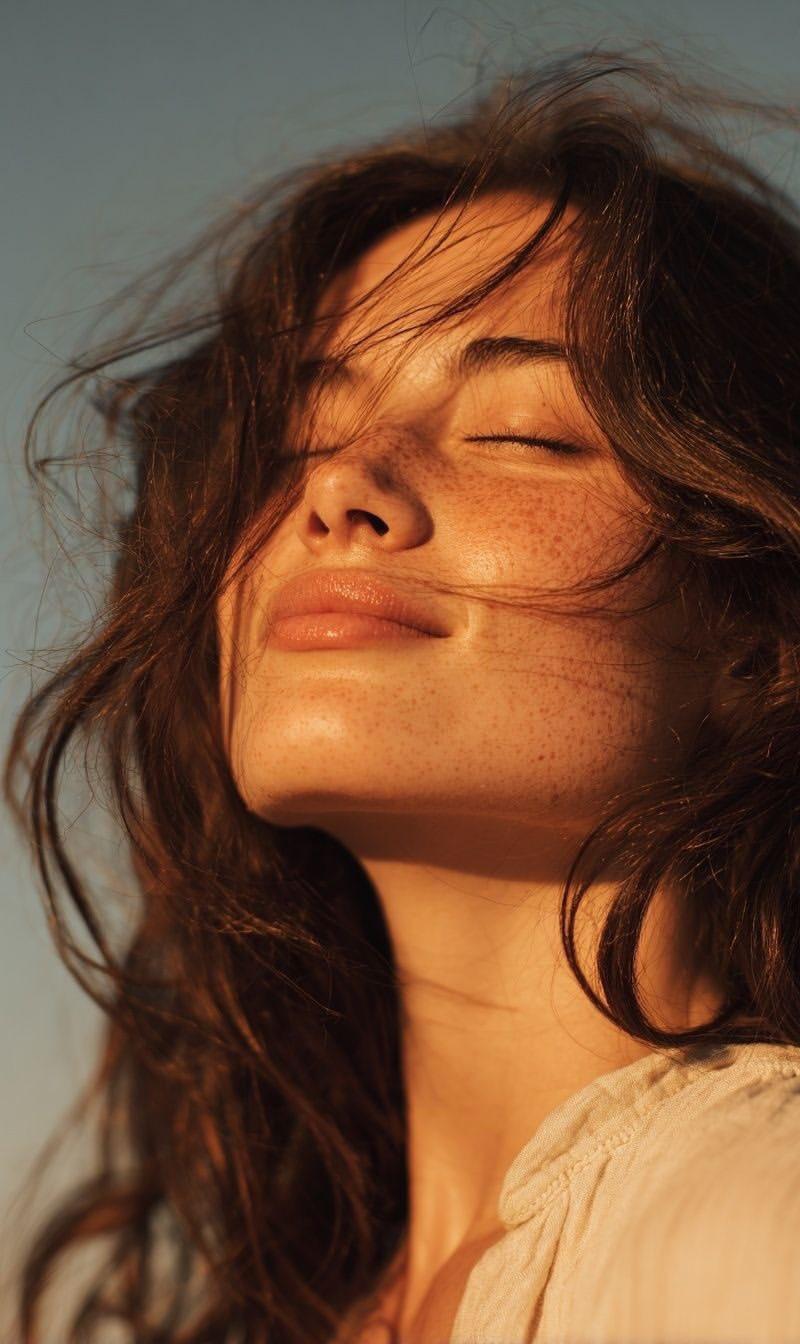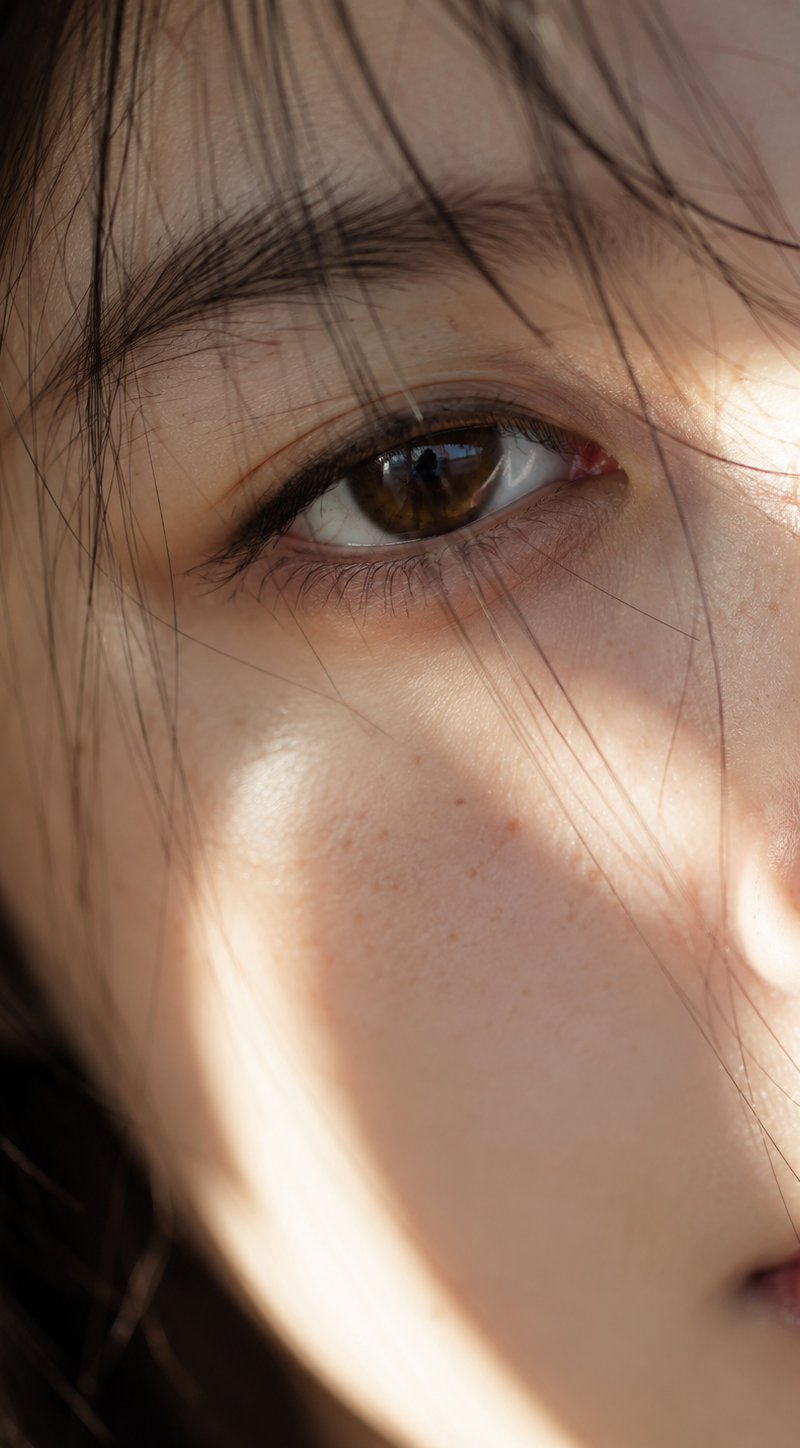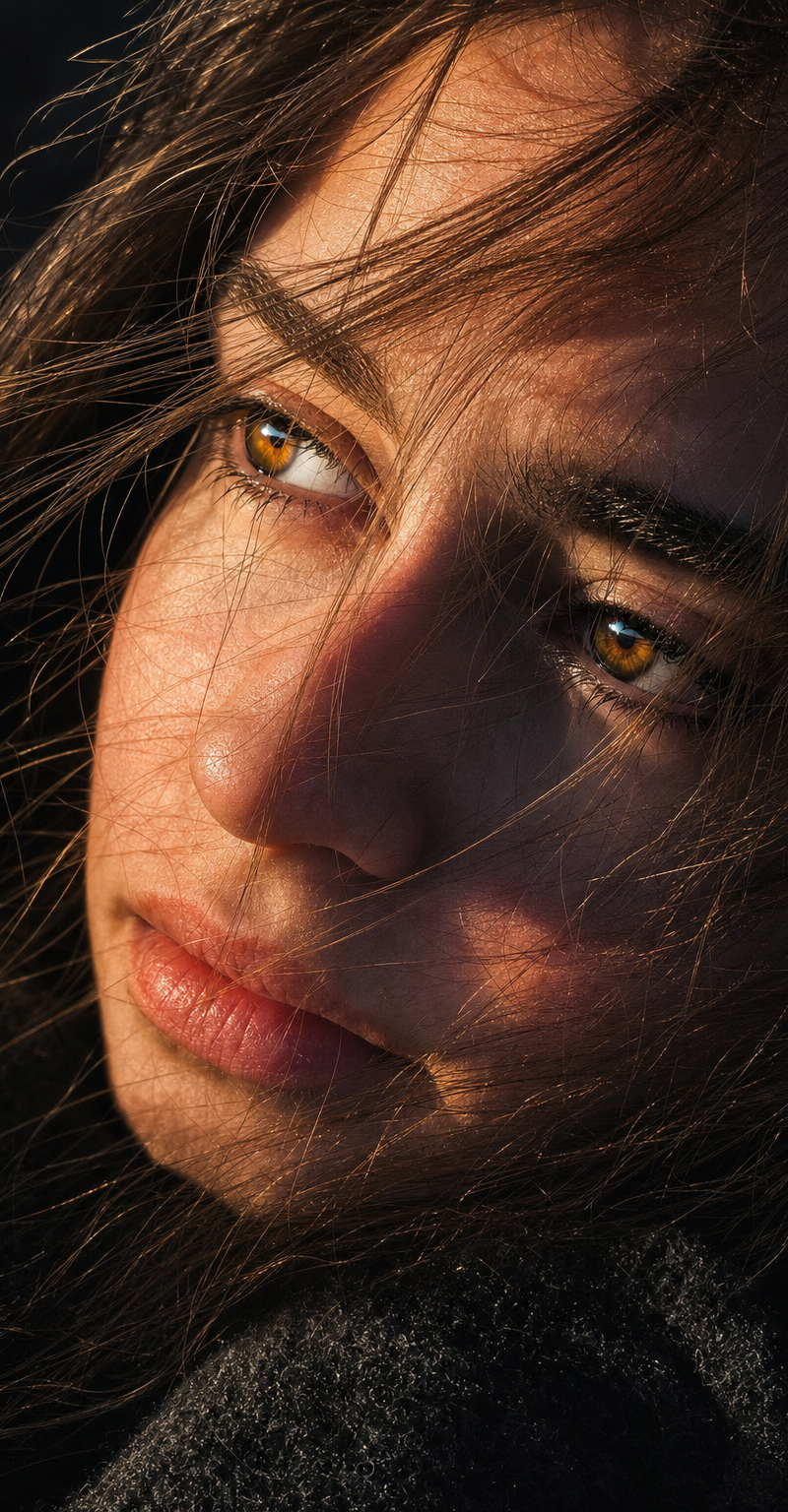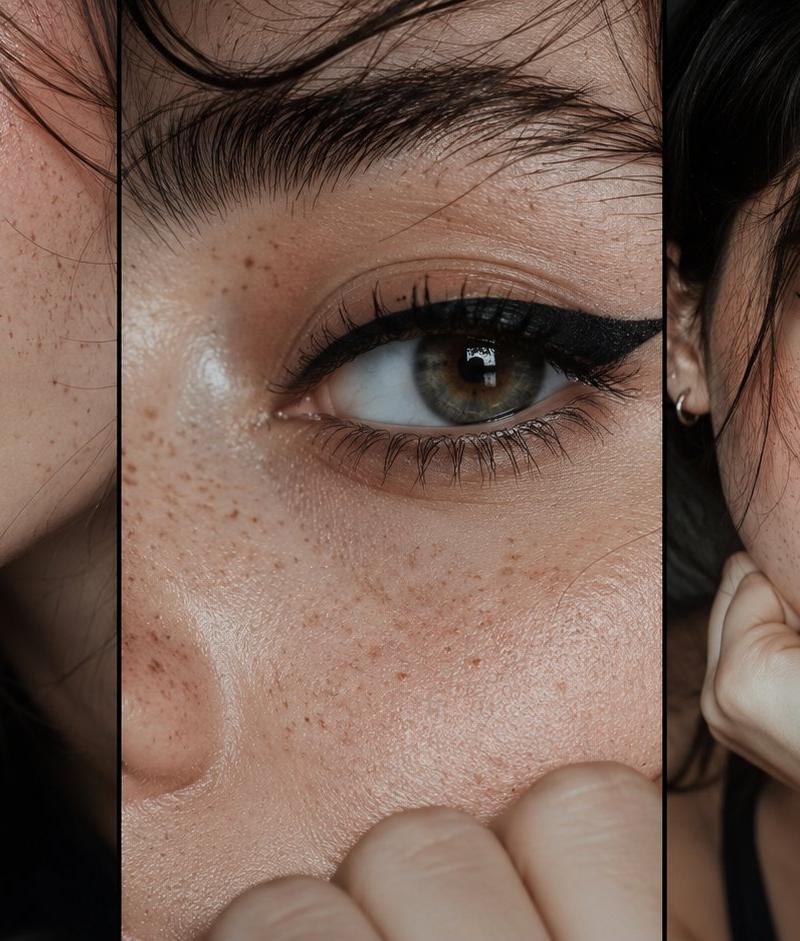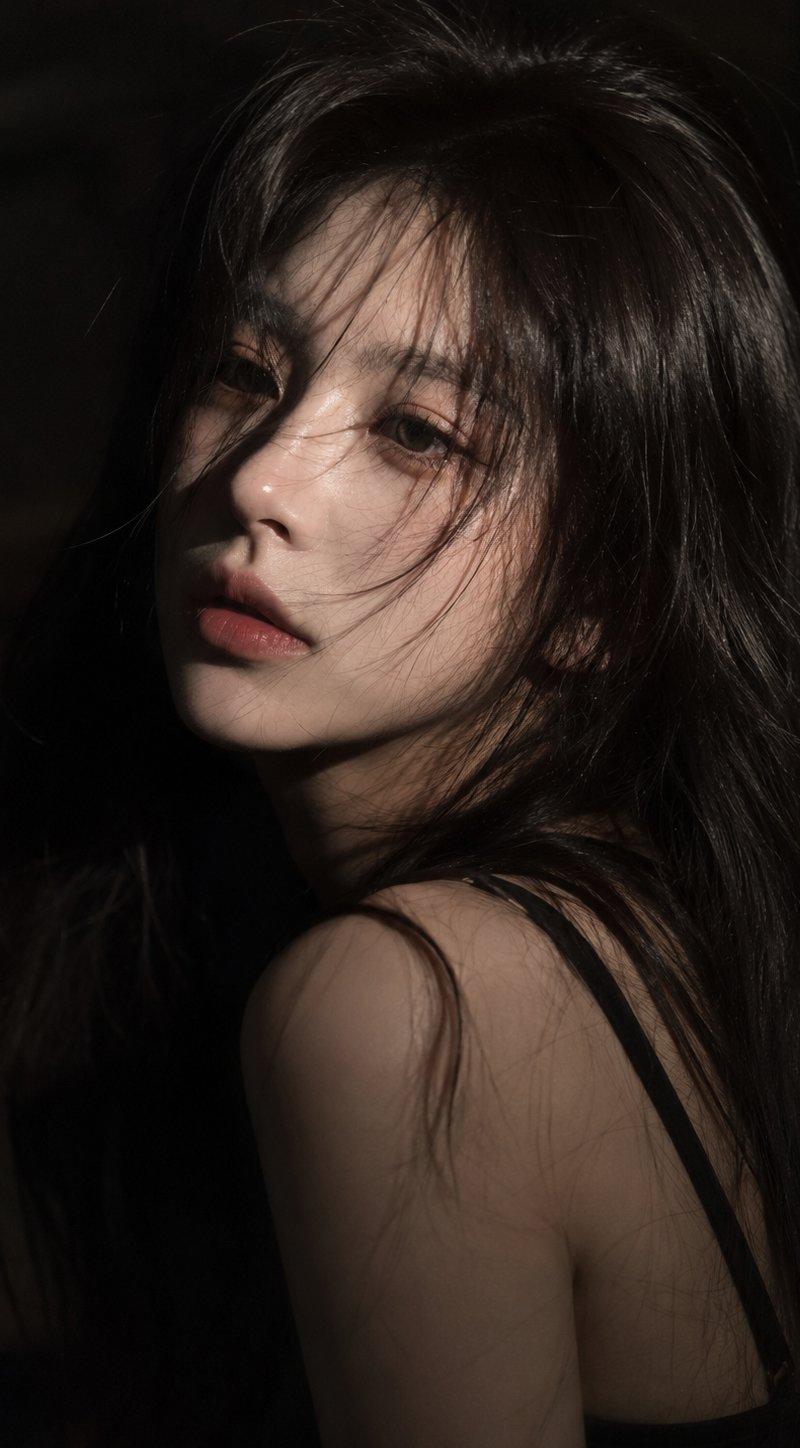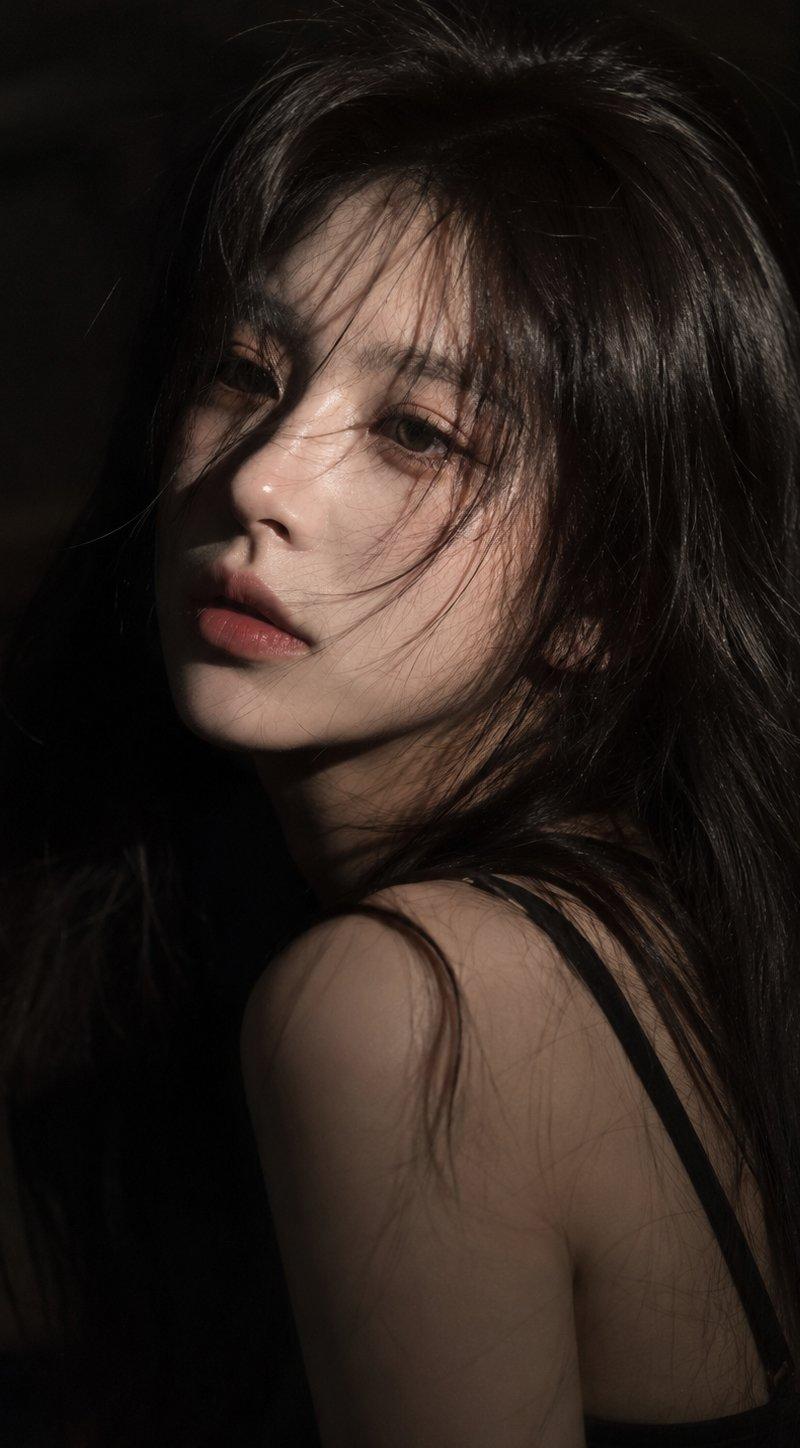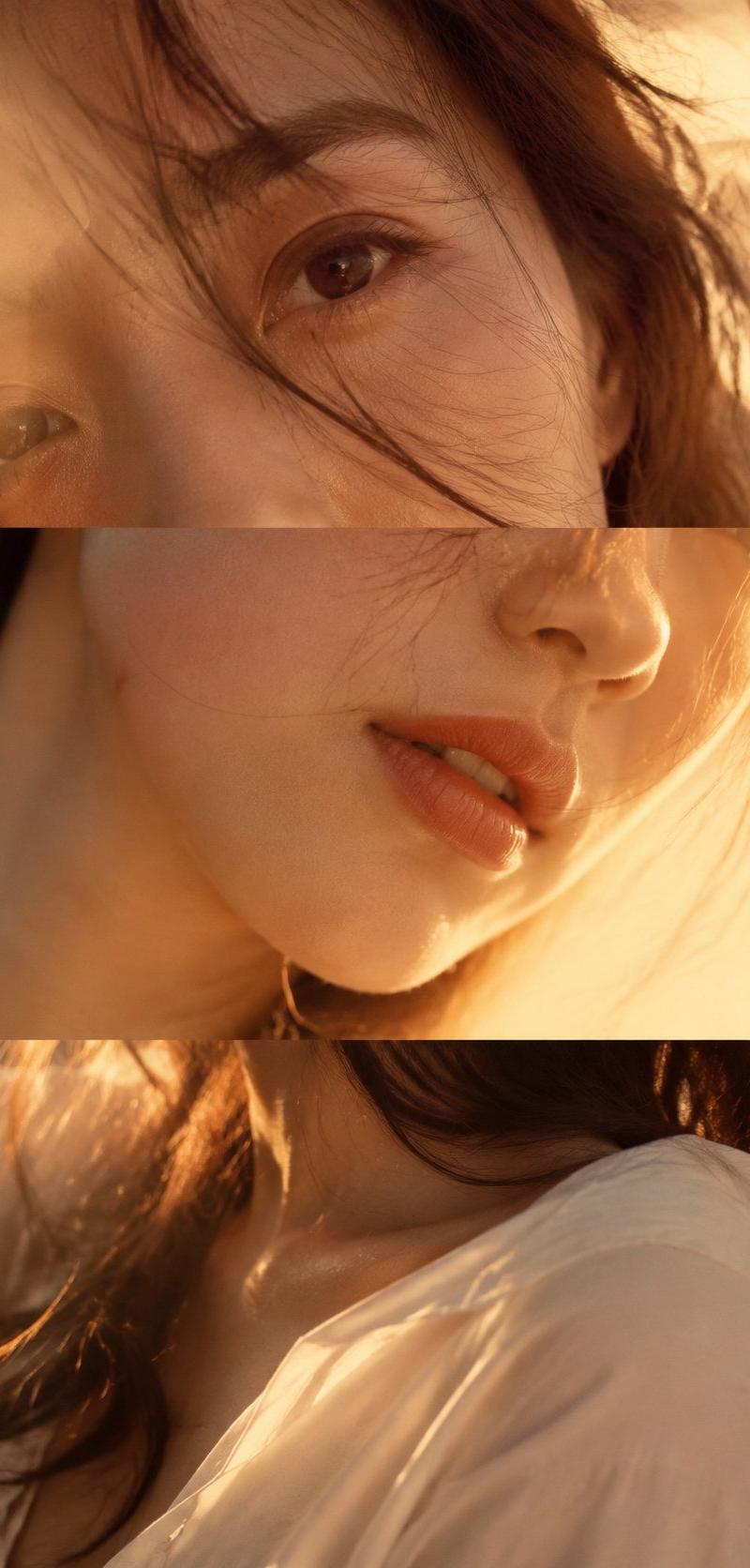
垂直层叠时尚人像摄影拼贴
Prompt
Create a vertical 9:16 “Layered Portrait Collage” with no text, no titles, no logos, and no white divider bars.

Theme: [theme]
Subject: [adult female / fashion model / beauty portrait]
Color palette: [soft amber / cream light / velvet burgundy / silver grey / etc.]
Outfit: [white shirt / silk top / velvet top / minimal fashion styling]
Lighting: [warm sunset side light / soft window light / cool low-saturation light / moody indoor warm light]
Style: editorial fashion photography, beauty campaign, magazine spread, emotional portrait collage

The image should look like three different close-up photos of the same person, rebuilt into one vertical collage. Do not make it look like one single portrait cut into three strips.

Top section: a very close-up crop of the eyes, brows, or half of the face. This section carries the emotional tension. The gaze should feel expressive, subtle, alive, and slightly cinematic.

Middle section: a close-up of the nose, lips, cheek, jawline, or partial side face. The lips should feel soft and natural, as if holding a pause or an unspoken thought. Keep strong skin realism and emotional quietness.

Bottom section: do not show a full face. Show shoulders, collarbone, hair, hands, neck, partial jawline, or part of the mouth edge. This section should carry body language and emotional continuation. The hand can lightly touch the collar, hair, shoulder, neck, or collarbone. It should feel intimate, natural, quiet, and emotionally alive — not like clothing display only.

All three sections must belong to the same person, with the same lighting, same color mood, and same photography language, but with different angles, crops, and subtle emotional variation.

Use real skin texture, natural skin tone, soft hair strands, realistic fabric texture, gentle depth of field, slight film grain, soft focus, low-contrast shadows, and a refined editorial feel.

Avoid: template collage look, hard white divider lines, graphic poster design, repeated full-face crops, plastic skin, over-retouching, CGI look, stiff posing, empty expressions, random fashion catalog feeling, text, watermark, logo.
- Category
- Charts & Infographics
- Model
- ChatGPT
- Creator
- @MrLarus
- Source language
- zh-CN
- Source ID
- 16151
- Published
- Jun 17, 2026
Views41