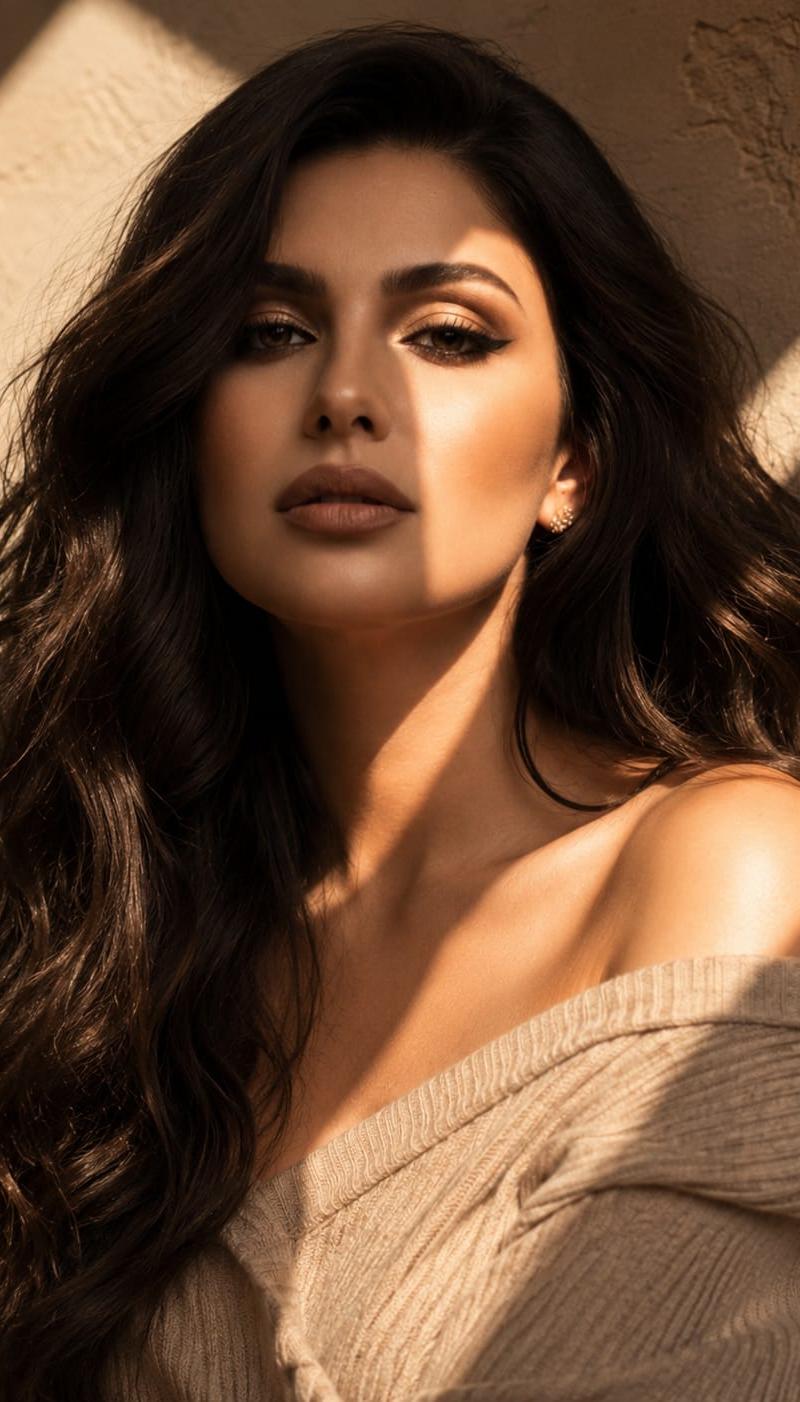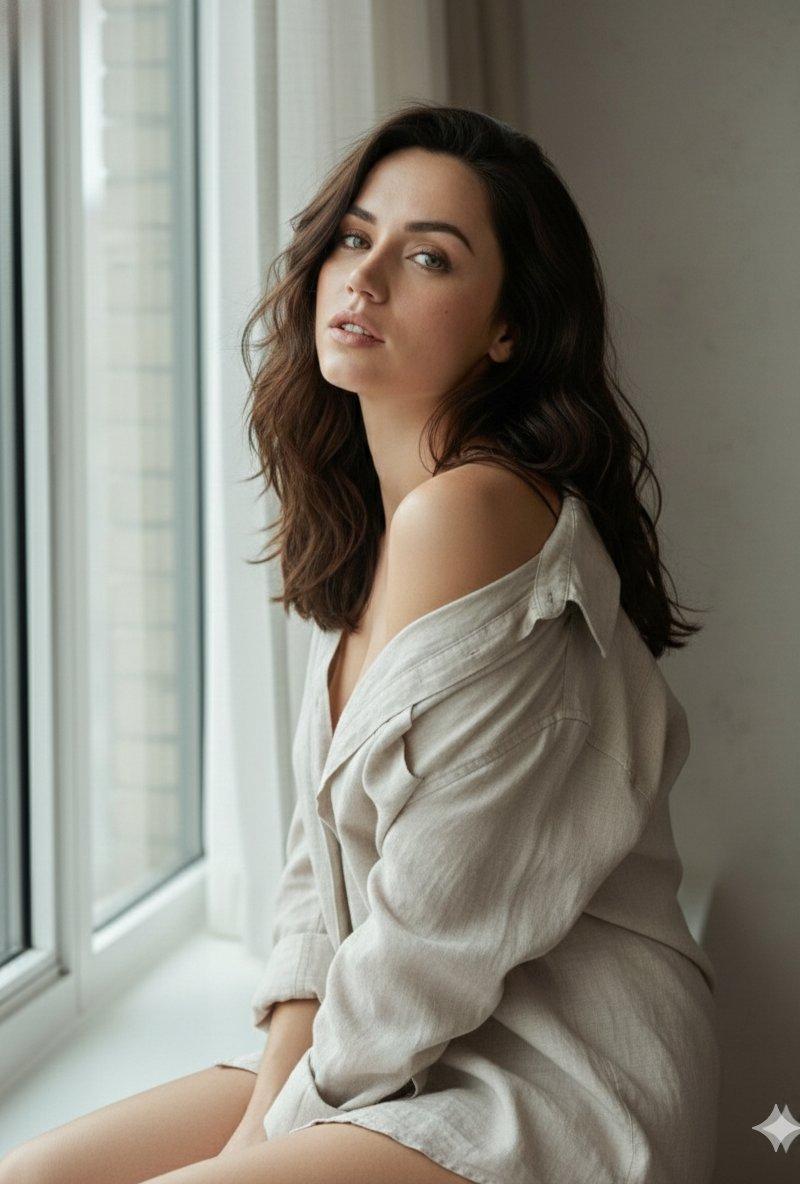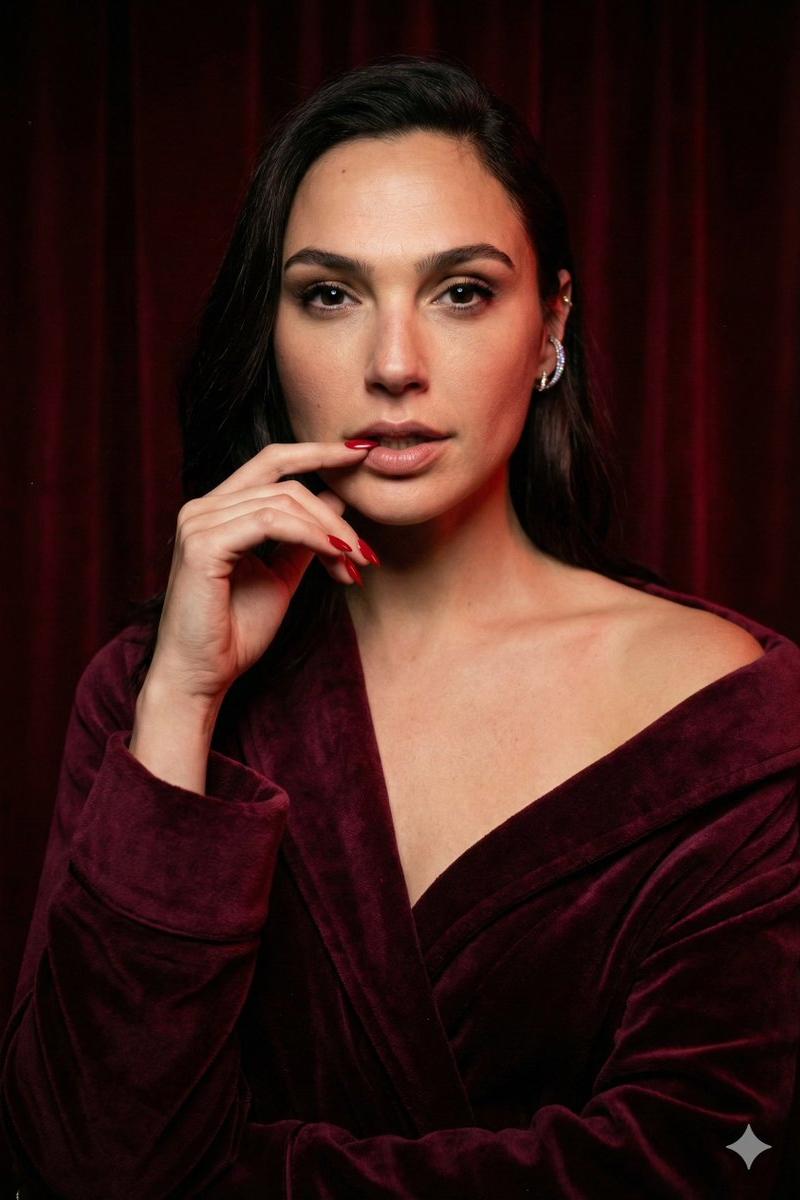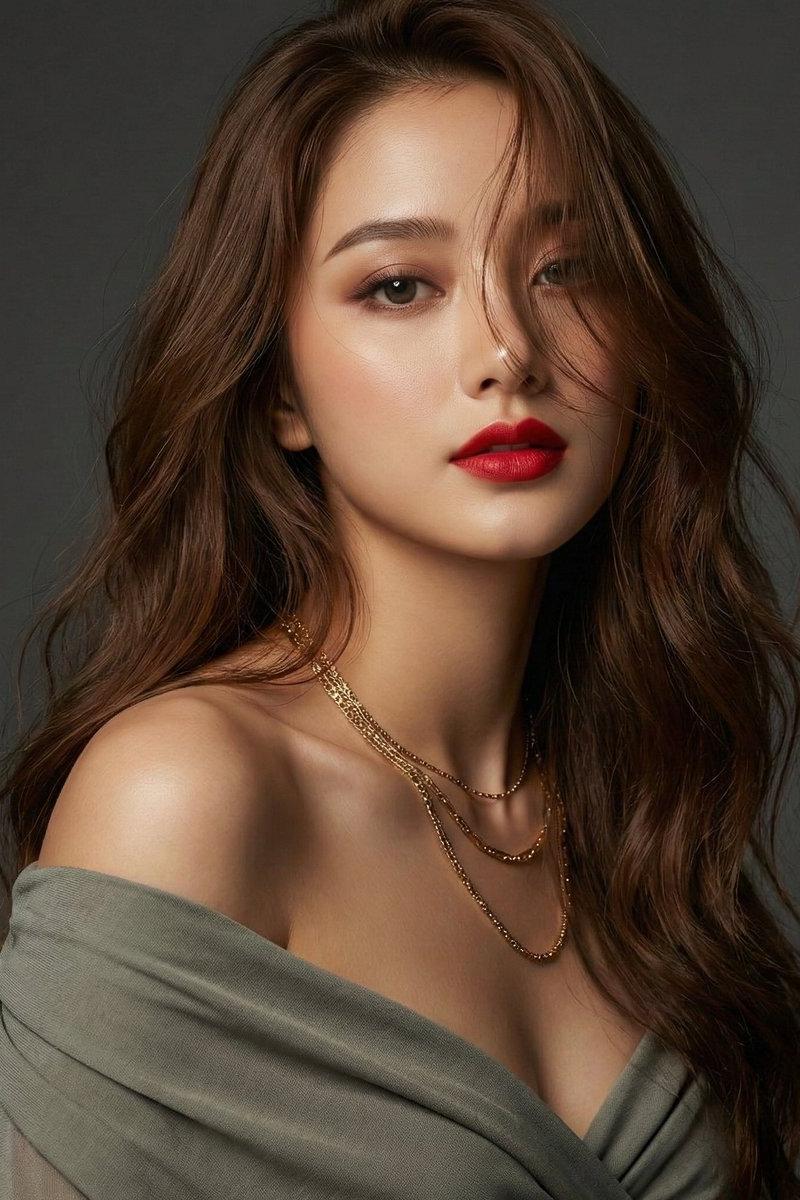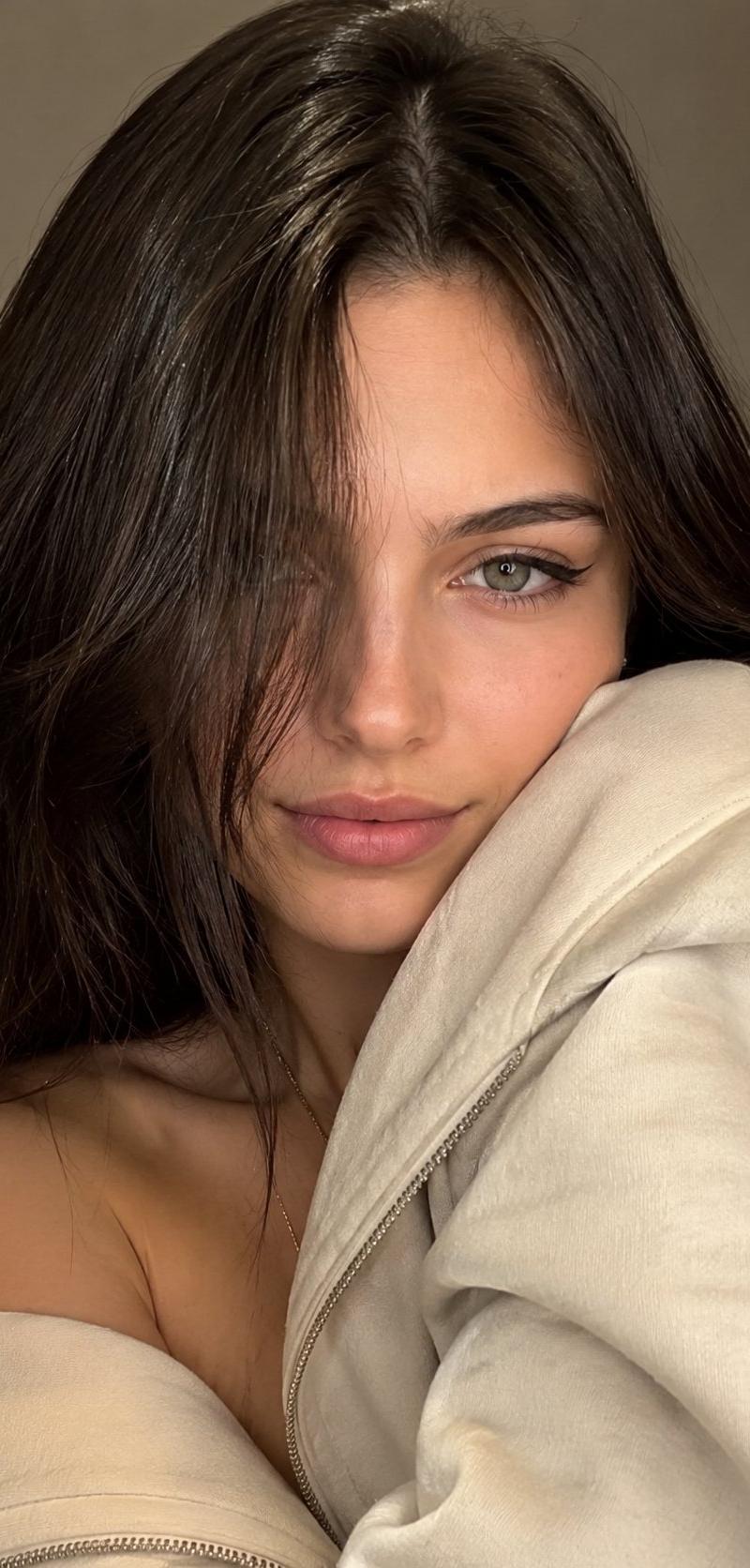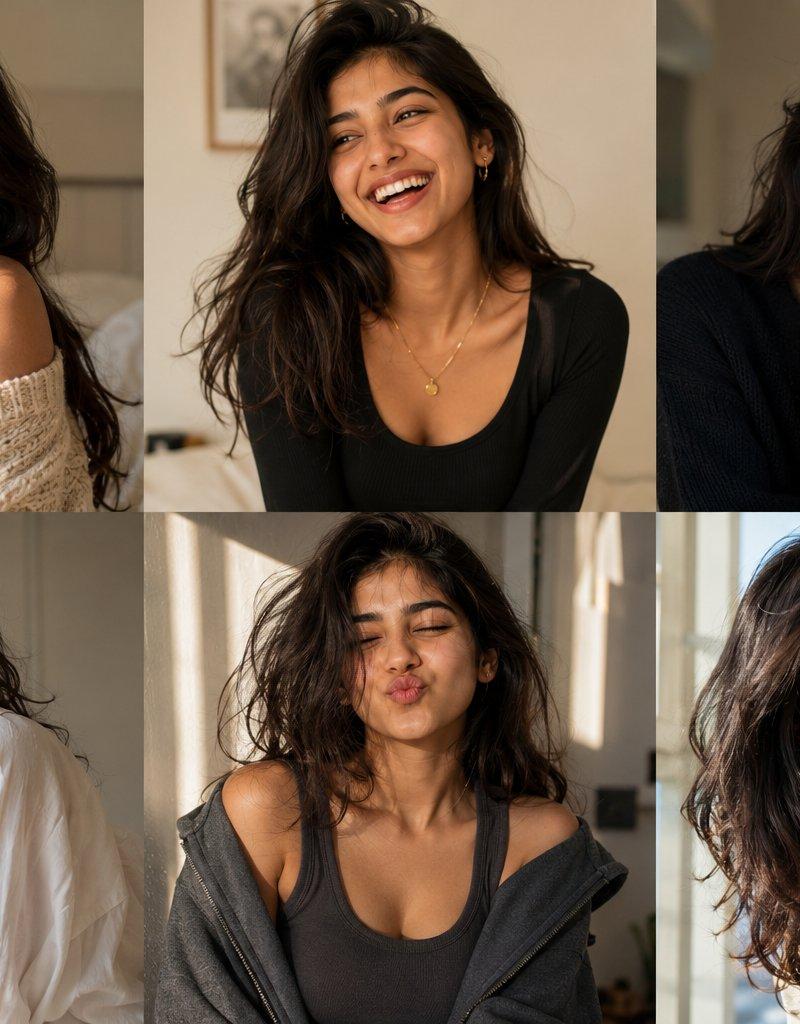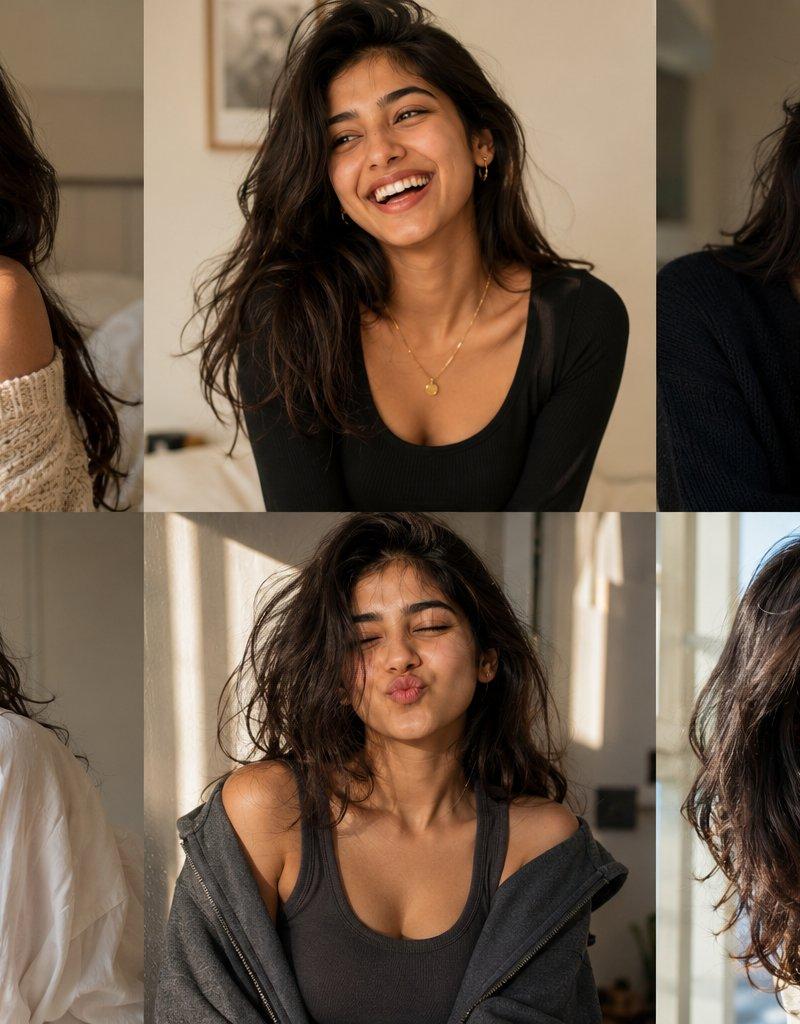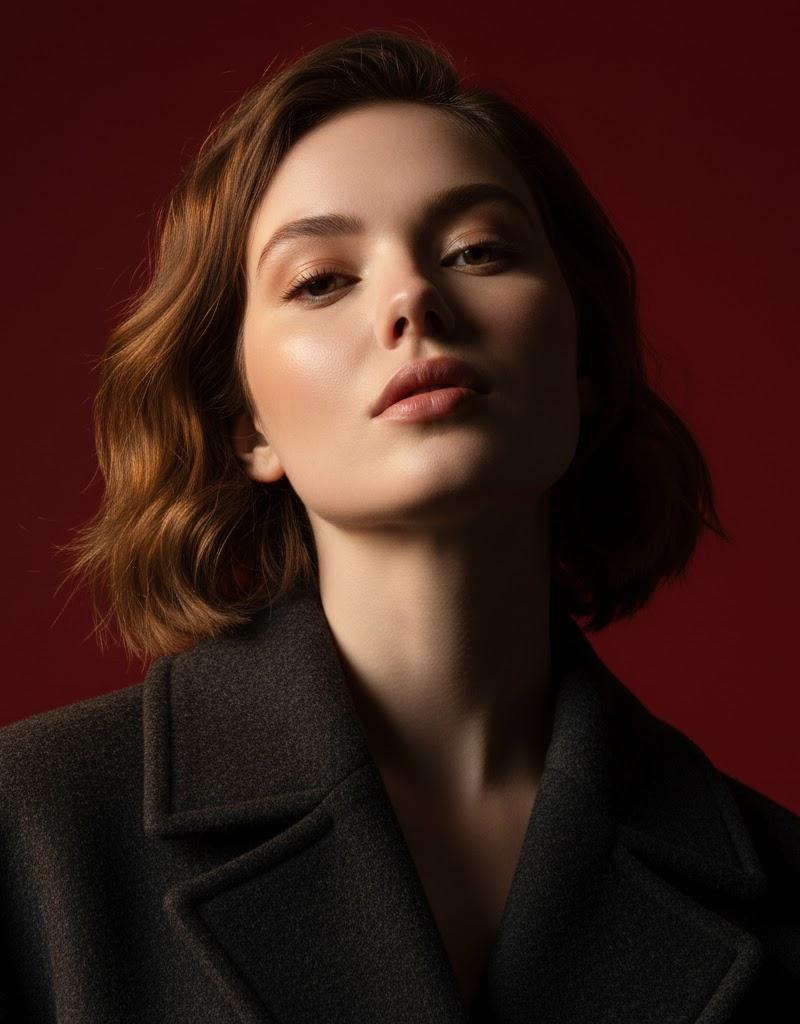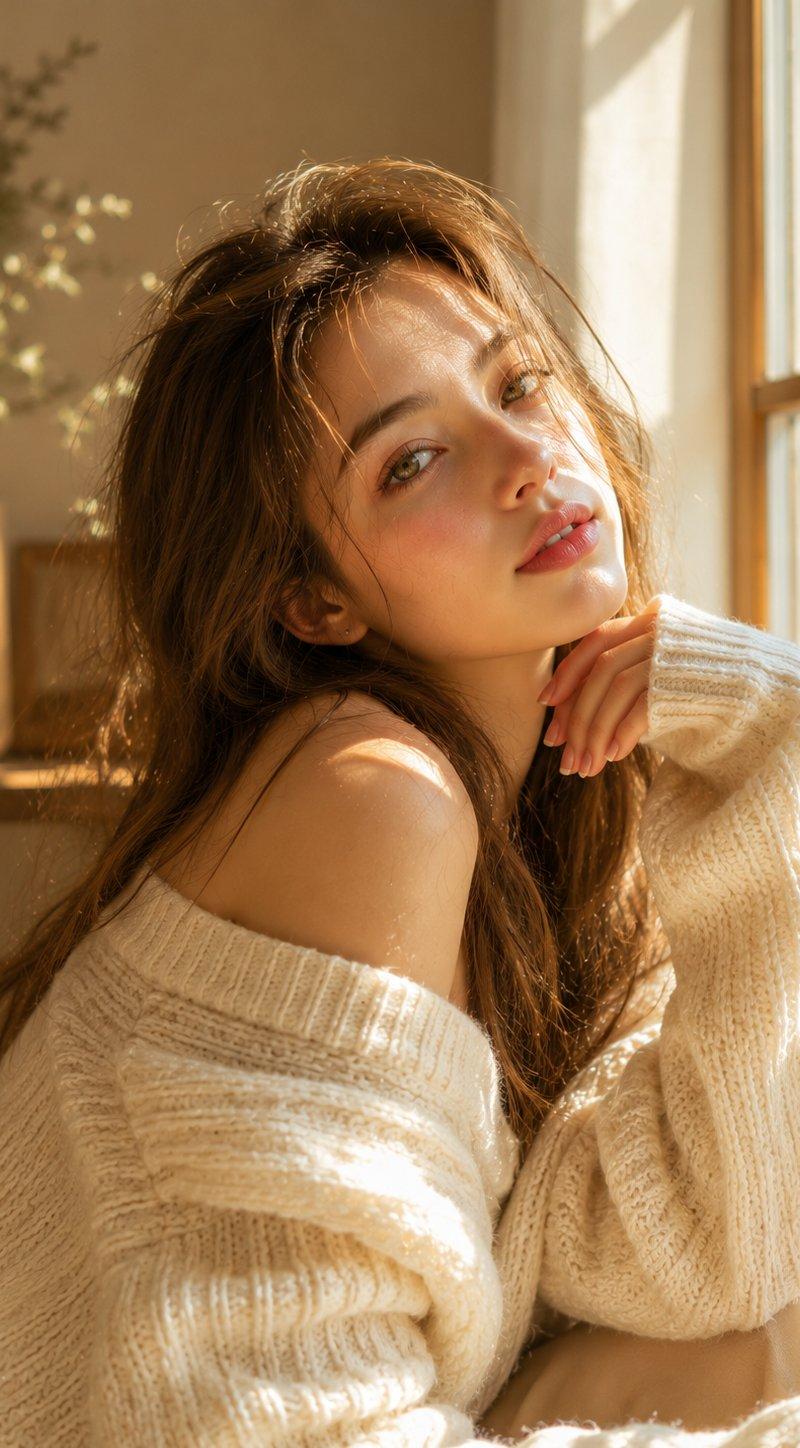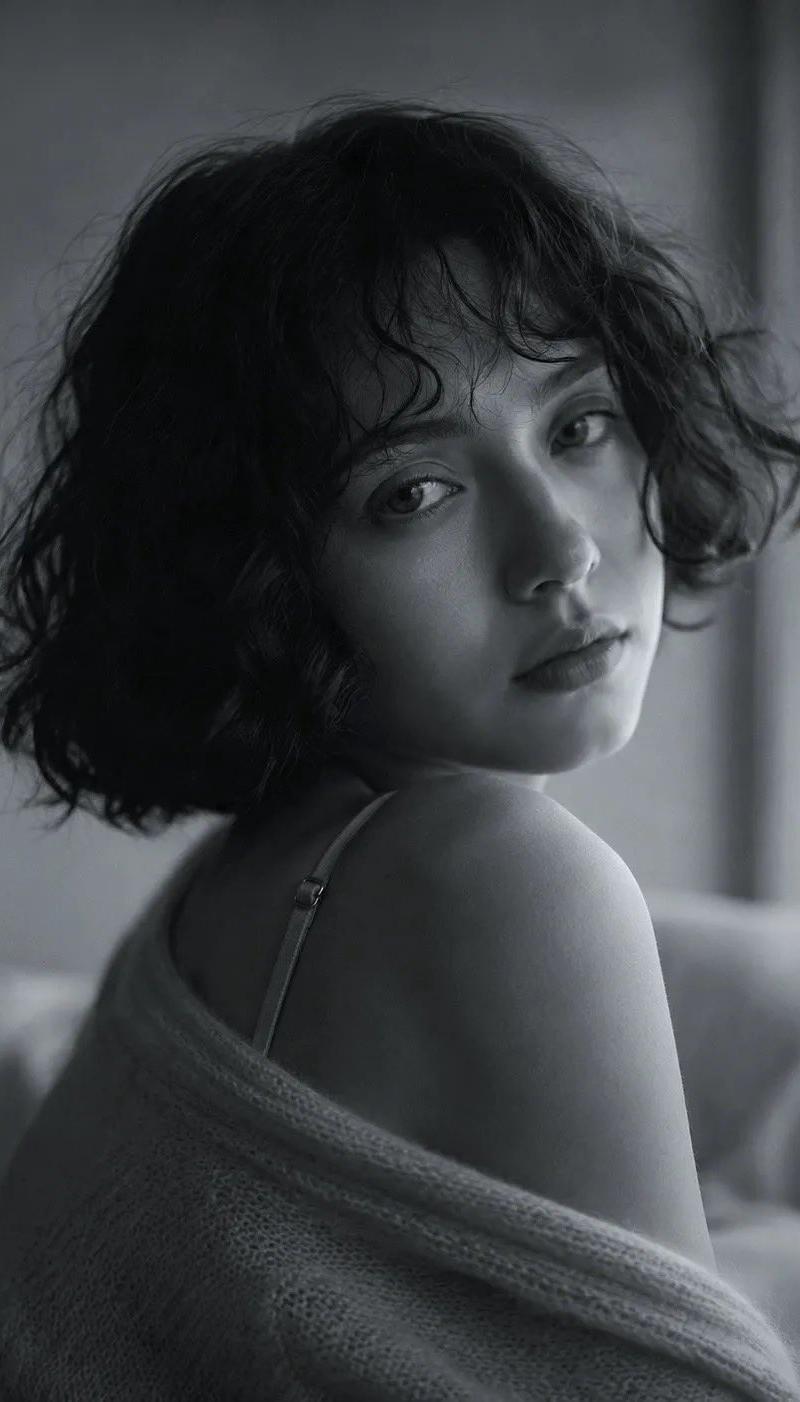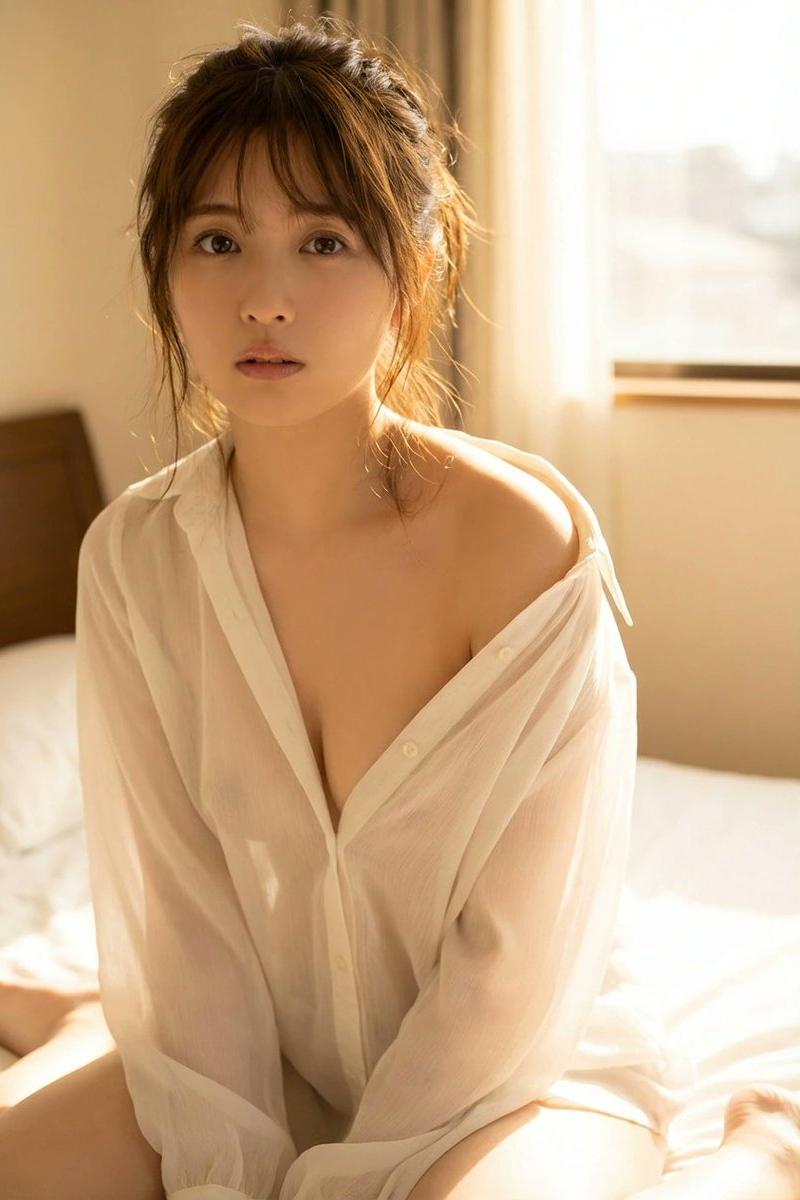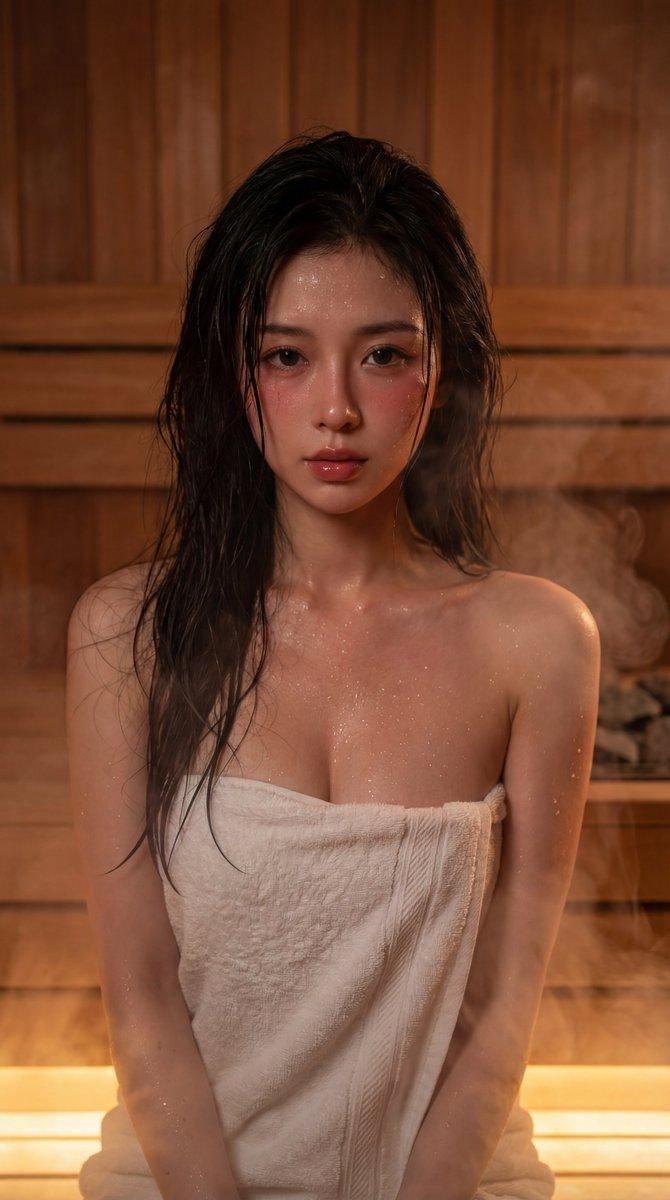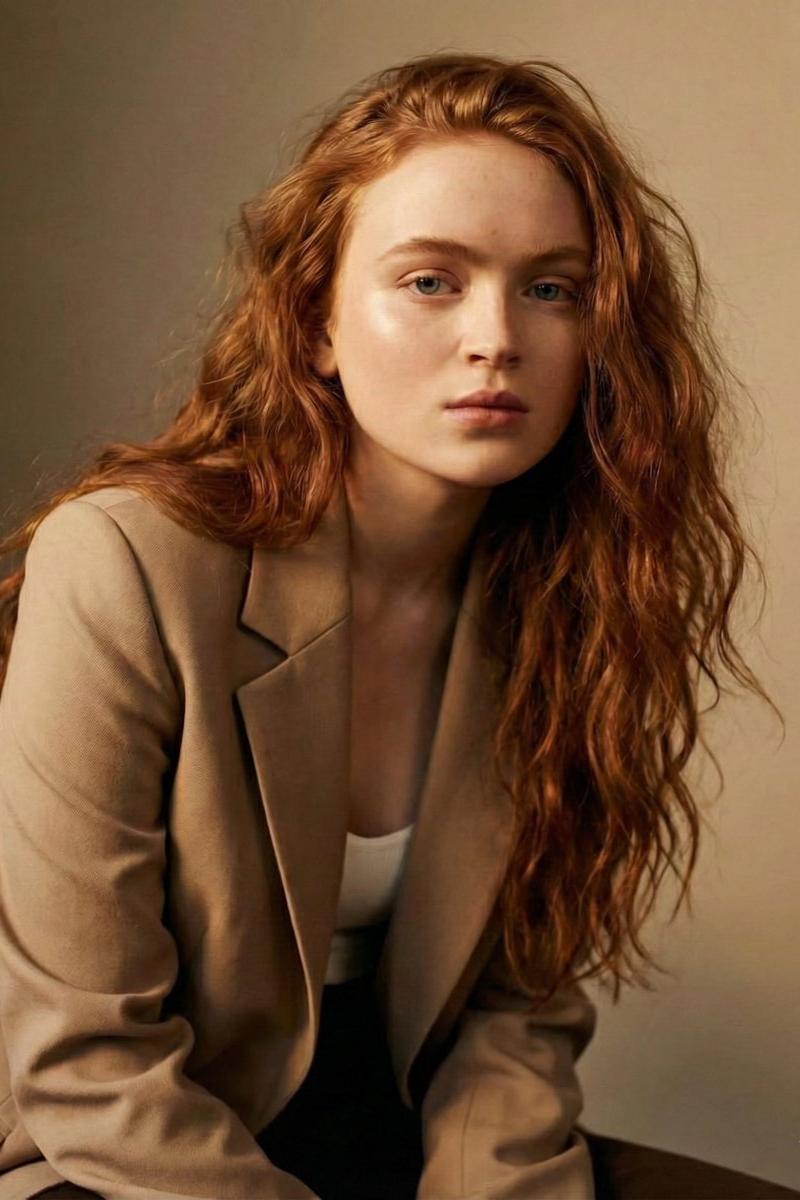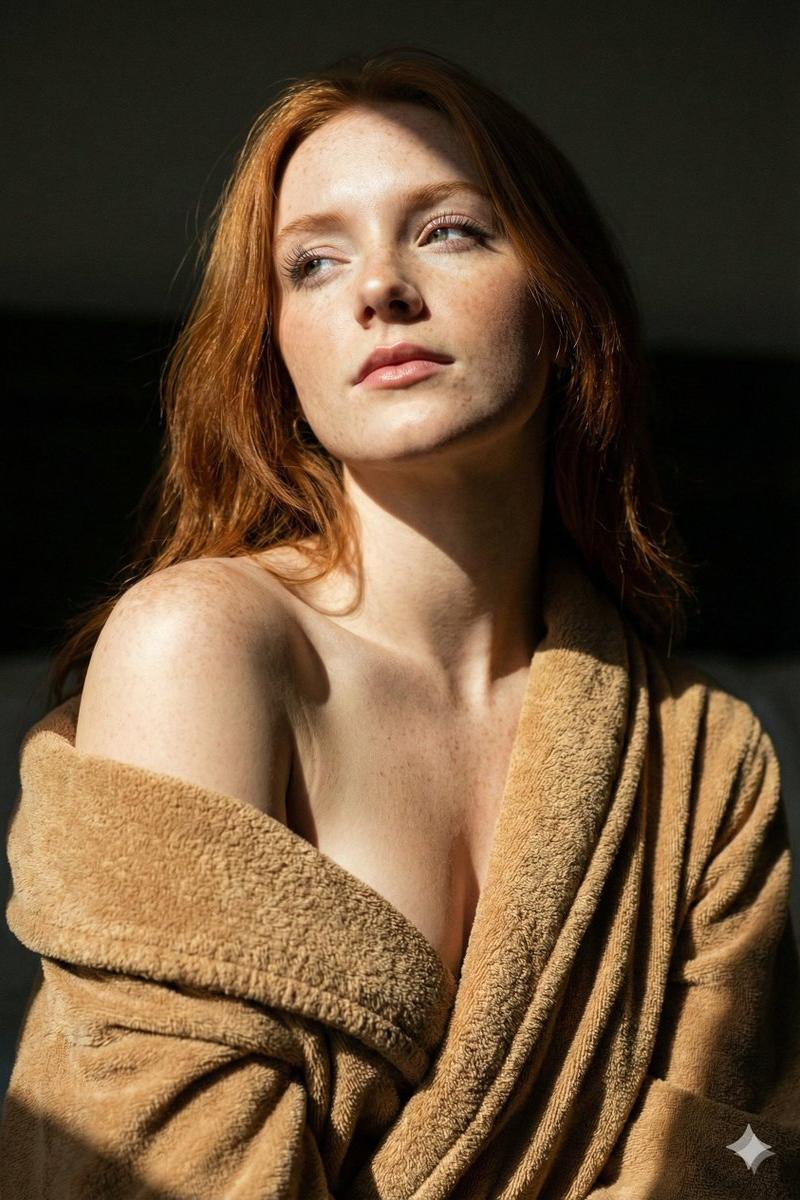
光影交错中滑落肩头的复古长袍
Prompt
{ "meta": { "image_dna": { "type": "Photo", "orientation_lock": "LOCKED: Orientation preserved 9:16", "sensor_emulation": "Sony Alpha / 35mm Film Grain Emulation" } }, "spatial_orientation_engine": { "subject_facing_direction": "CRITICAL: Head turned to LEFT (Viewer's Left) and Tilted UP", "body_rotation": "Torso angled slightly to Viewer's Right, Left Shoulder forward", "camera_position_relative": "Camera is at eye-level relative to torso, slightly below eye-level relative to face tilt" }, "camera_optics_and_geometry": { "lens_profile": { "focal_length": "85mm (Portrait Telephoto)", "aperture": "f/2.8 (Shallow Depth of Field, focus on eyes/lips)", "lens_character": "Cinematic Softness with High Micro-Contrast" }, "optical_flaws": [ "Film Grain (ISO 800)", "Soft Focus Falloff on Shoulder", "Slight Bloom on Highlights" ] }, "environment_and_physics": { "lighting_engine": { "primary_source": "Hard Spotlight / Slit Light from Top-Left (10 o'clock high)", "radiosity_color_bleed": "Warm skin tones reflecting onto inner collar of garment", "shadow_structure": "Chiaroscuro: Deep, crushed blacks on the right side of the face/background", "volumetrics": "Clean air, minimal atmospheric haze" }, "surface_physics": { "weather_impact": "None (Studio Environment)", "material_response": "High specular reflectivity on skin (shoulder/nose/cheeks) indicating moisture/oil" } }, "scene_text_ocr": { "detected": false, "content": [] }, "objects_and_actors": [ { "id": "MAIN_SUBJECT", "role": "Identity Swap Target", "pose_engineering": { "skeletal_rig": "Cervical spine extended and rotated left. Left shoulder elevated. Chin lifted.", "gaze_vector": "Eyes looking Up and to the Left (following the light source).", "interaction_physics": "Garment draped loosely, gravity pulling fabric down off shoulders." }, "physiological_state": { "body_temp_visuals": "Radiant warmth, slight flush on cheeks.", "skin_light_interaction": "Strong specular highlights on the shoulder and bridge of nose. Subsurface scattering visible on illuminated skin boundaries." }, "clothing_simulation": { "garment_stack": "Camel/Brown Terry Cloth Robe or Textured Knit Cardigan", "fabric_mechanics": "Heavy fabric weight, low tension, slipping off shoulders to reveal décolletage.", "texture_and_wear": "High-friction terry loop texture, soft uneven surface." }, "identity_placeholders": { "skin_tone": "[[USE_REFERENCE_SKIN]]", "face_structure": "[[USE_REFERENCE_FACE]]", "hair_style": "[[USE_REFERENCE_HAIR]]" } } ], "off_screen_context": { "reflections": "Catchlights in upper iris from the directional light source", "implied_e- Category
- Posters & Typography
- Model
- Nano banana pro
- Creator
- @tusinaai
- Source language
- zh-CN
- Source ID
- 8098
- Published
- Mar 22, 2026
Views44