18

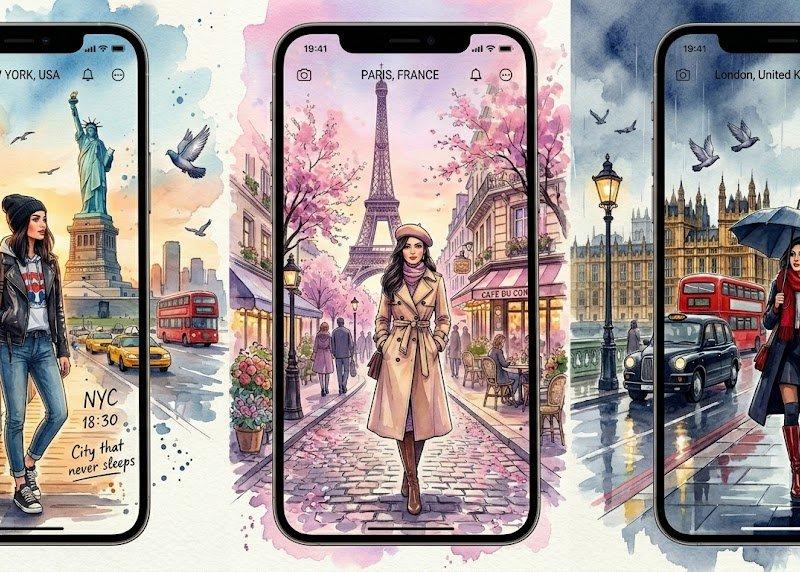
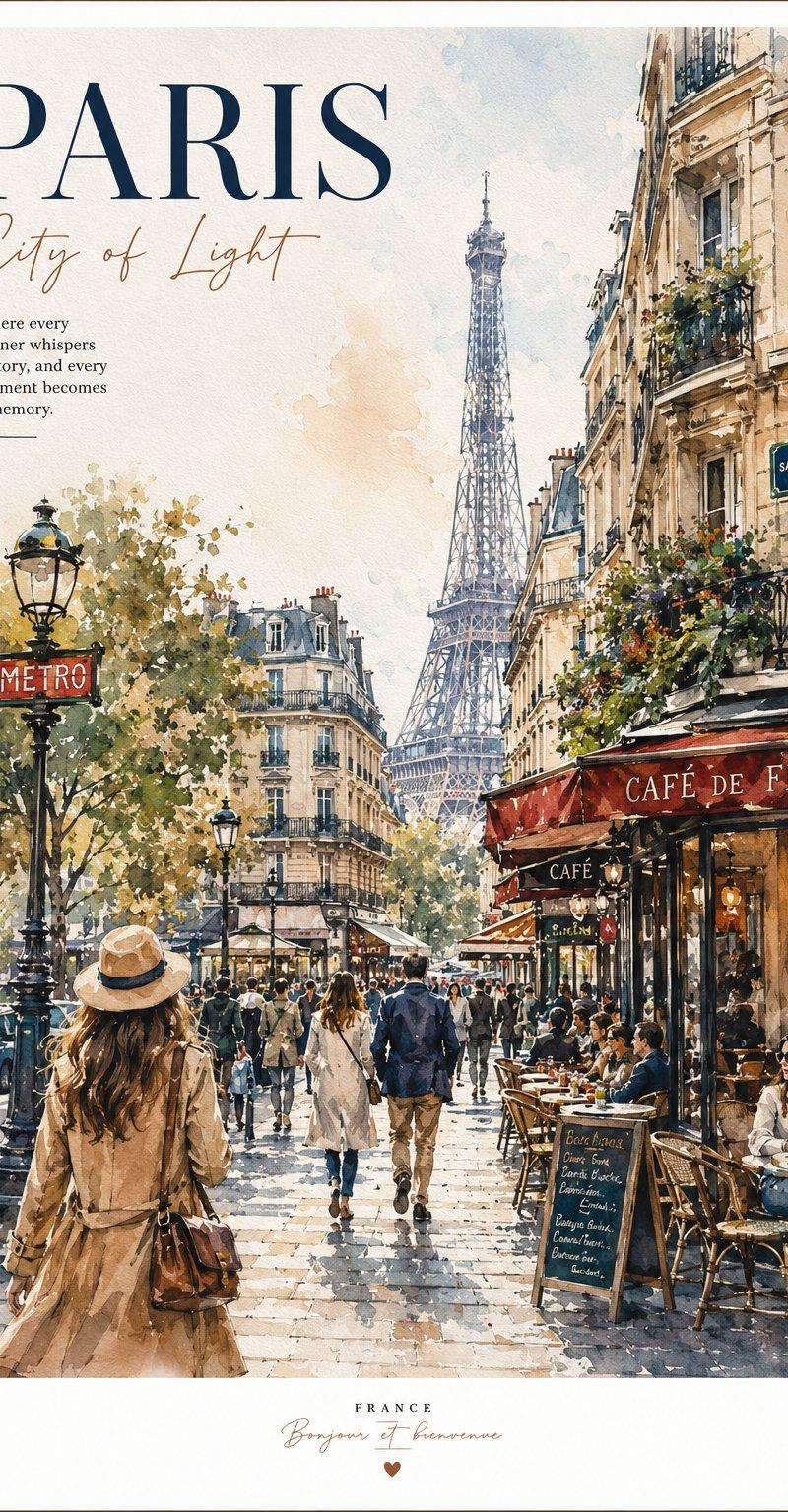
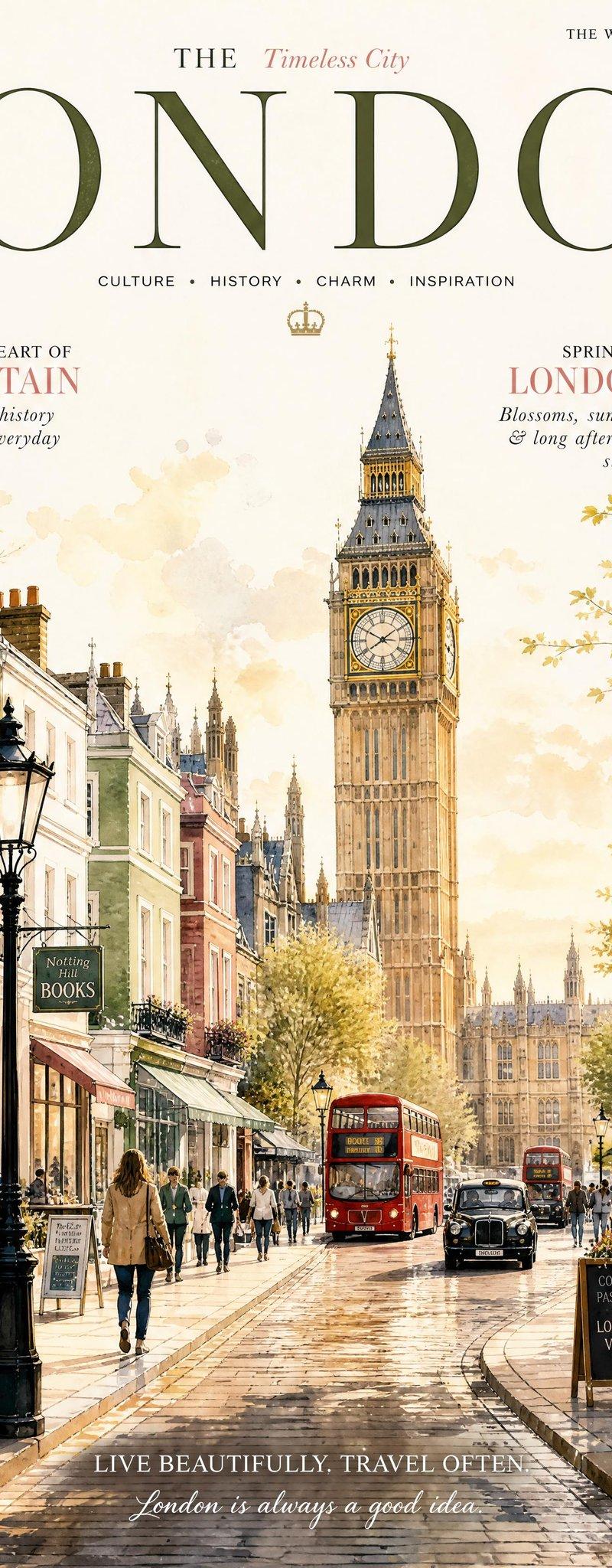
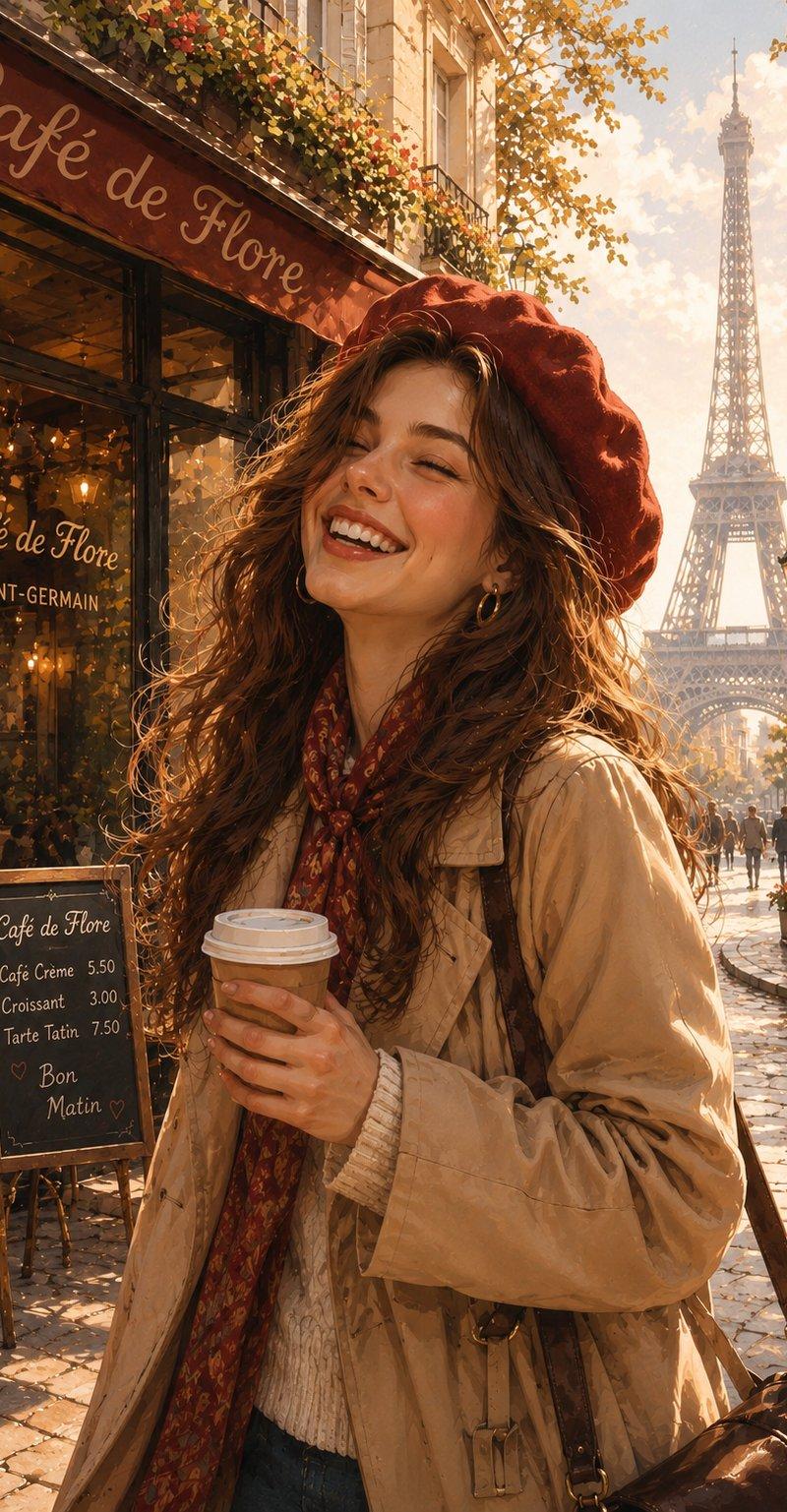
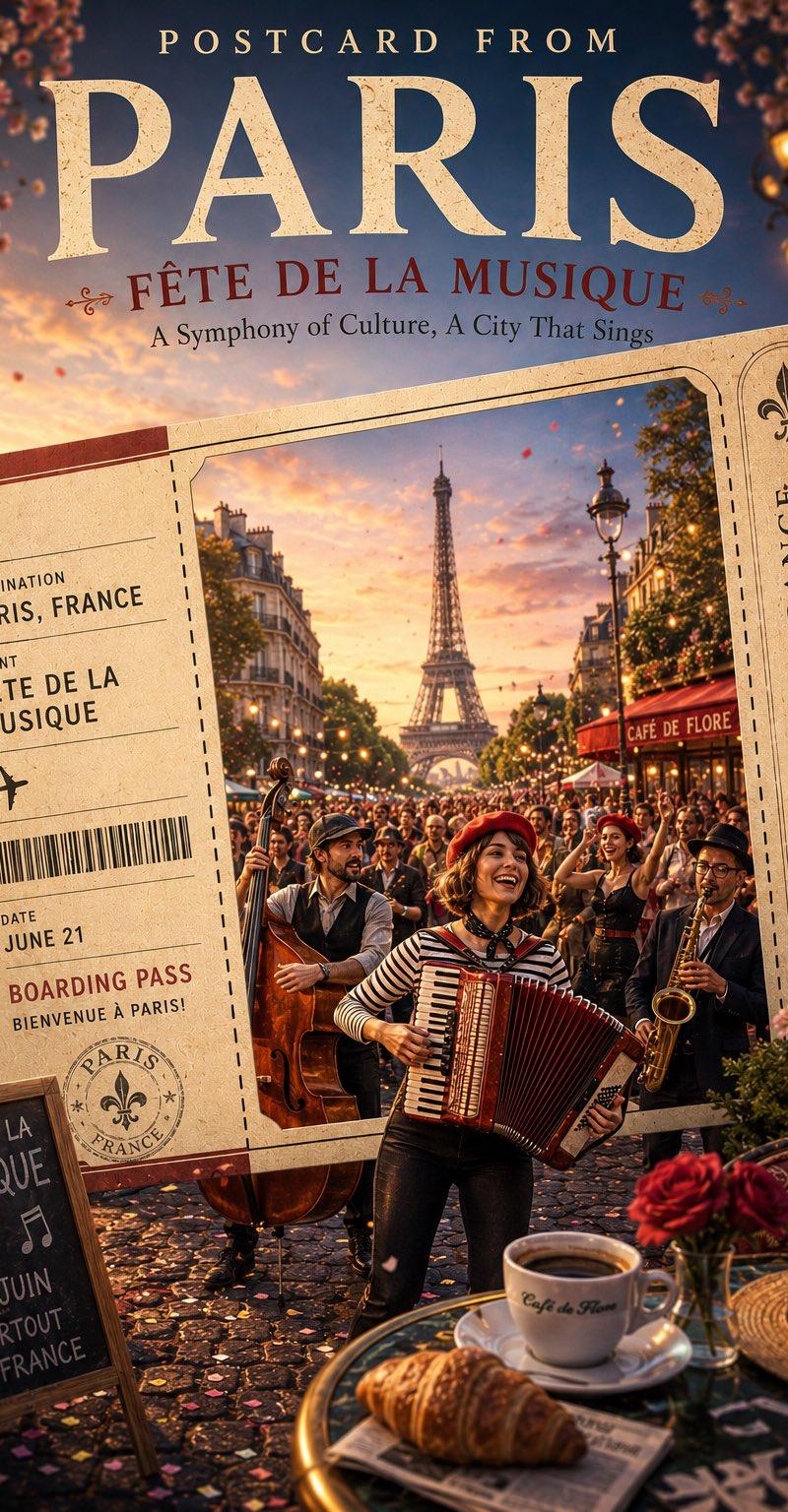
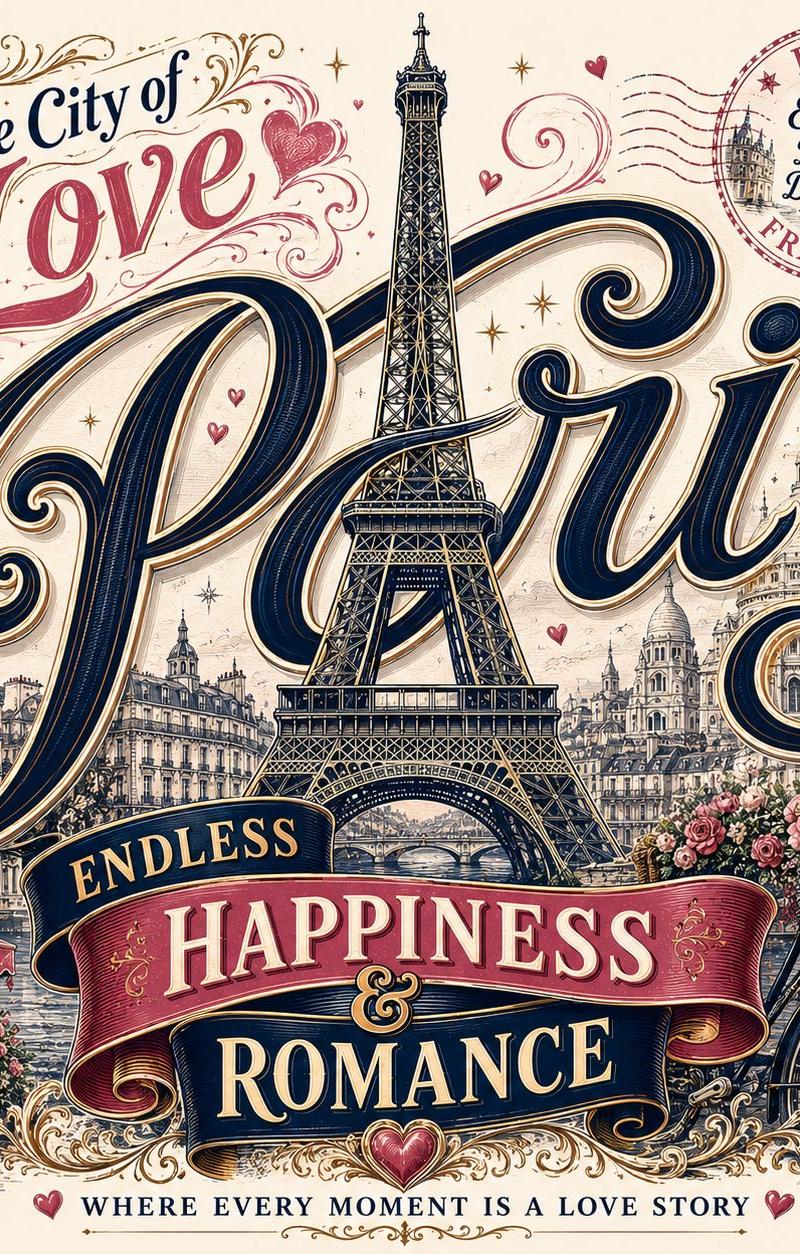
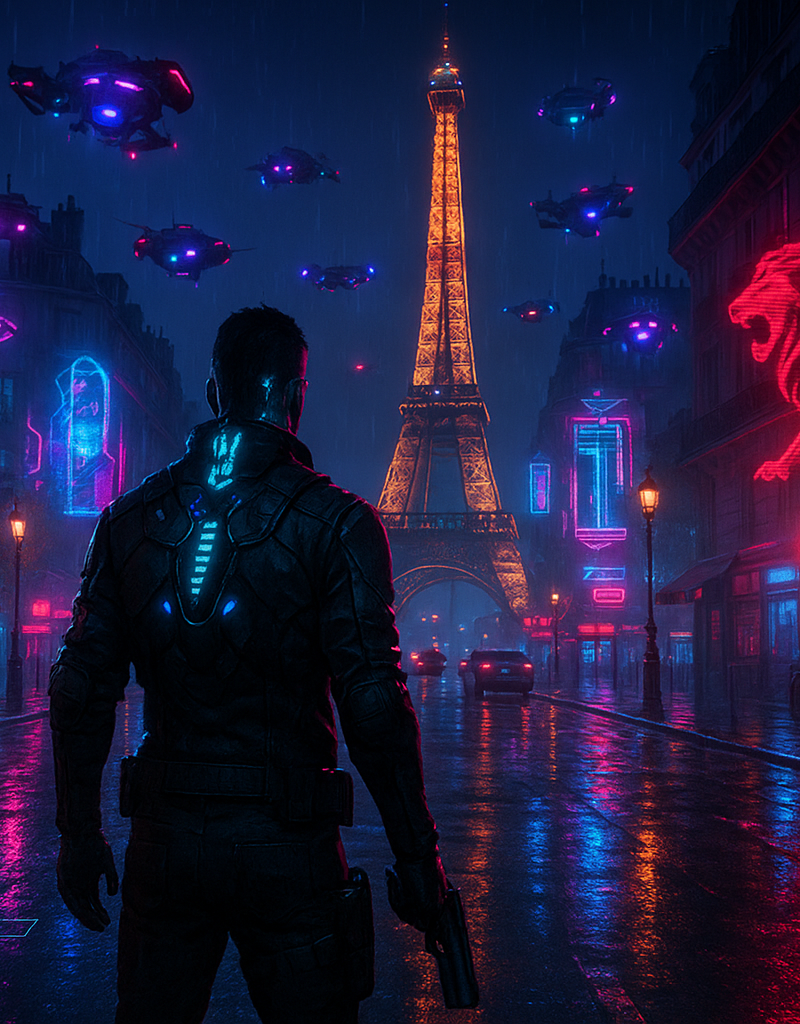
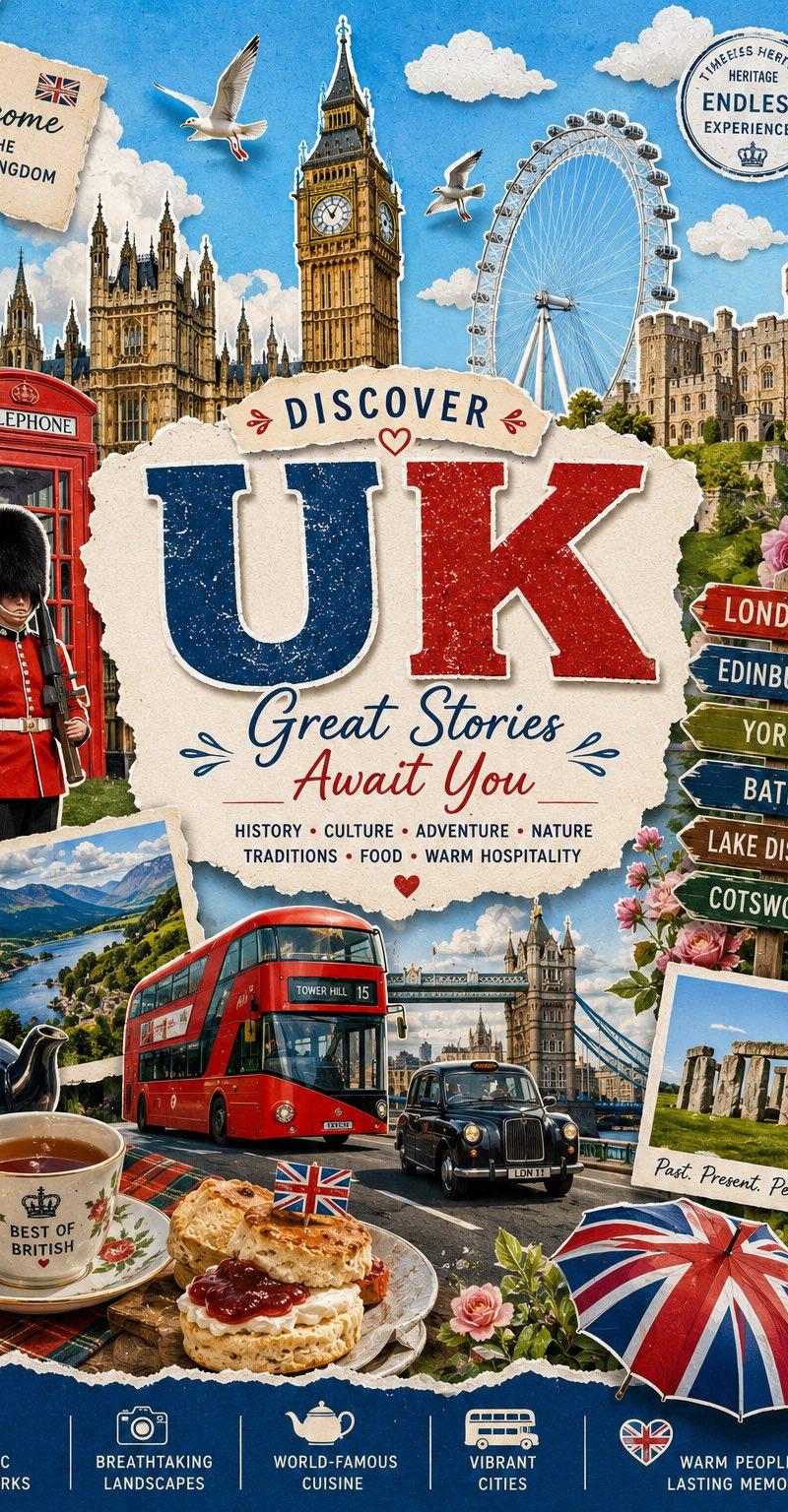
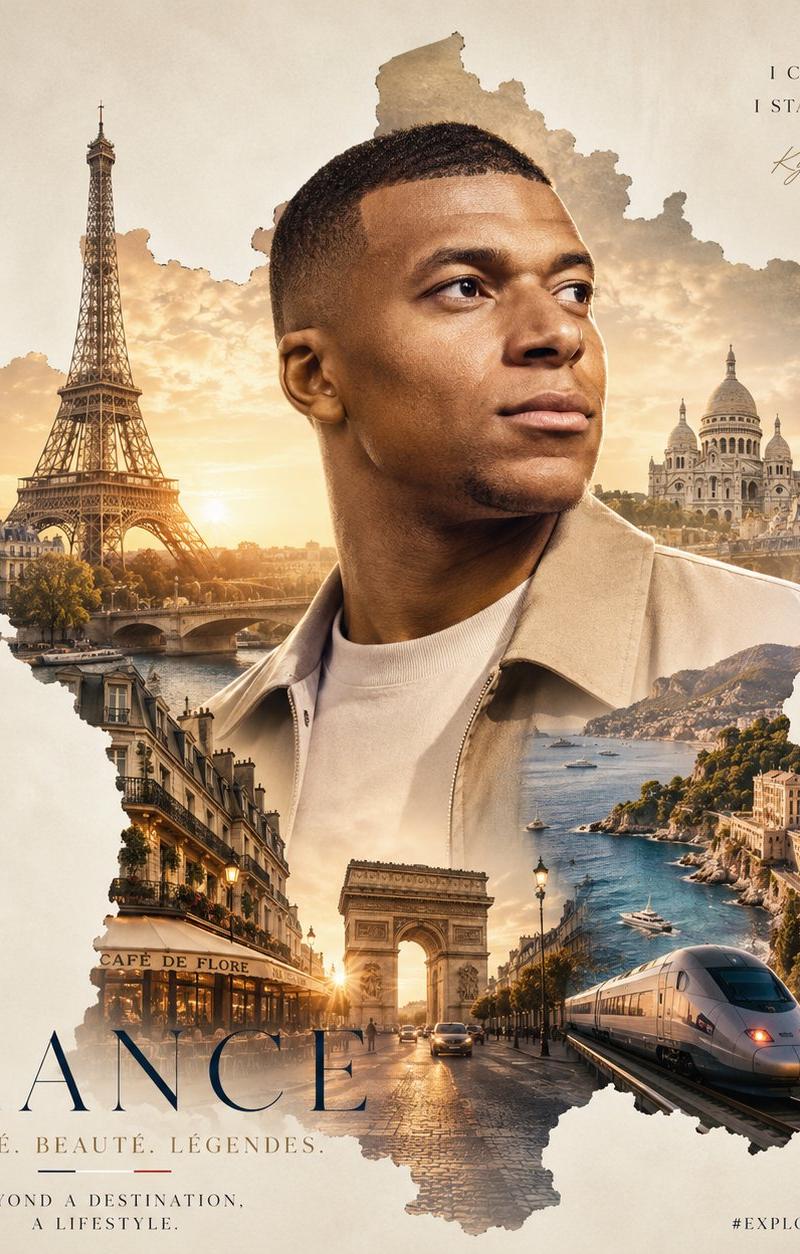
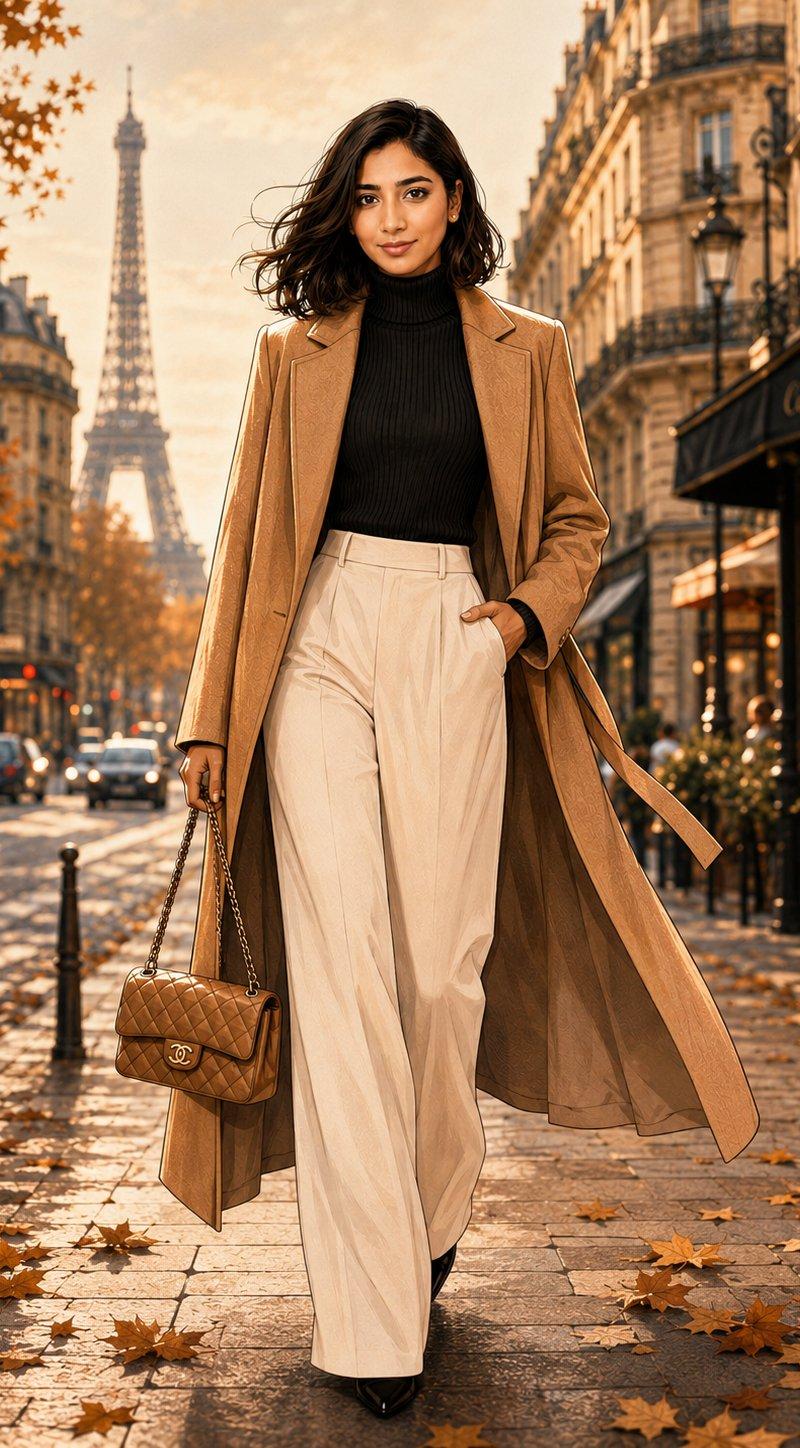
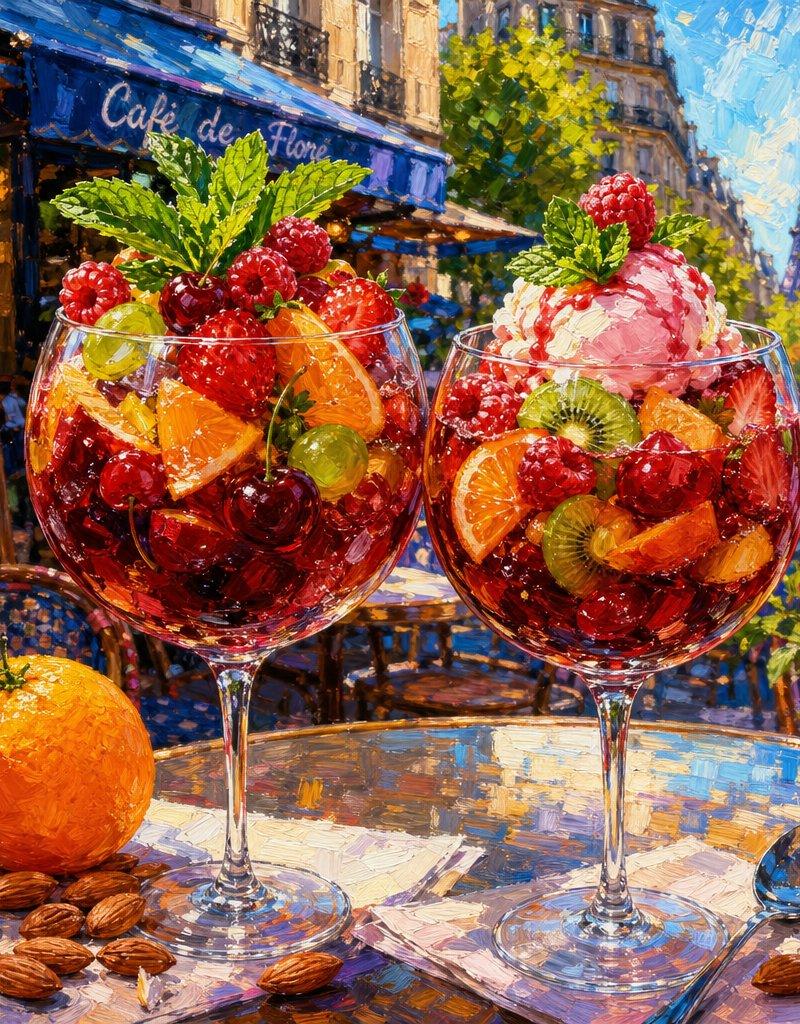
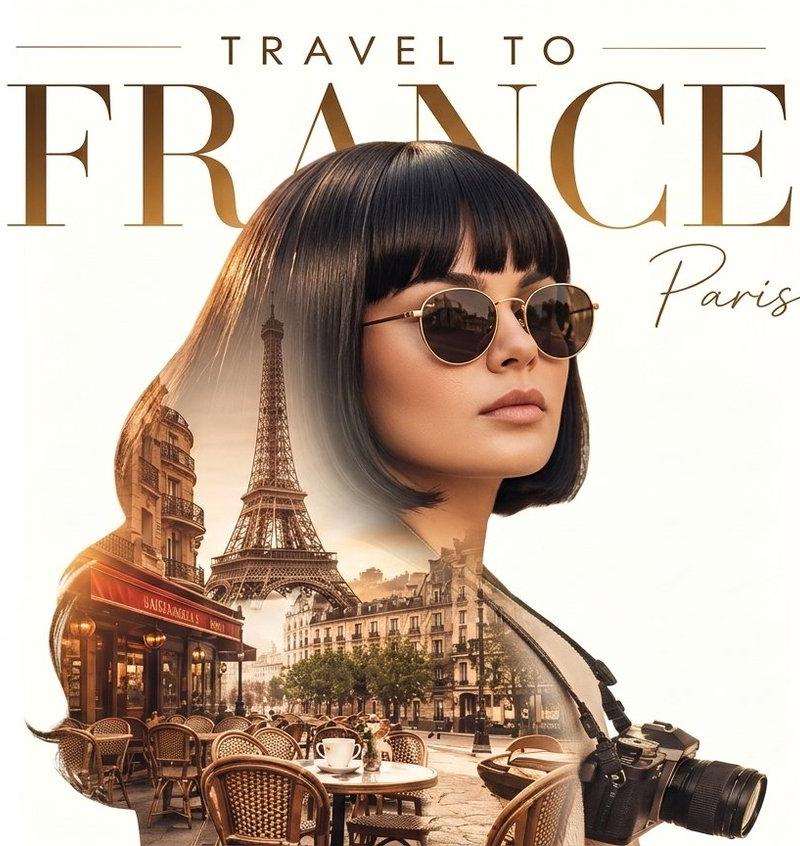
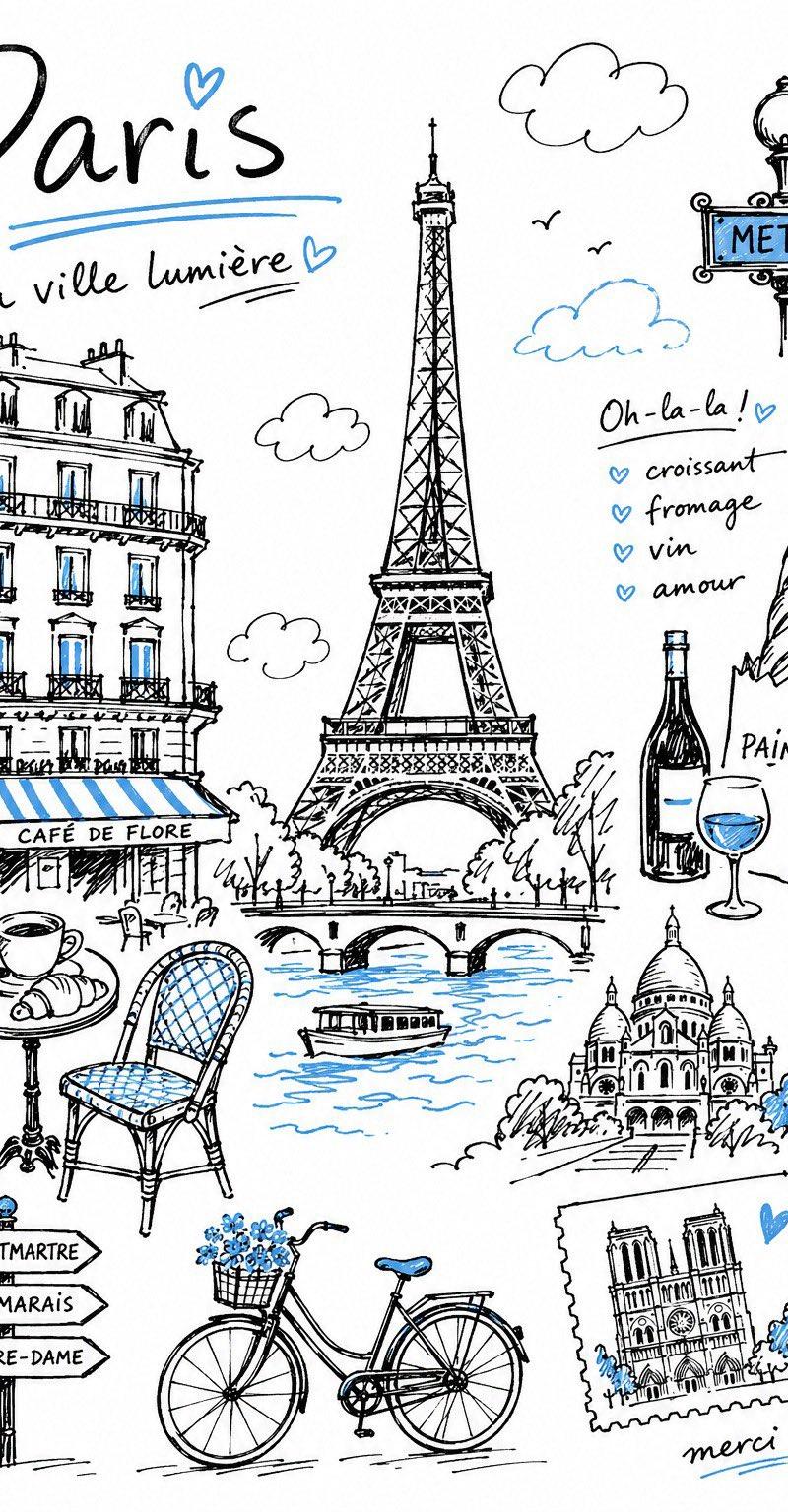
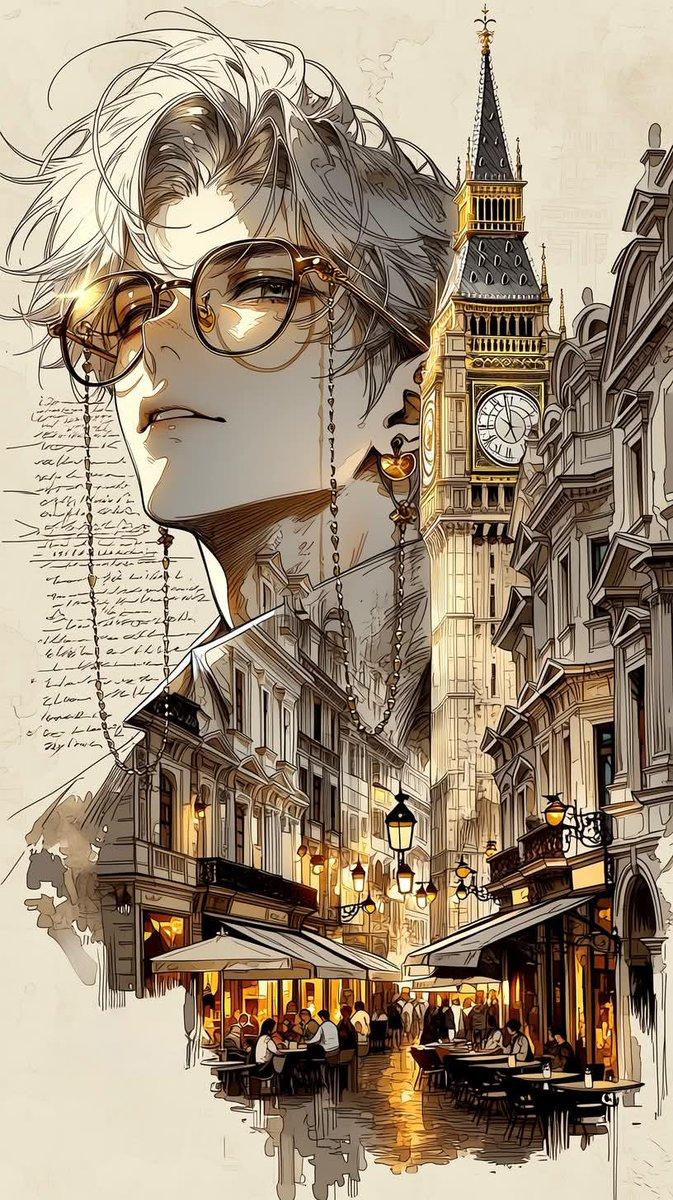
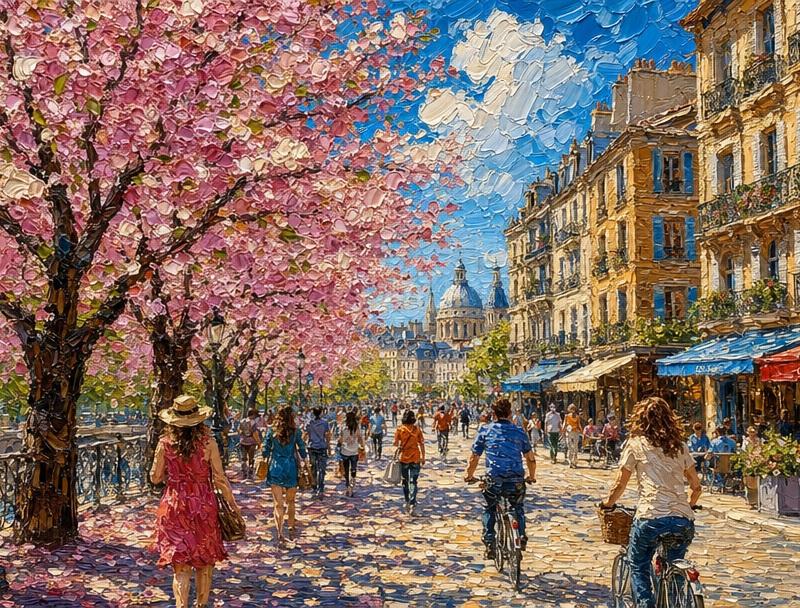
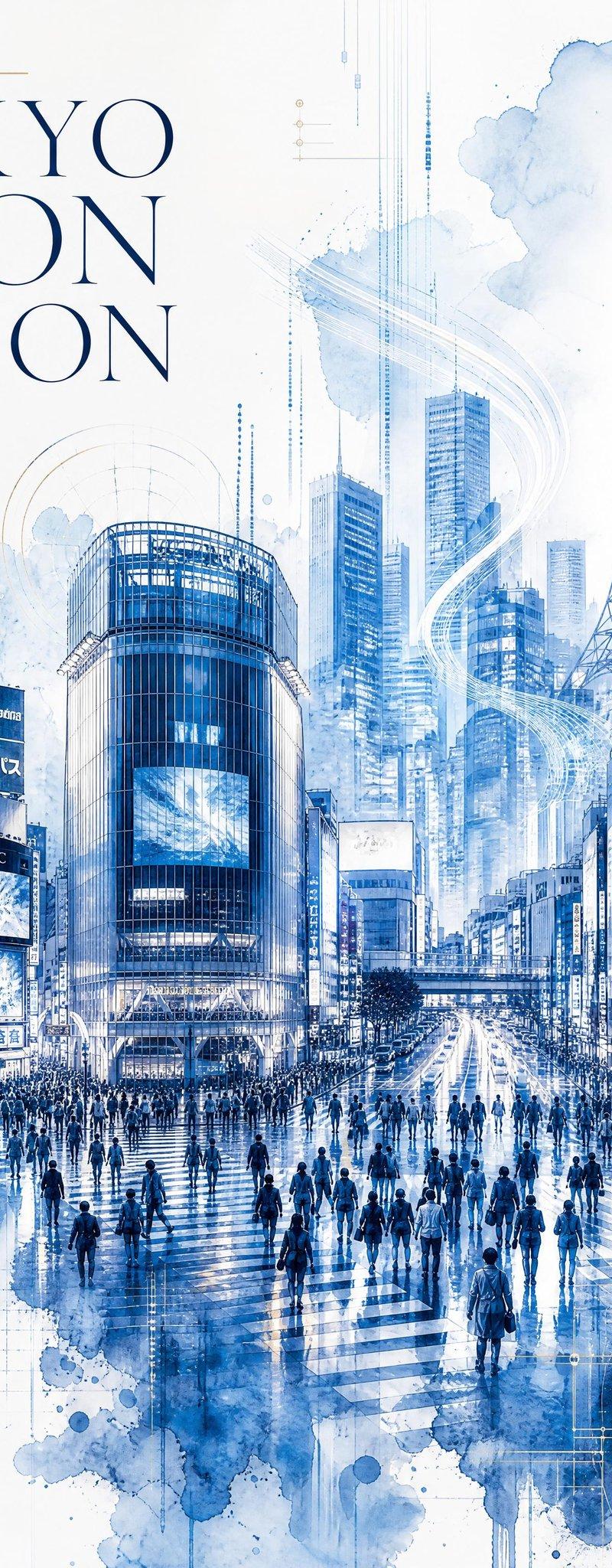
水彩风三分屏手机画框参考角色
Enlarge

Example images

水彩风三分屏手机画框参考角色

Prompt
Use Reference Character.

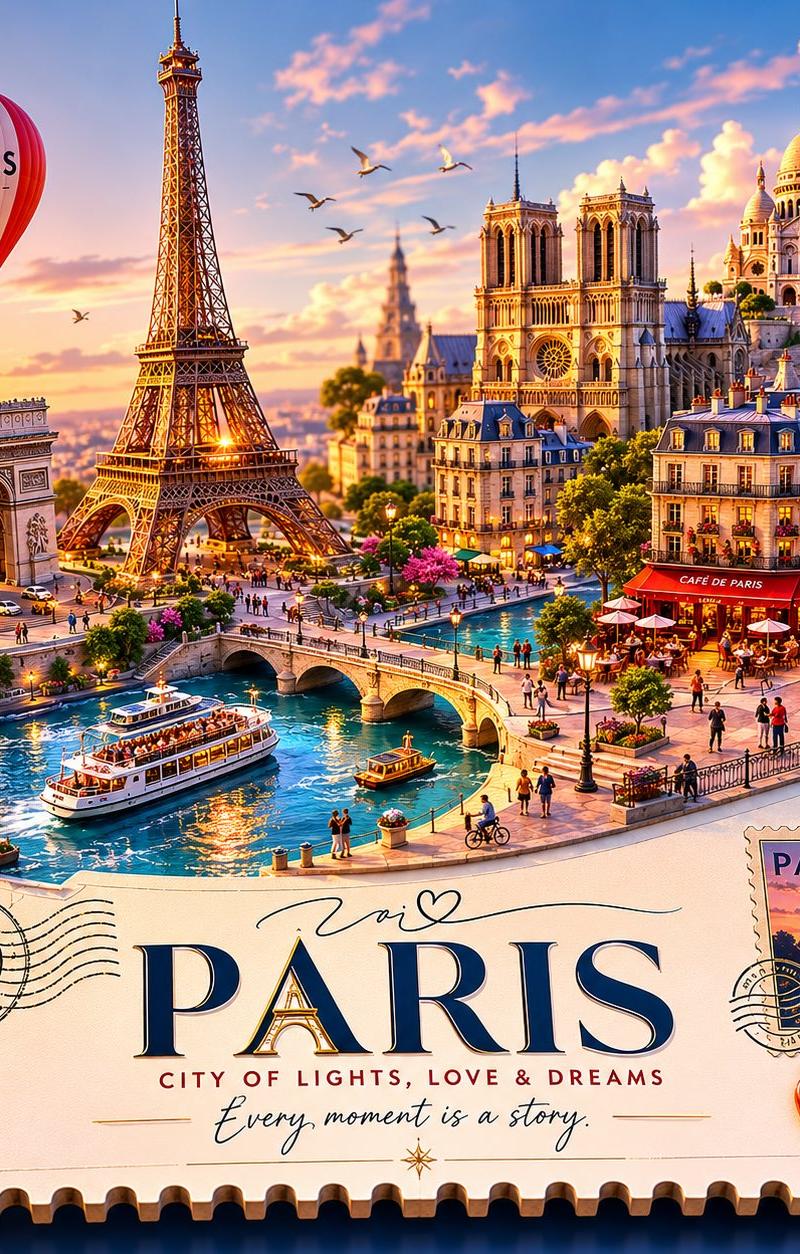
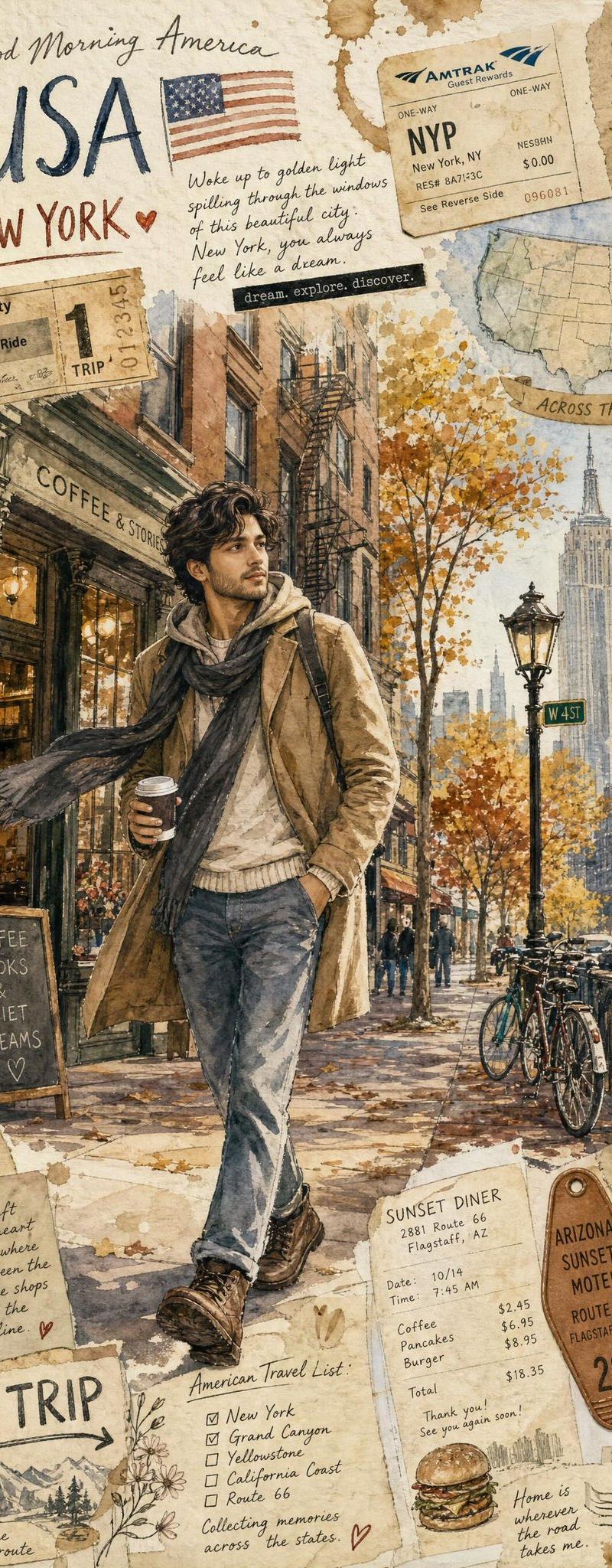
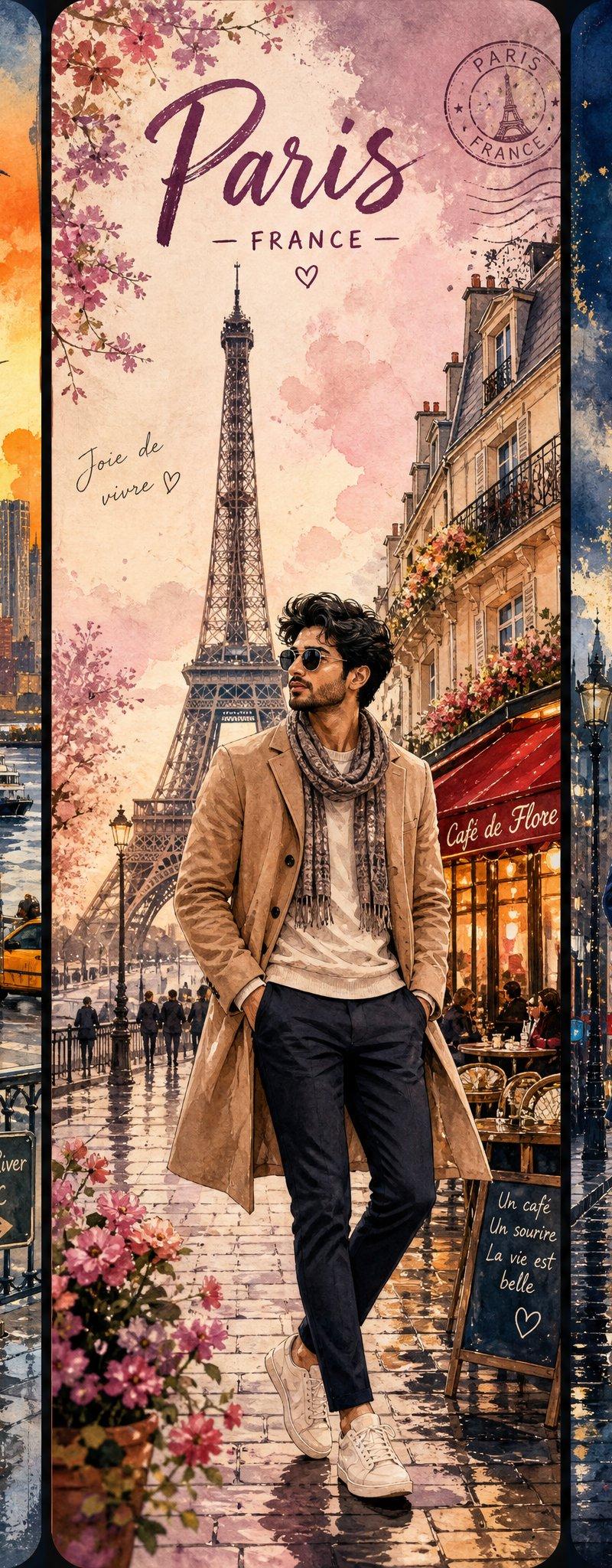
Create a horizontal high-resolution split-screen composition divided into three tall vertical panels, each framed like a premium smartphone display. The same reference character appears in all three panels, portrayed in a vibrant cinematic watercolor painting style with expressive brush textures, flowing pigments, artistic paint splashes, and premium travel-poster aesthetics. Each panel has its own distinctive atmosphere and color palette while maintaining overall harmony.
Category
Charts & Infographics
Model
ChatGPT
Creator
@Mind_Boticni
Source language
zh-CN
Views37
Source ID
15889
Published
Jun 11, 2026
Studio

Guide

About "水彩风三分屏手机画框参考角色"

What is this prompt for?

"水彩风三分屏手机画框参考角色" AI image prompt for ChatGPT (Charts & Infographics). 使用参考角色。创建一个横向高分辨率分屏组合,分为三个高的垂直面板,每个面板都像高端智能手机显示屏一样有边框。同一个参考角色出现在所有三个面板中,以充满活力的电影感水彩画风格呈现,…

The full copyable prompt and example visuals above are ready for AI image generation or one-click recreate in Picva.

How to use this prompt

  1. Step 1

    Open the prompt detail

    Review the example visuals, category, and full prompt text for "水彩风三分屏手机画框参考角色".

  2. Step 2

    Copy the prompt

    Copy the prompt body from this page, or load it directly in Studio.

  3. Step 3

    Pick a model (ChatGPT)

    Prefer ChatGPT. If you switch models, keep subject and composition and tweak style terms.

  4. Step 4

    Generate and export

    Recreate the look in Picva, or export into your workflow for editing and publishing.

FAQ

What is the "水彩风三分屏手机画框参考角色" prompt?
It is an AI image-generation prompt for ChatGPT in the Charts & Infographics category. This page includes the full prompt text, example visuals, and a one-click recreate path in Picva.
How do I use this prompt to generate an image?
Copy the prompt from this page, or use Generate / Studio. Paste it into a compatible image model, or recreate the look in Picva with optional reference images.
Which model is this prompt for?
This page lists ChatGPT. Most descriptive prompts also transfer to nearby image models such as GPT Image, Flux, or Midjourney with light style tweaks.
Can I use the result commercially?
You can usually copy the prompt for creation, but commercial use of the final image depends on the model terms, reference-image rights, and the generated content. Follow the source author and platform rules.