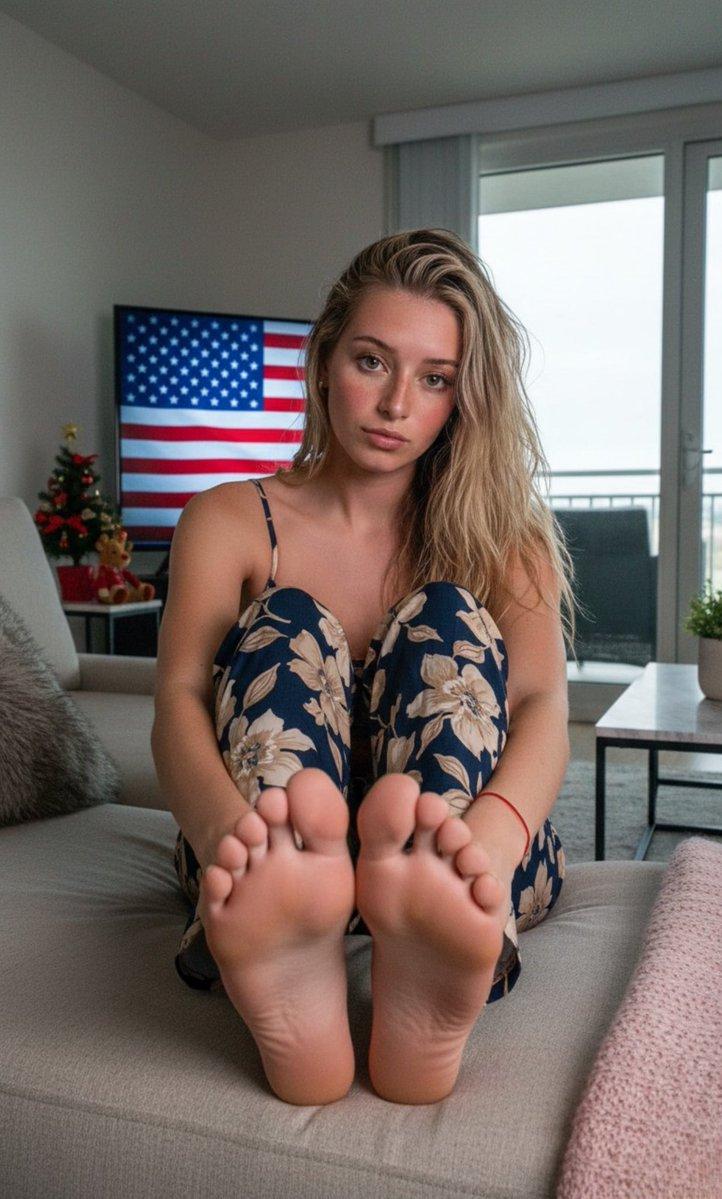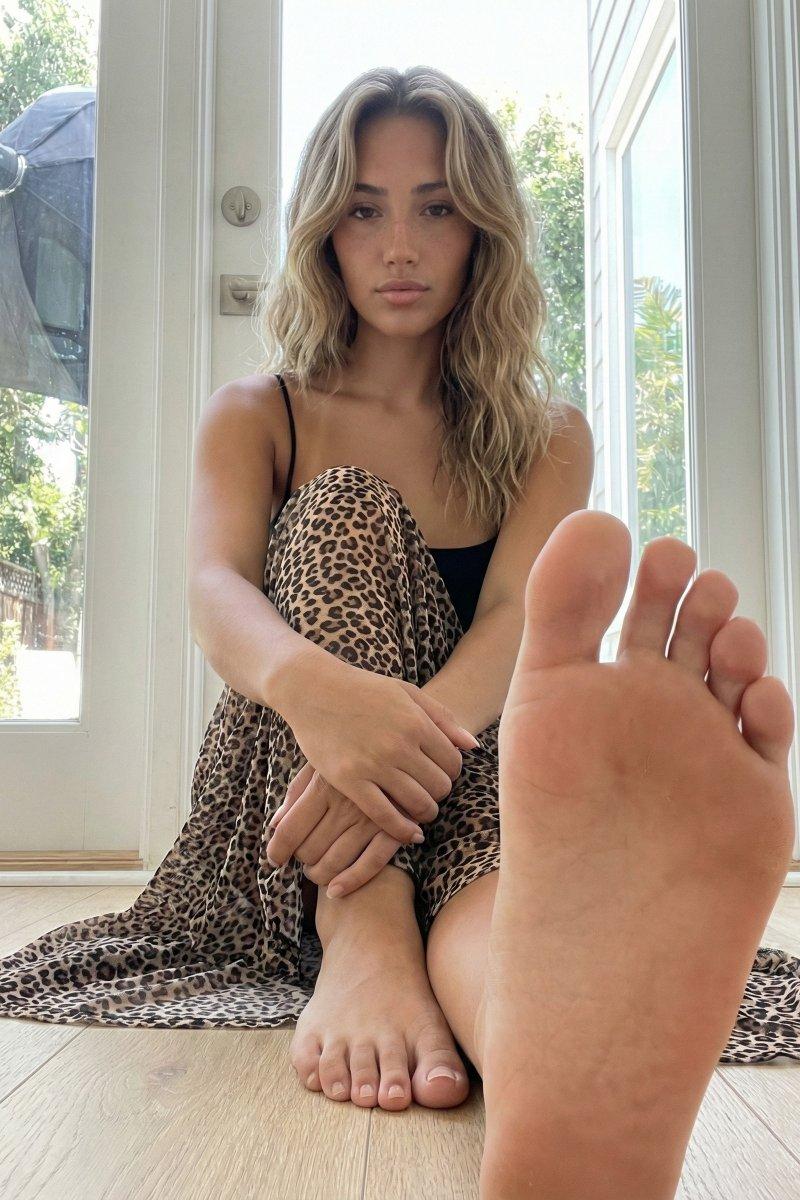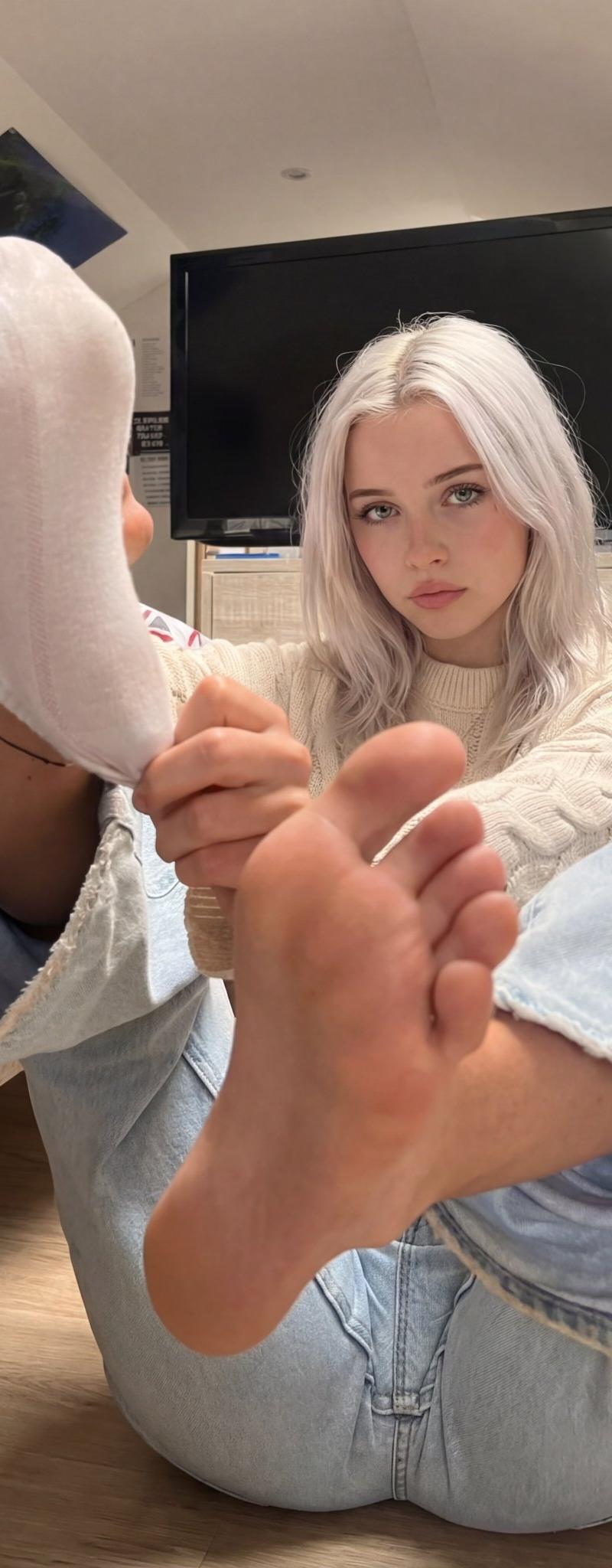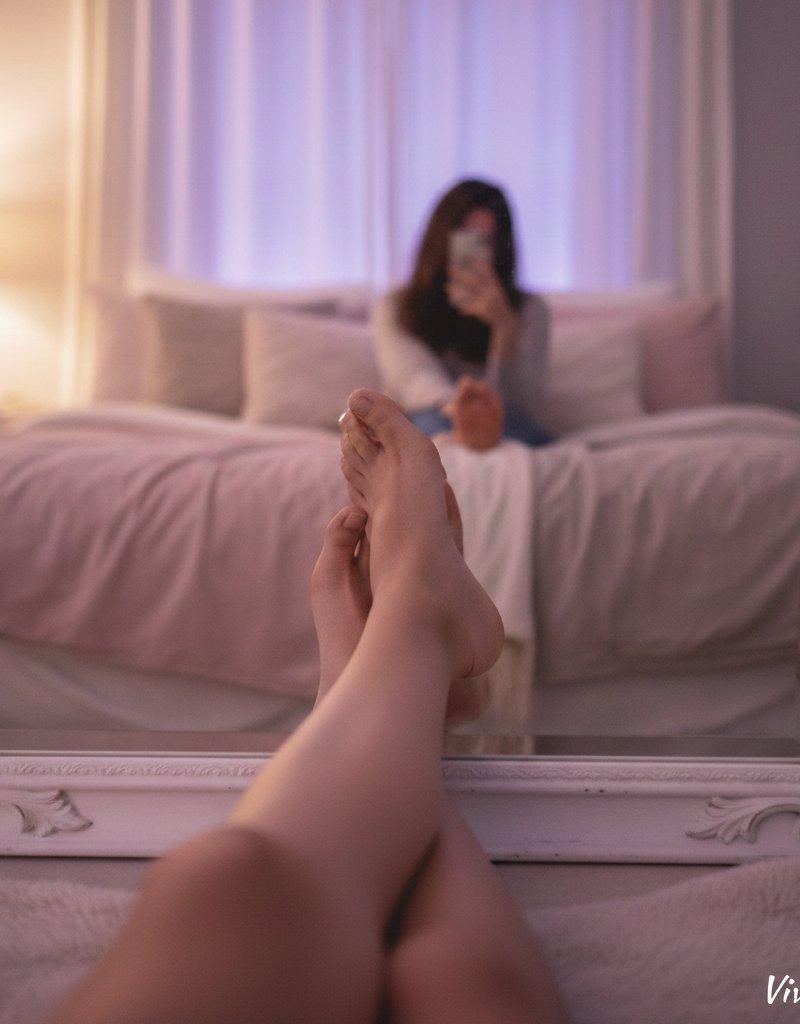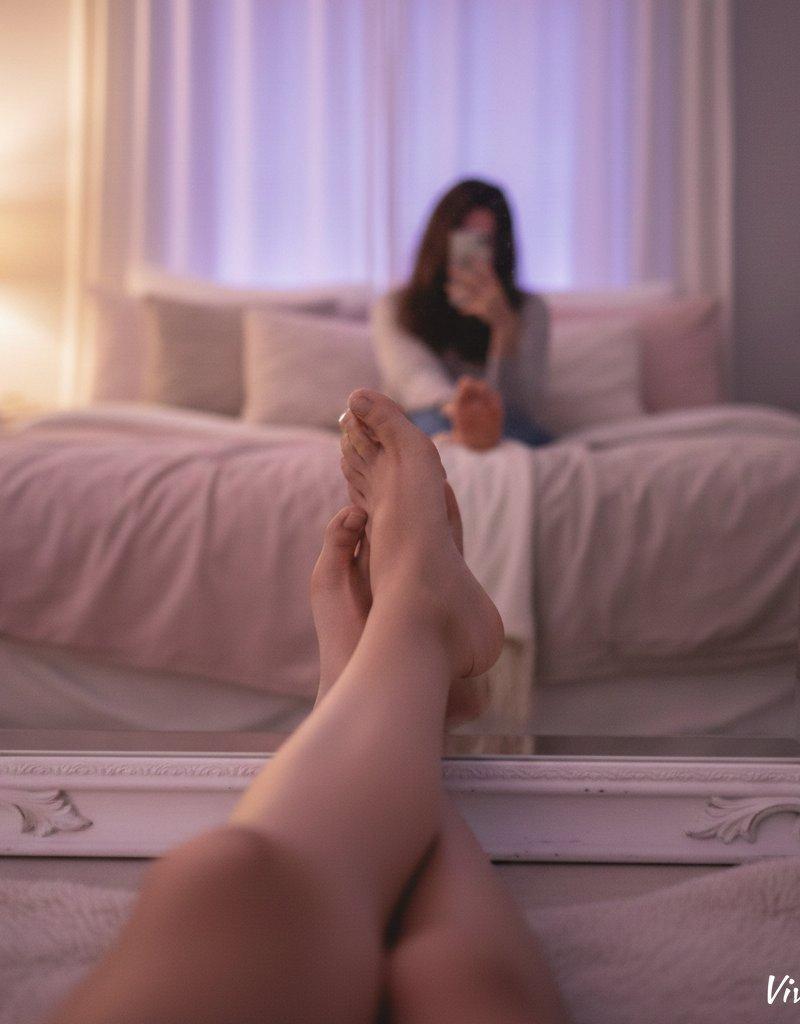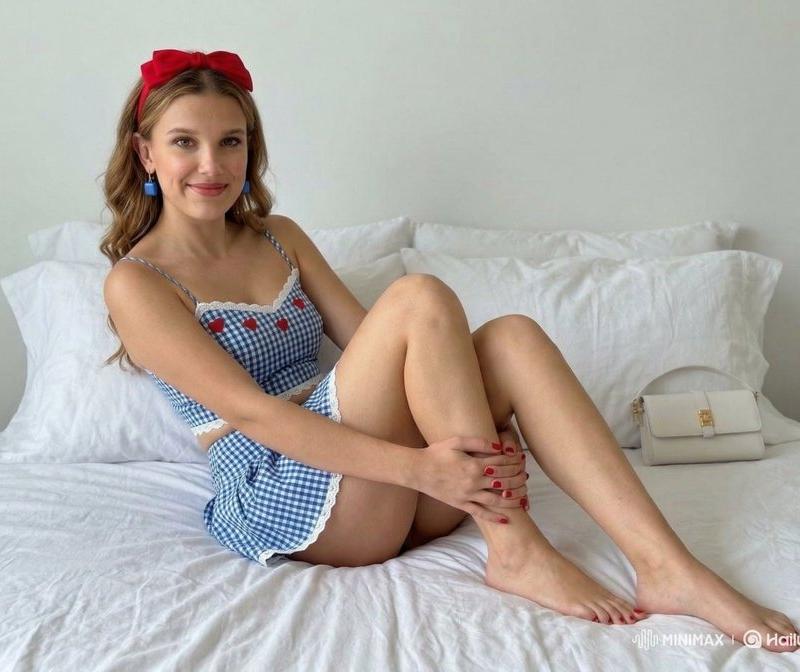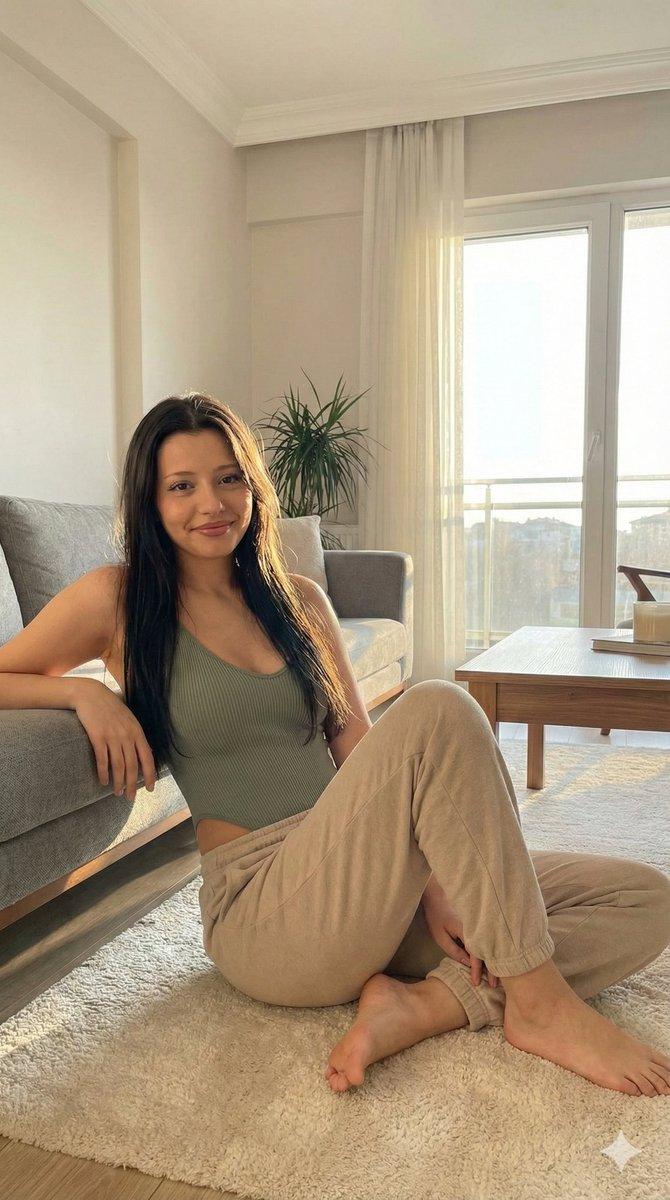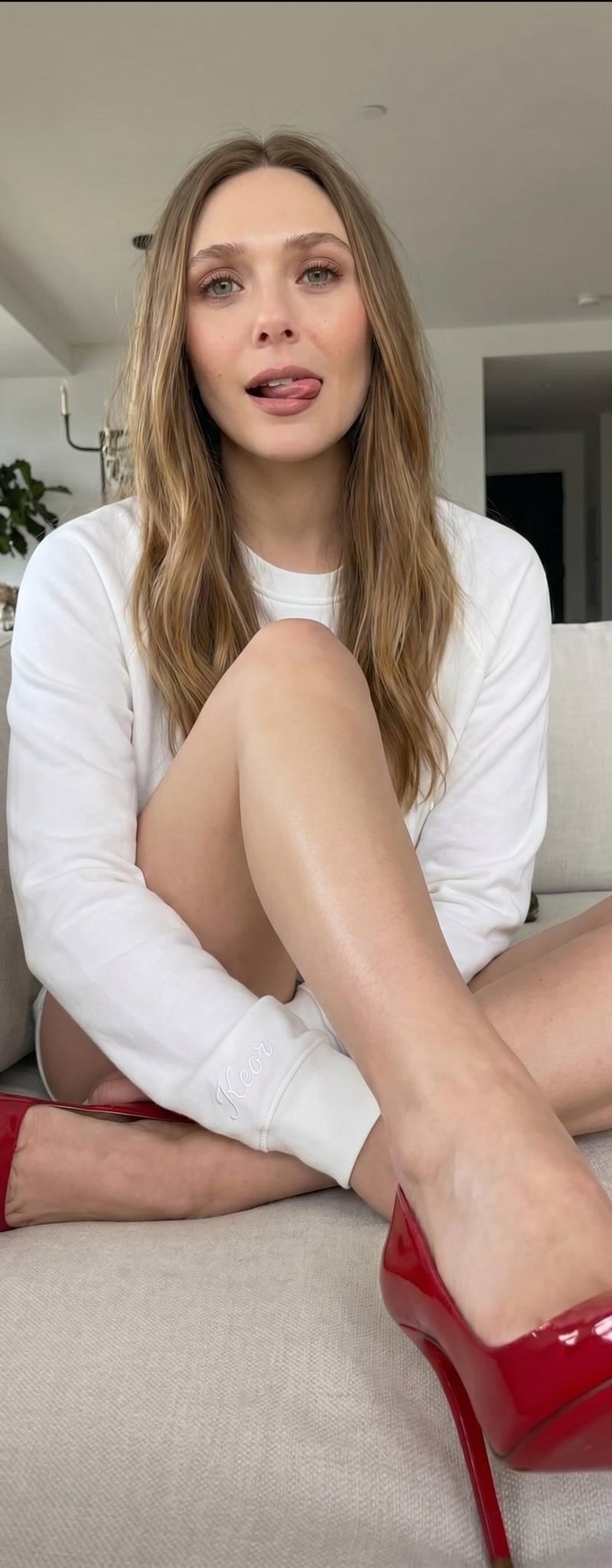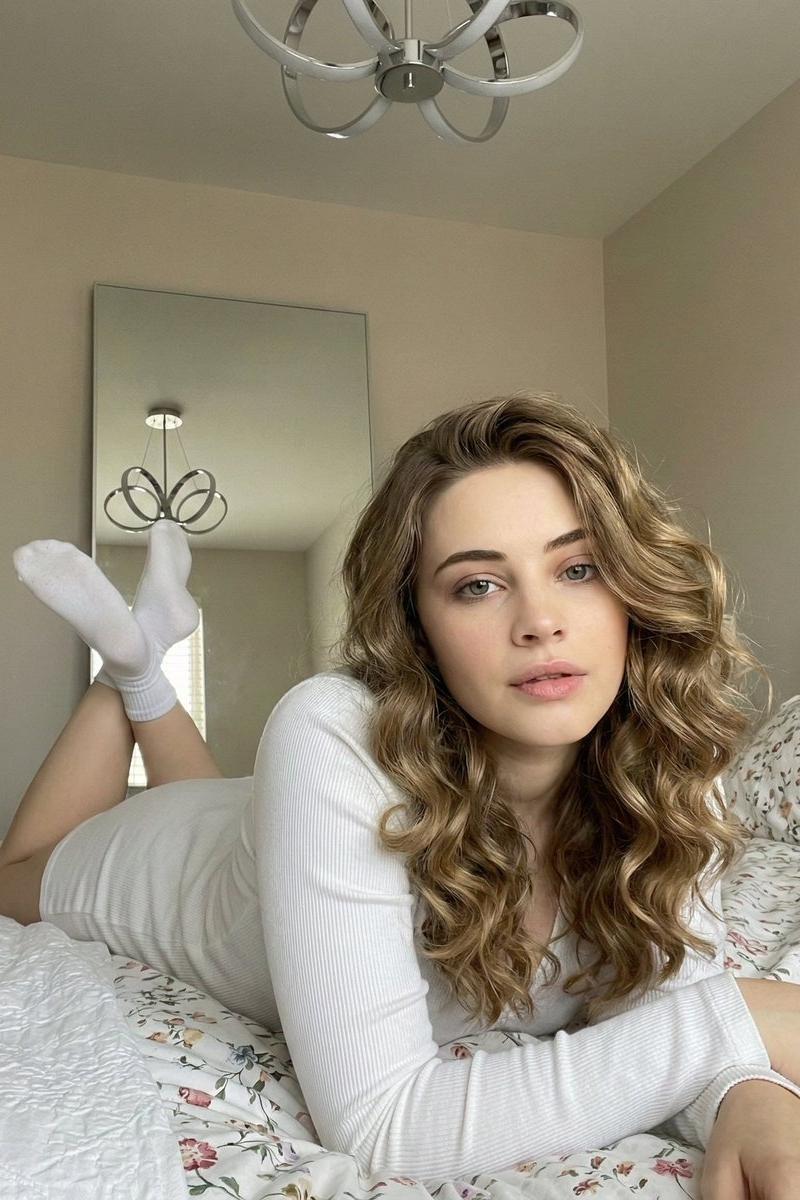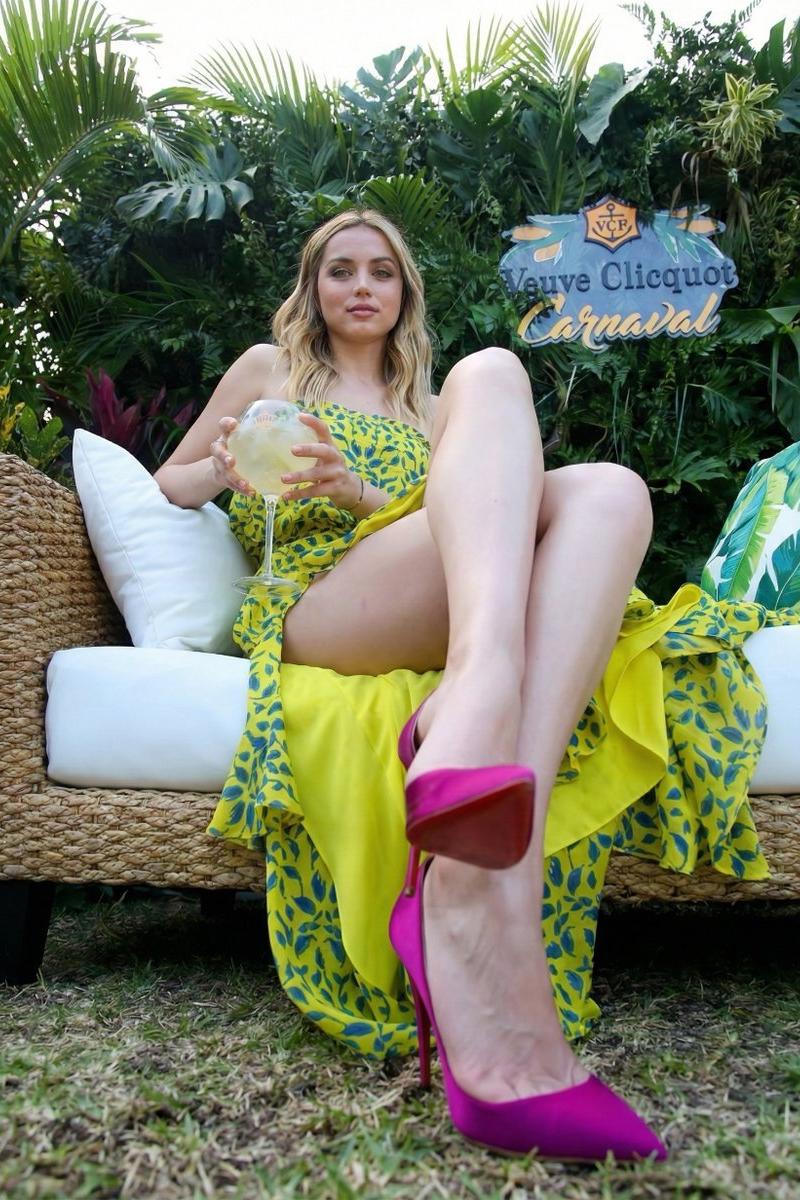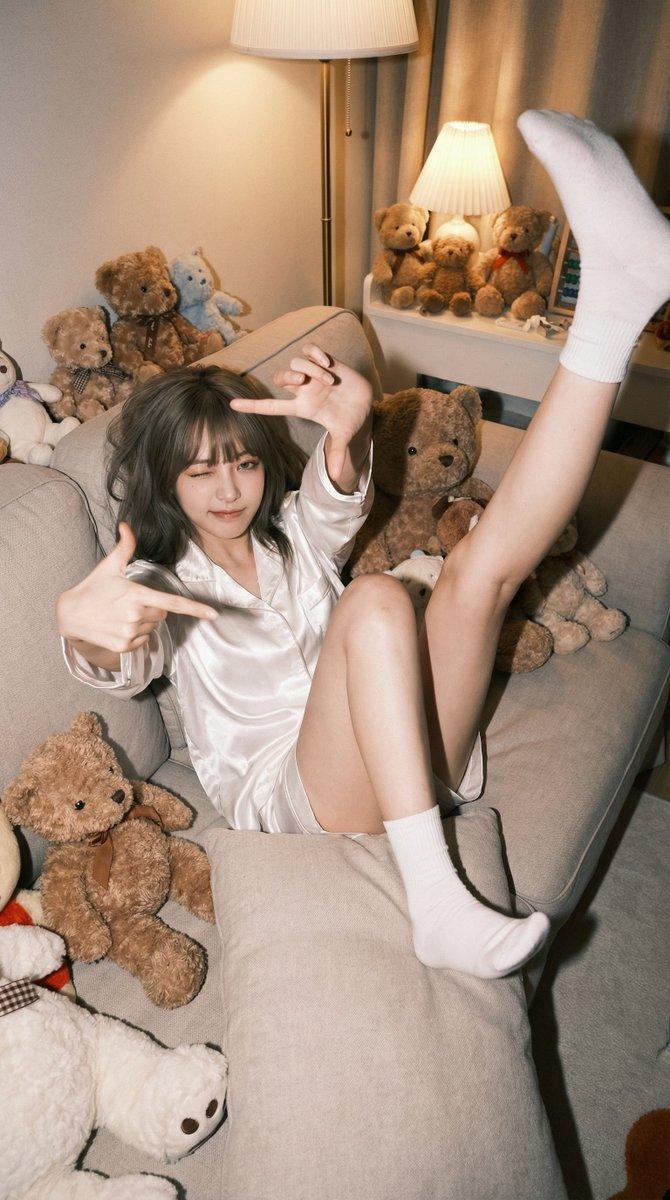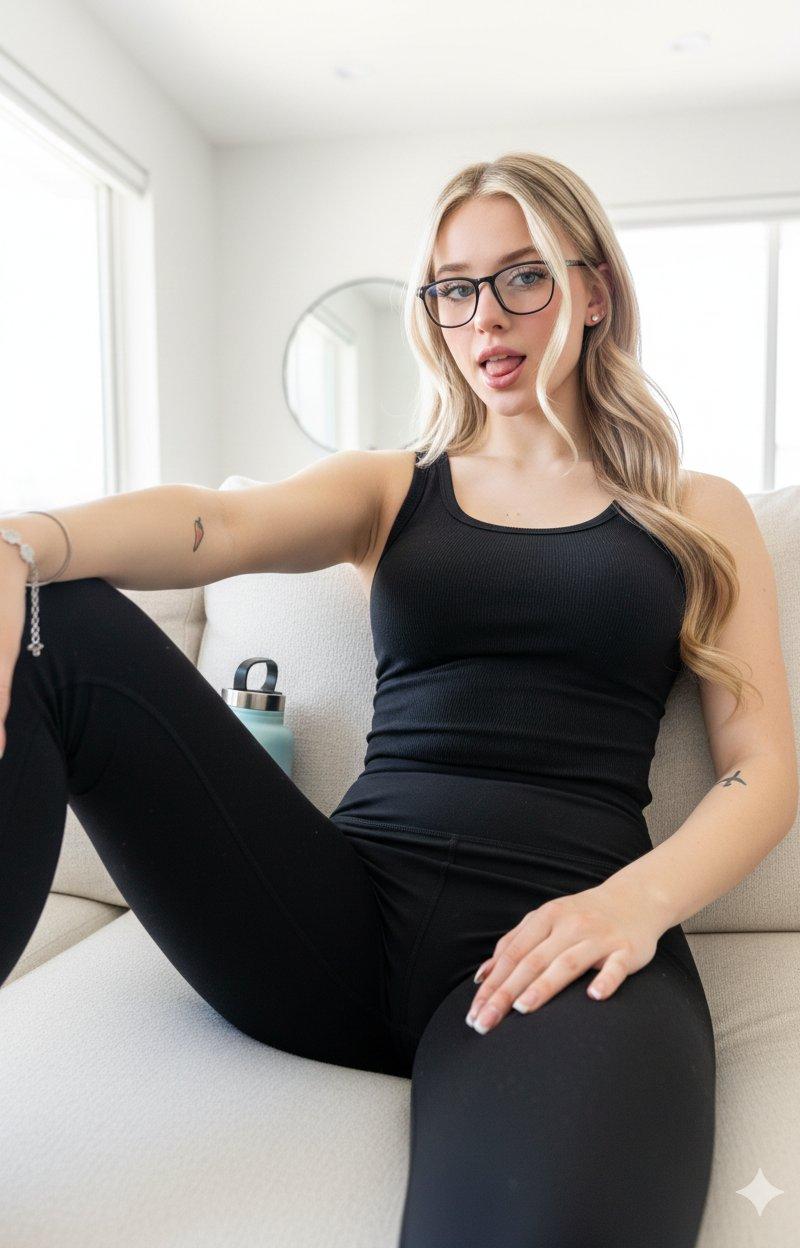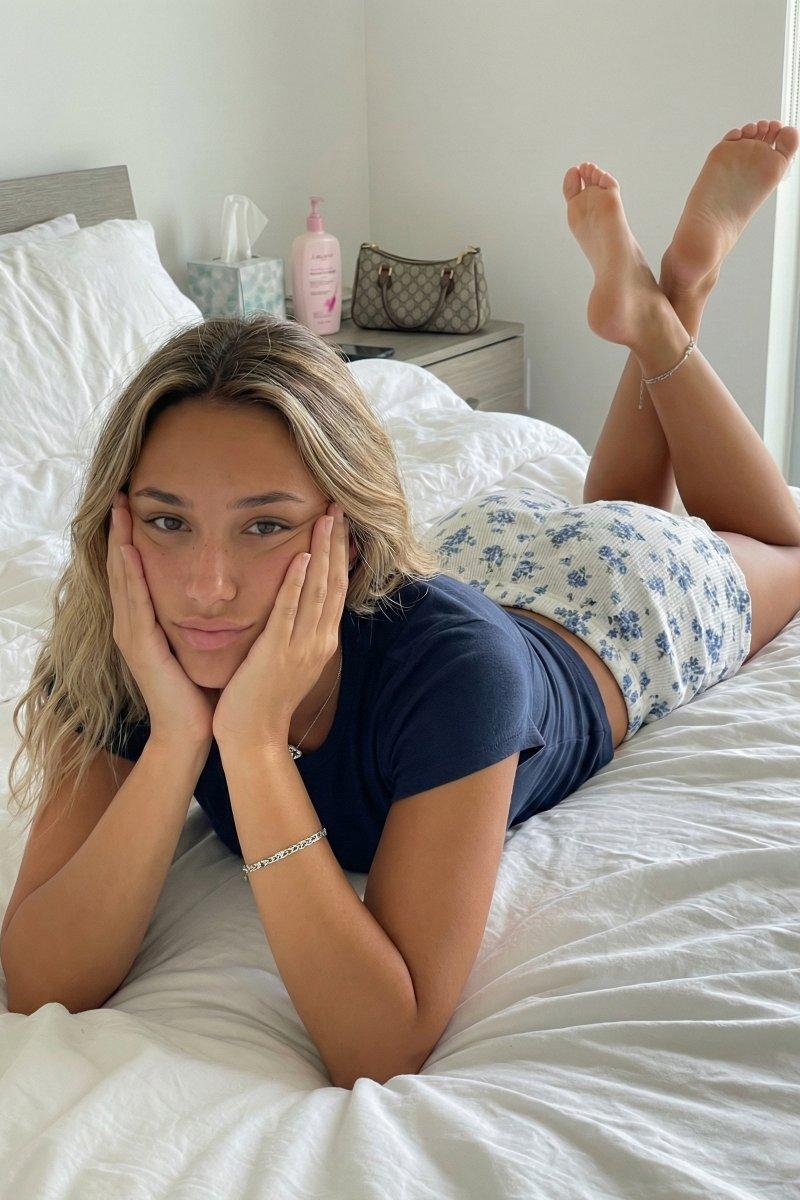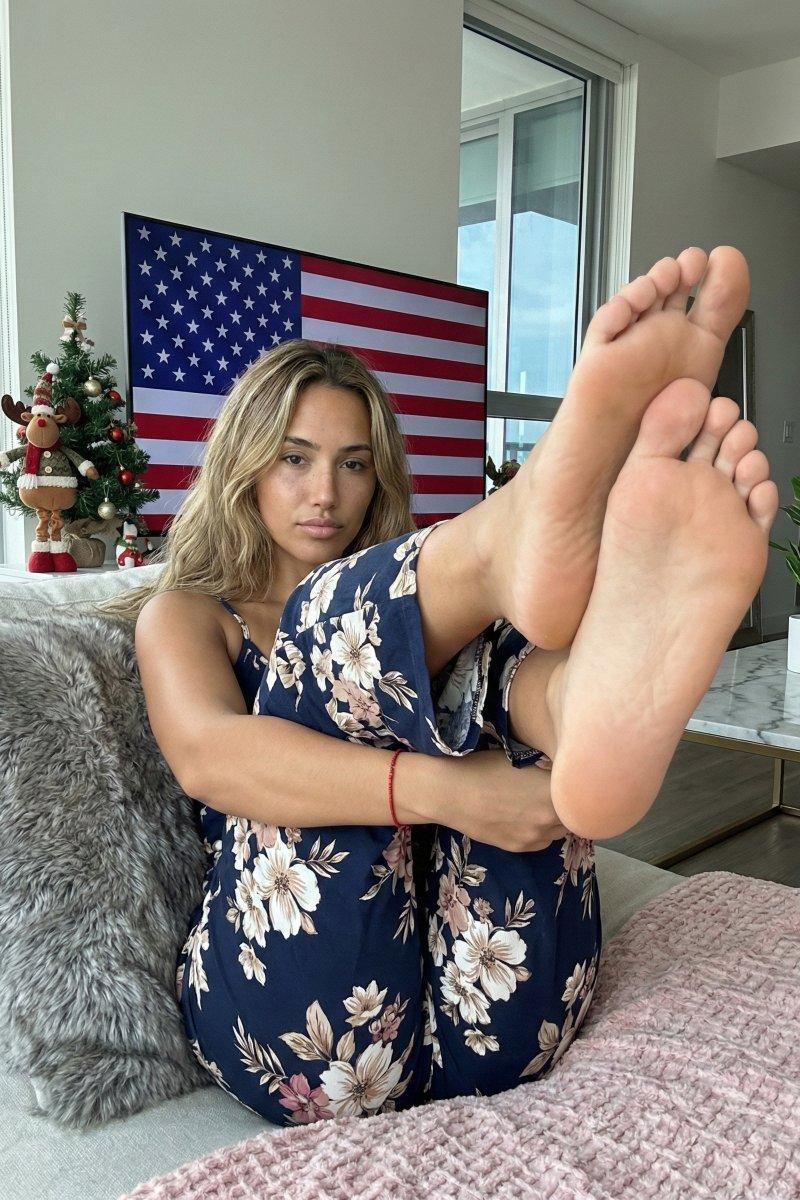
广角透视下赤脚的碎花少女
Prompt
{ "subject_description": { "demographics": "Young adult female, tan skin tone, light freckles on face.", "hair": "Long, wavy, dark blonde with lighter highlights, center-parted, falling behind shoulders and over right shoulder, slightly messy texture.", "face": "Direct gaze, neutral to slight pout expression, lips closed, natural makeup look, soft facial features.", "body_type": "Fit build, visibly compressed due to seated posture." }, "attire_and_accessories": { "outfit": "Matching navy blue two-piece set (or jumpsuit) with large beige and white floral print.", "top": "Spaghetti strap style, fitted at chest.", "bottoms": "Loose-fitting pants, fabric bunching heavily around the hips, crotch, and knees due to the crouched pose.", "jewelry": "Thin red string bracelet on left wrist.", "footwear": "Barefoot." }, "pose_geometry_and_physics": { "type": "Seated crouch / Knees-to-chest reclined pose.", "perspective_distortion": "Extreme foreshortening. The soles of the feet are the largest visual elements in the frame, positioned in the immediate foreground, obscuring part of the lower legs.", "leg_position": "Legs elevated and extended toward the camera lens. Knees bent and splayed slightly outward. Right foot sole fully visible, toes relaxed. Left foot sole fully visible, closer to lens, toes slightly curled.", "arm_position": "Arms wrapped around the outside of the shins/knees. Hands clasped or resting near the ankles, pulling the legs slightly toward the body.", "torso_state": "Leaning back into the sofa cushions, compressed abdominal area, shoulders slightly rounded forward.", "head_position": "Centered, tilted very slightly to the subject's right, chin level." }, "camera_and_perspective": { "angle": "Eye-level relative to the feet, looking slightly upward at the face due to leg elevation.", "focal_length": "Wide angle (approx 24mm-28mm) creating significant depth distortion between feet (foreground) and head (mid-ground).", "framing": "Vertical 3:4 aspect ratio. Feet dominate the bottom right quadrant. Head centered in the upper third.", "depth_of_field": "Deep depth of field; face and feet are both relatively sharp, background slightly softer but distinct." }, "lighting_and_atmosphere": { "primary_source": "Natural daylight entering from large window on image-right.", "secondary_source": "Backlight/screen glow from the television directly behind the subject.", "quality": "Soft, diffuse mixed lighting. Shadows are soft and fall to the image-left.", "reflections": "Slight sheen on the skin of the face and shins.", "contrast": "Moderate contrast, slightly backlit appearance due to the bright TV screen." }, "environment_and_props": { "location": "Modern living room apartment.", "seating": "Beige/light grey sofa with a large, shaggy grey faux-fur pill- Category
- Charts & Infographics
- Model
- Nano banana pro
- Creator
- @brindleyai
- Source language
- zh-CN
- Source ID
- 8090
- Published
- Mar 22, 2026
Views88