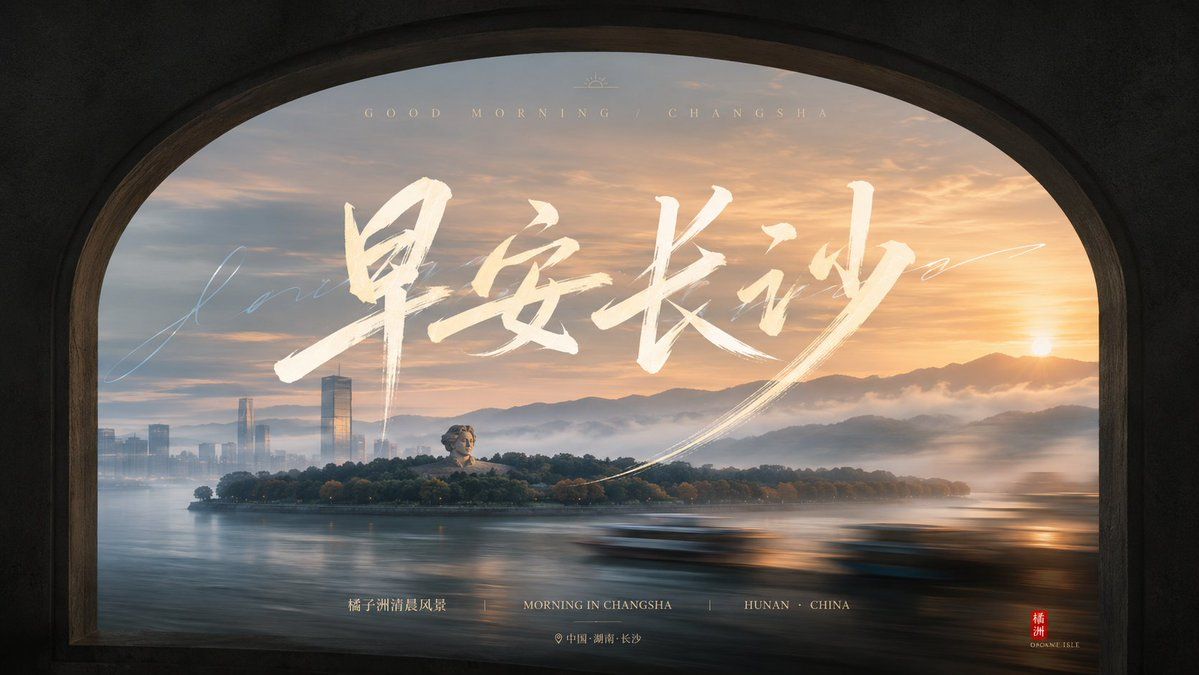
窗洞框景与流动字势西安地标
Prompt
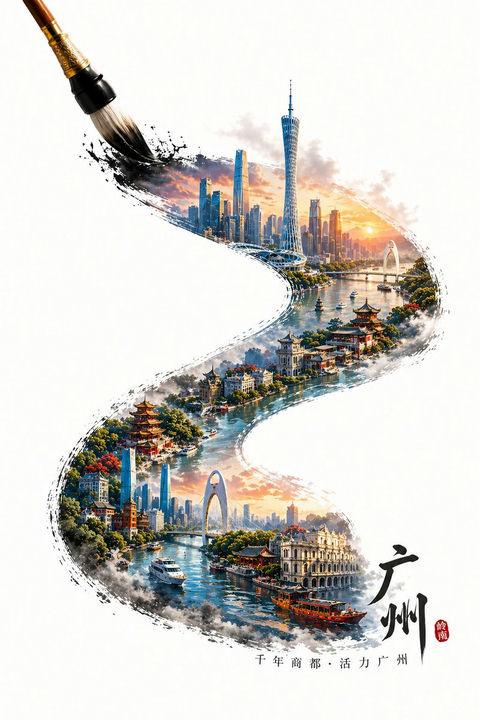
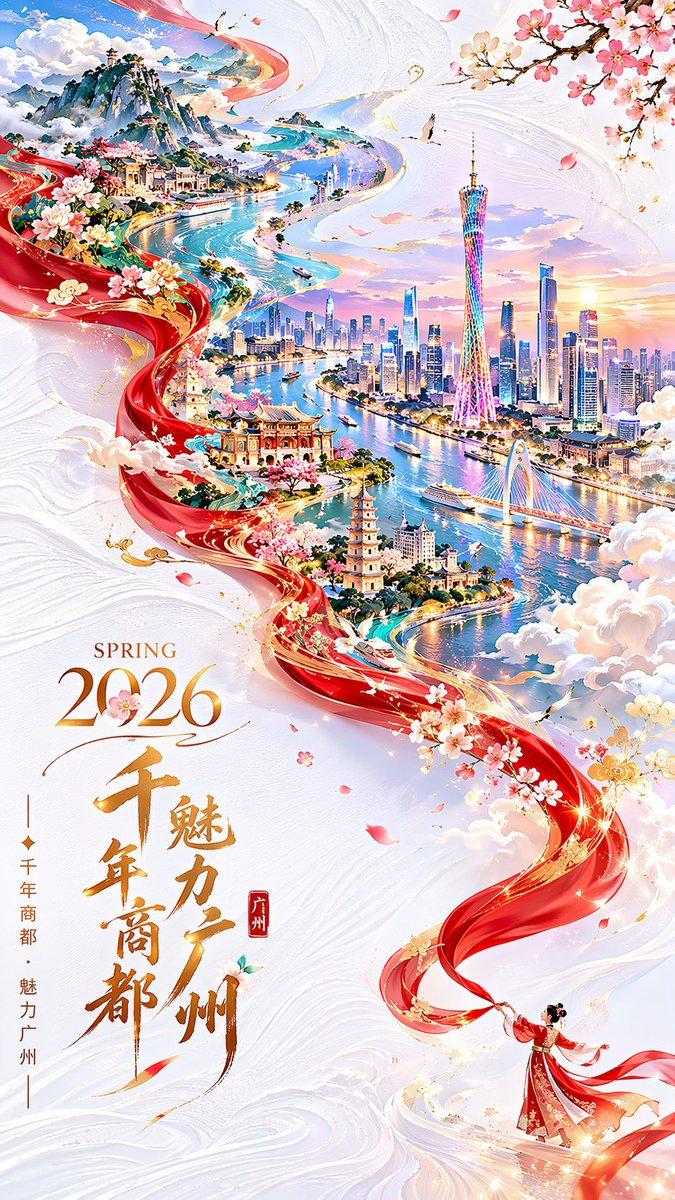
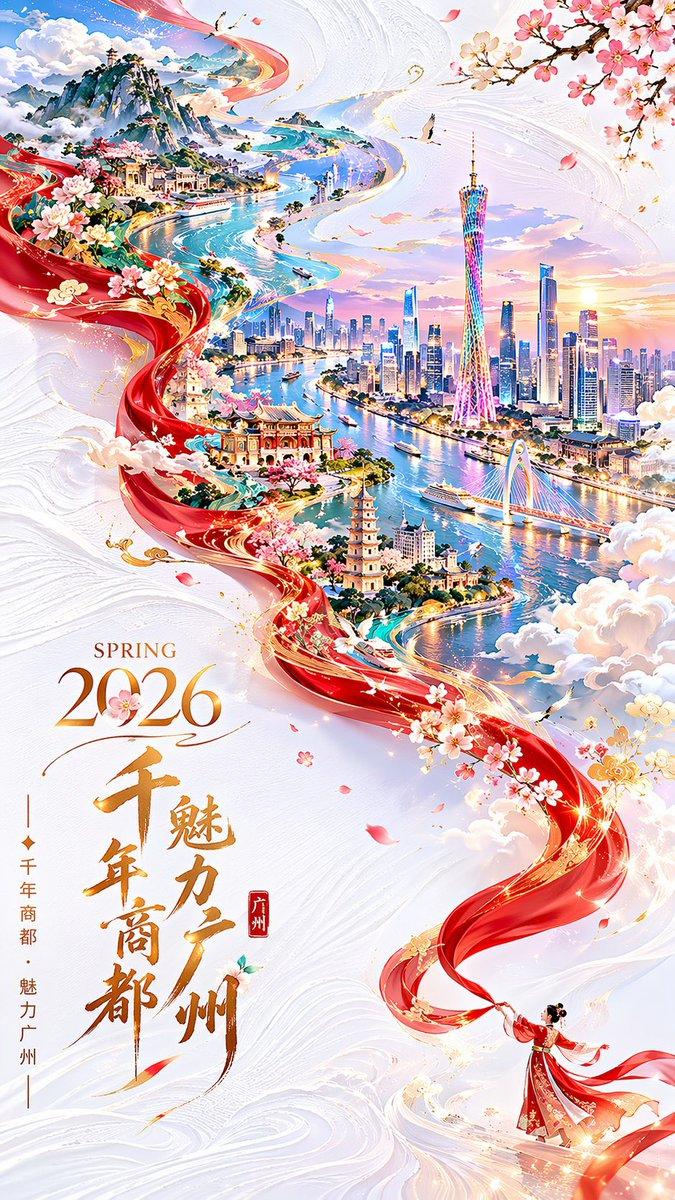
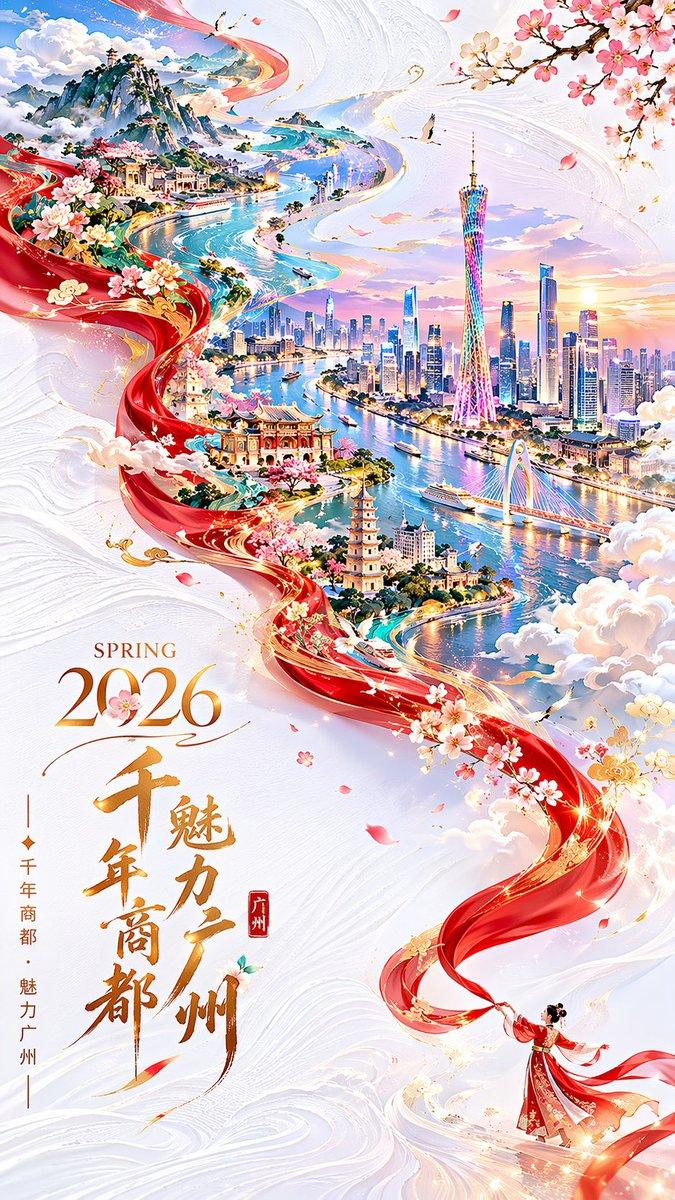
Generate an image centered on "window-frame framing and flowing typography" around any subject: the frame first reveals a heavy, dark, rounded arch opening, with the outer edges remaining dark, quiet, and slightly textured with a sense of pressure, as if constricting the viewing range into a private window; do not use static displays inside the frame, but let the theme-derived environment, texture, or emotional field be pulled into a horizontally flowing blurred band, forming a sense of speed and hazy memory passing before the eyes, with layers of depth distinguished by clear boundaries, softened motion trails, and local dark blocks. The central information layer consists of large-scale handwritten brushstrokes pressed onto the flowing background, with strokes showing dry and wet variations, turning force, and irregular rhythms, appearing as both a title and emotional traces; a layer of finer, lighter handwritten lines can be overlaid on top to create a dual reading of brief flashes. If auxiliary text appears, use an order of sparse small characters at the top and fine informational characters at the bottom, with loose character spacing, forming a contrast of solemnity and improvisation with the central brushstrokes. Colors are extracted from the theme's own materials, seasons, cultural context, and emotional temperature, maintaining the roles of dark structural frames, low-to-medium saturation flowing backgrounds, a small amount of high-brightness warm informational colors, and slightly cold transparent handwritten lines; the main color carries memory and atmosphere, while accent colors only fall on the text and key nodes, with clear brightness levels and clean, transparent shadows, overall warm, quiet, and ceremonial, avoiding motion textures that appear as dirty gray, old, or out-of-focus noise. Subject: Good morning Xi'an, a landmark landscape, award-winning work. Aspect ratio 16:9.
- Category
- Charts & Infographics
- Model
- ChatGPT
- Creator
- @xiaoxiaodong01
- Source ID
- 16996
- Published
- Jun 29, 2026
Views14