18

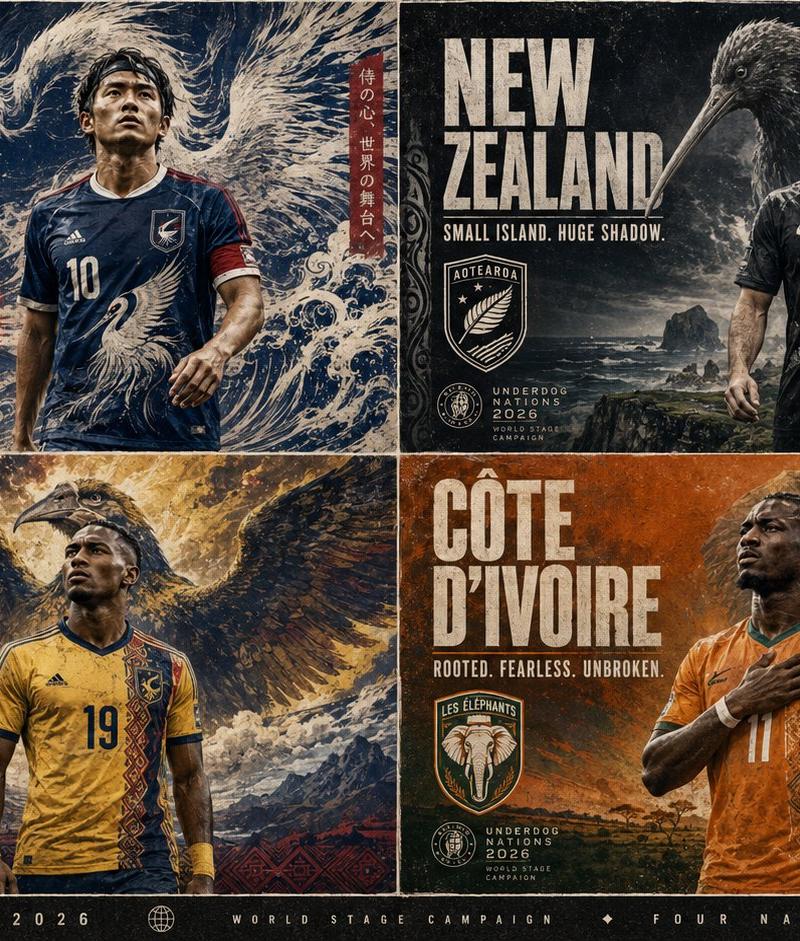
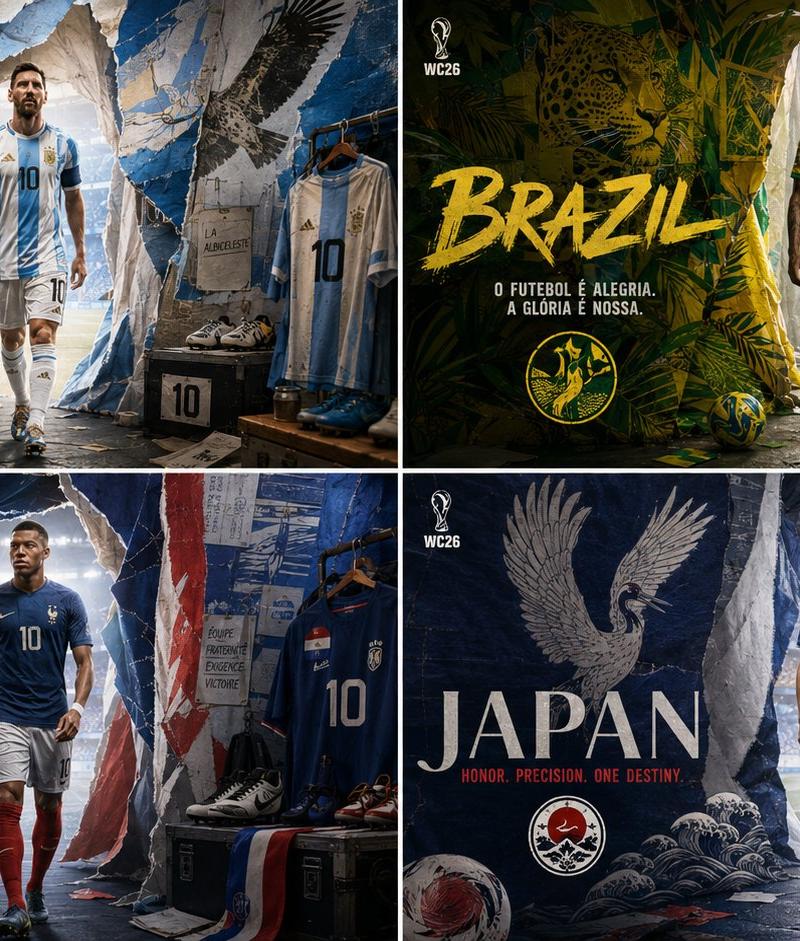
2026世界杯国家队撕纸风格入场通道大片
Enlarge

Example images

2026世界杯国家队撕纸风格入场通道大片

Prompt
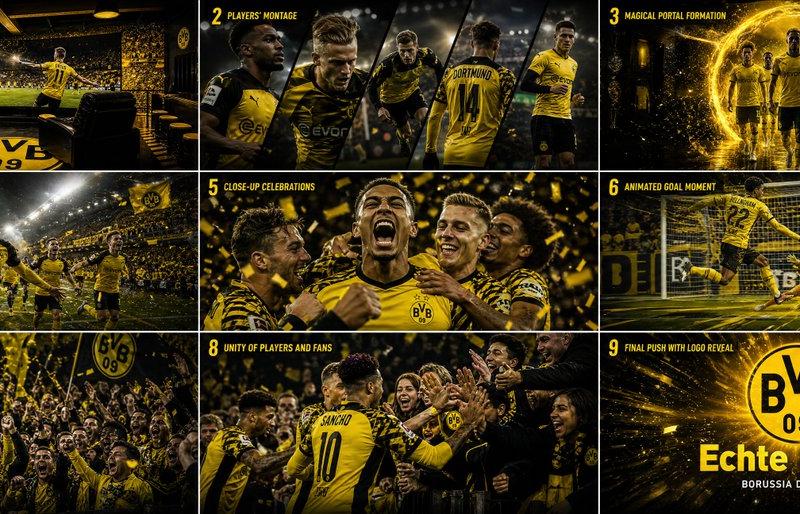
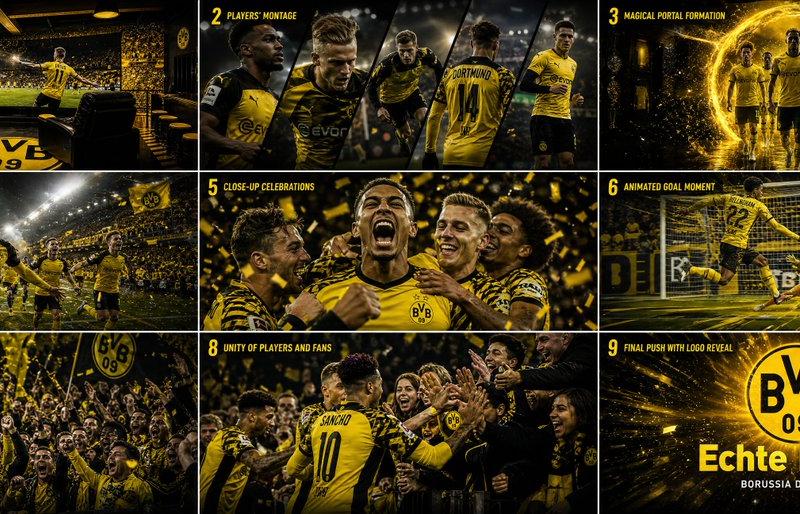
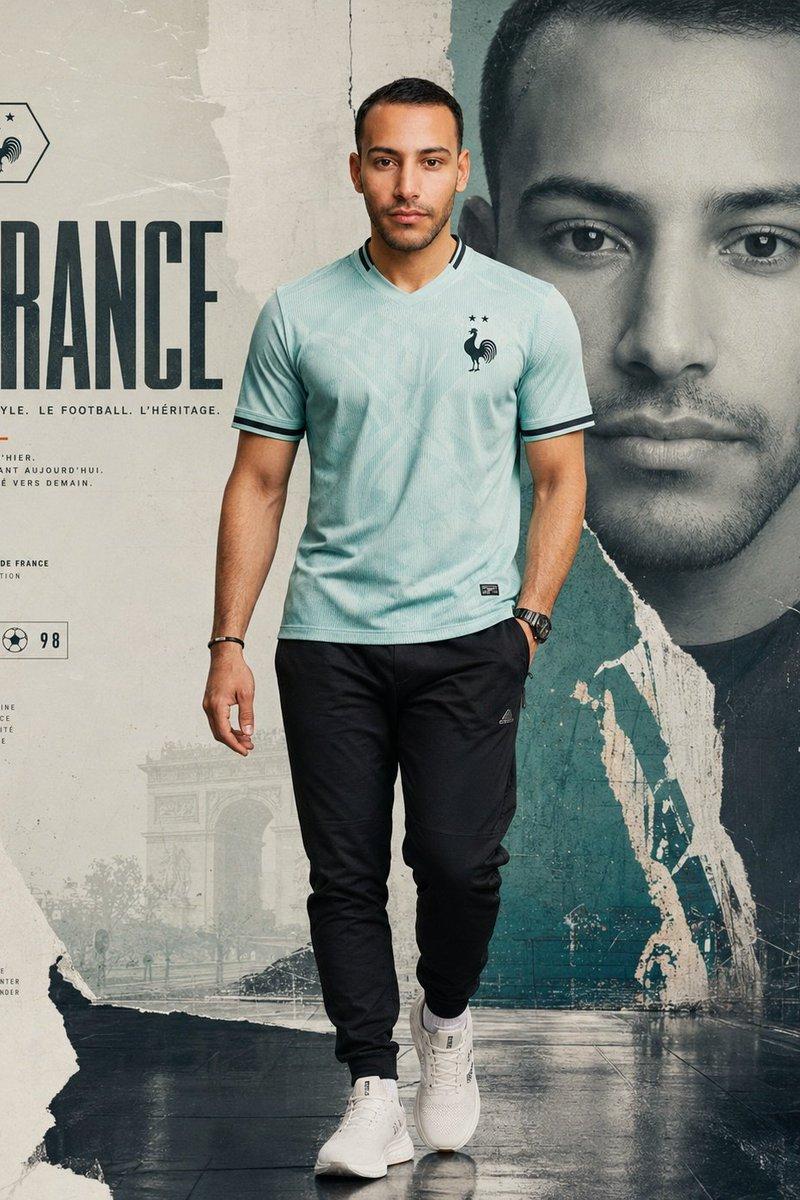
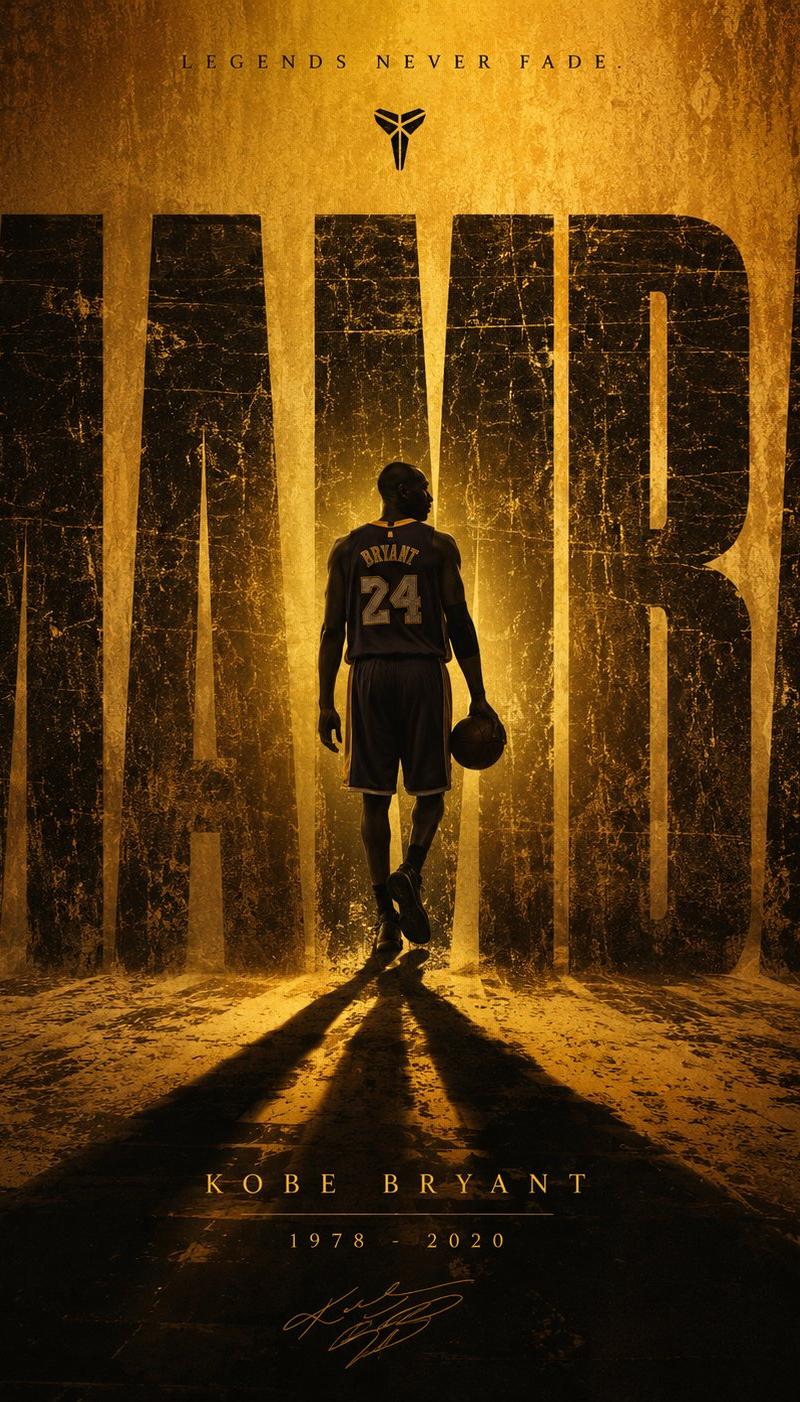
2x2 grid, do this for 4 iconic countries qualified for wc 2026, 16:9 input ::= [team_or_country_set] + [sport] + [tournament] + [kit_collection] [concept] render a world-class sports campaign image set inside a pre-match walkout tunnel. [scene] each athlete walks forward from a separate torn-paper tunnel, banner corridor, or fabric portal. behind each athlete, their inferred mythic national/team symbol is painted across huge hanging sheets, flags, tape, paper, and textile layers. the tunnel feels like a physical campaign set built for [tournament]. [visual logic] - the athletes are real and photographic. - the mythic symbols are printed, painted, stitched, or paper-collaged into the tunnel walls. - kits reflect team identity through color, pattern, and silhouette. - stadium light spills from the exit ahead. - small details include boots, locker tags, tactical notes, garment racks, match balls, and campaign placards. [style] luxury sportswear editorial meets tournament walkout photography. dramatic directional lighting, tactile paper/fabric surfaces, heroic but grounded mood. [negative] --no fantasy portal --no cosmic lighting --no copied federation logos --no random mascots --no generic locker room
Category
Charts & Infographics
Model
ChatGPT
Creator
@Gdgtify
Source language
zh-CN
Views25
Source ID
16918
Published
Jun 28, 2026
Studio

Guide

About "2026世界杯国家队撕纸风格入场通道大片"

What is this prompt for?

"2026世界杯国家队撕纸风格入场通道大片" AI image prompt for ChatGPT (Charts & Infographics). 2x2网格,为入围2026年世界杯的4个标志性国家制作,16:9 输入 ::= [球队或国家集] + [运动] + [锦标赛] + [装备系列] [概念] 渲染一套位…

The full copyable prompt and example visuals above are ready for AI image generation or one-click recreate in Picva.

How to use this prompt

  1. Step 1

    Open the prompt detail

    Review the example visuals, category, and full prompt text for "2026世界杯国家队撕纸风格入场通道大片".

  2. Step 2

    Copy the prompt

    Copy the prompt body from this page, or load it directly in Studio.

  3. Step 3

    Pick a model (ChatGPT)

    Prefer ChatGPT. If you switch models, keep subject and composition and tweak style terms.

  4. Step 4

    Generate and export

    Recreate the look in Picva, or export into your workflow for editing and publishing.

FAQ

What is the "2026世界杯国家队撕纸风格入场通道大片" prompt?
It is an AI image-generation prompt for ChatGPT in the Charts & Infographics category. This page includes the full prompt text, example visuals, and a one-click recreate path in Picva.
How do I use this prompt to generate an image?
Copy the prompt from this page, or use Generate / Studio. Paste it into a compatible image model, or recreate the look in Picva with optional reference images.
Which model is this prompt for?
This page lists ChatGPT. Most descriptive prompts also transfer to nearby image models such as GPT Image, Flux, or Midjourney with light style tweaks.
Can I use the result commercially?
You can usually copy the prompt for creation, but commercial use of the final image depends on the model terms, reference-image rights, and the generated content. Follow the source author and platform rules.