16

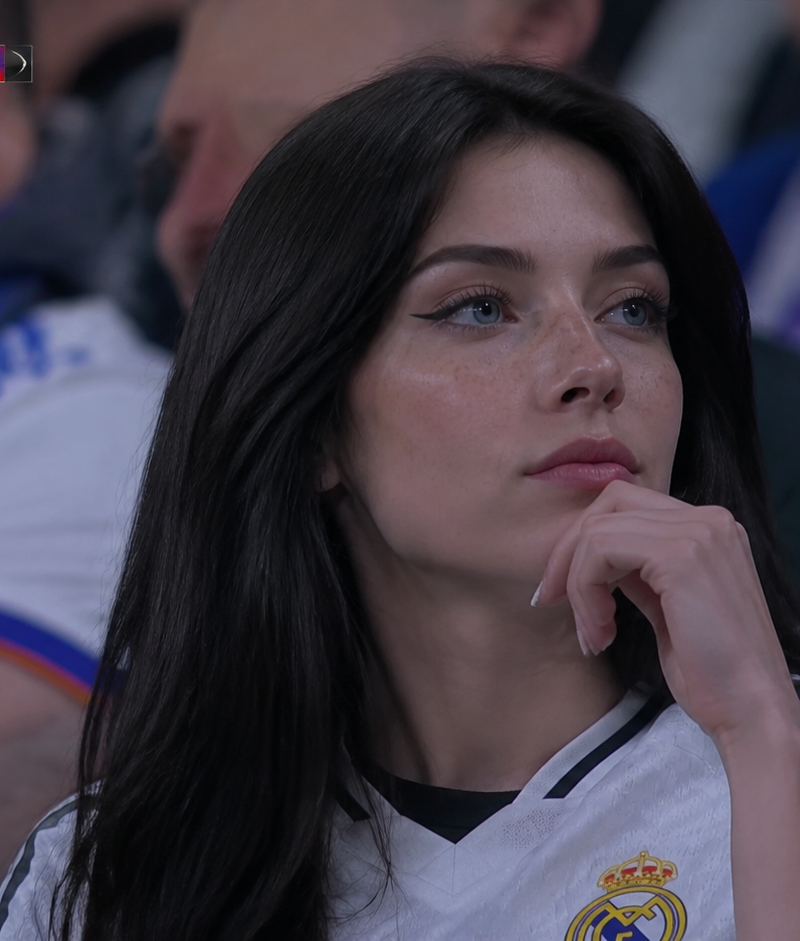
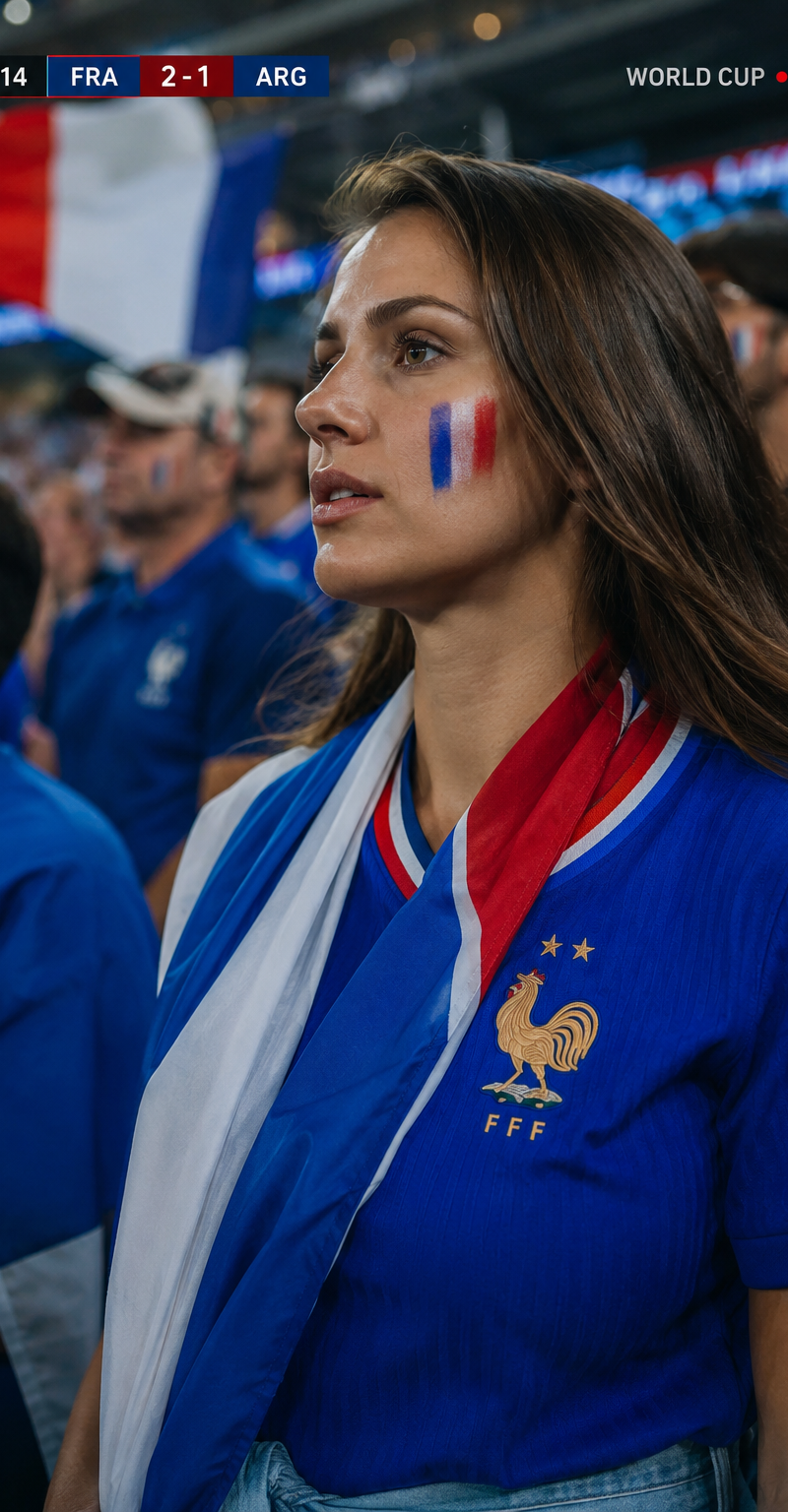
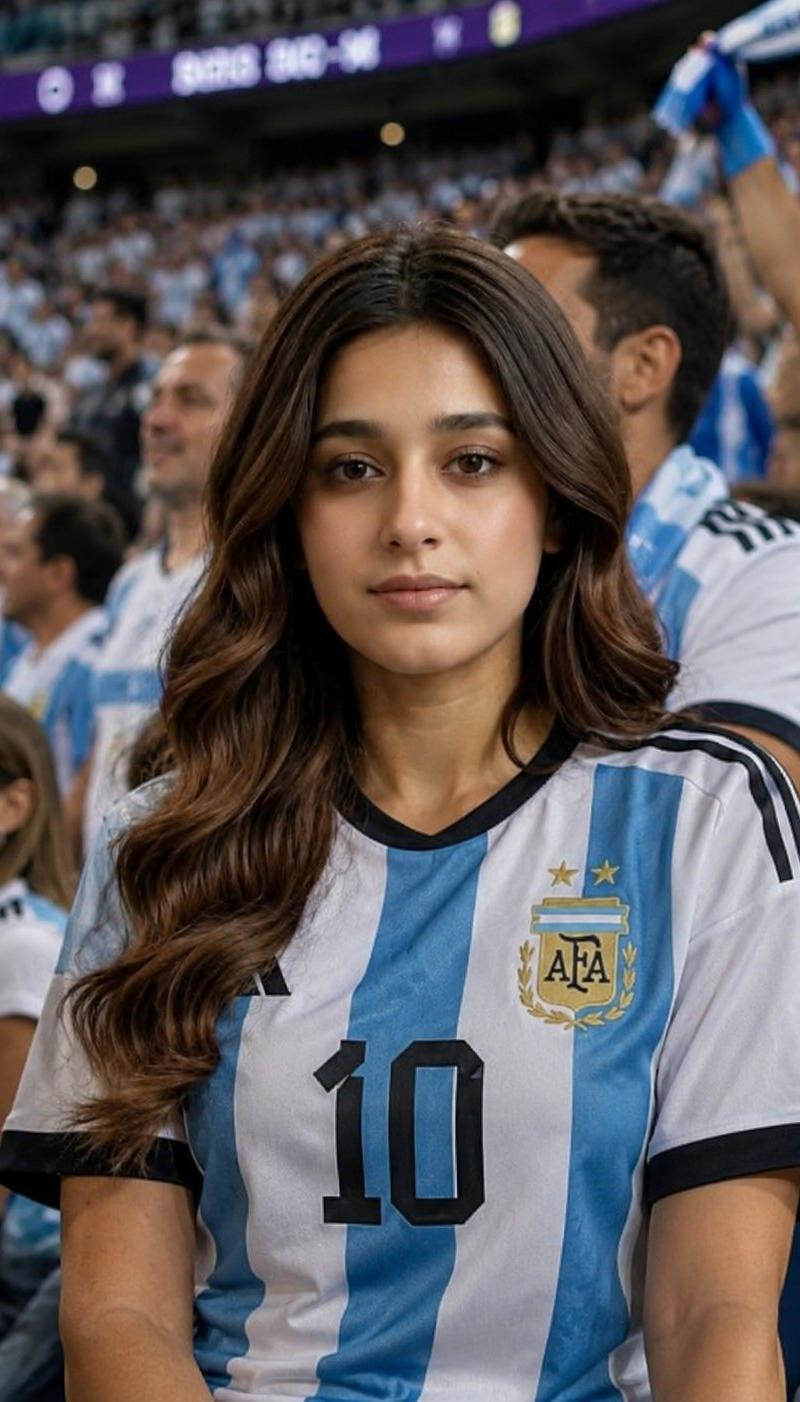
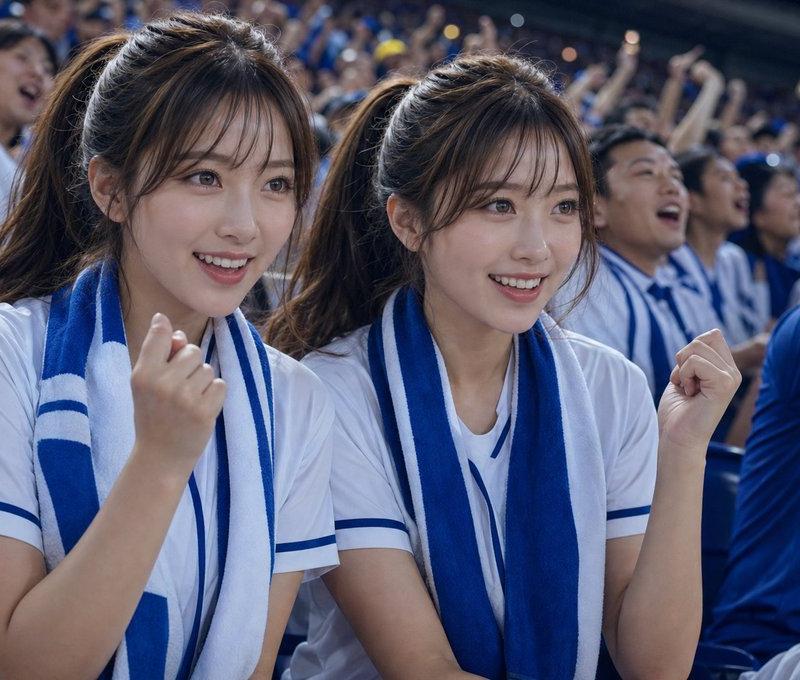
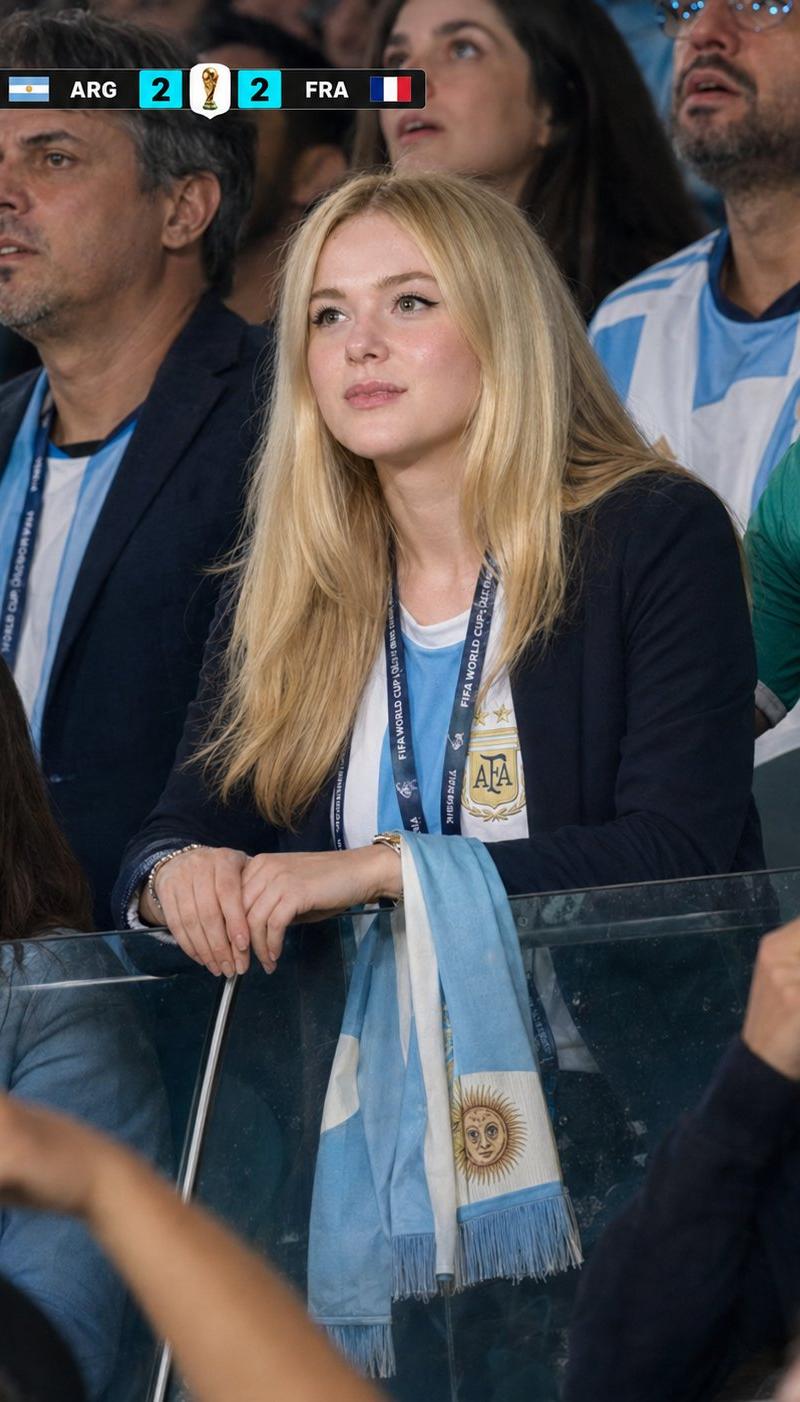
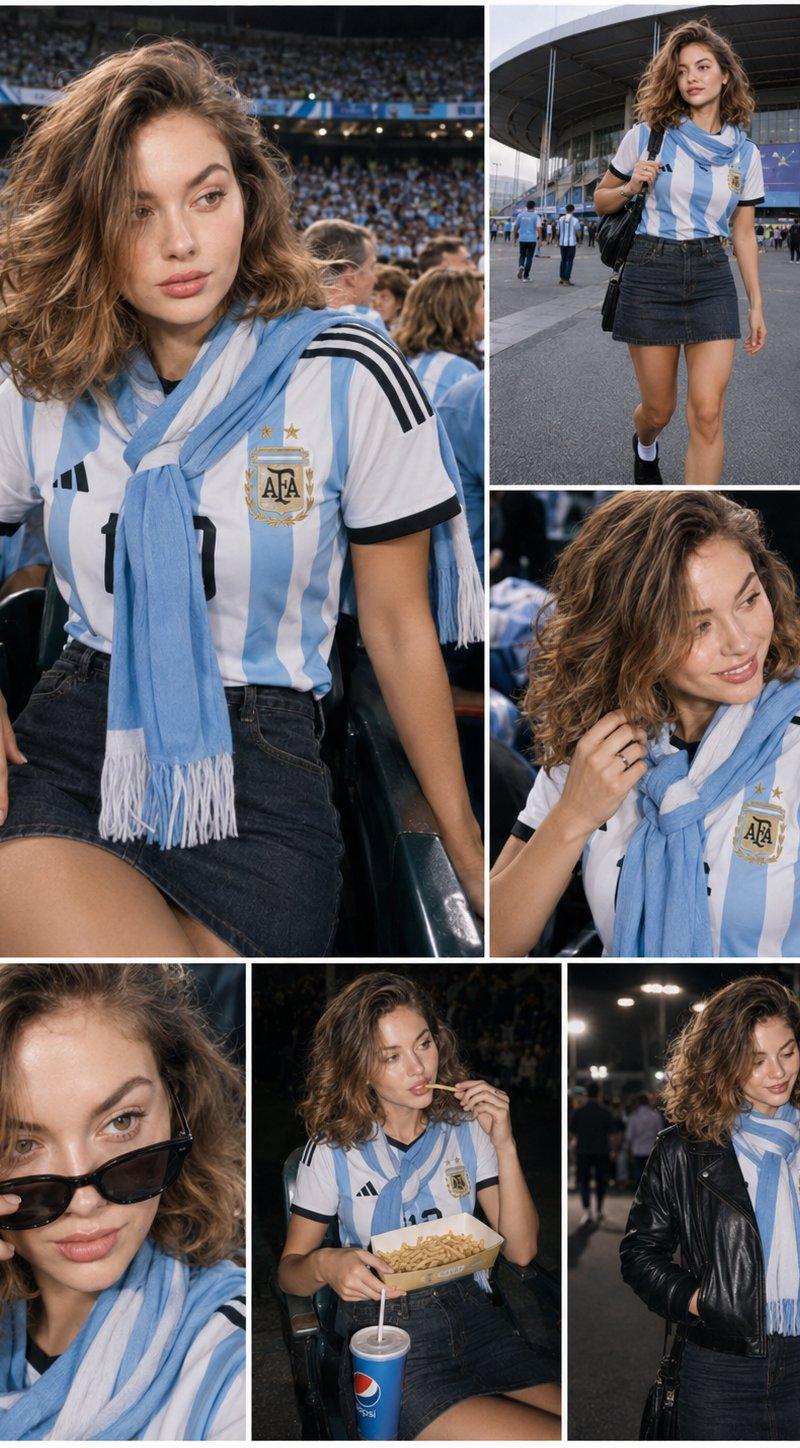
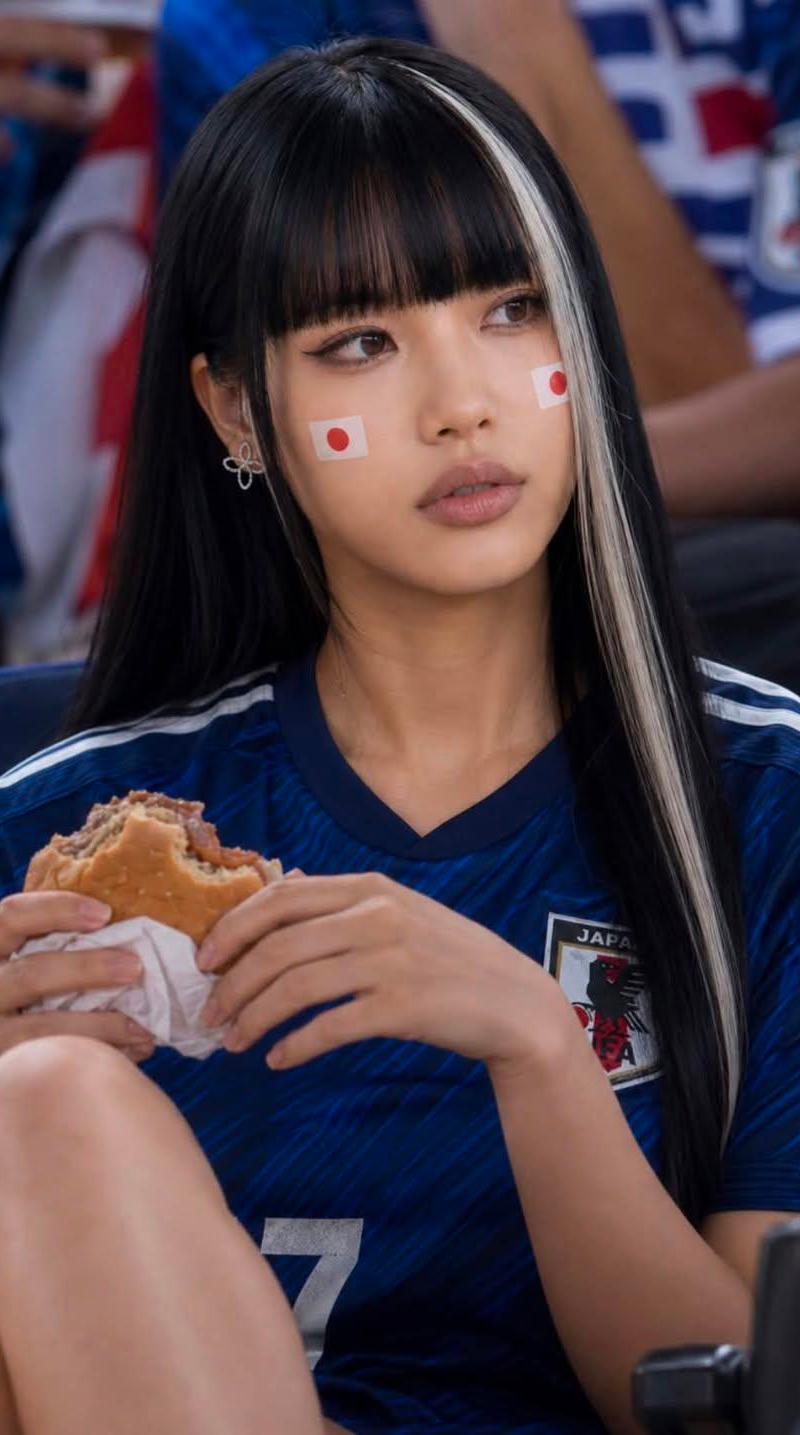
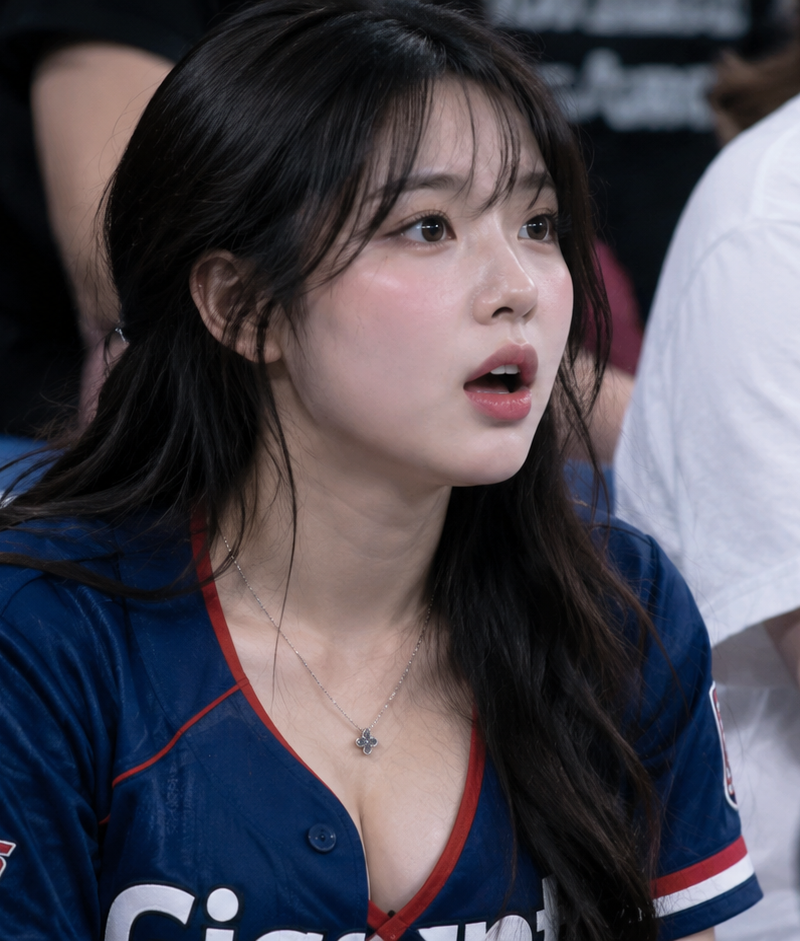
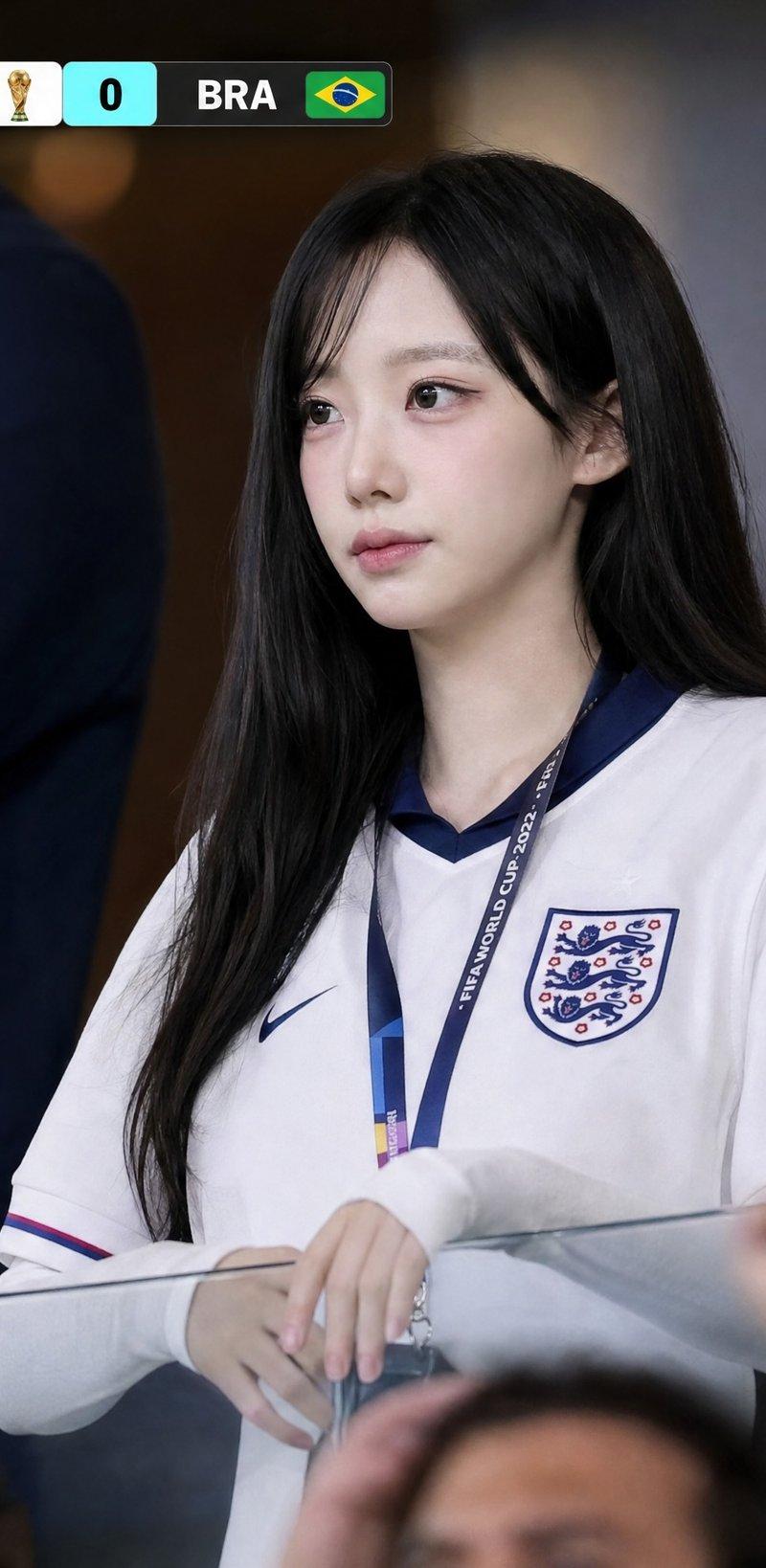
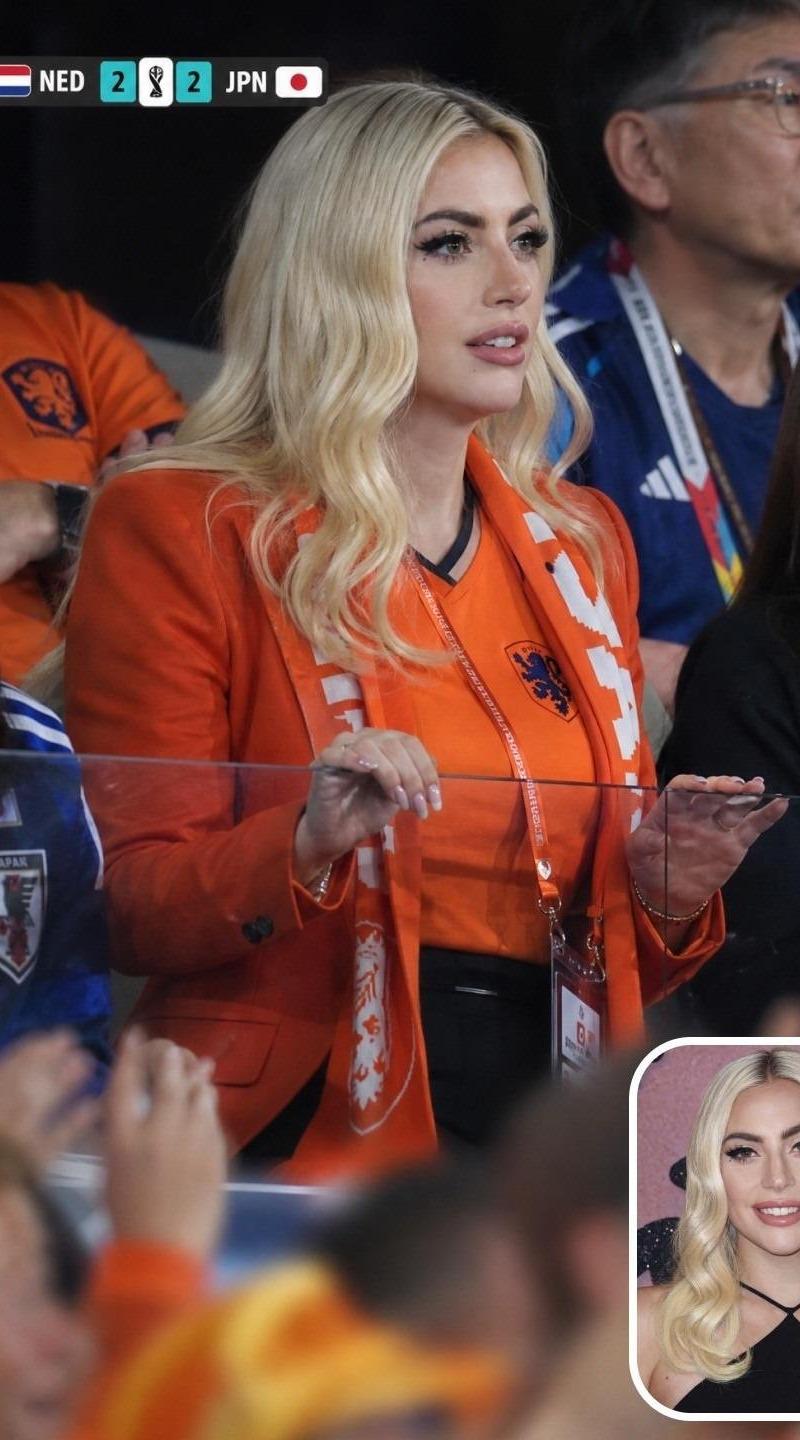
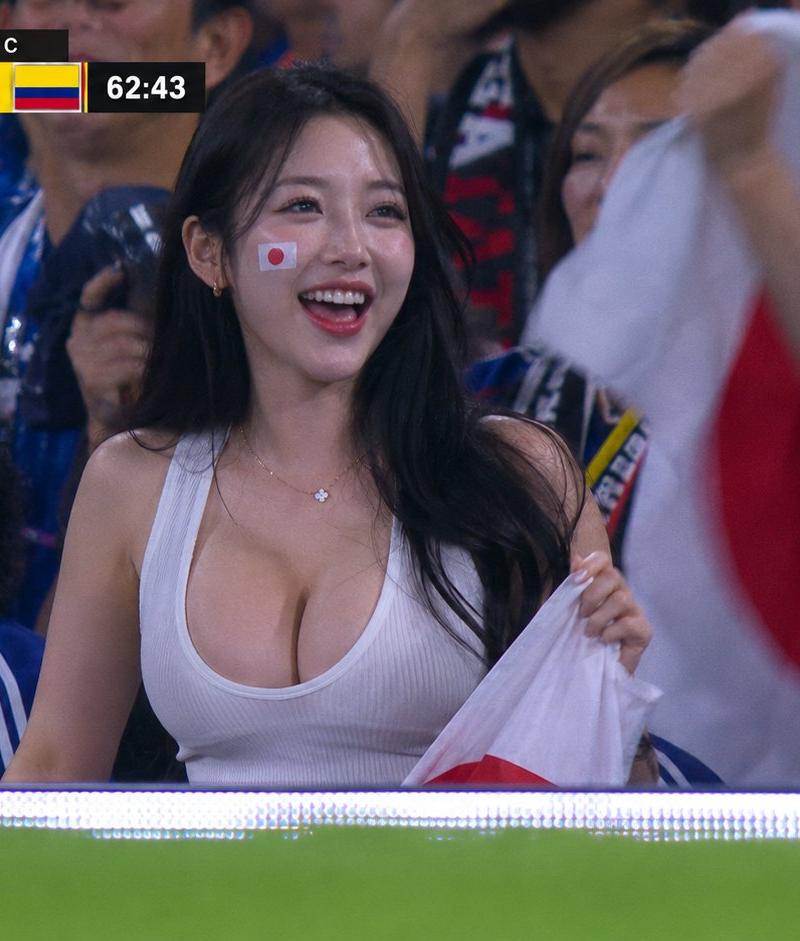
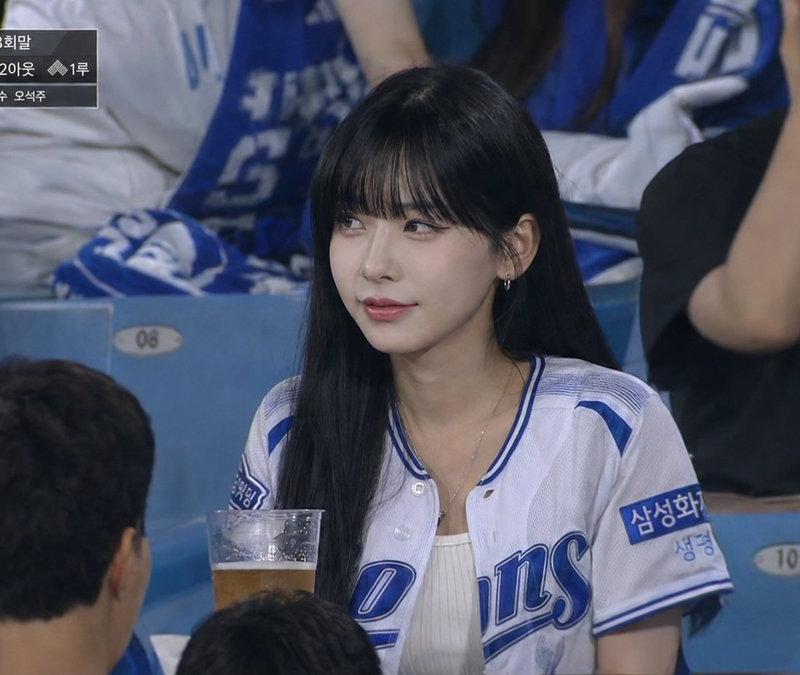
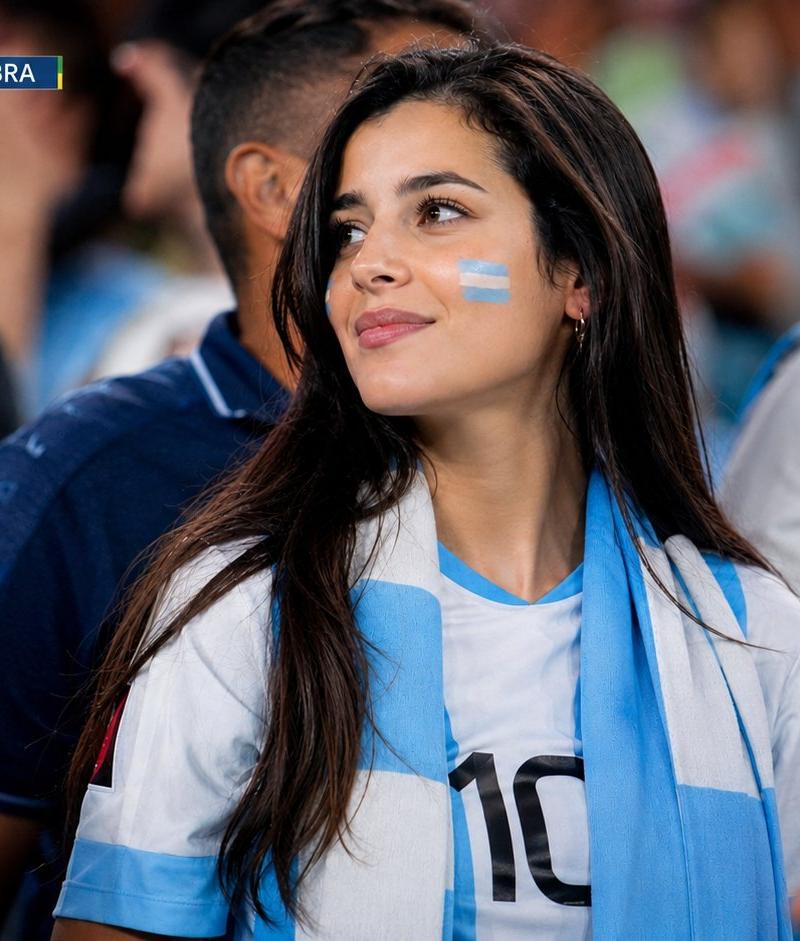
真实世界杯场馆女球迷转播特写
Enlarge

Example images

真实世界杯场馆女球迷转播特写

Prompt
16:9 ultra-realistic live World Cup broadcast crowd cutaway inside a packed football stadium. Beautiful elegant female supporter wearing a [COUNTRY-COLOR] football jersey and scarf, naturally watching the match from the stands, not looking at the camera, not posing, not waving. Medium crowd shot (waist-up), surrounded by passionate fans, authentic stadium atmosphere. Realistic floodlights, telephoto sports lens, shallow depth of field, cinematic realism, natural skin texture, premium 4K TV broadcast quality.

Top-left scoreboard: [MATCH TIME] [TEAM A] [SCORE]-[SCORE] [TEAM B]
Top-right live bug: WC LIVE 1

Avoid: eye contact, posing, waving, anime, illustration, plastic skin, extreme close-up, empty background, official logos, distorted faces, fake crowd, messy graphics.
Category
Charts & Infographics
Model
ChatGPT
Creator
@MissDelulu9
Source language
zh-CN
Views108
Source ID
15775
Published
Jun 10, 2026
Studio

Guide

About "真实世界杯场馆女球迷转播特写"

What is this prompt for?

"真实世界杯场馆女球迷转播特写" AI image prompt for ChatGPT (Charts & Infographics). 16:9 超逼真世界杯现场直播足球场内拥挤的人群空镜。一位穿着 [国家颜色] 足球球衣和围巾的美丽优雅女支持者,在看台上自然地观看比赛,不看向镜头,不摆姿势,不挥手。中景人群镜头…

The full copyable prompt and example visuals above are ready for AI image generation or one-click recreate in Picva.

How to use this prompt

  1. Step 1

    Open the prompt detail

    Review the example visuals, category, and full prompt text for "真实世界杯场馆女球迷转播特写".

  2. Step 2

    Copy the prompt

    Copy the prompt body from this page, or load it directly in Studio.

  3. Step 3

    Pick a model (ChatGPT)

    Prefer ChatGPT. If you switch models, keep subject and composition and tweak style terms.

  4. Step 4

    Generate and export

    Recreate the look in Picva, or export into your workflow for editing and publishing.

FAQ

What is the "真实世界杯场馆女球迷转播特写" prompt?
It is an AI image-generation prompt for ChatGPT in the Charts & Infographics category. This page includes the full prompt text, example visuals, and a one-click recreate path in Picva.
How do I use this prompt to generate an image?
Copy the prompt from this page, or use Generate / Studio. Paste it into a compatible image model, or recreate the look in Picva with optional reference images.
Which model is this prompt for?
This page lists ChatGPT. Most descriptive prompts also transfer to nearby image models such as GPT Image, Flux, or Midjourney with light style tweaks.
Can I use the result commercially?
You can usually copy the prompt for creation, but commercial use of the final image depends on the model terms, reference-image rights, and the generated content. Follow the source author and platform rules.