17

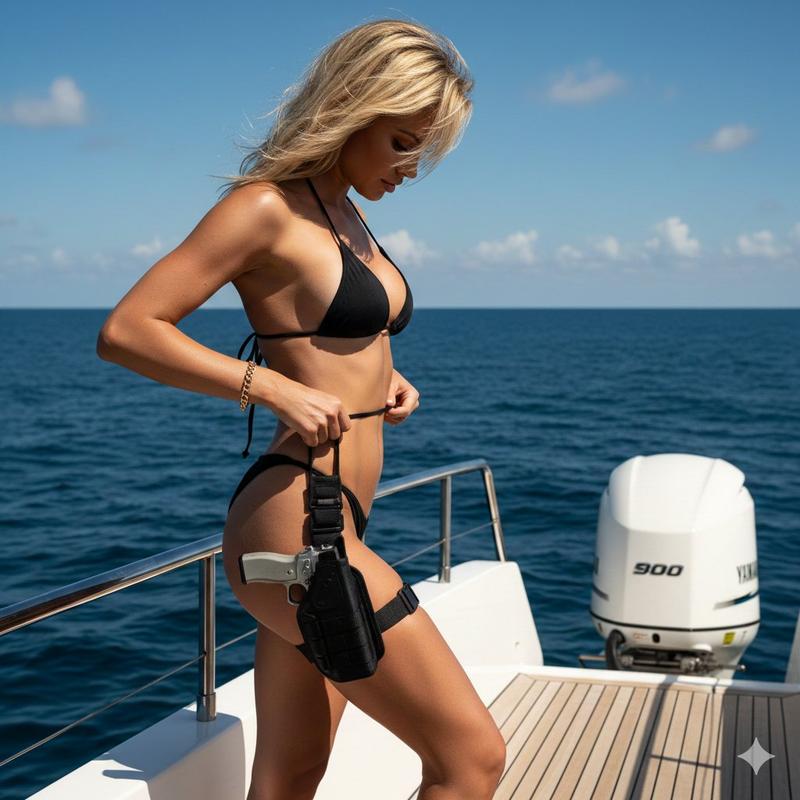
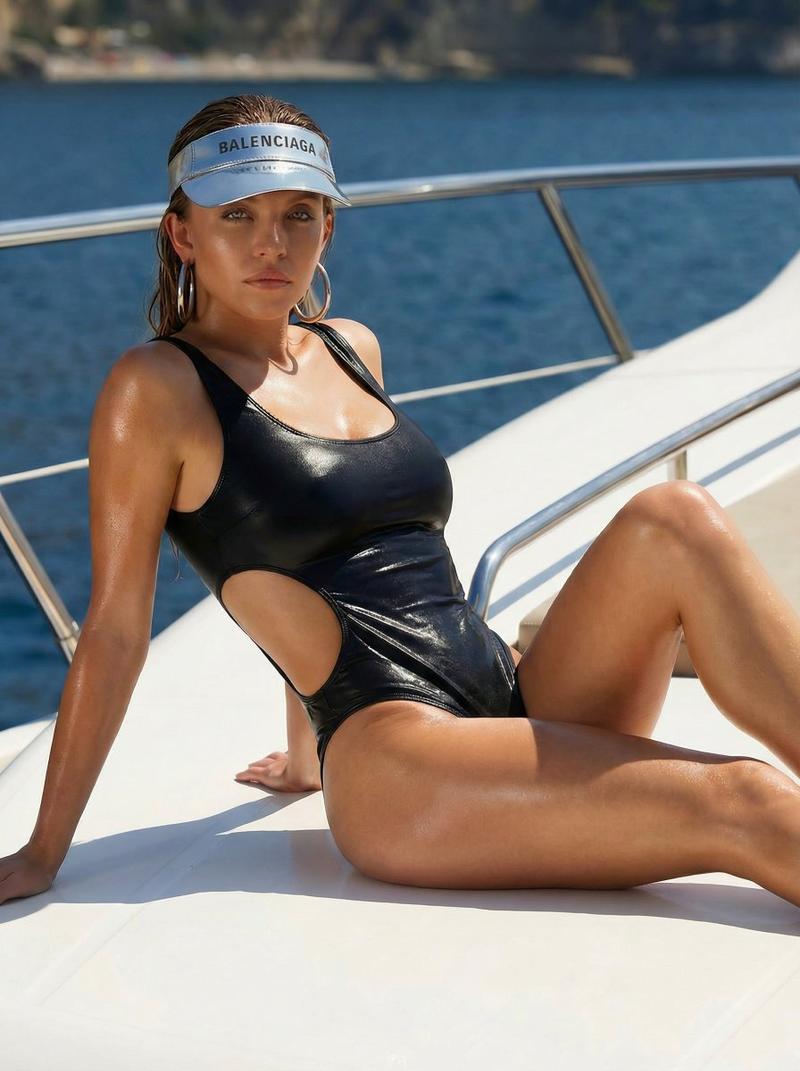
游艇甲板上的火辣比基尼特工
Enlarge

游艇甲板上的火辣比基尼特工

Prompt
{ "image_description": "A blonde, tanned woman posing on a boat deck in the middle of the ocean. She is wearing a black string bikini and has a tactical holster with a handgun strapped to her thigh.", "subject": { "gender": "Female", "hair_color": "Blonde", "clothing": { "top": "Black string bikini top", "bottom": "Black string bikini bottom" }, "accessories": [ "Gold bracelet", "Thigh holster with a handgun" ], "pose": "Side profile, looking down, adjusting bikini strings" }, "setting": { "location": "Boat/Yacht deck", "background": "Deep blue ocean, clear blue sky with white clouds", "lighting": "Bright, direct sunlight" }, "objects": [ "White outboard boat engine", "Teak wood decking", "Handgun" ], "aesthetic": { "color_palette": ["Deep Blue", "Bronze", "Black", "White"], "style": "High-contrast, luxury, summer action aesthetic" } }
Category
Creative Use Cases
Model
Nano Banana Pro
Views99
Source ID
12622
Published
Apr 14, 2026

Guide

About "游艇甲板上的火辣比基尼特工"

What is this prompt for?

"游艇甲板上的火辣比基尼特工" AI image prompt for Nano Banana Pro (Creative Use Cases). { "image_description": "一名金发、皮肤黝黑的女性,在海中央的船甲板上摆姿势。她穿着黑色细绳比基尼,大腿上绑着一个带手枪的战术枪套。", "subj…

The full copyable prompt and example visuals above are ready for AI image generation or one-click recreate in Picva.

How to use this prompt

  1. Step 1

    Open the prompt detail

    Review the example visuals, category, and full prompt text for "游艇甲板上的火辣比基尼特工".

  2. Step 2

    Copy the prompt

    Copy the prompt body from this page, or load it directly in Studio.

  3. Step 3

    Pick a model (Nano Banana Pro)

    Prefer Nano Banana Pro. If you switch models, keep subject and composition and tweak style terms.

  4. Step 4

    Generate and export

    Recreate the look in Picva, or export into your workflow for editing and publishing.

FAQ

What is the "游艇甲板上的火辣比基尼特工" prompt?
It is an AI image-generation prompt for Nano Banana Pro in the Creative Use Cases category. This page includes the full prompt text, example visuals, and a one-click recreate path in Picva.
How do I use this prompt to generate an image?
Copy the prompt from this page, or use Generate / Studio. Paste it into a compatible image model, or recreate the look in Picva with optional reference images.
Which model is this prompt for?
This page lists Nano Banana Pro. Most descriptive prompts also transfer to nearby image models such as GPT Image, Flux, or Midjourney with light style tweaks.
Can I use the result commercially?
You can usually copy the prompt for creation, but commercial use of the final image depends on the model terms, reference-image rights, and the generated content. Follow the source author and platform rules.