17

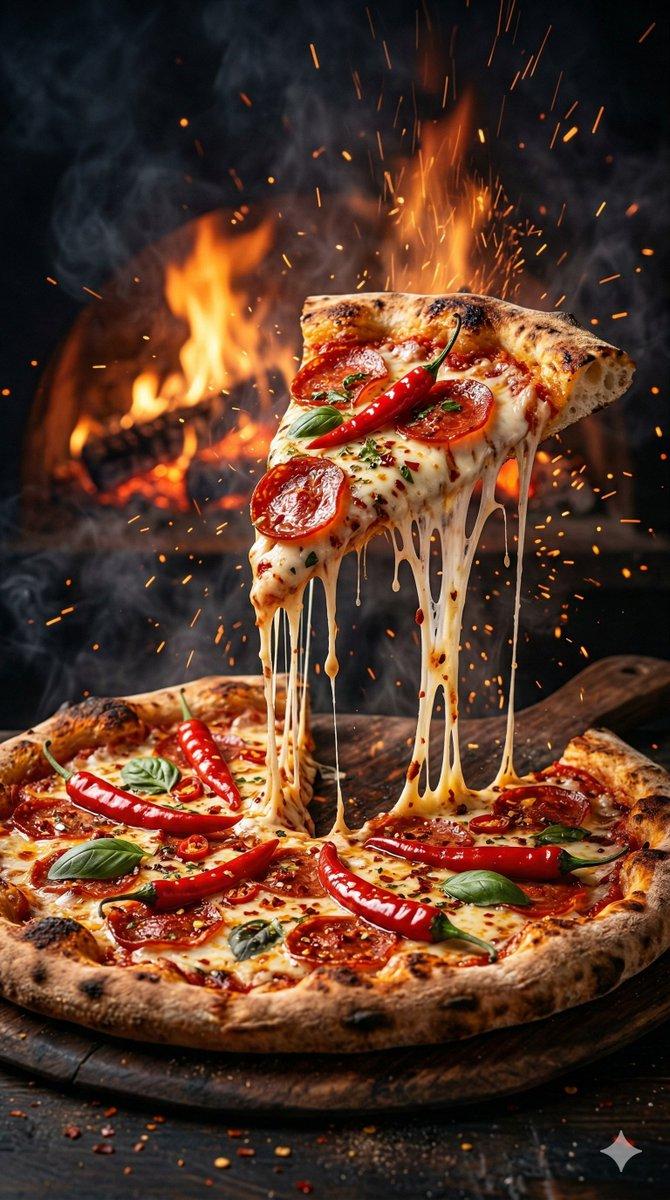
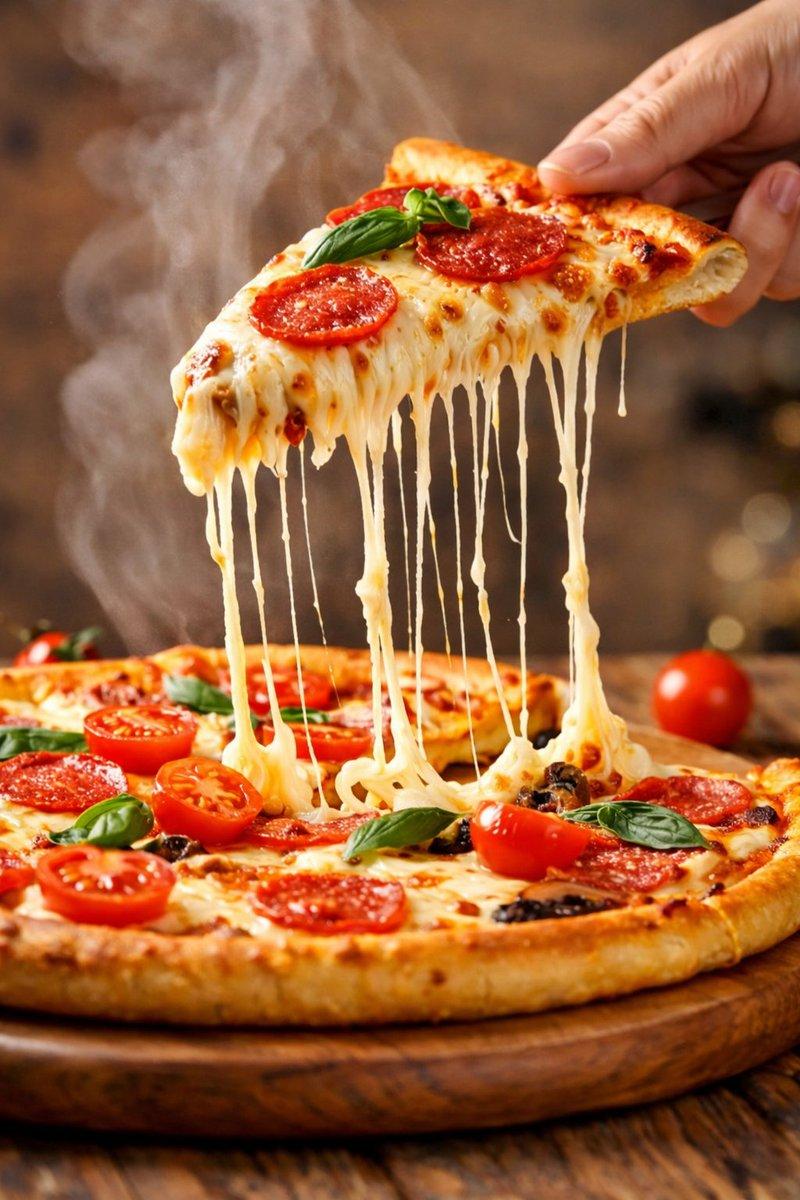
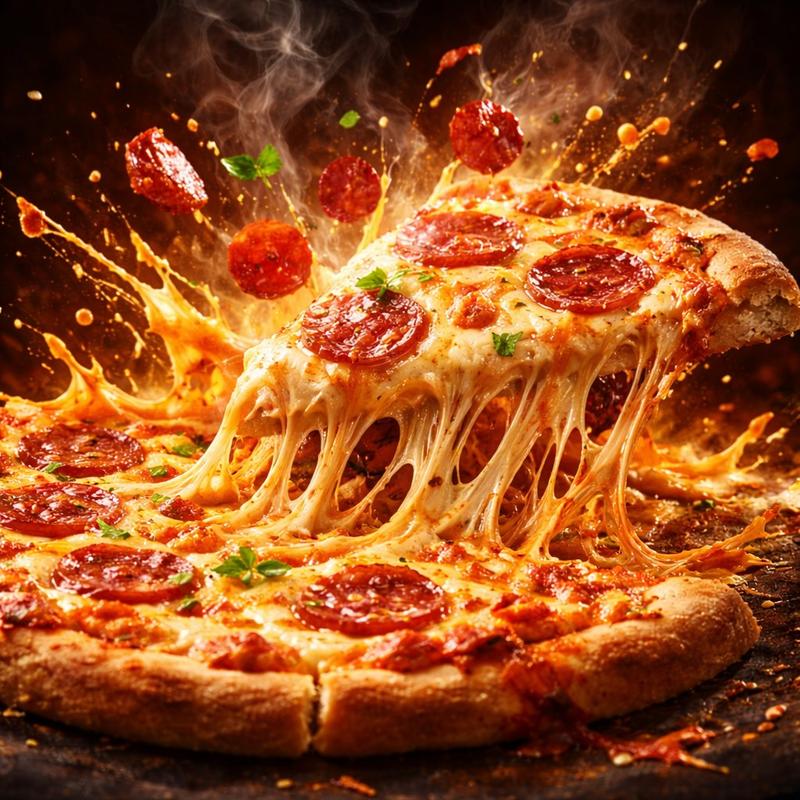
电影级美食汉堡爆炸提示词(代码风格)
Enlarge

电影级美食汉堡爆炸提示词(代码风格)

Prompt
import physics_engine as cinematic
from studio_lighting import RimLight, SpotLight

class GourmetBurger:
    def __init__(self):
        self.state = "assembled"
        self.ingredients = [
            "toasted_brioche_bun",
            "wagyu_patty",
            "molten_cheddar",
            "crispy_lettuce",
            "heirloom_tomato",
            "secret_sauce_droplets"
        ]

    def trigger_explosion(self):
        """
        Executes the slow-motion deconstruction effect.
        """
        self.state = "mid-air_burst"

        for item in self.ingredients:
            # Applying physics for the "flying" effect
            item.apply_force(direction="outward", velocity="slow_motion")
            item.render_texture(quality="hyper_detailed")

        # Suspends liquid particles in 3D space
        cinematic.suspend_fluids(type="sauce", density="high_viscosity")

# Environment Configuration
scene = cinematic.Scene(background="dark_studio_charcoal")
scene.add_lighting([
    RimLight(intensity=0.8, color="warm_gold"),
    SpotLight(target="patty_texture", focus="ultra_sharp")
])

# Execute the render
burger = GourmetBurger()
burger.trigger_explosion()

render_output = scene.capture(style="cinematic_advertising", realistic=True)
Category
创意图片
Model
Nano Banana Pro
Creator
Meem
Views0
Source ID
bd50a597-8f75-4ecf-ba89-e60c73c59639
Published
Mar 8, 2026

Guide

About "电影级美食汉堡爆炸提示词(代码风格)"

What is this prompt for?

"电影级美食汉堡爆炸提示词(代码风格)" AI image prompt for Nano Banana Pro (创意图片). 一个高度结构化、类似代码的提示,使用 Python 语法(导入物理和照明模块)来生成一张美食汉堡慢动作爆炸的电影级广告图片,详细描述了食材、质地和影棚布光设置。 --- ```python…

The full copyable prompt and example visuals above are ready for AI image generation or one-click recreate in Picva.

How to use this prompt

  1. Step 1

    Open the prompt detail

    Review the example visuals, category, and full prompt text for "电影级美食汉堡爆炸提示词(代码风格)".

  2. Step 2

    Copy the prompt

    Copy the prompt body from this page, or load it directly in Studio.

  3. Step 3

    Pick a model (Nano Banana Pro)

    Prefer Nano Banana Pro. If you switch models, keep subject and composition and tweak style terms.

  4. Step 4

    Generate and export

    Recreate the look in Picva, or export into your workflow for editing and publishing.

FAQ

What is the "电影级美食汉堡爆炸提示词(代码风格)" prompt?
It is an AI image-generation prompt for Nano Banana Pro in the 创意图片 category. This page includes the full prompt text, example visuals, and a one-click recreate path in Picva.
How do I use this prompt to generate an image?
Copy the prompt from this page, or use Generate / Studio. Paste it into a compatible image model, or recreate the look in Picva with optional reference images.
Which model is this prompt for?
This page lists Nano Banana Pro. Most descriptive prompts also transfer to nearby image models such as GPT Image, Flux, or Midjourney with light style tweaks.
Can I use the result commercially?
You can usually copy the prompt for creation, but commercial use of the final image depends on the model terms, reference-image rights, and the generated content. Follow the source author and platform rules.