16

护照照片风格肖像复制提示
Enlarge

护照照片风格肖像复制提示

Prompt
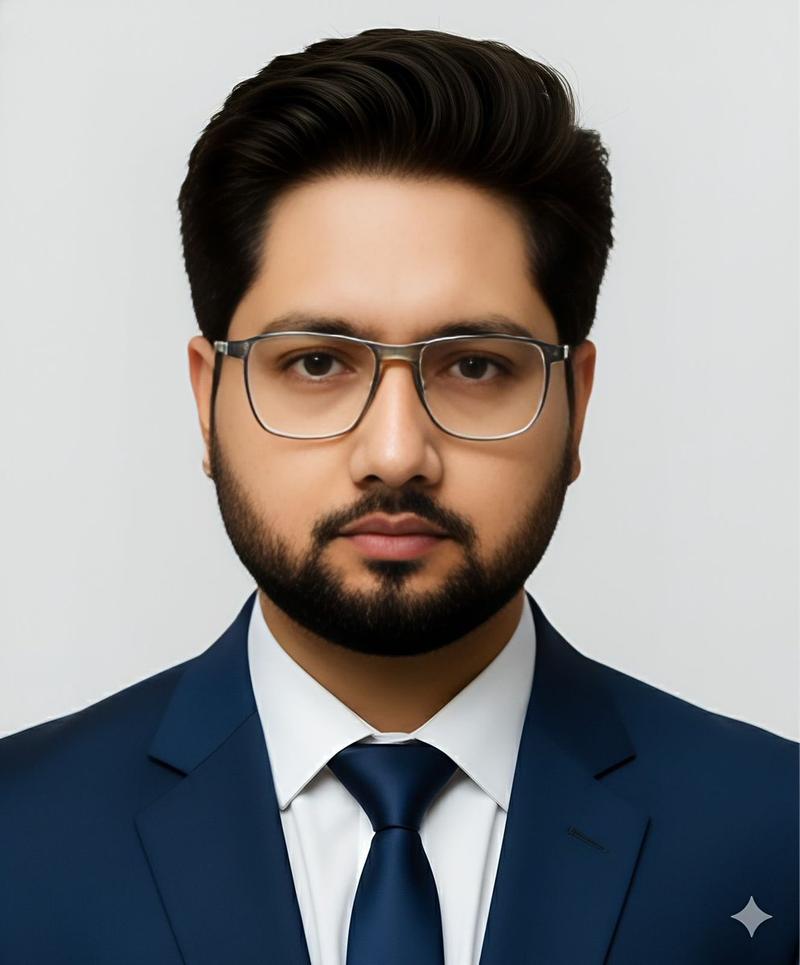
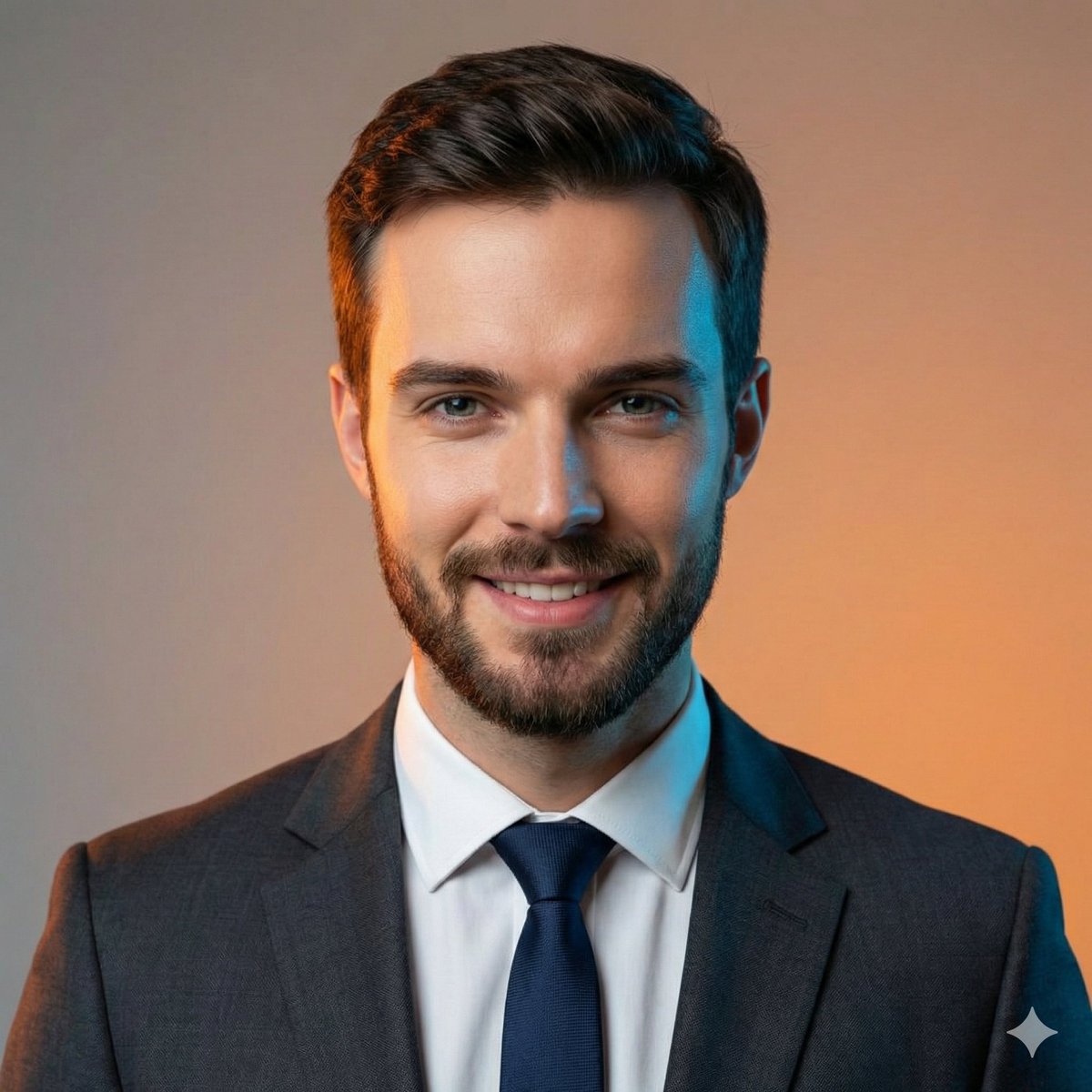
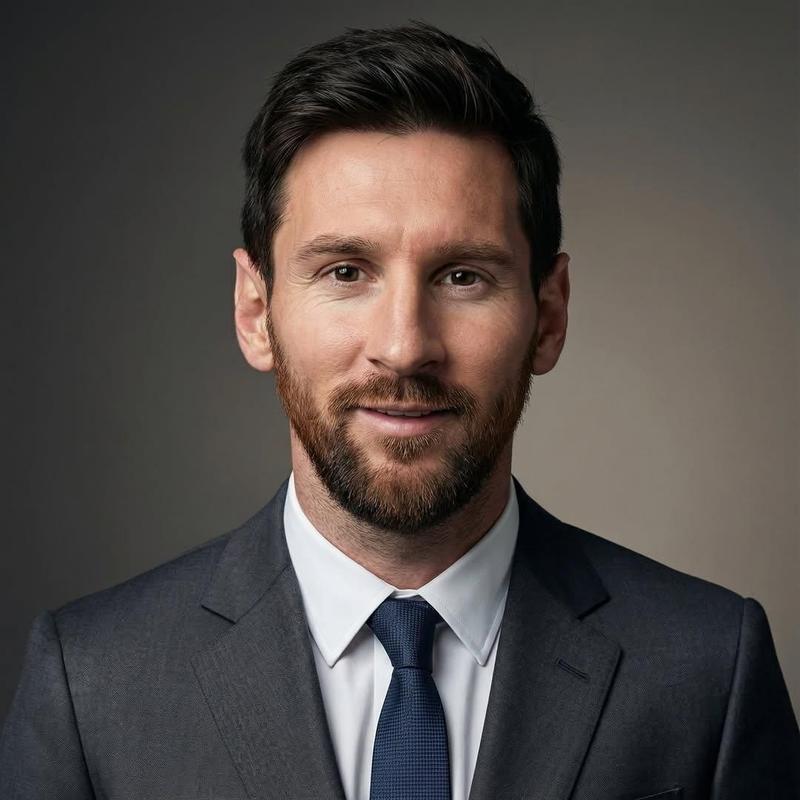
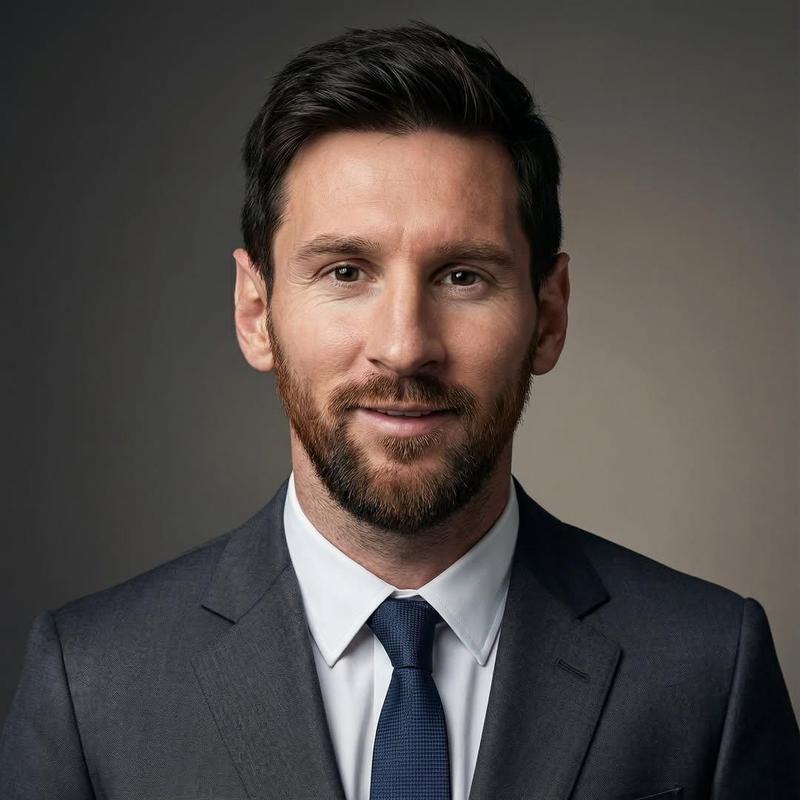
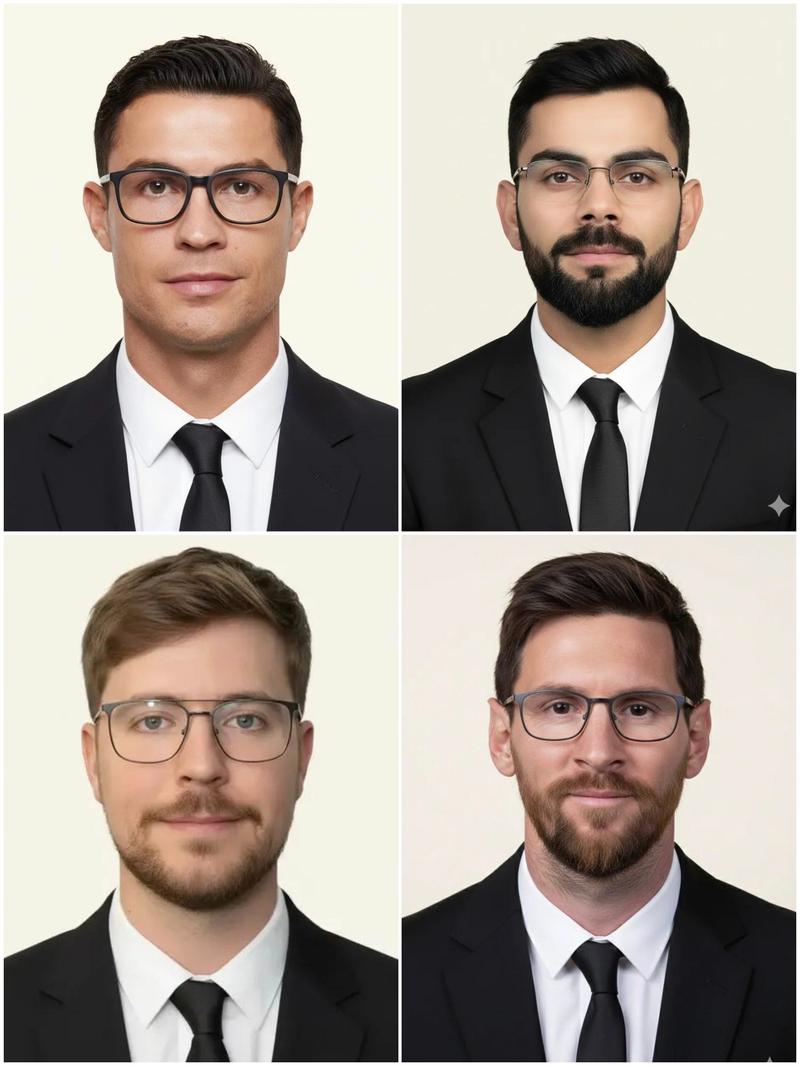
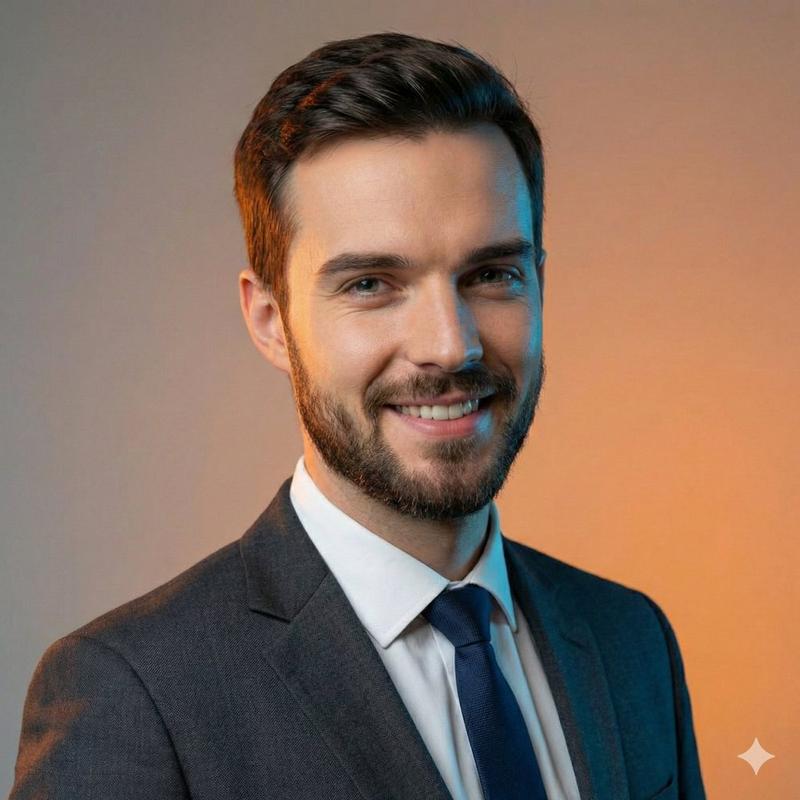
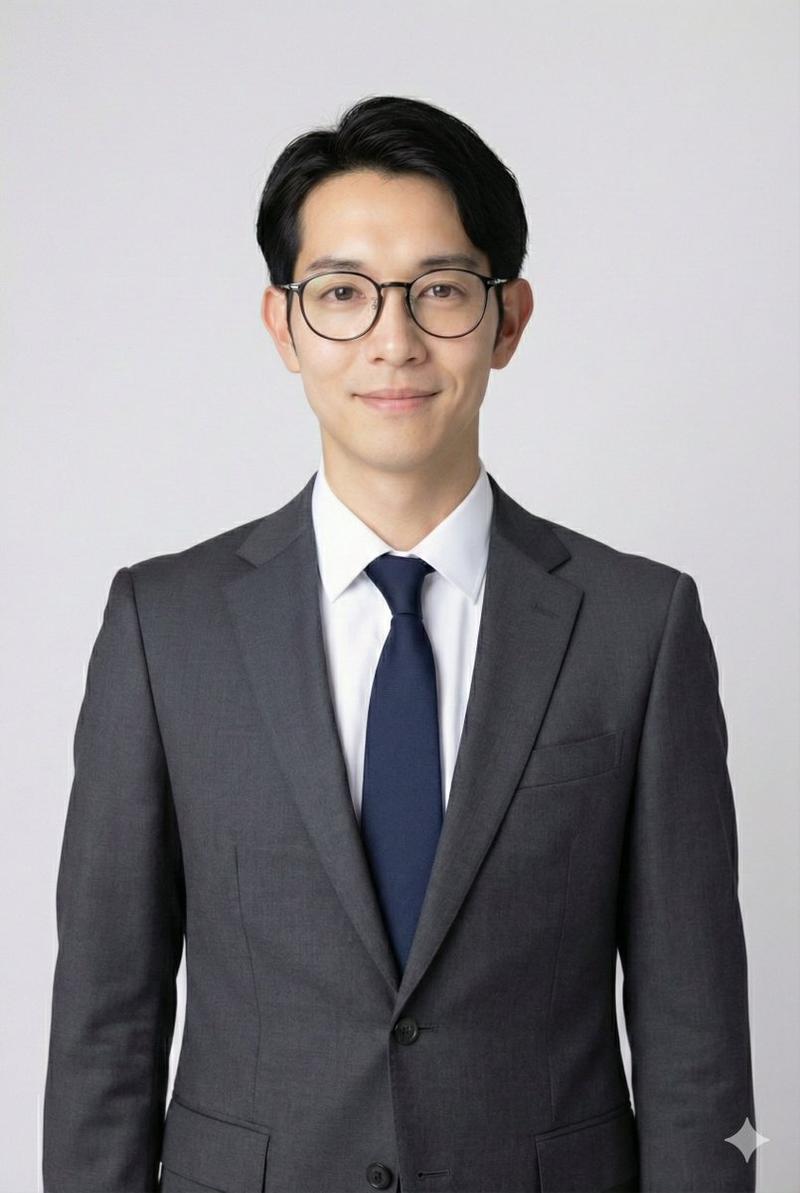
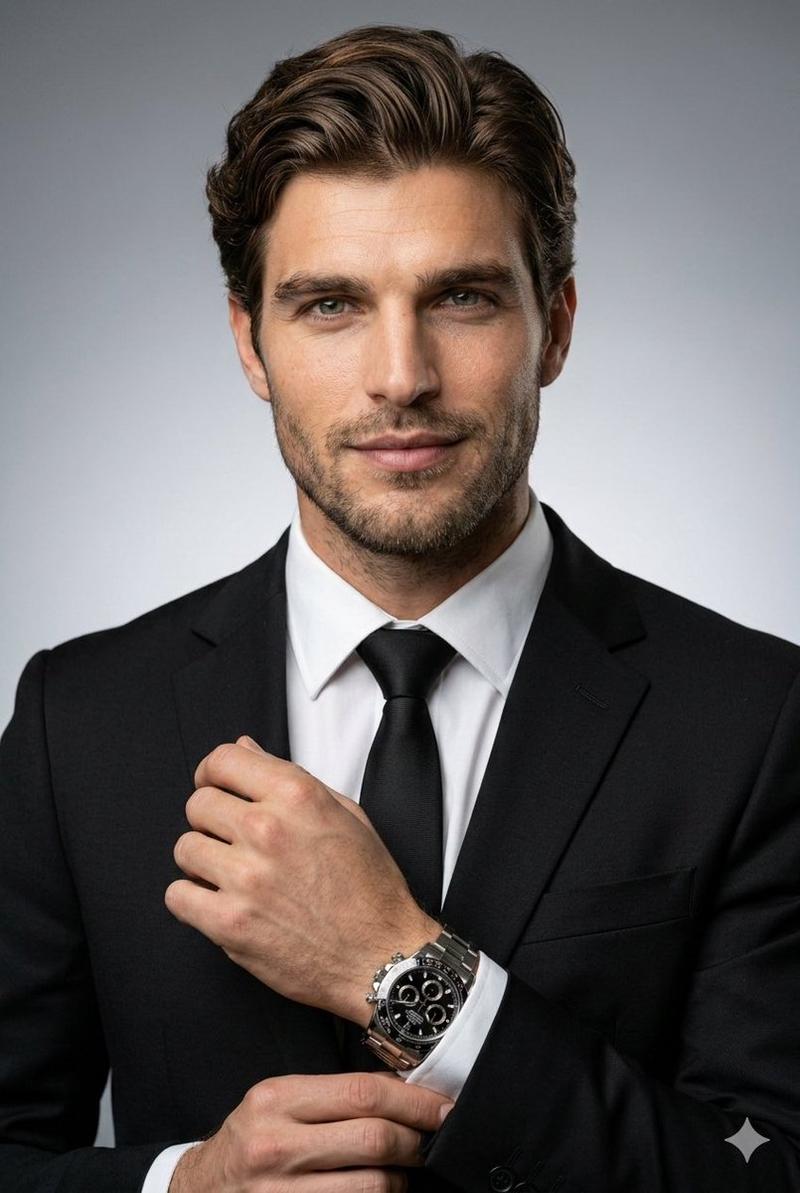
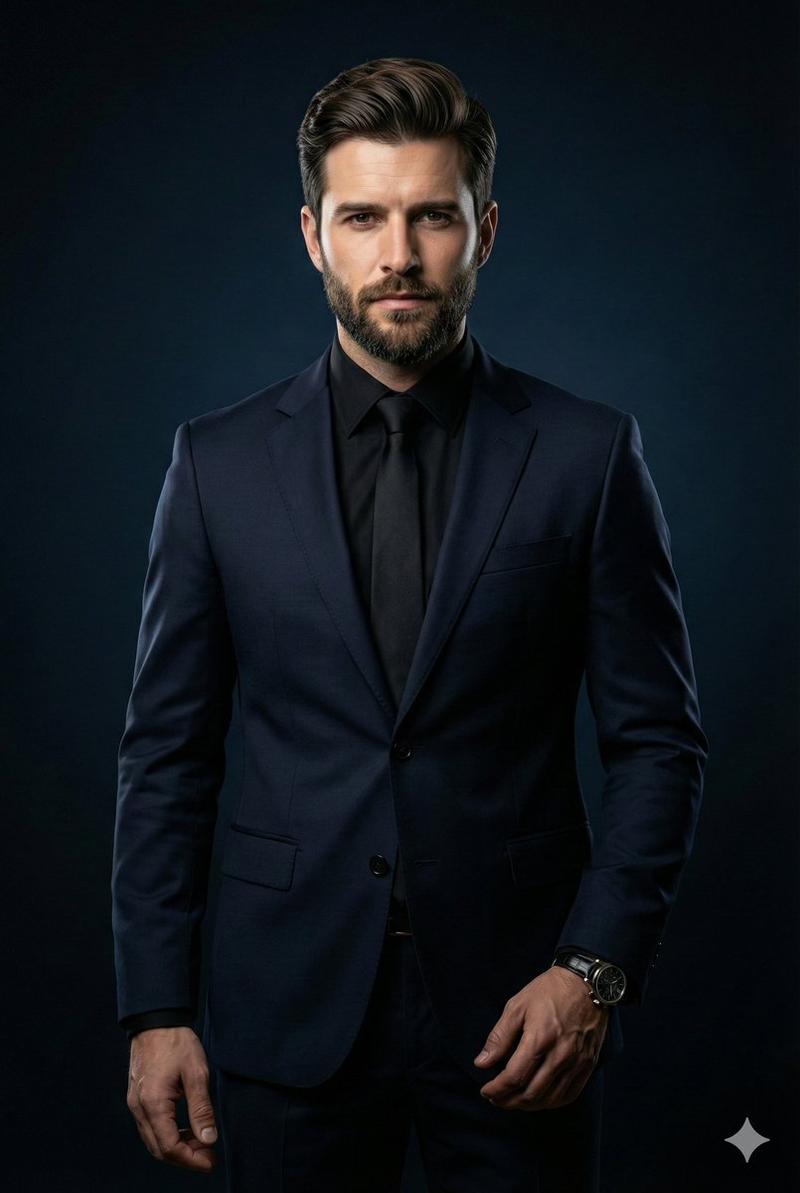
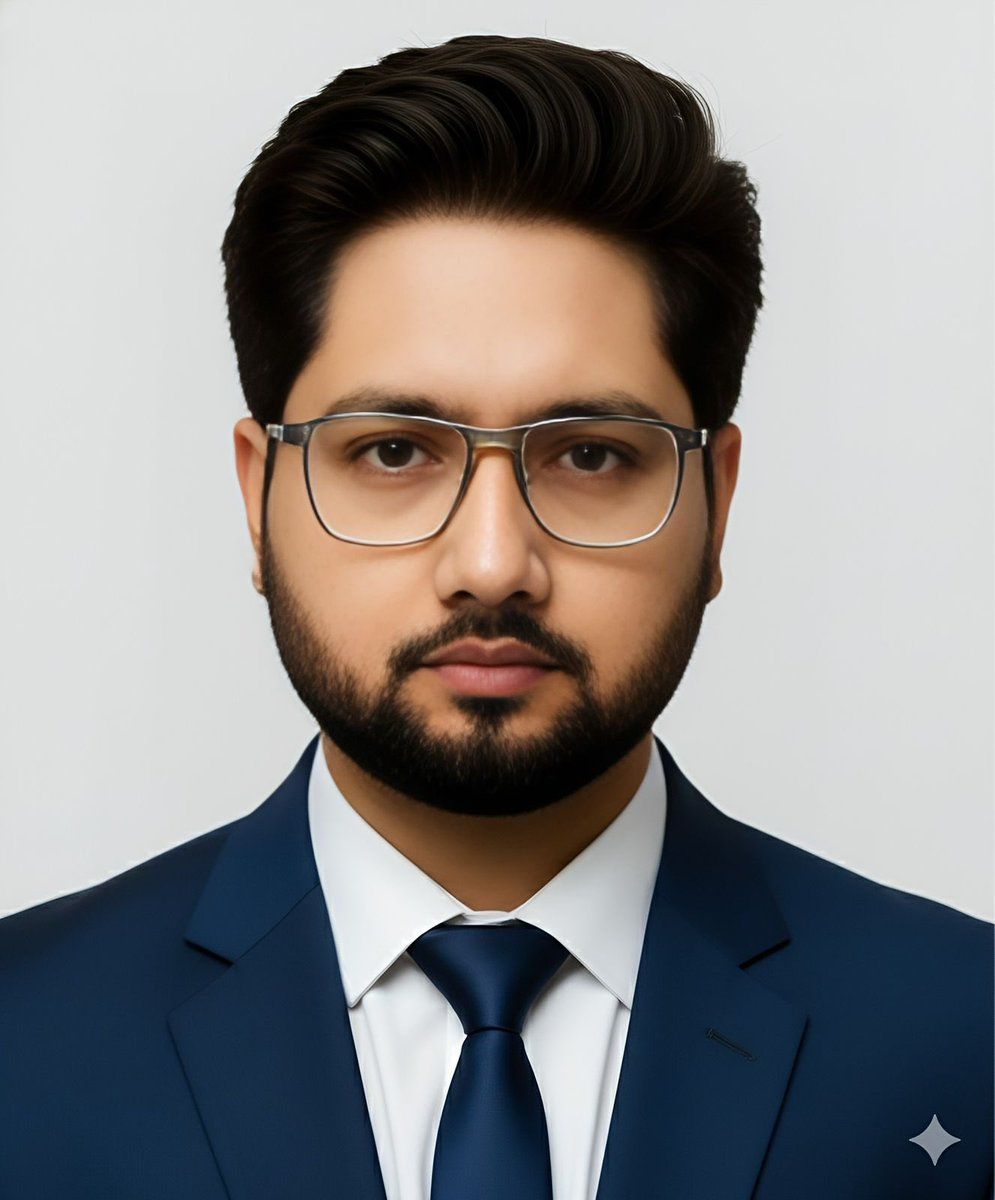
Create a hyper-realistic, portrait that perfectly replicates the face from the uploaded image, maintaining all original facial features and expressions. Ensure the pose feels relaxed and authentic, matching both the outfit and the setting. The subject should be looking directly at the camera with a warm, cute smile. The final composition should appear lifelike, detailed, and of professional photographic quality. Professional male portrait, wearing a navy suit and tie, neutral facial expression, white background, passport photo style, evenly lit, sharp focus. Dimensions: 2 x 2 inches (600 x 600 pixels at 300 DPI)
Category
创意图片
Model
Nano Banana Pro
Views0
Source ID
a4425ca6-977c-4ad0-85a4-06377ebb14b5
Published
Mar 8, 2026

Guide

About "护照照片风格肖像复制提示"

What is this prompt for?

"护照照片风格肖像复制提示" AI image prompt for Nano Banana Pro (创意图片). 一个用于图生图生成的提示,要求完美复刻上传的面部,同时生成一张身穿海军蓝西装打领带的专业男性肖像,背景为白色,采用护照照片风格(2x2 英寸)。 --- 创作一张超写实的肖像,完美复刻上传图片中的面部…

The full copyable prompt and example visuals above are ready for AI image generation or one-click recreate in Picva.

How to use this prompt

  1. Step 1

    Open the prompt detail

    Review the example visuals, category, and full prompt text for "护照照片风格肖像复制提示".

  2. Step 2

    Copy the prompt

    Copy the prompt body from this page, or load it directly in Studio.

  3. Step 3

    Pick a model (Nano Banana Pro)

    Prefer Nano Banana Pro. If you switch models, keep subject and composition and tweak style terms.

  4. Step 4

    Generate and export

    Recreate the look in Picva, or export into your workflow for editing and publishing.

FAQ

What is the "护照照片风格肖像复制提示" prompt?
It is an AI image-generation prompt for Nano Banana Pro in the 创意图片 category. This page includes the full prompt text, example visuals, and a one-click recreate path in Picva.
How do I use this prompt to generate an image?
Copy the prompt from this page, or use Generate / Studio. Paste it into a compatible image model, or recreate the look in Picva with optional reference images.
Which model is this prompt for?
This page lists Nano Banana Pro. Most descriptive prompts also transfer to nearby image models such as GPT Image, Flux, or Midjourney with light style tweaks.
Can I use the result commercially?
You can usually copy the prompt for creation, but commercial use of the final image depends on the model terms, reference-image rights, and the generated content. Follow the source author and platform rules.