16

多角色亲密约会场景生成器
Enlarge

多角色亲密约会场景生成器

Prompt
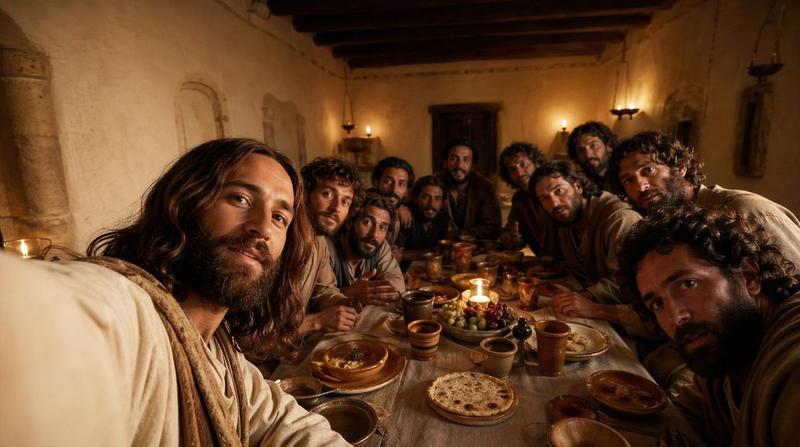
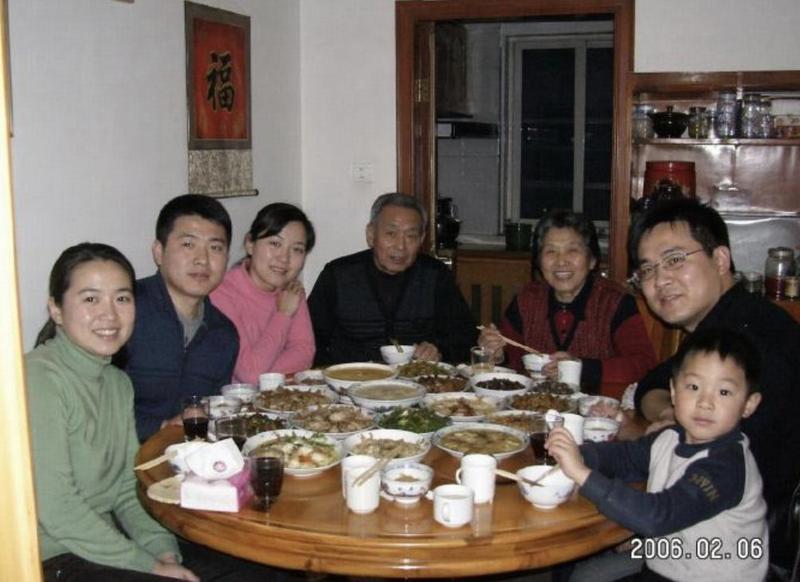
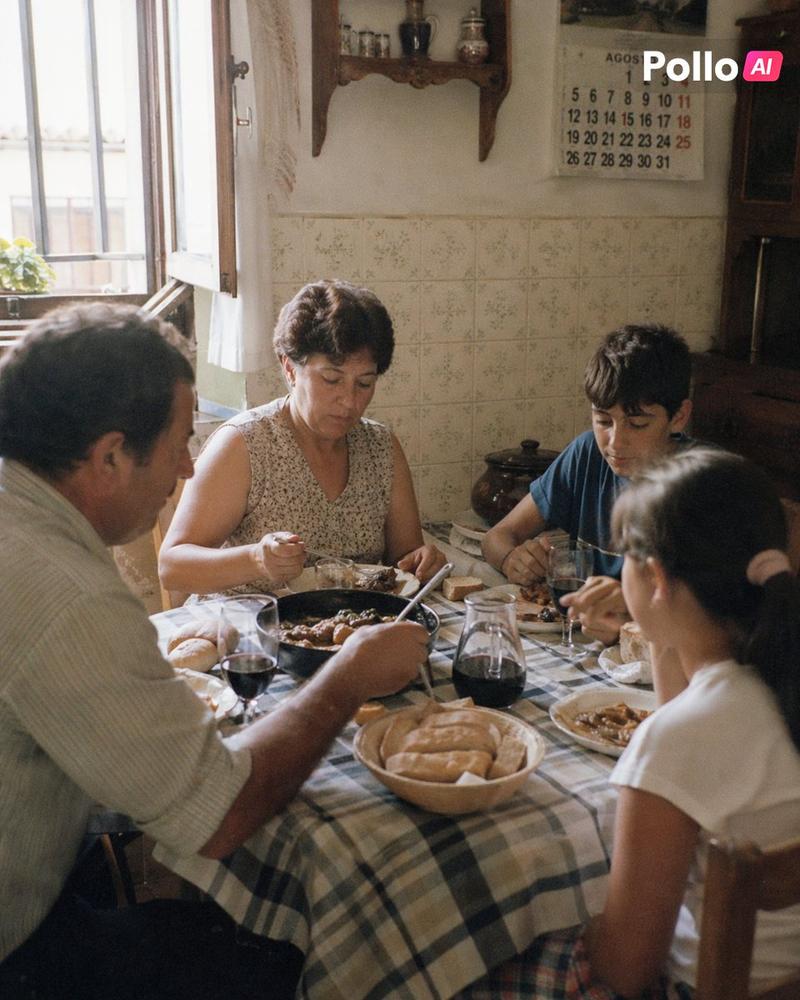
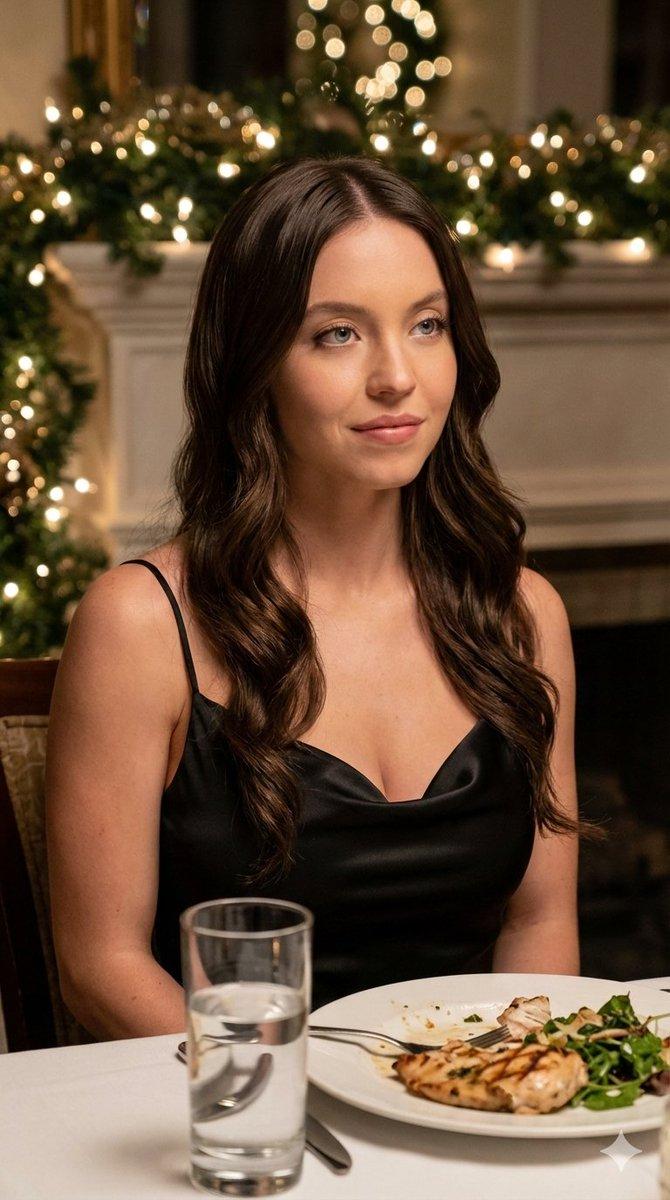
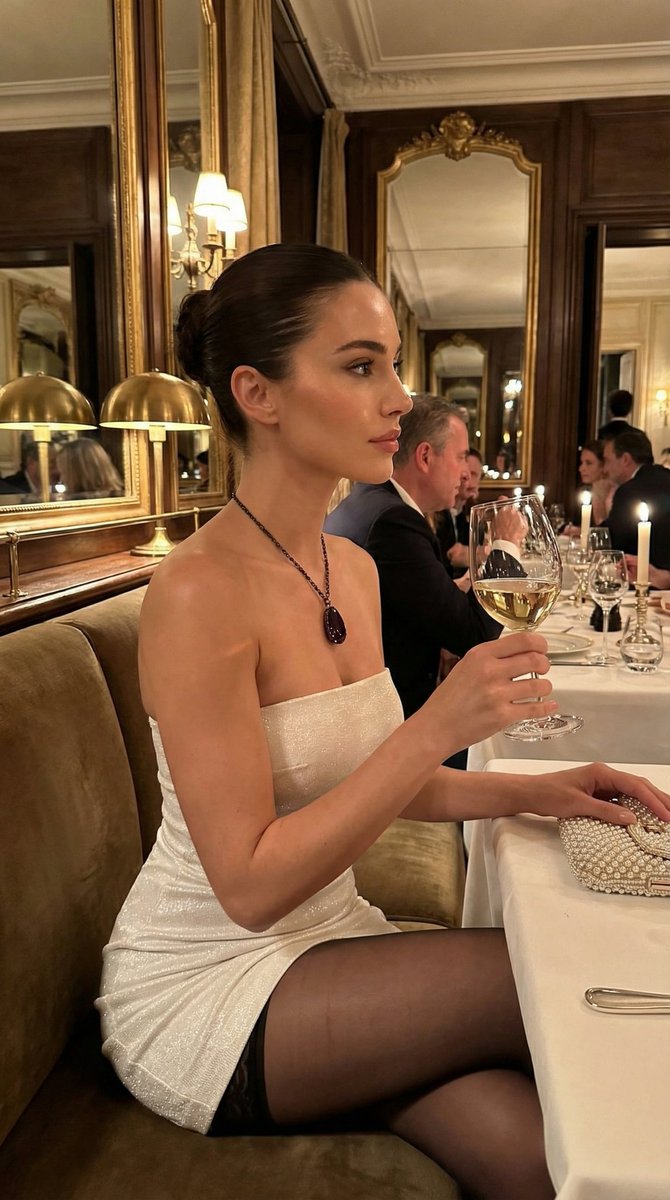
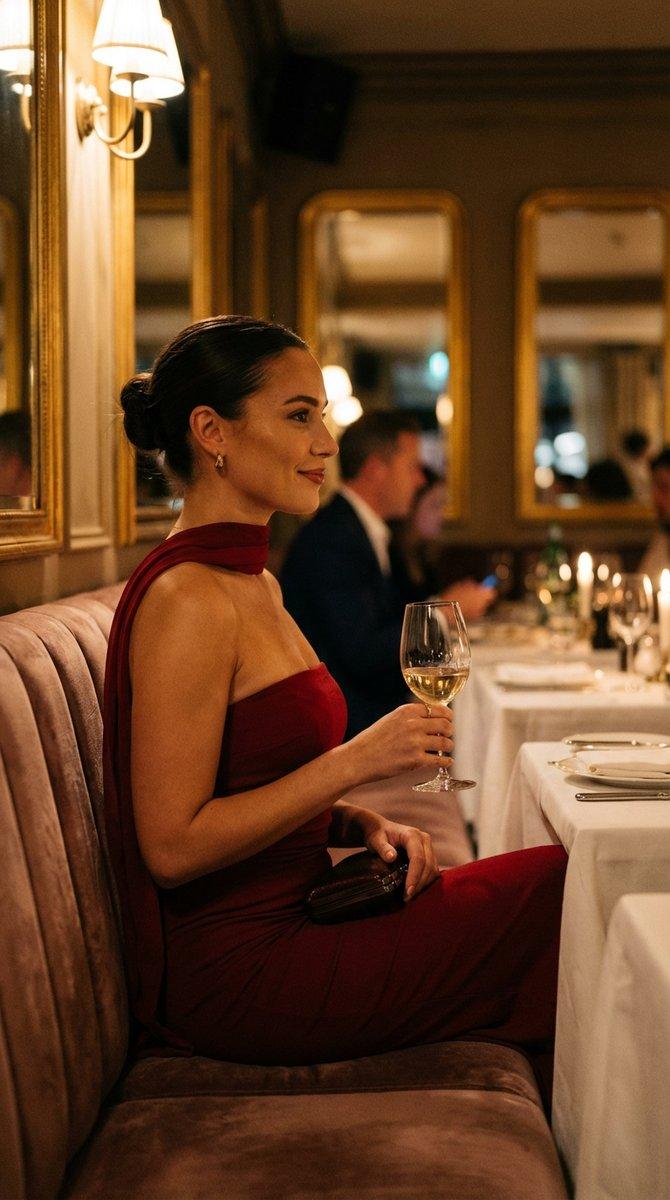
close-up intimate composition of ALL REFERENCED CHARACTERS in their exact art style and exact clothes with the characters sitting across from each other in a cozy date setting that fits all character's environment. if character is an object, personify that object faithfully.

ultra-photorealistic date venue formed by all characters' backgrounds while the activity and cuisine is defined by all character's styles, colors, and moodboards.
all characters engaged in a natural getting-to-know-each-other interaction with relaxed body language showing genuine connection and fun with.
warm atmospheric lighting complementing all characters' color palettes and moods, photorealistic ambient features floating throughout scene contextually matching the setting type with soft hearts fitting all characters vibes and artstyle.

environment rendering in complete photorealistic 3D quality while all characters maintain their native art styles without blending, background softly blurred with bokeh effects highlighting the intimate date atmosphere, cozy and inviting ambiance with warm color temperature, high resolution, high quality, high detail, romantic yet comfortable setting where all characters feel naturally at home, volumetric lighting creating depth and warmth, scene composition emphasizing connection between all characters, no crowds, intimate private setting, candid moment of shared experience and discovery, accurate anatomy.
Category
创意图片
Model
Nano Banana Pro
Creator
KiriKev
Views0
Source ID
29a076f3-eb23-43ca-8e42-4a4ea8448fa5
Published
Mar 8, 2026

Guide

About "多角色亲密约会场景生成器"

What is this prompt for?

"多角色亲密约会场景生成器" AI image prompt for Nano Banana Pro (创意图片). 一个复杂的多角色提示,旨在生成一个超逼真的亲密约会场景。它需要引用多个角色/物体,并忠实地保持其原始艺术风格和环境,同时将其背景融合到一个有凝聚力、浪漫的 3D 设置中。 --- 所有提及的角色以其确…

The full copyable prompt and example visuals above are ready for AI image generation or one-click recreate in Picva.

How to use this prompt

  1. Step 1

    Open the prompt detail

    Review the example visuals, category, and full prompt text for "多角色亲密约会场景生成器".

  2. Step 2

    Copy the prompt

    Copy the prompt body from this page, or load it directly in Studio.

  3. Step 3

    Pick a model (Nano Banana Pro)

    Prefer Nano Banana Pro. If you switch models, keep subject and composition and tweak style terms.

  4. Step 4

    Generate and export

    Recreate the look in Picva, or export into your workflow for editing and publishing.

FAQ

What is the "多角色亲密约会场景生成器" prompt?
It is an AI image-generation prompt for Nano Banana Pro in the 创意图片 category. This page includes the full prompt text, example visuals, and a one-click recreate path in Picva.
How do I use this prompt to generate an image?
Copy the prompt from this page, or use Generate / Studio. Paste it into a compatible image model, or recreate the look in Picva with optional reference images.
Which model is this prompt for?
This page lists Nano Banana Pro. Most descriptive prompts also transfer to nearby image models such as GPT Image, Flux, or Midjourney with light style tweaks.
Can I use the result commercially?
You can usually copy the prompt for creation, but commercial use of the final image depends on the model terms, reference-image rights, and the generated content. Follow the source author and platform rules.