19

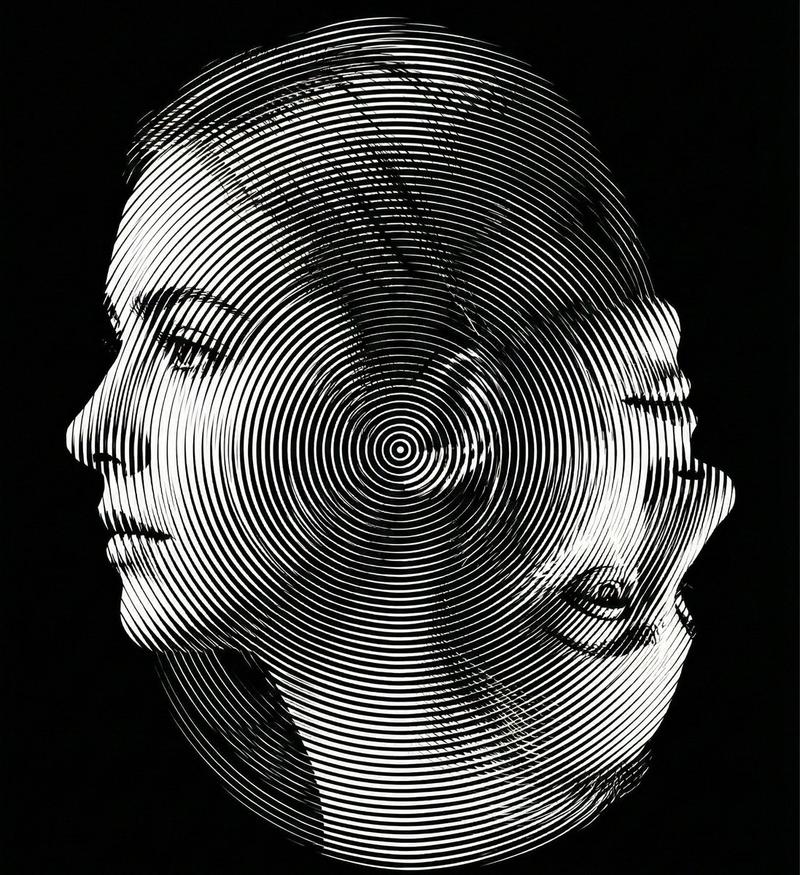
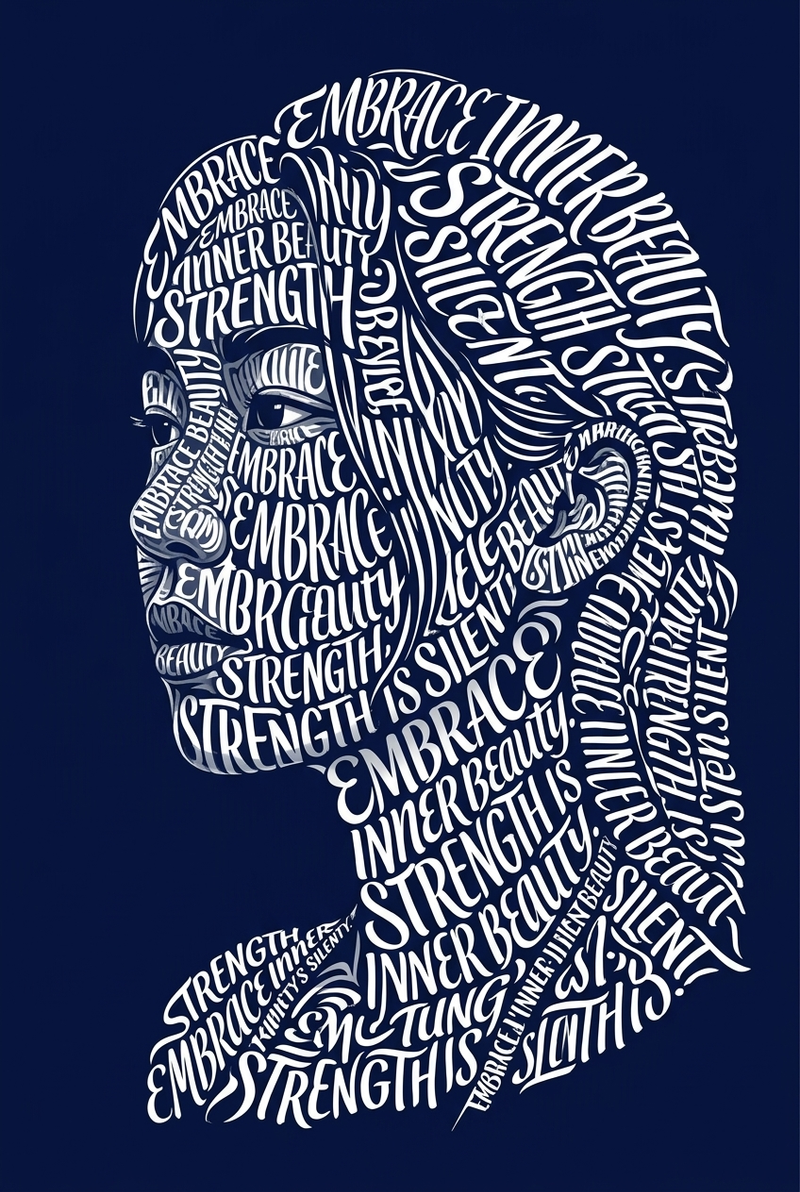
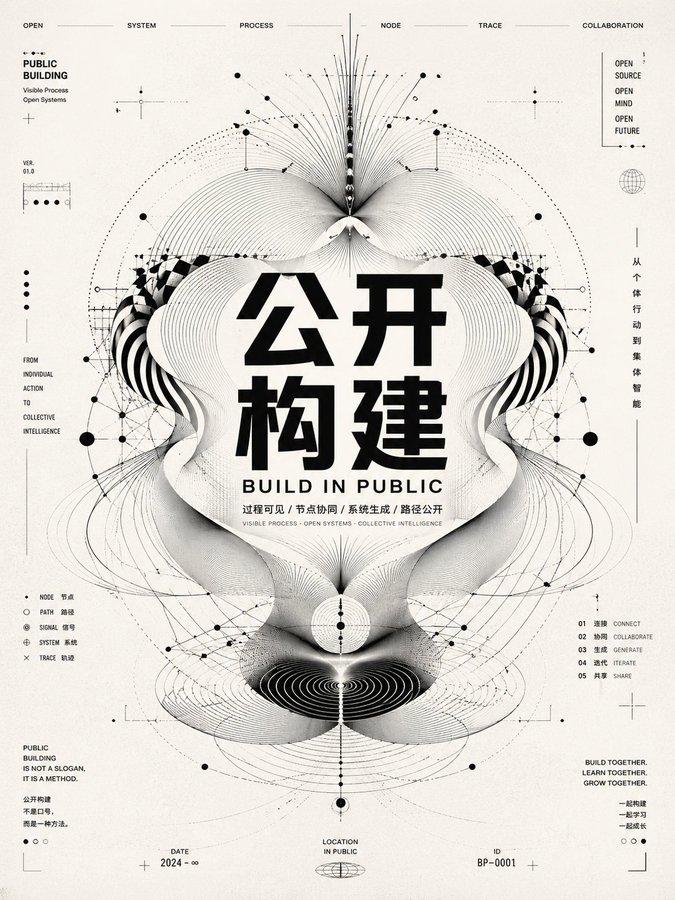
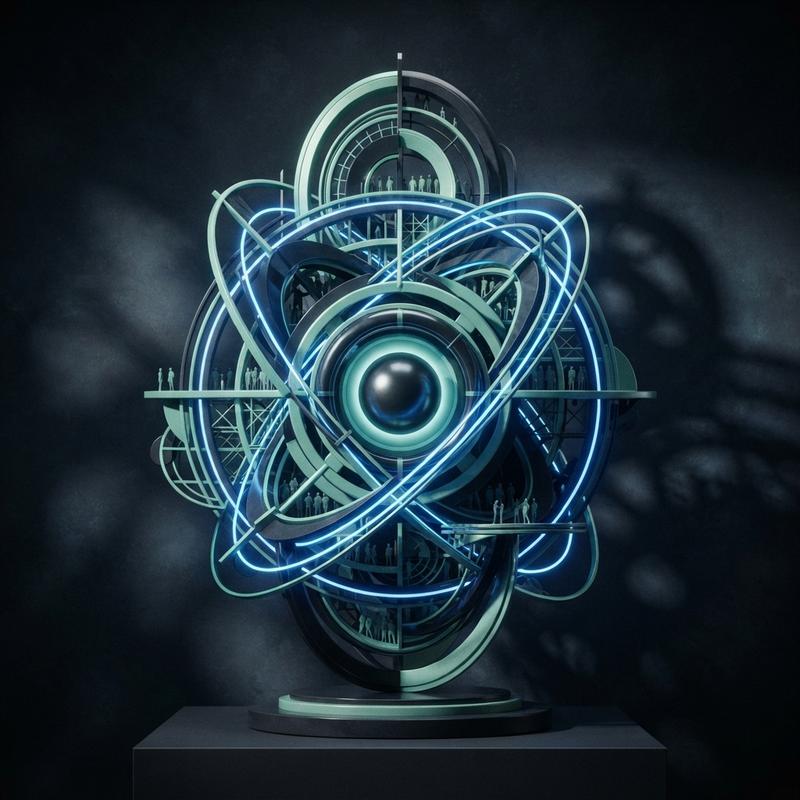
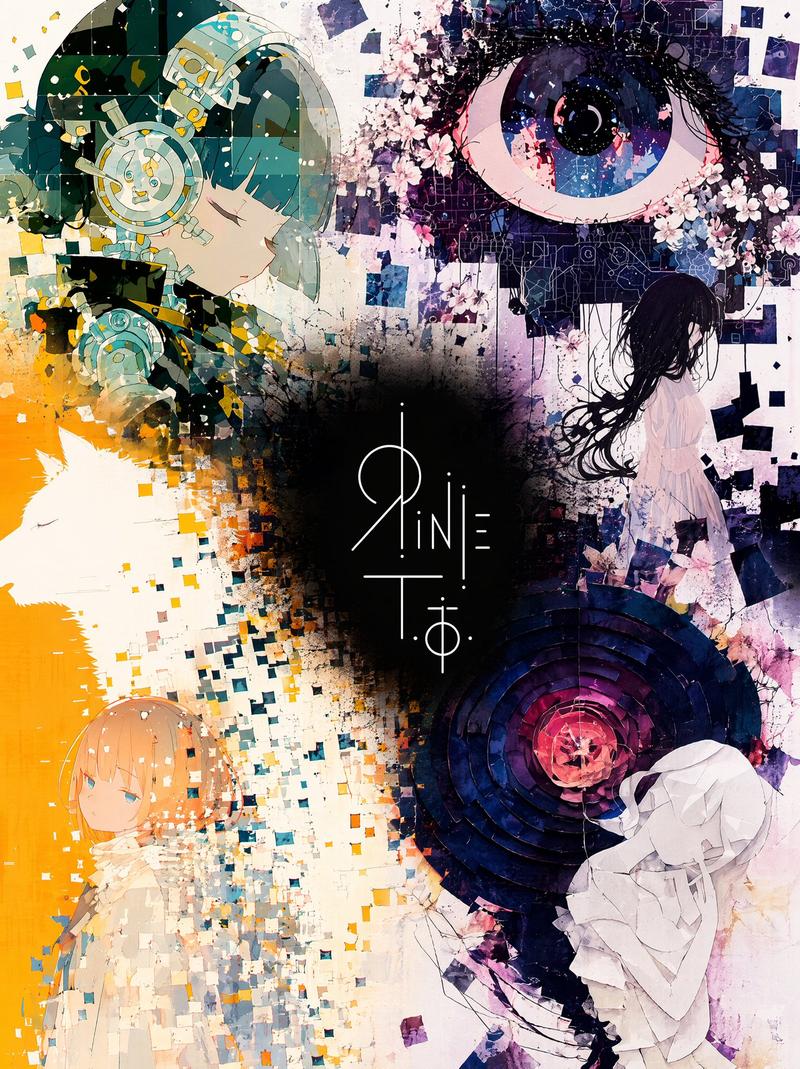
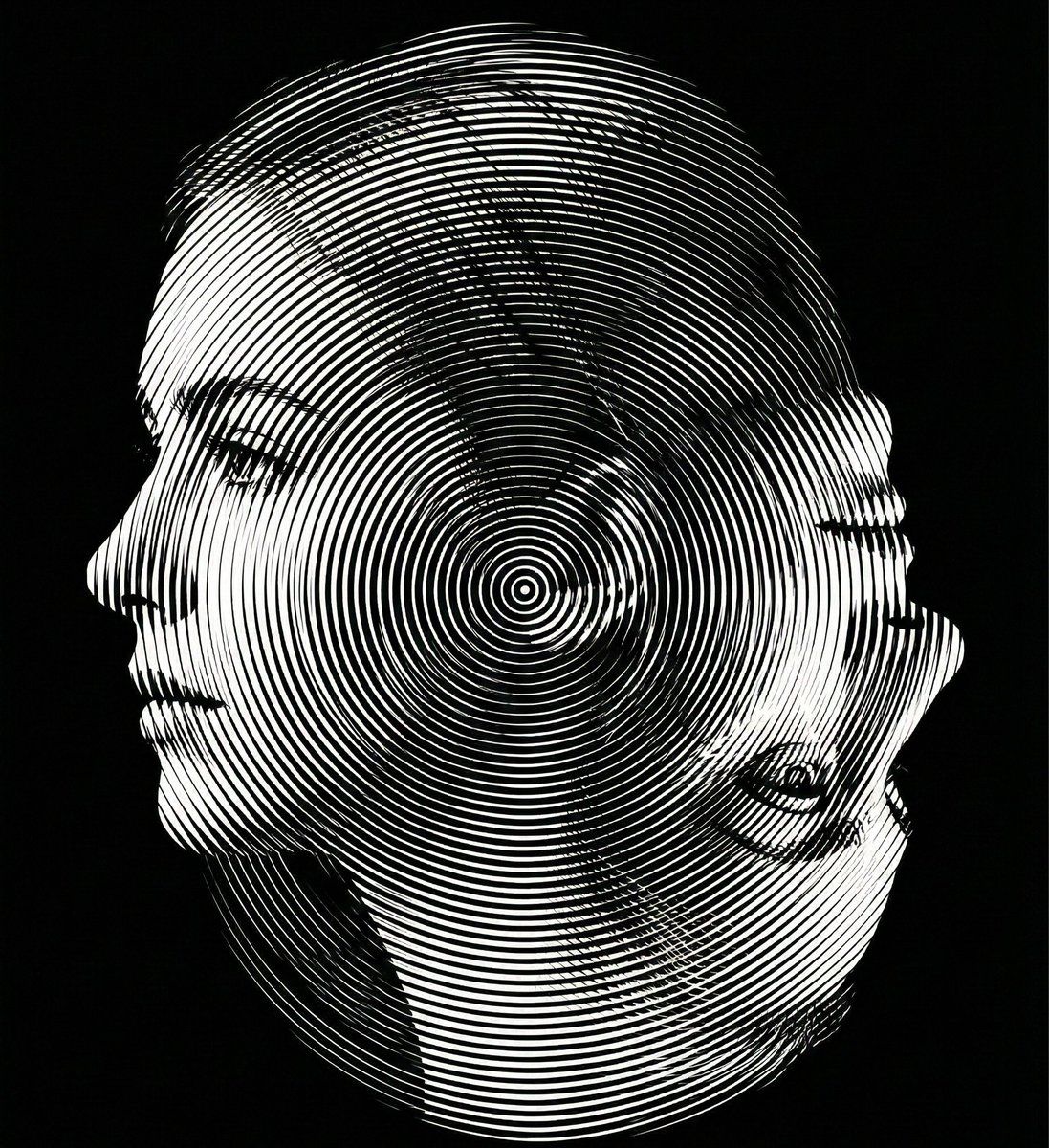
双向光学错觉肖像
Enlarge

双向光学错觉肖像

Prompt
Create a dual-orientation optical illusion portrait.
When viewed in normal upright position (0° orientation), the image must clearly reveal a young woman’s left-facing side profile.
When the image is rotated 180 degrees (phone flipped upside down), the same composition must reveal an elderly woman’s side profile.
Both identities must share the exact same contour structure and occupy identical spatial boundaries. No separate drawings, no split screen, no overlay. The transformation must occur purely through contour reinterpretation and structural ambiguity.
Design the contour so that:
The young woman’s chin becomes the elderly woman’s nose when rotated.
The young woman’s ear becomes the elderly woman’s eye socket.
The young woman’s neckline becomes the elderly woman’s mouth and chin structure.
Apply a Moiré interference surface using ultra-thin radial or dual-frequency line patterns across the entire composition. The interference pattern must enhance depth without breaking the dual-orientation illusion.
Strict monochrome palette. Black background (#000000) with white or light gray line structures only. No color. No gradients except those created by line density. No blur. No texture noise.
Ultra-precise vector alignment. High contrast. Clean silhouette edges. 8K ultra-high resolution. Aspect ratio 4:5.
The illusion must be readable in both orientations.
Category
创意图片
Model
Nano Banana Pro
Creator
Kaan
Views0
Source ID
c721dec0-d561-4822-9e7f-d649ae703240
Published
Mar 8, 2026

Guide

About "双向光学错觉肖像"

What is this prompt for?

"双向光学错觉肖像" AI image prompt for Nano Banana Pro (创意图片). 一个高度技术性的提示,用于生成严格单色的双向光学错觉肖像,要求图像在正视时呈现年轻女性的侧面轮廓,旋转 180 度时呈现老年女性的侧面轮廓,并需要精确的轮廓重新诠释和莫尔条纹干涉表面应用。 --- 创作一幅双…

The full copyable prompt and example visuals above are ready for AI image generation or one-click recreate in Picva.

How to use this prompt

  1. Step 1

    Open the prompt detail

    Review the example visuals, category, and full prompt text for "双向光学错觉肖像".

  2. Step 2

    Copy the prompt

    Copy the prompt body from this page, or load it directly in Studio.

  3. Step 3

    Pick a model (Nano Banana Pro)

    Prefer Nano Banana Pro. If you switch models, keep subject and composition and tweak style terms.

  4. Step 4

    Generate and export

    Recreate the look in Picva, or export into your workflow for editing and publishing.

FAQ

What is the "双向光学错觉肖像" prompt?
It is an AI image-generation prompt for Nano Banana Pro in the 创意图片 category. This page includes the full prompt text, example visuals, and a one-click recreate path in Picva.
How do I use this prompt to generate an image?
Copy the prompt from this page, or use Generate / Studio. Paste it into a compatible image model, or recreate the look in Picva with optional reference images.
Which model is this prompt for?
This page lists Nano Banana Pro. Most descriptive prompts also transfer to nearby image models such as GPT Image, Flux, or Midjourney with light style tweaks.
Can I use the result commercially?
You can usually copy the prompt for creation, but commercial use of the final image depends on the model terms, reference-image rights, and the generated content. Follow the source author and platform rules.