17

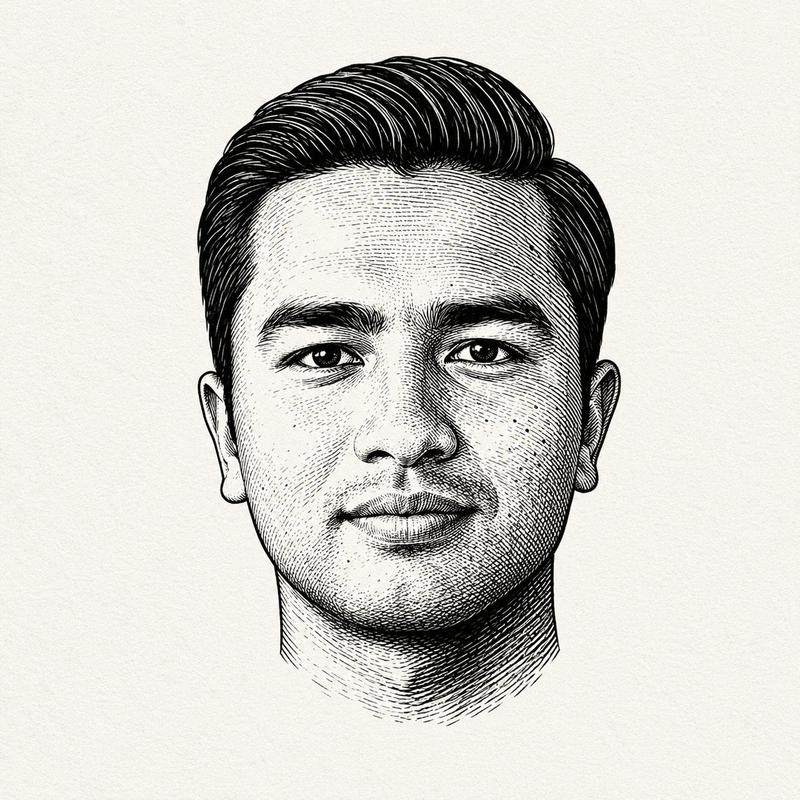
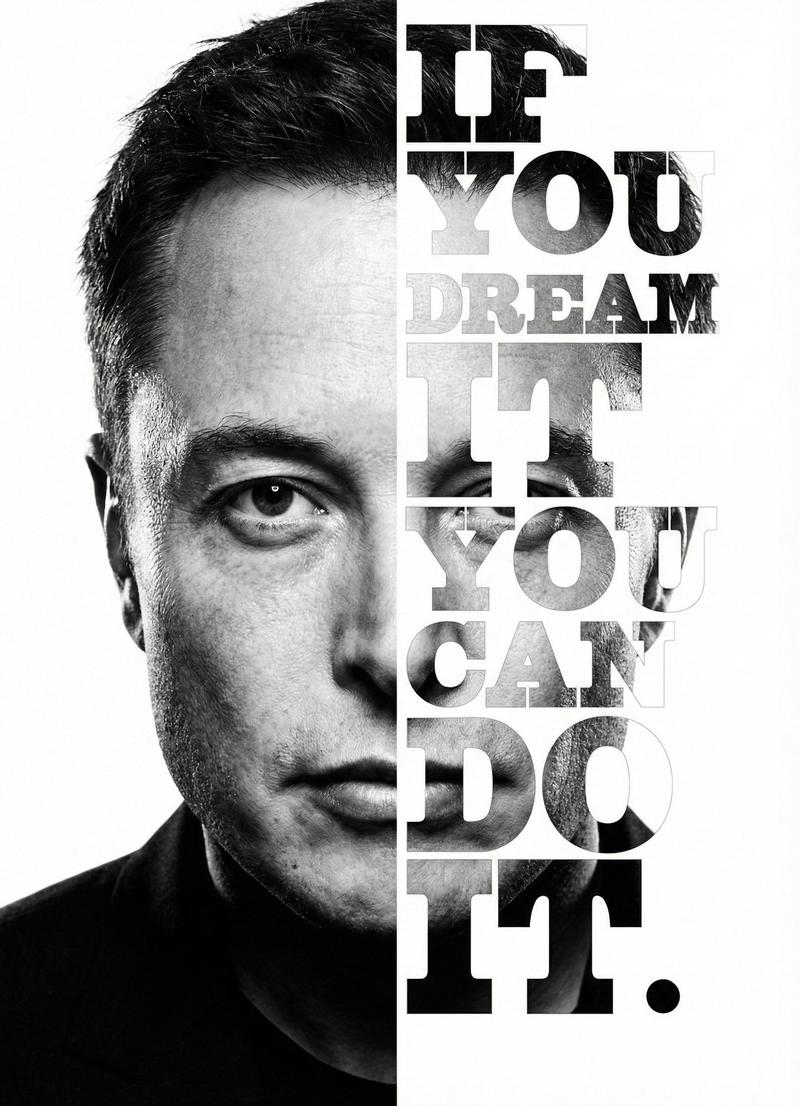
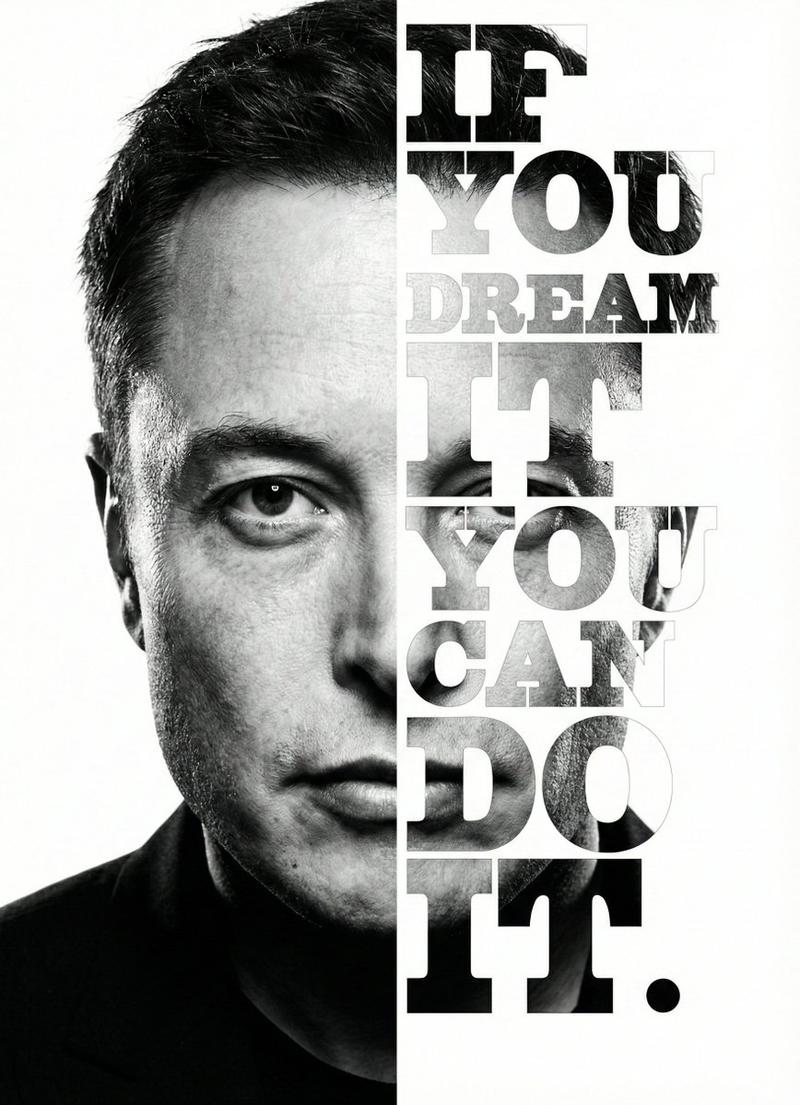
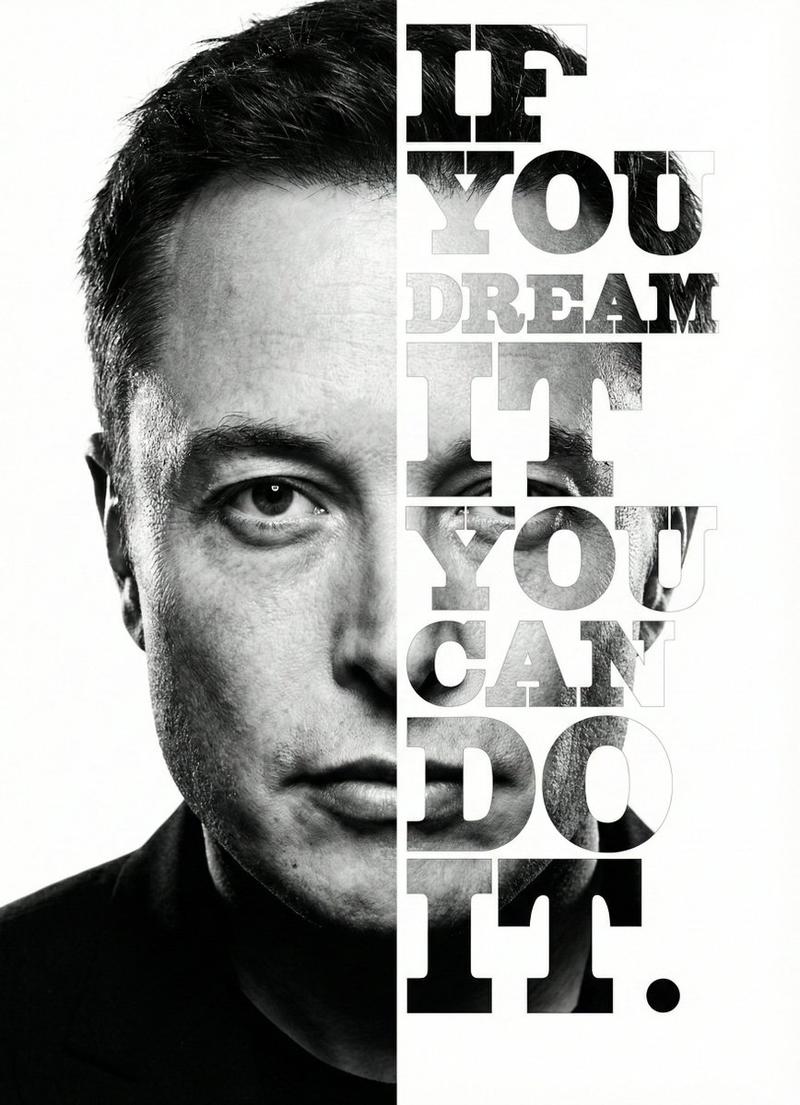
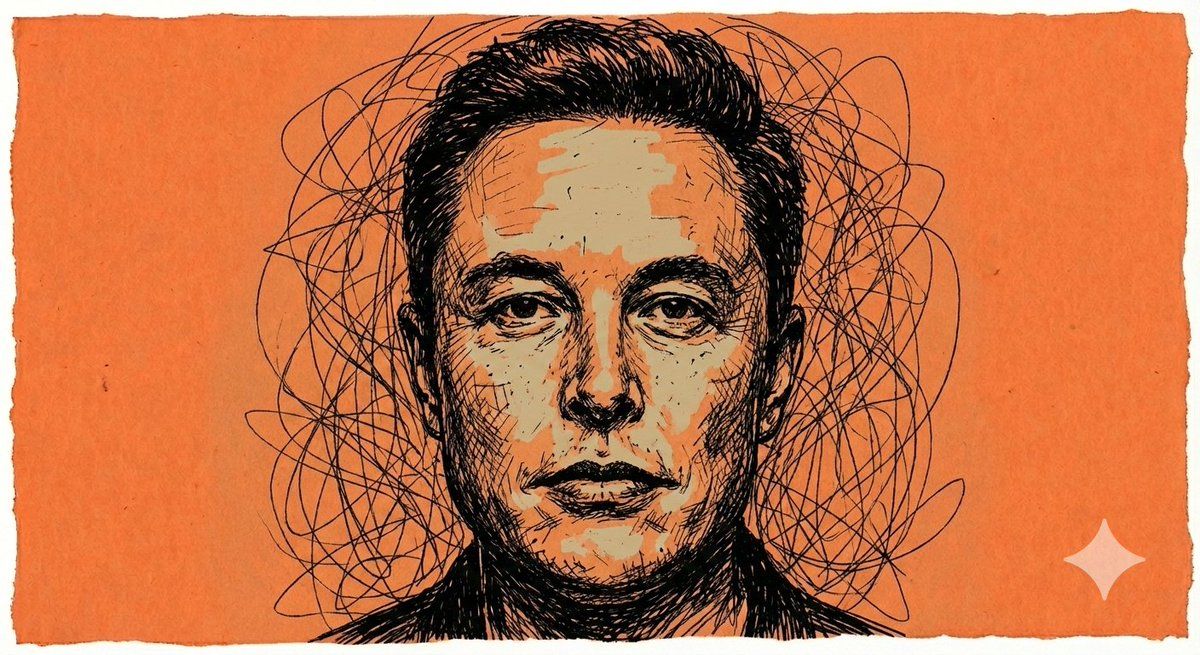
原始混沌水墨海报提示
Enlarge

原始混沌水墨海报提示

Prompt
{
  "style": "raw chaotic ink poster",
  "subject": "face (use original reference only for proportions)",
  "linework": {
    "primary_method": "dense curved black scribble strokes",
    "structure": "overlapping uneven lines",
    "shading": "rough cross-hatching",
    "symmetry": "slightly asymmetrical"
  },
  "rendering": {
    "color_tone": "minimal flat beige",
    "background": "solid flat orange",
    "contrast": "high contrast",
    "gradients": false,
    "realism": false,
    "3d_effects": false,
    "polish": "none"
  },
  "details": {
    "hair_and_shadows": "formed with tangled overlapping strokes",
    "aura": "irregular tangled aura surrounding the face"
  }
}
Category
创意图片
Model
Nano Banana Pro
Creator
Johnn
Views0
Source ID
40ad9f55-64b3-4718-92ef-129d8923893f
Published
Mar 8, 2026

Guide

About "原始混沌水墨海报提示"

What is this prompt for?

"原始混沌水墨海报提示" AI image prompt for Nano Banana Pro (创意图片). 生成一张高对比度、非写实的海报图像,风格为原始、混乱的墨迹涂鸦,使用极少的纯色(米色和橙色)。 --- ```json { "style": "原始混沌泼墨海报", "subject": "脸部(仅按原始…

The full copyable prompt and example visuals above are ready for AI image generation or one-click recreate in Picva.

How to use this prompt

  1. Step 1

    Open the prompt detail

    Review the example visuals, category, and full prompt text for "原始混沌水墨海报提示".

  2. Step 2

    Copy the prompt

    Copy the prompt body from this page, or load it directly in Studio.

  3. Step 3

    Pick a model (Nano Banana Pro)

    Prefer Nano Banana Pro. If you switch models, keep subject and composition and tweak style terms.

  4. Step 4

    Generate and export

    Recreate the look in Picva, or export into your workflow for editing and publishing.

FAQ

What is the "原始混沌水墨海报提示" prompt?
It is an AI image-generation prompt for Nano Banana Pro in the 创意图片 category. This page includes the full prompt text, example visuals, and a one-click recreate path in Picva.
How do I use this prompt to generate an image?
Copy the prompt from this page, or use Generate / Studio. Paste it into a compatible image model, or recreate the look in Picva with optional reference images.
Which model is this prompt for?
This page lists Nano Banana Pro. Most descriptive prompts also transfer to nearby image models such as GPT Image, Flux, or Midjourney with light style tweaks.
Can I use the result commercially?
You can usually copy the prompt for creation, but commercial use of the final image depends on the model terms, reference-image rights, and the generated content. Follow the source author and platform rules.