19

Ayesha 户外肖像提示
Enlarge

Ayesha 户外肖像提示

Prompt
{
  "name": "Ayesha",
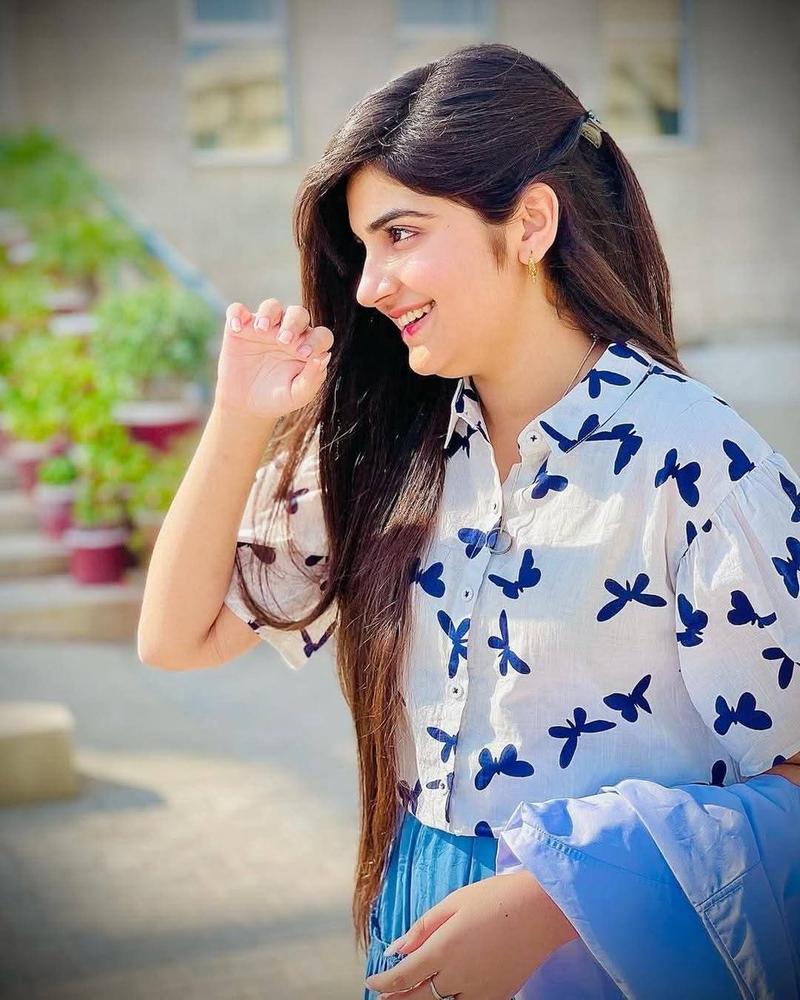
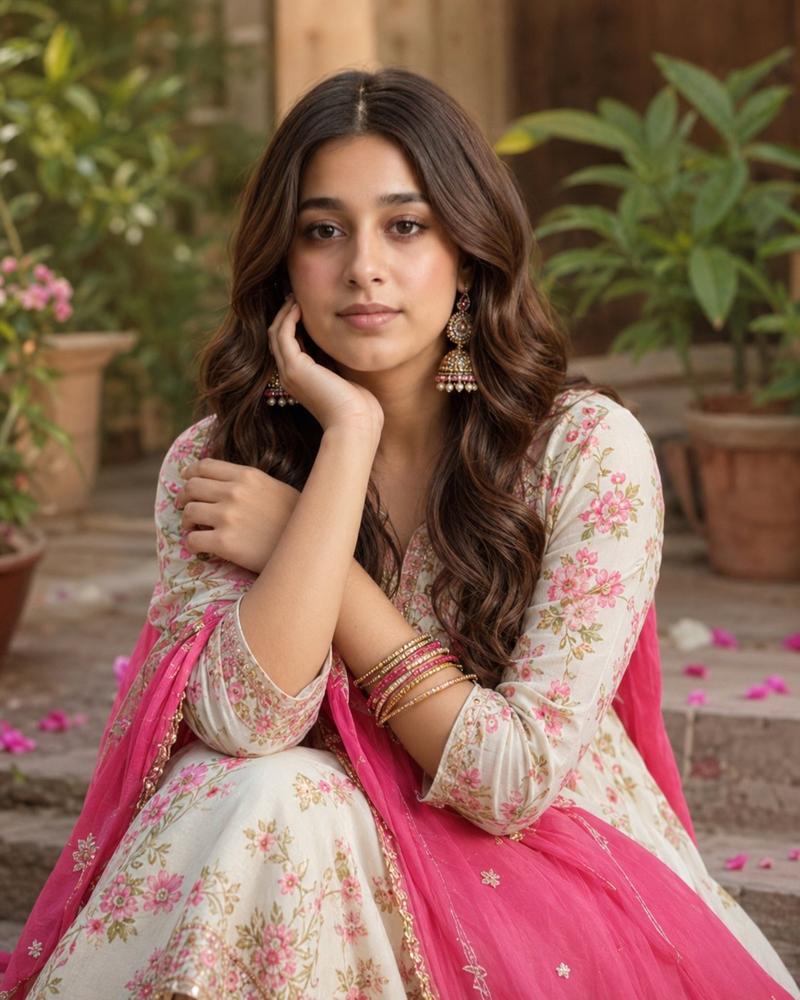
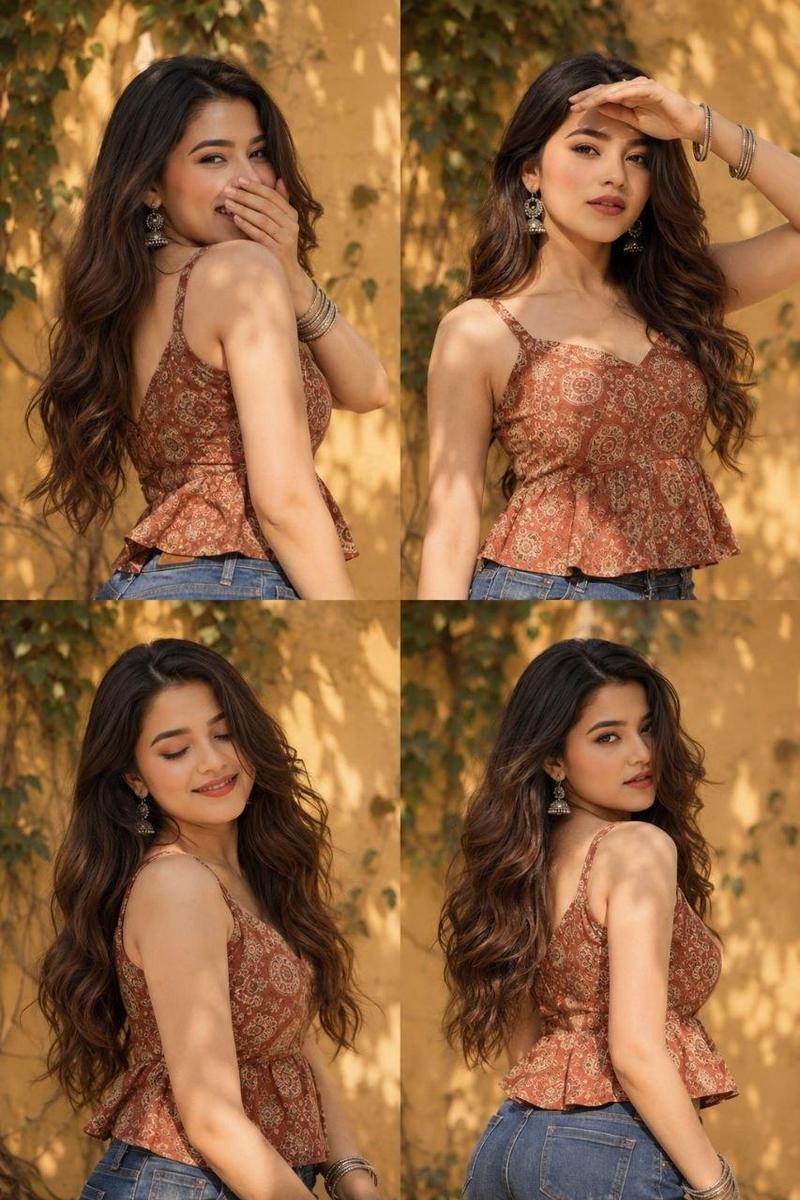
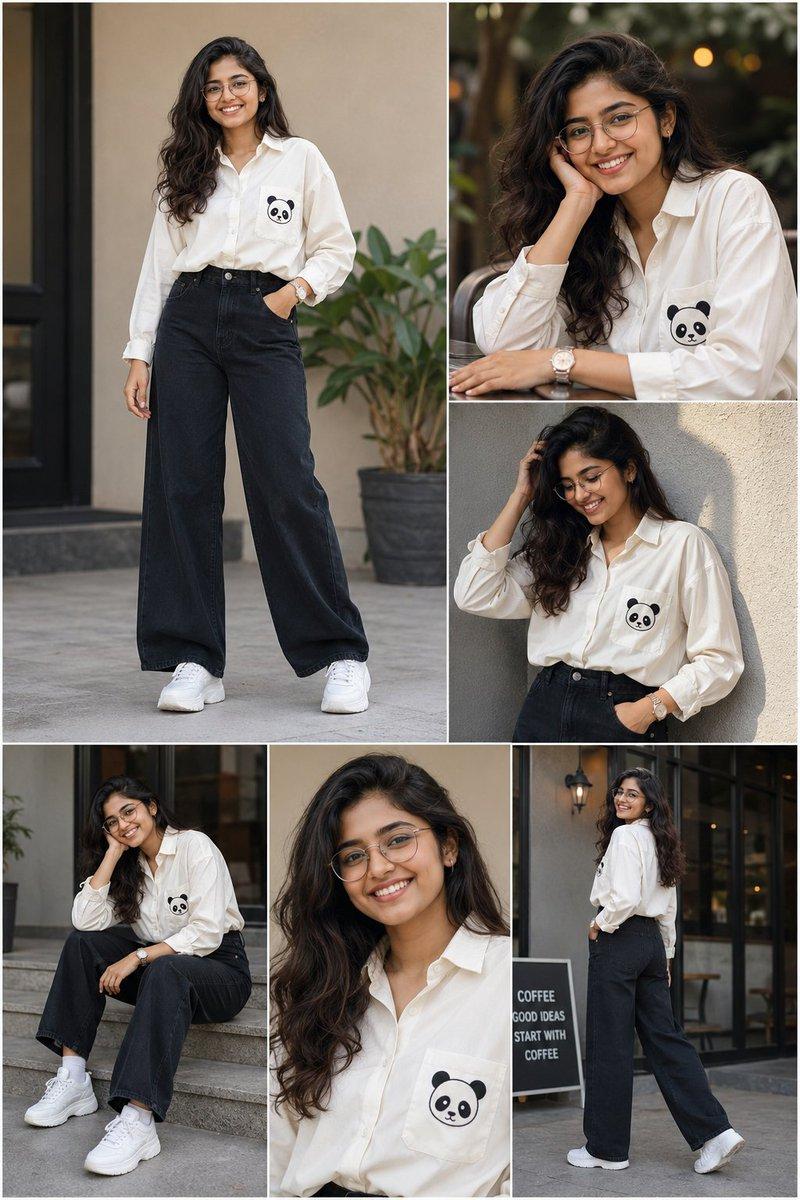
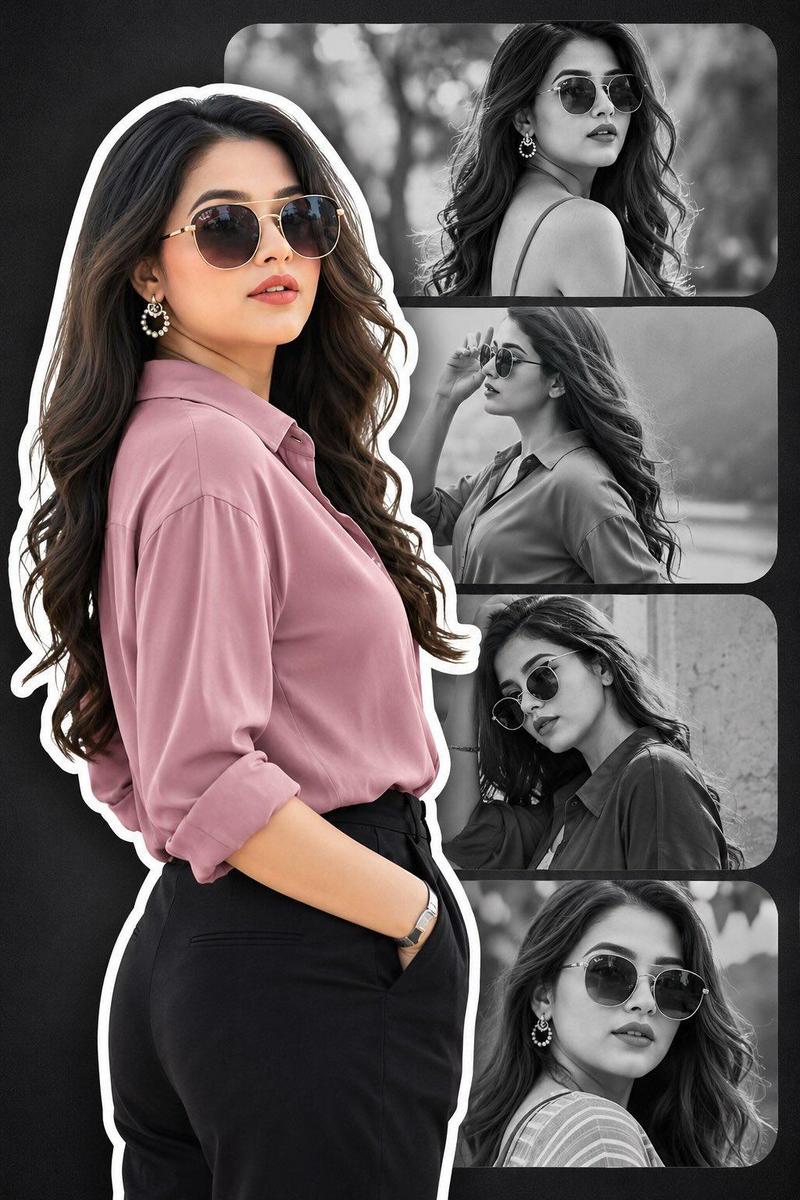
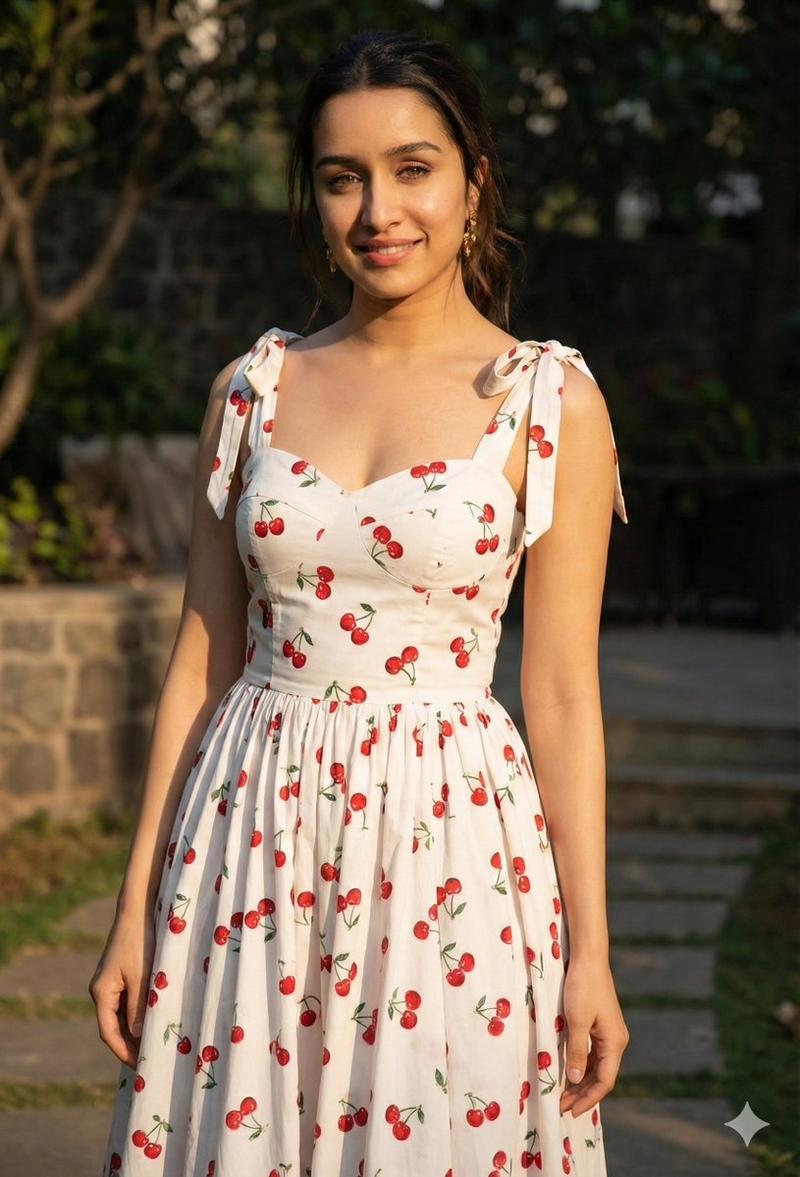
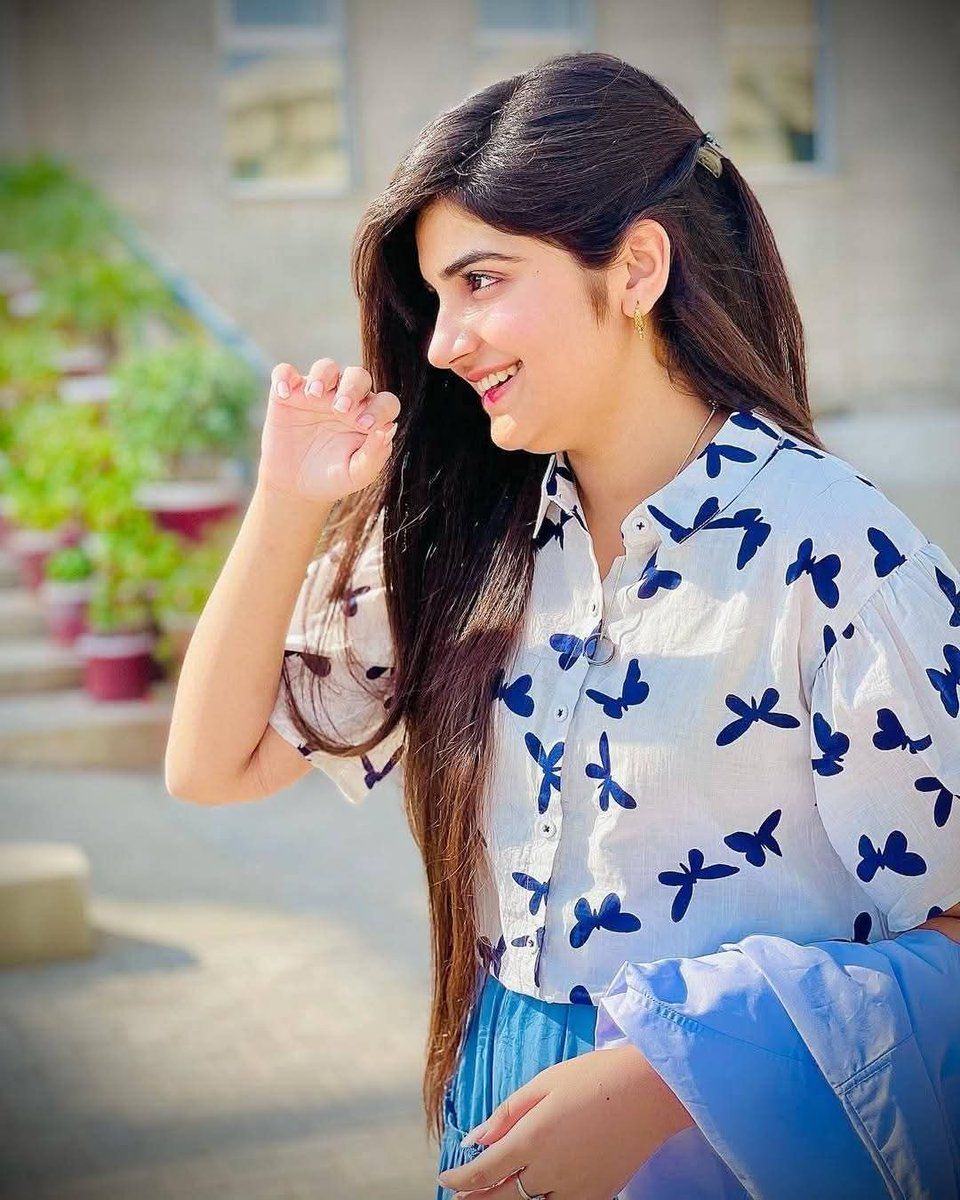
  "description": "A young woman smiling brightly outdoors in natural sunlight.",
  "appearance": {
    "hair": "Long, straight dark brown hair styled to one side",
    "expression": "Happy and cheerful smile",
    "outfit": "White shirt with blue butterfly prints and a blue skirt",
    "accessories": "Small earrings and a hair clip"
  },
  "environment": {
    "location": "Outdoor setting",
    "background": "Blurred greenery and building in the background",
    "lighting": "Bright natural sunlight"
  },
  "mood": "Fresh, joyful, and lively"
Category
创意图片
Model
Nano Banana Pro
Views0
Source ID
6d78697f-9716-4956-9093-de2be12e4640
Published
Mar 8, 2026

Guide

About "Ayesha 户外肖像提示"

What is this prompt for?

"Ayesha 户外肖像提示" AI image prompt for Nano Banana Pro (创意图片). 一个结构化的提示,用于生成一张名为 Ayesha 的年轻女性的欢乐、活泼的户外肖像,重点突出她的外貌、服装(带有蓝色蝴蝶印花的白色衬衫)和明亮的自然阳光。 --- ```json { "name":…

The full copyable prompt and example visuals above are ready for AI image generation or one-click recreate in Picva.

How to use this prompt

  1. Step 1

    Open the prompt detail

    Review the example visuals, category, and full prompt text for "Ayesha 户外肖像提示".

  2. Step 2

    Copy the prompt

    Copy the prompt body from this page, or load it directly in Studio.

  3. Step 3

    Pick a model (Nano Banana Pro)

    Prefer Nano Banana Pro. If you switch models, keep subject and composition and tweak style terms.

  4. Step 4

    Generate and export

    Recreate the look in Picva, or export into your workflow for editing and publishing.

FAQ

What is the "Ayesha 户外肖像提示" prompt?
It is an AI image-generation prompt for Nano Banana Pro in the 创意图片 category. This page includes the full prompt text, example visuals, and a one-click recreate path in Picva.
How do I use this prompt to generate an image?
Copy the prompt from this page, or use Generate / Studio. Paste it into a compatible image model, or recreate the look in Picva with optional reference images.
Which model is this prompt for?
This page lists Nano Banana Pro. Most descriptive prompts also transfer to nearby image models such as GPT Image, Flux, or Midjourney with light style tweaks.
Can I use the result commercially?
You can usually copy the prompt for creation, but commercial use of the final image depends on the model terms, reference-image rights, and the generated content. Follow the source author and platform rules.