19

合金玩具模型生成提示
Enlarge

合金玩具模型生成提示

Prompt
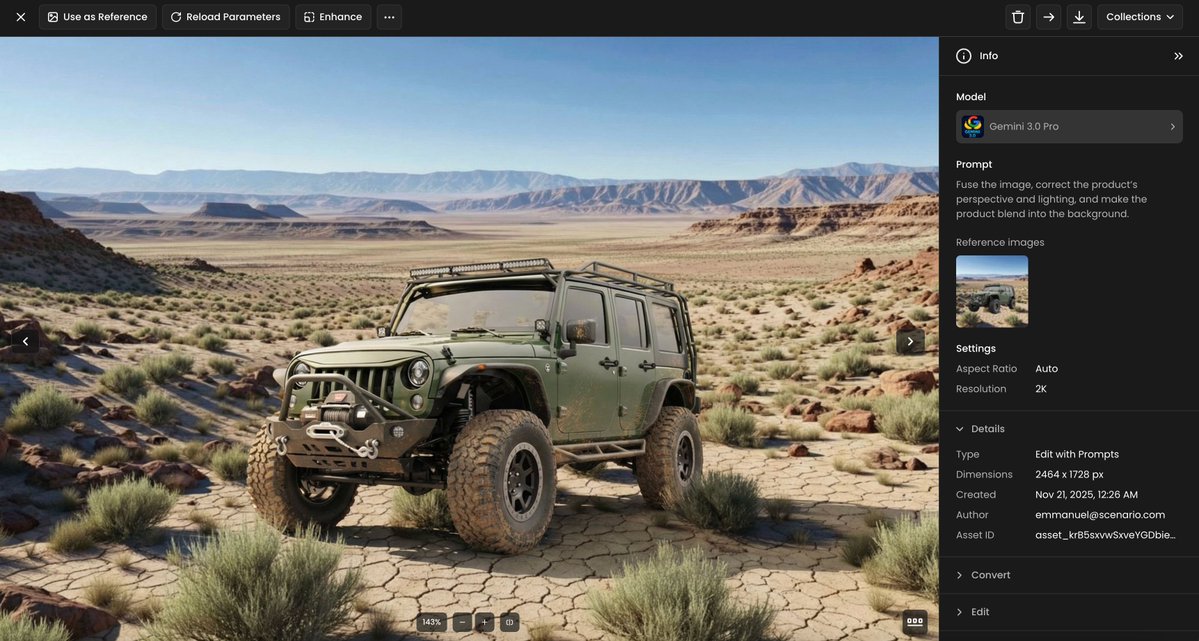
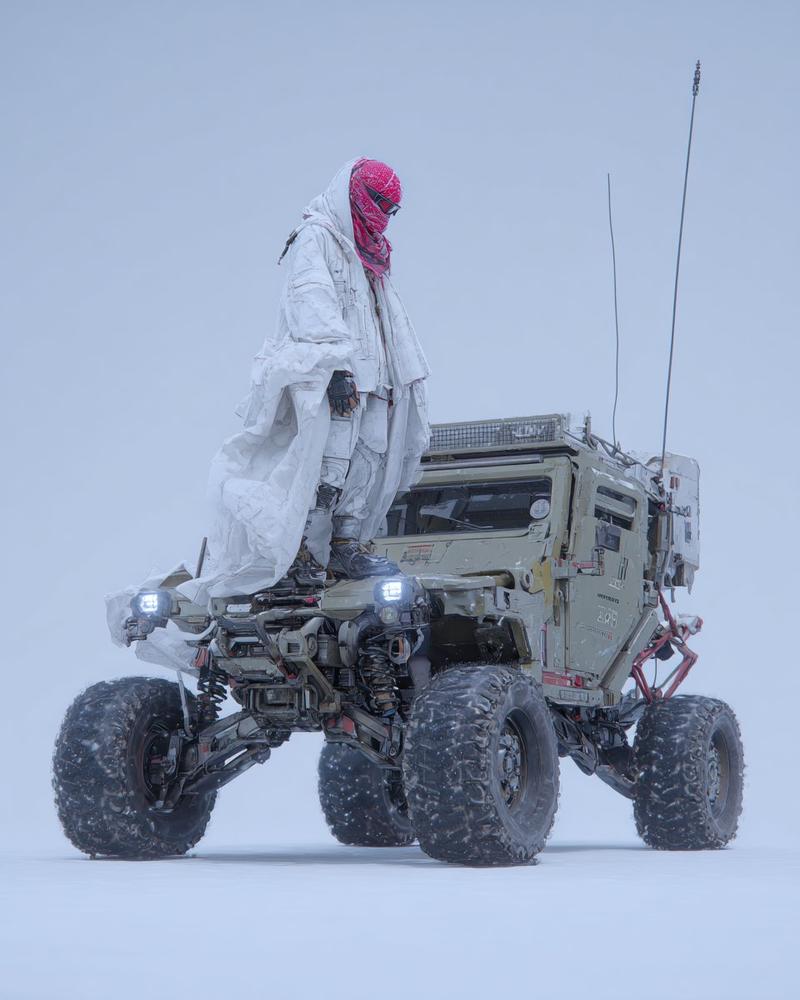
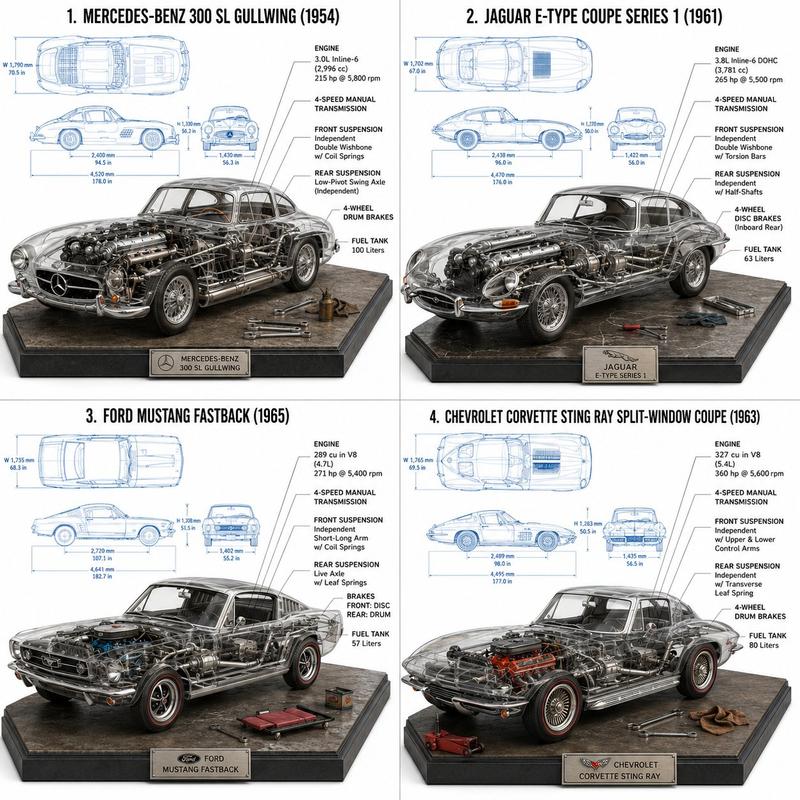
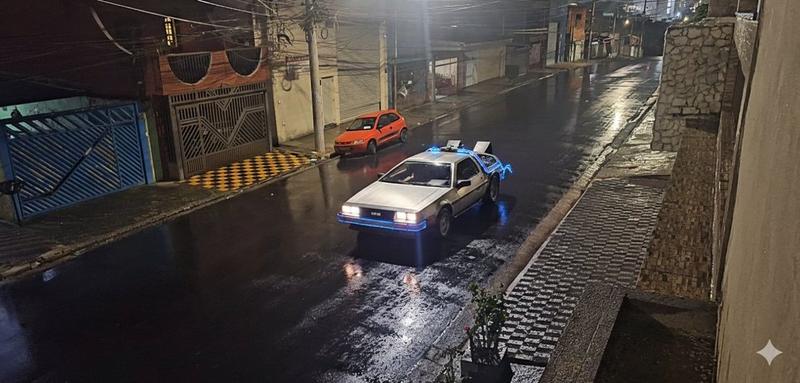
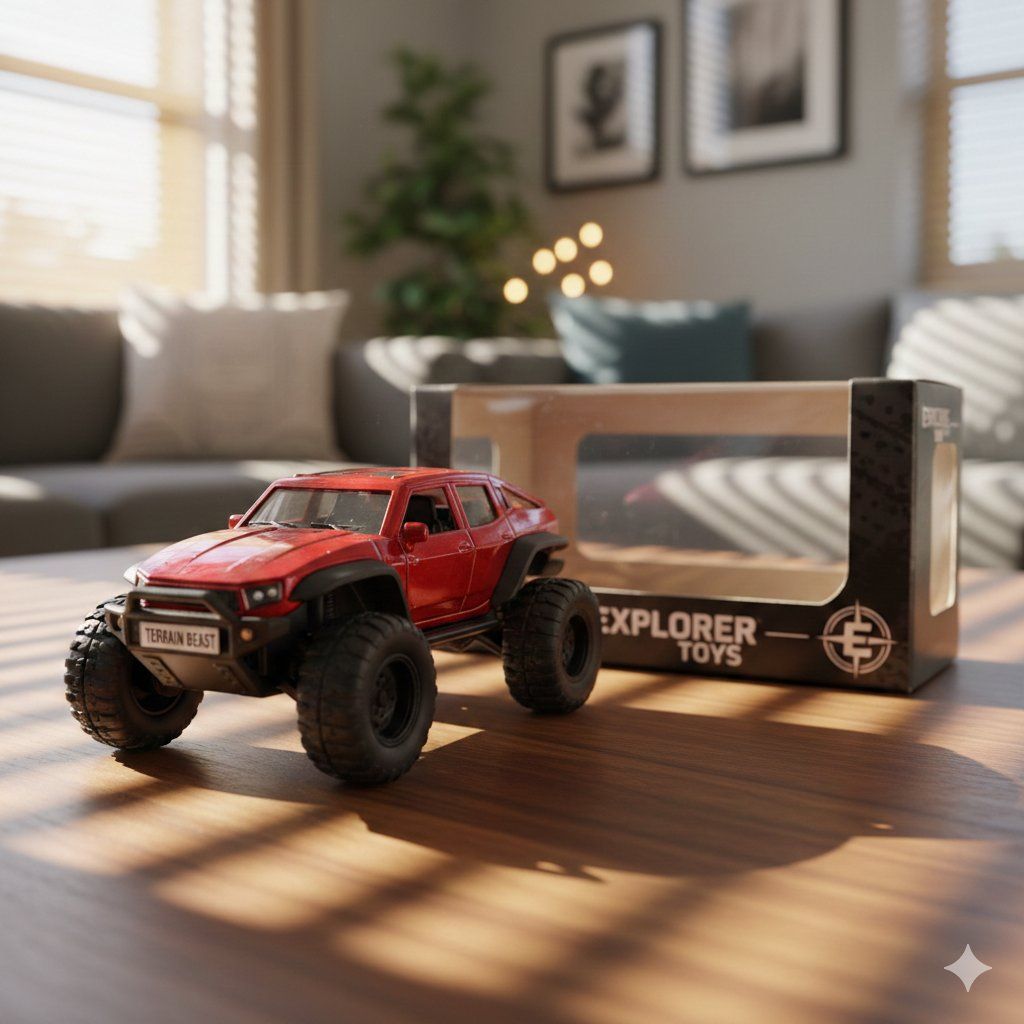
Generate a 1:24 scale diecast toy model of this exact vehicle. Modifications: Replace the license plate with a simple white plate that says '{argument name="car name" default="[INSERT CAR NAME]"}'. Make the car look like a high-quality toy with glossy paint, visible panel gaps, and plastic tires. Setting: Place it on a wooden table in a modern family living room. Props: Next to the car, place an empty retail box with a clear plastic window. The box should feature '{argument name="brand name" default="[INSERT BRAND]"}' branding and logos. Lighting & Camera: Use soft, warm afternoon sunlight filtering through blinds. The background should be blurred (bokeh) to focus entirely on the toy. Low angle, close-up macro shot
Category
创意图片
Model
Nano Banana Pro
Creator
Iqra Saifi
Views0
Source ID
d7b07464-aacf-41b3-97ca-1e586ef68c3a
Published
Mar 8, 2026

Guide

About "合金玩具模型生成提示"

What is this prompt for?

"合金玩具模型生成提示" AI image prompt for Nano Banana Pro (创意图片). 生成一张特定车辆 1:24 比例压铸玩具模型的照片级真实感图像的提示。它包括修改说明(定制车牌)、场景设置(现代客厅里的木桌)、道具(品牌零售包装盒)以及特定的灯光(柔和、温暖的午后阳光)和相机设置(低角…

The full copyable prompt and example visuals above are ready for AI image generation or one-click recreate in Picva.

How to use this prompt

  1. Step 1

    Open the prompt detail

    Review the example visuals, category, and full prompt text for "合金玩具模型生成提示".

  2. Step 2

    Copy the prompt

    Copy the prompt body from this page, or load it directly in Studio.

  3. Step 3

    Pick a model (Nano Banana Pro)

    Prefer Nano Banana Pro. If you switch models, keep subject and composition and tweak style terms.

  4. Step 4

    Generate and export

    Recreate the look in Picva, or export into your workflow for editing and publishing.

FAQ

What is the "合金玩具模型生成提示" prompt?
It is an AI image-generation prompt for Nano Banana Pro in the 创意图片 category. This page includes the full prompt text, example visuals, and a one-click recreate path in Picva.
How do I use this prompt to generate an image?
Copy the prompt from this page, or use Generate / Studio. Paste it into a compatible image model, or recreate the look in Picva with optional reference images.
Which model is this prompt for?
This page lists Nano Banana Pro. Most descriptive prompts also transfer to nearby image models such as GPT Image, Flux, or Midjourney with light style tweaks.
Can I use the result commercially?
You can usually copy the prompt for creation, but commercial use of the final image depends on the model terms, reference-image rights, and the generated content. Follow the source author and platform rules.