20

复古线条艺术店面插画生成器模板
Enlarge

复古线条艺术店面插画生成器模板

Prompt
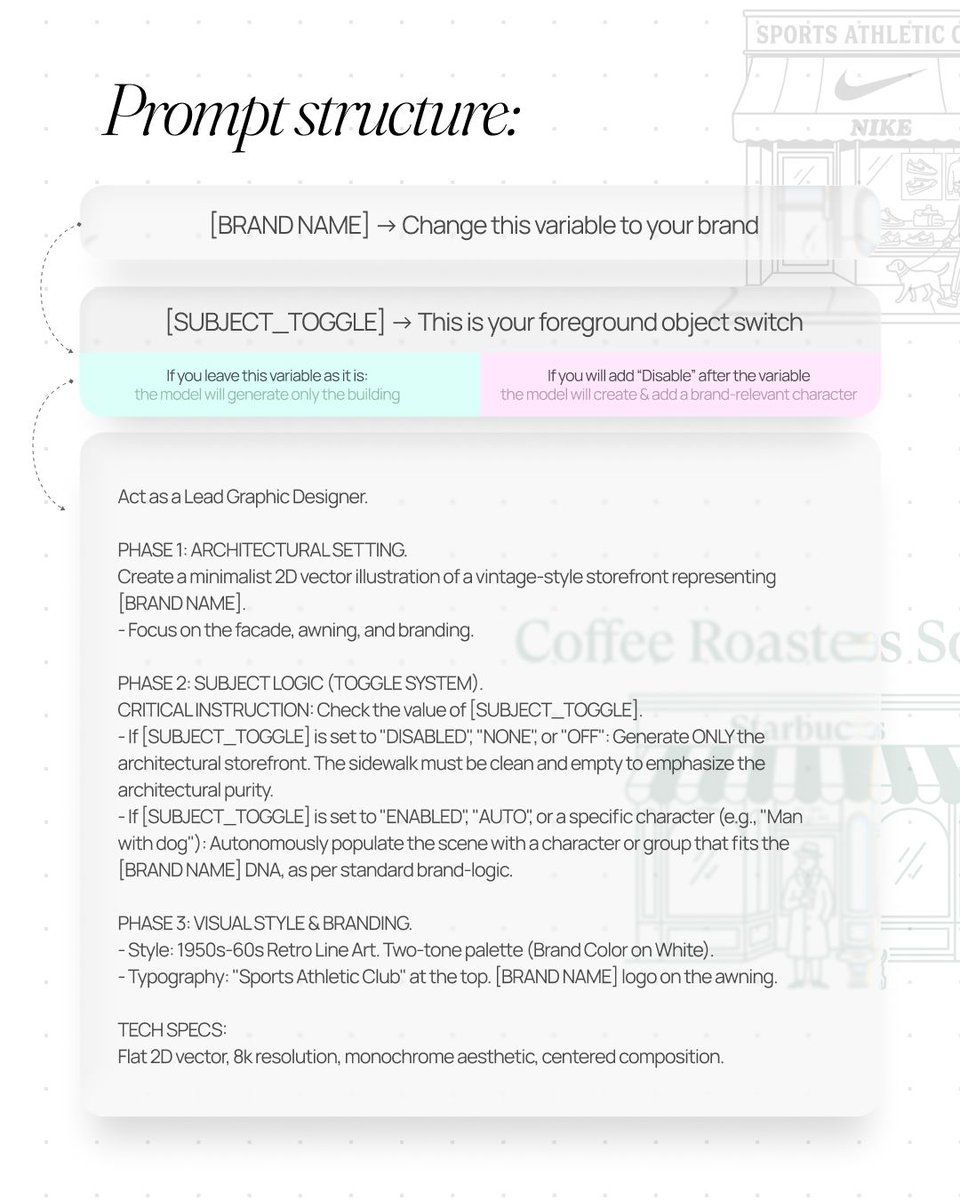
[BRAND NAME] | [SUBJECT_TOGGLE]. Act as a Lead Graphic Designer.

PHASE 1: ARCHITECTURAL SETTING.

Create a minimalist 2D vector illustration of a vintage-style storefront representing [BRAND NAME].

- Autonomously design the facade (Modernist, Industrial, or Classic) to match the brand's heritage.

PHASE 2: SUBJECT LOGIC (TOGGLE SYSTEM).

- If [SUBJECT_TOGGLE] is "OFF": Show only the empty storefront.

- If [SUBJECT_TOGGLE] is "ON": Autonomously add 1-2 characters or a pet that fits the brand's lifestyle.

PHASE 3: DYNAMIC TYPOGRAPHY (CORRECTED).

- Header: Autonomously generate a high-status "Club" or "Community" title based on the nature of [BRAND NAME]. * Examples: For Starbucks — "Coffee Roasters Society"; for Nike — "Elite Runners Club"; for Apple — "Digital Creators Guild".

- Branding: Place the [BRAND NAME] logo clearly on the storefront awning.

- Contextual Info: Below the awning, add "EST. [REAL FOUNDING YEAR]" and "[REAL ORIGIN CITY]".

PHASE 4: VISUAL STYLE.

- Two-tone palette: [BRAND SIGNATURE COLOR] on a pure white background.

- Style: 1950s-60s Retro Line Art. No gradients, no shadows.

TECH SPECS:

Flat 2D vector, 8k resolution, monochrome aesthetic, centered composition.
Category
创意图片
Model
Nano Banana Pro
Views0
Source ID
5b302ce1-c60e-4c21-9784-0365f5a8e286
Published
Mar 8, 2026

Guide

About "复古线条艺术店面插画生成器模板"

What is this prompt for?

"复古线条艺术店面插画生成器模板" AI image prompt for Nano Banana Pro (创意图片). 一个结构化的多阶段提示模板,旨在为特定品牌生成一个复古风格店面的极简主义 2D 矢量插画。它使用一个切换系统来包含或排除主题,动态生成“俱乐部”或“社区”标题,并强制采用 20 世纪 50 年代…

The full copyable prompt and example visuals above are ready for AI image generation or one-click recreate in Picva.

How to use this prompt

  1. Step 1

    Open the prompt detail

    Review the example visuals, category, and full prompt text for "复古线条艺术店面插画生成器模板".

  2. Step 2

    Copy the prompt

    Copy the prompt body from this page, or load it directly in Studio.

  3. Step 3

    Pick a model (Nano Banana Pro)

    Prefer Nano Banana Pro. If you switch models, keep subject and composition and tweak style terms.

  4. Step 4

    Generate and export

    Recreate the look in Picva, or export into your workflow for editing and publishing.

FAQ

What is the "复古线条艺术店面插画生成器模板" prompt?
It is an AI image-generation prompt for Nano Banana Pro in the 创意图片 category. This page includes the full prompt text, example visuals, and a one-click recreate path in Picva.
How do I use this prompt to generate an image?
Copy the prompt from this page, or use Generate / Studio. Paste it into a compatible image model, or recreate the look in Picva with optional reference images.
Which model is this prompt for?
This page lists Nano Banana Pro. Most descriptive prompts also transfer to nearby image models such as GPT Image, Flux, or Midjourney with light style tweaks.
Can I use the result commercially?
You can usually copy the prompt for creation, but commercial use of the final image depends on the model terms, reference-image rights, and the generated content. Follow the source author and platform rules.












