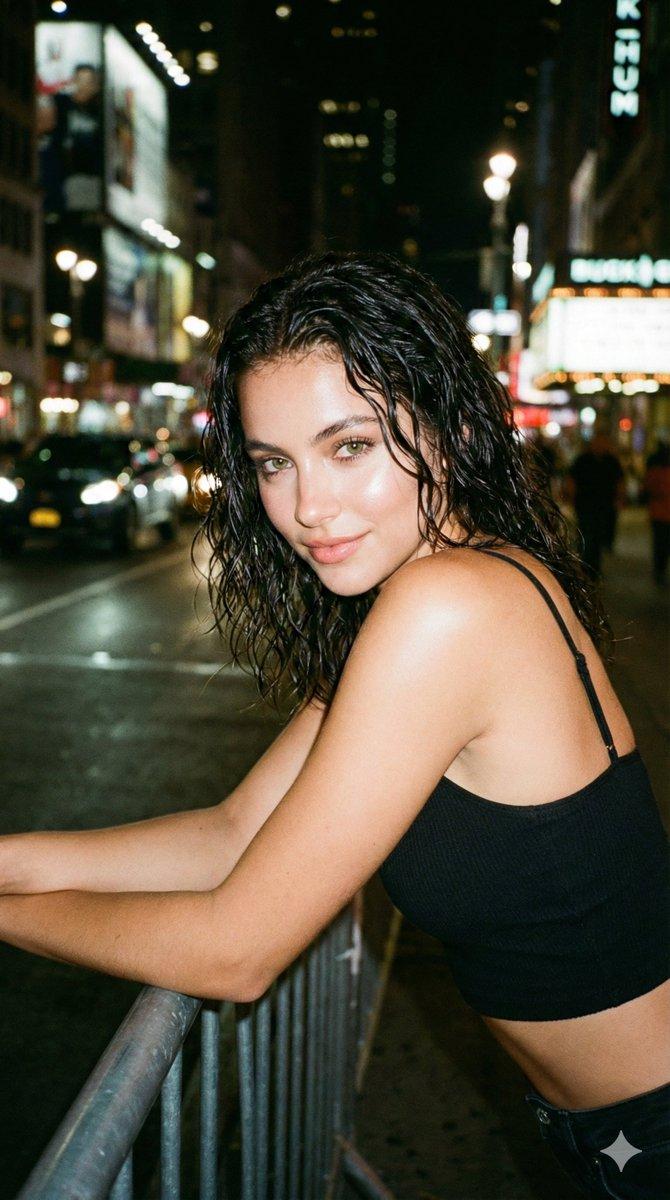
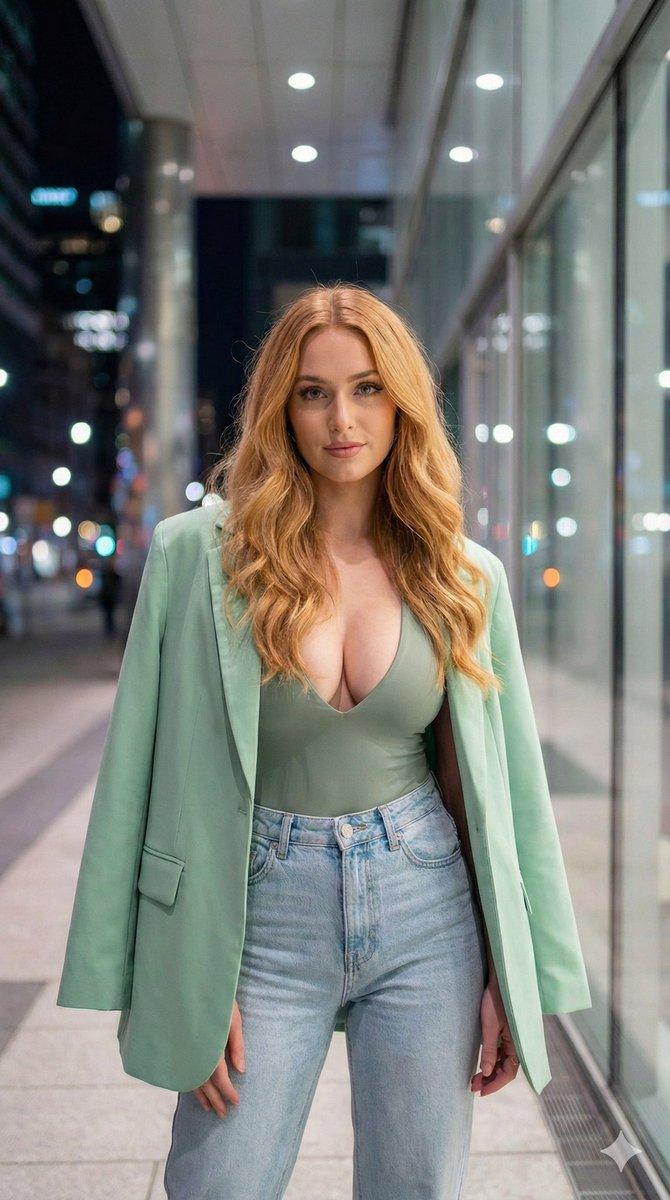
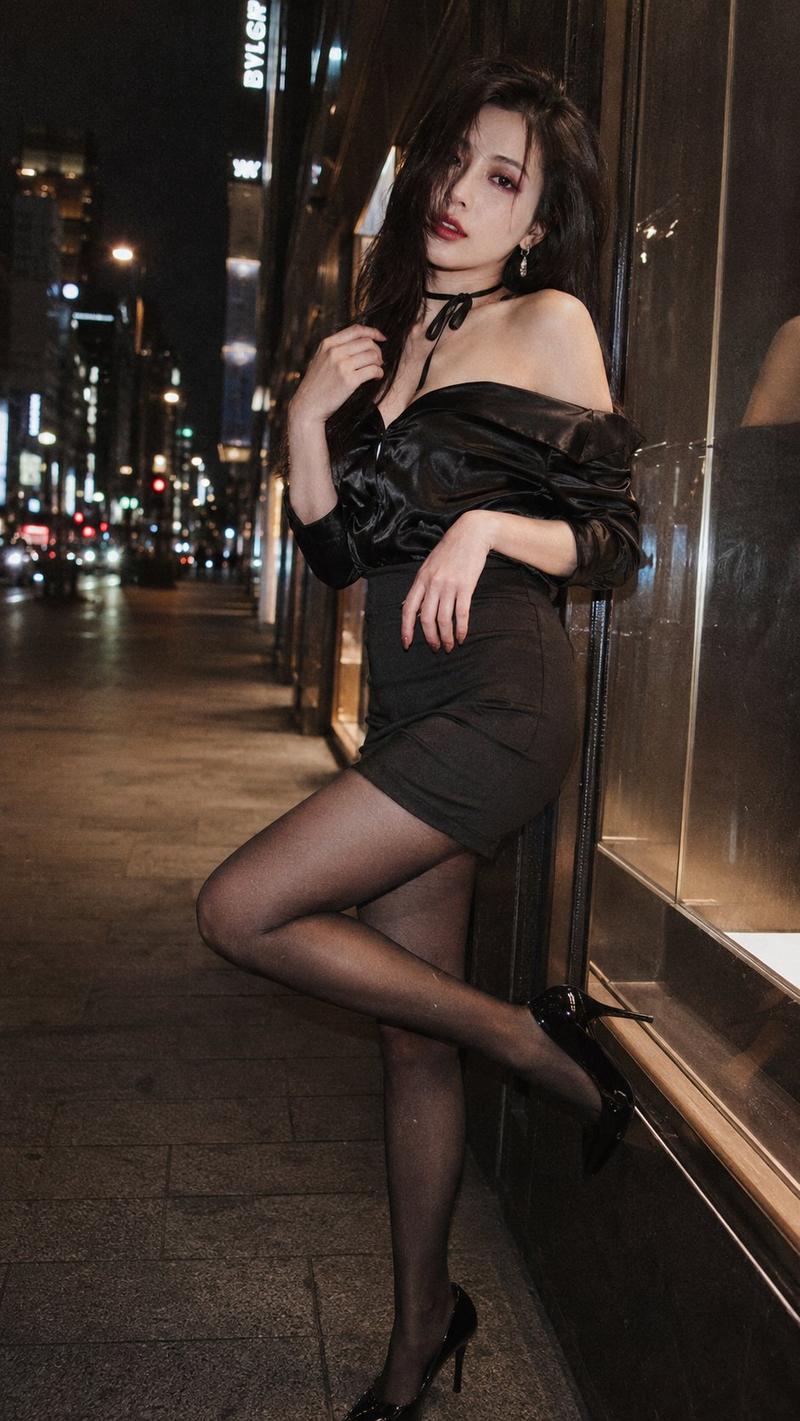
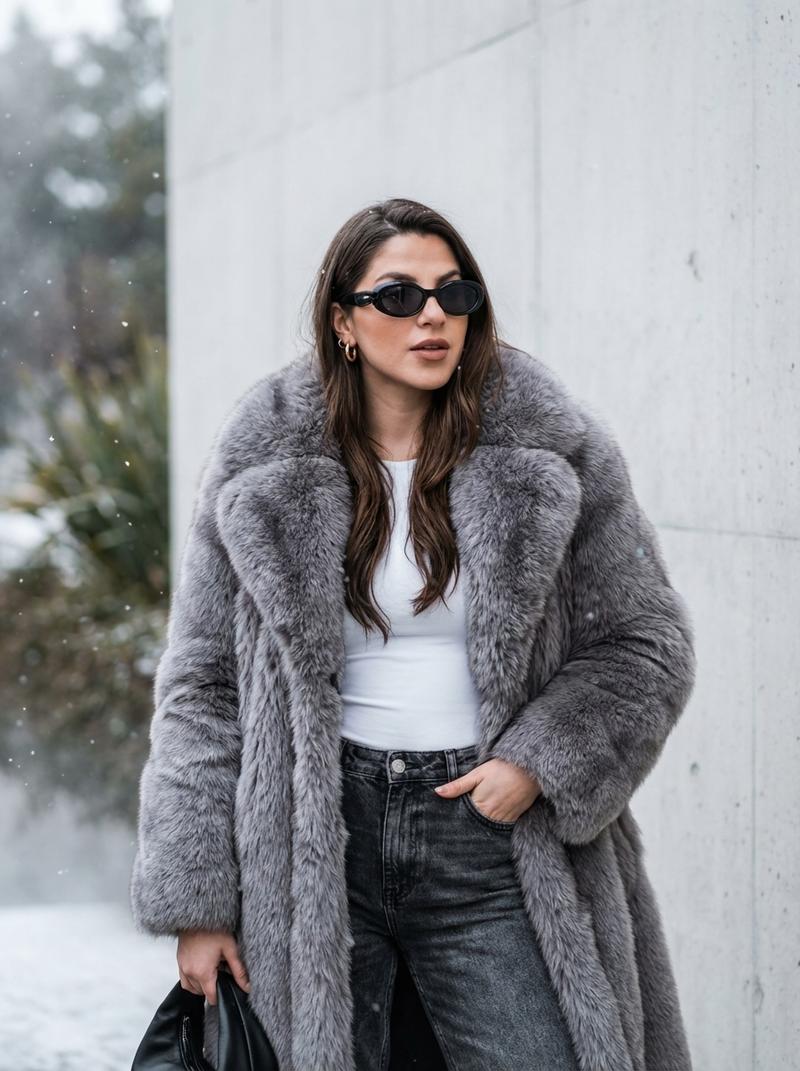
偏离中心闪光街拍人像生成器
Prompt
{
  "type": "portrait_generation_parameters",
  "version": "1.3",
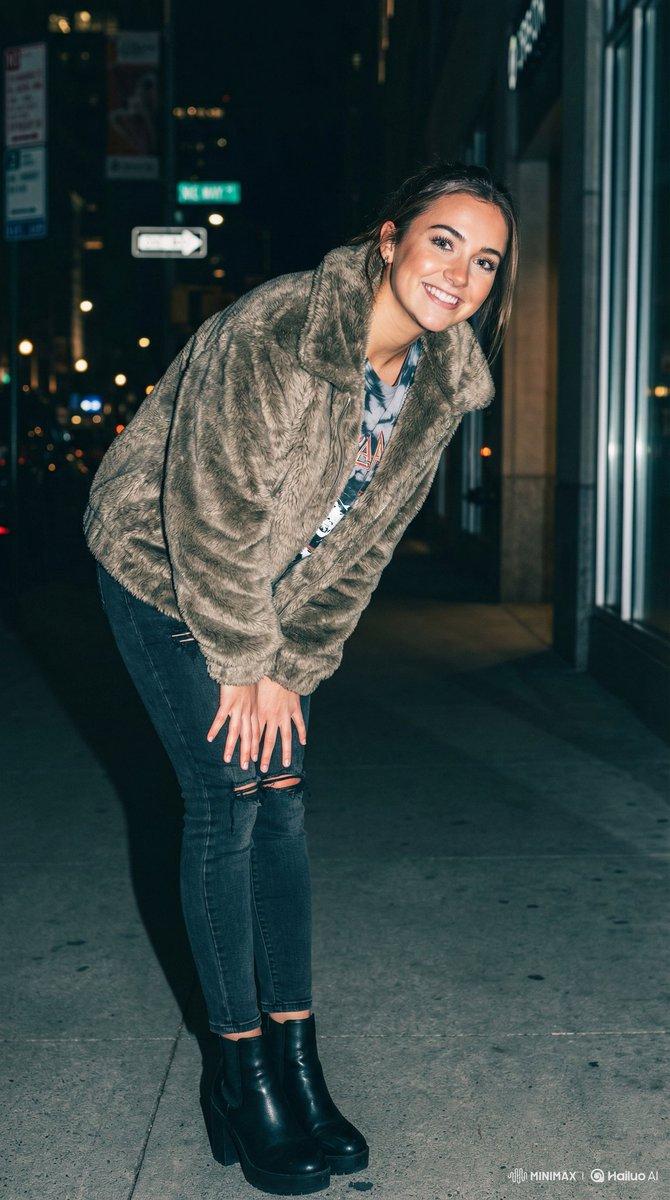
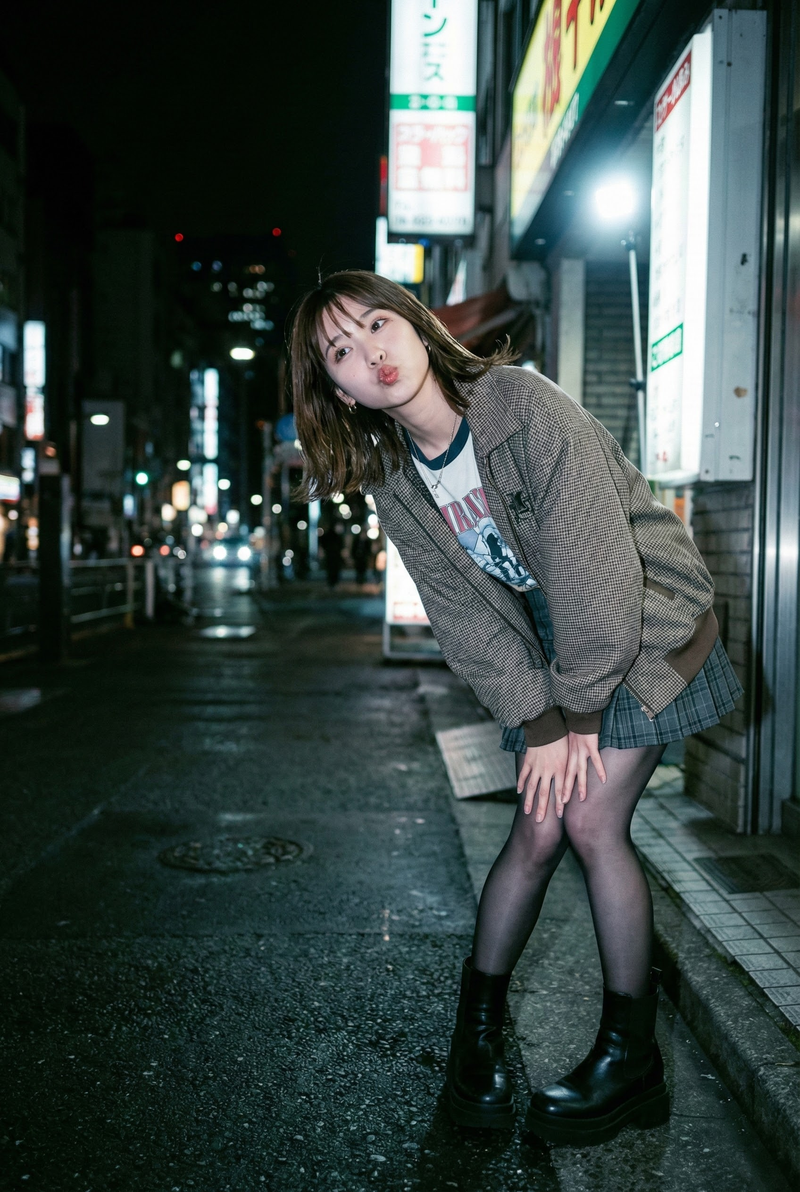
  "style_preset": "Off-Center Composition / Flash Street Snap",
  "parameters": {
    "subject_description": {
      "base": "A cute and trendy young woman with a strong sense of lens awareness.",
      "user_portrait_slot": "{User Portrait}",
      "facial_expression": "Playful smile with bright eyes looking directly at the camera.",
      "head_direction": "Head tilted and turned slightly towards the right."
    },
    "apparel_and_outfit": {
      "base": "High-fashion street style.",
      "outfit_slot": "{Apparel/Outfit}",
      "styling_notes": "The outfit should have movement and texture, suitable for a dynamic street snap."
    },
    "pose_and_action": {
      "leg_position": "Legs pressed tightly together, knees slightly buckled inward, one foot slightly forward.",
      "body_orientation": "The body leaning forward and angled towards the right side of the frame.",
      "hands": "Hands resting on the thighs to support the leaning posture.",
      "overall_dynamic": "A cute, youthful standing pose that looks candid and energetic."
    },
    "composition": {
      "framing": "Medium-full body shot.",
      "visual_balance": "Off-center composition. The subject is positioned in the **left third** of the frame (Rule of Thirds).",
      "directional_flow": "The subject's body and gaze are directed from the left side towards the right (into the negative space).",
      "camera_angle": "Eye-level or slightly low angle to accentuate the legs."
    },
    "lighting": {
      "type": "Direct On-Camera Flash (Night).",
      "characteristics": "Hard, direct flash illuminating the subject, creating sharp contrast against the darker street background.",
      "shadows": "Hard drop shadows falling behind the subject."
    },
    "environment": {
      "setting": "Urban night street. The empty space on the right side reveals blurred city lights and street details.",
      "atmosphere": "Casual, spontaneous, gritty but stylish."
    },
    "color_palette": {
      "style": "Fujifilm Classic Negative (NC).",
      "tones": "Moody cool tones in the background, warm flash tones on the skin. High contrast."
    },
    "negative_prompt": [
      "center frame",
      "centered subject",
      "legs apart",
      "wide stance",
      "straight legs",
      "looking left",
      "body facing left",
      "bad anatomy",
      "distorted hands",
      "missing fingers",
      "blurry face",
      "flat lighting"
    ]
  }
}- Category
- 创意图片
- Model
- Nano Banana Pro
- Creator
- Rian Arya
- Source ID
- f8b60fbb-a8ef-4975-8286-a3b5bed8716e
- Published
- Mar 8, 2026
Views0