鬼面具与电影级打光下的超写实肖像
Prompt
Use the face in the photo. Create an image. Ultra-detailed. Ultra-realistic.

Scene & Atmosphere:
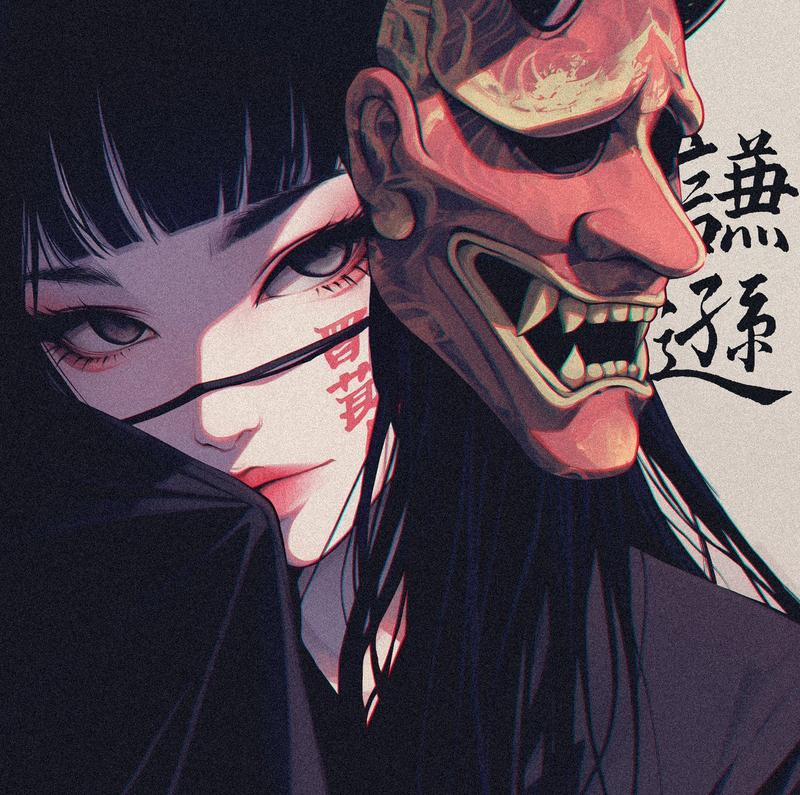
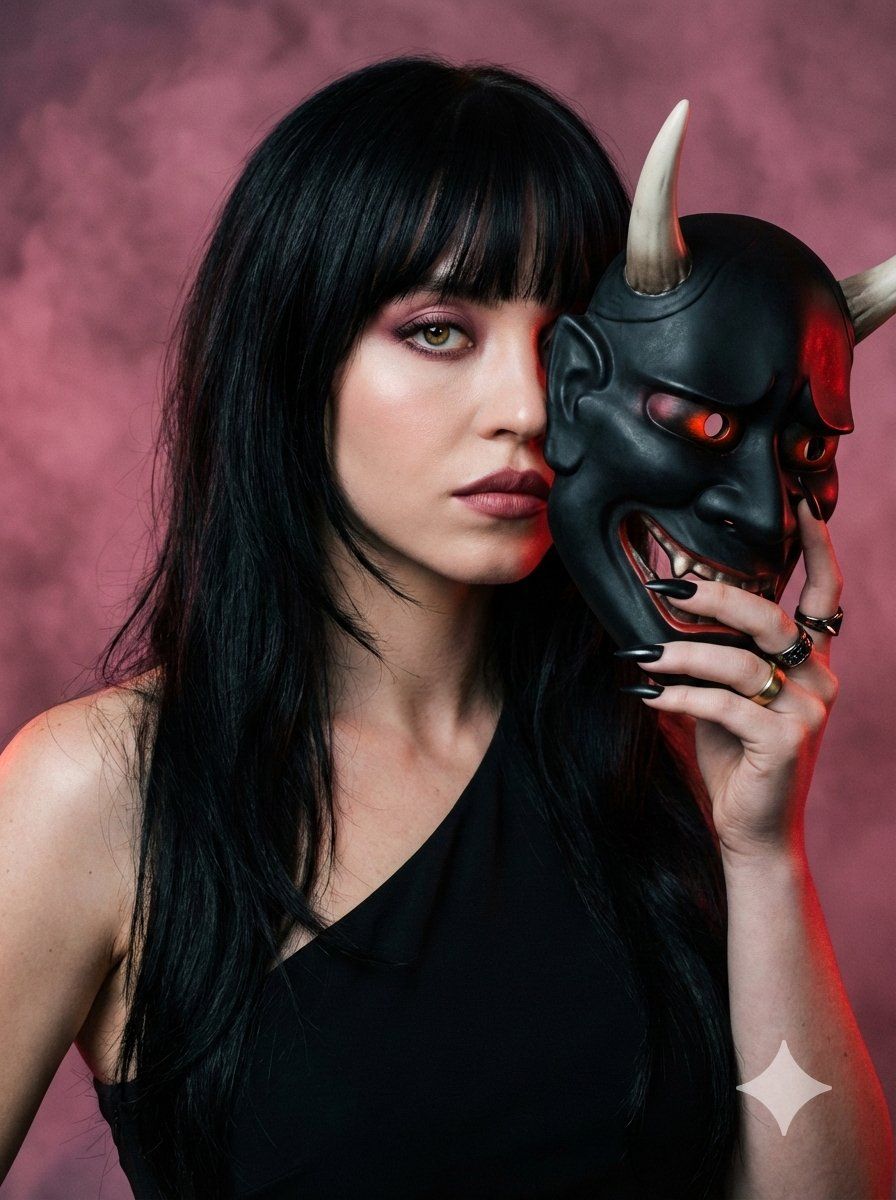
A dramatic, close-up portrait set against a smoky, dusk-pink background swirling with soft, fog-like textures. Ambient light casts moody shadows across the scene, blending warm red undertones with cool charcoal gradients. There is a subtle backlight that catches the edges of her hair, giving a cinematic halo effect.

Pose & Expression:
The woman turns slightly over her shoulder, her face half-hidden behind a dark, intricately carved oni mask she holds close. One eye remains fully visible — sharpened, intense, and subtly glowing with warm, reflective catchlight. Her expression is calm but dangerously alluring, as if she’s revealing only a part of her true identity.

--
Hair (Important):
Long, jet-black layered hair flowing past the chest with soft internal layering for natural movement and dimension.
Full blunt bangs grazing just above the eyebrows, slightly feathered at the edges to avoid heaviness. The fringe is dense at the center and subtly tapered toward the temples for a refined, face-framing effect.
Hair texture is ultra-sleek with a healthy, glass-like shine, yet retains soft movement at the ends. Layers are seamless and blended — no choppy or uneven cuts.
Subtle natural lift at the crown adds quiet volume while maintaining a smooth silhouette.
Backlight catches the outer edges of the hair, creating a luminous halo outline against the smoky background.

---
Makeup (Important):
Flawless porcelain matte skin with soft inner glow on high points.
Skin texture smooth and refined, natural depth preserved.
Eyes: Gradient shadow technique — deep rose blending into muted plum and warm taupe.
Soft diffused blending, no harsh lines.
Lifted eyeliner wing with tightlined upper lash line.
Subtle aegyo-sal contour under the eyes for dimension.
Individual lash clusters for natural but defined volume.
Brows: Straight-to-soft-arched Korean brow shape, refined and elongated tail.
Lips: Muted deep rose gradient lip with softly diffused edges and subtle satin sheen.
Hazel eyes with reflective catchlight.

---
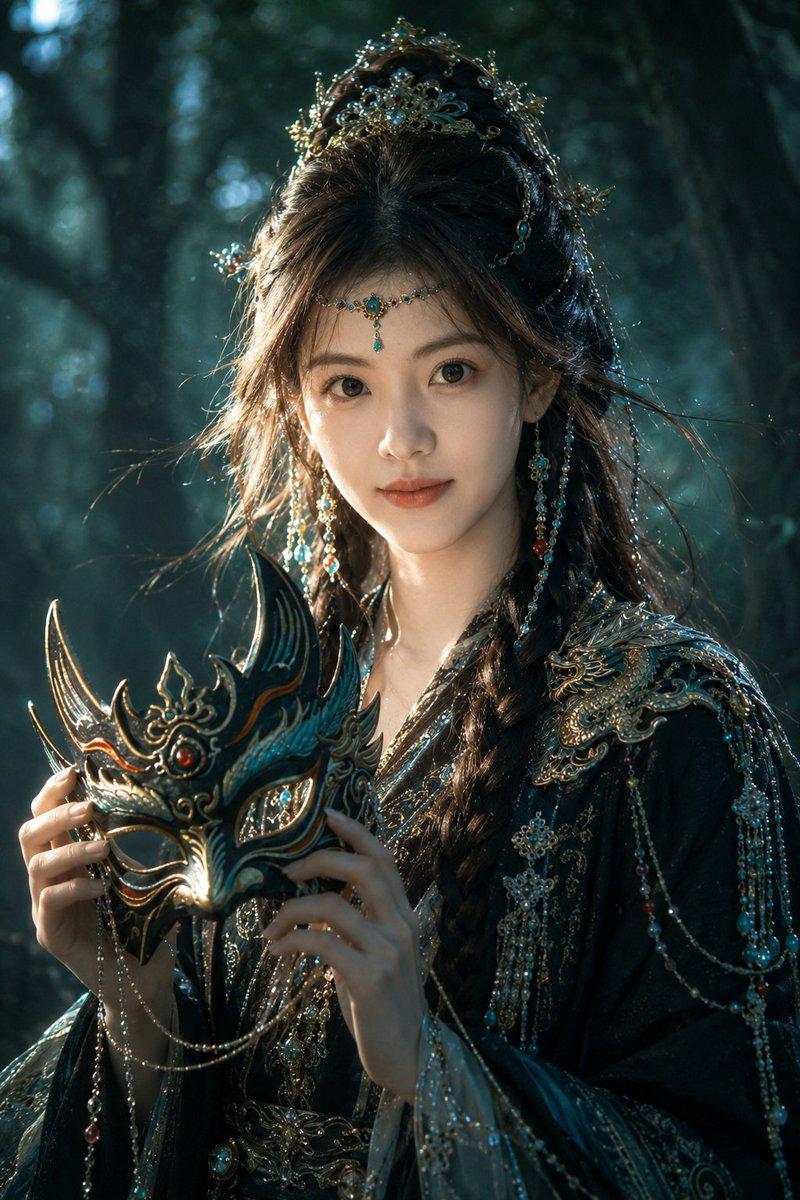
Oni Mask (Ultra-realistic):
A traditional Japanese oni mask made of matte obsidian-black lacquer.

Sharp, curved horns in bone-white ivory.

Intricate carvings along the cheekbones and forehead.

Thin cracks and subtle texture to show realism and craftsmanship.

Glowing ember-red eye slits and jaw lines that reflect off the woman’s skin, creating a fiery contrast.

Mask is positioned just enough to reveal her own eye — making the two faces coexist.

---
Outfit:
A sculpted asymmetrical black top crafted from matte stretch silk-crepe with subtle sheen under rim light.
One shoulder fully exposed, revealing defined collarbone and elegant neckline.
The opposite side features a structured, sculpted shoulder with clean architectural
- Category
- 创意图片
- Model
- Nano Banana Pro
- Creator
- Shreya♡
- Source ID
- 62b79d75-5427-4b5d-b7f8-be43df92a6d8
- Published
- Mar 8, 2026
Views0