17

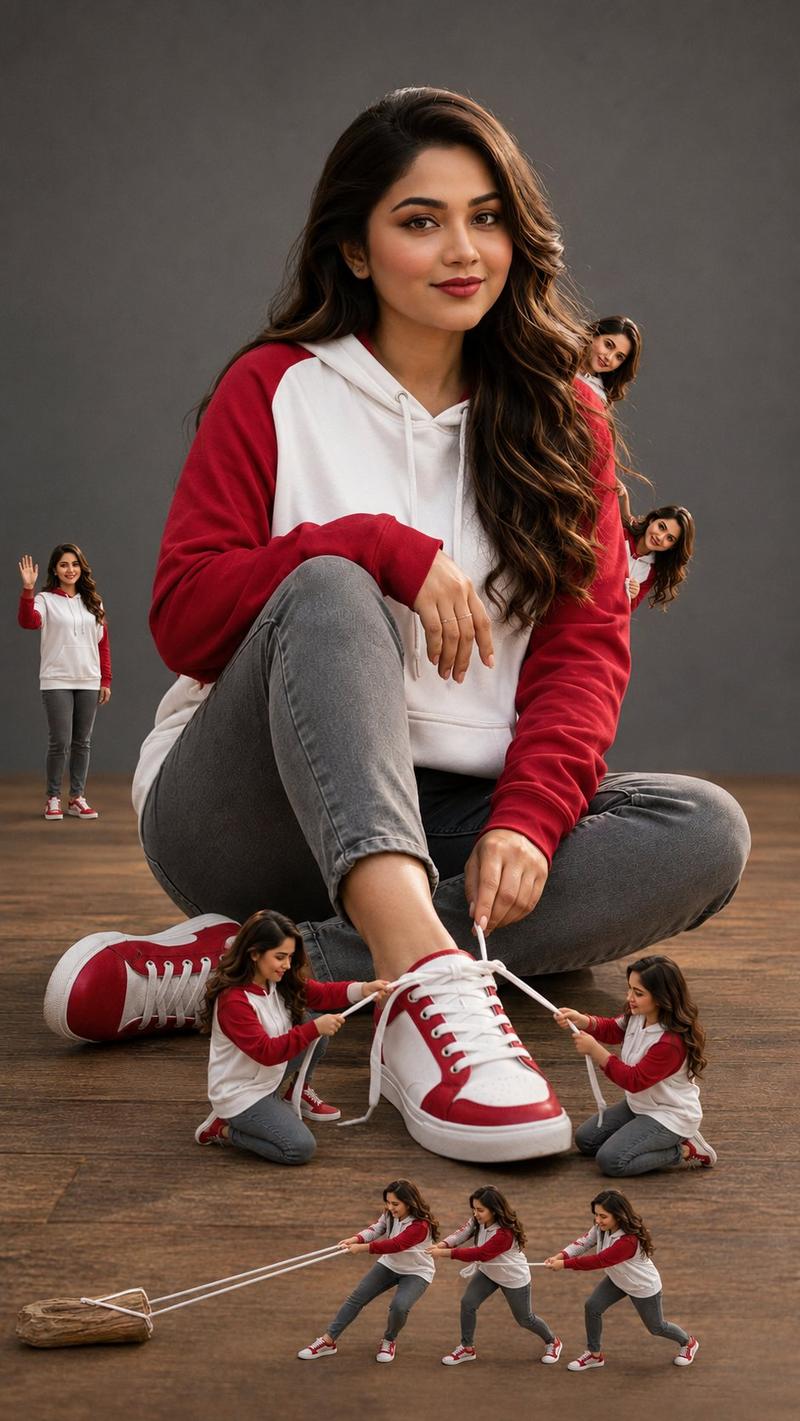
超逼真微缩克隆工作室肖像
Enlarge

超逼真微缩克隆工作室肖像

Prompt
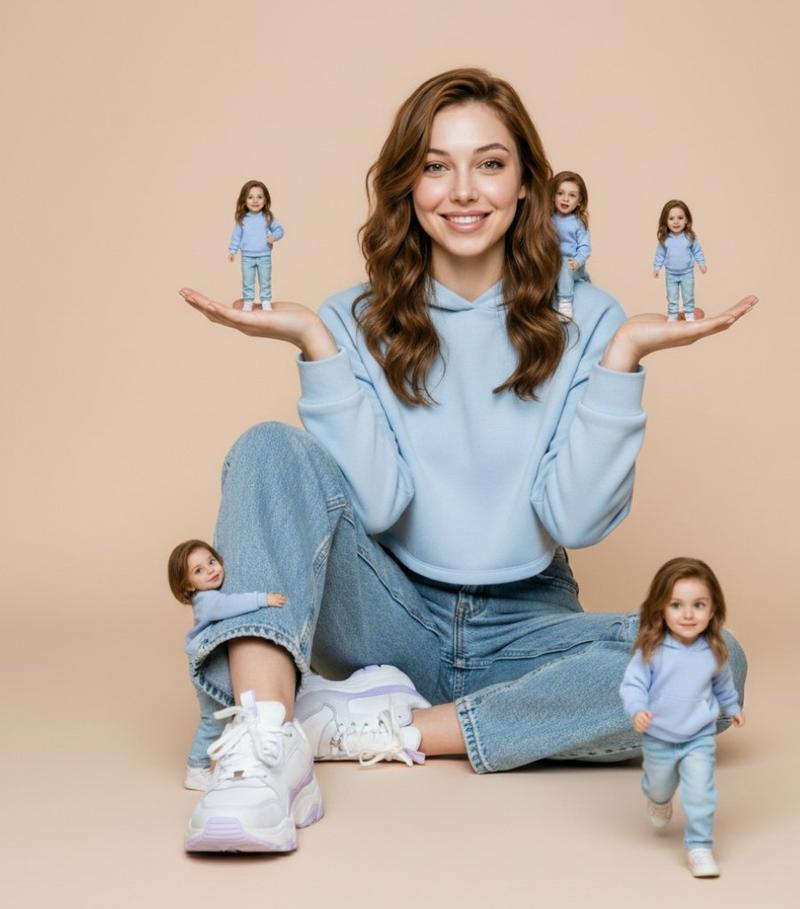
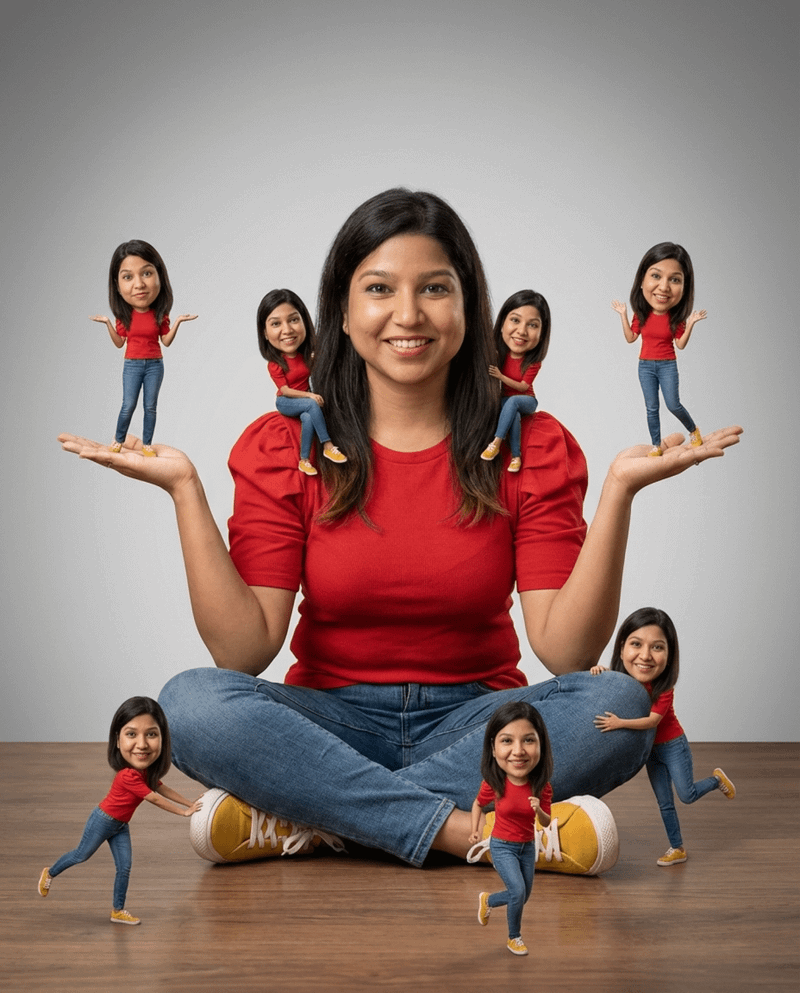
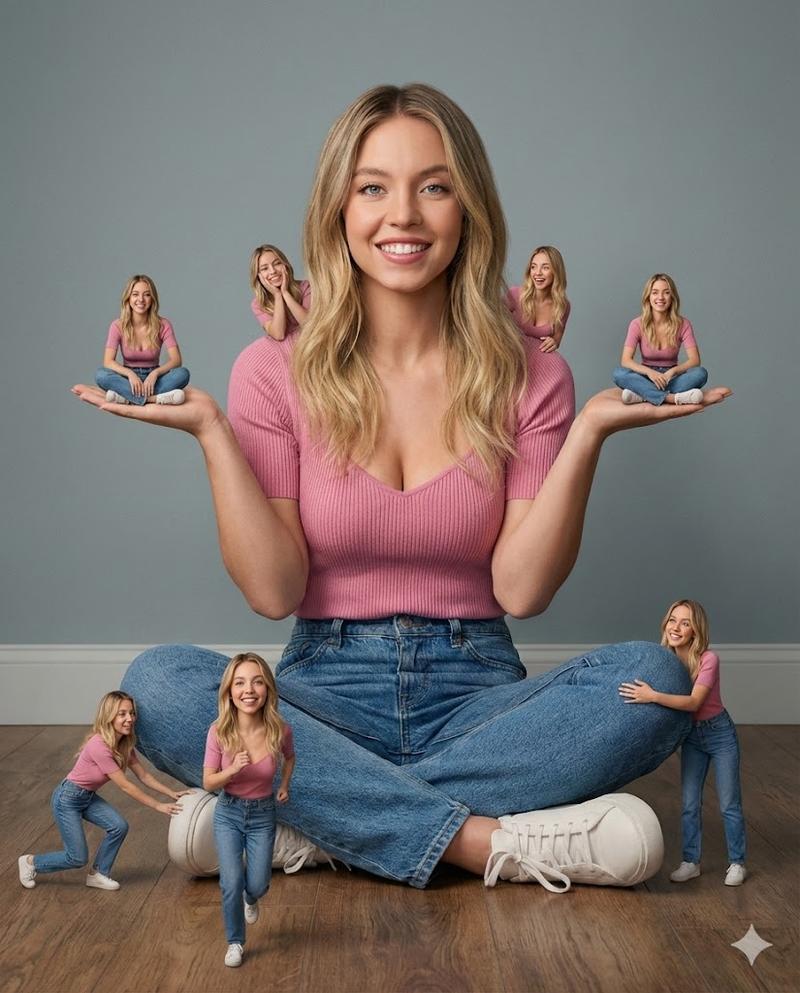
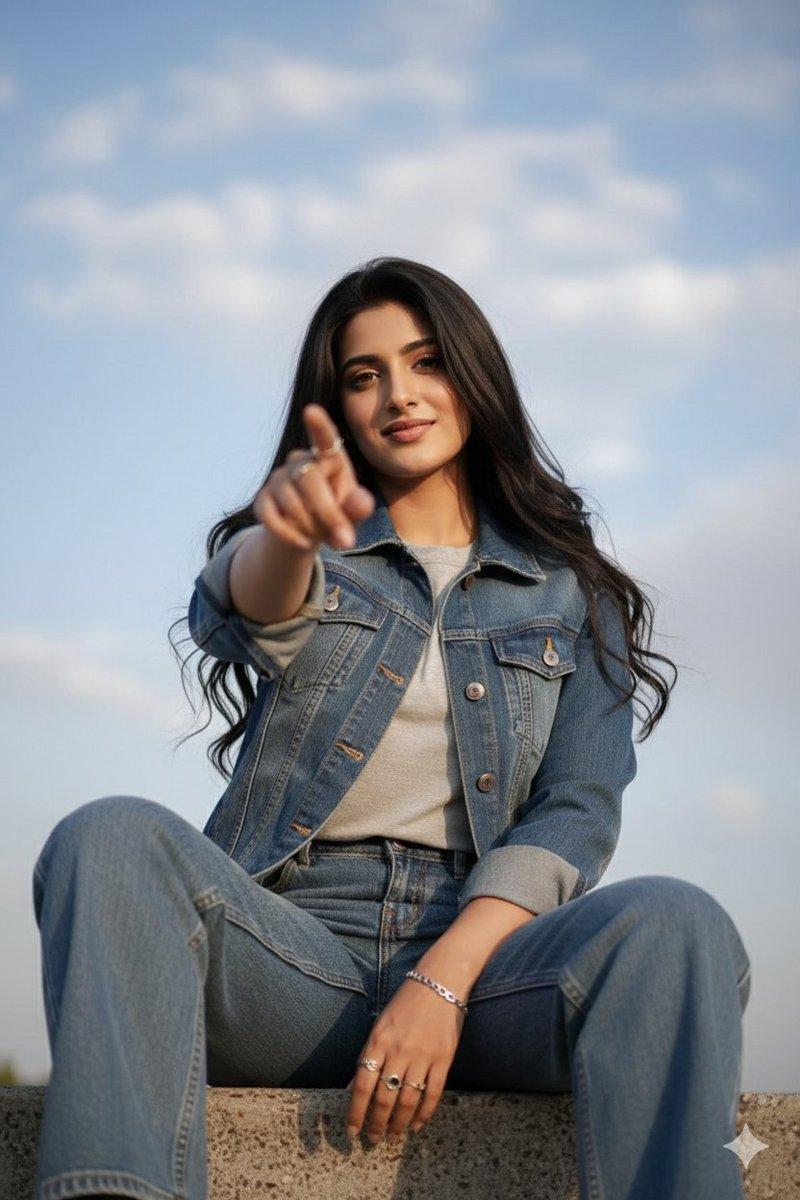
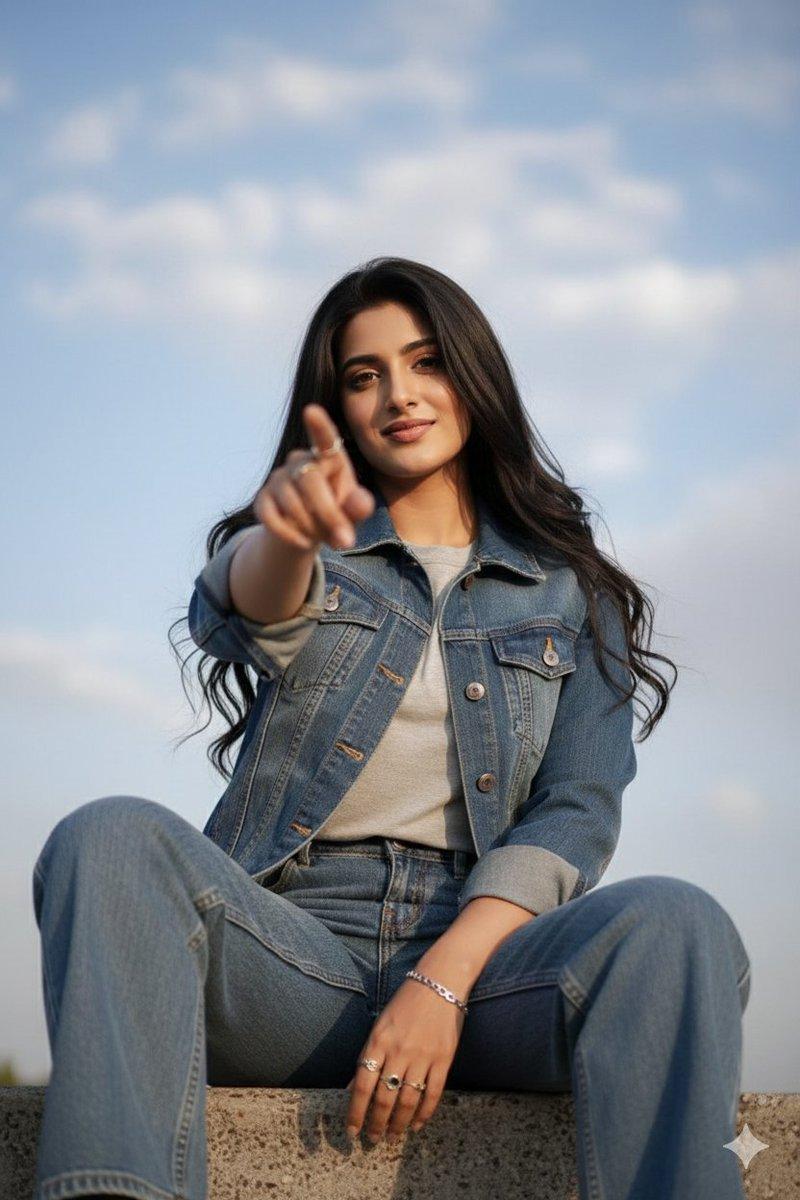
Use my uploaded photo as the main and only face reference. My face must remain exactly the same — do NOT change facial features, expression, eye shape, nose, lips, skin tone, age, or identity. No face swap, no beautification, no stylization on the face.
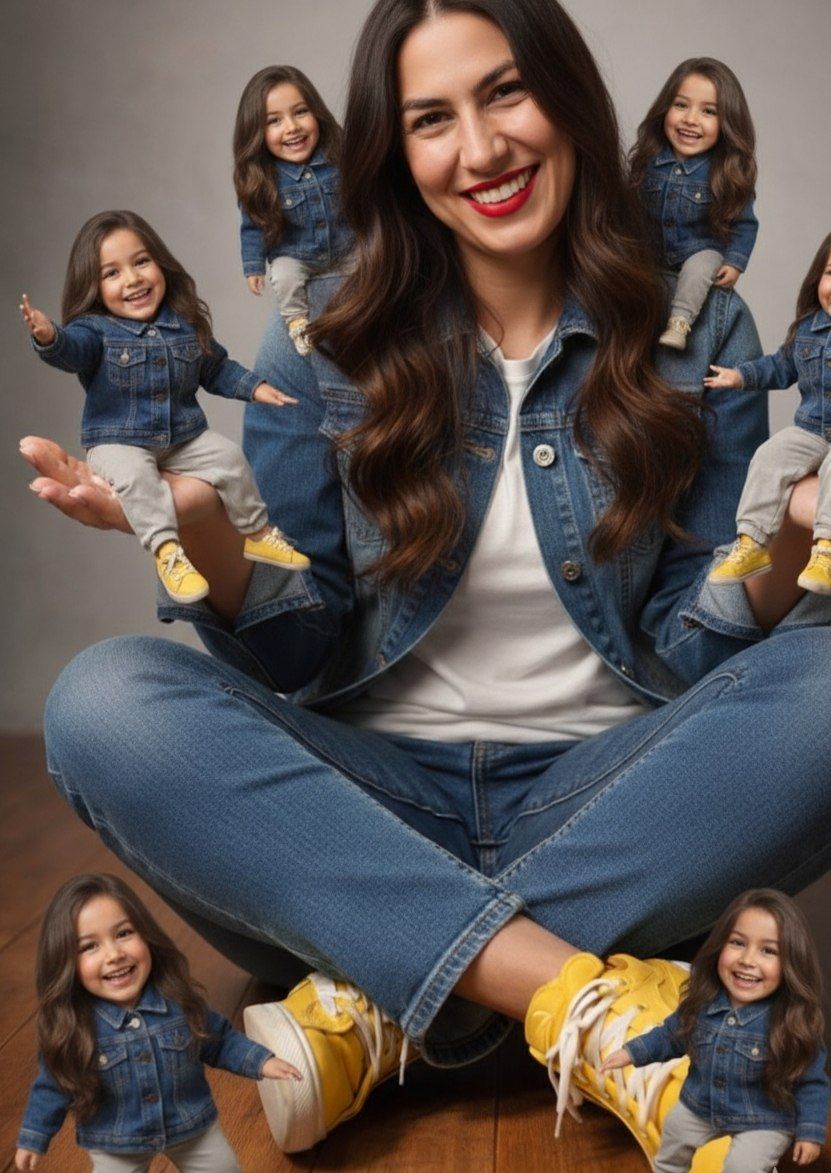
Create an ultra-realistic studio portrait using a miniature clone concept:
Main person:
Sitting on the floor, centered in frame, relaxed pose, calm and confident mood. Facial expression must match the reference exactly.
Miniature clones (same face, same identity): Gemini
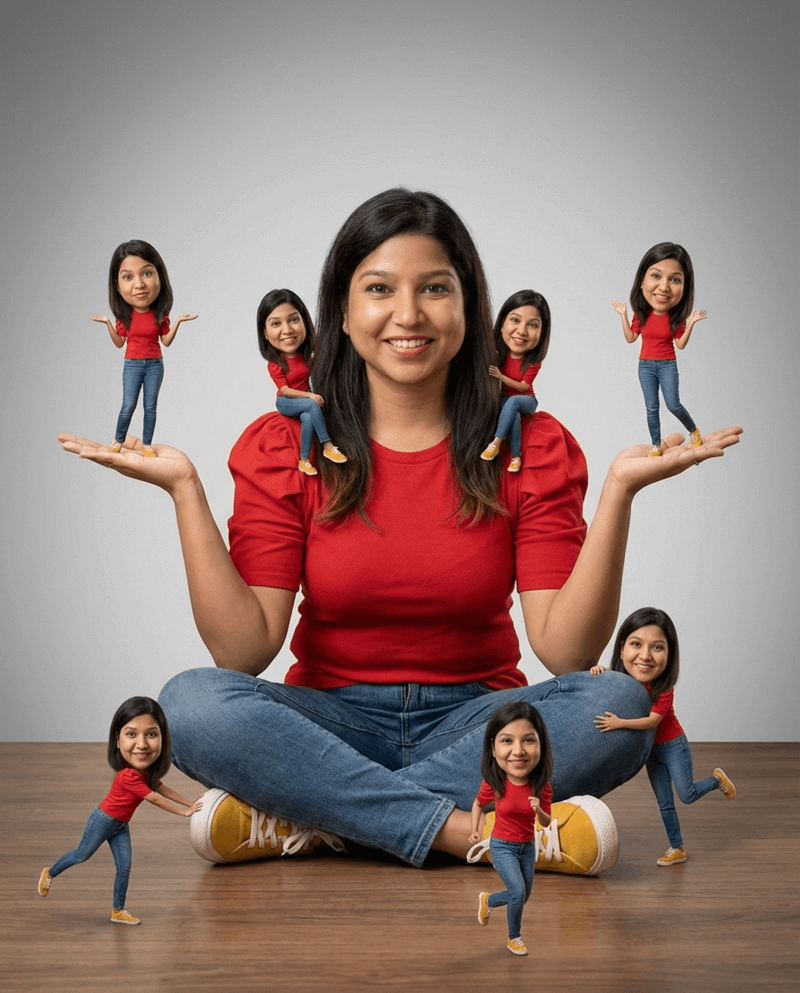
• Two miniatures standing on my open palms (palms facing upward)
• One miniature sitting on my right shoulder
• One miniature pushing my right shoe
• One miniature running in the foreground toward the camera (sense of motion but still sharp and realistic)
• One miniature hugging my left knee from behind
All miniatures must have the exact same face, expression, and identity as the main person.
Category
创意图片
Model
Nano Banana Pro
Creator
Synthia
Views4
Source ID
e3852ef0-b9e3-4a3e-a131-e93fccce3ba3
Published
Mar 8, 2026

Guide

About "超逼真微缩克隆工作室肖像"

What is this prompt for?

"超逼真微缩克隆工作室肖像" AI image prompt for Nano Banana Pro (创意图片). 这是一个针对 Nano Banana Pro 的高度具体的提示,要求使用上传的照片作为唯一的面部参考,严格禁止更改面部特征或身份。目标是创作一张超现实的影棚肖像,采用微型克隆概念,其中多个微型版本的主…

The full copyable prompt and example visuals above are ready for AI image generation or one-click recreate in Picva.

How to use this prompt

  1. Step 1

    Open the prompt detail

    Review the example visuals, category, and full prompt text for "超逼真微缩克隆工作室肖像".

  2. Step 2

    Copy the prompt

    Copy the prompt body from this page, or load it directly in Studio.

  3. Step 3

    Pick a model (Nano Banana Pro)

    Prefer Nano Banana Pro. If you switch models, keep subject and composition and tweak style terms.

  4. Step 4

    Generate and export

    Recreate the look in Picva, or export into your workflow for editing and publishing.

FAQ

What is the "超逼真微缩克隆工作室肖像" prompt?
It is an AI image-generation prompt for Nano Banana Pro in the 创意图片 category. This page includes the full prompt text, example visuals, and a one-click recreate path in Picva.
How do I use this prompt to generate an image?
Copy the prompt from this page, or use Generate / Studio. Paste it into a compatible image model, or recreate the look in Picva with optional reference images.
Which model is this prompt for?
This page lists Nano Banana Pro. Most descriptive prompts also transfer to nearby image models such as GPT Image, Flux, or Midjourney with light style tweaks.
Can I use the result commercially?
You can usually copy the prompt for creation, but commercial use of the final image depends on the model terms, reference-image rights, and the generated content. Follow the source author and platform rules.