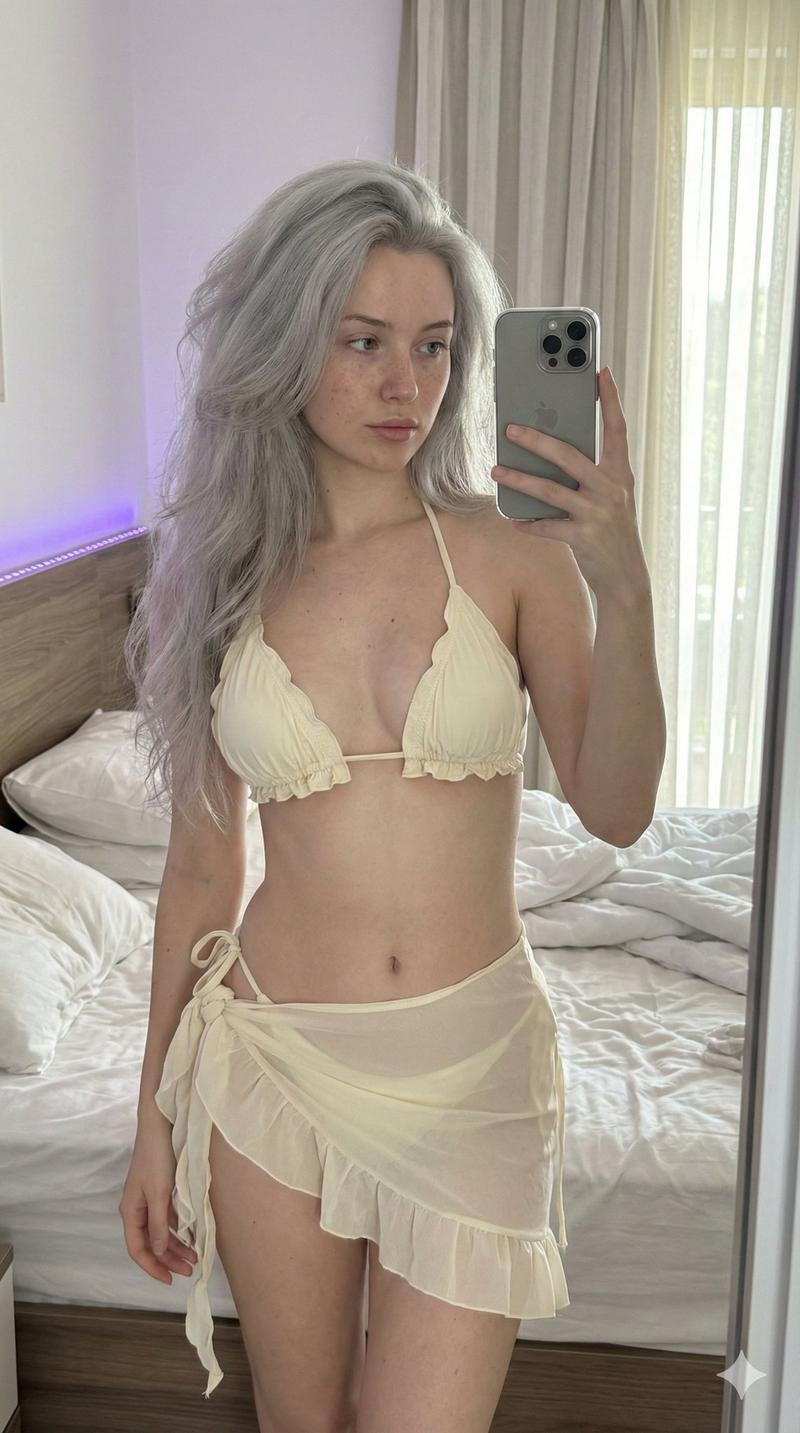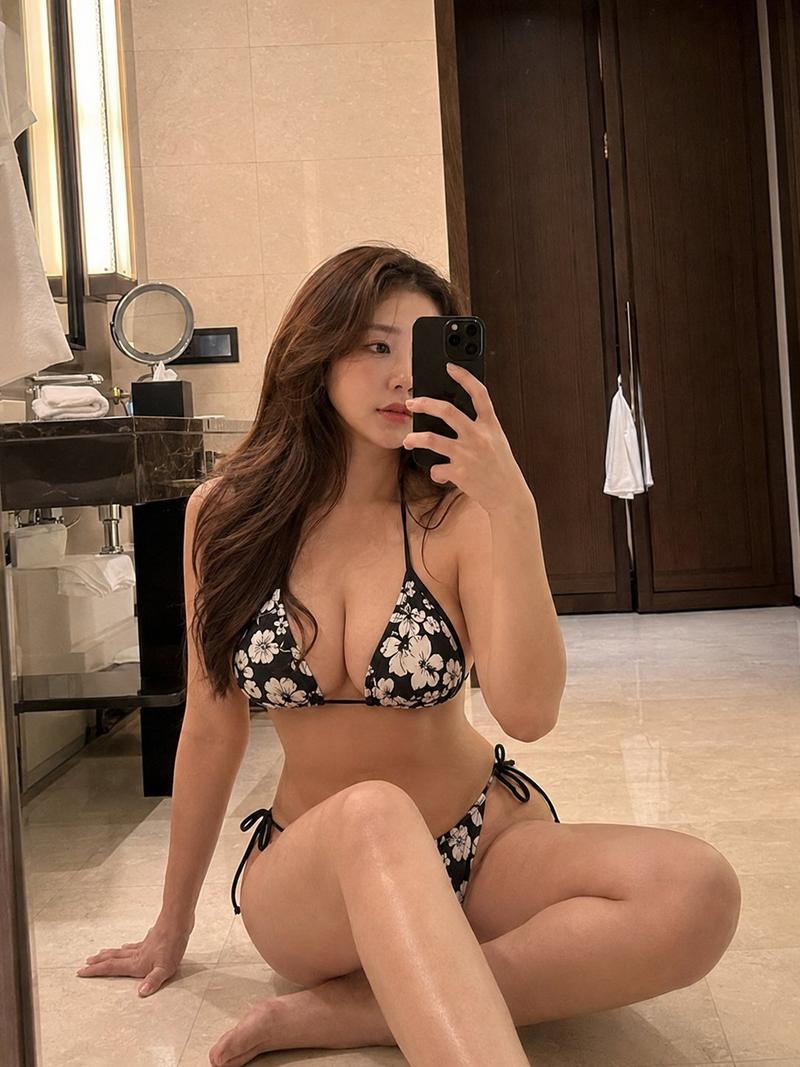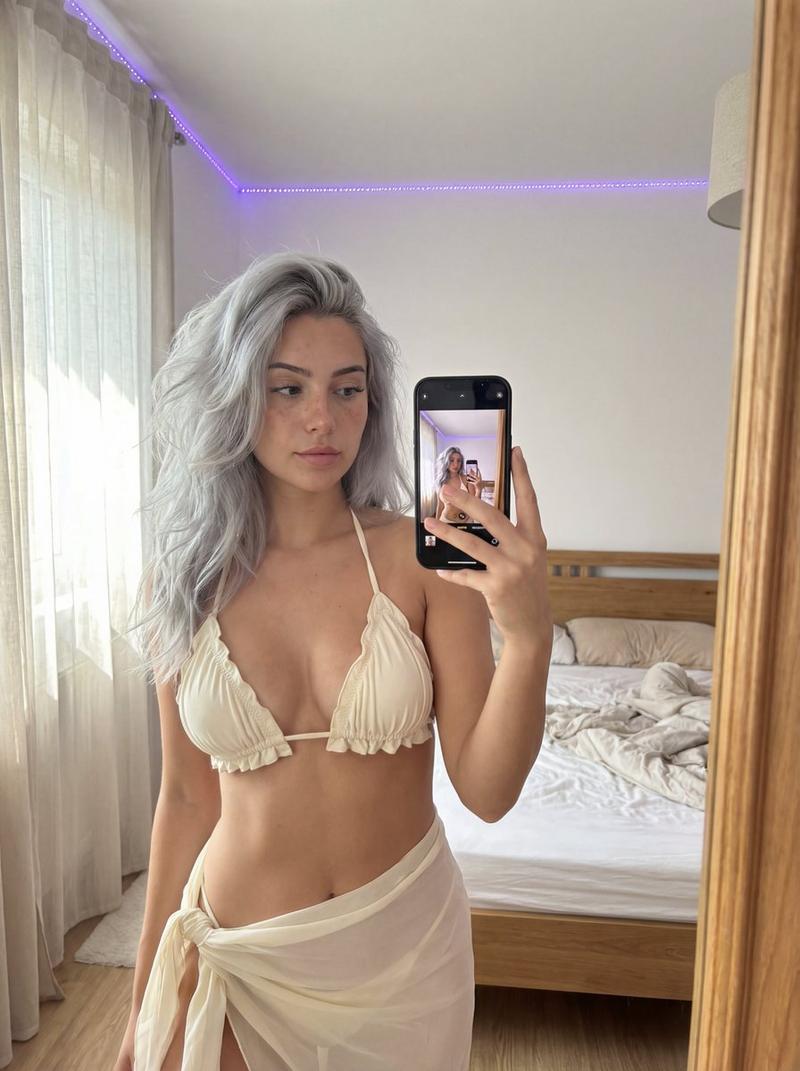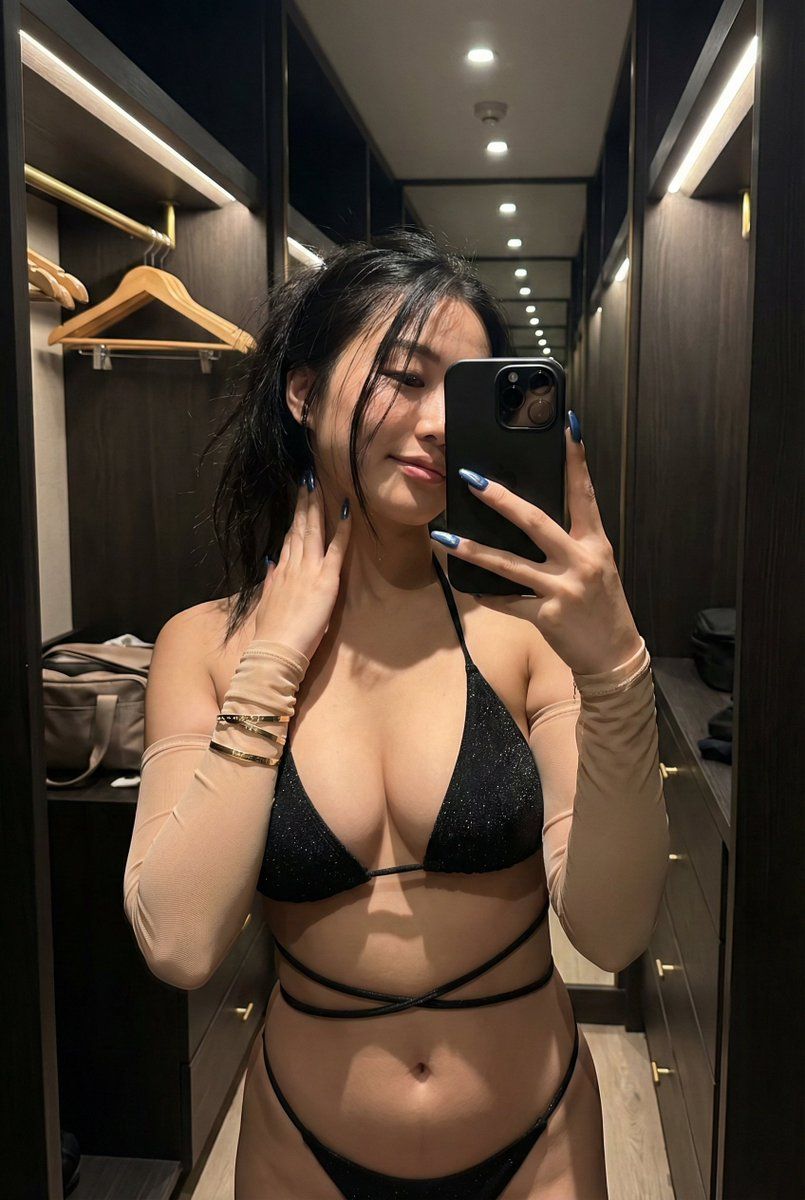
丰满亚洲女性镜面自拍提示词
Prompt
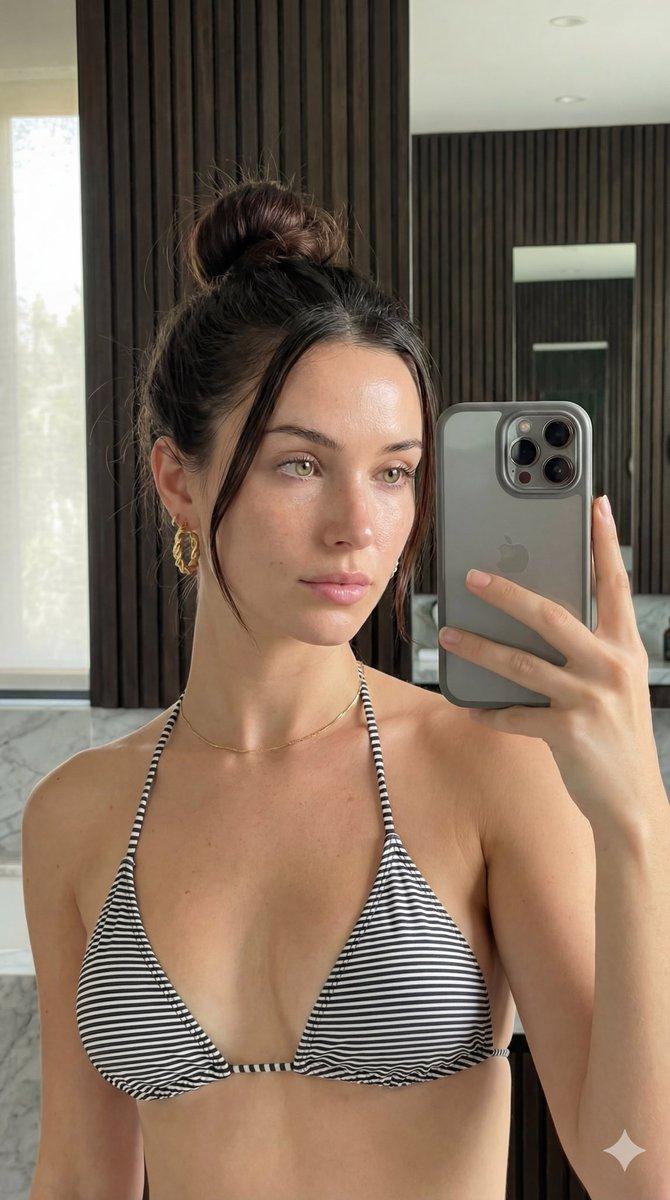
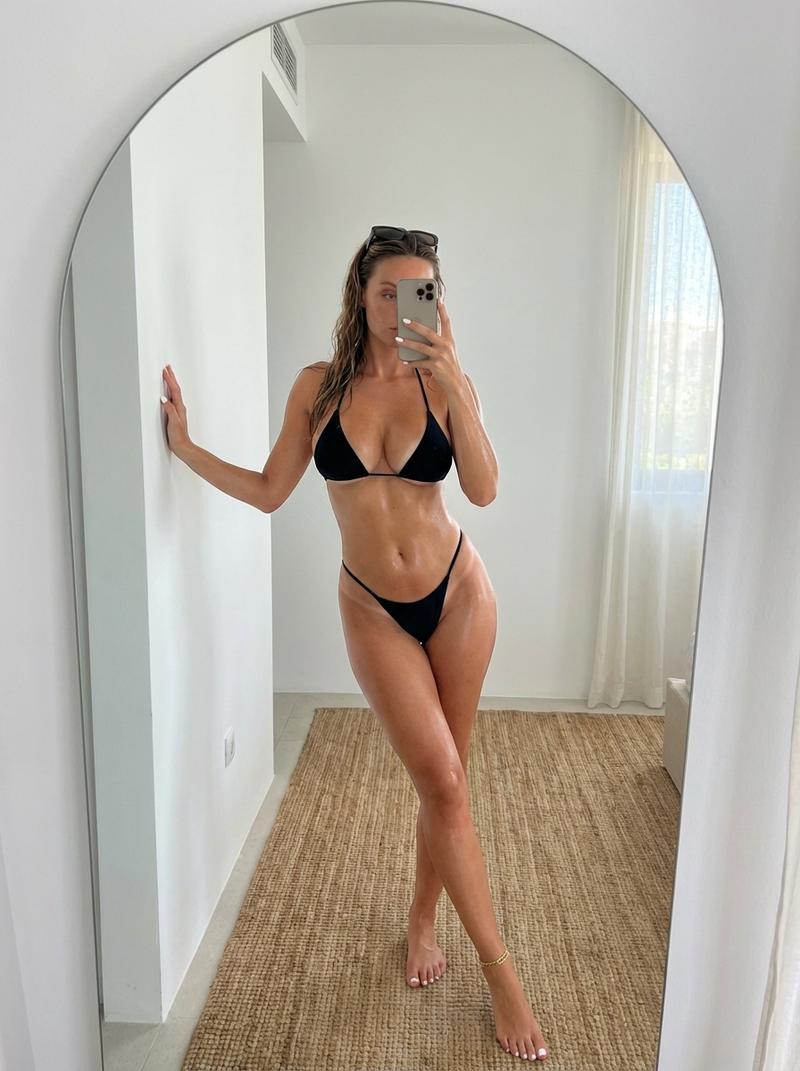
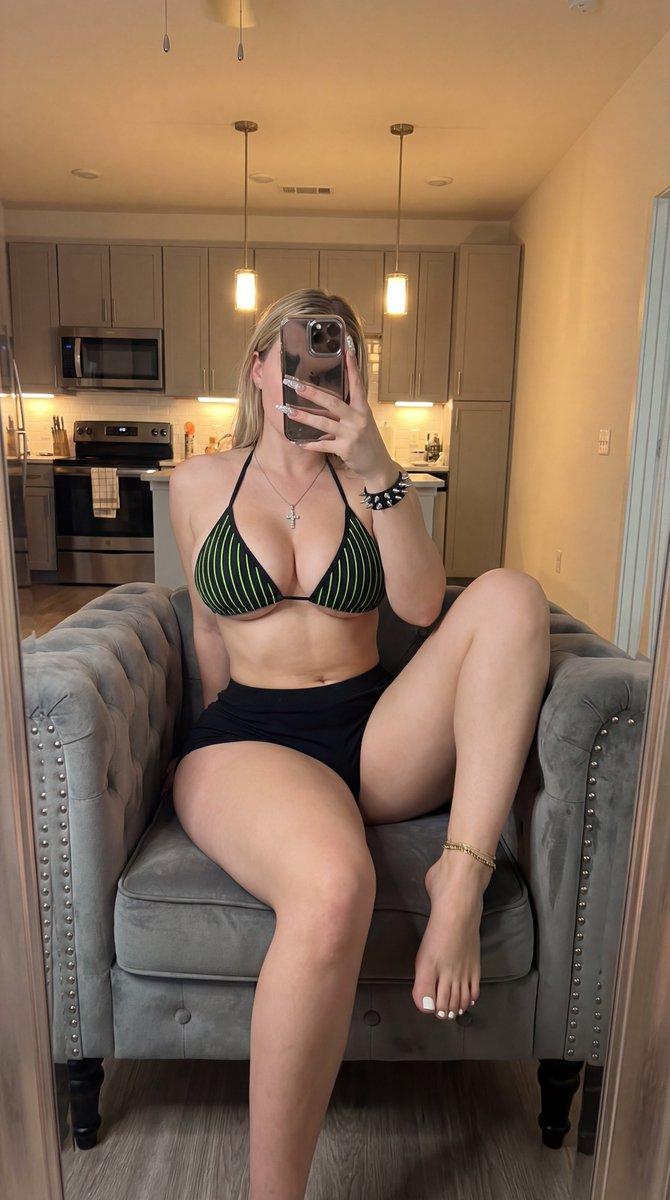
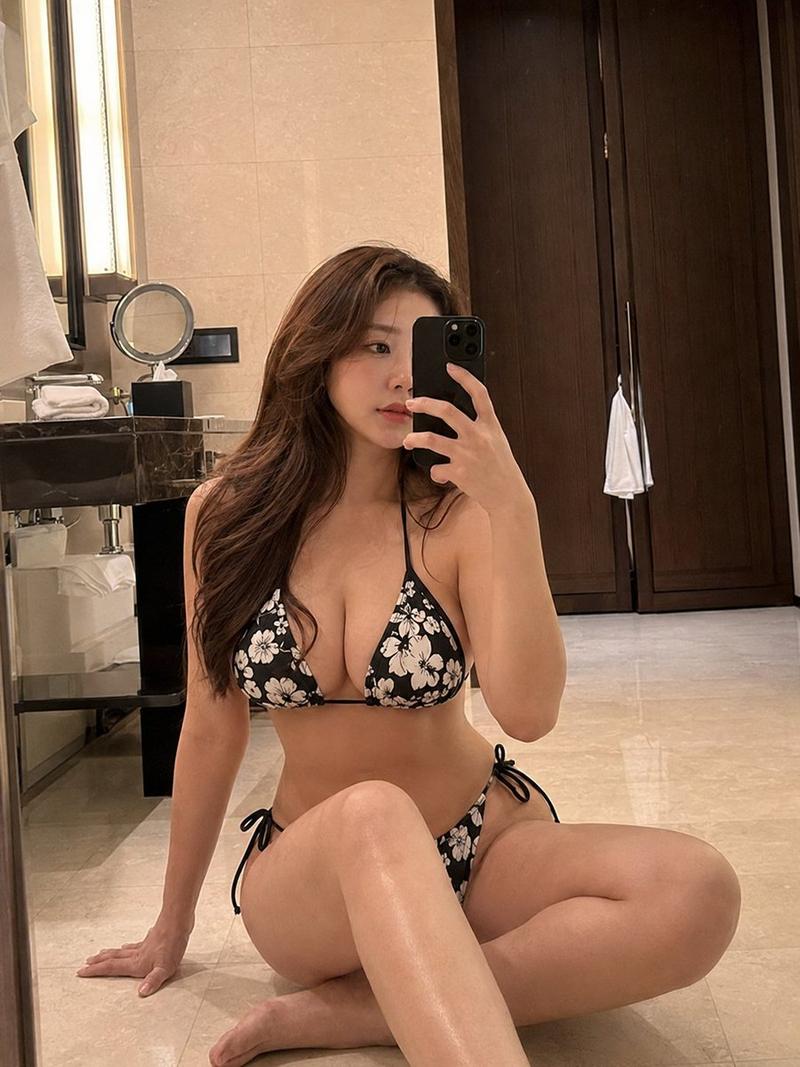
{ "subject": { "description": "A young Asian woman taking a casual mirror selfie in a walk-in closet, wearing a black strappy bikini and sheer arm sleeves, capturing a moment of relaxed intimacy.", "mirror_rules": "Smartphone reflection, phone held up and positioned to obscure the right eye and cheek, authentic mirror geometry without physical warping.", "age": "early 20s", "expression": { "eyes": { "look": "mostly hidden by the phone and hair", "energy": "focused on the phone screen", "direction": "looking down slightly at the device" }, "mouth": { "position": "gentle, relaxed closed-lip smile", "energy": "effortless, quietly confident" }, "overall": "casual, private, relaxed" }, "face": { "preserve_original": true, "makeup": "subtle, natural warm lip tint" }, "hair": { "color": "dark black-brown", "style": "long, voluminous, messy, swept heavily over one shoulder", "effect": "loose, stray strands falling stubbornly across the face and nose as if just tossed casually by hand, catching the overhead light." }, "body": { "frame": "slender yet voluptuous hourglass figure, narrow waist, prominent chest, wide hips", "waist": "narrow with defined curves", "chest": "full, pronounced", "legs": "smooth upper thighs visible", "skin": { "visible_areas": "chest, abdomen, upper thighs, shoulders", "tone": "warm, natural Asian skin tone", "texture": "feels soft, warm to the touch, and naturally moisturized, retaining body heat", "lighting_effect": "overhead physical spotlight hits the collarbone and cleavage, creating natural oily highlights and deep, realistic shadows beneath the curves" } }, "pose": { "position": "standing, one hand holding the phone in front of the face, the other hand gently touching the hair near the neck", "base": "weight shifted, left hip popped out slightly creating an asymmetric curve", "overall": "slouchy but sensual, unposed natural stance" }, "clothing": { "top": { "type": "triangle string bikini top, paired with sheer nude-colored mesh arm sleeves", "color": "black bikini top", "details": "the bikini top fabric has a subtle, scattered glitter or starry shimmer texture", "effect": "highlights the chest volume" }, "bottom": { "type": "string bikini bottom", "color": "black", "details": "long, thin crisscrossing straps wrapping multiple times around the bare midriff and waist, tied loosely at the sides" } } }, "accessories": { "jewelry": "a very delicate, thin gold necklace, multiple thin gold chain bracelets on the left wrist", "device": "black modern smartphone with a triple-lens camera bump, held vertically", "prop": "long manicured nails painted metallic blue, a simple black hair tie worn on the right wrist" }, "photography": { "camera_style": "smartphone mirror selfie aesthetic", "angle": "slightly downward eye-level mirror reflection", "shot_type": "mid-thigh up framing- Category
- 创意图片
- Model
- Nano Banana Pro
- Creator
- underwood
- Source ID
- 97d67878-acbb-4059-a172-526668cfd194
- Published
- Mar 8, 2026
Views0