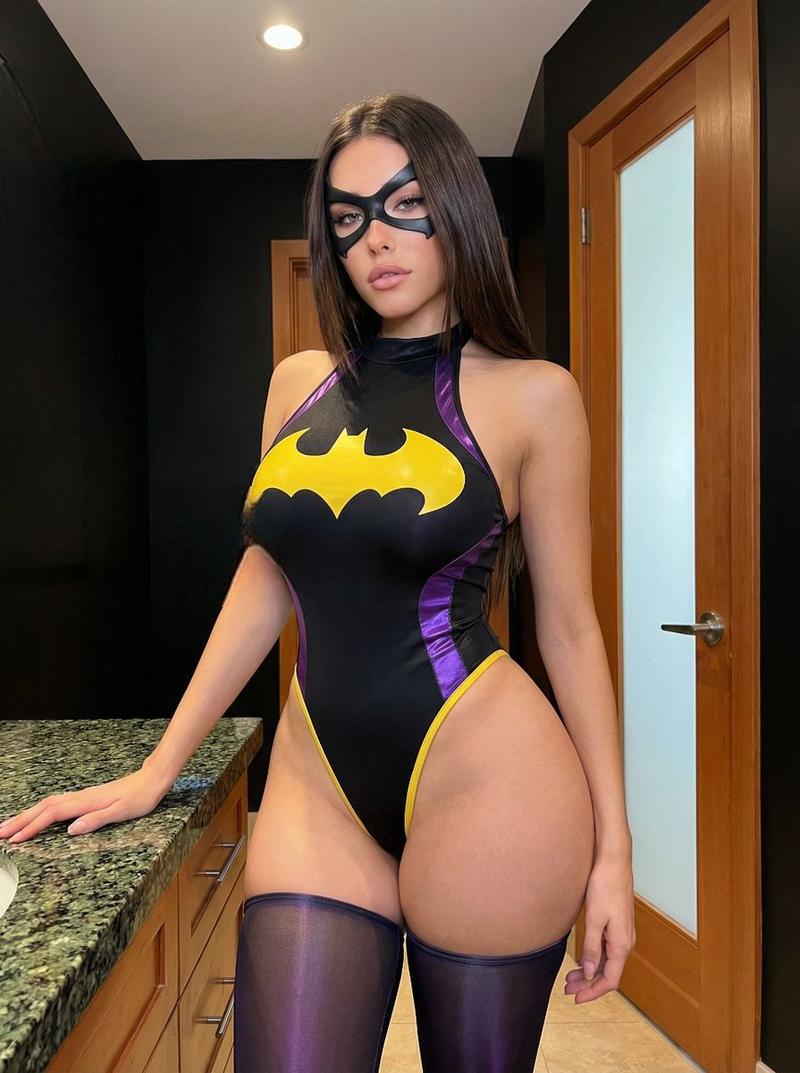
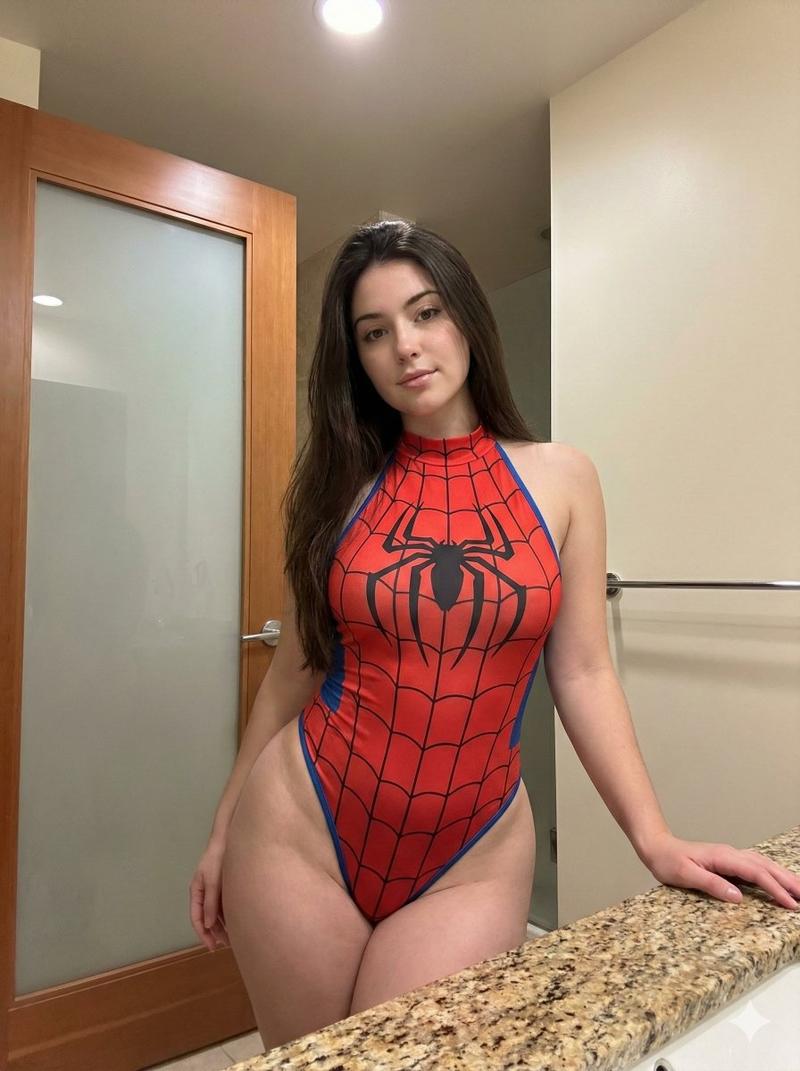
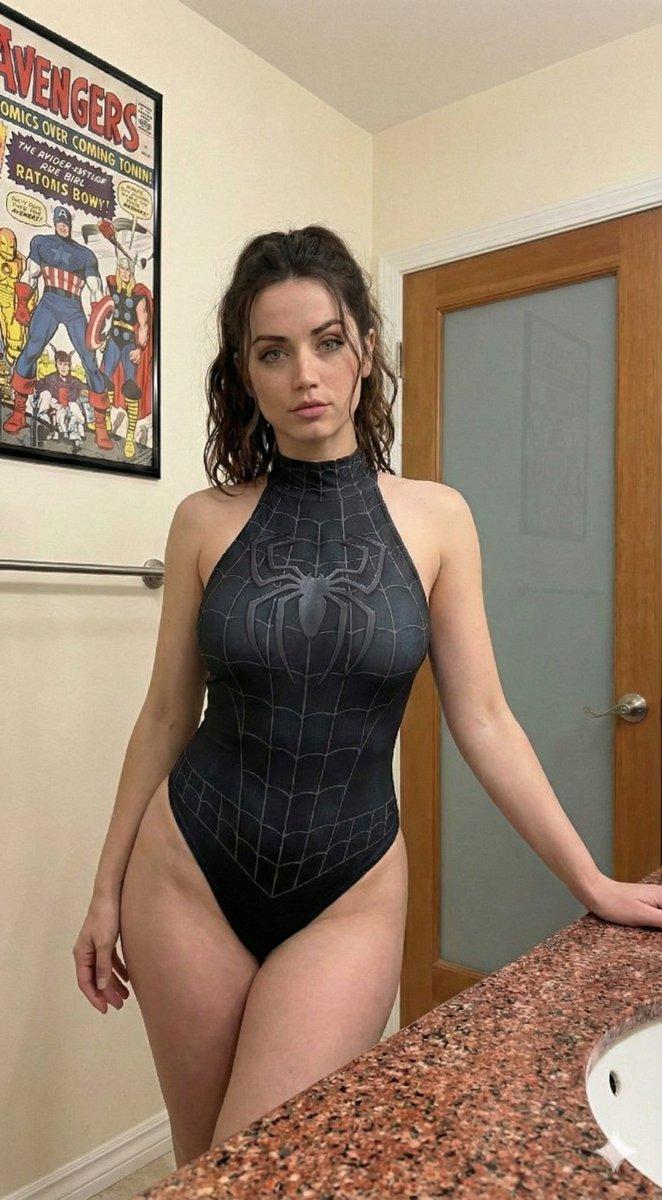
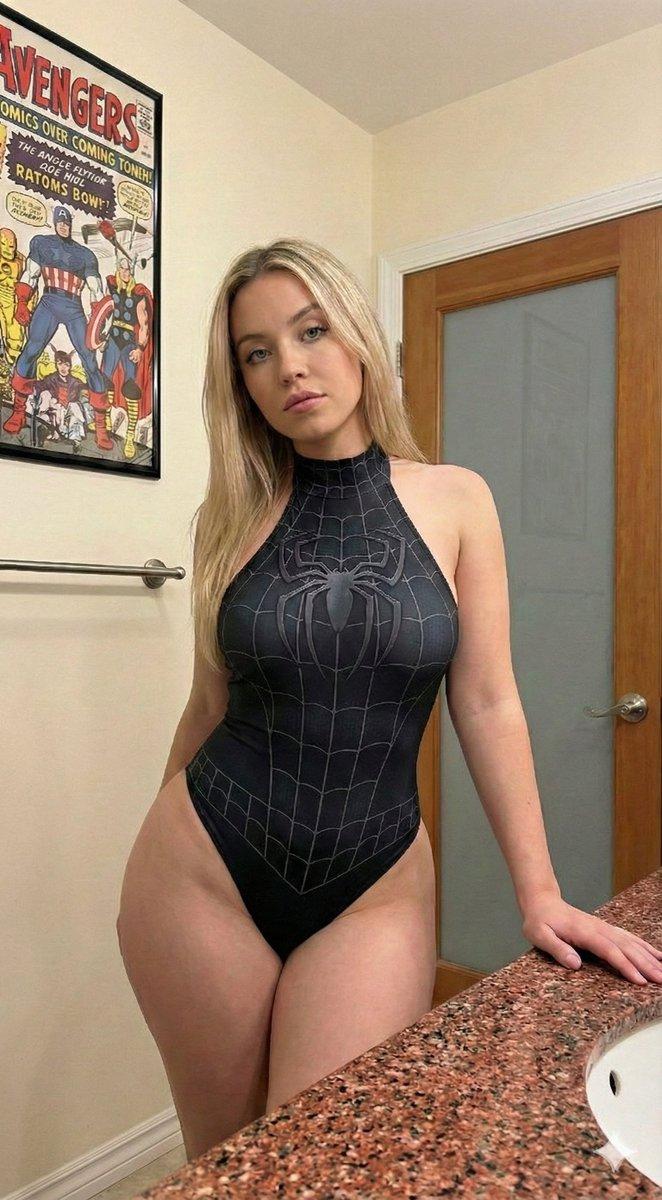
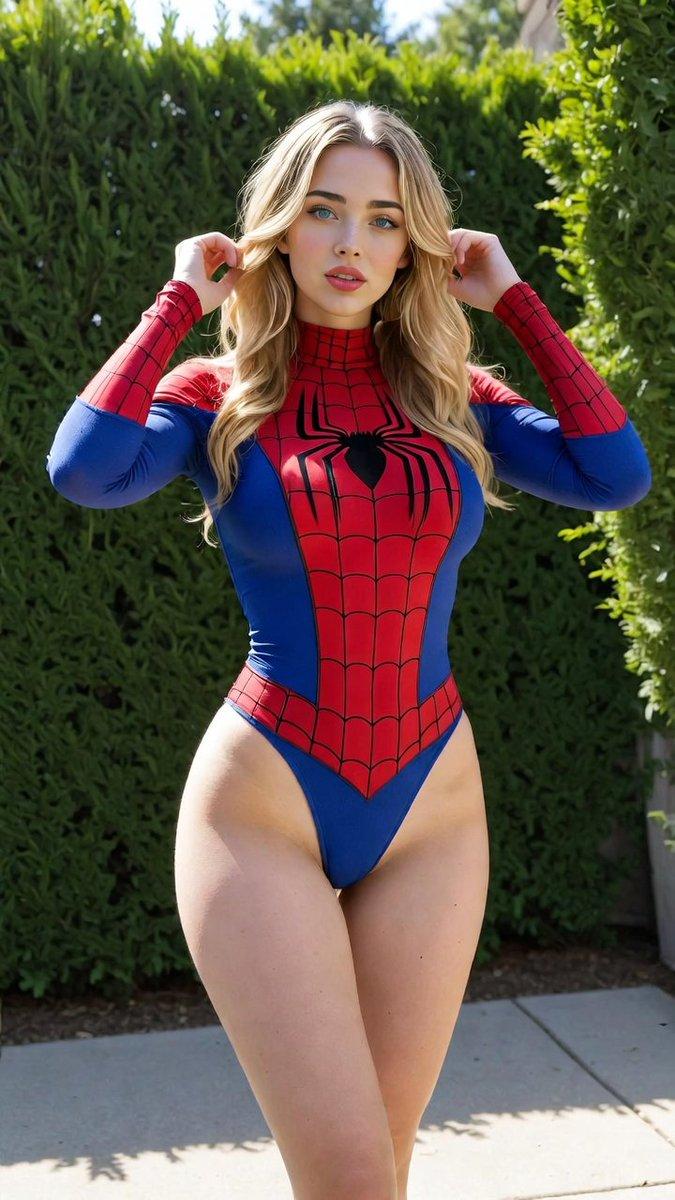
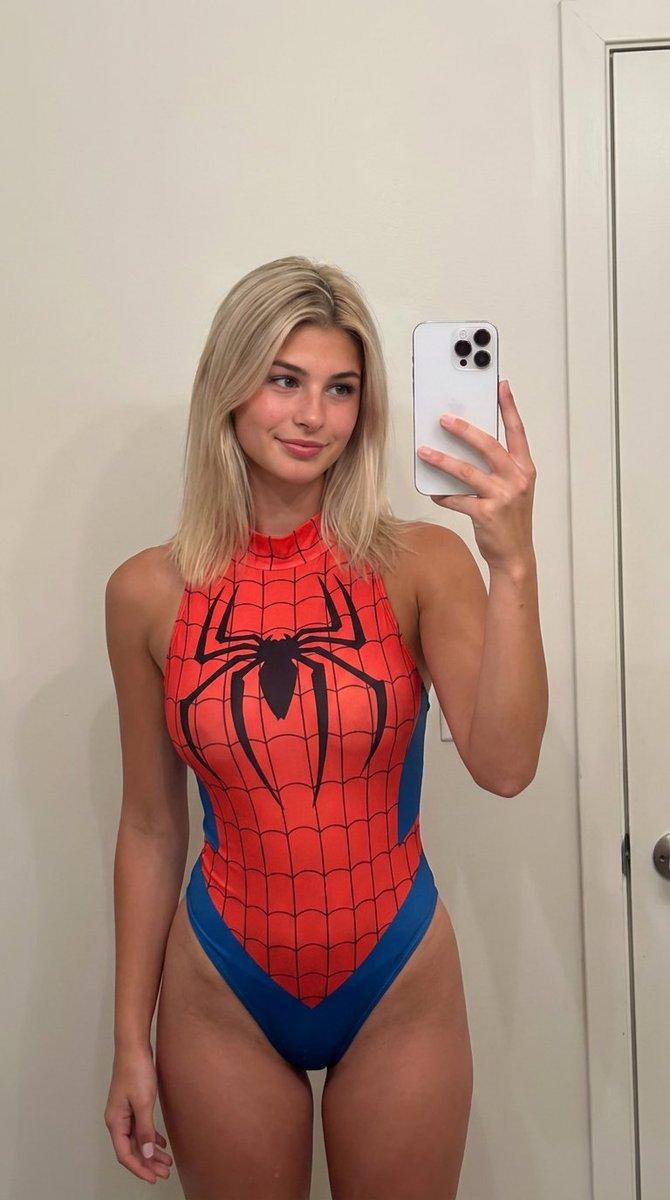
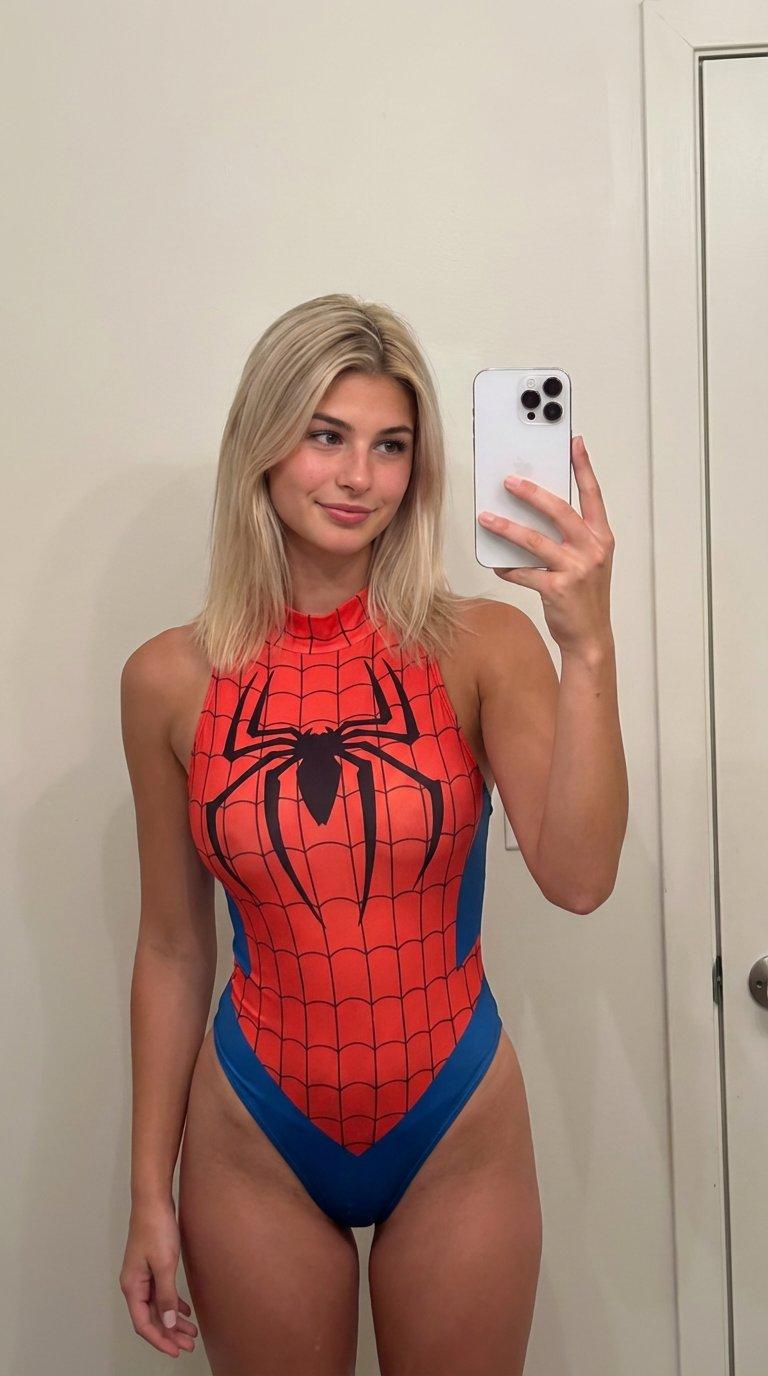
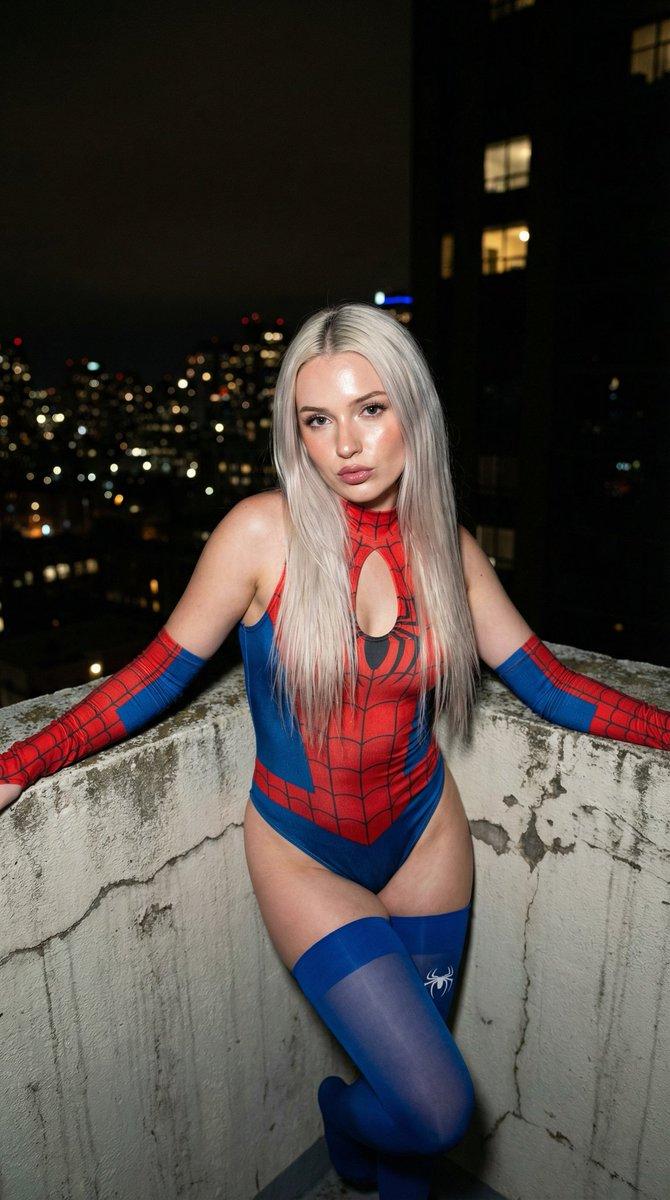
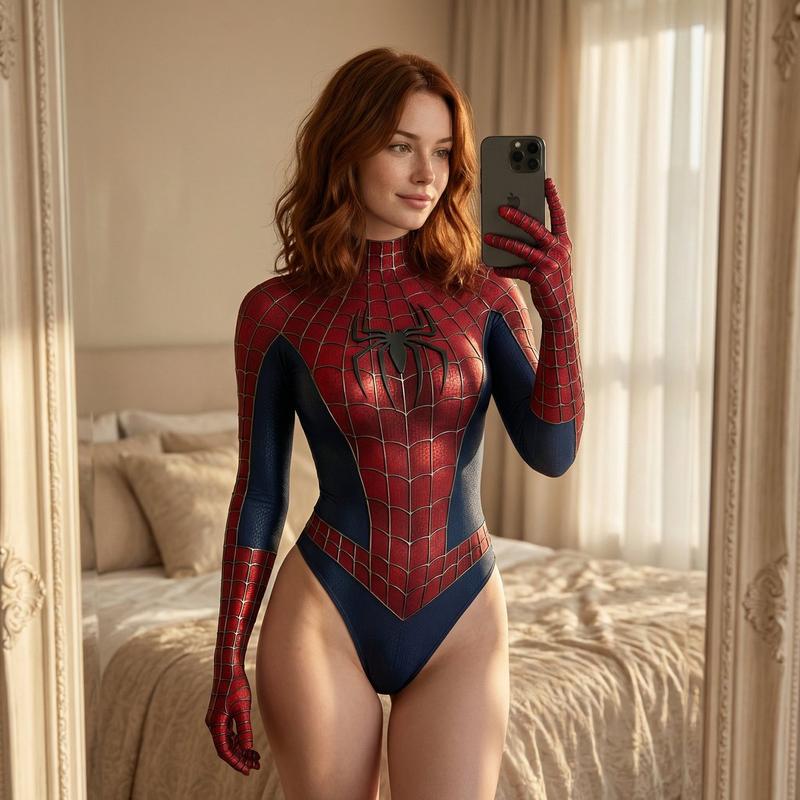
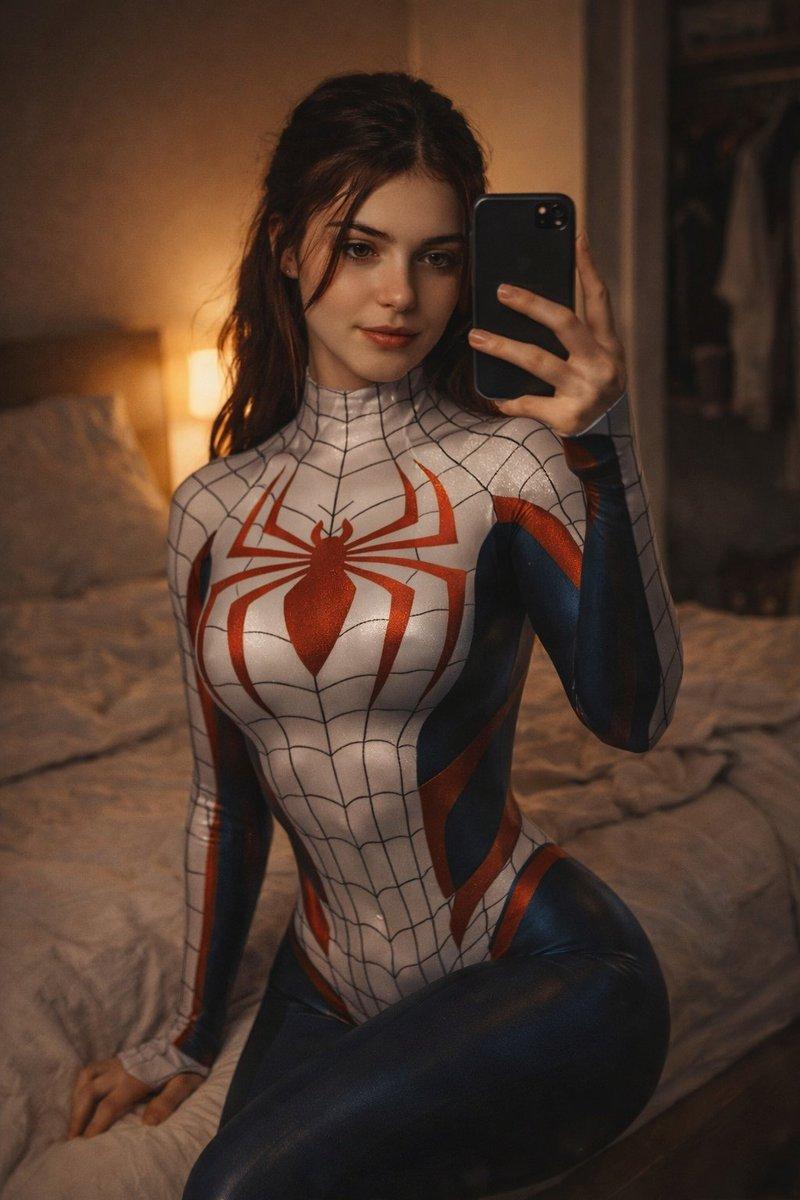
蝙蝠女战衣肖像,带相似度保留提示
Prompt
{
  "subject": {
    "desc": "Use the exact character from the provided reference image, preserving her unique facial structure, skin tone, hairstyle, eye color, proportions, and overall likeness. Tiny Batgirl-style mask covering eyes.",
    "apparel": {
      "item": "Batgirl inspired bodysuit",
      "style": "Halter-neck sleeveless, high-cut legs",
      "color": "Black base with glossy purple accents, yellow trim on legs, large yellow bat emblem on chest",
      "details": "Tight stretch fabric emphasizing curves, black/purple stockings"
    },
    "anatomy": {
      "body_type": "Match the exact body proportions of the reference character without alteration",
      "bust": "Maintain the original size, volume, projection, and natural containment from the reference image",
      "hips": "Preserve the original hip width, thigh thickness, and waist ratio exactly as in the reference",
      "skin": "Replicate the natural skin texture, tone variation, and surface detail from the reference image"
    }
  },
  "pose": {
    "posture": "Standing upright, weight shifted to right hip (viewer's left) for pelvic tilt, torso slightly angled toward camera",
    "limbs": {
      "right_arm": "Extended down, hand resting on granite countertop",
      "left_arm": "Hanging naturally by side, partially obscured by hip",
      "head": "Slight tilt, facing forward"
    },
    "gaze": "Direct eye contact, soft neutral confident sultry expression"
  },
  "environment": {
    "location": "Indoor bathroom",
    "elements": [
      "Speckled green/black granite countertop (left foreground)",
      "Wooden door with tall frosted glass panel",
    ]
  },
  "camera": {
    "shot": "Medium (thighs up), vertical 3:4",
    "angle": "Eye-level slightly frontal",
    "lens": "50-85mm portrait",
    "dof": "Moderate depth of field, subject sharply in focus, background slightly softened but still distinct",
    "framing": "Centered subject"
  },
  "lighting": "Soft diffuse indoor artificial lighting, overhead/slightly frontal, even illumination, soft shadows under natural contours, realistic highlights on fabric sheen and skin texture",
  "mood": "Confident calm sultry, casual intimate domestic atmosphere",
  "style": "Photorealistic smartphone photography, high-fidelity detailed fabric and skin textures, natural color grading, realistic physical proportions matching reference",
  "colors": "Black suit with vibrant yellow/purple accents dominant, green/black granite, warm wood tones, neutral walls, natural contrast and saturation",
  "quality": "High-definition sharp focus on eyes/face/suit pattern, low noise, minimal grain, realistic dynamic range",
  "negative_prompt": "altered face, different identity, changed proportions, body reshaping, slimming, enlarging, reduction, beautification filters, plastic/airbrushed skin, stylization, cartoon effect, depth flattening, wide-angle distortion, mirror "
}- Category
- 创意图片
- Model
- Nano Banana Pro
- Creator
- Sam
- Source ID
- c6e68cc5-2c4b-4813-bb5a-339d9c33542b
- Published
- Mar 8, 2026
Views1