19

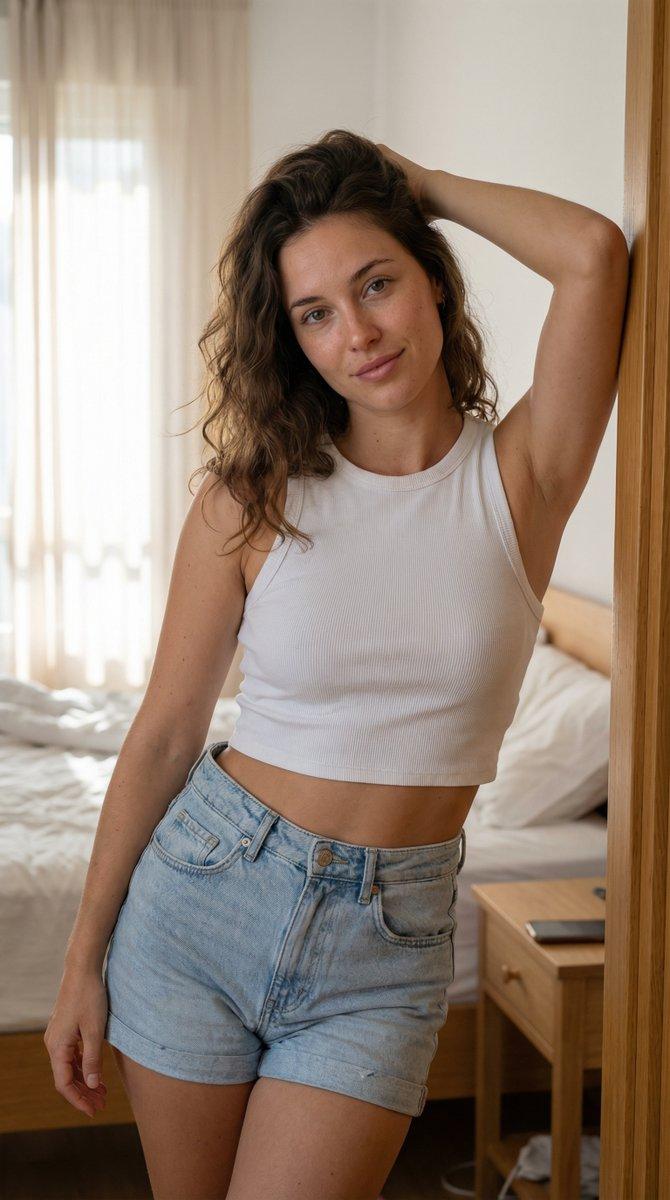
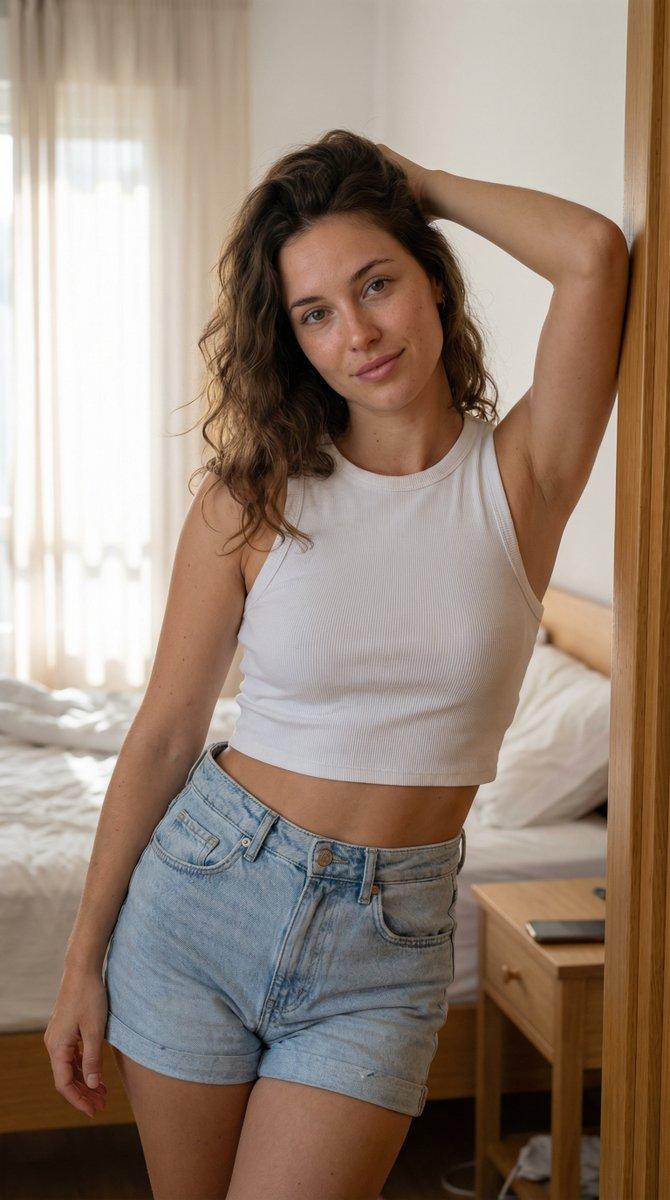
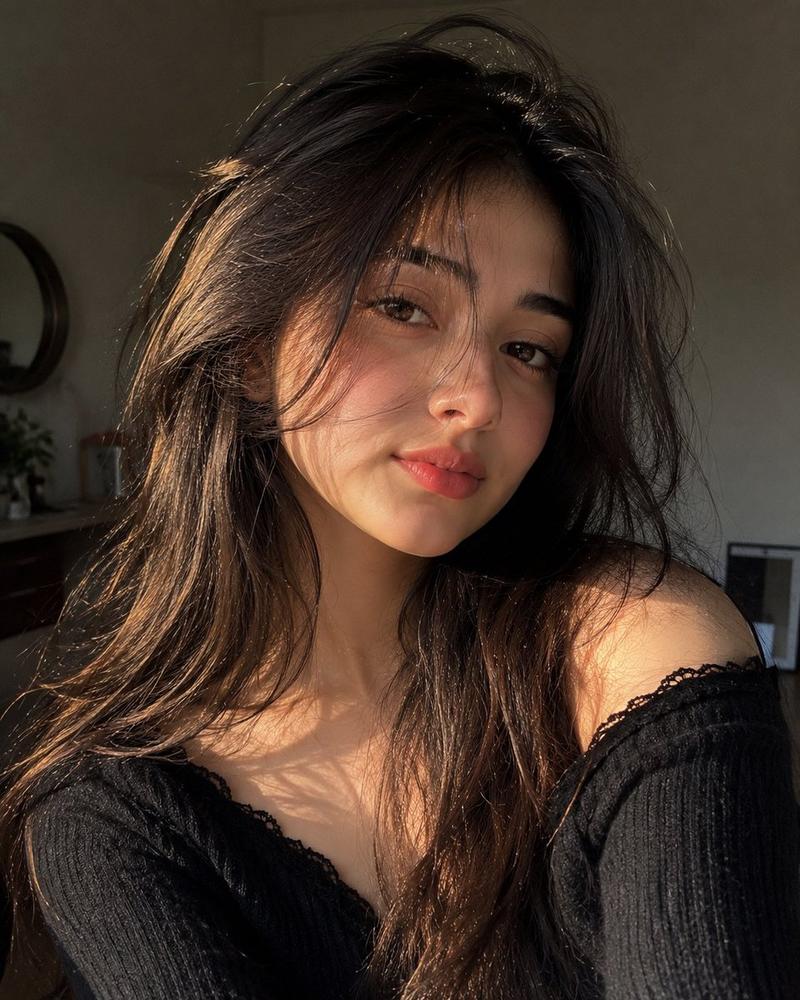
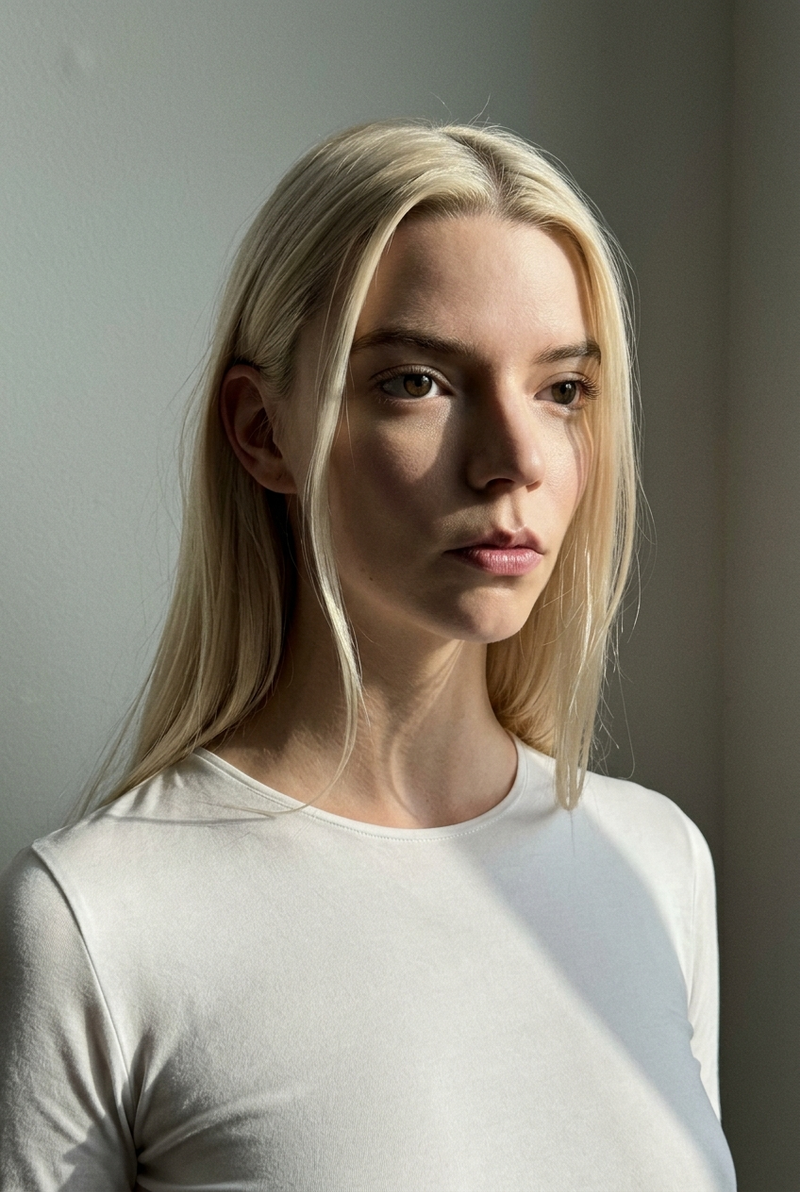
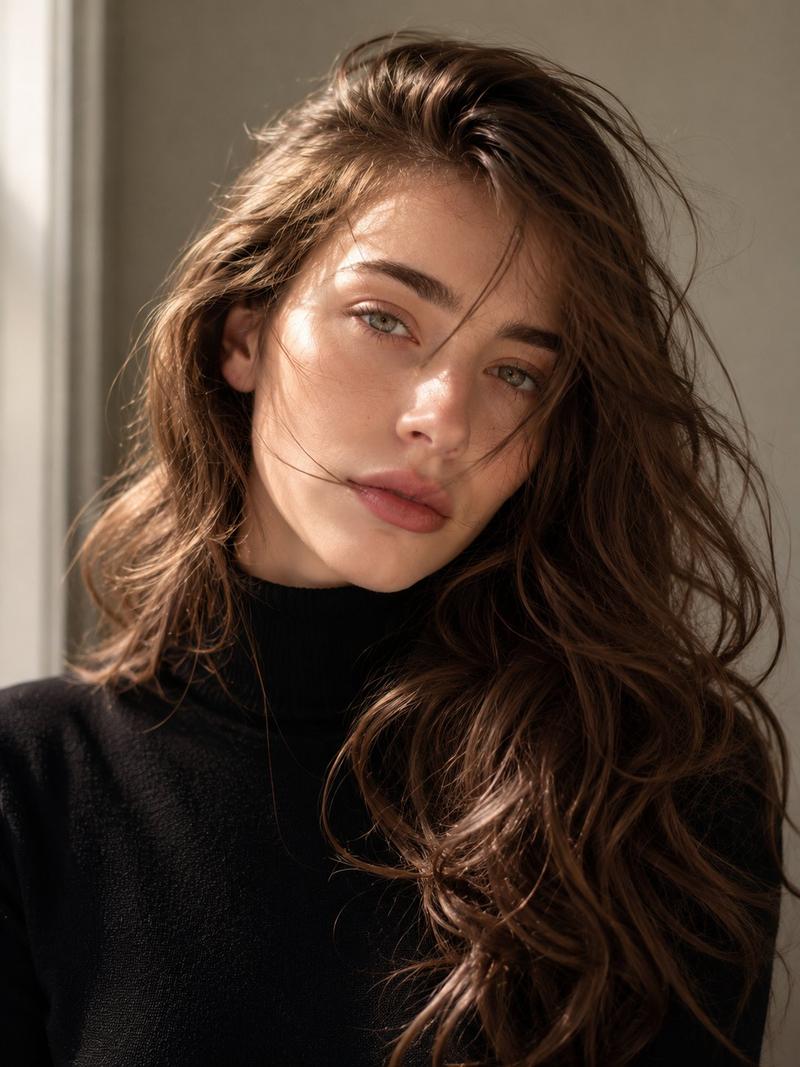
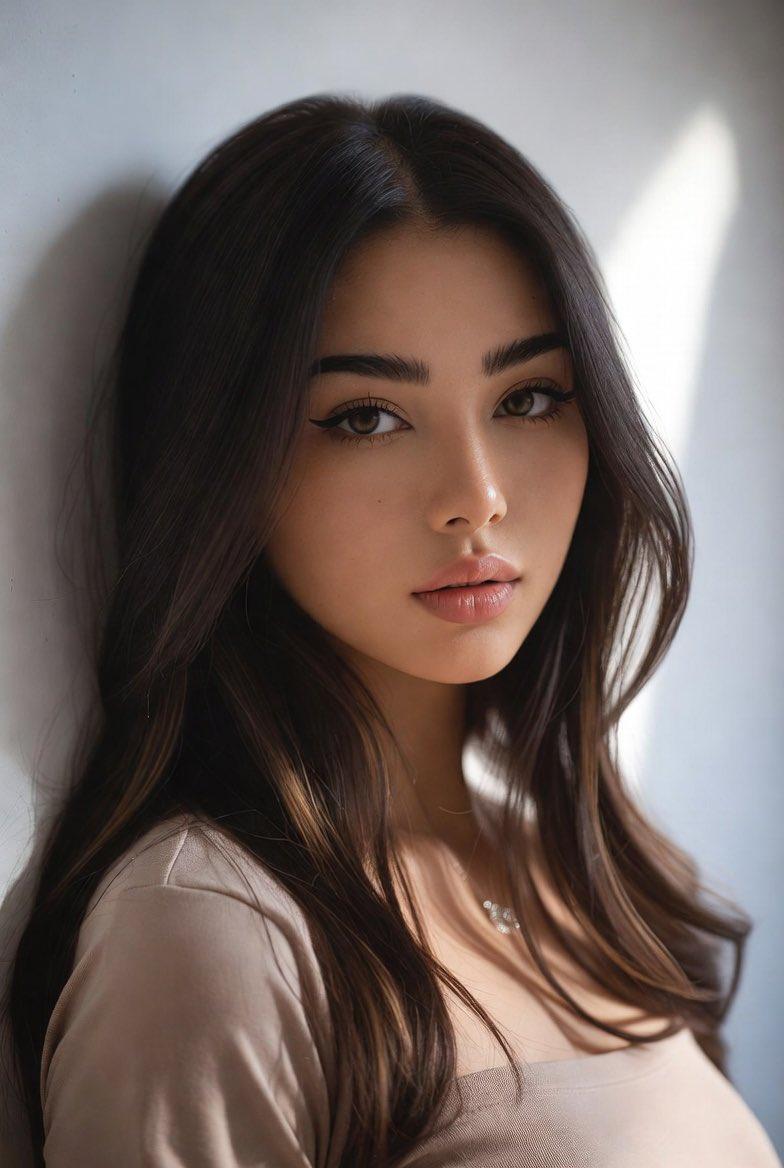
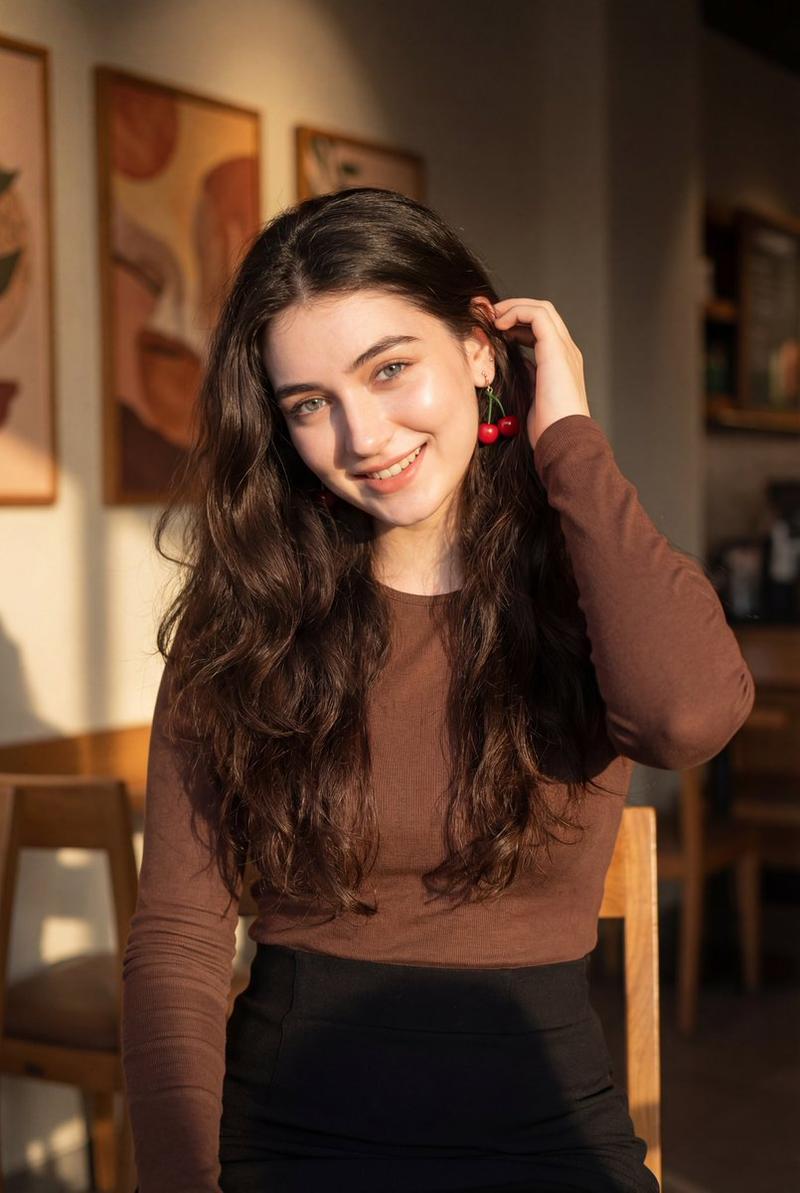
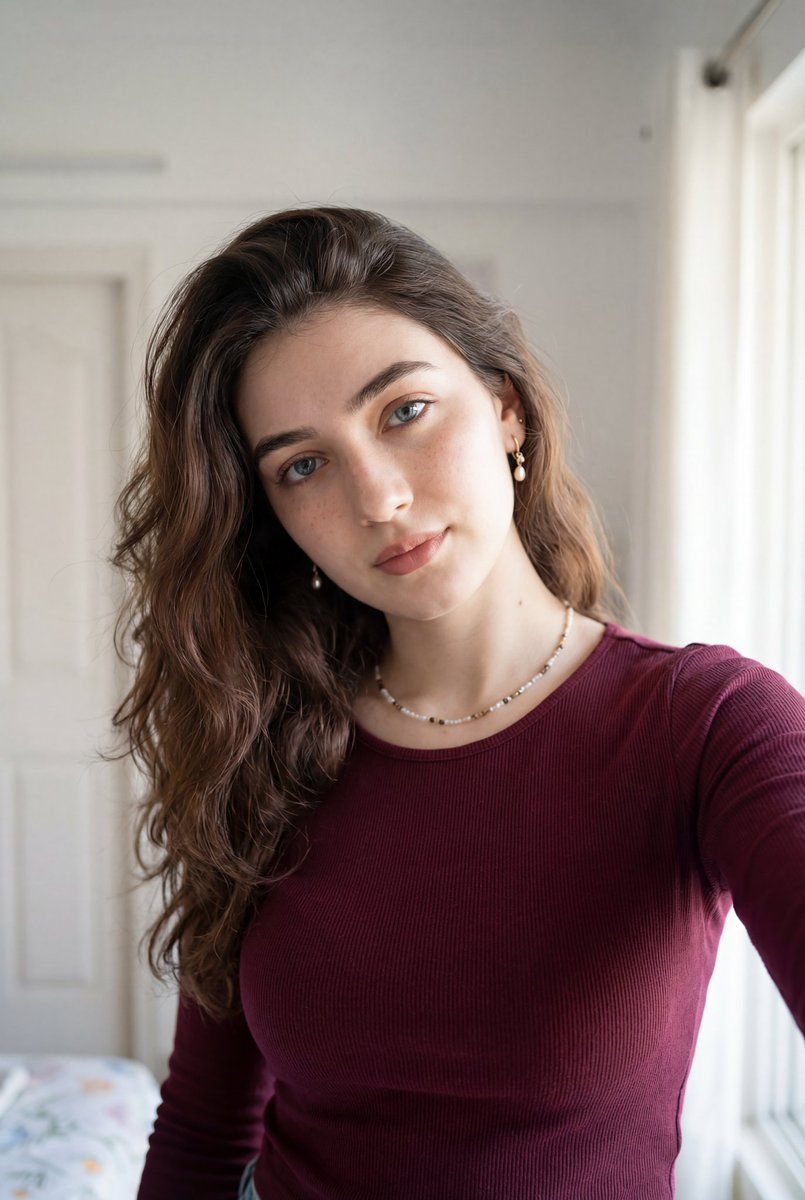
超逼真的室内自拍肖像
Enlarge

超逼真的室内自拍肖像

Prompt
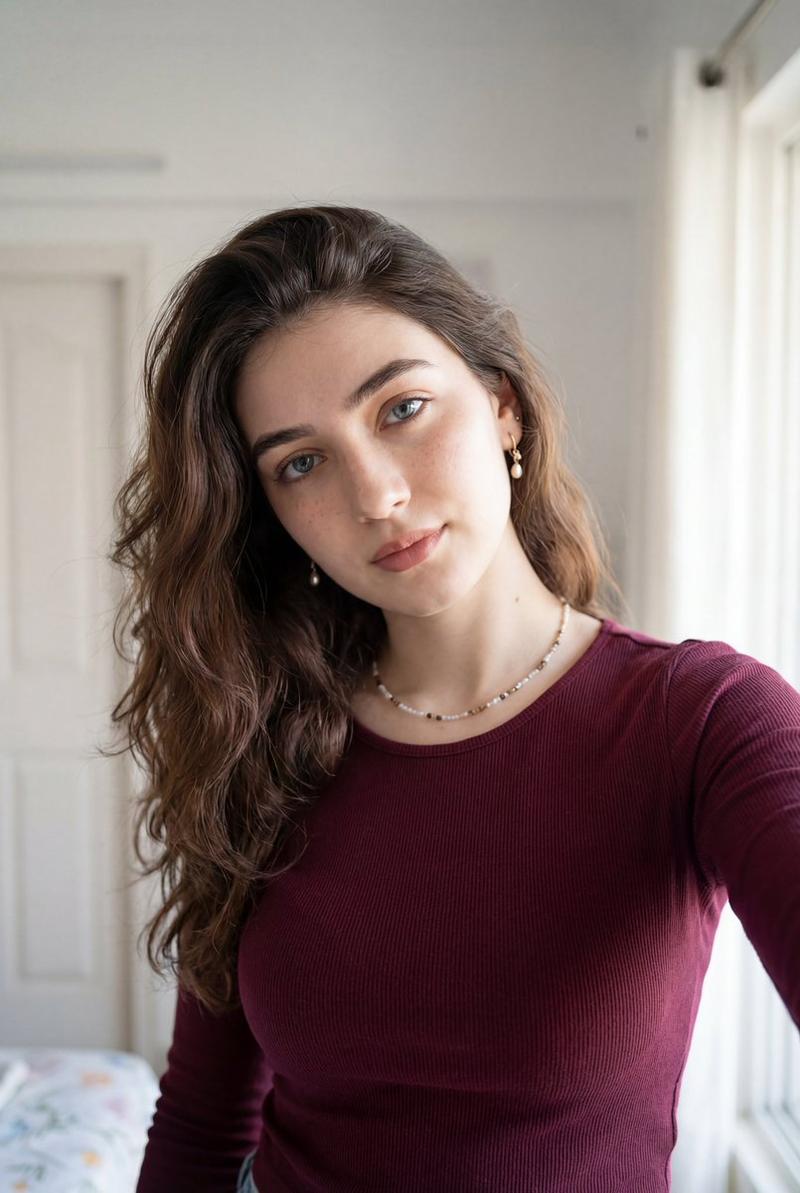
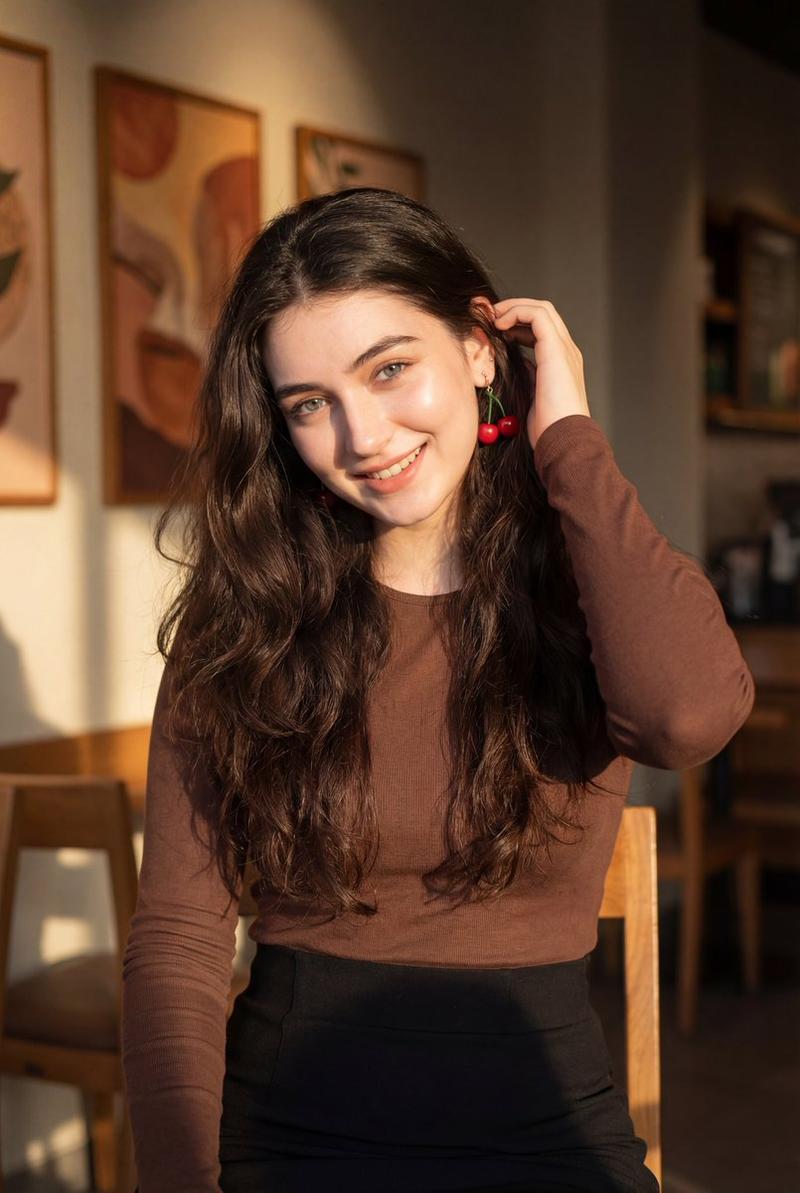
Ultra-realistic portrait of a young woman taking a casual indoor selfie, soft natural daylight from a nearby window, long wavy brunette hair swept to one side, clear blue eyes, defined brows, subtle natural makeup, light freckles, wearing a fitted ribbed long-sleeve burgundy top and delicate beaded necklace with small drop earrings, relaxed confident expression, slightly tilted head, cozy minimal bedroom background with white walls and door, shallow depth of field, high detail skin texture, cinematic soft lighting, DSLR quality, 50mm lens, realistic color grading
Category
创意图片
Model
Nano Banana Pro
Creator
Zara
Views0
Source ID
228e1502-b490-427c-98c5-b3c8c99455bc
Published
Mar 8, 2026

Guide

About "超逼真的室内自拍肖像"

What is this prompt for?

"超逼真的室内自拍肖像" AI image prompt for Nano Banana Pro (创意图片). 一个用于生成一位年轻女性在室内随意自拍的超写实肖像的提示,强调高细节的皮肤纹理、柔和的自然日光和舒适简约的卧室背景,模拟单反相机 50mm 镜头拍摄的效果。 --- 一位年轻女性在室内随意自拍的超逼真肖像…

The full copyable prompt and example visuals above are ready for AI image generation or one-click recreate in Picva.

How to use this prompt

  1. Step 1

    Open the prompt detail

    Review the example visuals, category, and full prompt text for "超逼真的室内自拍肖像".

  2. Step 2

    Copy the prompt

    Copy the prompt body from this page, or load it directly in Studio.

  3. Step 3

    Pick a model (Nano Banana Pro)

    Prefer Nano Banana Pro. If you switch models, keep subject and composition and tweak style terms.

  4. Step 4

    Generate and export

    Recreate the look in Picva, or export into your workflow for editing and publishing.

FAQ

What is the "超逼真的室内自拍肖像" prompt?
It is an AI image-generation prompt for Nano Banana Pro in the 创意图片 category. This page includes the full prompt text, example visuals, and a one-click recreate path in Picva.
How do I use this prompt to generate an image?
Copy the prompt from this page, or use Generate / Studio. Paste it into a compatible image model, or recreate the look in Picva with optional reference images.
Which model is this prompt for?
This page lists Nano Banana Pro. Most descriptive prompts also transfer to nearby image models such as GPT Image, Flux, or Midjourney with light style tweaks.
Can I use the result commercially?
You can usually copy the prompt for creation, but commercial use of the final image depends on the model terms, reference-image rights, and the generated content. Follow the source author and platform rules.